Top 10 Salesforce AppExchange Apps

Top 10 Salesforce AppExchange (now AgentExchange) apps. Running and administering Salesforce: Salesforce Adoption Dashboards (free, Salesforce Labs), dataloader.io (free up to 10,000 records/month, Professional $99/user/month).

Maxime Ben Bouaziz
Maxime Ben Bouaziz
CEO Salesdorado, IA & Sales Tech
October 9, 2024, updated November 10, 2026, 1 min read
See all tools

AppExchange is Salesforce’s official marketplace. It lets Salesforce users download and install apps, free or paid, to add new features and customize the CRM interface. And all of it with no fuss, without calling in a Salesforce integrator.

Sales, marketing, administration, finance, analytics, customer service, productivity, collaboration: AppExchange gives access to thousands of third-party apps in every area. Salesforce has merged it with the Slack Marketplace under the name AgentExchange, which adds AI agents for Agentforce; app listings stay at the same address. We have selected 10 Salesforce AppExchange apps for you, organized by use.

Depending on what you need:

  • Measuring how your teams use Salesforce: Salesforce Adoption Dashboards
  • Importing or exporting data in bulk: dataloader.io
  • Working in Salesforce from Gmail or Outlook: Cirrus Insight
  • Running prospecting sequences at scale: Salesloft
  • Calling and logging every call in Salesforce: Aircall
  • Getting quotes and contracts signed: Docusign
  • Generating quotes, contracts and invoices: Conga Composer
  • Collecting data with prefilled forms: Formstack
  • Planning routes and territories: Geopointe
  • Enriching your accounts with French company data: SocieteInfo

The 10 tools, side by side

# Logos tool Score Price Best for
01 Salesforce Adoption Dashboards 4.2/5 ★ Free Admins who want to know who really uses Salesforce Visit site
02 Cirrus Insight 4.3/5 ★ $14 Inside sales reps who spend their days in Gmail or Outlook Visit site
03 Salesloft 4.1/5 ★ On request Structured SDR and AE teams running prospecting sequences at scale Visit site
04 Docusign 4.7/5 ★ $30 Sales teams getting quotes and contracts signed from Salesforce Visit site
05 Aircall 4.6/5 ★ €50 Sales and support teams that want all their calls logged in Salesforce Visit site
06 Conga Composer 4.4/5 ★ $6 Teams producing a lot of quotes and contracts from Salesforce Visit site
07 Geopointe 4.2/5 ★ $75 Field sales teams planning their routes and territories Visit site
08 SocieteInfo 4.7/5 ★ €39 Teams prospecting in France that want complete Salesforce accounts Visit site
09 dataloader.io 4.3/5 ★ $99 Admins who regularly load or export CSV files in Salesforce Visit site
10 Formstack 4.3/5 ★ On request Teams collecting customer data in Salesforce through prefilled forms Visit site
01

Salesforce Adoption Dashboards

4.2/5 From Free

Best for: Admins who want to know who really uses Salesforce

+ Strengths
  • Free, with no paid plan at all
  • 42 reports and 3 dashboards ready to use
  • Editable reports (unmanaged package)
− Downsides
  • Measures usage, doesn’t solve adoption problems
  • Little development: last update in June 2024
★ Salesforce Adoption Dashboards in brief

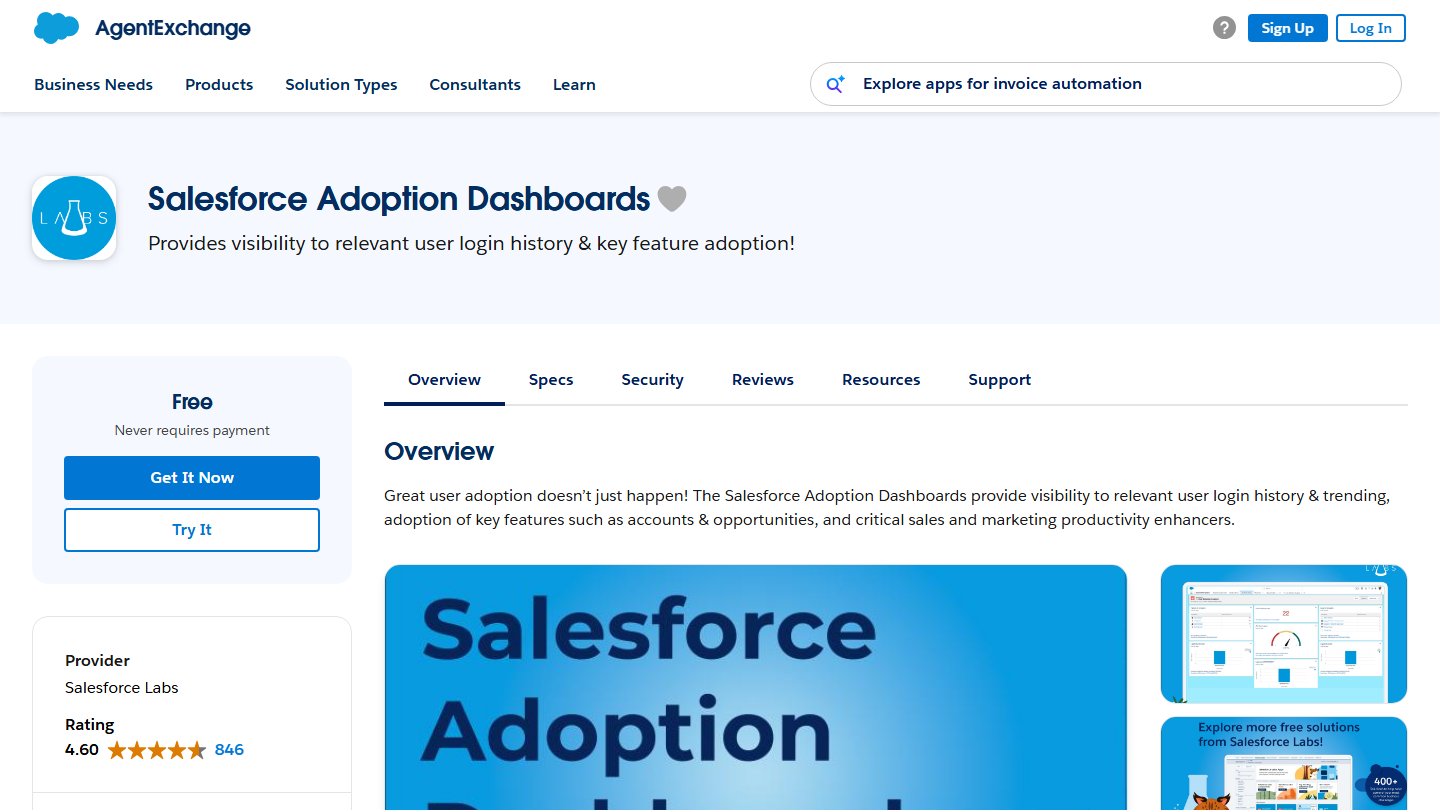
AgentExchange listing for Salesforce Adoption Dashboards, a free app from Salesforce Labs: “Provides visibility to relevant user login history & key feature adoption”

If you want to monitor the rate and depth of Salesforce adoption across your teams, this is the app you need. Salesforce Adoption Dashboards is published by Salesforce Labs, the Salesforce team that releases free apps on AppExchange.

The app gives an overall view of users’ login history and trends, their adoption of key features such as accounts and opportunities, and the elements that matter most for improving sales and marketing productivity.

Downloading this app gives you 42 reports, 6 custom fields and 3 dashboards that show whether users log in regularly and how they use Salesforce’s key features. The package installs as unmanaged: you can modify the reports to track your own metrics.

Salesforce Adoption Dashboards is completely free: its listing states that it never asks for payment. The latest update, in June 2024, added a dedicated permission set, Salesforce Adoption Dashboard Admin, to replace profiles.

02

Cirrus Insight

4.3/5 From $14

Best for: Inside sales reps who spend their days in Gmail or Outlook

+ Strengths
  • Emails, calendars and tasks synced with Salesforce
  • Create leads, contacts and opportunities from the inbox
  • Open and click tracking
  • 14-day free trial
− Downsides
  • À la carte pricing is hard to estimate in advance
  • AI modules billed extra (Meeting Capture at $39)
★ Cirrus Insight in brief

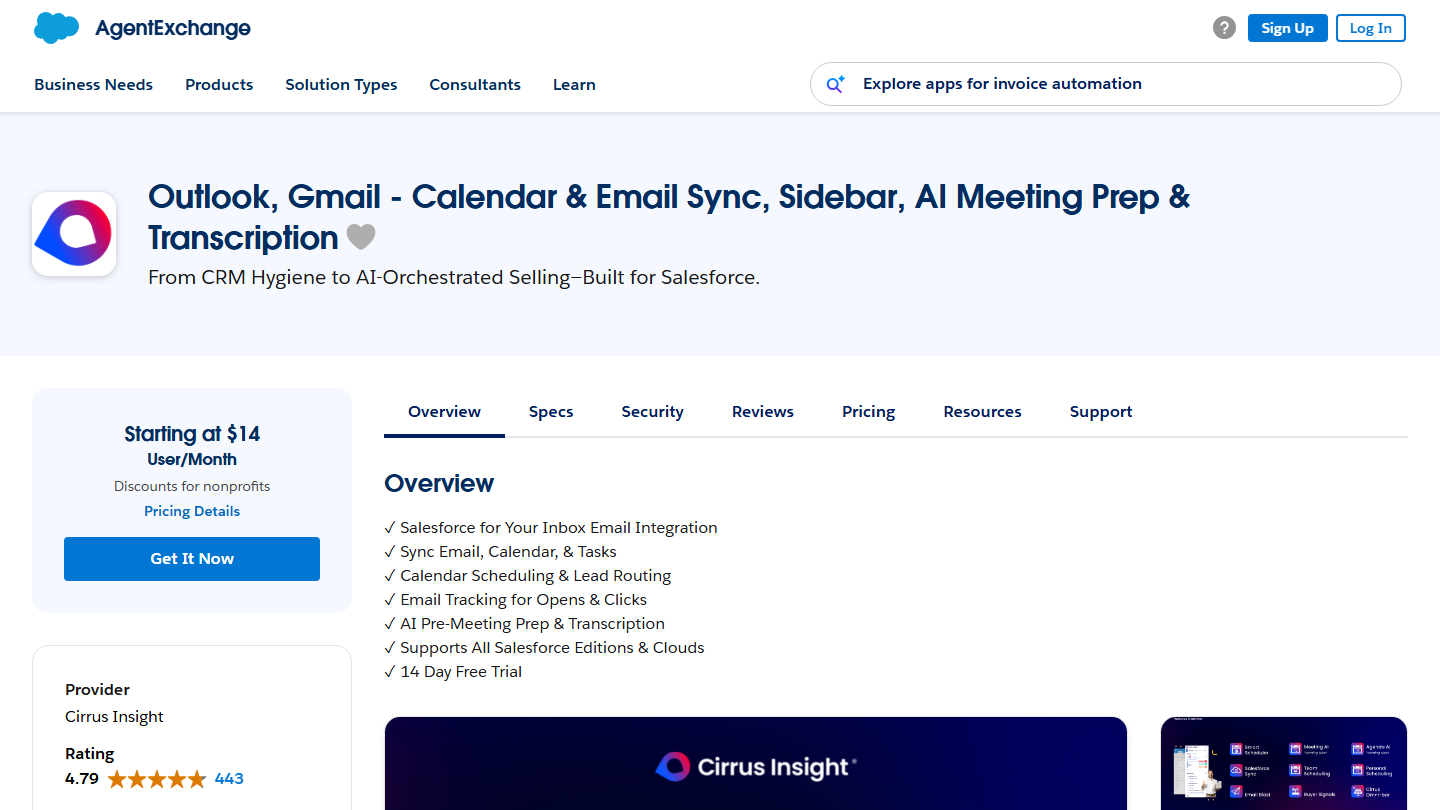
AgentExchange listing for Cirrus Insight: Outlook and Gmail sync with Salesforce, from $14 per user per month

Cirrus Insight integrates Salesforce with Gmail and Outlook. The goal is to improve sales teams’ productivity and efficiency by making it easier to manage interactions with prospects and customers directly from the inbox.

The app syncs emails, calendars and tasks between your mailbox and Salesforce, tracks opens and clicks on emails you send, and creates new leads, contacts or opportunities in Salesforce directly from your inbox. It adds meeting scheduling with lead routing and, more recently, AI meeting preparation and transcription.

It is a perfect tool for an inside sales rep who spends much of the day in front of an inbox. It is also an ideal solution for admins and managers who want to be sure all their users’ activity is properly recorded in Salesforce.

On AppExchange, Cirrus Insight starts at $14 per user per month with the Salesforce Sync plan, then $21 for Pro and $49 for Expert, with a 14-day free trial. On its own site, the vendor also sells its features à la carte, from $2.50 to $125 per user per month depending on the module, with discounts based on commitment length.

03

Salesloft

4.1/5 From On request

Best for: Structured SDR and AE teams running prospecting sequences at scale

+ Strengths
  • Email and call cadences, AI-prioritized actions
  • Activities synced to Salesforce through a managed package
  • Groove, Clari Forecast and Drift accessible from the same account
− Downsides
  • No public pricing, quote after a meeting
  • Recent AppExchange listing, still without reviews
★ Salesloft in brief

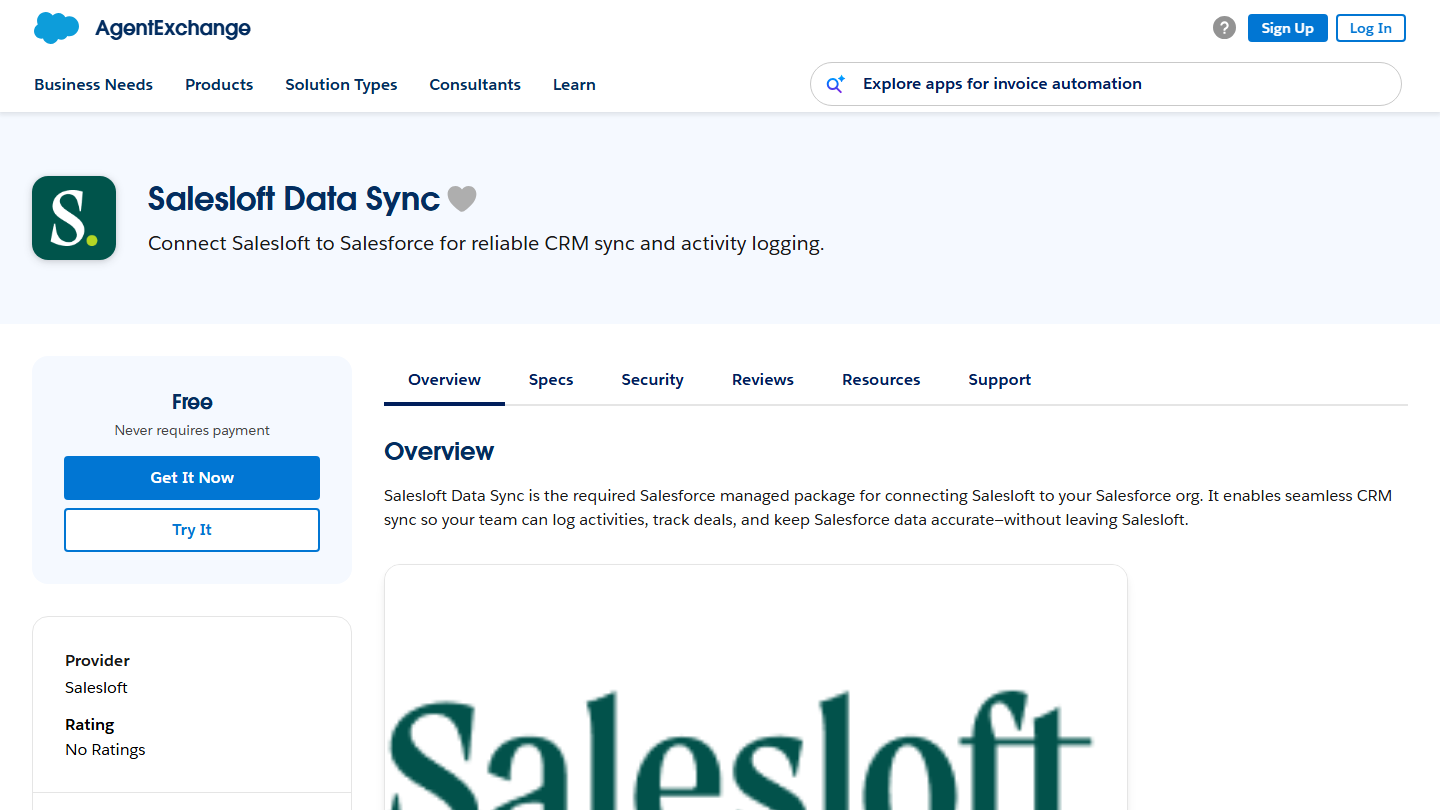
AgentExchange listing for Salesloft Data Sync: “Connect Salesloft to Salesforce for reliable CRM sync and activity logging”

Salesloft takes the place here of Groove, which appeared in the earlier version of this list. Groove is now part of Salesloft: groove.co redirects to salesloft.com, which gives access to Groove, Clari Forecast and Drift from the same login page. Salesloft is a sales engagement platform: email and call sequences, prioritization of reps’ actions, deal tracking.

On AppExchange, the vendor publishes Salesloft Data Sync, the managed package now required to connect Salesloft to Salesforce. It syncs emails, calls, meetings and cadence activities to Salesforce as standard tasks and activities, without reps leaving Salesloft.

Like Groove before it, the platform is aimed at structured sales teams: SDRs, account executives and managers who want to build pipeline without re-entering their activities in the CRM. For a few reps who work mostly from their inbox, an app like Cirrus Insight is often enough.

The Salesloft Data Sync connector is free, but it only works with a Salesloft subscription. Salesloft shows no prices: its pricing page sends you to book a meeting with the sales team. The AppExchange listing, published in 2026, has no reviews yet.

04

Docusign

4.7/5 From $30

Best for: Sales teams getting quotes and contracts signed from Salesforce

+ Strengths
  • Send and track signatures from the opportunity or account
  • Signed documents saved on the Salesforce record
  • Templates filled with Salesforce data
  • 30-day free trial
− Downsides
  • Generating documents from Salesforce is limited to on-request plans
  • 100 envelopes per user per year on Standard
★ Docusign in brief

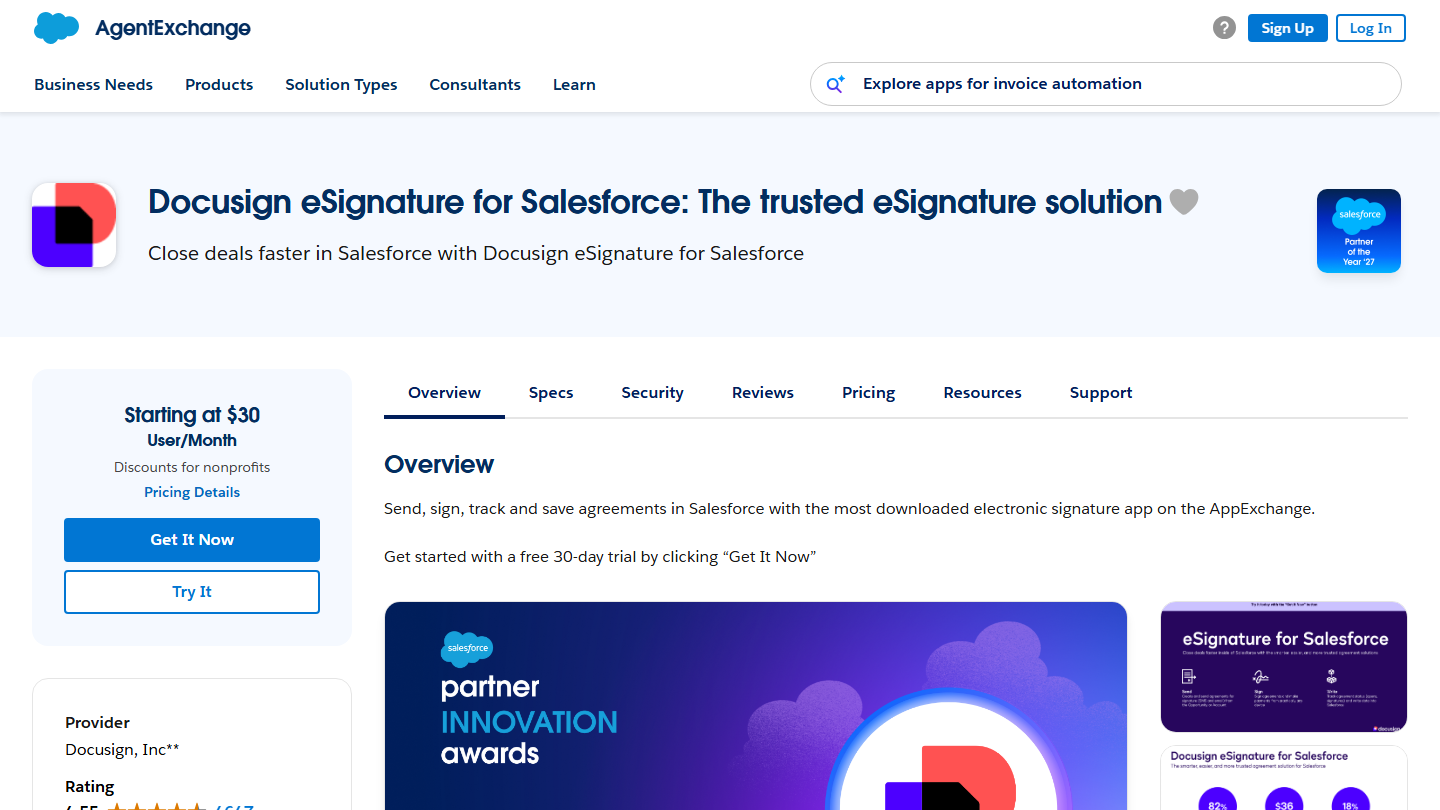
AgentExchange listing for Docusign eSignature for Salesforce, from $30 per user per month

Docusign lets you and your customers sign contracts, purchase orders and any other legal document digitally. Docusign replaces printing, scanning and sending paper documents for all business transactions. It is one of the most popular e-signature apps on the market, and its listing presents it as the most downloaded on AppExchange in its category.

With Docusign eSignature for Salesforce, you send an agreement for signature from an opportunity or account, track its status and find the signed document saved on the original record. Docusign templates fill in with Salesforce data through merge fields.

Its technology lets companies of every size, sector and country convert each agreement to digital format and simplify their day-to-day work. Salesforce is itself a Docusign customer, for its sales, HR and procurement.

On AppExchange, Docusign eSignature for Salesforce starts at $30 per user per month, with a 30-day free trial. On Docusign’s French site, eSignature plans cost €9 per month for Personal, €23 per user per month for Standard and €38 for Business Pro, billed annually. Generating documents from Salesforce falls under the enhanced plans, on request.

05

Aircall

4.6/5 From €50

Best for: Sales and support teams that want all their calls logged in Salesforce

+ Strengths
  • Calls, SMS and call summaries logged automatically in Salesforce
  • PC, Mac and smartphone app, no desk phone
  • Power dialer and AI voice agents
− Downsides
  • Salesforce integration limited to the Professional plan
  • 3-license minimum
★ Aircall in brief

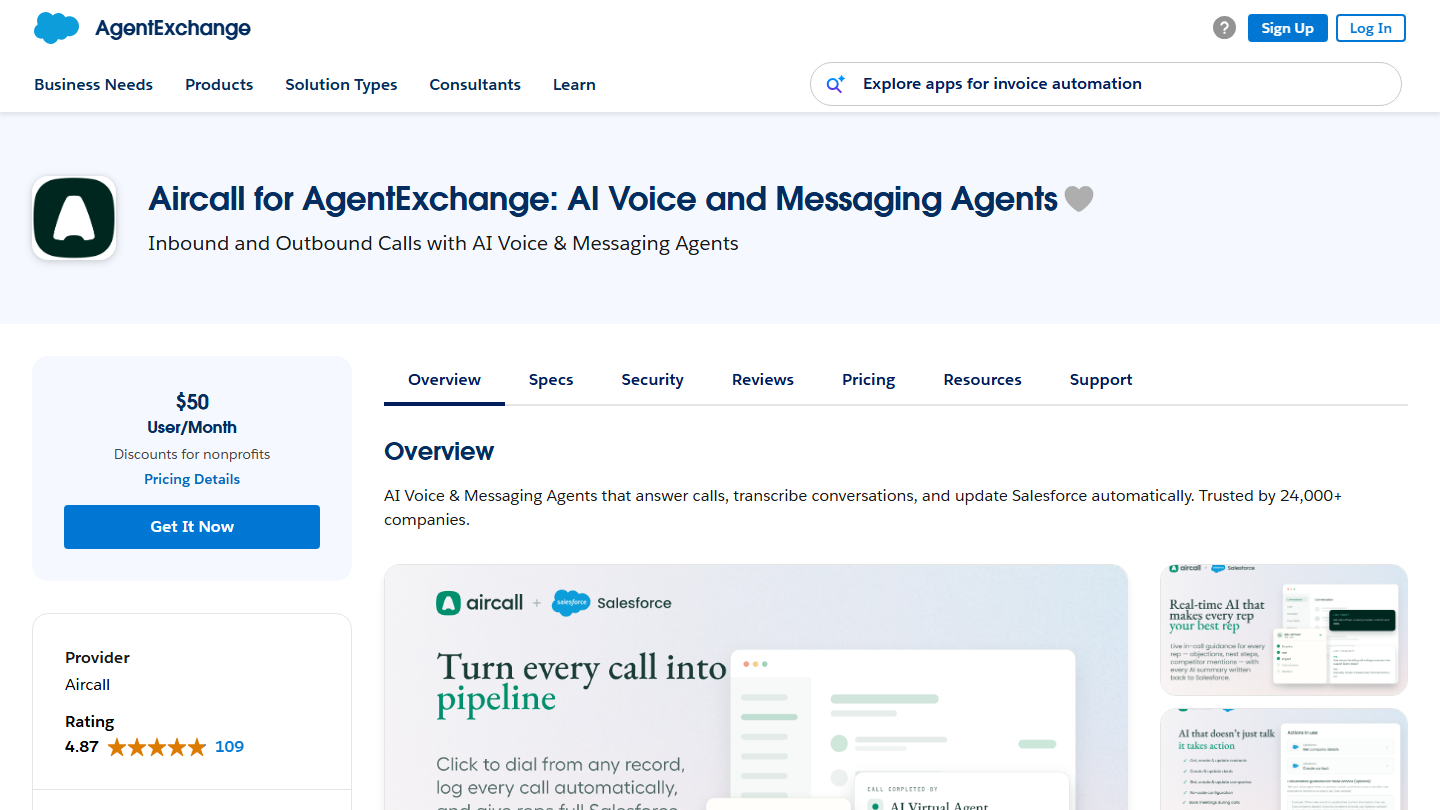
AgentExchange listing for Aircall: “Inbound and Outbound Calls with AI Voice & Messaging Agents”, $50 per user per month

Aircall is a cloud-based IP telephony solution designed for sales and customer service teams. Each team member makes and receives calls directly from the Aircall app on PC, Mac or smartphone, with no need for desk phones.

Aircall offers call recording, a shared inbox, call queuing and a power dialer for chaining outbound calls. The vendor is also pushing AI voice and messaging agents, which answer calls, transcribe them and update Salesforce.

Aircall integrates with Salesforce, with CRM alternatives to Salesforce, and with collaboration tools like Slack, using an API and webhooks. In Salesforce, calls, SMS and AI-generated summaries are logged automatically on contacts, leads and accounts.

Watch out for the plan: Salesforce integration is not included in Essentials, at €30 per license per month. You need the Professional plan, at €50 per license per month billed annually, with a 3-license minimum. For more advanced needs, the Enterprise offer is on request. The AppExchange listing announces a 7-day free trial.

06

Conga Composer

4.4/5 From $6

Best for: Teams producing a lot of quotes and contracts from Salesforce

+ Strengths
  • Quotes, contracts, invoices and presentations generated from Salesforce
  • Templates filled automatically
  • Fairly easy to pick up
  • 60-day free trial
− Downsides
  • Composer license bought separately from Conga, with no public price
★ Conga Composer in brief

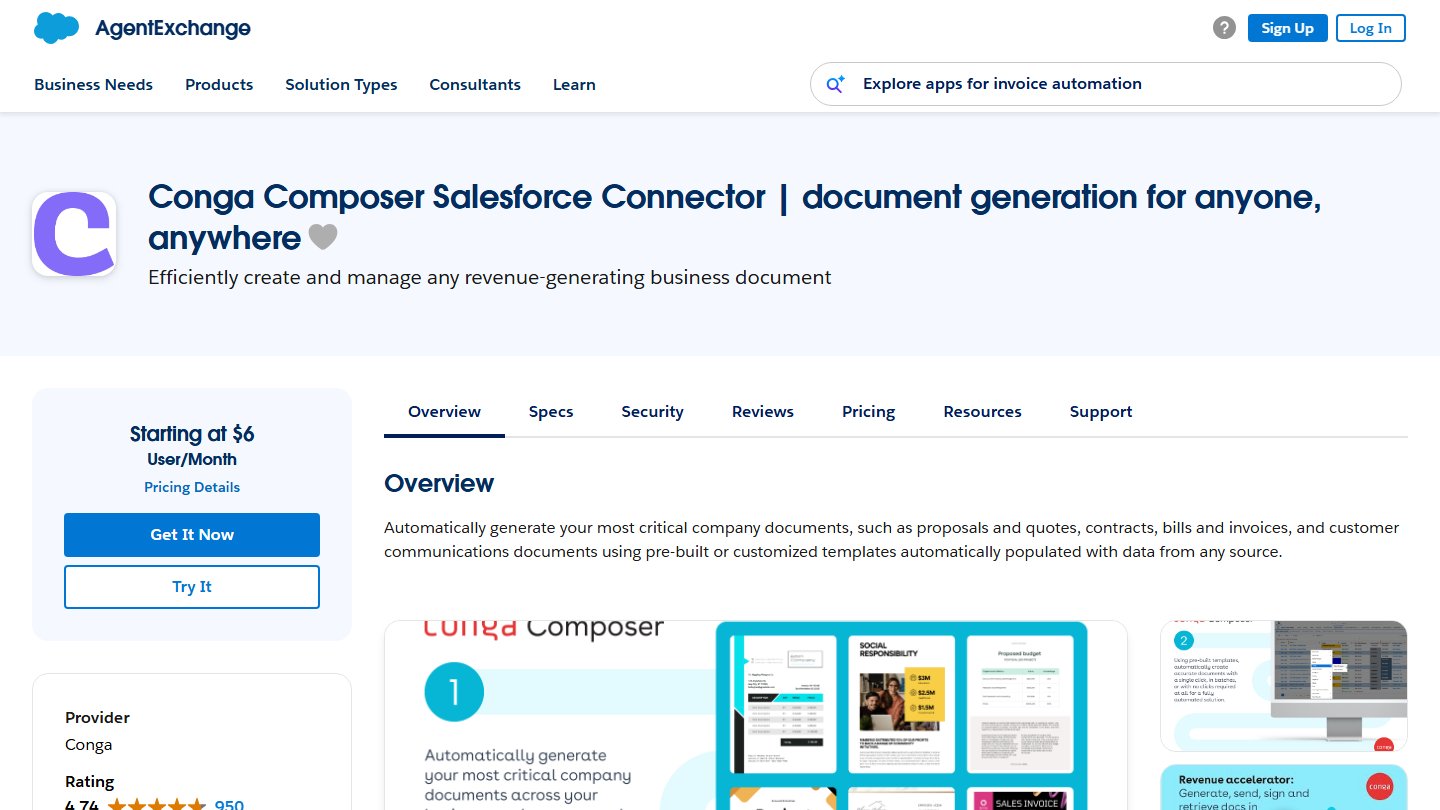
AgentExchange listing for the Conga Composer Salesforce connector, for generating quotes, contracts and invoices

Conga is a document generation app that lets you create documents, PowerPoint presentations, spreadsheets, PDFs and even emails using your Salesforce data. Conga Composer automates the production of your documents, whether contracts, quotes, invoices or even sales proposals.

Templates, ready-made or custom, fill in automatically with data from any source. The Conga Composer API also lets you build document generation into a website, an app or another platform. Notifications and document history give visibility on what has been sent.

The tool is quite impressive and, the icing on the cake, fairly easy to pick up. Conga Composer has been on AppExchange since 2009 and has more than 900 reviews there.

On AppExchange, the Salesforce connector starts at $6 per user per month, with a 60-day free trial. It only works with the Conga Composer solution, purchased separately from Conga, which includes onboarding and initial setup: its price is not public.

07

Geopointe

4.2/5 From $75

Best for: Field sales teams planning their routes and territories

+ Strengths
  • Accounts, leads and opportunities on a map, in Salesforce
  • Multi-day routes, adjusted automatically
  • Territory design and rebalancing
  • Mobile access for field reps
− Downsides
  • Annual commitment required
  • $75 per user, expensive for occasional use
★ Geopointe in brief

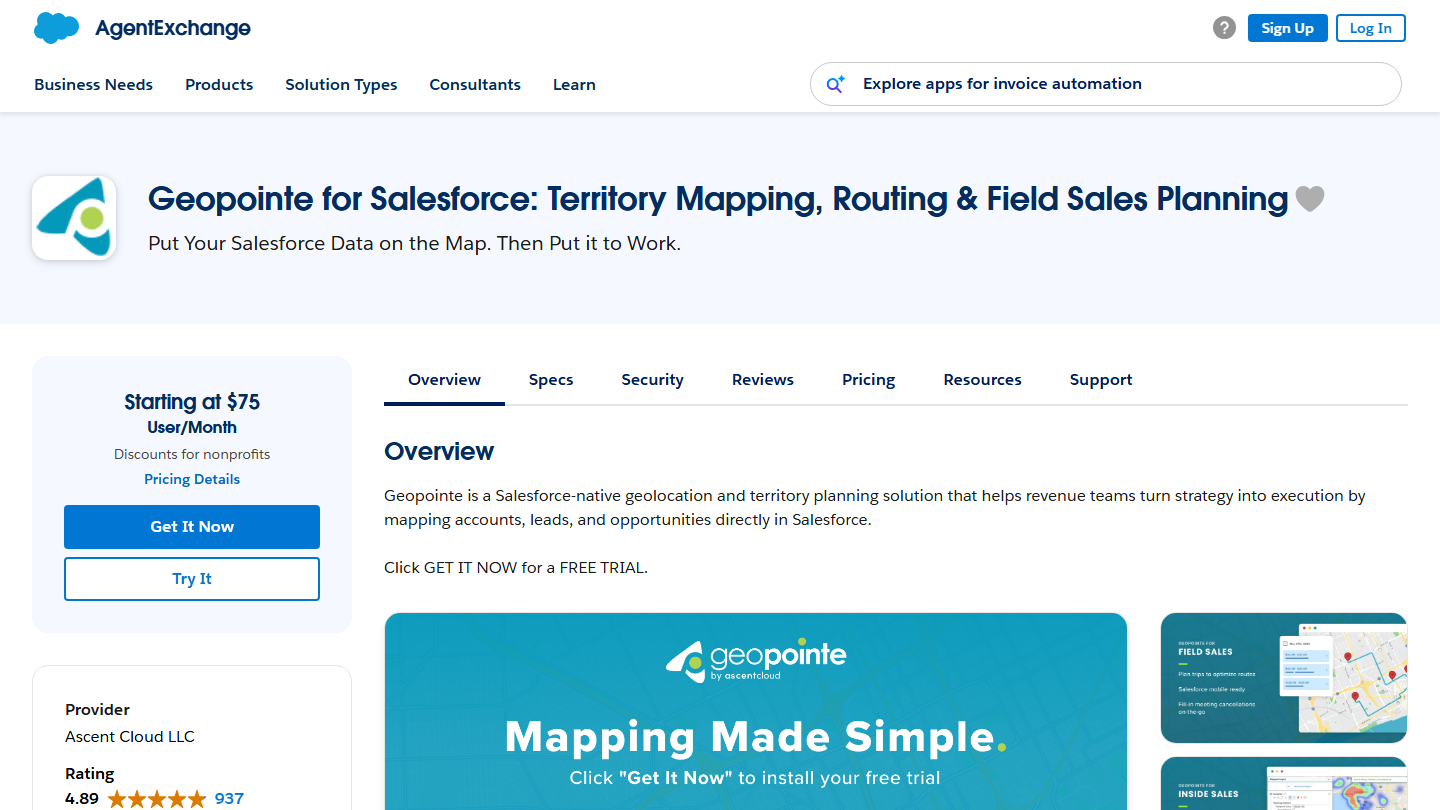
AgentExchange listing for Geopointe: “Put Your Salesforce Data on the Map. Then Put it to Work.”

Geopointe is a somewhat unusual app that lets you track your Salesforce data and put it to use geographically. It places your accounts, leads and opportunities on a map, directly in Salesforce. The app is published by Ascent Cloud.

You can create multi-day routes, adjusted automatically when a meeting changes, speed up the onboarding of new reps in a territory, or optimize your teams’ travel and so increase their productivity. Geopointe is also used to draw and rebalance territories from your data.

Geopointe gives end users, admins and developers many ways to use the geographic side of their data to improve efficiency and streamline processes. For example, you can view your sales performance zone by zone, region by region. You can also search data based on geographic location.

Geopointe starts at $75 per user per month, with an annual commitment. The vendor announces discounts based on the number of licenses and commitment length, and a free trial from the AppExchange listing.

08

SocieteInfo

4.7/5 From €39

Best for: Teams prospecting in France that want complete Salesforce accounts

+ Strengths
  • Legal and financial data on more than 10 million French companies
  • Free Salesforce connector
  • Free account and on-demand credits that don’t expire
− Downsides
  • Covers French companies only
  • AppExchange connector rarely updated (2022)
★ SocieteInfo in brief

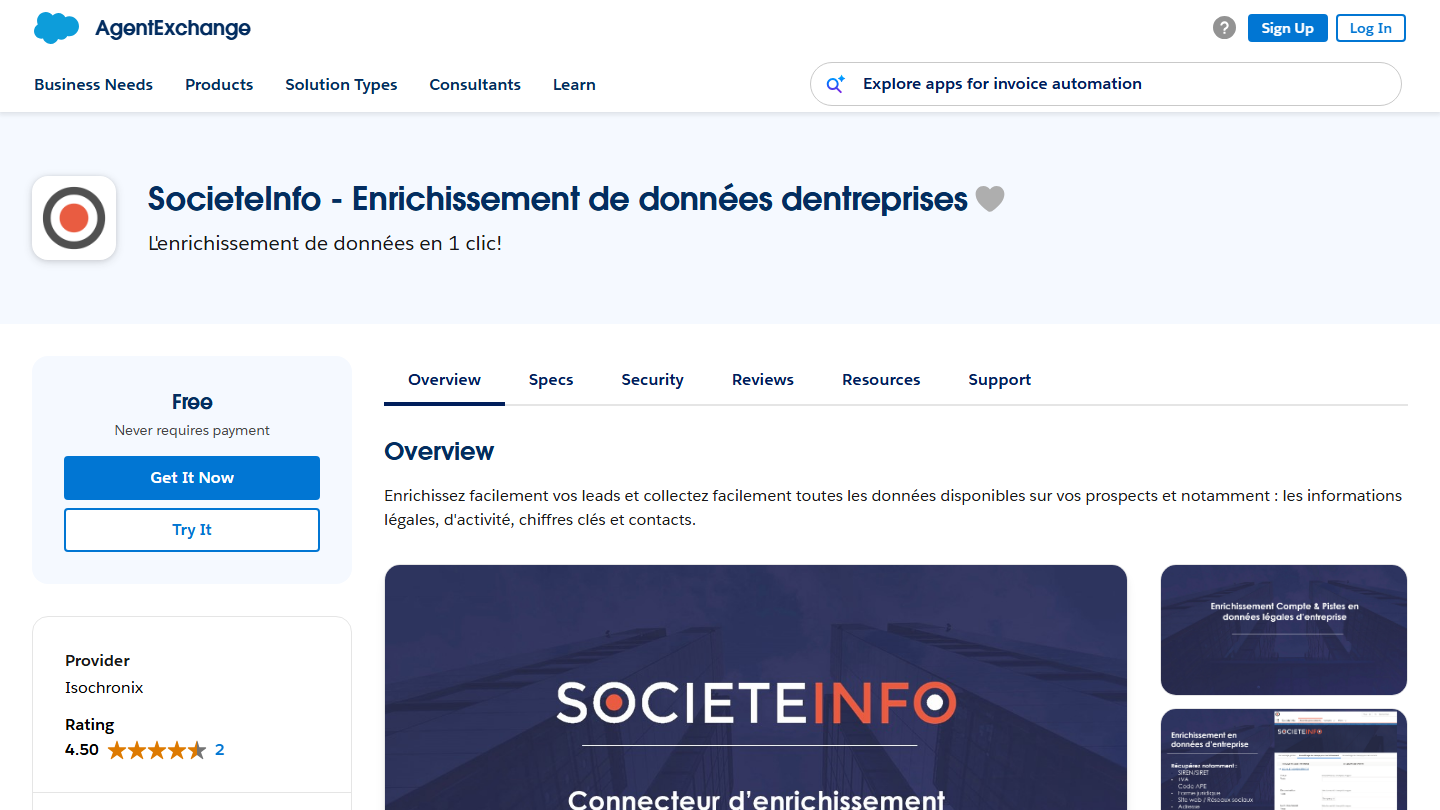
AgentExchange listing for SocieteInfo: “Data enrichment in 1 click!”, free connector

SocieteInfo is one of the reference apps for B2B data enrichment. Legal information (SIREN, SIRET, VAT number, official address), business activity, key figures: SocieteInfo gives access to the profiles of more than 10 million French companies.

Whether you want to enrich your existing contacts or easily collect new data on decision-makers at these companies, SocieteInfo is the ideal solution. The Salesforce connector also retrieves the company’s generic contacts (phone, email, website) and named contacts with their job title and LinkedIn profile.

Created in 2016, SocieteInfo aggregates data from legal databases (INPI, INSEE, BODACC) and the web. It is a tool built for French companies: for an international account base, it is not enough. On AppExchange, the connector is published by Isochronix, has not been updated since 2022 and has only 2 reviews.

The connector is free; enrichment is paid for in credits. The Starter pack at €39 per month billed annually gives you 3,600 credits per year, or 300 credits per month for €59 billed monthly. SocieteInfo offers higher plans (Pro at €99, Growth at €199, Scale at €299 per month billed annually) for companies that need more credits, and a free account with on-demand credits.

09

dataloader.io

4.3/5 From $99

Best for: Admins who regularly load or export CSV files in Salesforce

+ Strengths
  • Free plan up to 10,000 records per month
  • 100% cloud, login with your Salesforce account
  • Schedulable imports and exports
− Downsides
  • Customer support reserved for paid plans
  • Paid plans expensive beyond 10,000 records
★ dataloader.io in brief

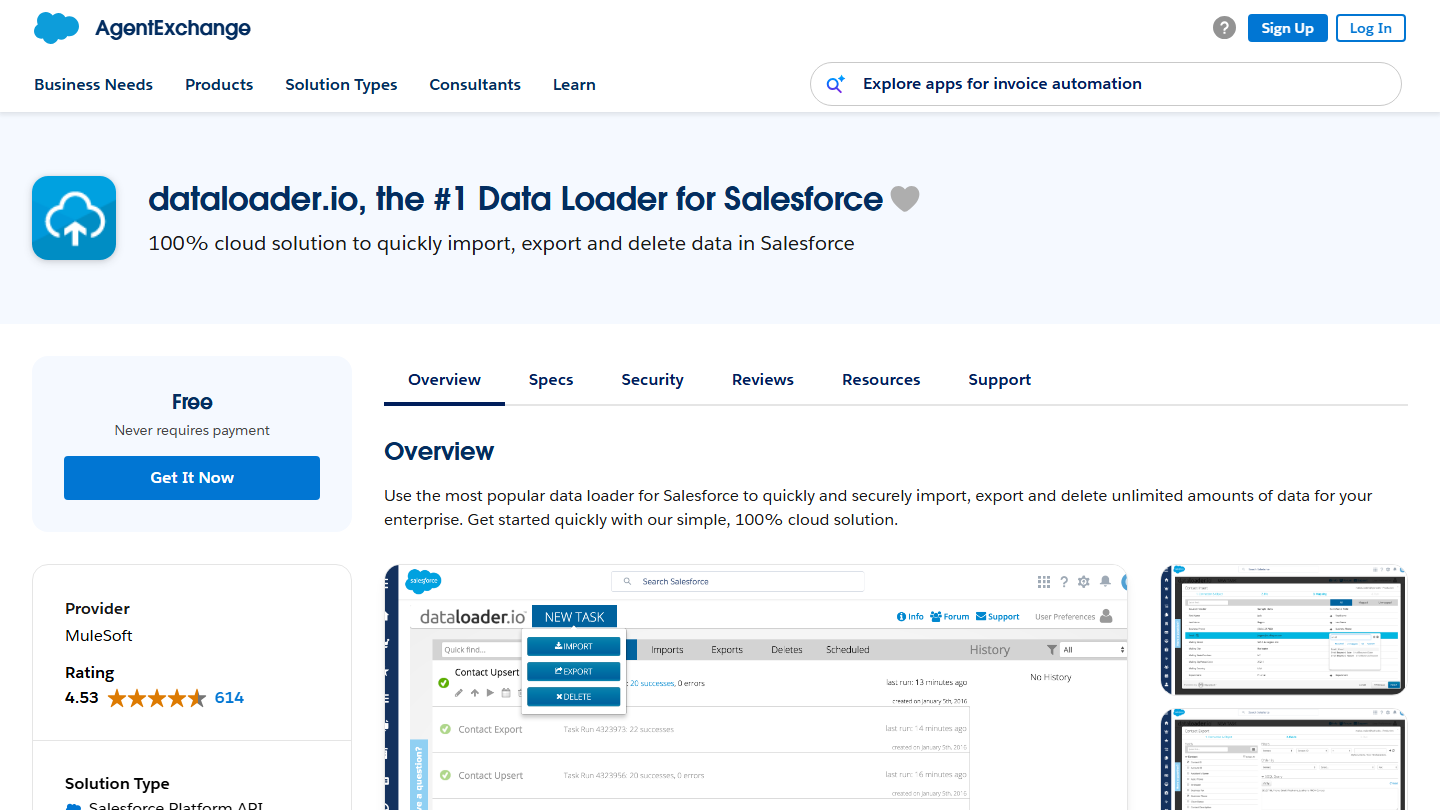
AgentExchange listing for dataloader.io by MuleSoft: “100% cloud solution to quickly import, export and delete data in Salesforce”

Dataloader.io lets you create, update, add and delete records in Salesforce through an extremely easy-to-use interface. Before dataloader.io appeared, one of the only tools available was Salesforce’s Data Loader. The tool is published by MuleSoft, a Salesforce group company, and runs entirely in the cloud: you log in with your Salesforce credentials.

When importing data, dataloader.io reads, extracts and loads data from CSV files stored locally or on Dropbox, Box, FTP or sFTP. When exporting data, it produces CSV files. Automatic field mapping and retrieving related objects in a single extraction save you from stitching data together in Excel.

This tool is free but has some premium features that many admins will find useful. Scheduling imports and exports, hourly, daily, weekly or monthly, saves you from rerunning the same jobs by hand.

You can use this tool for free up to 10,000 records per month. The Professional plan, at $99 per month per user, handles up to 100,000 records per month. The Enterprise plan, at $299 per month per user, removes the record limit and can be tried for 30 days. The customer support portal is reserved for paid plans.

10

Formstack

4.3/5 From On request

Best for: Teams collecting customer data in Salesforce through prefilled forms

+ Strengths
  • Salesforce-native forms, linked to any standard or custom object
  • Prefilled with CRM data
  • Documents and e-signature in the same suite
  • 14-day free trial
− Downsides
  • Salesforce offers on request only
  • Non-Salesforce plans already expensive (Forms at $83 per month)
★ Formstack in brief

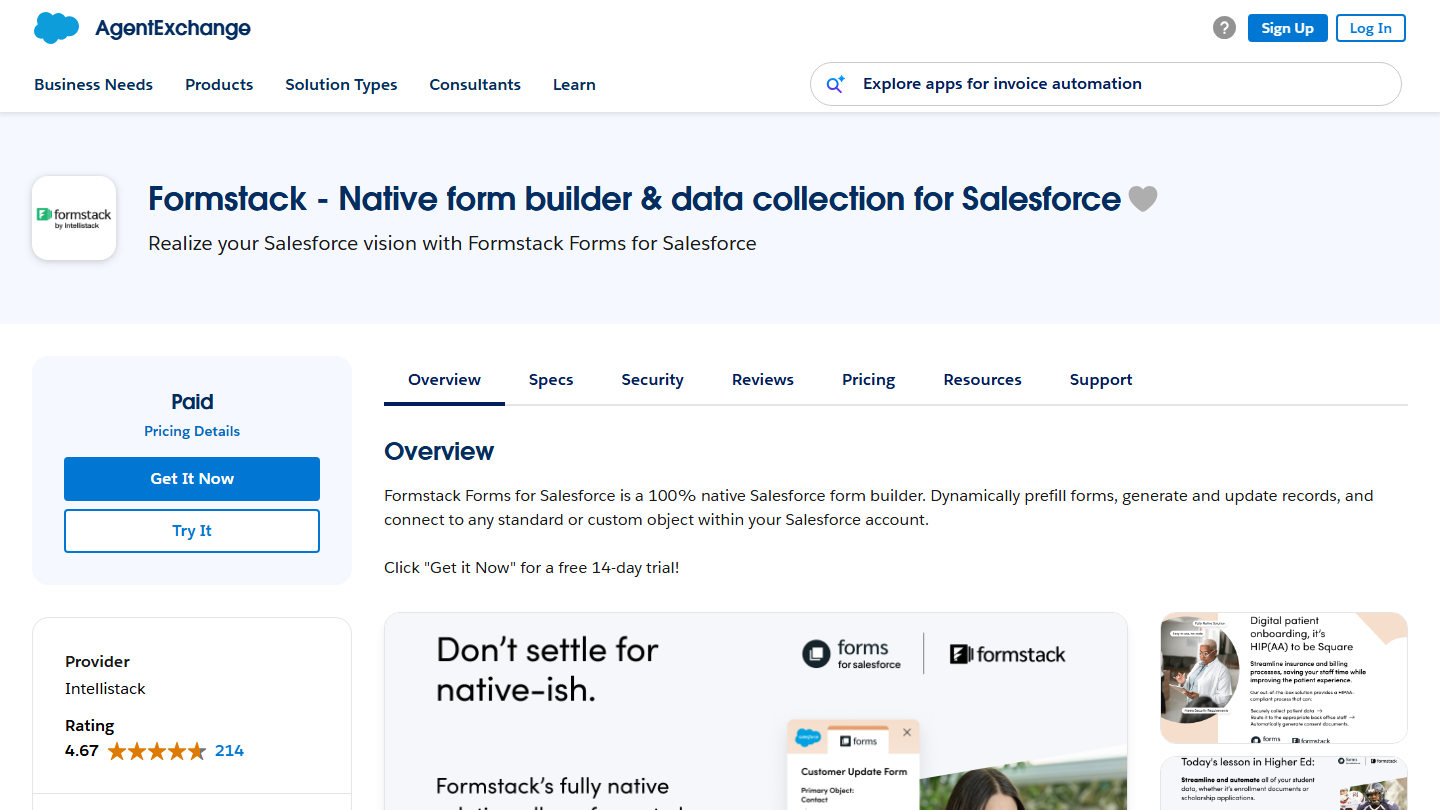
AgentExchange listing for Formstack: “Realize your Salesforce vision with Formstack Forms for Salesforce”

Formstack is one of our favorite Salesforce apps. It is an online form builder. Once your forms are designed, you can embed them on your website in a few clicks. That makes Formstack a good tool for your lead generation strategy. The vendor now goes by the name Formstack by Intellistack.

Formstack Forms for Salesforce is a 100% Salesforce-native form builder: forms prefill their fields with CRM data, create or update records and connect to any object, standard or custom. Prefilling avoids asking your customers and prospects for information you already have about them in Salesforce.

Formstack is more than a simple form editor. The suite adds document generation from Salesforce data and e-signature, without leaving the CRM. It is compatible with Salesforce Shield and offers PCI- and HIPAA-compliant solutions.

Formstack’s Salesforce offers are on request. Outside Salesforce, the Forms plan starts at $83 per month billed annually for 1 user, and the Forms, Documents and Sign suite at $250 per month for 3 users. The AppExchange listing offers a 14-day free trial.

How did we choose these 10 apps?

The selection covers the uses that come up most often in a Salesforce team: administering the CRM, working from your inbox, prospecting, calling, getting documents signed, generating documents, mapping accounts and enriching data.

  1. 01
    Scope

    Apps published on AppExchange, now part of AgentExchange, that can be installed in a Salesforce org and are useful to a sales team or its admin.

  2. 02
    Criteria

    Depth of Salesforce integration, concrete use for a sales team, ease of use, reviews and freshness of the AppExchange listing, price.

  3. 03
    Verification

    Each app was reviewed on its AppExchange listing (existence, vendor, price) and on its vendor’s site. Groove, now part of Salesloft, gives way to Salesloft.

  4. 04
    Pricing

    The price shown is the normal price from the AppExchange listing or the vendor’s pricing page, excluding promotions. When the connector is free but the service is paid, both are specified.

  5. 05
    Ratings

    Docusign, Aircall and SocieteInfo carry the rating from their Salesdorado review. The other apps have no review yet: their rating is the editorial team’s.

The questions we get over and over.

Does AppExchange still exist?

Yes. Salesforce has merged it with the Slack Marketplace into a single storefront, AgentExchange, which brings together AI agents, apps and consultants. The listings for the apps in this list are still online at appexchange.salesforce.com, and installation works the same way.

Are AppExchange apps free?

Only some of them: Salesforce says more than a third of the solutions on its marketplace are free. In this list, Salesforce Adoption Dashboards is entirely free and dataloader.io has a free plan up to 10,000 records per month. The SocieteInfo and Salesloft connectors are free, but the service behind them is paid.

How do I know if an app is compatible with my Salesforce?

Most AppExchange apps are designed for specific Salesforce products: Sales Cloud, Service Cloud, Marketing Cloud. Use the marketplace filters to show only apps compatible with your products, then read the specifications tab of each listing (supported editions, Lightning compatibility, person accounts).

How do I evaluate an app before installing it?

Read the customer reviews on its listing. Established apps have several hundred of them, more than 4,600 for Docusign and more than 900 for Conga Composer: enough to get a fairly precise idea of their quality, strengths and limits. Also check the last update date: an app that hasn’t changed in years deserves a test in a sandbox before production.

Do you need an integrator to install an AppExchange app?

Not for most of them: an admin installs the app from its listing and configures it in little time. An integrator becomes useful when the app touches your processes, such as document generation with Conga Composer or Formstack forms linked to custom objects.

★ The conversation, 0 comments

What the community says.

Basic Markdown, moderated within 24 h
Loading…

    In the same category