


A cold emailing tool sends your prospecting emails from your own mailbox, one by one, personalized, and automatically follows up with those who have not replied. There are three families of sending tools:
- “mail merge” tools: Google Sheets add-ons that “only” handle sending personalized emails and light reporting;
- Gmail or Outlook extensions, which add a few features: send later, send a sequence…;
- “pure players” like Woodpecker or lemlist: more ambitious prospecting tools, with an interface dedicated to your campaigns.
Around sending, three types of tools prepare the list: address cleaning, data enrichment, CSV file preparation. Depending on your need:
- simple sequences with excellent reporting: Woodpecker;
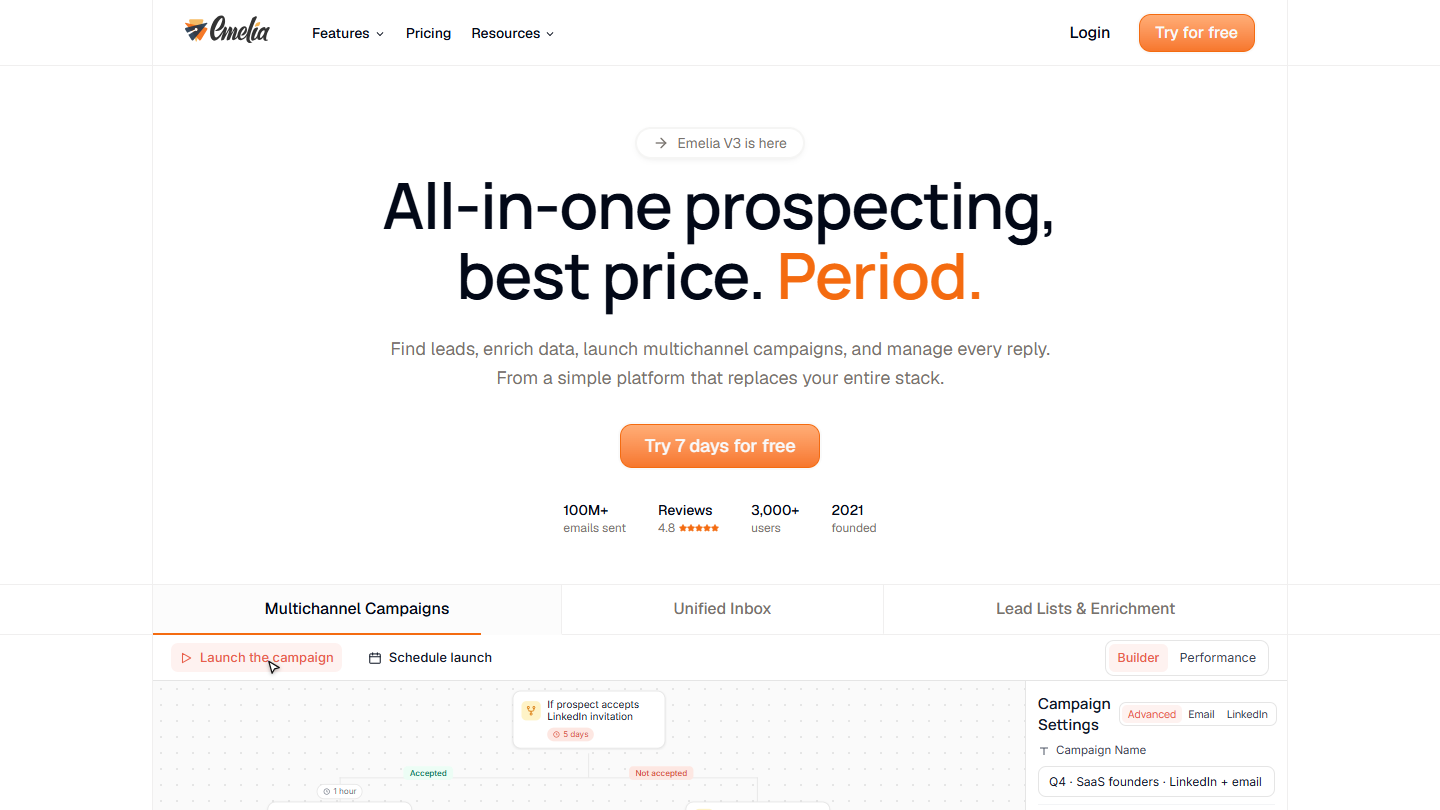
- an affordable French tool: Emelia;
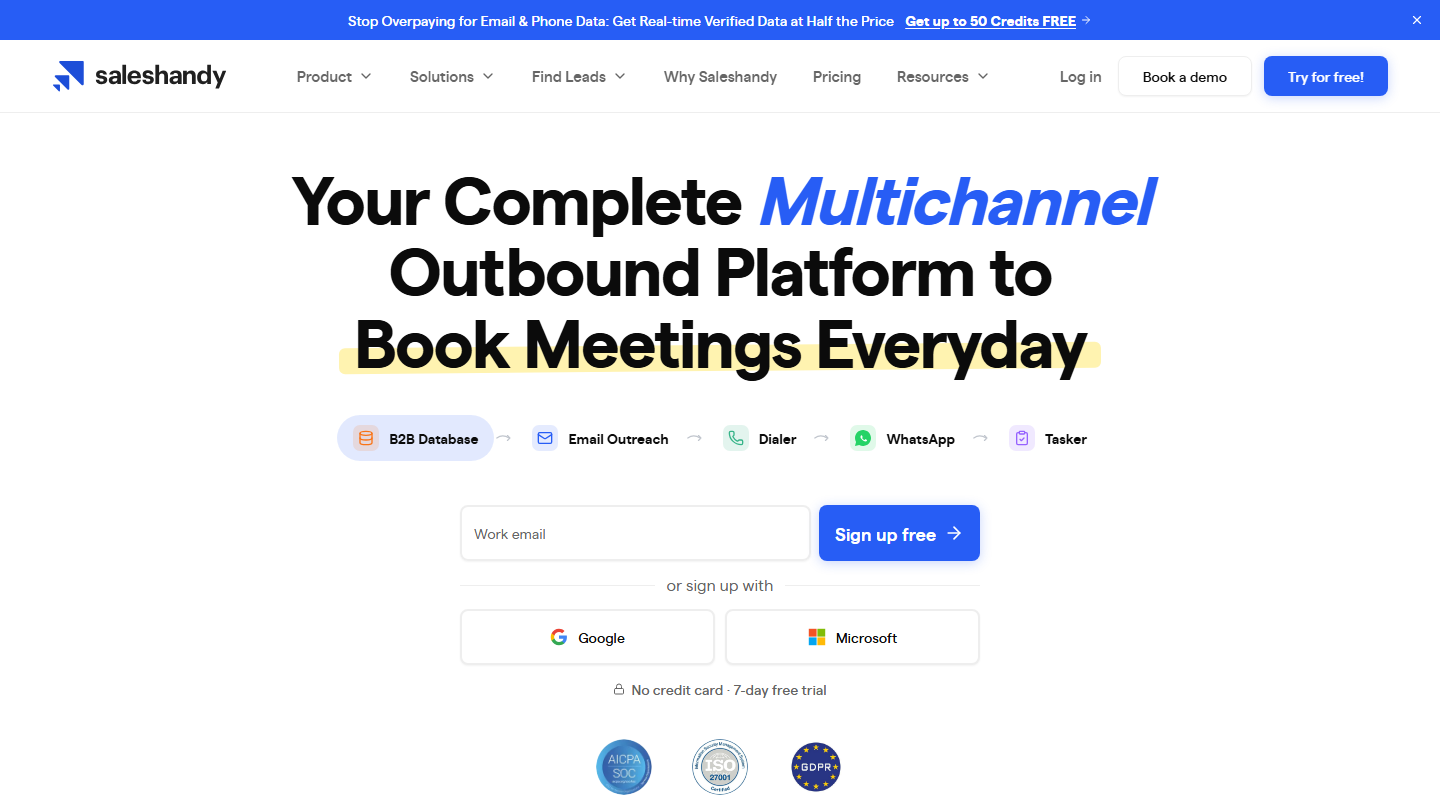
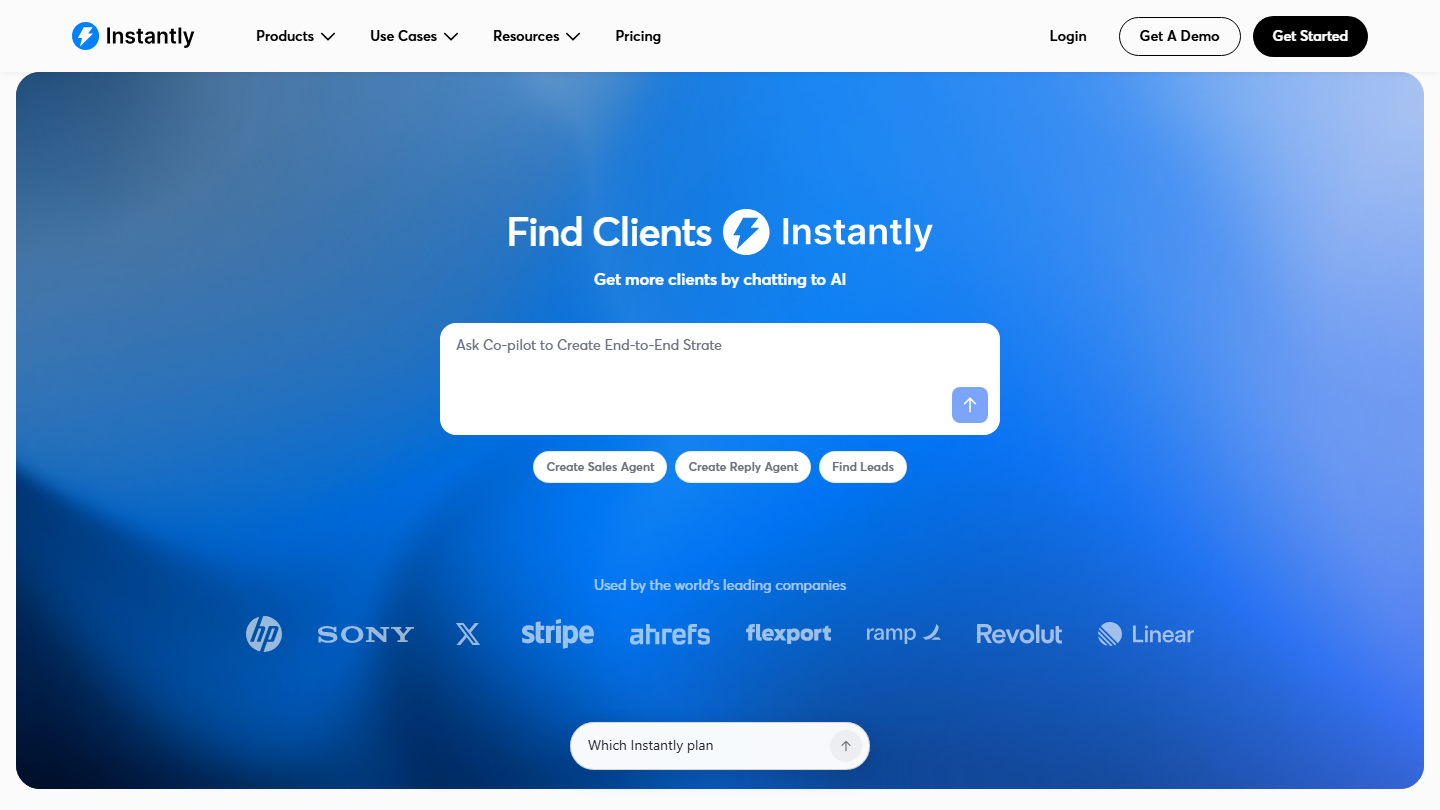
- high volumes across several mailboxes: Instantly or Saleshandy;
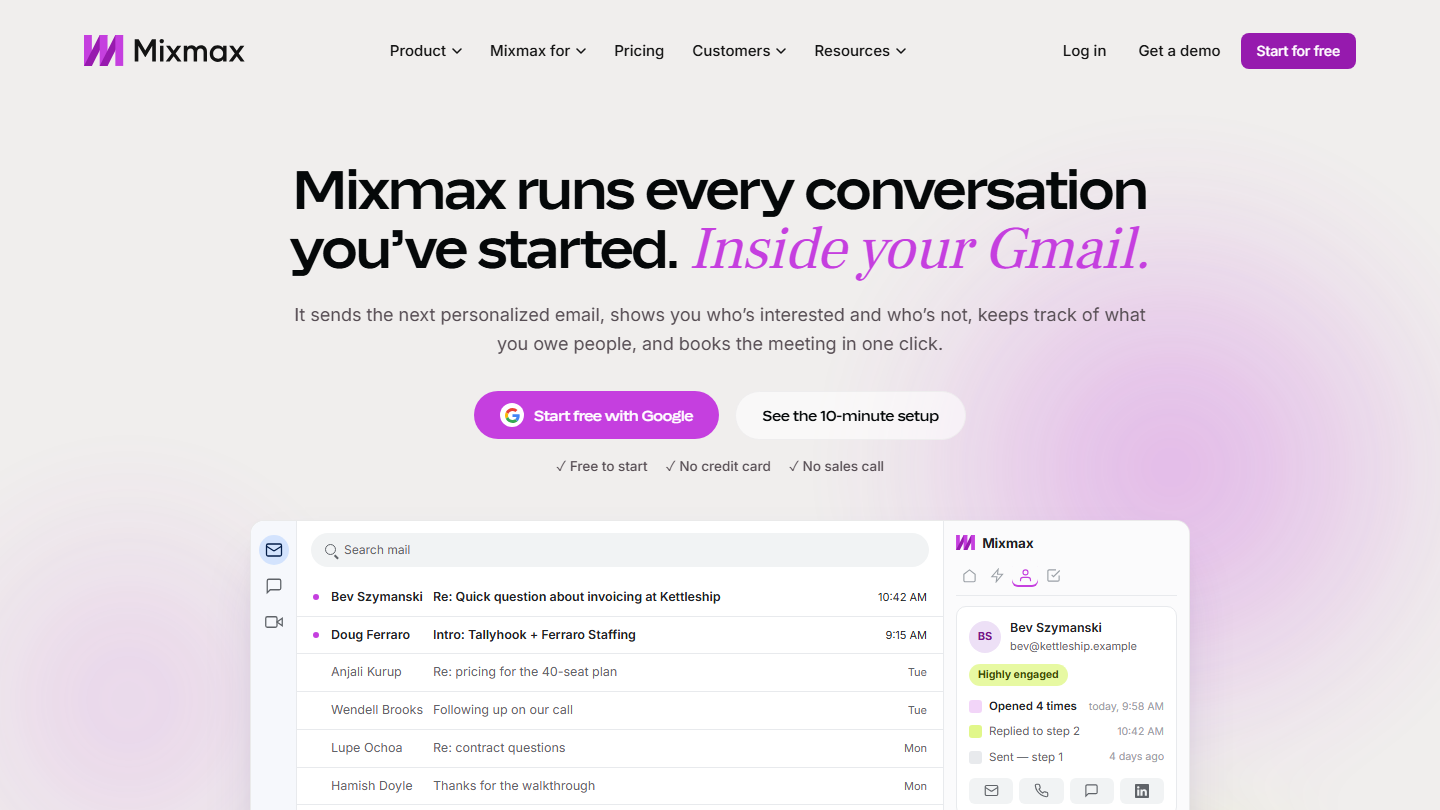
- mixing email and LinkedIn: lemlist or Waalaxy;
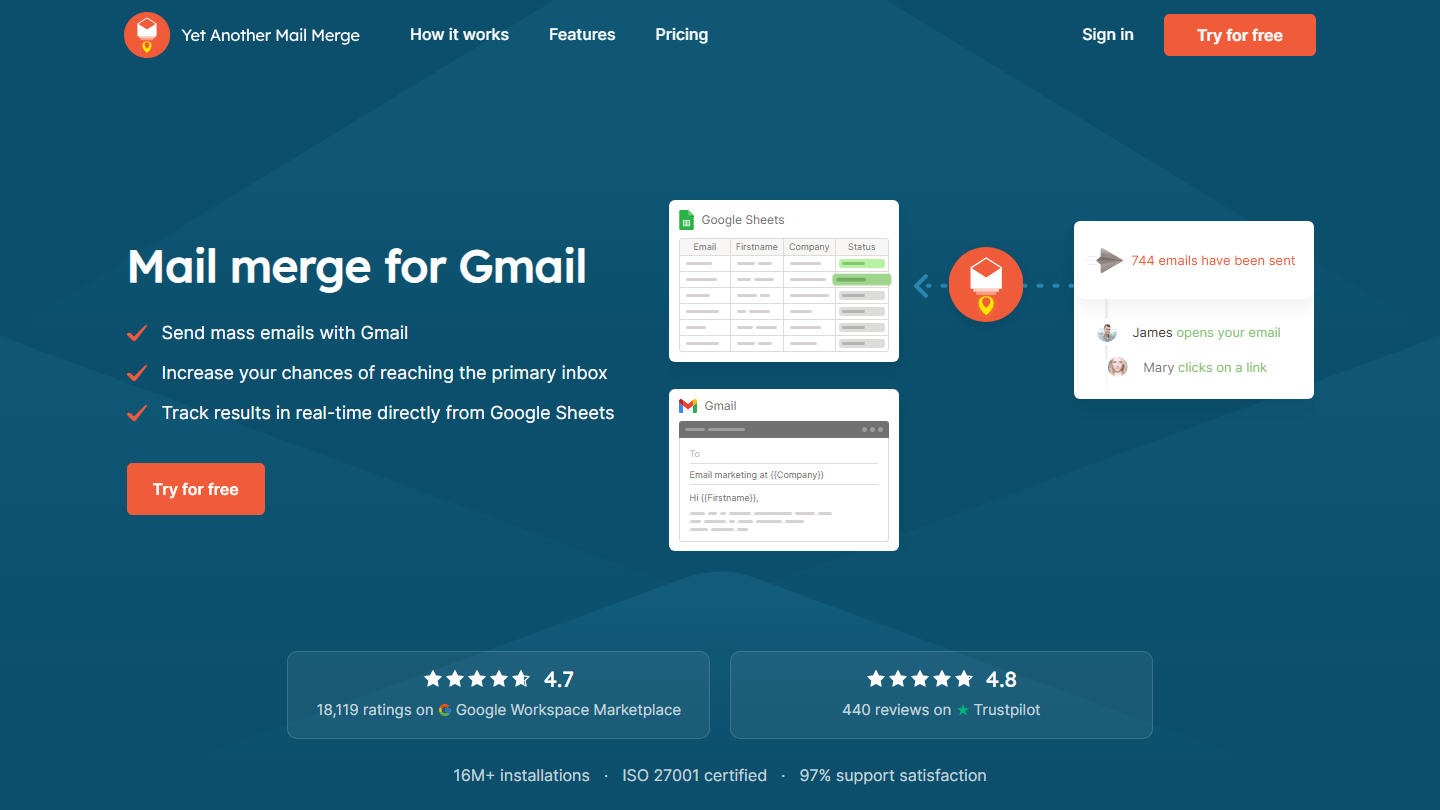
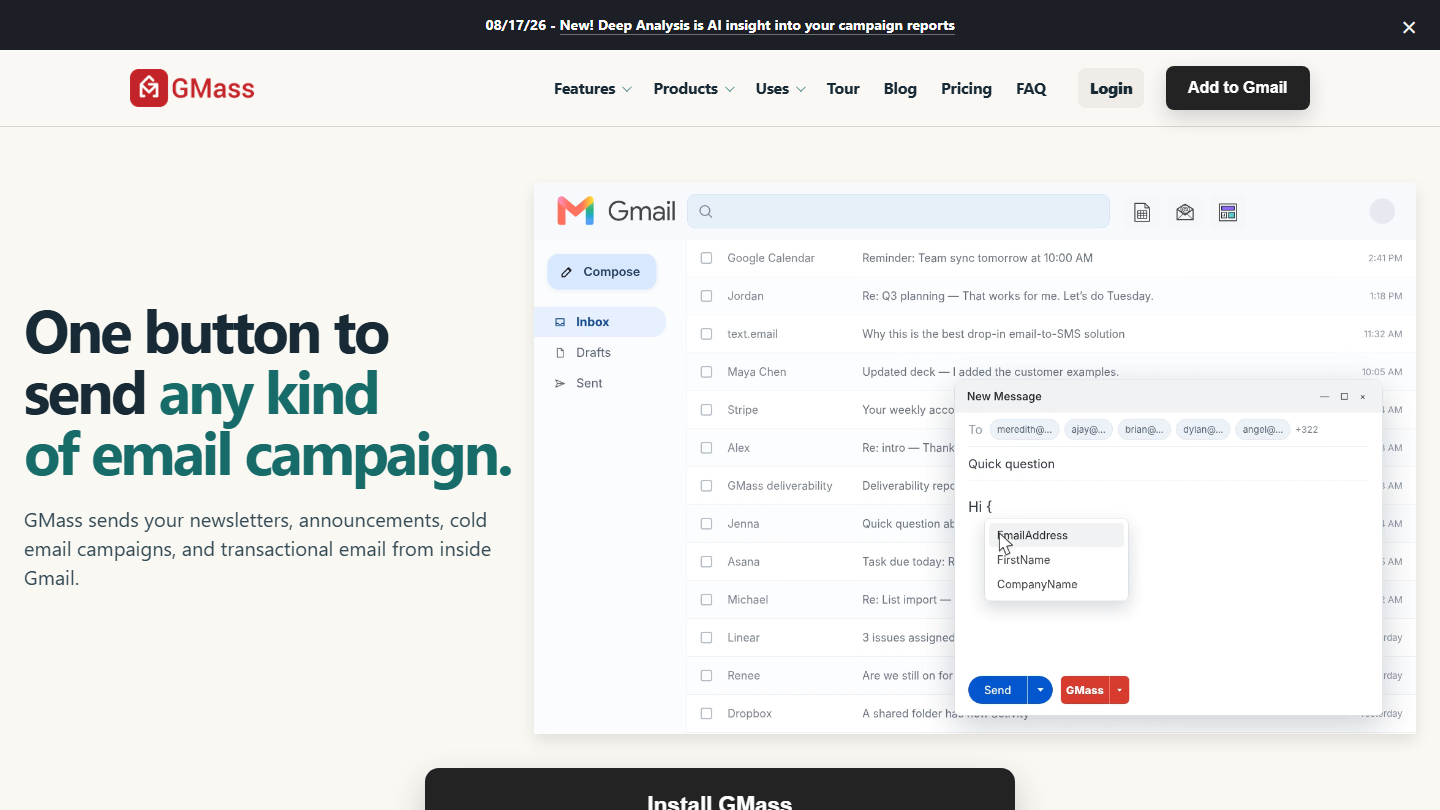
- staying in Gmail: GMass, or YAMM for a small campaign;
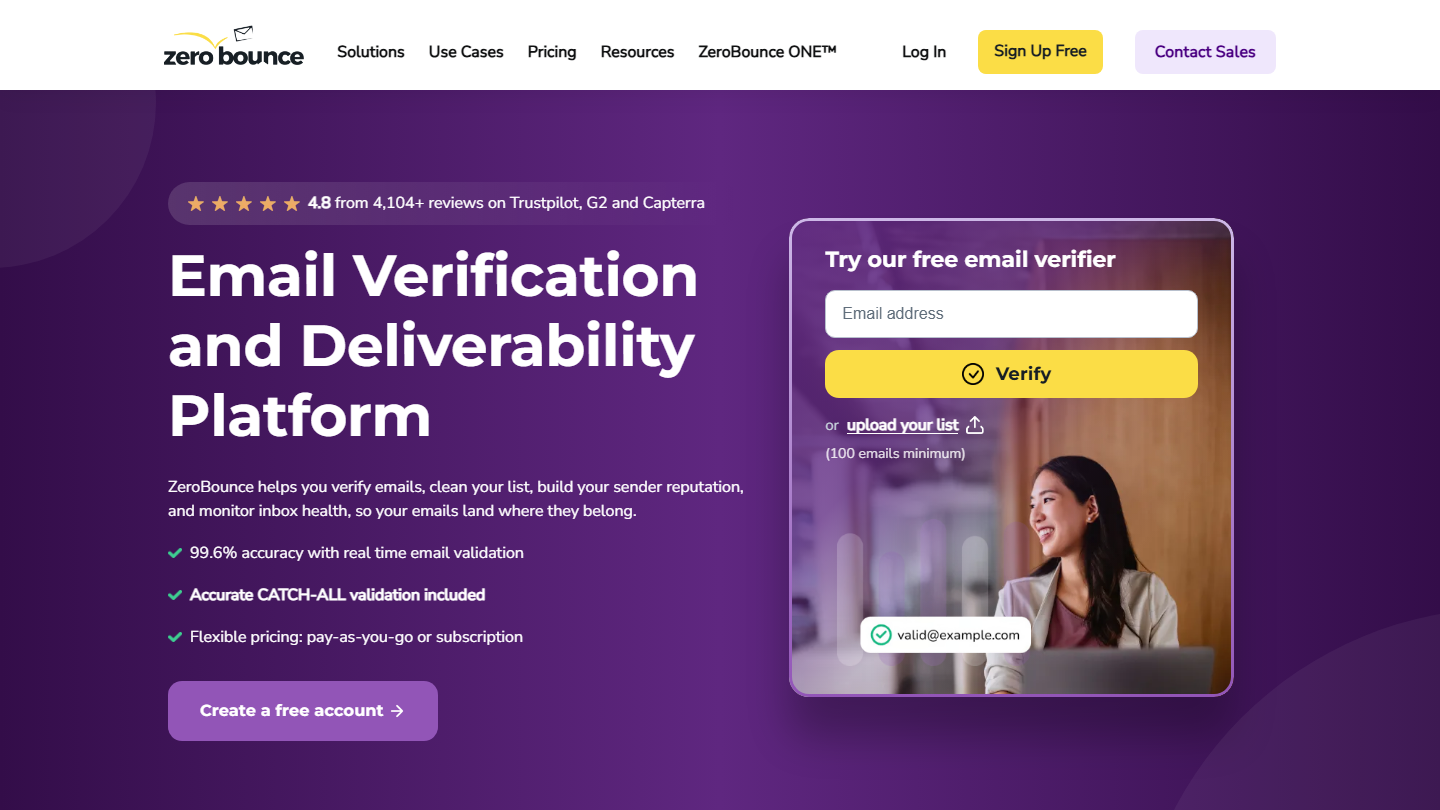
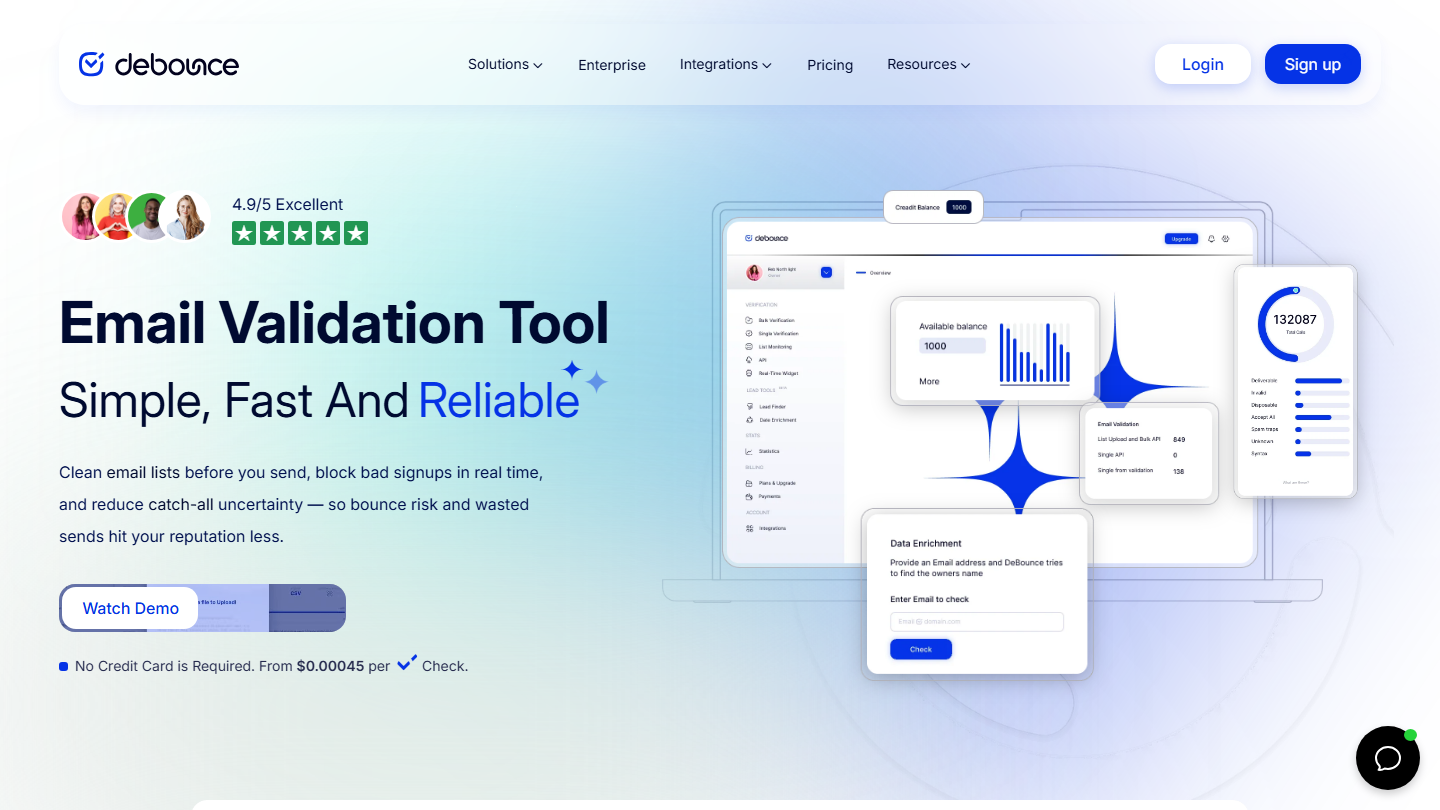
- cleaning a list before sending: DeBounce or ZeroBounce;
- finding and verifying your prospects’ emails: Dropcontact, or Clay at scale.
What makes a good cold emailing tool?
The myth of these tools’ impact on deliverability
All of these tools use your Gmail or Google Workspace account, your domain, your technical signatures and your prospecting data. The four main factors of email deliverability are therefore outside their reach.
The technologies used by each of these tools have a very slight impact on the performance of your email campaigns.
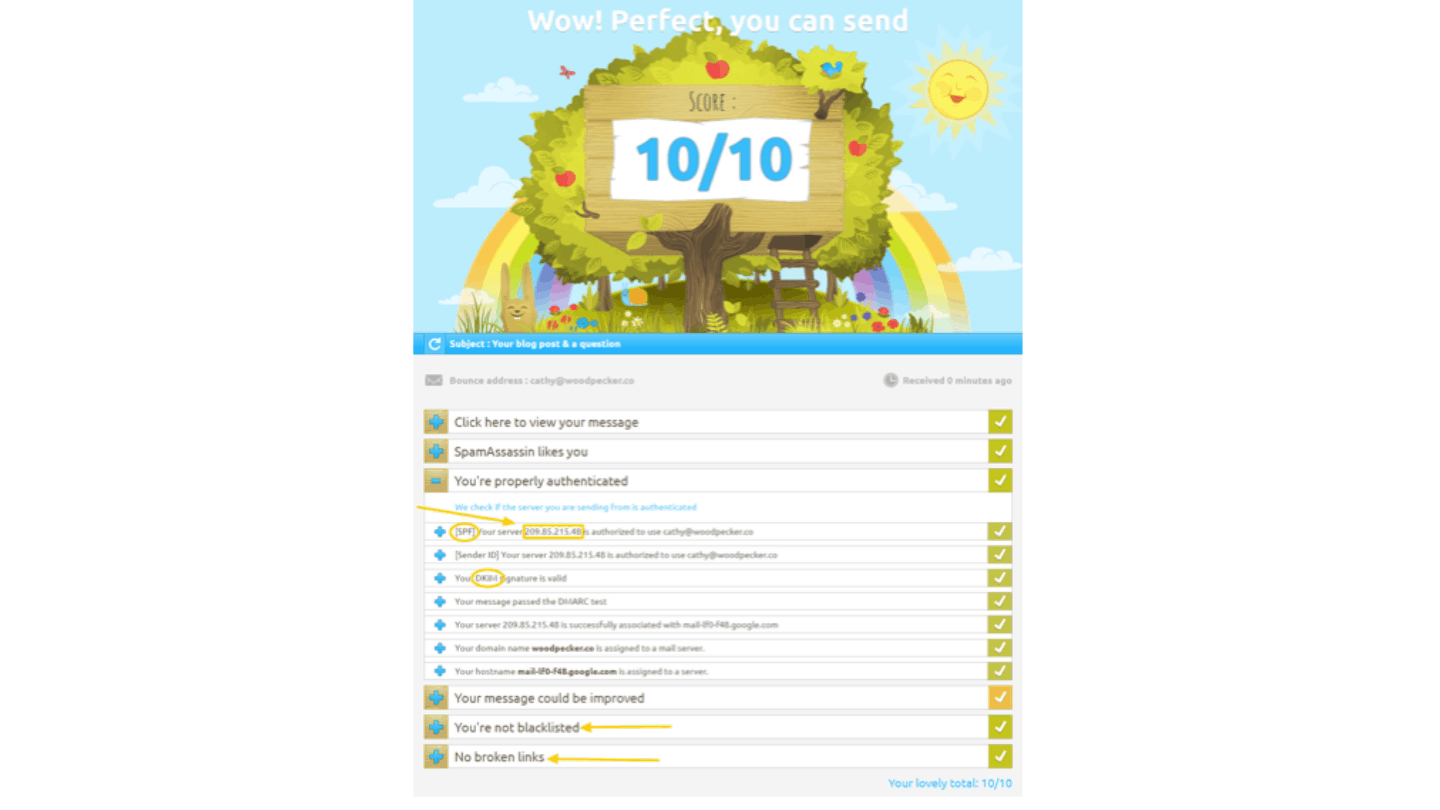
Lemlist did build a feature (Lemwarm) to make your life easier when you create a new prospecting mailbox. But the main point of the feature is to “warm up” an email address that has no history. If you know what you are doing, you can use the history of an existing email address that is active and responsive. That has more advantages than risks of damaging your reputation. In that case, there is no need for a Lemwarm-type tool.
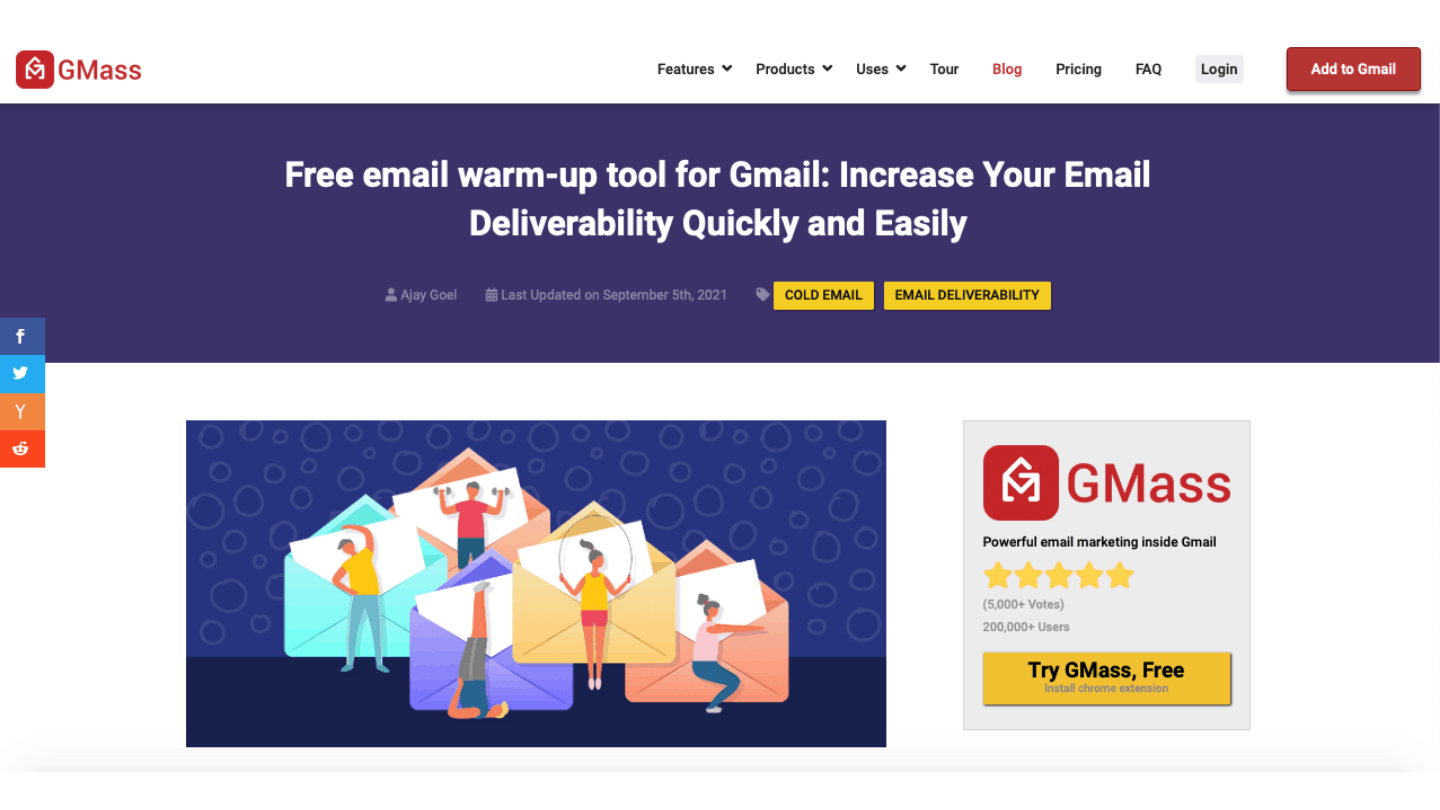
Above all, the principle of “warming up” a mailbox by sending and opening emails amounts to a kind of “pod” that you can set up yourself, or by using free warm-up tools like the one from GMass.
In short
The point here is obviously not that deliverability is not a topic if you do cold email. It is rather that we encourage you to be wary of the “guru-style” messages that are easily attached to these slightly technical terms. None of the tools presented in the list will let you deliver better or worse than another. Some make the job a little easier, others a bit more, but overall, none can guarantee that you will deliver better.
Automation features
The main use of cold emailing tools is to send emails based on a set of predefined rules. But the “mail merge” feature is now 20 years old. It no longer adds any value.
You can write (or even find) a Google Sheets script that does exactly that in 3 lines. These scripts offer the same possibilities and features as a paid tool. Likewise, some software does it for free, like YAMM up to 20 recipients per day.
On the other hand, setting up sequences, with conditions to continue or stop them depending on the replies received (or even actions taken outside email, like a visit to your website), has become the heart of the matter. So pay attention to the two elements that make up an automation process:
- Input: What is the software able to detect? Website visits, email replies, whether the data is reliable, etc.
- Output: Which channels does the software let you use. Can you, for example, follow up an email on LinkedIn? Be careful with multichannel, though: use it only as a “last resort”, on campaigns, messages and audiences that are proven and validated.
Handling replies is not always straightforward!
For example, you get an automatic “I am on vacation until…” email in reply. Ideally, you would pause your prospecting sequence until the date given. Woodpecker does this rather well. Much better than the others in any case, they are more or less unmatched on the subject in our opinion.
Reporting & A/B tests
A/B testing makes it easier to keep optimizing your emails (subject line and content). For each campaign, you analyze the data that comes back. Open rate, click rate, and reply rate… These indicators matter, but less than the positive reply rate.

Depending on the results, you have to adjust your strategy. The goal is to run test campaigns, analyze them and rework them to end up with better statistics.
Contact management
Cold emailing tools do not really deal with this topic. Still, contact management remains essential. The risk of a last-minute problem linked to your database is very real.
A perfect list, well cleaned and ready to use, does not exist. That is why it is better to find a tool that lets you keep it up to date. Working your contacts, adding one, deleting one… It should take only a few clicks.
Integrations
A cold emailing tool must offer integrations. It must connect with several pieces of software to fit all your processes. Upstream, CRM integration enables lead generation or data enrichment.
Downstream, integrations let you build a scoring strategy. They also enable lead nurturing, reporting and CRM enrichment. This holds true for both inbound and outbound teams.
In a few words
Before starting this comparison, be clear about what you expect: if you want to deliver emails, you will need to put energy into your message and your contact base. The choice of tool depends rather on the optimization and automation features you want. Do not forget that an all-in-one tool with automation and so on is also very costly in terms of time. To fire off 200 cold emails on a one-off basis, YAMM is frankly unbeatable.










What the community says.