Top 13 newsletter creation software

Thirteen newsletter creation tools compared: email marketing software to get started (Brevo, MailerLite, Mailchimp, Benchmark Email), creator newsletter platforms (beehiiv, Kit formerly ConvertKit, Substack), low-price unlimited-sending options (Moosend, SendX, Zoho Campaigns) and marketing suites (HubSpot, ActiveCampaign, GetResponse). Building your newsletter yourself weighs on design, deliverability and stats tracking: Salesdorado advises paying around twenty euros a month for a professional solution. Brevo remains the default choice for a company; beehiiv, Kit and Substack are aimed at those whose newsletter is the business.

Maxime Ben Bouaziz
Maxime Ben Bouaziz
CEO Salesdorado, IA & Sales Tech
October 10, 2024, updated November 10, 2026, 2 min read
See all tools

Newsletter creation software combines three things: an editor to compose the email from blocks or templates, management of the subscriber list, and the sending itself, which has to reach the inbox and not spam. It then measures opens, clicks and unsubscribes. Two families share the market: email marketing software, designed for a company writing to its customers, and creator platforms like beehiiv, Kit or Substack, where the newsletter is the product, with an online archive, recommendations and paid subscriptions.

A newsletter is the zero level of lead nurturing, so to speak. It is a long way from prospecting email sequences, but sending a formatted newsletter regularly builds anticipation, and a regular appointment with your customers & prospects.

The Salesdorado tipIf you want to rig something up to send your newsletter, it is clearly possible. The offering is plentiful and you will find a lot of literature on the subject. But if you want our opinion, building a newsletter yourself is pointless in itself. The goal is to keep a regular point of contact with your customers & prospects, and you’re much better off getting over it and accepting to shell out around twenty euros a month for a professional solution that will let you get something out of the newsletter. Especially as there are many very solid solutions today, at objectively very low prices.

Depending on your need:

  • start for free with a growing list: Brevo, which bills the send and not the contact;
  • a polished newsletter for a few euros a month: MailerLite;
  • start from a template and send within the hour: Mailchimp;
  • a simple tool, with a site and an editor in French: Benchmark Email;
  • launch a creator newsletter and gain subscribers: beehiiv;
  • sell courses or digital products to your subscribers: Kit;
  • publish for free and charge later: Substack;
  • send without limit for less than $10 a month: Moosend or SendX;
  • you are already on Zoho CRM: Zoho Campaigns;
  • link each subscriber to the CRM and to sales: HubSpot;
  • trigger scenarios based on clicks in the newsletter: ActiveCampaign;
  • newsletter, landing pages and webinars in one tool: GetResponse.

SalesdoradoSimulate your email marketing tool selection
Free tool, 2 minutes
Simulate your email marketing tool selection

Answer 10 targeted questions and find the tools that actually fit your situation.

12
tools analyzed
10
targeted questions
€0
no sign-up
Methodology published by the Salesdorado editorial team

The 13 tools, side by side

# Logos tool Score Price Best for
01 Brevo 4.6/5 ★ €7 Very small businesses and SMEs that want a French relationship marketing tool on an affordable budget Visit site
02 HubSpot 4.5/5 ★ €20 Companies that want to link their newsletter to the CRM and to sales and service tools Visit site
03 beehiiv 4.6/5 ★ $49 Content creators who want to launch and grow a newsletter without paying at the start Visit site
04 Kit 4.6/5 ★ $33 Content creators and course sellers launching their newsletter Visit site
05 Substack 4.2/5 ★ 10% Independent creators who want a free newsletter, to monetize later Visit site
06 Moosend 4.8/5 ★ $7 Small organizations that want serious reporting on a small budget Visit site
07 ActiveCampaign 4.5/5 ★ €15 Digital, e-commerce and B2B companies that want advanced automation Visit site
08 MailerLite 4.7/5 ★ €9.90 Small organizations new to email marketing on a tight budget Visit site
09 Zoho Campaigns 4.6/5 ★ €3 Marketers and teams already using Zoho CRM Visit site
10 GetResponse 4.7/5 ★ €16 Teams that want polished newsletters built from well-crafted templates Visit site
11 Benchmark Email 3.8/5 ★ €12 Email marketing regulars looking for an easy-to-use tool at a good price Visit site
12 Mailchimp 4.1/5 ★ €11.68 Beginners who want a recognized, functional and easy-to-use tool Visit site
13 SendX 4.2/5 ★ $10 Very small businesses and SMEs that want an affordable newsletter tool, with support available 24/7 Visit site
01

Brevo

4.6/5 From €7

Best for: Very small businesses and SMEs that want a French relationship marketing tool on an affordable budget

+ Strengths
  • Free plan with 300 emails a day
  • Customer service available in French
  • Complete offer: live chat, SMS and automatable emailing
  • Billing per email sent, unlimited contacts
− Downsides
  • Capture and lead generation tools less effective than the competition
  • No built-in lead scoring
★ Brevo in brief

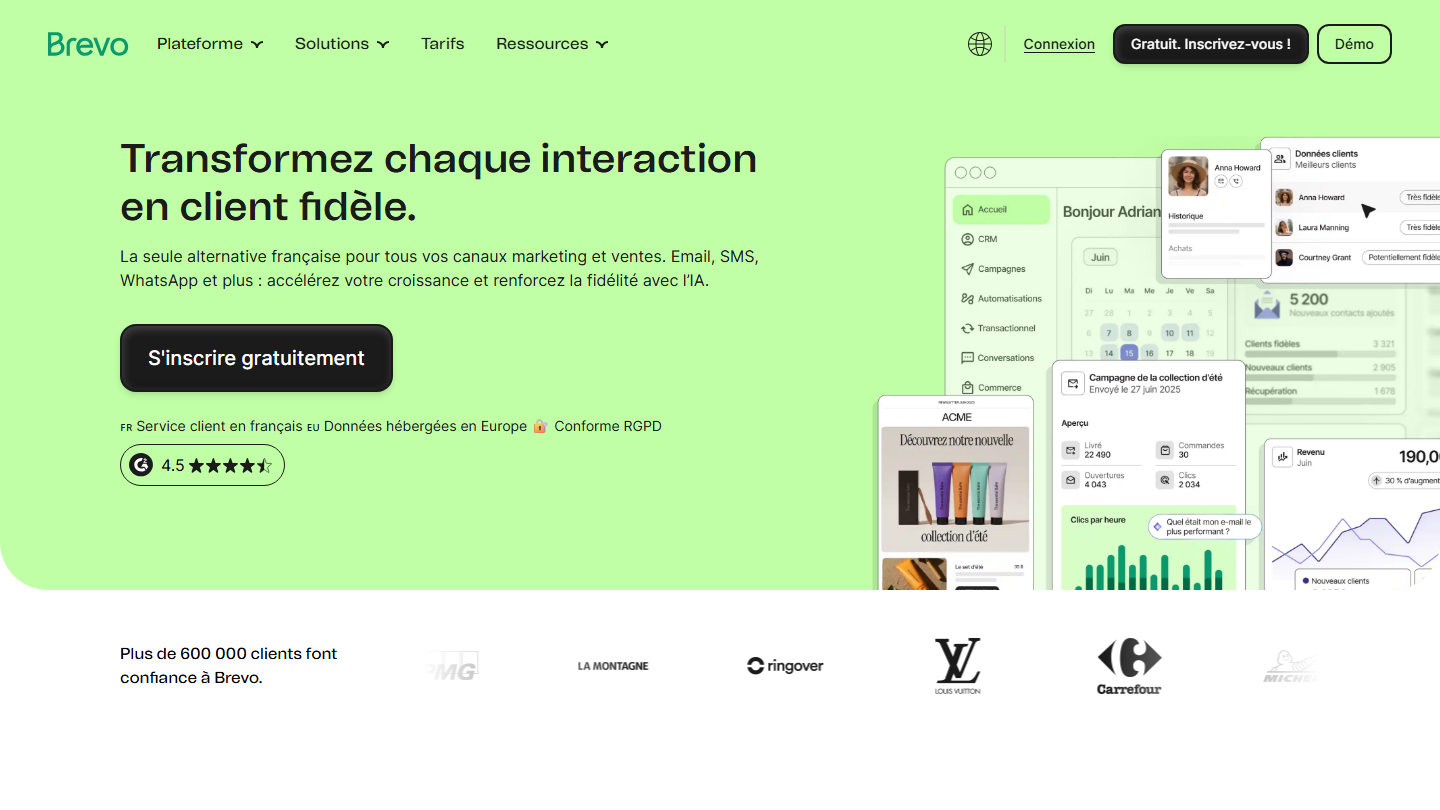
Brevo homepage:

Brevo, formerly Sendinblue, is the French tool behind a good share of SME newsletters. Data is hosted in France and customer service answers in French, including on the free plan.

For a newsletter, the path is short: pick a template from the gallery or start from a blank page, stack the blocks (title, text, image, button, product), check the mobile rendering in the preview and schedule the send. The signup form pastes onto the site, and new subscribers land in the right list with no manual work.

Its pricing model matters more than its editor: you pay for a volume of emails, not a list size. A monthly newsletter sent to 5,000 subscribers fits in the Starter plan, where a per-contact tool already runs to several tens of euros.

The free plan allows 300 emails a day, with no contact limit. Starter costs €7 a month for 5,000 emails, Standard €15 with automation and A/B tests.

02

HubSpot

4.5/5 From €20

Best for: Companies that want to link their newsletter to the CRM and to sales and service tools

+ Strengths
  • Intuitive drag-and-drop editor
  • Automation workflows, detailed analytics and A/B tests
  • CRM integration for lead management and tracking customer interactions
  • Free plan with the basic features
− Downsides
  • Free at first, then very expensive fast as you move up
  • All-in-one tool: longer learning curve
  • Hard to customize in depth
★ HubSpot in brief

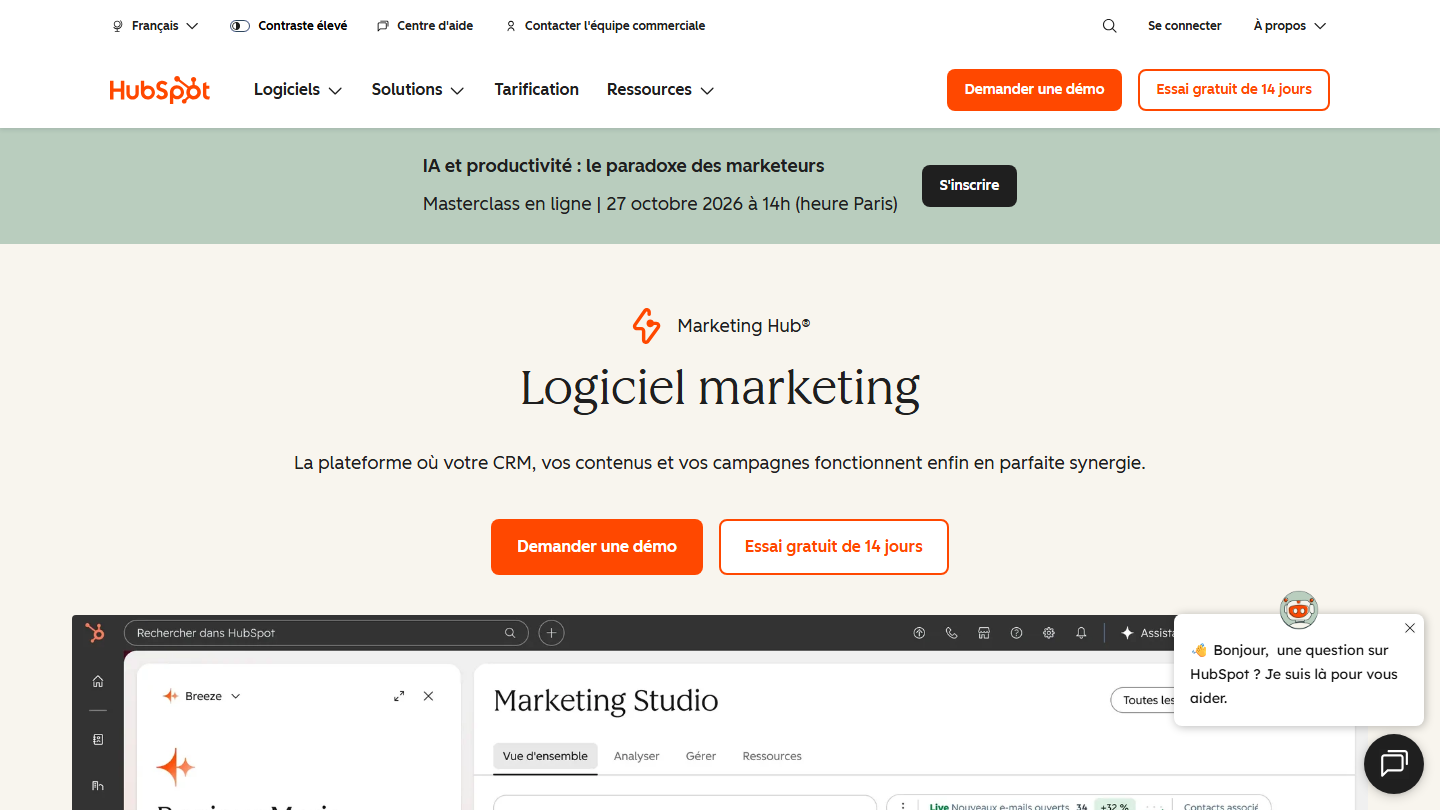
HubSpot Marketing Hub page:

HubSpot includes a newsletter creation tool in its Marketing Hub. The newsletter is not a separate tool there: it starts from the same database as the CRM, the one where salespeople track their deals.

The drag-and-drop editor picks up the brand’s colors and logo, and personalization draws on contact properties (first name, company, owner). Every open and every click appears in the contact’s history, and a workflow can alert the salesperson when a customer clicks on the offer.

HubSpot makes sense if the newsletter has to serve sales and the company wants a single tool for marketing and CRM. For sending a monthly newsletter, it is a lot of software, and the bill climbs fast with licenses.

The free plan lets you get started, with up to 2 users. Starter costs €20 per license per month, Pro €90 and Enterprise €175.

03

beehiiv

4.6/5 From $49

Best for: Content creators who want to launch and grow a newsletter without paying at the start

+ Strengths
  • Free plan up to 2,500 subscribers
  • Recommendation network between newsletters, a growth lever
  • 0% commission on paid subscriptions, from Lite
− Downsides
  • Cross-recommendations come at the expense of brand image
  • Prices shown in dollars only
  • beehiiv logo removed only on Pro, at $95 a month
★ beehiiv in brief

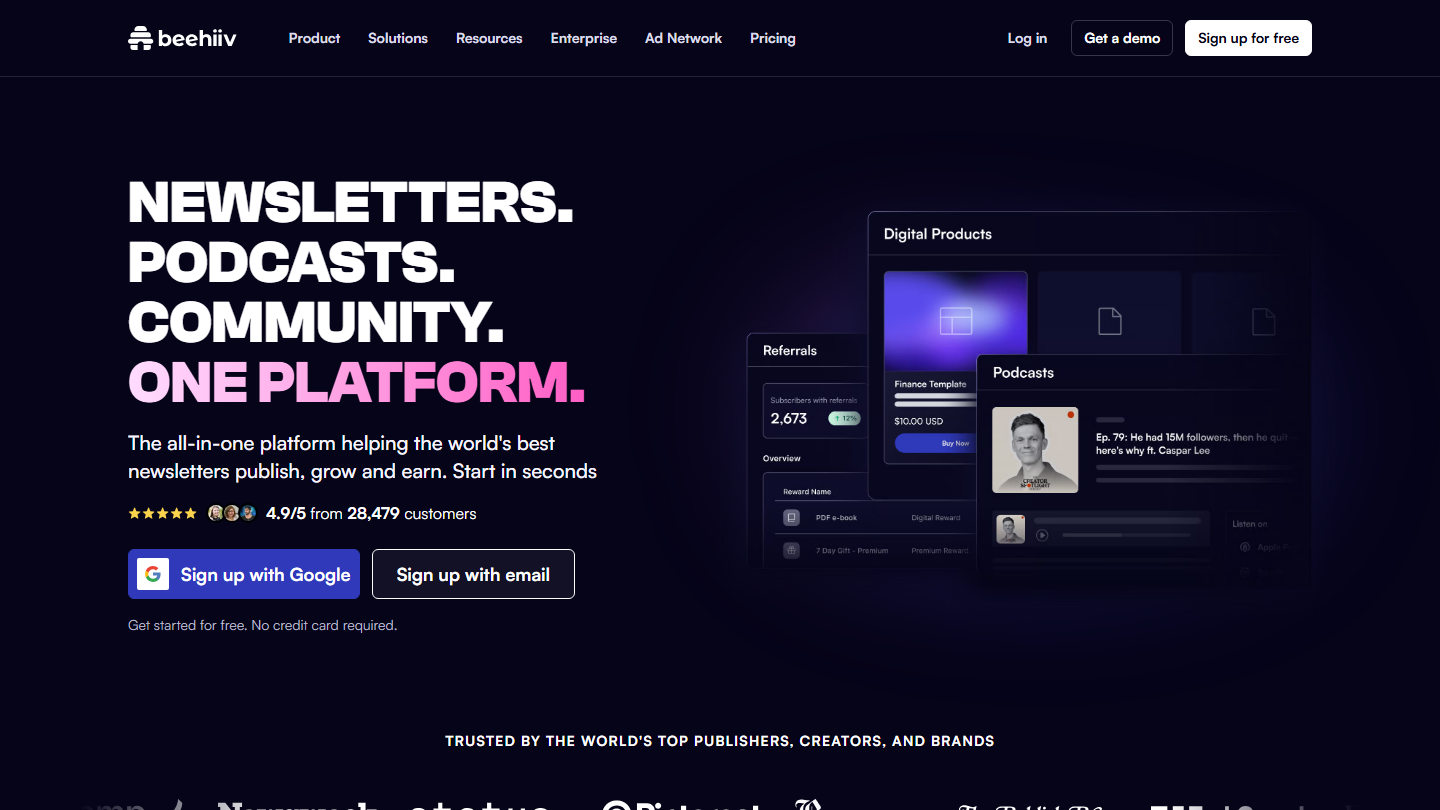
beehiiv homepage:

Beehiiv is a newsletter platform that has become one of the references for creators and online media. It has kept more of a « tool » DNA than a « platform » one: the newsletter belongs to you, on your domain, with your list exportable.

The editor looks like a blog’s: you write the issue, beehiiv sends it by email and publishes it at the same time on an automatically generated website. Around it, everything is designed for growth: forms and pop-ups, a referral program, and a recommendation network where your newsletter is suggested to the subscribers of other newsletters, and vice versa.

Beehiiv makes sense when the newsletter is a business in itself, to grow and monetize through advertising or paid subscriptions. For a B2B company sending news to its customers, these levers are of little use, and cross-recommendations put other brands in front of your readers.

The free plan goes up to 2,500 subscribers, with unlimited sends. Lite costs $49 a month billed annually for 1,000 subscribers ($59 monthly), with automations and paid subscriptions with no commission. Pro, at $95, removes the beehiiv logo.

04

Kit

4.6/5 From $33

Best for: Content creators and course sellers launching their newsletter

+ Strengths
  • Free plan up to 10,000 subscribers
  • Subscriber segmentation by tags
  • Online payments via built-in Stripe
− Downsides
  • Automations and sequences reserved for paid plans, from $33 a month
  • Support and community in English only
★ Kit in brief

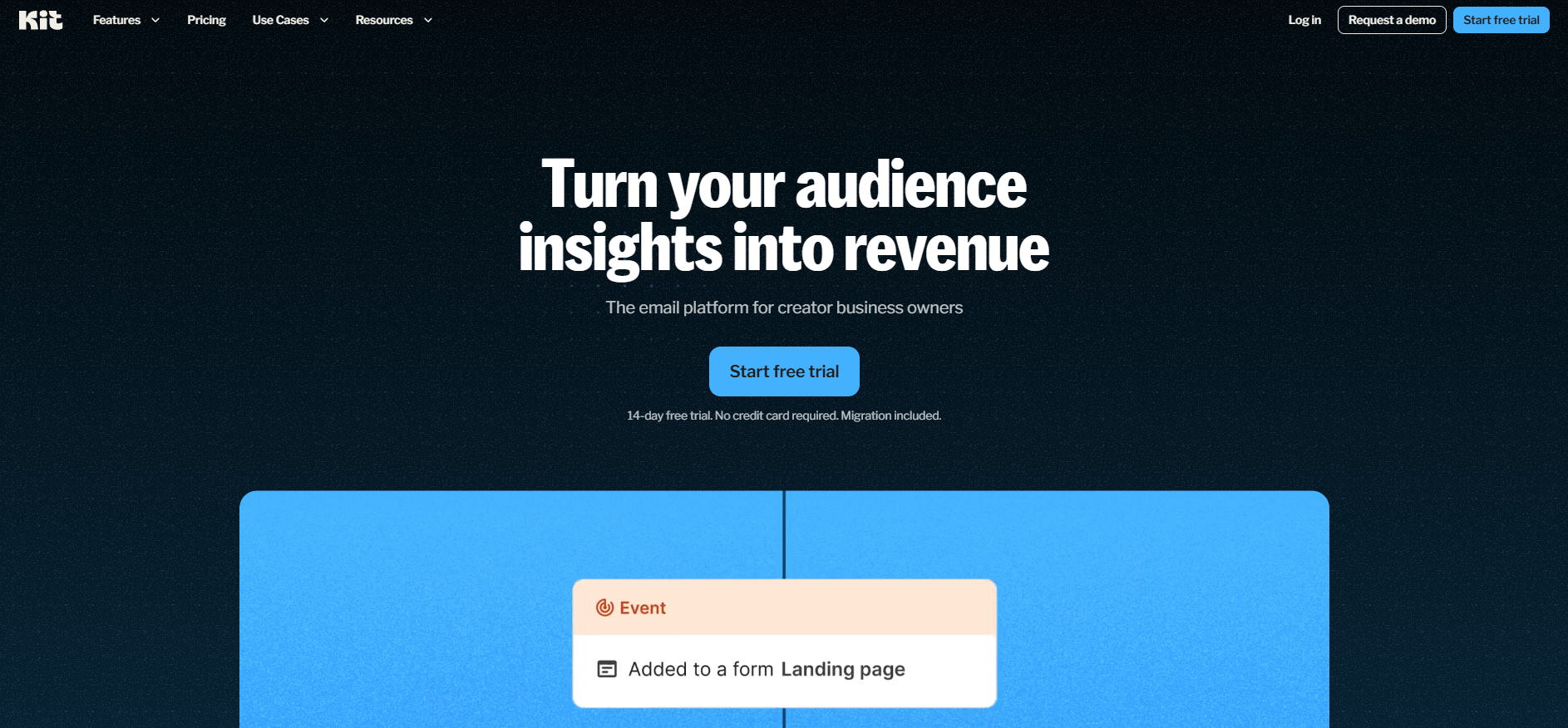
Kit homepage:

Kit, formerly ConvertKit, presents itself as the marketing platform for creators: bloggers, authors, trainers, podcasters. It changed its name but keeps the same logic, centered on the subscriber more than on the campaign.

Emails are composed in a deliberately plain editor, close to a word processor, with little layout: the stance is that of a personal letter rather than a brochure. Each subscriber receives tags depending on the form they filled in or the links they clicked, and sequences build on those tags.

Kit has the edge when the newsletter is used to sell: courses, digital products or a paid subscription can be collected with no third-party tool. For a standard company newsletter, this mechanism is oversized, and the editor will look poor to anyone who wants a rich layout.

The free plan goes up to 10,000 subscribers, with forms, landing pages and unlimited sends. Creator costs $33 a month billed annually for 1,000 subscribers ($390 a year, $39 monthly) and opens up visual automations. 14-day trial.

05

Substack

4.2/5 From 10%

Best for: Independent creators who want a free newsletter, to monetize later

+ Strengths
  • Free with no contact limit: 10% taken on paid subscriptions
  • Issues archived and readable online, with a signup prompt
  • Internal recommendation engine to gain subscribers
− Downsides
  • Still very little used for corporate newsletters
  • Far from an SEO-optimized CMS
  • The 10% commission weighs heavily once revenue takes off
★ Substack in brief

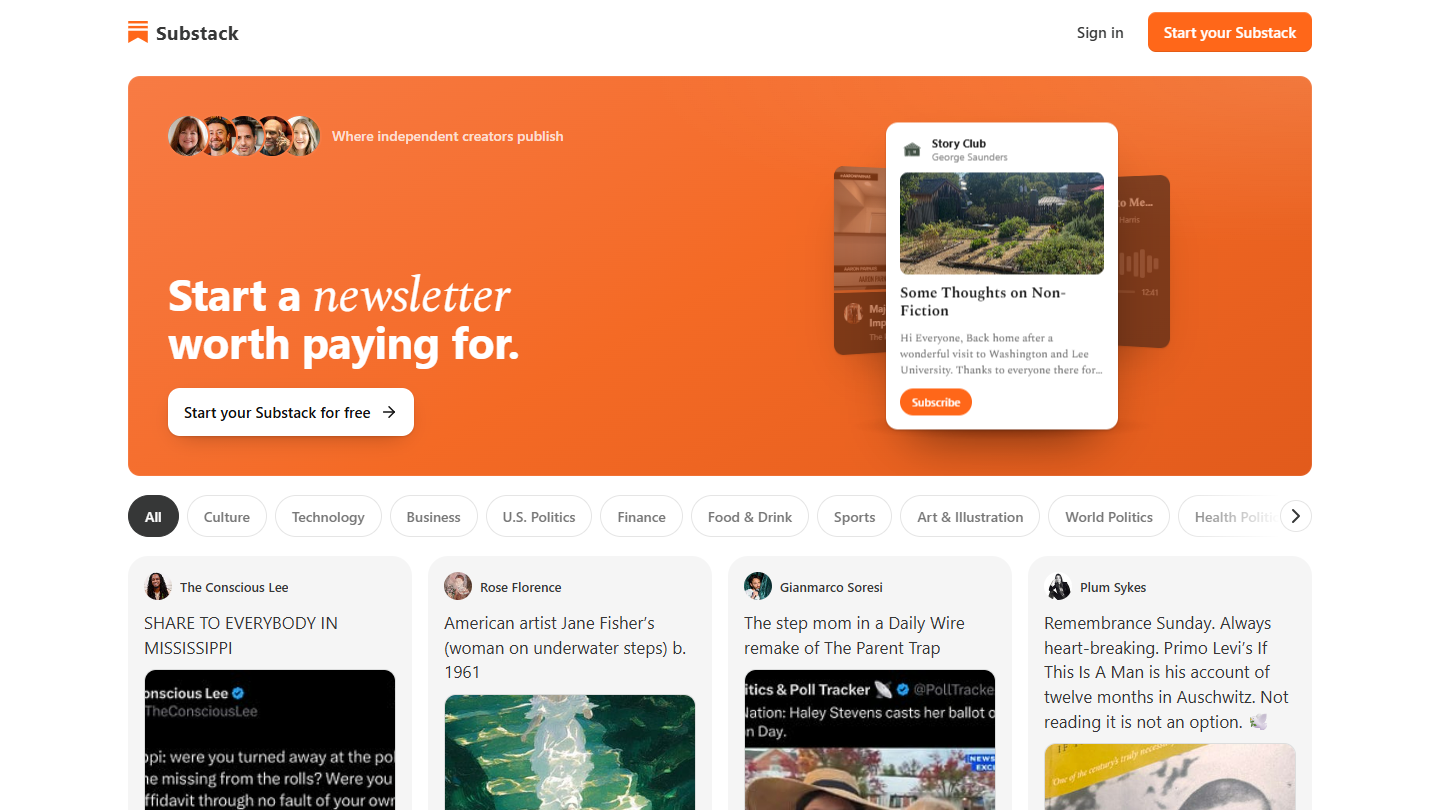
Substack website: “Discover your next obsession”

Substack is both a newsletter tool and a social network of readers. Each issue goes out by email and stays published online, with a signup prompt: a bit as if each newsletter became a blog post reachable from Google or LinkedIn.

You write in a minimalist editor, choose what is free and what is reserved for paying subscribers, and Substack handles payment through Stripe. The app adds comments, chat, podcasts and video, and the platform recommends similar newsletters to the readers of a given newsletter, which brings in subscribers without advertising.

Substack is still little used for « corporate » newsletters, but the line between company communication and the public voice of founders or employees is getting blurry, and brands do speak there, generally through a personal profile. It is a long way from an SEO-optimized CMS, and the layout is imposed.

Publishing is free, whatever the number of subscribers. If you enable paid subscriptions, Substack keeps 10% of revenue, and Stripe takes its payment fees. A custom domain costs $50 once.

06

Moosend

4.8/5 From $7

Best for: Small organizations that want serious reporting on a small budget

+ Strengths
  • Serious, complete and detailed reporting
  • Very simple contact list management
  • 30-day trial
  • Live chat with near-instant answers
− Downsides
  • No free plan
  • Support in English only
  • Deliverability in Europe behind the leaders
★ Moosend in brief

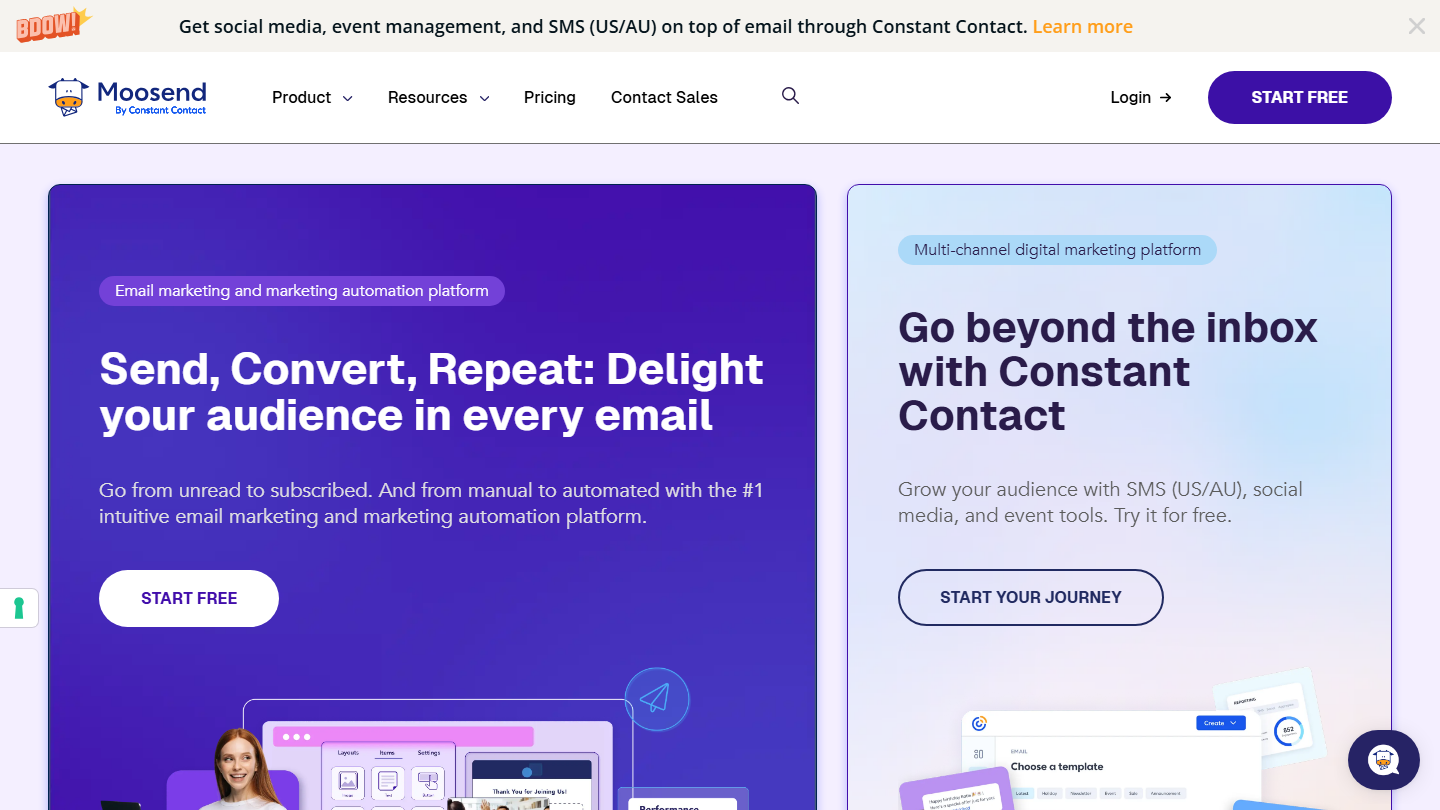
Moosend homepage, by Constant Contact:

Moosend is email marketing software now owned by Constant Contact. It targets small teams that want all the features without paying a big-platform subscription.

The newsletter is built in a drag-and-drop editor with a template gallery and an AI writing assistant. Campaign reports are its strong point: opens and clicks per link, detailed enough to tell which section of the newsletter works.

The appeal is the price: unlimited sends from the first plan, with automation and landing pages. A list of a few thousand subscribers costs noticeably less than at Mailchimp. In return, everything is in English.

No free plan, but a 30-day trial with no credit card. Pro costs $7 a month billed annually for 500 contacts ($9 monthly), with unlimited sends.

07

ActiveCampaign

4.5/5 From €15

Best for: Digital, e-commerce and B2B companies that want advanced automation

+ Strengths
  • Advanced automation: email, sales, marketing and customer service
  • Newsletter campaigns created quickly by drag and drop
  • Ideal for capturing and generating qualified leads
  • Lead scoring and sales pipeline with the Advanced CRM module, from Plus
− Downsides
  • Prices climb fast, each feature adds to the bill
  • Complicated interface if you only do newsletters
  • No free plan
★ ActiveCampaign in brief

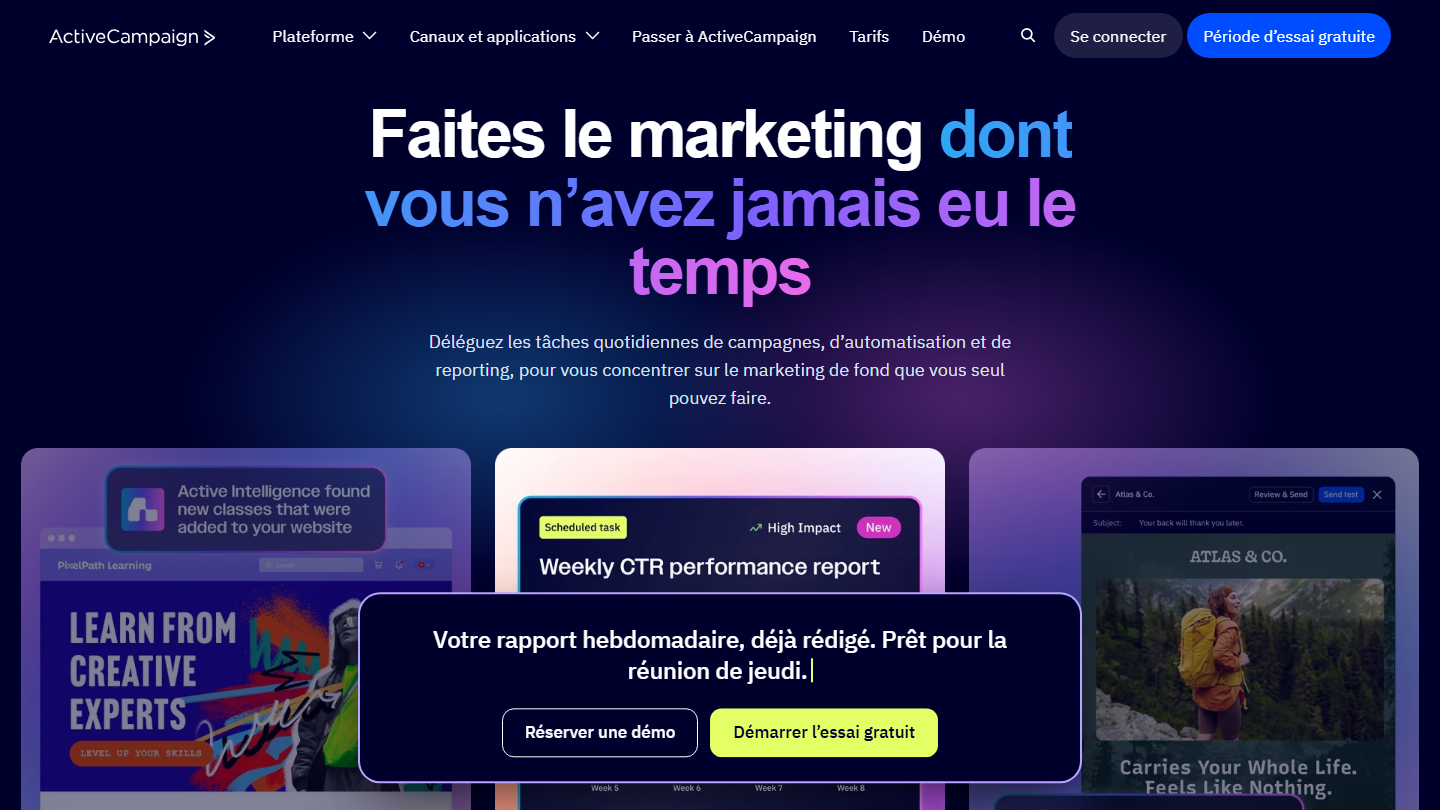
ActiveCampaign homepage:

ActiveCampaign is an American marketing automation platform. The newsletter is an entry point there: what happens after the send matters as much as the send.

The campaign is created quickly by drag and drop. After that, every click can trigger something: a tag, a score increase, a series of emails on the topic clicked. A reader who opens three newsletters in a row on the same theme thus enters a dedicated scenario, with no intervention.

The tool is worth its price for digital, e-commerce and B2B companies that want to personalize deeply. For a simple newsletter, the interface looks cluttered, and each additional feature weighs on the bill.

Starter costs €15 a month billed annually for 1,000 contacts (€19 monthly), Plus €49 and Pro €79. No free plan, but a 14-day trial.

08

MailerLite

4.7/5 From €9.90

Best for: Small organizations new to email marketing on a tight budget

+ Strengths
  • European solution, data hosted in Europe
  • Successful interface and relevant tutorials
  • Free plan up to 250 subscribers
  • Support reachable 24/7
− Downsides
  • Few CRM integrations
  • Limited landing page creation tool
  • Email templates reserved for paid plans
★ MailerLite in brief

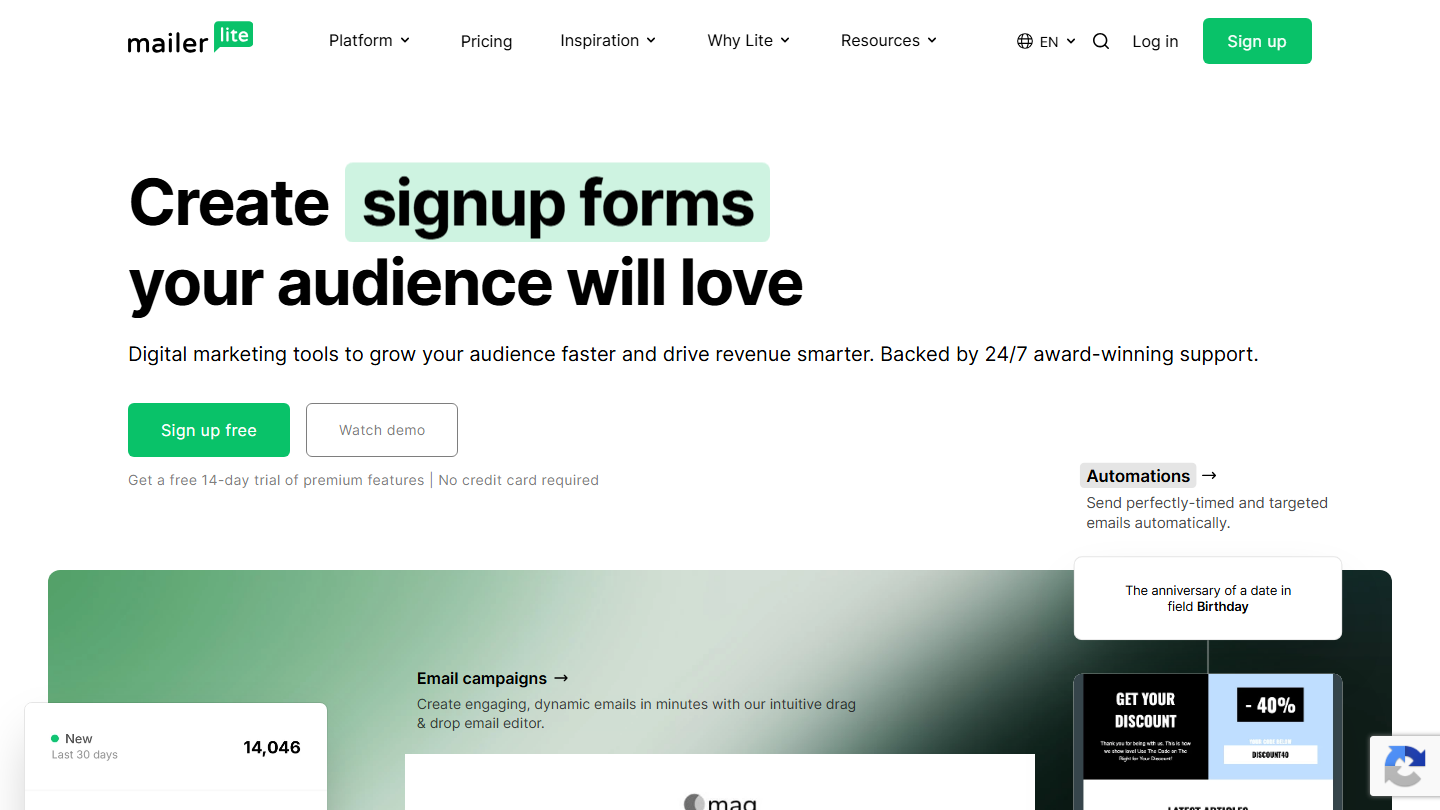
MailerLite homepage:

MailerLite is Lithuanian software that built its reputation on the quality of its newsletter editor. It is aimed at small organizations, nonprofits and creators who want a clean result without a graphic designer.

The drag-and-drop editor offers ready-to-use blocks (blog post, gallery, video, an RSS block that pulls in the latest articles from a site) and handles mobile display on its own. You can automatically resend the campaign to those who didn’t open it, and test two subject lines before sending.

It fits when the newsletter is the core of the need and the budget is tight. Its limits show up if the newsletter has to feed a CRM or a sales process: there are fewer connectors than at Brevo or HubSpot.

Free up to 250 subscribers and 2,500 emails a month. Comfort costs €9.90 a month billed annually for 500 subscribers (€11 monthly) and Power €19. 14-day trial on paid features.

09

Zoho Campaigns

4.6/5 From €3

Best for: Marketers and teams already using Zoho CRM

+ Strengths
  • Native integration with Zoho CRM
  • Effective, complete and detailed reporting
  • Free plan up to 2,000 contacts and 6,000 emails a month
  • Unlimited email sends from the first paid plan
− Downsides
  • Capture and lead generation tools lagging
  • Campaign creation interface a bit limited
  • Few integrations outside the Zoho ecosystem
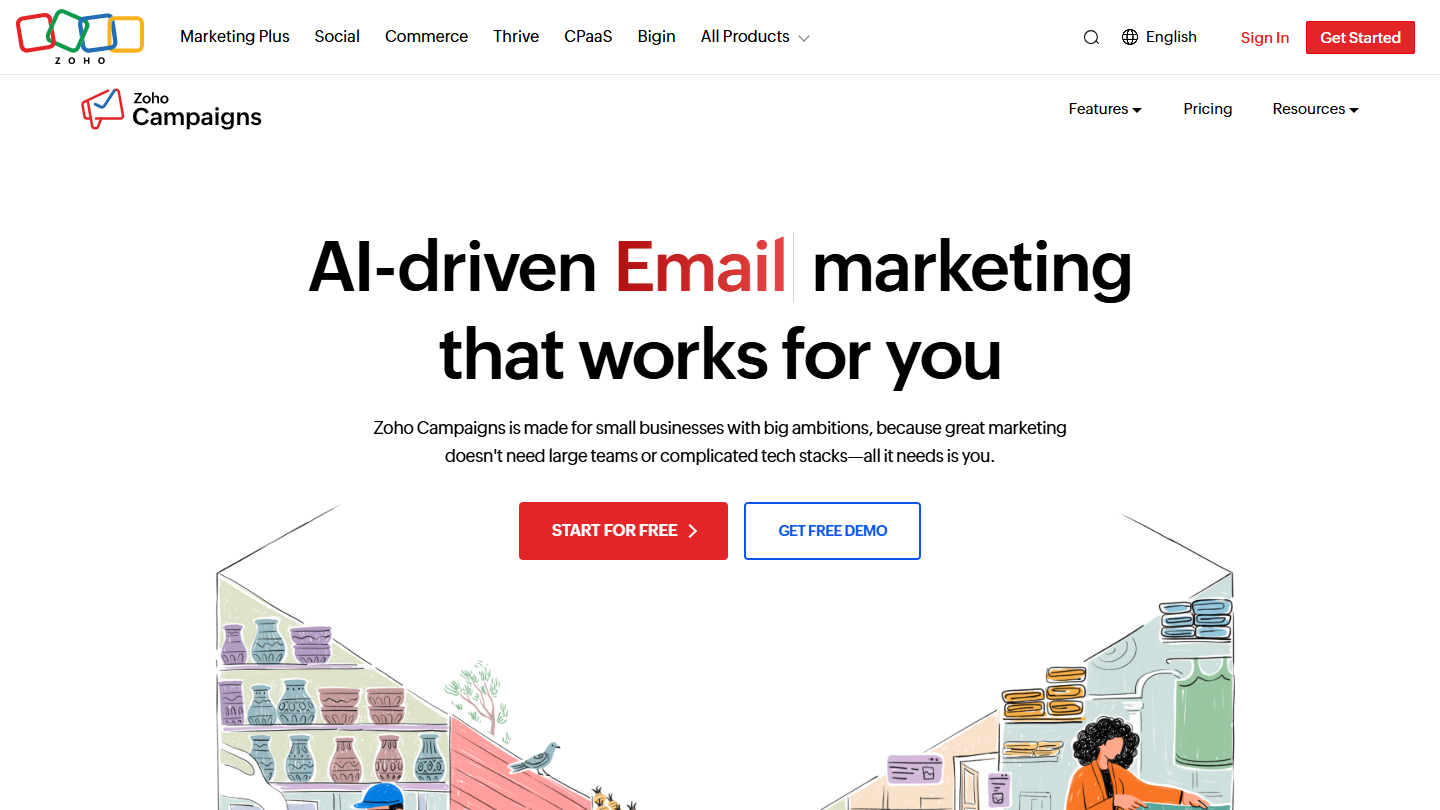
★ Zoho Campaigns in brief

Zoho Campaigns website: “AI-driven Email SMS WhatsApp marketing that works for you”

Zoho Campaigns is the email marketing module of the Zoho suite. It plugs natively into Zoho CRM: lists, fields and contact activities flow with no connector.

On the newsletter side, the drag-and-drop editor and templates cover the essentials. Reporting is the strong point: opens, clicks, bounces and unsubscribes per campaign, and, for teams on Zoho CRM, lists fed by the CRM with no export or import.

It makes sense first for a team already on Zoho. Outside that ecosystem, integrations are rarer and the creation interface less pleasant than MailerLite’s.

The free plan covers 2,000 contacts and 6,000 emails a month. Standard costs €3 a month billed annually for 500 contacts, with unlimited emails; Professional €4.50. 14-day trial.

10

GetResponse

4.7/5 From €16

Best for: Teams that want polished newsletters built from well-crafted templates

+ Strengths
  • Many templates and perfectly crafted designs
  • Pleasant interface, well-interconnected features
  • Conversion funnels from Marketer, webinars from Creator
  • 14-day free trial
− Downsides
  • Reporting a bit light
  • Customer service reputed to be slow to answer
  • Deliverability hard to assess
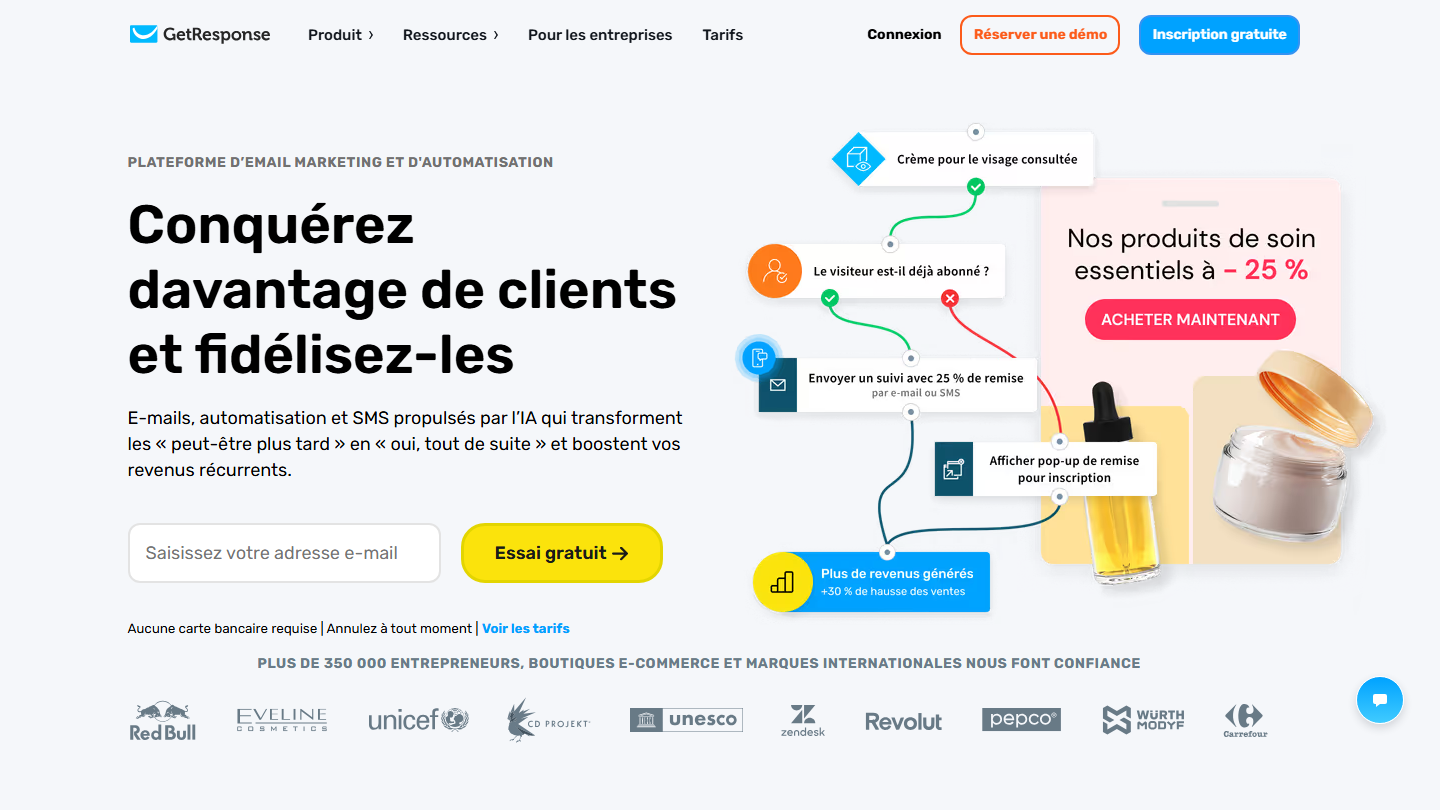
★ GetResponse in brief

GetResponse homepage:

GetResponse is a Polish email marketing platform created in 1998, known for the quality of its newsletter templates.

You pick a template from a gallery sorted by sector and by use, then adapt it in the drag-and-drop editor. The templates are well crafted and give a professional result with no touch-ups. Forms, landing pages and automations share the same interface.

GetResponse suits anyone who wants a polished newsletter and may later add sales funnels or webinars without changing tools. For sending alone, MailerLite does as well for less.

Starter costs €16 a month billed monthly for 1,000 contacts (€13.12 billed annually), with unlimited sends. Funnels arrive with Marketer (€54), webinars with Creator (€62). 14-day trial.

11

Benchmark Email

3.8/5 From €12

Best for: Email marketing regulars looking for an easy-to-use tool at a good price

+ Strengths
  • Relevant, easy-to-use interface
  • Very competitive pricing
  • Free plan: 500 contacts and 3,500 emails a month
− Downsides
  • Doubts about real deliverability and email rendering
  • Support criticized for lack of cooperation
  • Hidden costs that push the bill up
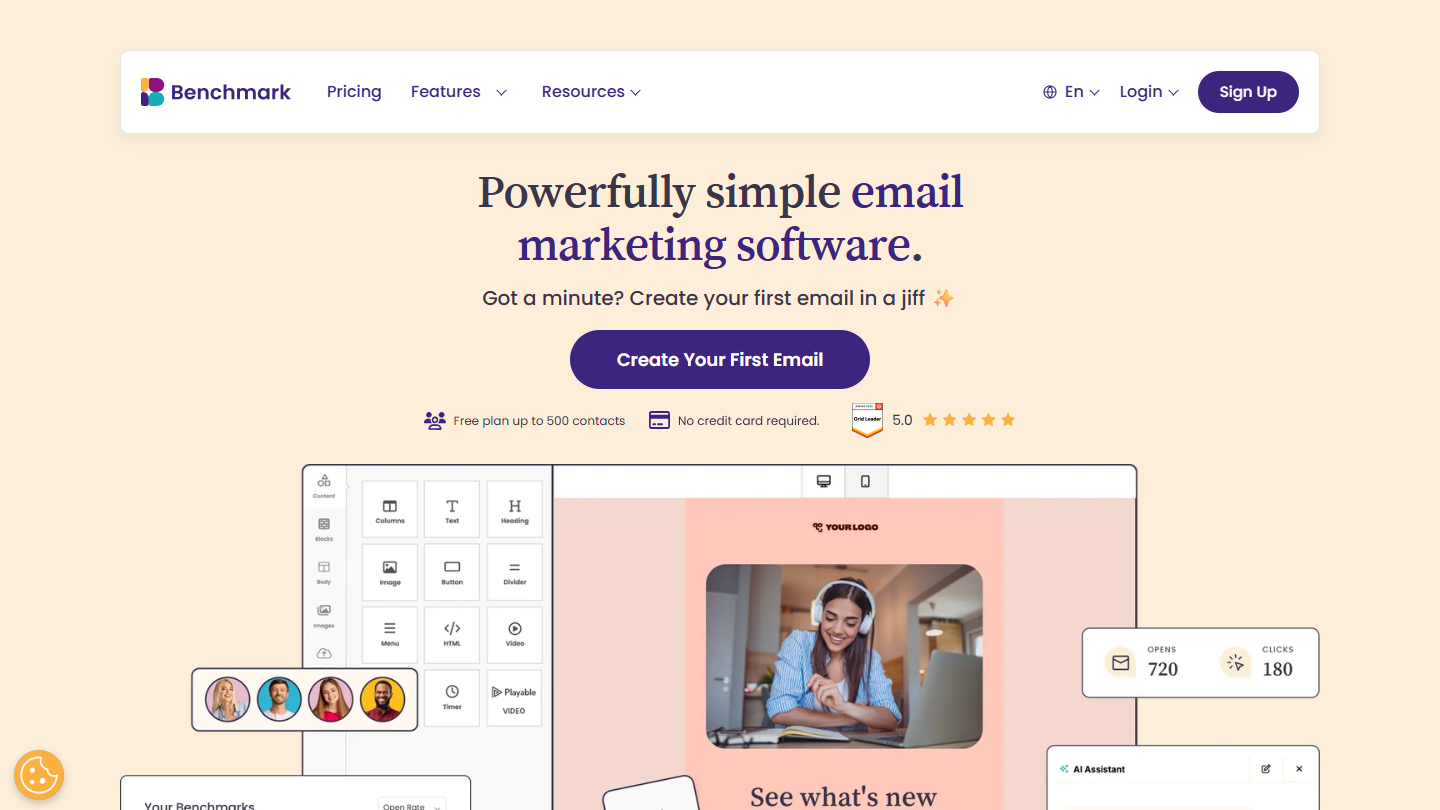
★ Benchmark Email in brief

Benchmark Email website: “Powerfully simple email marketing software.”

Benchmark Email is American email marketing software that takes care of its French version: site, editor and resources are translated. It targets those who already know campaigns and want a simple tool at a tight price.

The drag-and-drop editor comes with an assistant, Smart Design, which proposes a first email layout by AI. Templates can be customized, archives of sent emails remain accessible, and an RSS feed can feed a newsletter automatically.

The tool holds up for a regular newsletter without complicated scenarios. Feedback on deliverability and support responsiveness is more mixed than for the leaders, and it is best to test sending on your own list before committing.

The free plan covers 500 contacts and 3,500 emails a month. Pro costs €12 a month billed annually for 500 contacts (€14 monthly), with 7,500 emails, automation, forms and landing pages.

12

Mailchimp

4.1/5 From €11.68

Best for: Beginners who want a recognized, functional and easy-to-use tool

+ Strengths
  • Polished design and UX
  • Clear reporting and many templates
  • Reputation as the market's historic leader
− Downsides
  • Disproportionate pricing
  • Campaign creation interface slow to master
  • Free plan limited to 250 contacts
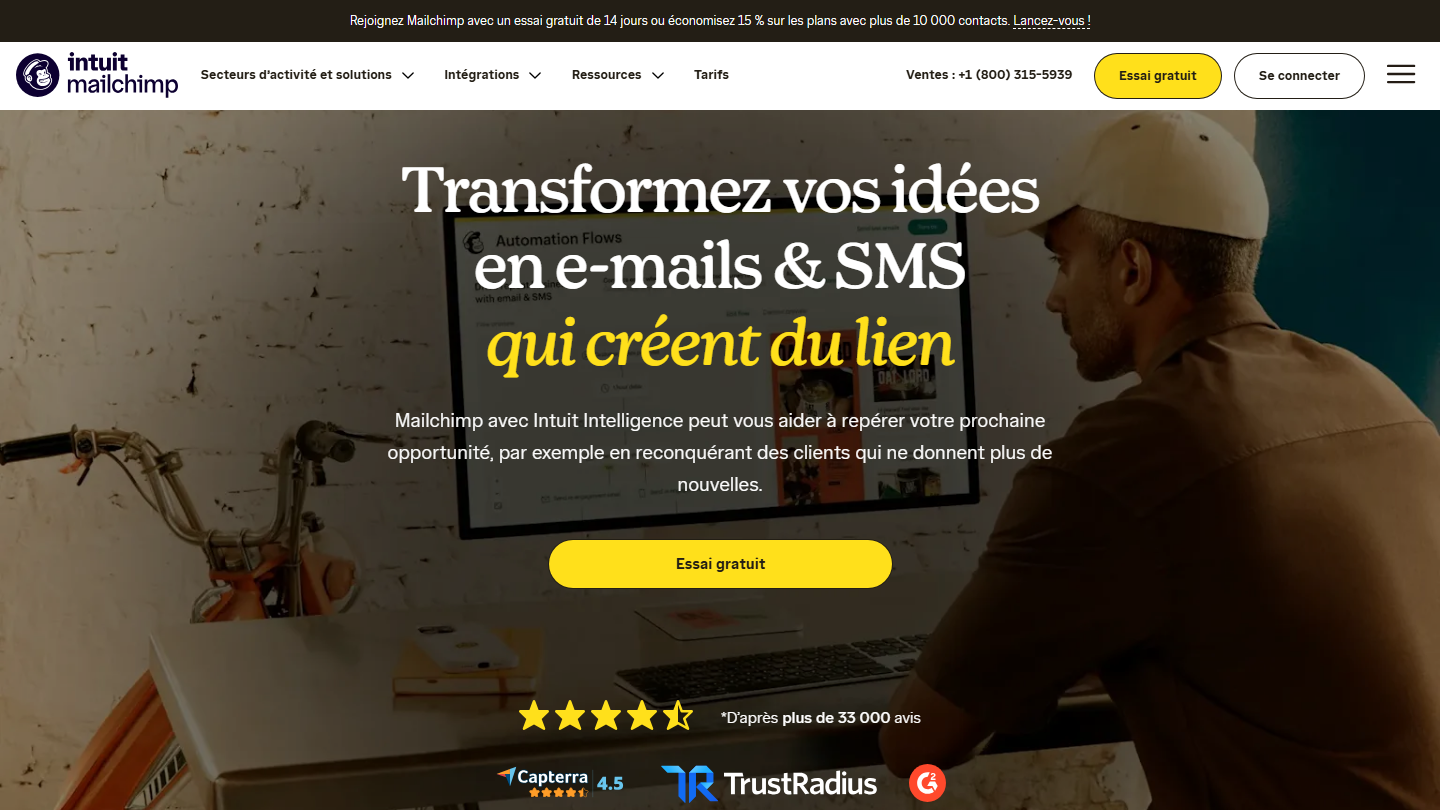
★ Mailchimp in brief

Mailchimp homepage:

Mailchimp, acquired by Intuit in 2021, is still the name most people associate with newsletters. Its strength is how easy it is to pick up: a beginner sends their first campaign the day they sign up.

The template gallery is one of the most extensive on the market, sorted by use (announcement, newsletter, promotion). The campaign report shows opens, clicks and the most-clicked links on one screen.

Mailchimp makes sense for a first list of a few hundred addresses. The bill then follows the number of contacts, and a base of several thousand subscribers costs noticeably more than at Brevo or MailerLite. We generally recommend looking at the alternatives before settling in.

Free up to 250 contacts and 500 sends a month. Essentials costs €11.68 a month for 500 contacts and Standard €17.97, with a 14-day trial. Euro amounts are converted from dollars.

13

SendX

4.2/5 From $10

Best for: Very small businesses and SMEs that want an affordable newsletter tool, with support available 24/7

+ Strengths
  • Unlimited marketing sends, billing per contact
  • Support by email or chat 24/7
  • Simple WYSIWYG editor, conversion-optimized templates
  • Visual workflows with conditions and branches
− Downsides
  • Interface and site in English only
  • Advanced deliverability reports reserved for Professional, from $233
  • No free plan
★ SendX in brief

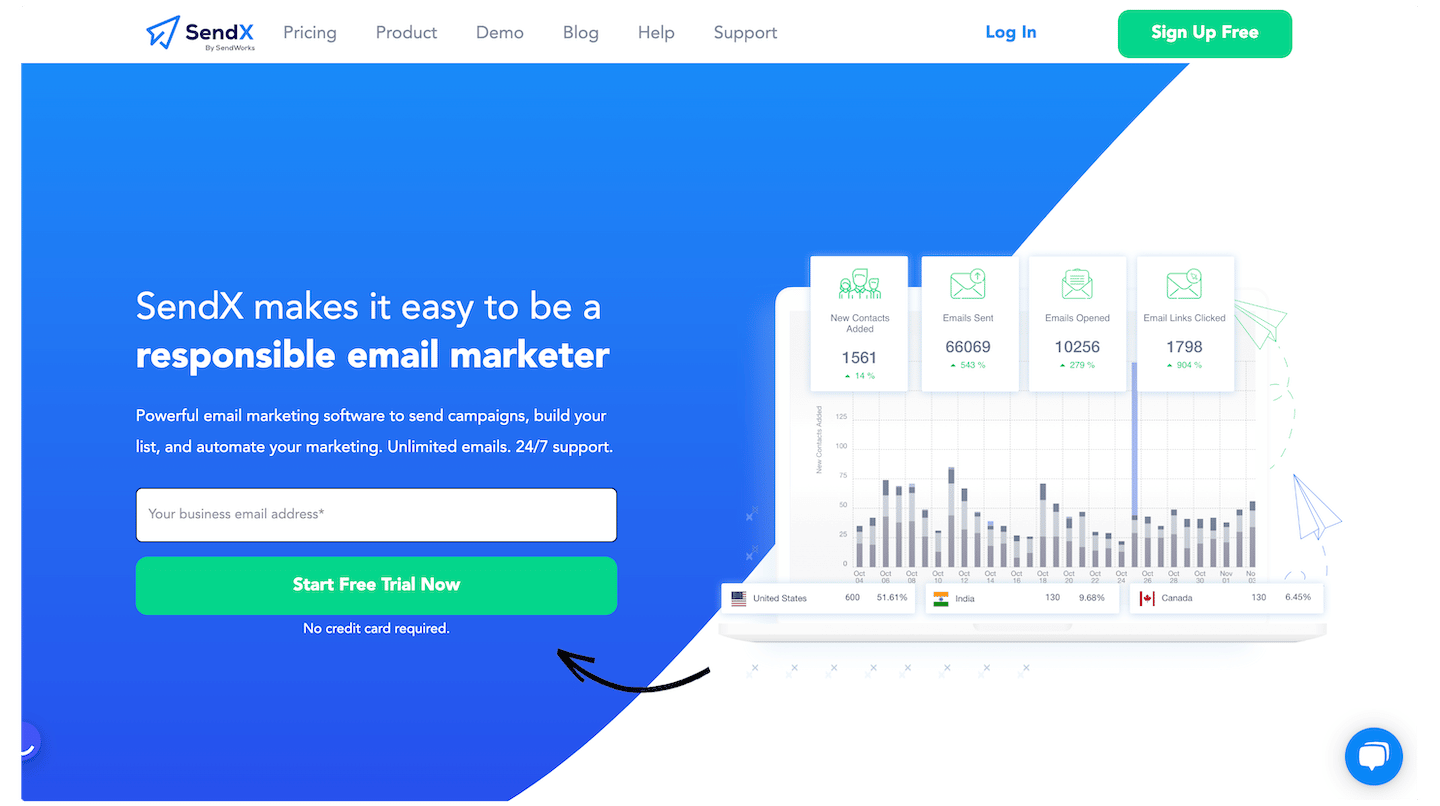
SendX homepage

SendX is American email marketing software for very small businesses and SMEs, billed by list size with unlimited marketing sends. It claims more than 3,000 client companies.

The drag-and-drop editor offers more than 1,000 templates sorted by category, saveable blocks and an AI writing assistant. You can send a newsletter every day at no extra cost, and plug visual journeys with conditions and delays behind it, for example a welcome series for each new subscriber.

Its selling point is support: chat and tickets 24 hours a day, seven days a week, on all plans. The most advanced deliverability tools remain reserved for the Professional plan.

Core starts at $10 a month for 1,000 contacts, Professional at $233 for 20,000 contacts. 14-day trial with no credit card.

How we chose these 13 tools

Every tool in this selection has been used in real conditions by our team or by a Salesdorado consultant, in a B2B sales and marketing setting. No ranking built from a marketing deck. The order of the list is not a ranking: the right tool depends on your needs.

  1. 01
    Benchmark scope

    Broad identification of the tools on the market (G2, Capterra, Salesdorado customer feedback, LinkedIn signals). Initial filtering, then a short list based on a 2-hour setup per tool.

  2. 02
    Test conditions

    3 to 4 weeks of active use per tool, with data representative of a B2B sales use case. When a tool targets a specific profile (SDR, AE, Ops, Marketer…), we match the tester accordingly.

  3. 03
    Weighted criteria

    For each category, 5 to 7 axes weighted according to what matters in the segment: UX, feature depth, native integrations, support, pricing at scale, compliance (GDPR, security), and roadmap quality.

  4. 04
    Independence

    No tool is scored in exchange for payment. Partner links (affiliate) are marked as such and do not influence the score. Non-partner tools are included when their place in the ranking is deserved.

  5. 05
    Updates

    The ranking is reviewed every 6 to 12 months or on every major release of a tool mentioned. The date of the last check is shown at the top of the article.

The questions we get over and over.

Should you build your newsletter yourself?

It's possible, but complicated. Without being a specialist, it is hard to produce a professional design, a neglected UX weighs on click and conversion rates, and your emails risk landing in spam. Without a tool, you also have no open, click or conversion stats. Salesdorado advises accepting around twenty euros a month for a professional solution.

Which free newsletter software to choose?

Brevo is Salesdorado's favorite free email software, with 300 emails a day on the free plan and unlimited contacts. On the creator side, Kit is free up to 10,000 subscribers and beehiiv up to 2,500. Substack is free with no contact limit: it takes 10% of paid subscriptions.

Which newsletter platform for a content creator?

beehiiv, Kit and Substack are the most popular with content creators. beehiiv gives access to a recommendation network that gets your newsletter mentioned in other people's, and takes no commission on paid subscriptions from its Lite plan. Kit is designed for selling courses and digital products. Substack recommends similar newsletters to its readers, in exchange for 10% of revenue.

Which newsletter tool to choose when you already have a CRM?

Zoho Campaigns is the ideal tool for those who already use Zoho CRM, with which it is natively integrated. HubSpot's newsletters start from the same database as its CRM: every open and every click goes up into the contact's history, useful for lead management and customer follow-up.

Which newsletter software for advanced automation?

ActiveCampaign targets companies looking for advanced automation features: a click in the newsletter can trigger a tag, a score increase or a series of emails. It starts at €15 a month billed annually for 1,000 contacts, but prices tend to climb fast, and the sales pipeline requires the Advanced CRM module, from the Plus plan.

★ The conversation, 0 comments

What the community says.

Basic Markdown, moderated within 24 h
Loading…

    In the same category