Logo MailerLite

Our review of MailerLite, the Lithuanian email marketing software that’s taking off in Europe

European email marketing, simple and affordable, with its data hosted in Europe.

Salesdorado
4.7 /5
1 test
G2
4.6 /5
1,114 reviews
Capterra
4.7 /5
2,324 reviews
Trustpilot
4.1 /5
3,380 reviews
Weighted average 4.56/5 4 combined reviews
Price
Free up to 2,500 emails per month, then €11 per month

The verdict in 30 seconds

MailerLite is intuitive, pleasant, and really cheap. For a small business starting out in email marketing, it’s hard to beat: the drag and drop editor is good, the reporting is well designed and customizable, and support on paid plans is a real differentiator, reachable 24/7 by live chat on Power with a five-minute response time.

The limit is clear: feature depth. Automation and lead capture exist but lag behind Brevo or ActiveCampaign, and the website builder doesn’t go beyond a simple site of a few pages. The free plan, for its part, only gives access to some of the newsletter templates, which pushes beginners to pay to get the full choice. To structure digital marketing processes without complexity, MailerLite does the job. To go further, you’ll need to switch tools.

+ What we liked
  • A complete offer for beginners: a full set of features that lets you constantly improve your performance, step by step, from email campaigns to lead segmentation and reporting.
  • Very good value for money, with complete features at a really affordable price, especially compared with direct competitors like Brevo.
  • Very effective customer support, reserved for paid plans, with 24/7 live chat on Power, an average response time of 5 minutes and 97% of customers satisfied with the help they received. It's a real differentiator.
  • A rich drag and drop email editor, with prebuilt modules, dynamic content by subscriber group, YouTube video embedding from their URL, and sharing a preview with colleagues before sending.
  • Data is hosted in Europe, which is still rare among the best-known email marketing tools.
  • An inactive subscriber cleanup feature, which automatically removes subscribers who haven't opened anything in six months, very handy to keep a clean, engaged list.
− The downsides
  • Limited feature depth: MailerLite doesn't go as far as some competitors like ActiveCampaign, especially on website building.
  • Automation and lead capture, forms and landing pages, exist but are clearly not on the level of a Brevo or an ActiveCampaign.
  • The free plan is limited: restricted access to newsletter templates limits what beginners can do, and they have to take a paid plan to get the full choice.
  • The free plan is limited to two users, and live chat is only unlocked on the Power plan.
  • Some customers report problems with the email capture forms placed on their site.
  • The interface is only available in English, Spanish and Polish, which some customers regret.

Who it is for

★ Go for it if...

Small businesses starting out in email marketing, or that want a simple strategy without overly deep features: the product is pleasant, well designed and its prices are among the lowest on the market. Also a good choice for anyone who cares about data hosting in Europe, and for bloggers, with automatic RSS campaigns and a step-by-step introduction on YouTube.

⌘ Skip it if...

Skip it if you're counting on automation and lead capture: they exist but aren't on the level of Brevo or ActiveCampaign, and website building stays basic. Skip it too if you want to start for free with the full set of templates, since the free plan only gives limited access to them, or if you need the interface in a language other than English, Spanish or Polish.

Scores per criterion

  • Overall score 4.7
  • Feature scope 4.5
  • Reporting 4.6
  • Onboarding/Support 4.7
  • Integrations 4.9
  • Value for money 4.6

The tool in detail

MailerLite after real-world use: feature scope, integrations, pricing and concrete limits.

MailerLite is a European email marketing software that hosts its data in Europe, and offers a product that’s easy to use, pleasant and well designed, at really affordable prices. Where it falls short is on automation and lead capture features, forms and landing pages: they exist, but they’re clearly not on the level of a Brevo or an ActiveCampaign.

It’s a very good solution for small businesses that are just starting out, or that want to set up a fairly simple email marketing strategy without needing very deep features. The vendor even offers a step-by-step introduction on YouTube to get to grips with the software easily.

MailerLite: feature overview

MailerLite’s flagship feature: email marketing
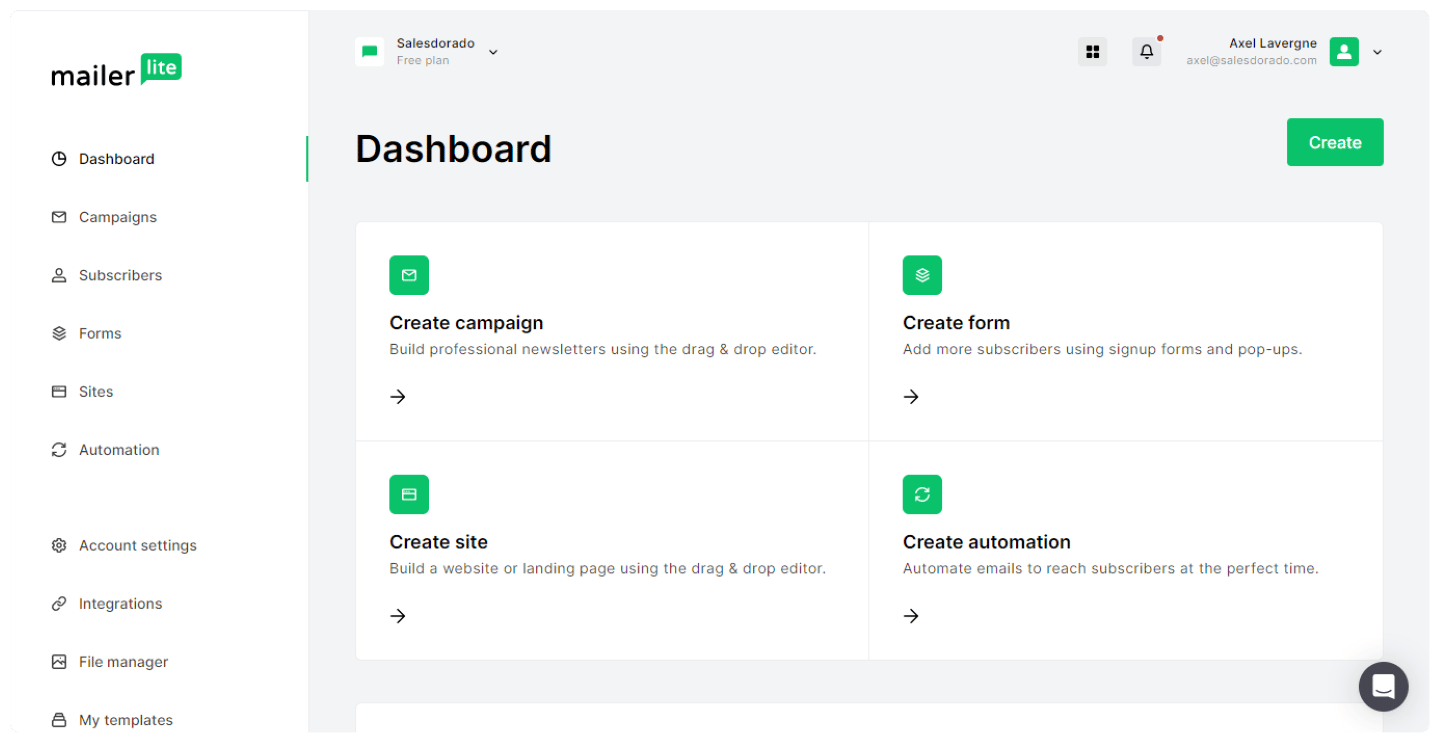
MailerLite dashboard, with campaigns and subscriber statistics

MailerLite lets you send 4 types of campaigns:

  • Email campaigns: your standard email send. Give your campaign a name, target a group of subscribers and create the email to send.
  • A/B split campaigns: to optimize your campaign, you can test the characteristics of one email against those of another, such as the subject line, the content or the sender name.
  • Auto resend campaigns: this type of campaign automatically resends an email to those who didn’t react to your first send.
  • RSS campaign: if you have a blog, you can automate sending new campaigns whenever you update the content of your site. This option suits bloggers and low-maintenance newsletters.
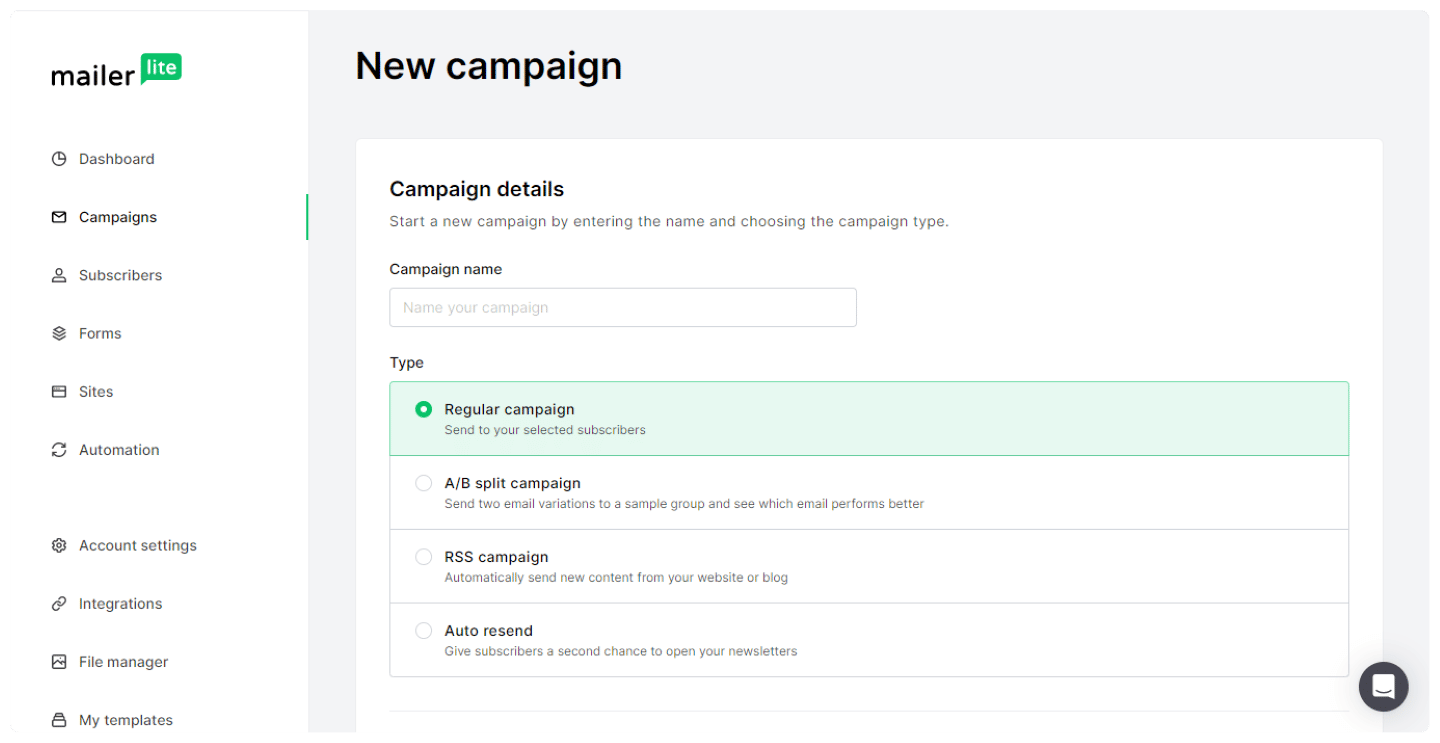
Campaign setup screen in MailerLite

MailerLite lets you automate the process to save time and win leads: for new customers, you can start with a simple automated welcome email flow, or build a multi-step onboarding process.

The email editor offers several ways to build, including one based on drag and drop blocks. They make it easy to add GIFs, product features, countdown timers or surveys.
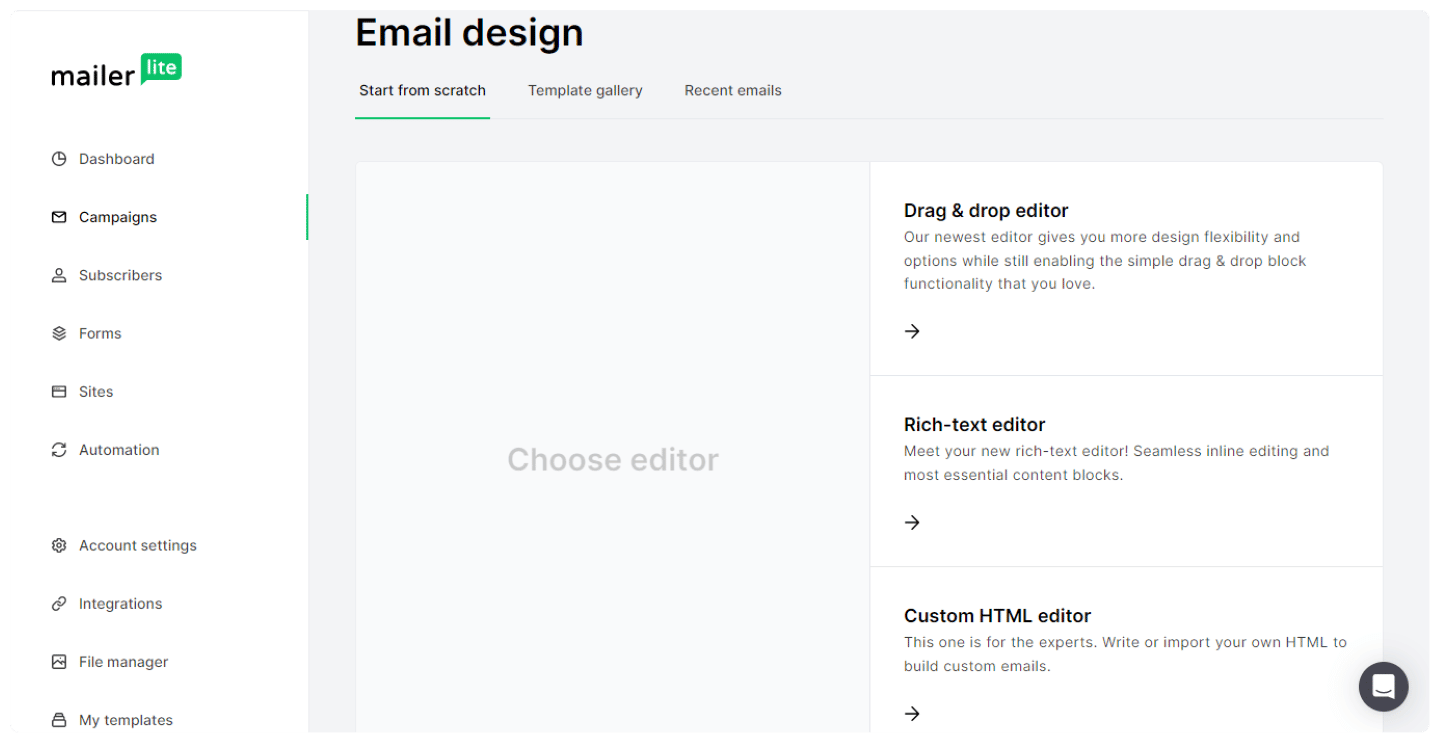
MailerLite's drag and drop email editor, with the available blocks

MailerLite offers many prebuilt modules. For example, they let you make content dynamic and show different blocks to different groups within the same email, for instant personalization.
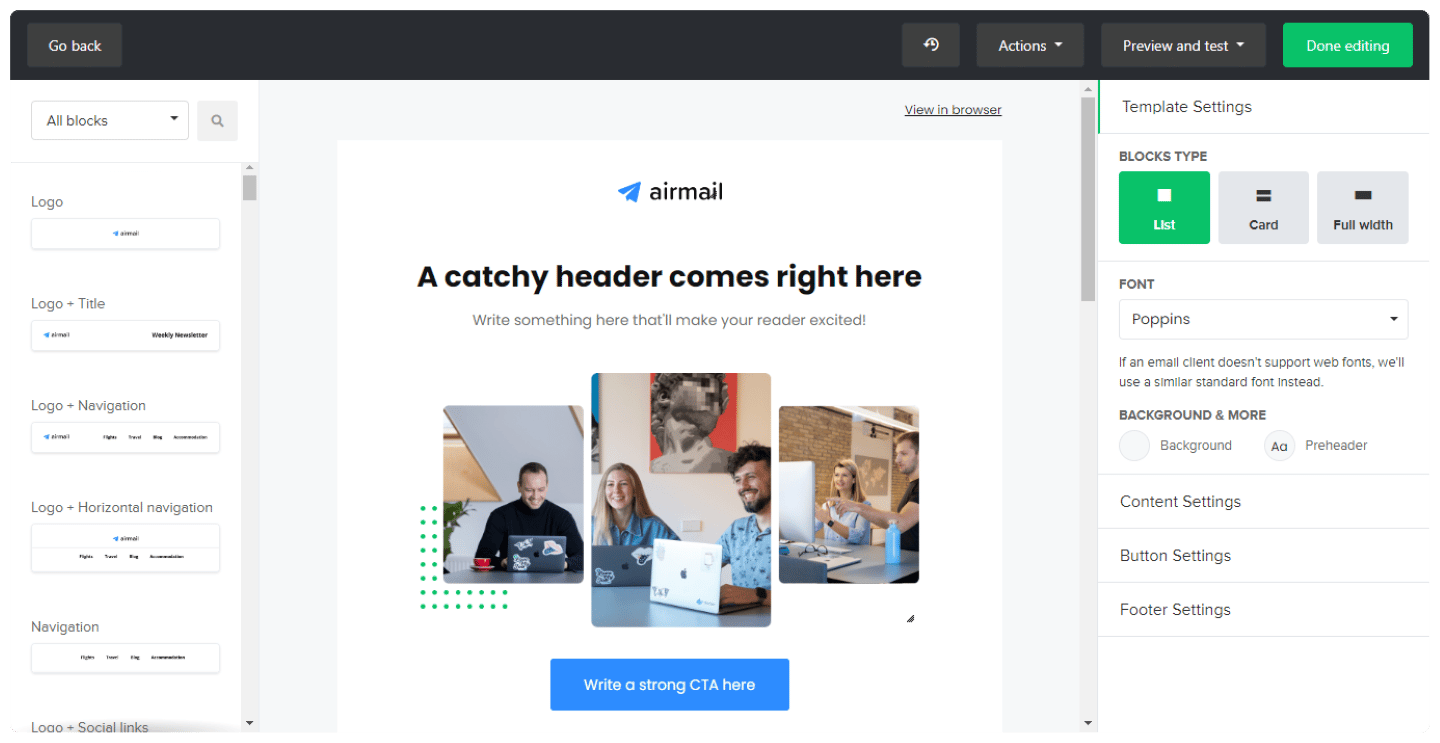
Dynamic content modules offered by MailerLite's email editor

The editor also lets you embed a YouTube video simply from its URL.
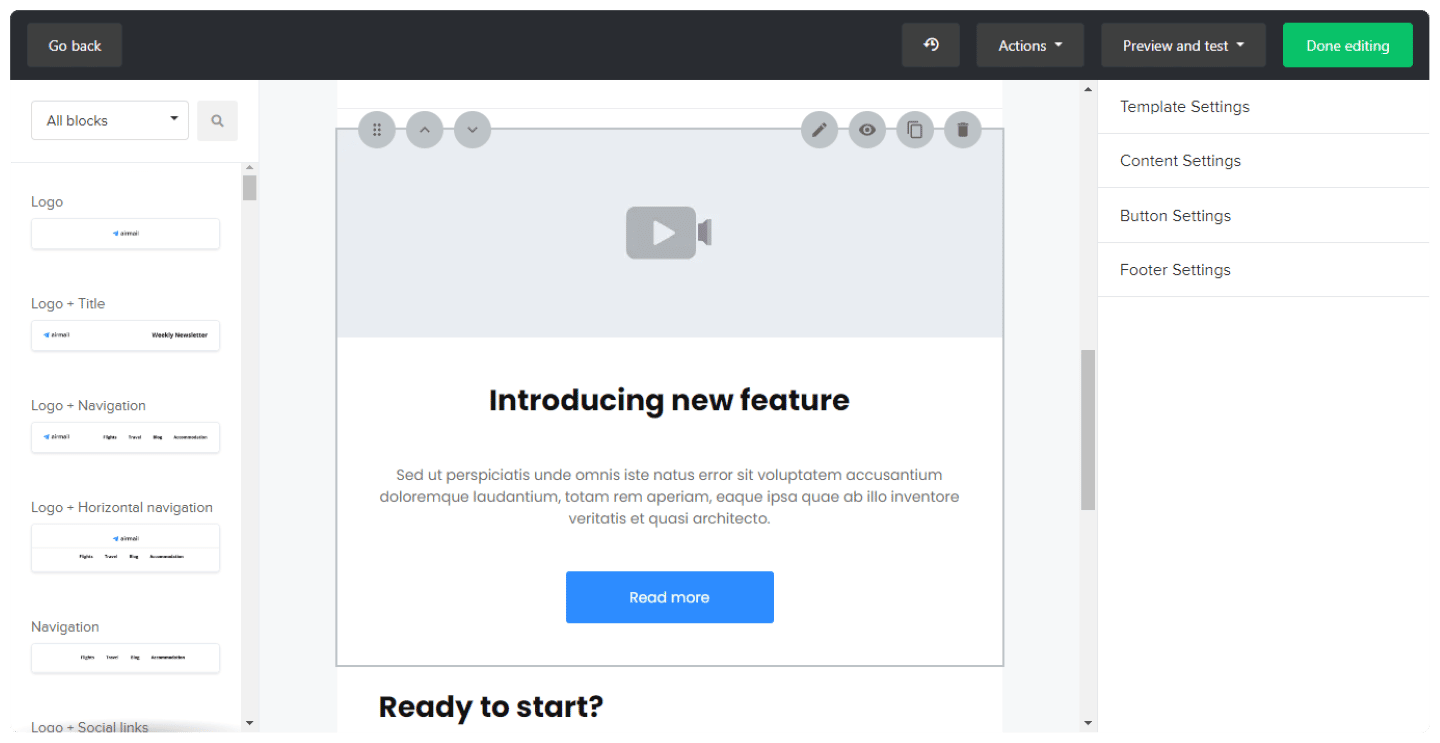
Inserting a YouTube video into a MailerLite email

Once your email is finished, you can easily share a desktop or mobile preview, a link or a PDF with your colleagues, so they can check it before it goes out.
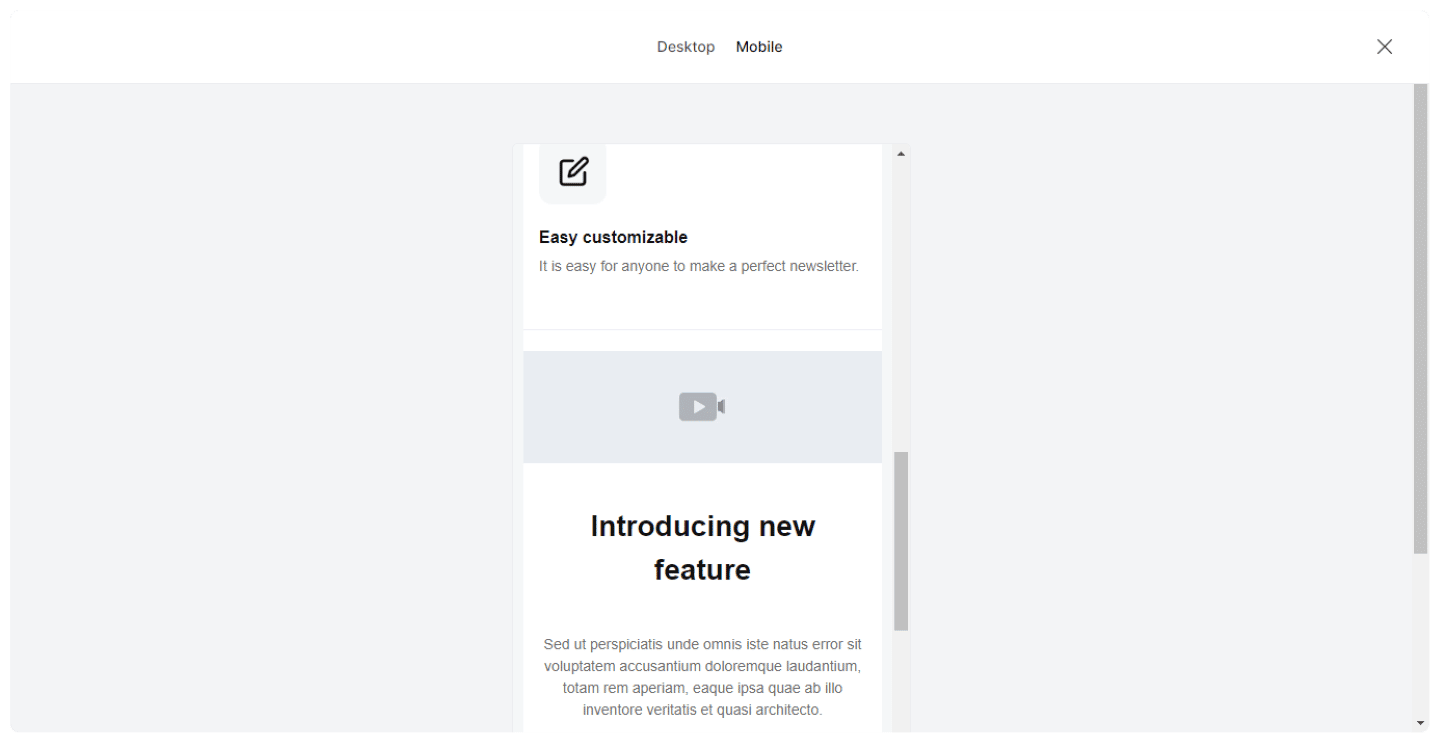
Mobile preview of an email in MailerLite

To select subscribers from a list, MailerLite offers many filters to target exactly the right segments. You can schedule a send at a fixed time, or based on the subscriber’s time zone.

Contact management
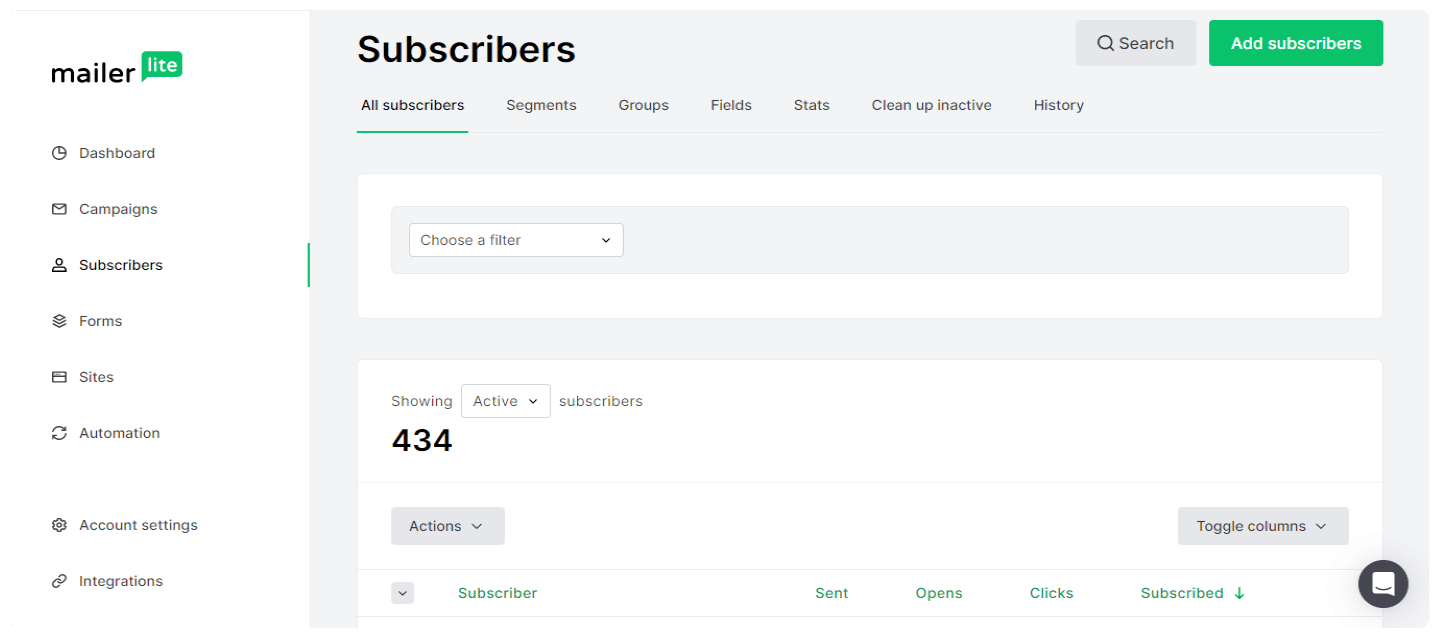
Subscriber list in MailerLite, with their statuses

To go further with email marketing and make your sends more relevant, MailerLite lets you manage your contacts and segment your campaigns:

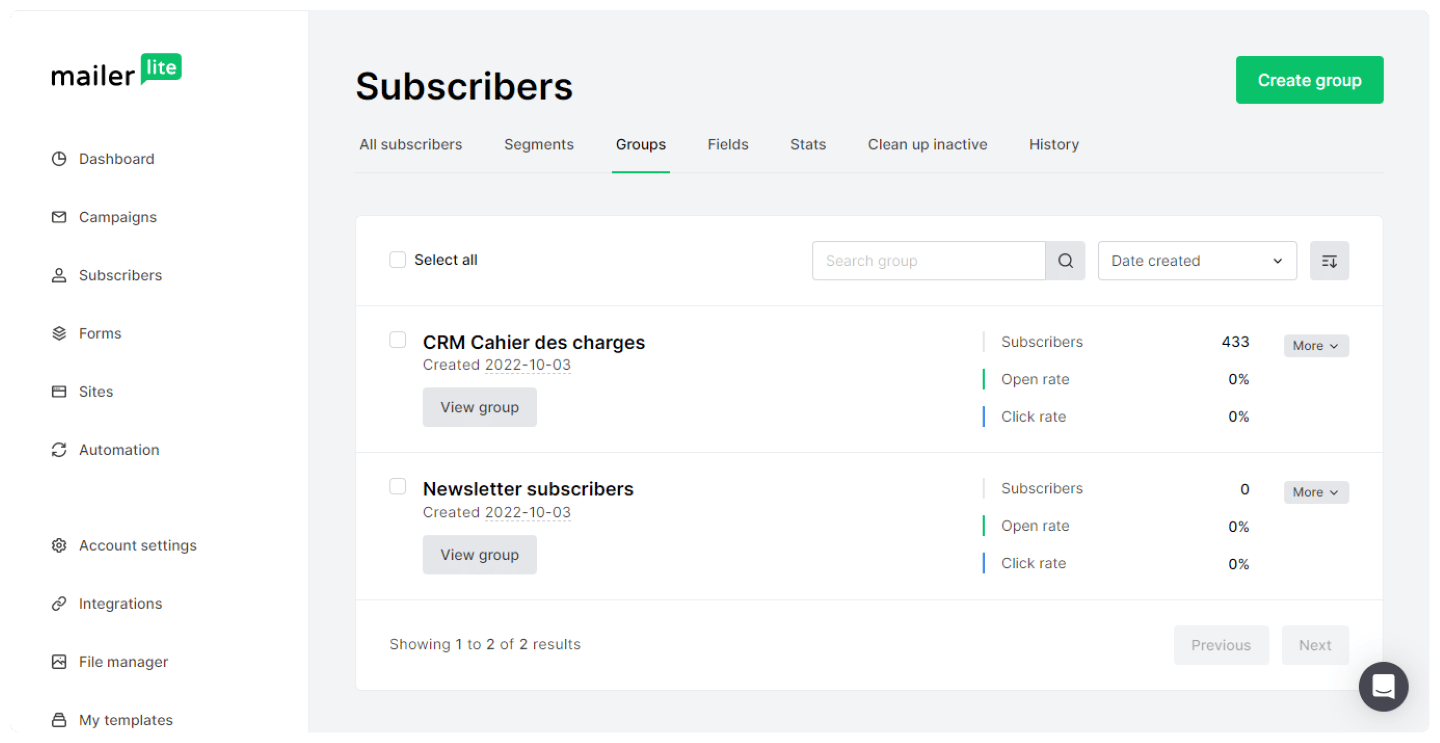
  • Contact management: MailerLite lets you add new subscribers manually and import a CSV or TXT file, or from a database, Mailchimp for example. This feature also includes a very handy contact filtering system.
  • Organizing your leads: you can create groups based on lead characteristics, age, gender, country, on their activity, emails clicked, opened or read, or on their purchases, if you choose to integrate MailerLite with your online store.
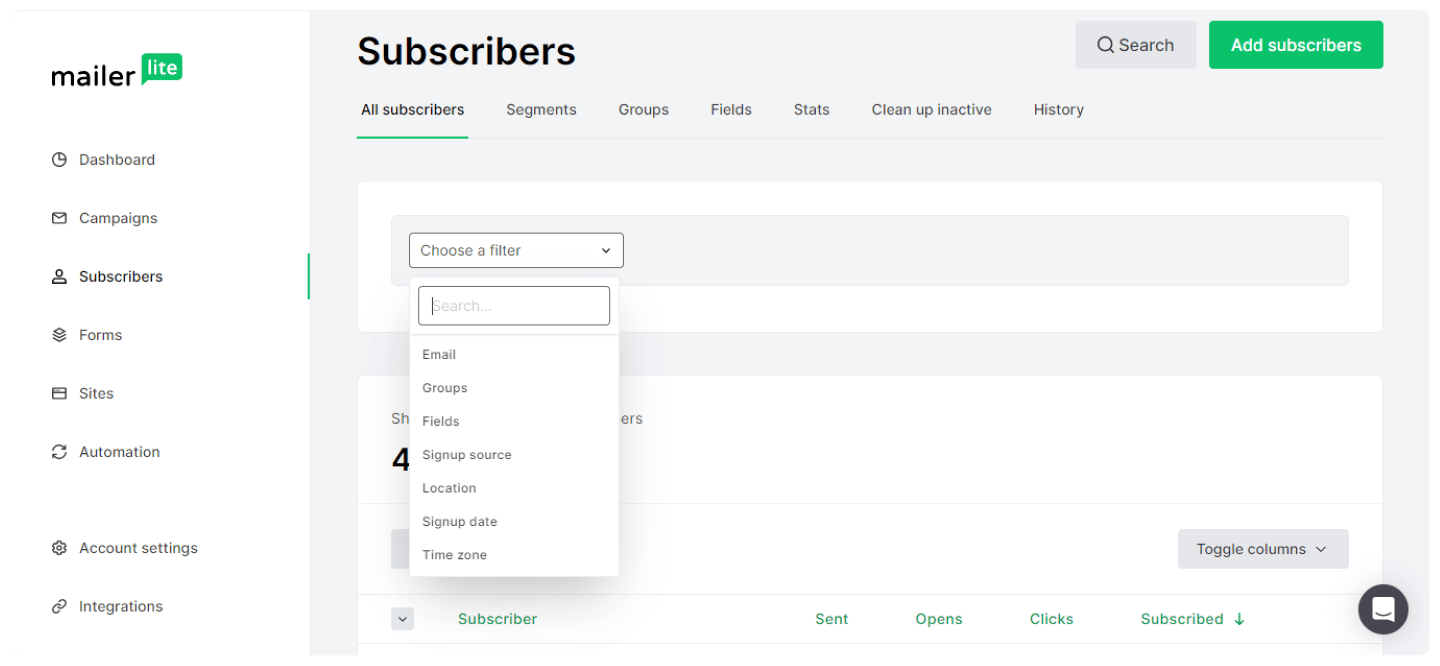
Subscriber search filters in MailerLite
Creating a subscriber group in MailerLite

Website and landing page creation

MailerLite's website builder, with its page blocks

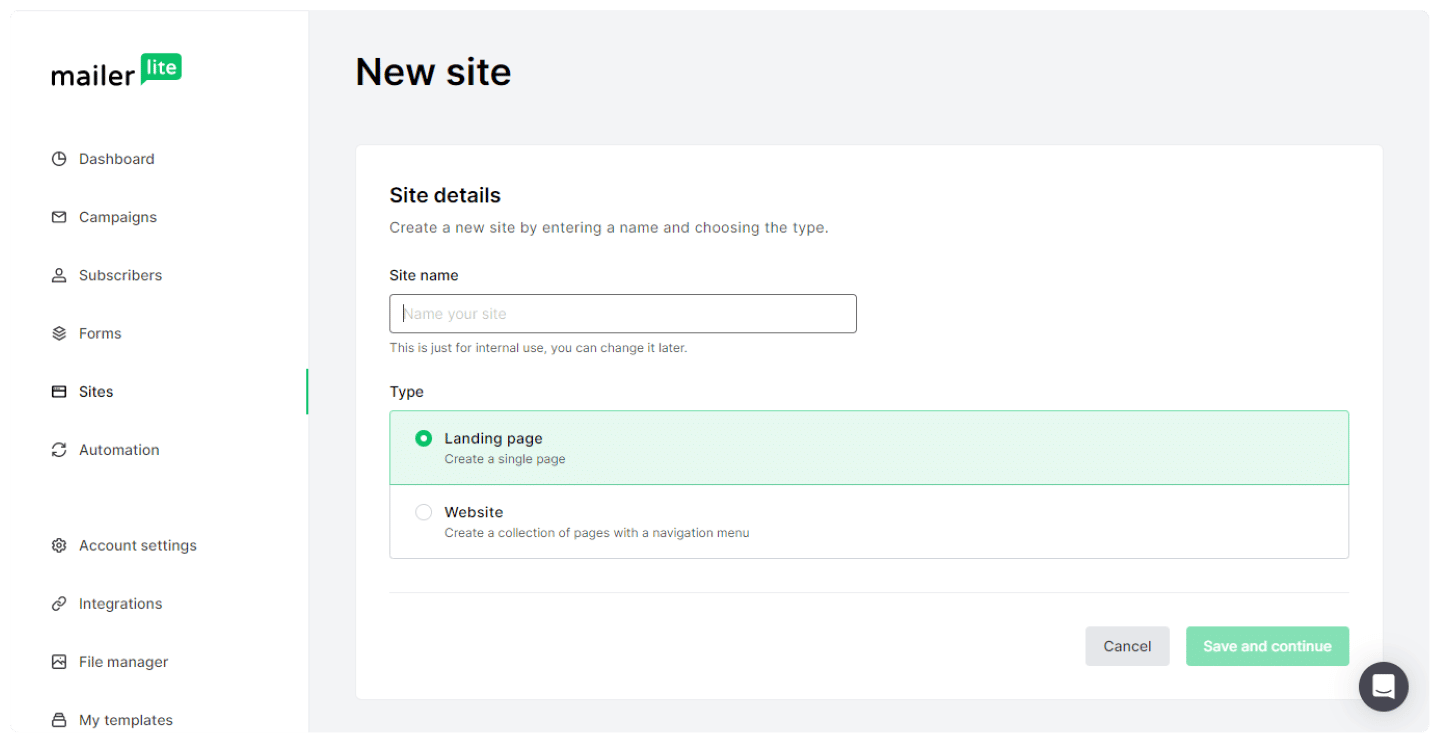
Building websites and landing pages works the same way as emails, with drag and drop. You can create everything yourself, or start from the templates, more than thirty of them, available from the free plan.
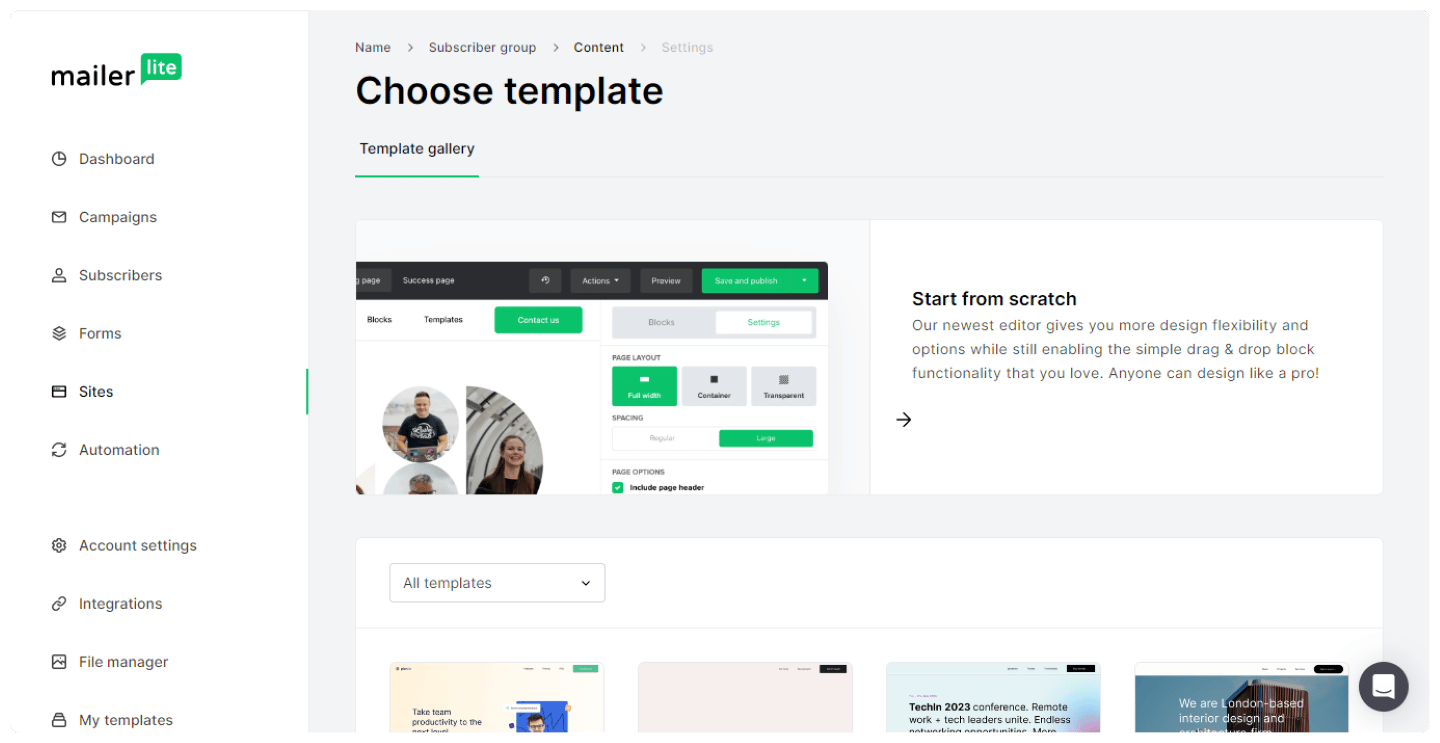
Landing page templates offered by MailerLite

You can host MailerLite landing pages and websites on their .mailerpage.com domain, or display them on your own site.

  • For landing pages, you can set the title, the URL, the SEO settings and even the meta descriptions for social networks.
  • For websites, MailerLite lets you create a simple site with several pages.
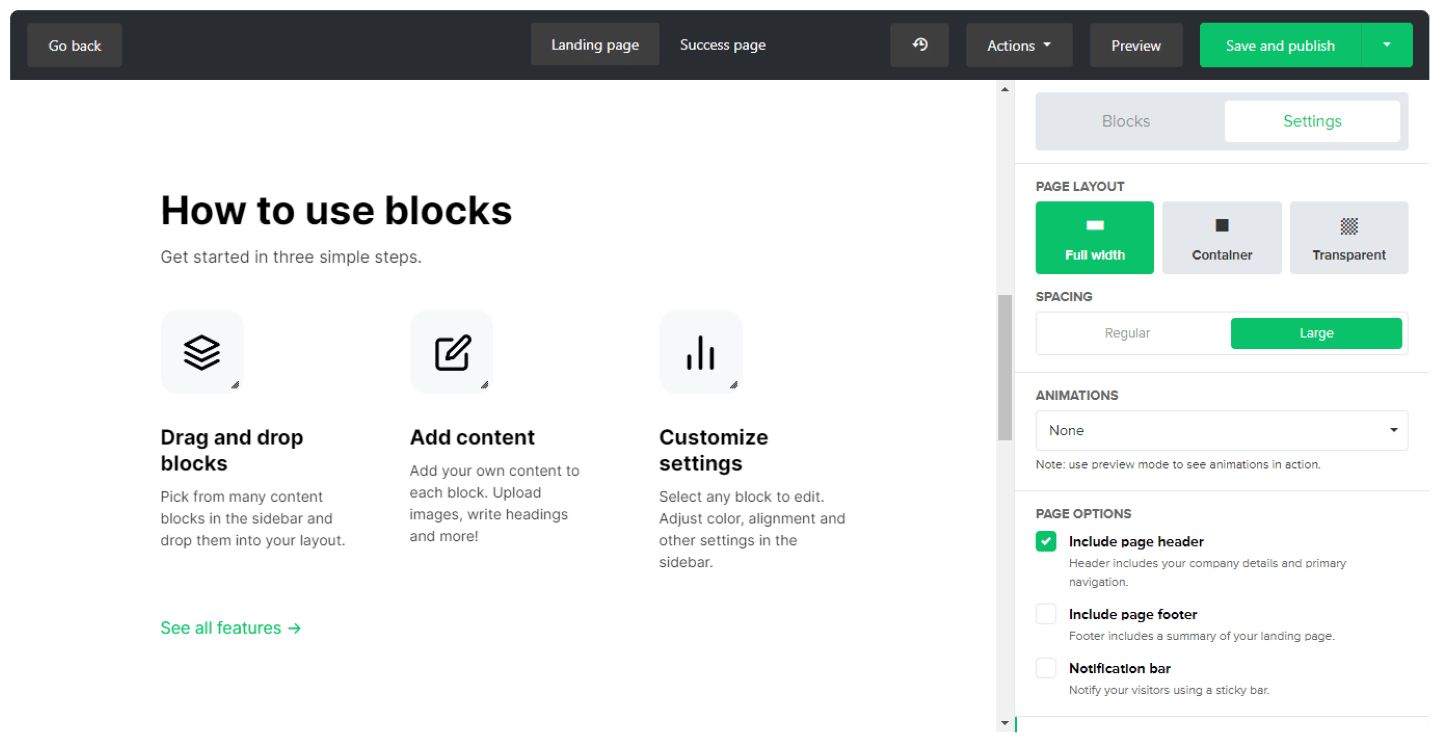
SEO settings of a landing page in MailerLite

Salesdorado’s tip

For this feature, start from the templates, available from the free plan, which is limited to one website and one landing page. They’re sorted by industry, real estate, communication, and you don’t have much to change once the template is selected.

Reporting

List reports are in the statistics section. You can get statistics for all subscribers or for a specific group: MailerLite pulls together all the data for that group and gives you an overview.
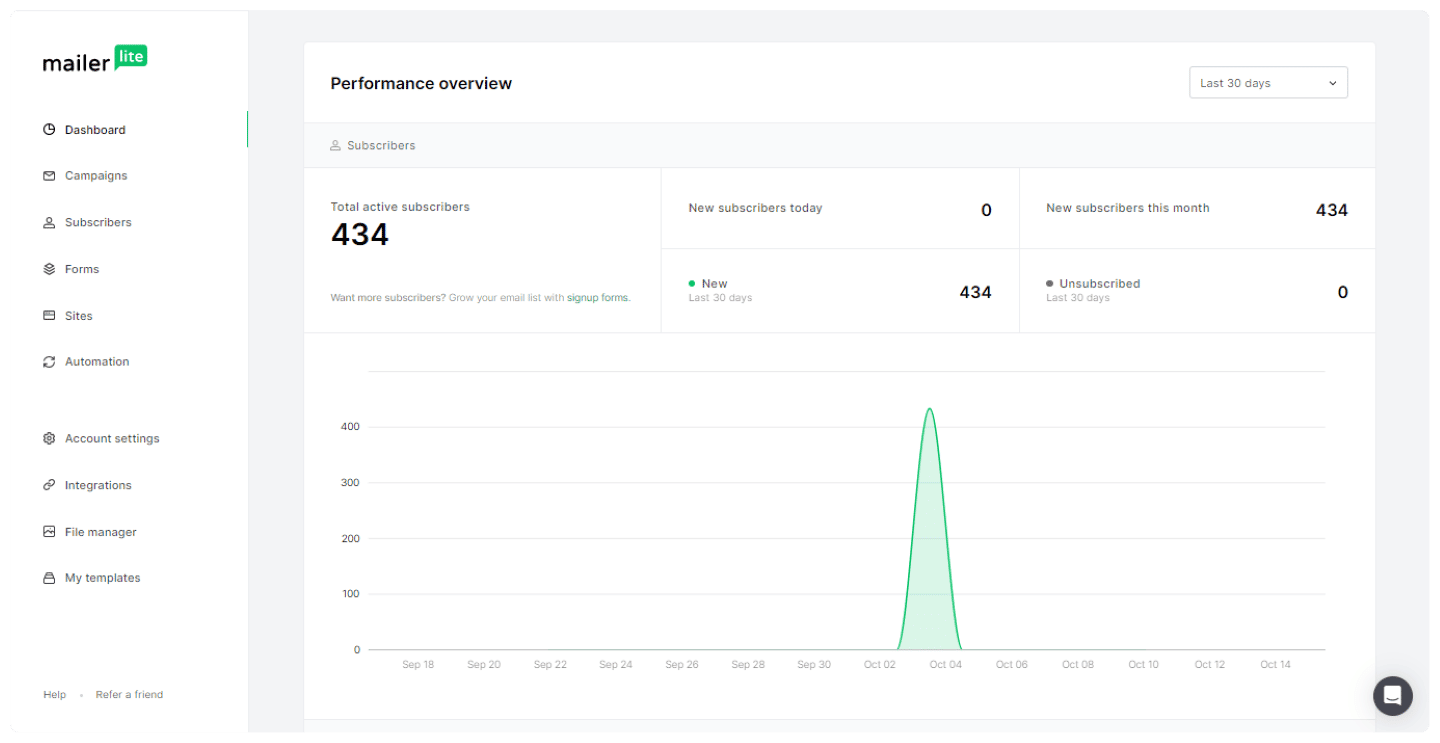
Subscriber growth statistics in MailerLite

The email statistics available are list growth, average open and click rates, and unsubscribe metrics. MailerLite also lets you see your subscribers’ top domains and email clients.
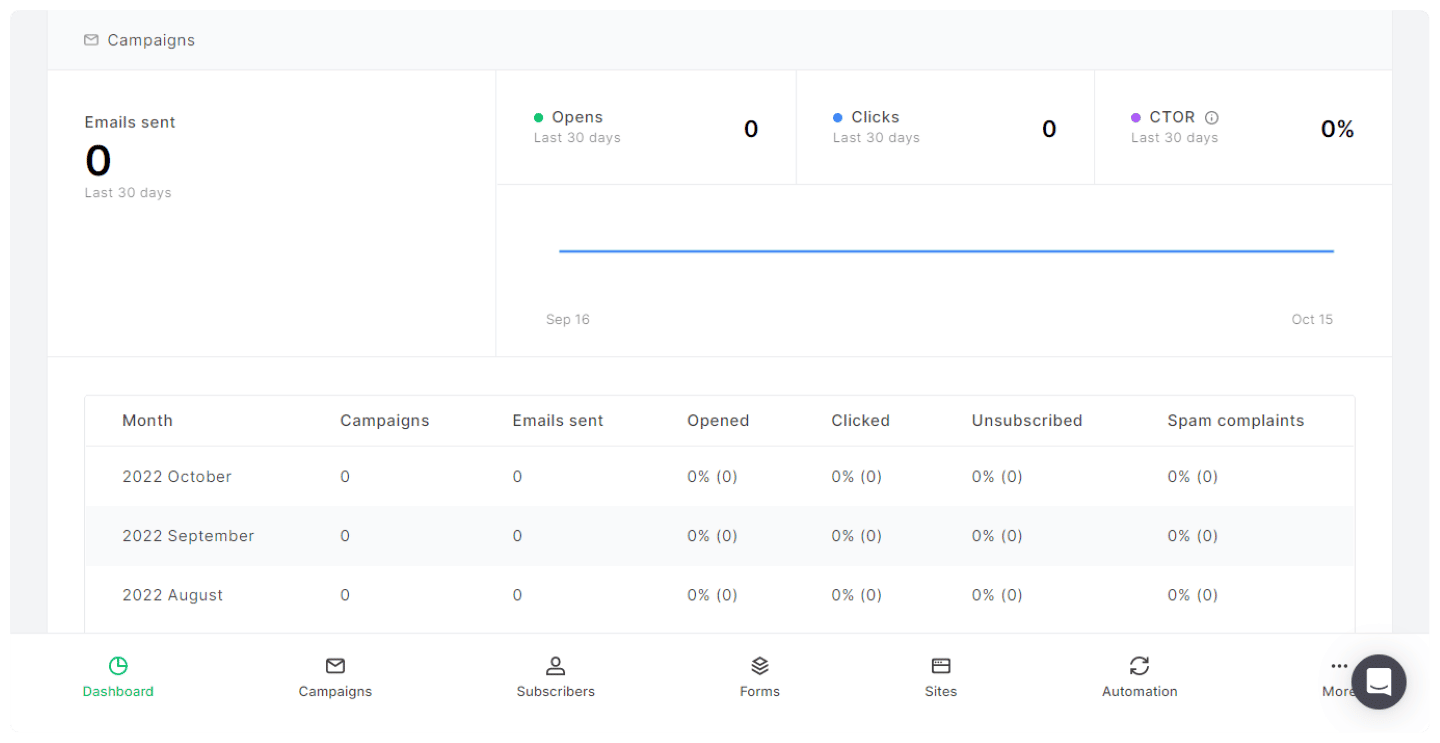
Campaign performance report in MailerLite

Finally, MailerLite offers an inactive subscriber cleanup feature, which automatically removes from a list the subscribers who haven’t opened an email in six months. A useful feature to keep a clean, engaged list.

Customer support at MailerLite

MailerLite’s customer support offers lots of clear and thorough resources, such as getting started guides and video tutorials. The YouTube channel is also packed with explainer videos.
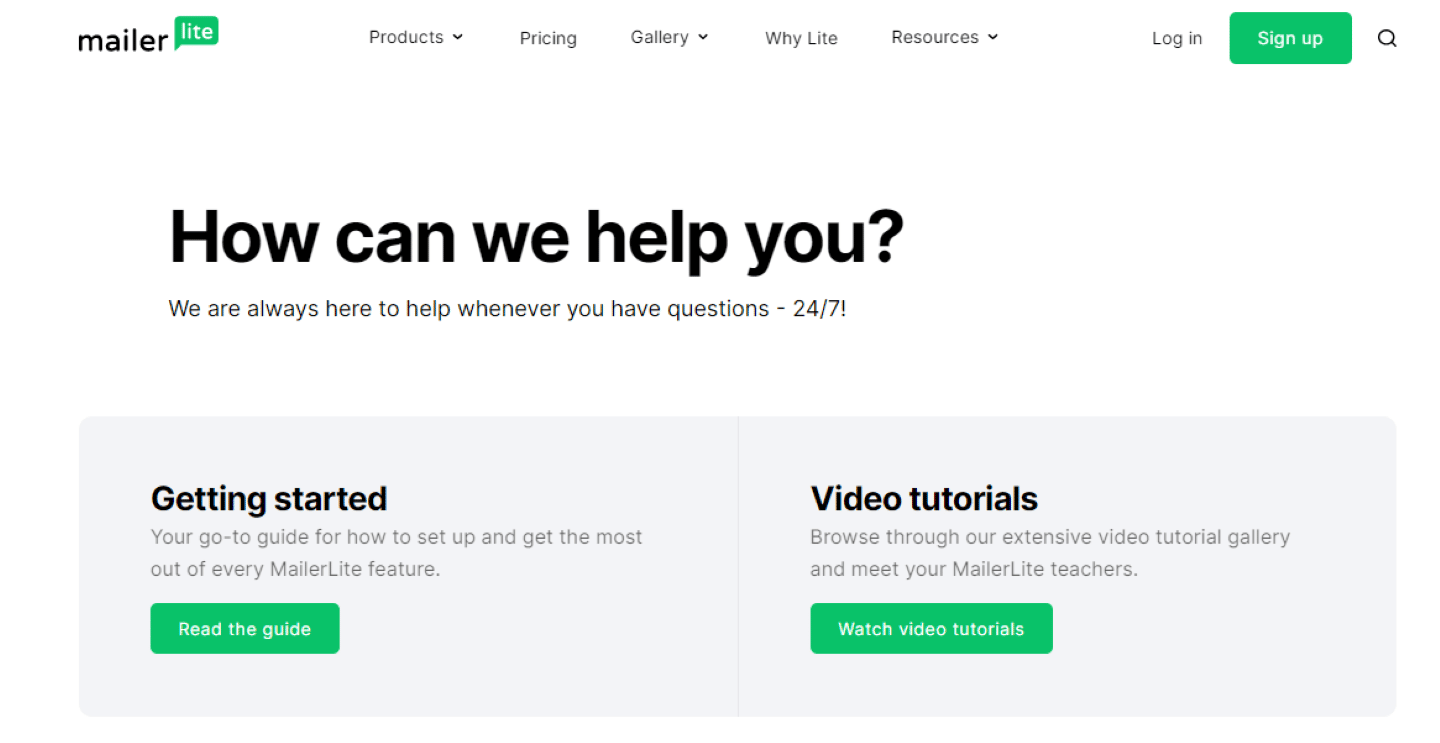
Home page of the MailerLite help center

MailerLite offers a knowledge base on many topics: subscriber management, creating and sending campaigns, automations, signup forms, as well as integrations and the API.
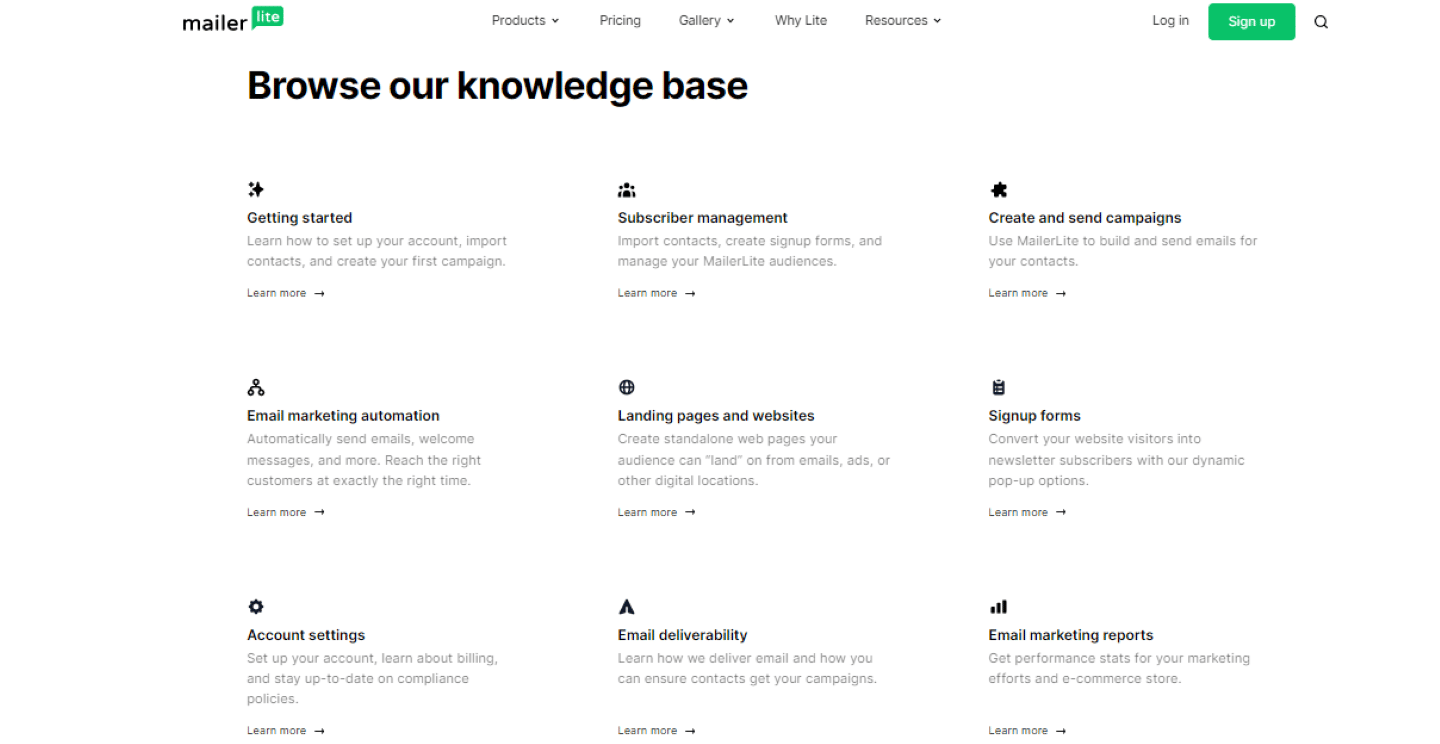
MailerLite knowledge base, with its help sections

If the resources provided don’t answer your questions, customer service is reachable on paid plans, with 24/7 live chat on Power. Its average response time is 5 minutes, and 97% of customers say they’re satisfied with the help they received.
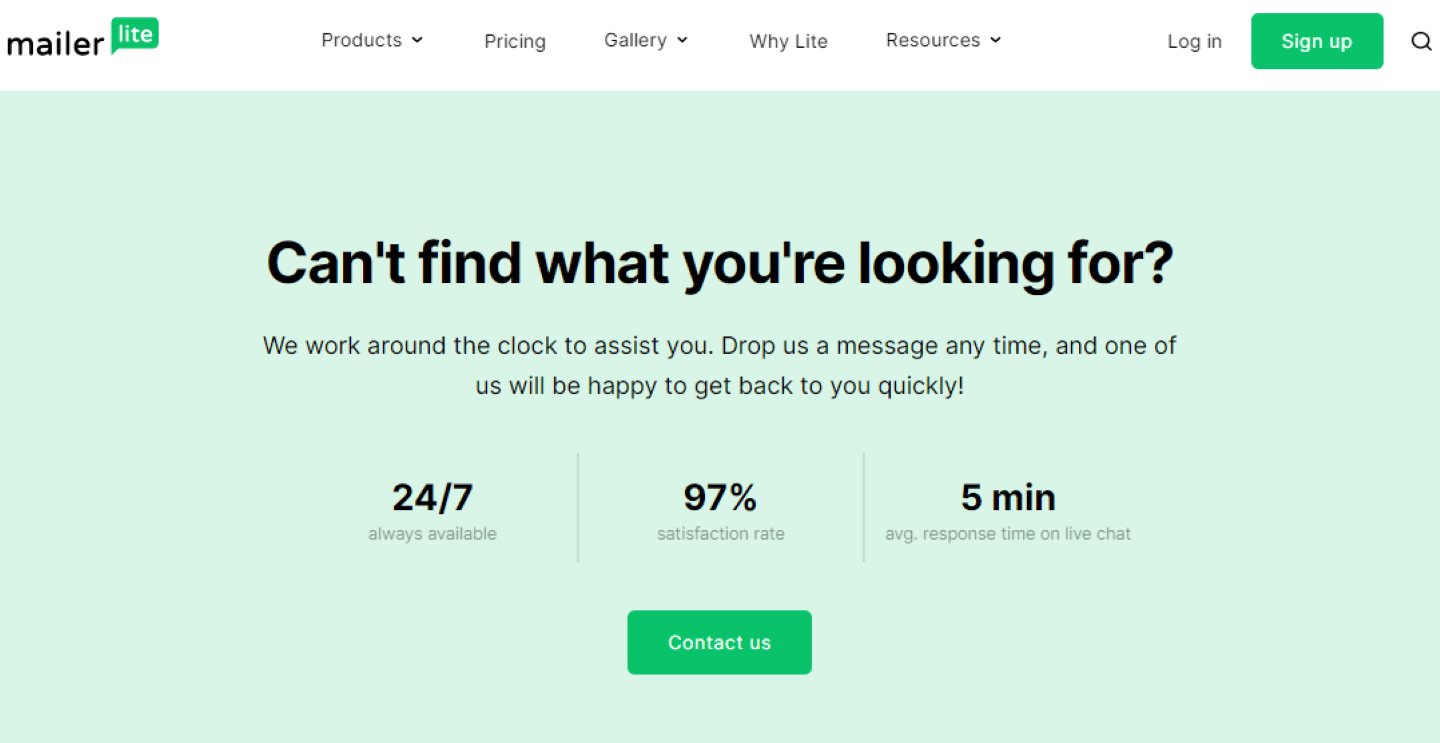
Customer support satisfaction indicators displayed by MailerLite

Finally, MailerLite runs an official community on Facebook, with more than 14,000 members and very active, with several posts a day.
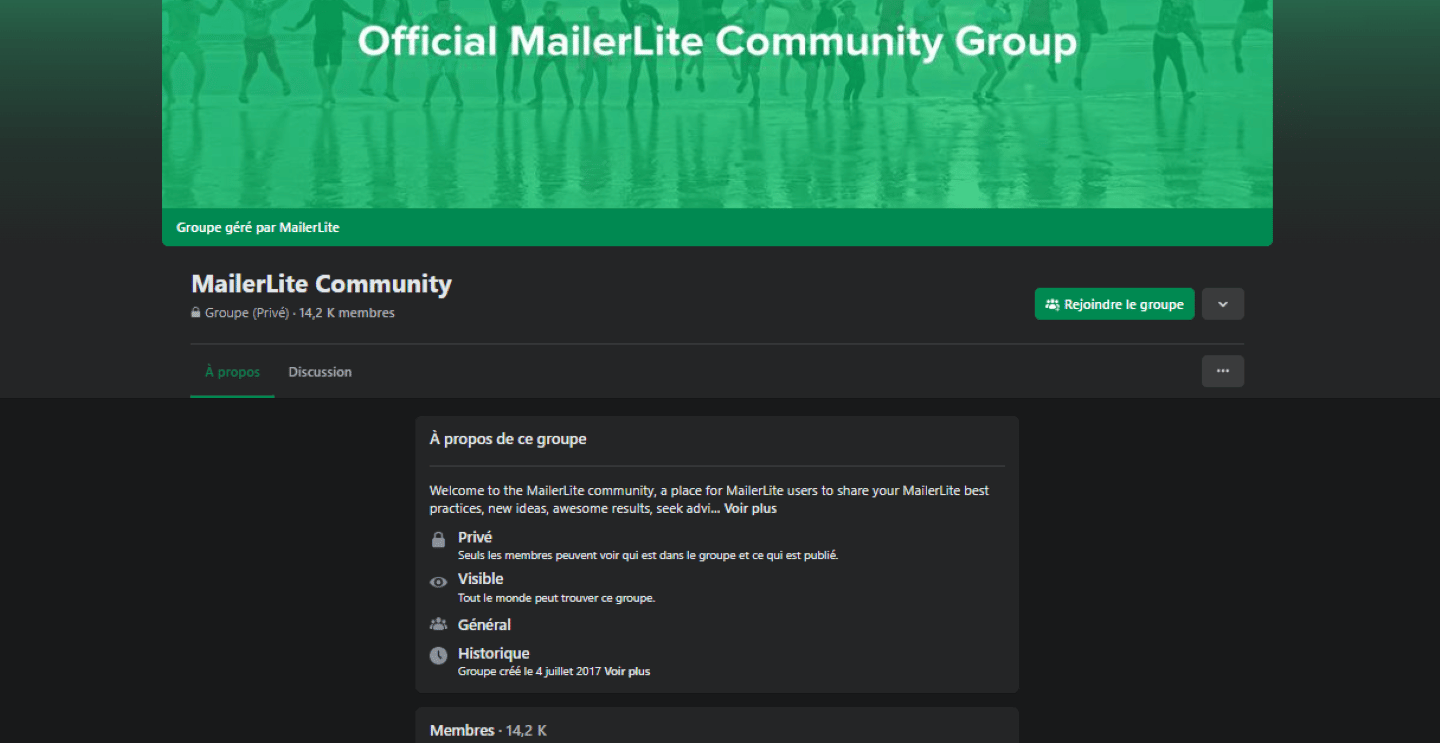
MailerLite community Facebook group

Salesdorado’s take

Very good customer support, that answers fast and to the point. A real differentiator for MailerLite.

The MailerLite integrations marketplace
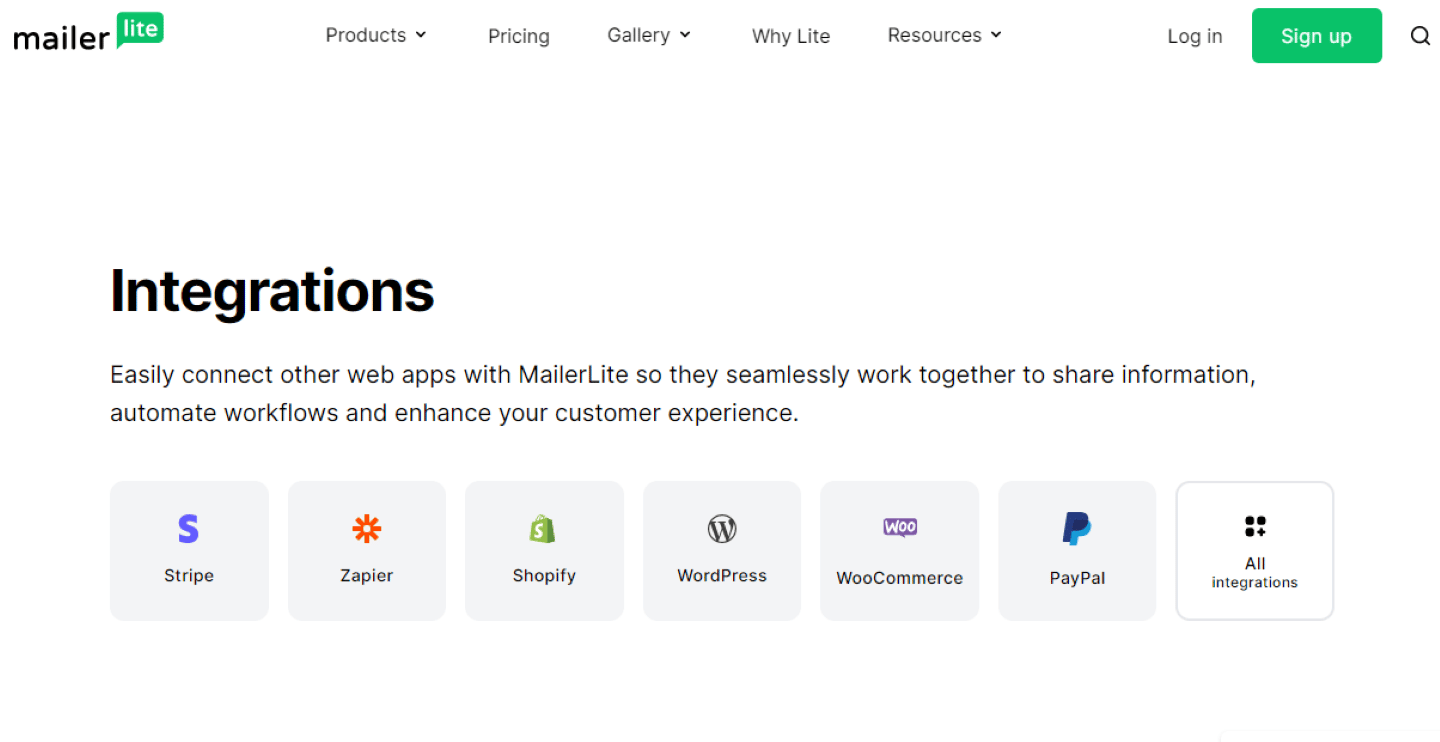
MailerLite integrations catalog

MailerLite offers many integrations:

  • Landing pages: Unbounce, Strike, JumpOut. To go even further than MailerLite allows when building landing pages.
  • E-commerce: Shopify, WooCommerce, Magento. These integrations are useful to refine lead segmentation based on buying behavior.
  • Project management tools: Airtable, Google Sheets, Todoist. To track your email marketing strategy with dedicated tools and fold it into your project management.
  • CRM: Zendesk, Salesforce. To fold your email campaigns into your overall customer relationship management strategy.
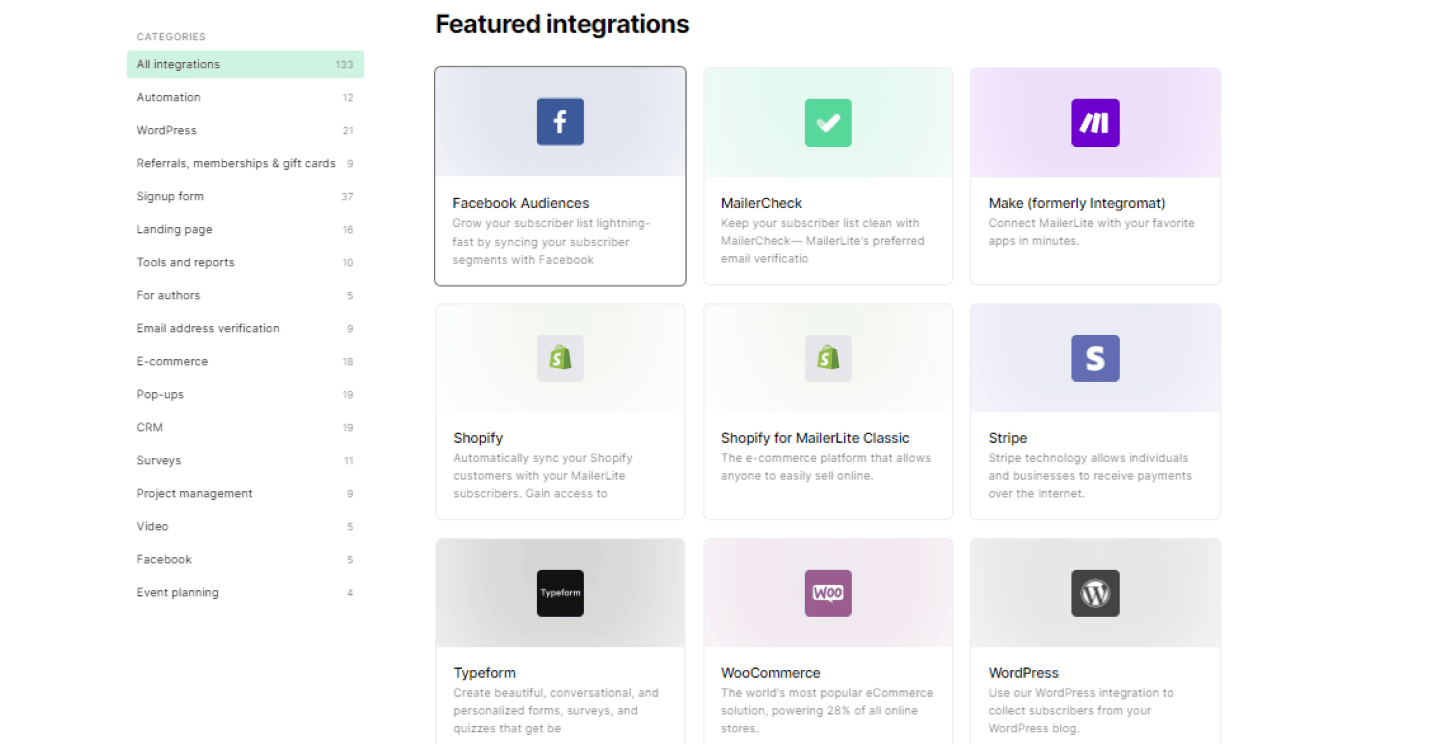
Detail of an integration in MailerLite

MailerLite: pricing

MailerLite offers 4 different plans:

  • Free: this free plan includes 250 subscribers, 2,500 emails a month, an email automation builder, one website and one landing page, a limited number of newsletter templates and more than 100 integrations, for 2 users. Support goes through the knowledge base.
  • Comfort: €11 per month for 500 subscribers. This plan unlocks 5,000 emails per month for 3 users, unlimited access to templates, and customer service reachable by email.
  • Power: €19 per month for 500 subscribers. MailerLite offers unlimited emails, this time for an unlimited number of users too. This plan also unlocks 24/7 live chat support.
  • Enterprise: custom quote. This plan notably offers advanced customization features, landing pages and newsletters, and a dedicated success manager.
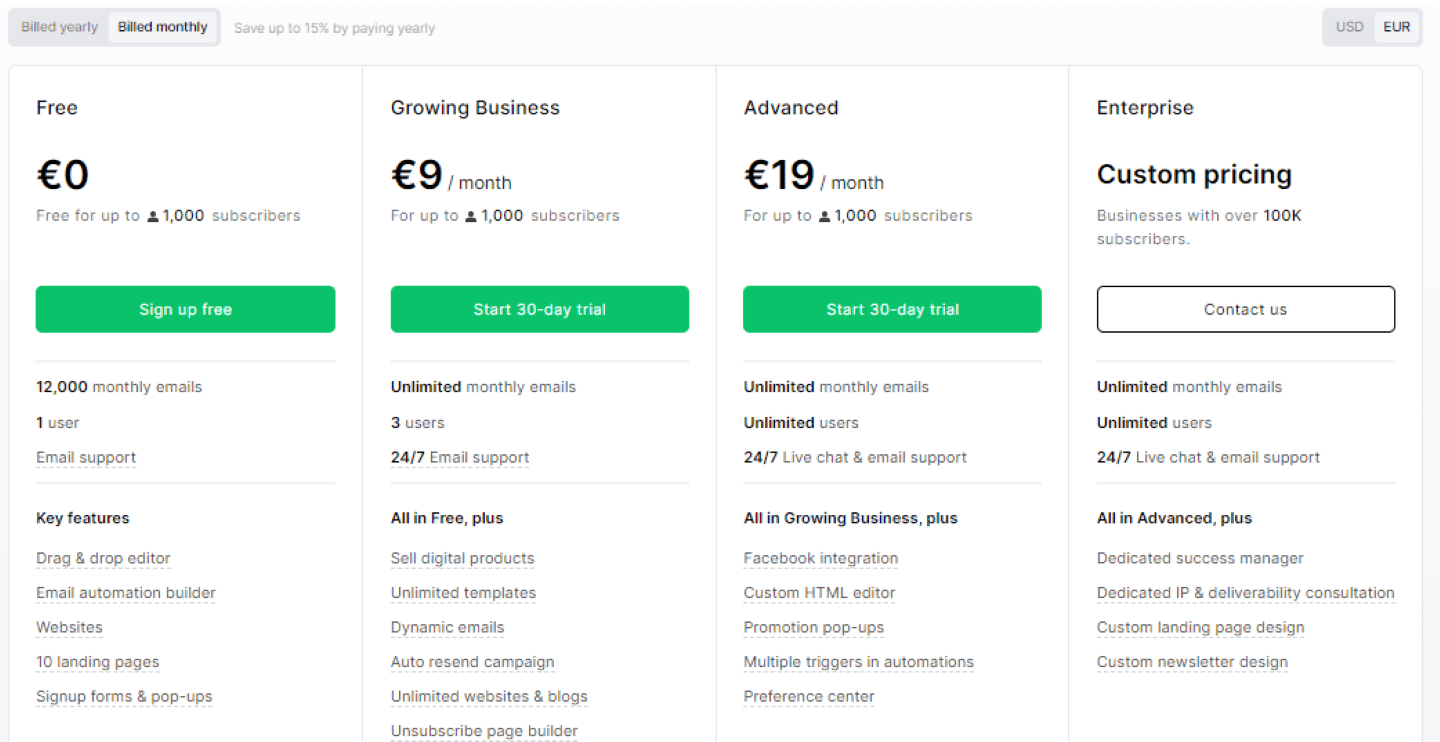
MailerLite pricing grid, with the Free, Growing Business and Advanced plans

The main alternatives to MailerLite

For those who want to try an alternative to MailerLite, Brevo offers a similar experience for creating email campaigns, and goes much further on automation, for a very similar price.

And for those who want to go even further and are looking for a more complete, but also more complex, software, we recommend ActiveCampaign, which notably offers more advanced analytics for reporting.


Specs

Vendor
MailerLite, Lithuanian vendor, data hosted in Europe
Campaigns
Four types: standard, A/B split, automatic resend to non-openers, and RSS delivery from a blog
Email editor
Drag and drop with prebuilt modules, GIFs, countdown timers, surveys, dynamic content by group, YouTube videos, shareable desktop and mobile preview
Contacts
Manual import, CSV, TXT or from another database such as Mailchimp, filters, and groups by characteristics, activity or purchases
Sending
Scheduling at a fixed time or according to the subscriber's time zone
Websites and landing pages
Drag and drop builder, more than 30 templates, hosting on .mailerpage.com or on your own domain, SEO settings and meta descriptions
Reporting
List growth, open and click rates, unsubscribes, top domains and email clients, automatic cleanup of subscribers inactive for six months
Integrations
Landing pages (Unbounce, Strike, JumpOut), e-commerce (Shopify, WooCommerce, Magento), project management (Airtable, Google Sheets, Todoist), CRM (Zendesk, Salesforce), automation (Zapier)
Support
Paid plans (email, plus 24/7 live chat on Power), average response time of 5 minutes, 97% satisfaction; for everyone, knowledge base, YouTube channel and Facebook group with more than 14,000 members
Pricing
Free (250 subscribers, 2,500 emails per month, 2 users, 1 website and 1 landing page), Comfort at €11 and Power at €19 per month for 500 subscribers, Enterprise on quote. 10% discount on annual billing

3 alternatives to know

If MailerLite isn't the right fit, here's what we'd look at if we were you.

  • Logo Brevo
    Brevo 5.0 From 49€/month
    The most powerful European email marketing tool for the price
    See review
  • Logo Kit
    Kit 4.6 Free up to 10,000 subscribers, then $89 per month for 5,000 subscribers
    The email marketing software built by a creator for creators.
    See review
  • Logo Mailchimp
    Mailchimp 4.1 Free up to 250 contacts, then €58 per month for 5,000 contacts
    The American giant that made email marketing mainstream, still very solid but now expensive.
    See review

Verified user reviews

Reviews collected through our partner program, work emails verified.

★ No reviews yet

Do you use MailerLite every day? Be the first to share your review with the Salesdorado community.

Share my review

Share my review of MailerLite

All reviews are checked and the work email verified before publishing. Just 5 minutes.

★ Work email required
Your rating *
Click to rate (0.5 step)

By submitting, you agree to publish your review (first name + initial, role). Email is never published.

Maxime Ben Bouaziz
Written by
Maxime Ben Bouaziz, CEO, Salesdorado, AI & Sales Tech

Expert in sales tools, CRM and B2B sales automation. Tests and breaks down prospecting, data enrichment and generative AI solutions to help marketing and sales teams build their stack.

Published on November 8, 2026, updated on November 16, 2026, reading 6 min