


- Since November 12, 2026, HubSpot opens inside Claude, next to the conversation, and can be pinned to the sidebar.
- You handle your tasks, follow-ups and deals there. Every draft and every stage change is approved by the user.
- You need a paid Claude subscription. Every HubSpot plan works, the free one included.
- On November 17, HubSpot announced that everyday use of its CRM from Claude or ChatGPT stays included in the seat.
- Agents at scale will be billed in credits. No quota, price or date has been published so far.
If you use HubSpot and Claude, it’s been a busy week. Since November 12, the CRM opens right inside Anthropic’s assistant, and you can pin it to the sidebar. Then on November 17, HubSpot set out its pricing: using HubSpot from Claude or ChatGPT for everyday work costs nothing on top of the seat you already pay for. Two announcements, one direction. The CRM is no longer necessarily the screen your sales reps spend their day on.
The connector already existed, now it looks different
HubSpot and Claude isn’t a new pairing. The connector came out on July 29, 2025, and HubSpot was quick to call itself the first CRM plugged into Claude. But everything happened inside the chat. You asked a question, Claude dug through your contacts, deals or tickets, and answered in plain text.
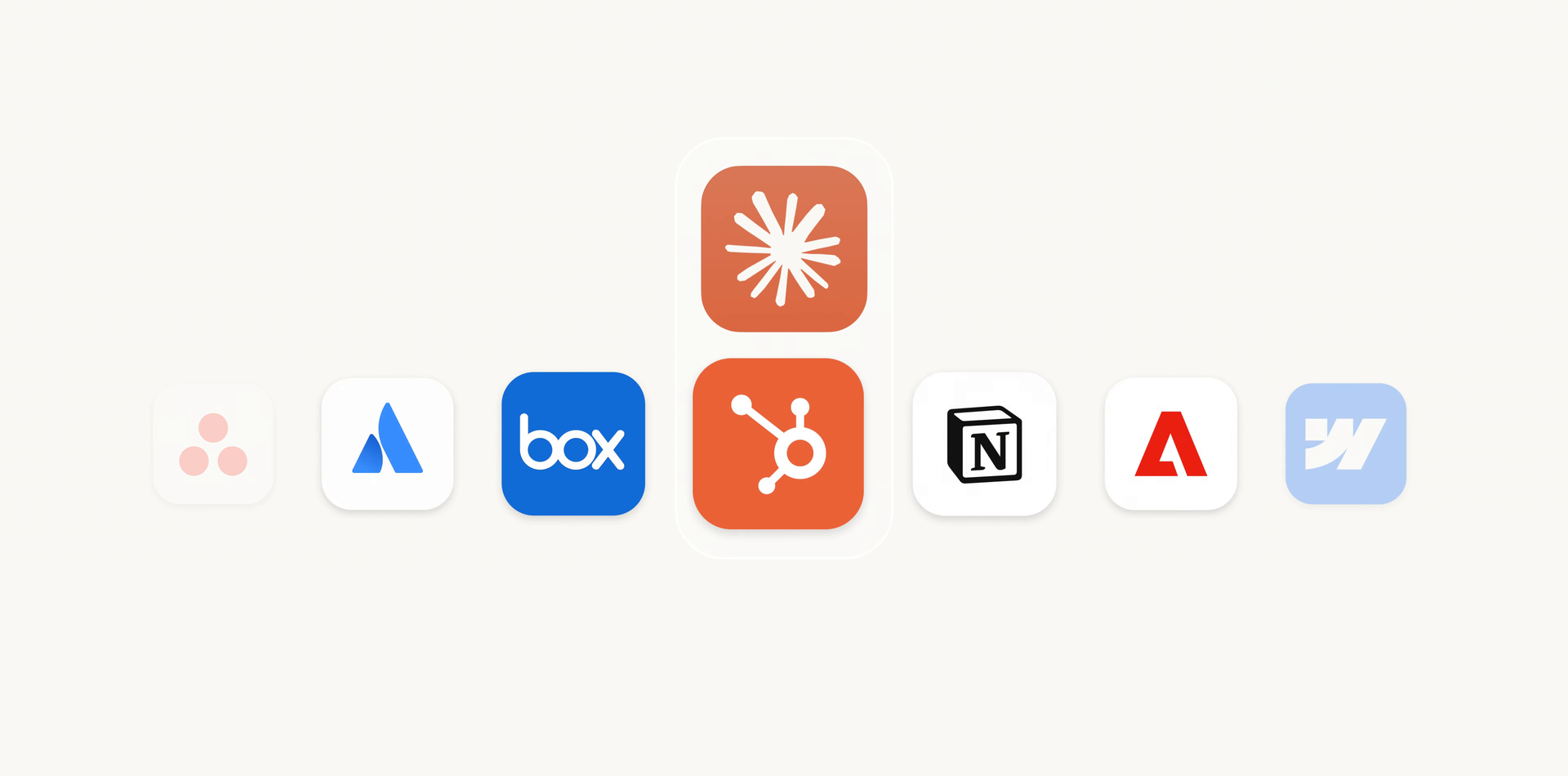
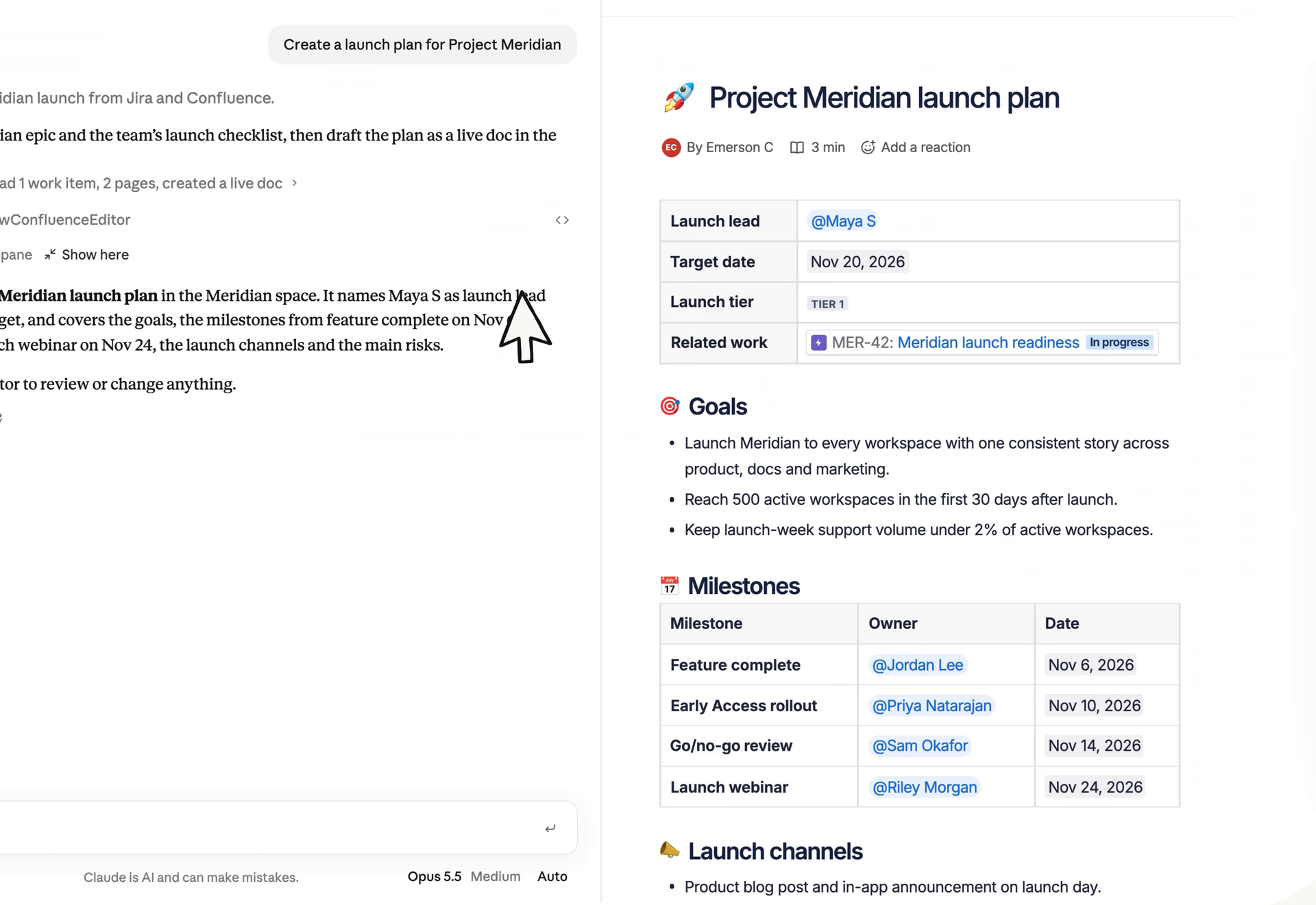
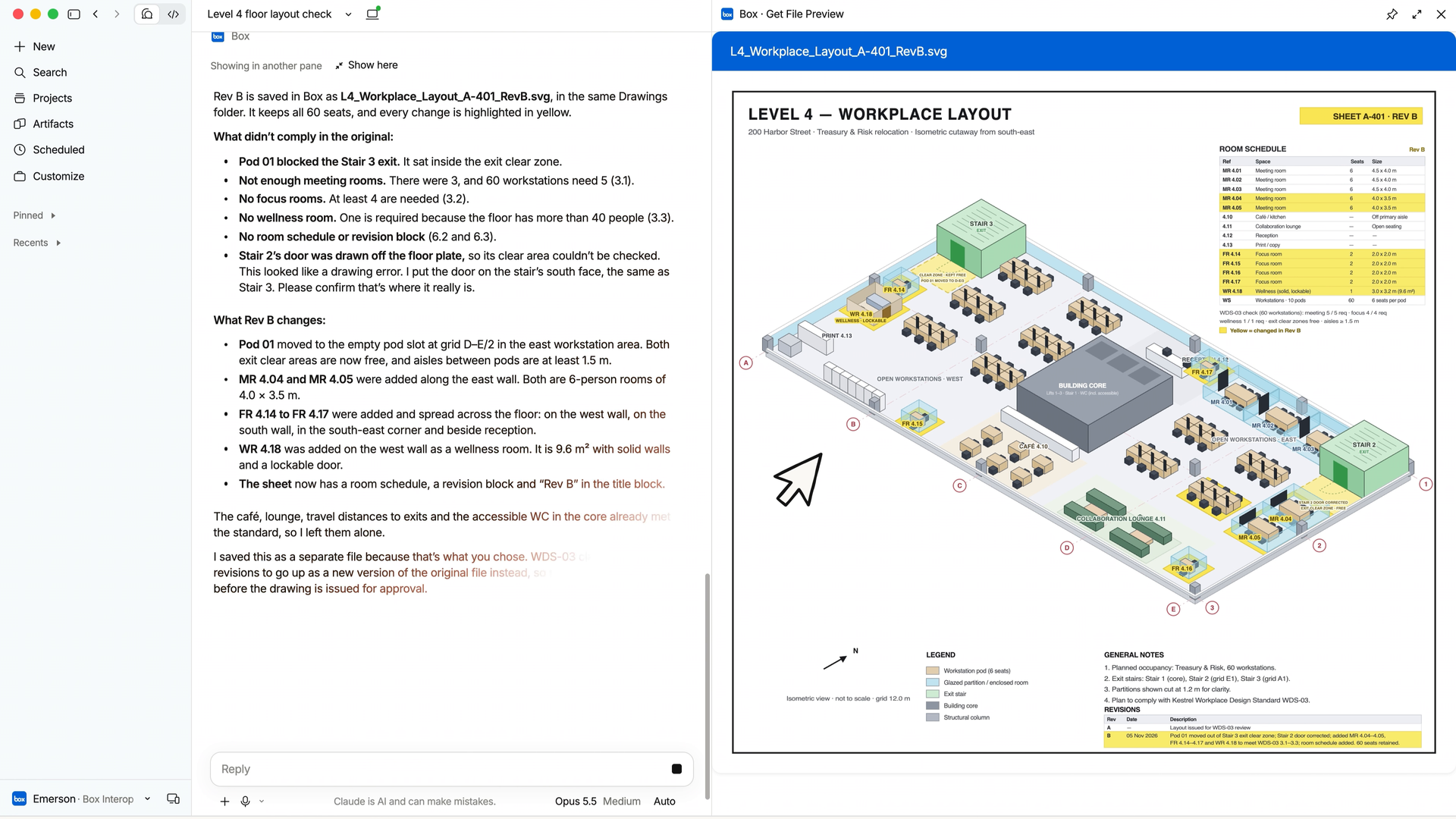
On November 10, 2026, Anthropic upgraded its connectors. Some tools now open in a panel next to the conversation, with their real interface, and Claude can work inside them. Asana, Canva, Dropbox, monday.com, Notion, Atlassian and Adobe are in the first batch, and so is HubSpot. Anthropic sums up the HubSpot version in one line: prioritize your tasks and follow-ups, then handle them without leaving Claude.
So what can you actually do with it?
HubSpot gave the details on November 12 on its community forum. You open HubSpot from Claude’s sidebar, and there you’ll find:
- your tasks, plus whatever is left to set up on the account
- the people waiting on a reply from you, if your inbox is connected to HubSpot
- follow-ups drafted from your HubSpot history, which you then send from HubSpot
- the option to move a deal to the next stage after a quote, follow-up included
- adding tasks and importing contacts
- working through a task with Claude, all the way to ticking it off
And nothing goes out behind your back. Every draft goes past you before it’s sent, and Claude waits for your go-ahead before changing a deal stage.
The rollout is gradual, on the web and the desktop app. The feature shows up once your account moves to the new version of Claude, or when your organization turns it on. On November 19, one user on HubSpot’s forum was still asking whether anyone had managed to see it. So if it hasn’t reached you yet, don’t worry.
Who can use it?
Every HubSpot plan works, the free one included. On the Claude side, you need a paid subscription: Pro, Max, Team or Enterprise. One small inconsistency: Anthropic says its interactive connectors are available “on all plans”, while HubSpot’s documentation, updated on November 17, still asks for a paid plan.
The first connection has to be made by a HubSpot Super Admin, or by someone with App Marketplace permissions. That person picks which data the connector can reach. After that, everyone only sees in Claude what they’re allowed to see in HubSpot.
Before you let Claude write to your database, a few limits worth knowing:
- Claude can read, create and update records, but it can’t delete anything.
- Bulk changes stop at 10 records at a time.
- HubSpot recommends setting the write tools to “Needs Approval”. Claude then asks your permission before touching a record.
- Everything Claude does shows up in the audit log, under the user’s name and the connector’s.
- Sensitive data is closed off by default. A Super Admin can open it, read-only.
And on price, HubSpot isn’t charging extra
That’s the second announcement, and it matters as much as the first. In a post signed by Duncan Lennox, published on November 17, HubSpot explains that every seat comes with enough “headless” access to do your everyday work from Claude or ChatGPT, at no extra cost. Headless here means using the CRM without going through its interface: you work through an AI assistant or an agent instead. The post also mentions the connectors for Gemini and Microsoft Copilot, and HubSpot’s MCP server.
HubSpot splits it into three situations.
- You work from your AI assistant: it’s included in the seat.
- You plug your own agent, or one bought elsewhere, into the APIs: its calls count against the API capacity already included in your plan, without touching credits.
- Agents run at scale in the environment HubSpot is building for them, for example to enrich records or personalize outreach: that work is paid for in HubSpot credits.
Along the way, HubSpot takes a swipe, without naming names, at vendors who keep AI for their most expensive plan, sell it as an add-on or charge twice for the same work. Salesforce went another way with Headless 360, launched in April: its whole platform is open to agents, and its billing is moving closer to pay-as-you-go, according to the trade outlet PPC Land.
How much usage, exactly? HubSpot doesn’t say
“Enough access” means how much? The post gives no figure. No call quota, no cap per seat. We don’t know the price of credits for agents either, or when their environment will open. It’s still being built.
The timing is no accident. Brian Halligan, HubSpot’s co-founder, took back the CEO role on November 12, replacing Yamini Rangan. He talks about a “refounding” and now pitches HubSpot as the “Customer Harness Company”, roughly the base that AI plugs into to do customer work. Five days after his return, this pricing is his first visible decision.
What does it mean for your sales reps?
For a rep who already has Claude open all day, it’s time saved right away. They prep their follow-ups, update a deal after a meeting and clear their task list without switching tabs. For a manager or CRM admin, the real question is elsewhere: who gets to write to the database from Claude, and with what oversight? Starting with “Needs Approval” switched on, while you see how the team uses it, is a good habit.
And if you’re choosing a CRM right now, add a line to your checklist: does it connect to AI assistants, and what does that cost? A CRM that charges extra for Claude access doesn’t cost the same as one that includes it in the seat. To see how HubSpot stacks up against its big rival, our HubSpot vs Salesforce comparison breaks down both offers. And to put a number on your team’s budget, the simulator just below does the math.
To try it yourself, you can create a free HubSpot account, then add the connector from Claude’s directory, with a paid subscription.
The questions we get over and over.
What is HubSpot in Claude?
It’s the interactive version of the HubSpot connector for Claude. Since November 2026, HubSpot shows up next to the conversation and can be pinned to the sidebar. You see your tasks and the contacts waiting on a reply, draft follow-ups and move deals forward, with an approval step before anything is sent.
Do you have to pay to use HubSpot in Claude?
The connector is free and works with every HubSpot plan, the free one included. You do need a paid Claude subscription: Pro, Max, Team or Enterprise. HubSpot doesn’t charge extra for everyday use from Claude or ChatGPT.
Can Claude delete data in HubSpot?
No. The connector can read, create and update records, but not delete them. Bulk updates are limited to 10 records at a time, and HubSpot recommends setting the write tools to “Needs Approval”.
What does HubSpot charge credits for?
Agents working at scale in the environment HubSpot is preparing for them, for example to enrich records or personalize outreach. The price of credits for this use and the opening date of that environment haven’t been published yet.

What the community says.