Top 16 Best To-Do List Apps

Sixteen to-do list apps compared. Built only for task lists, for yourself and a small team: Todoist, TickTick, Any.do, Superlist.

Maxime Ben Bouaziz
Maxime Ben Bouaziz
CEO Salesdorado, IA & Sales Tech
September 24, 2024, updated November 10, 2026, 1 min read
See all tools

A to-do list app is for writing down what needs doing, putting a date on it and not forgetting it, alone or as a team. The market splits in two: apps built only for to-do lists, often free and a good fit for personal use or a small business, and fuller software that handles task lists, deadlines and calendars across a whole team.

If your to-do lists have to carry complex projects, with dependencies, Gantt charts and workload, look at project management software instead. This top sticks to task lists.

Depending on your need:

  • A quick list on all your devices: Todoist
  • Tasks, habits and calendar in the same app: TickTick
  • Plan your day like a calendar: Any.do
  • Share lists between colleagues without a project tool: Superlist
  • A team to-do list in columns: Trello
  • A whole team, for free: ClickUp
  • Two people splitting up tasks: Asana
  • A free list linked to Outlook: Microsoft To Do
  • A free list inside Gmail and Google Calendar: Google Tasks
  • A free list already installed on your iPhone: Apple Reminders
  • A polished personal list on iPhone and Mac: Things 3
  • GTD taken all the way: OmniFocus
  • Staying motivated through play: Habitica
  • Fitting your tasks into your calendar: Focuster
  • Seeing your tasks in every new tab: Momentum
  • Tasks attached to your notes: Evernote
The 16 tools, side by side

# Logos tool Score Price Best for
01 Microsoft To Do 4.0/5 ★ Free Outlook and Microsoft 365 users who want a free, shareable task list Visit site
02 Todoist 4.7/5 ★ €5 People who want to jot down a task in one sentence and find it at the right time, on all their devices Visit site
03 Any.do 4.2/5 ★ $4.99 People who think of their tasks day by day, and small teams who want a simple shared board Visit site
04 ClickUp 4.7/5 ★ $9 Teams that want to share their task lists for free, even if it means configuring the tool Visit site
05 Things 3 4.3/5 ★ €9.99 Apple users who want a personal task list that is beautiful and fast, paid once Visit site
06 Trello 4.7/5 ★ $5 Teams who want to see at a glance what is to do, in progress and done Visit site
07 TickTick 4.5/5 ★ $49.99 People who want tasks, habits and calendar in a single app, at a low price Visit site
08 Habitica 4.0/5 ★ Free People who struggle to keep up their lists and want a reward for every task ticked off Visit site
09 OmniFocus 4.1/5 ★ $74.99 Apple users who manage many personal projects and practice the GTD method Visit site
10 Google Tasks 3.8/5 ★ Free People who live in Gmail and Google Calendar and want to note their tasks without opening another app Visit site
11 Focuster 3.8/5 ★ Not published Freelancers who want their priorities of the day to find their place in the calendar automatically Visit site
12 Asana 4.2/5 ★ €10.99 Two people who want to split tasks with due dates and comments, without paying Visit site
13 Momentum 3.7/5 ★ $39.95 People who want to see their goal of the day and their tasks in every new tab Visit site
14 Evernote 4.0/5 ★ €12.99 People who already use Evernote and want to attach their tasks to it rather than open another app Visit site
15 Superlist 4.2/5 ★ $5 Small teams who want to share task lists and notes, without configuring a project management tool Visit site
16 Rappels (Apple) 4.1/5 ★ Free iPhone, iPad and Mac users who want a free task list, to share with family or colleagues Visit site
01

Microsoft To Do

4.0/5 From Free

Best for: Outlook and Microsoft 365 users who want a free, shareable task list

+ Strengths
  • Completely free with a Microsoft account
  • Built into Outlook Tasks
  • Lists shareable with colleagues, friends or family
  • My Day: suggestions to build the day's list
− Downsides
  • Task management features simpler than Todoist or TickTick
  • No board view to track a team's progress
★ Microsoft To Do in brief

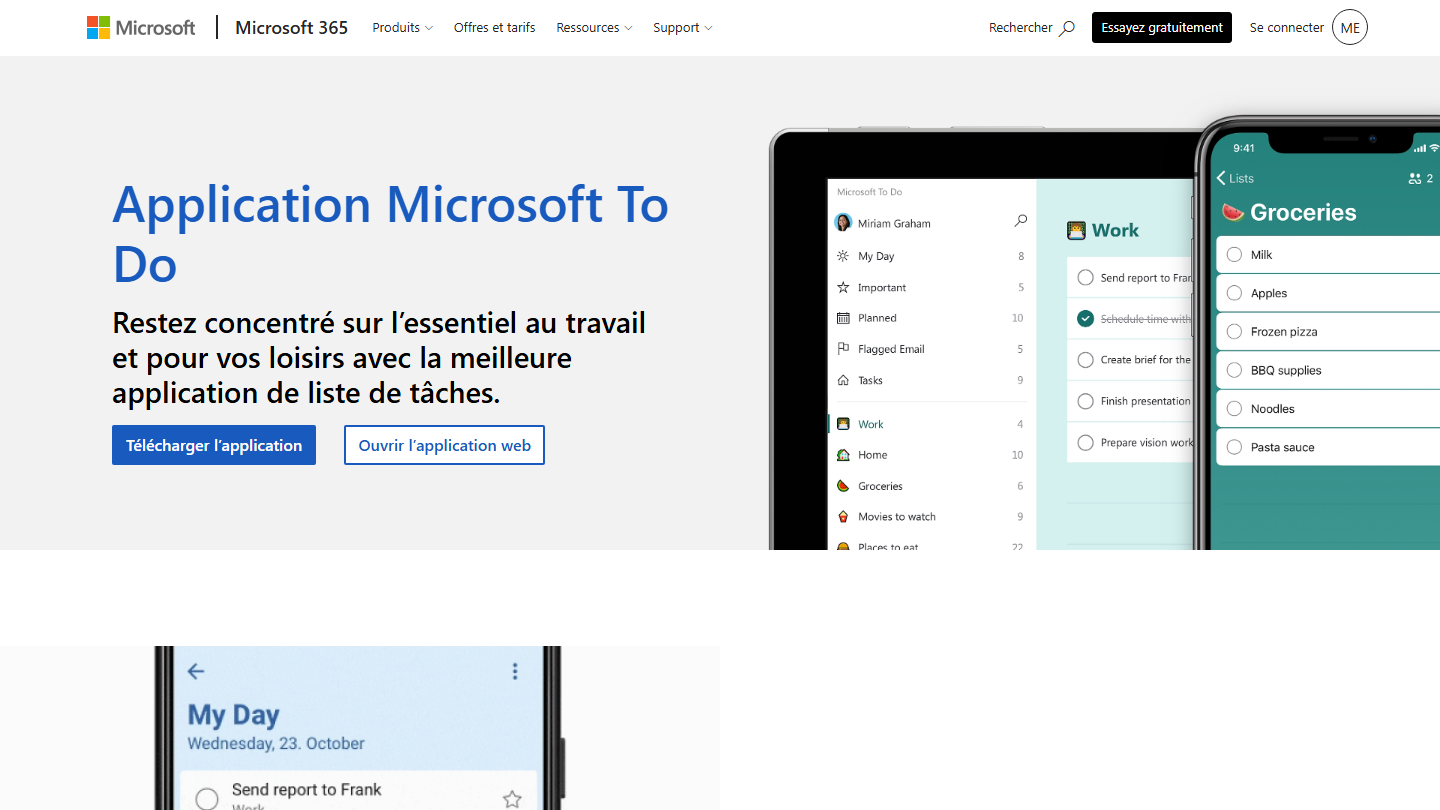
Microsoft To Do page: “Microsoft To Do app”, showing the app on desktop and mobile

Microsoft To Do is Microsoft’s in-house task list. A Microsoft account is all you need to use it on Windows, iPhone, Android and the web.

The My Day view helps build the day’s list with personalized suggestions. You split a task into steps, set a due date and a reminder, and To Do is built into Outlook Tasks: everything ends up in the same place.

To Do makes sense if you already work in Outlook and Microsoft 365: the list follows your mail without installing anything more. Lists can be shared with colleagues or family, which is enough for a small team with simple needs, but there is no view to track collective progress.

It is free, with no paid version.

02

Todoist

4.7/5 From €5

Best for: People who want to jot down a task in one sentence and find it at the right time, on all their devices

+ Strengths
  • Natural-language capture: the date and project are recognized in the sentence
  • Task reminders included from the free plan
  • Chrome extension that turns a web page into a task
  • Shared team workspace with Business, up to 500 team projects
− Downsides
  • Free plan capped at 5 personal projects and 3 filtered views
  • Calendar mode and task duration reserved for Pro
  • No built-in time tracking or automation
★ Todoist in brief

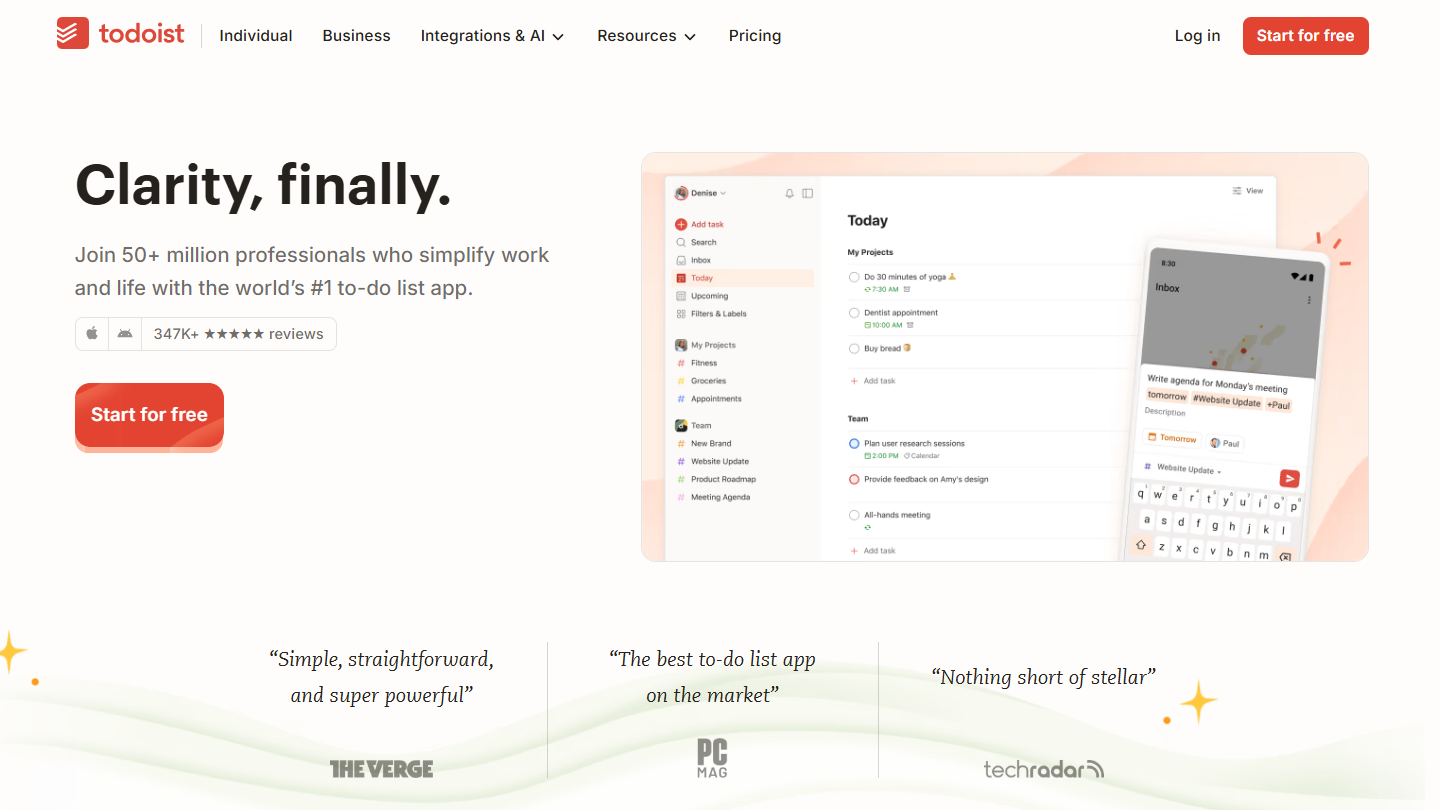
Todoist website: “Clarity, finally.”

Todoist is a task list app available on the web, Windows, Mac, Linux, iPhone, Android and smartwatches. Its strong point is capture: type “follow up with Dupont Tuesday 9am #Clients” and the task arrives dated, timed and in the right project.

Day to day, the Today view gathers what falls within the day, filters isolate, for example, a client’s priority tasks, and recurring tasks recreate themselves. For teams, the Business plan opens a shared workspace where you assign tasks, comment and organize up to 500 team projects.

Todoist makes sense when the list has to follow its author everywhere and never slow down capture. It does not try to run a project: planning, links between tasks, time tracking and automations go through other tools plugged into it.

The free plan gives 5 personal projects, with reminders. Pro costs €5 per month billed annually, or €60 per year (€7 monthly), and raises the limit to 300 projects. Business is €8 per user per month billed annually, €10 monthly.

03

Any.do

4.2/5 From $4.99

Best for: People who think of their tasks day by day, and small teams who want a simple shared board

+ Strengths
  • Free version with no time limit, with reminders, calendar and daily planner
  • Teams plan: unlimited project boards and members
  • Family plan: 4 members and a shared grocery list
− Downsides
  • Recurring tasks, color labels and WhatsApp reminders reserved for Premium
  • Monthly price noticeably higher: $7.99 instead of $4.99
★ Any.do in brief

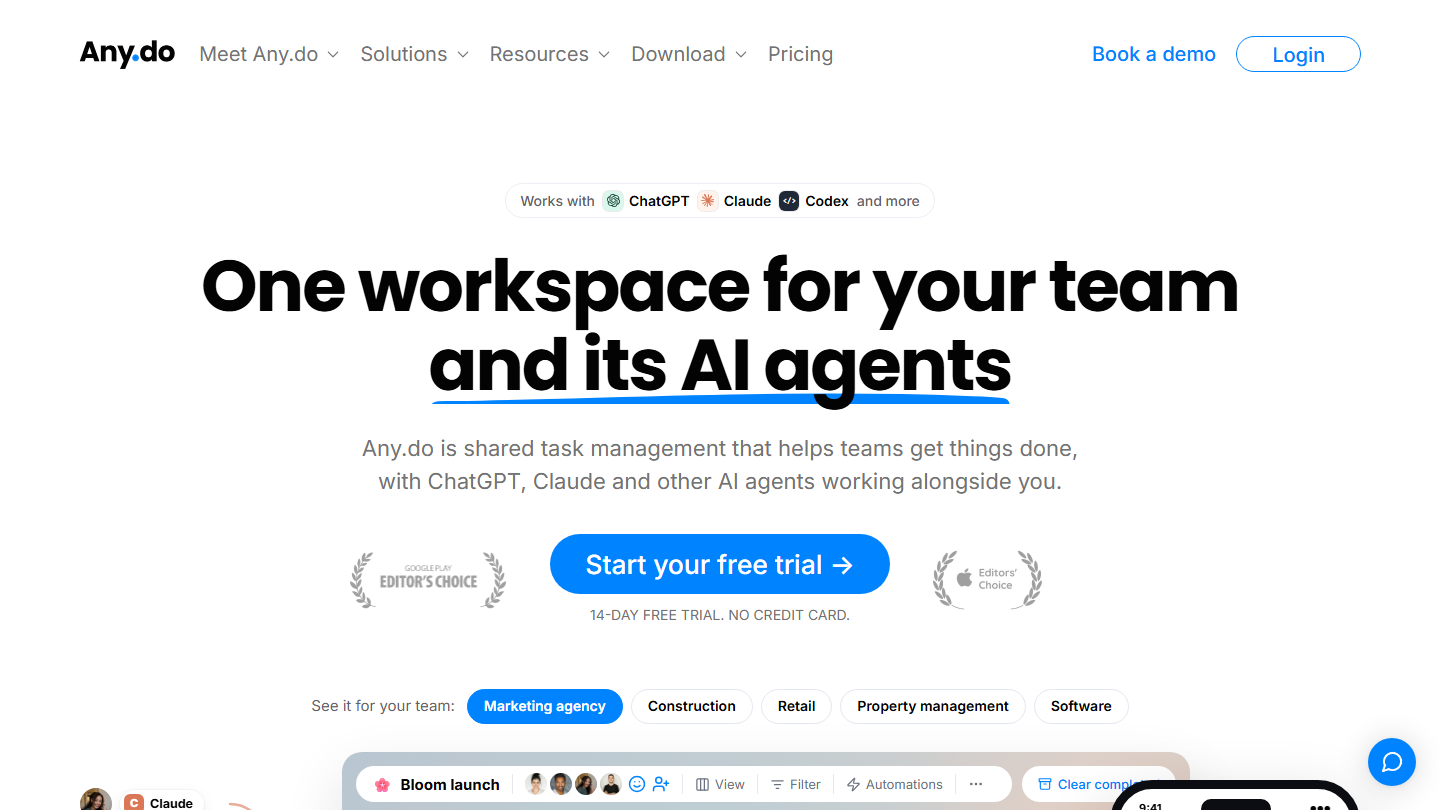
Any.do home page: “One workspace for your team and its AI agents”, with the 14-day free trial

Any.do started as a personal to-do list organized around the calendar: each task goes into a day, and a daily planner helps organize the day. The publisher now pushes its Teams plan, a shared workspace where AI agents can create and track tasks.

For personal use, you combine lists, reminders and calendar on mobile and desktop. The Family plan shares a space for 4, with a common grocery list. The Teams plan adds unlimited project boards, workflow templates and admin rights.

Any.do makes sense when the to-do list and the calendar are one, and when you want to keep the same tool as you go from solo to a small team. If you only want a quick list, Todoist is more direct.

The Personal version is free with no time limit. Premium costs $4.99 per month billed annually, $7.99 monthly, and unlocks recurring tasks, WhatsApp reminders and color labels. Teams starts at the same price per member billed annually, with a 14-day trial and no credit card.

04

ClickUp

4.7/5 From $9

Best for: Teams that want to share their task lists for free, even if it means configuring the tool

+ Strengths
  • Unlimited members and tasks on the free plan
  • List, board and calendar views on the same tasks
  • Can grow into real project management without changing tools
− Downsides
  • 60 MB of storage for the whole workspace on the free plan
  • Too rich for anyone who only wants to tick off tasks: setup takes time
★ ClickUp in brief

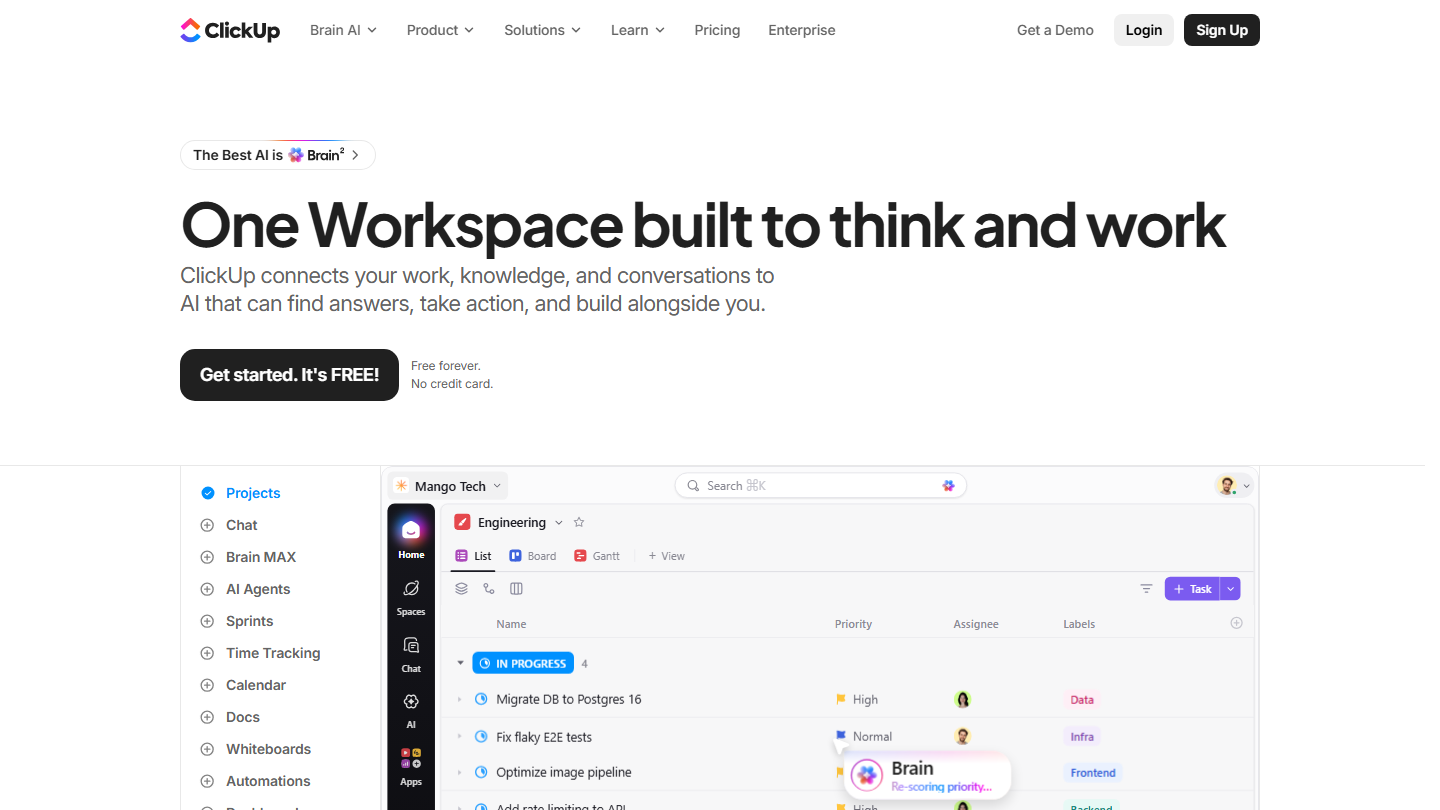
ClickUp home page: “One Workspace built to think and work”, showing a task list in project view

ClickUp is a work management tool that goes well beyond the to-do list: documents, goals, chat, dashboards. You can still use only the base: shared task lists with owners and due dates.

Tasks are organized into spaces, folders and lists, and displayed as a list, a board or a calendar. Each task accepts subtasks, checklists and comments. The day the team wants statuses, dependencies or a Gantt chart, they are there, some of them paid, without changing tools.

ClickUp makes sense for a team that wants to share its lists for free, large or not, and is willing to spend some time on setup. For ticking off your own tasks, it is too heavy.

The Free Forever plan limits neither members nor tasks, but caps storage at 60 MB for the whole workspace. Core costs $9 per user per month billed annually, $12 monthly, Business $17 billed annually.

05

Things 3

4.3/5 From €9.99

Best for: Apple users who want a personal task list that is beautiful and fast, paid once

+ Strengths
  • Polished design, twice awarded at the Apple Design Awards
  • Today view that gathers the day's tasks
  • One-time purchase, free Things Cloud sync
− Downsides
  • Limited to the Apple ecosystem
  • No list sharing or collaboration
  • App paid for separately on iPhone, iPad and Mac (€59.99 on Mac)
★ Things 3 in brief

Things home page: “Things is the award-winning personal task manager”, with the app icon

Things 3, from the publisher Cultured Code, is a personal task manager reserved for Apple devices: Mac, iPhone, iPad, Apple Watch and Vision Pro. It has won the Apple Design Award twice.

Tasks are filed in projects, from everyday tasks to long-term goals. The Today view gathers what needs doing in the day. Notes accept Markdown, and Apple’s Shortcuts app automates repetitive steps.

Things makes sense for a personal list kept up daily, where the speed and care of the interface make you want to come back. It shares nothing: no common list, no assignment, which rules it out for team use.

Each app is bought once: €9.99 on iPhone, €22.99 on iPad, €59.99 on Mac. Syncing through Things Cloud is free, and a trial version exists for Mac.

06

Trello

4.7/5 From $5

Best for: Teams who want to see at a glance what is to do, in progress and done

+ Strengths
  • Unlimited cards and checklists in every card from the free plan
  • Column board that everyone understands without training
  • Automation included for free, 250 runs per month
− Downsides
  • Free plan limited to 10 boards and 10 collaborators per workspace
  • Calendar and timeline views reserved for Premium, $10 per user
★ Trello in brief

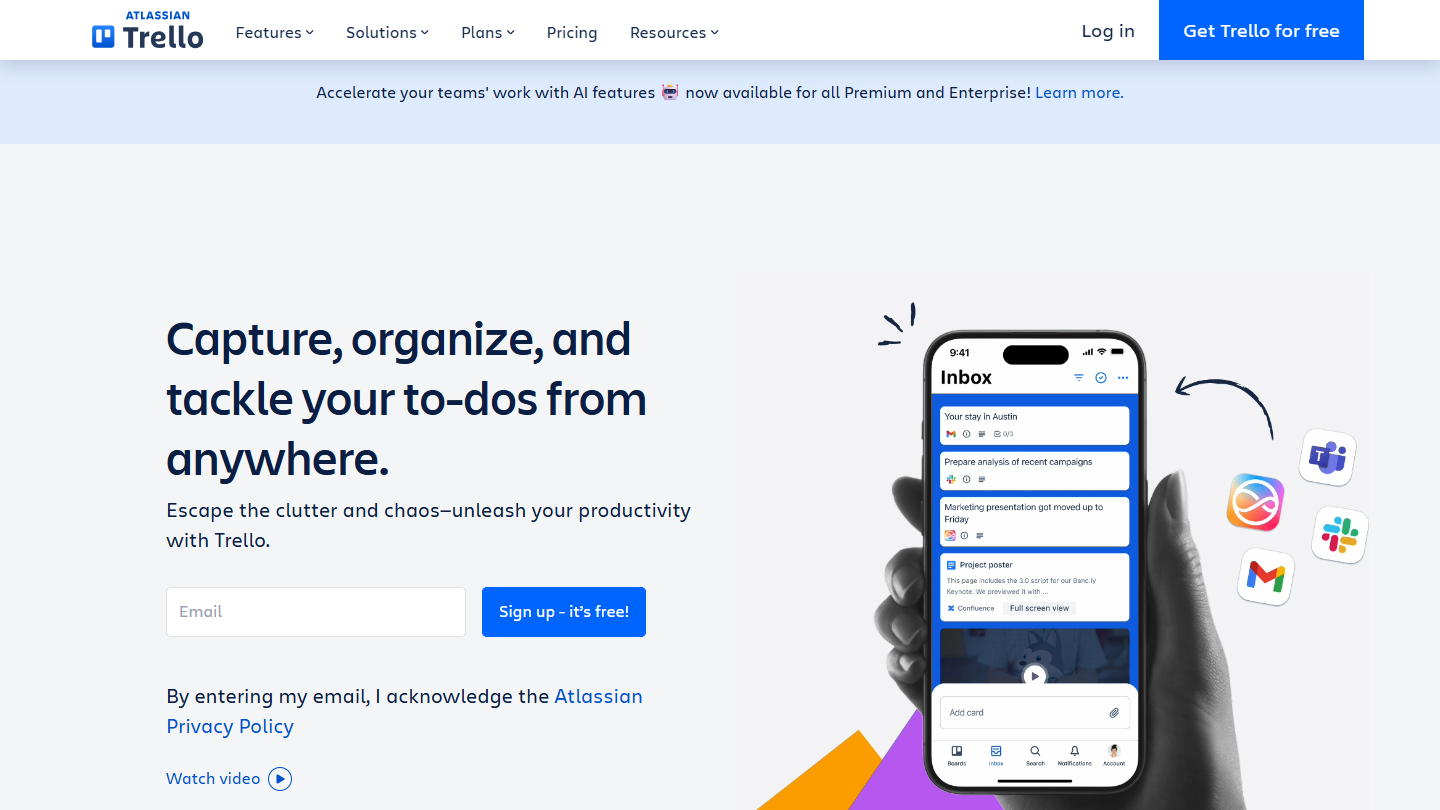
Trello website: “Capture, organize, and tackle your to-dos from anywhere.”

Trello, owned by Atlassian, files tasks as cards on a board of columns. For a team to-do list, three columns are often enough: to do, in progress, done.

Each card carries a checklist, a due date, members, attachments and comments. You move the card as the task moves forward, and the whole team sees the state of the list without a meeting. Automation rules move or assign cards for you.

Trello makes sense when several people share the same list and want to see who is doing what. Alone, an app like Todoist or TickTick is faster to fill in and to reread on a phone.

The free plan accepts 10 collaborators and 10 boards per workspace, with unlimited cards and 250 automation runs per month. Standard costs $5 per user per month billed annually ($6 monthly), Premium $10 with calendar and timeline views.

07

TickTick

4.5/5 From $49.99

Best for: People who want tasks, habits and calendar in a single app, at a low price

+ Strengths
  • List and Kanban views from the free version
  • Habit tracking, countdowns and Eisenhower matrix built in
  • Shared lists up to 29 members on Premium
  • Premium at under $4.20 per month
− Downsides
  • Free version limited to 9 lists of 99 tasks and 2 members per shared list
  • Full calendar, task duration and email reminders reserved for Premium
★ TickTick in brief

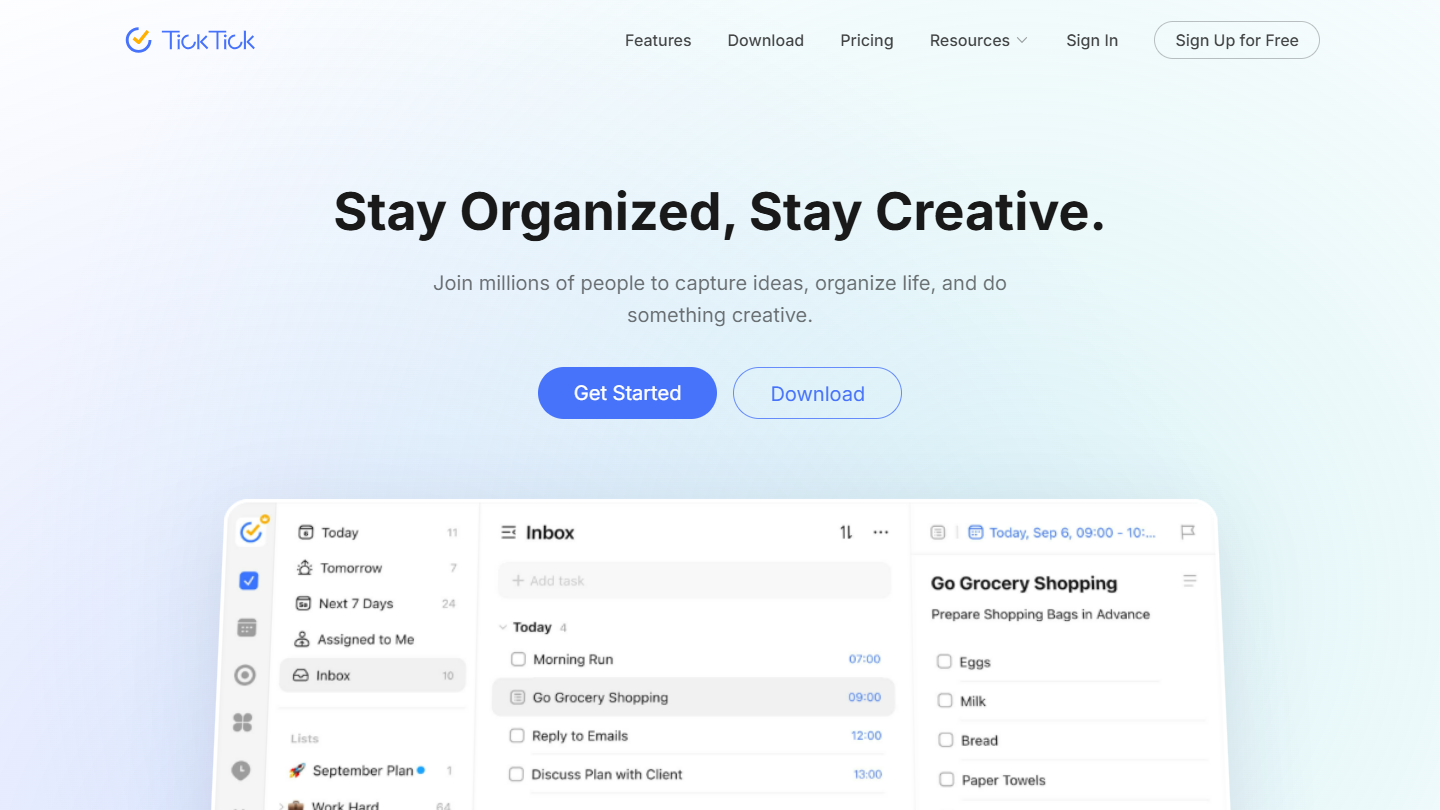
TickTick website: “Stay Organized, Stay Creative.”

TickTick is a to-do list app on Android, iPhone and the web, mixing a task list, a calendar and habit tracking. The interface stays clean despite the number of features.

You create lists, display them as a list or as Kanban, sort tasks in an Eisenhower matrix (urgent, important) and follow your habits day after day. Capture understands natural language, and lists can be shared: 2 members per list on the free plan, 29 on Premium.

TickTick suits people who want a single tool for the day, from the meeting to the morning habit, with a bit of sharing as a couple or in a small team. It has no team workspace with roles and permissions: beyond a few people, a tool like Todoist Business or Trello holds up better.

The free version accepts 9 lists of 99 tasks. Premium costs $49.99 per year, under $4.20 per month, and moves to 299 lists of 999 tasks, with the full calendar, task duration and email reminders.

08

Habitica

4.0/5 From Free

Best for: People who struggle to keep up their lists and want a reward for every task ticked off

+ Strengths
  • Avatar, gold and equipment earned with every task completed
  • One-off tasks, dailies and habits in the same app
  • Open source and free to use
− Downsides
  • Shared task board reserved for the paid group plan
  • Video game atmosphere that will not fly in every team
★ Habitica in brief

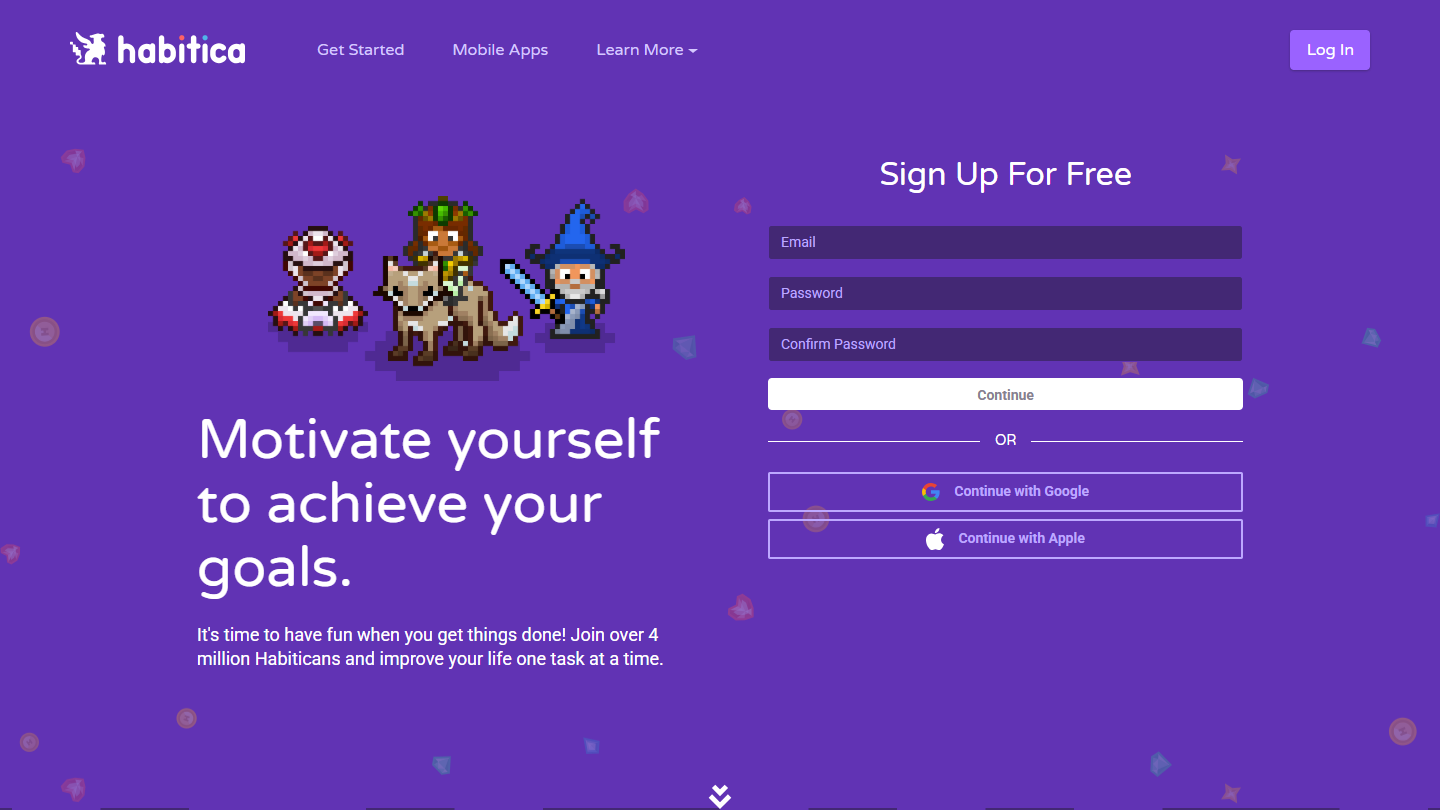
Habitica website: “Motivate yourself to achieve your goals.”

Habitica is a to-do list app that borrows the codes of pixel-art role-playing games. You create an avatar, add your tasks, and every task ticked off earns gold, experience and items to use in the game.

It distinguishes three types of items: habits (to do several times a day or now and then), dailies and one-off tasks. Gold is traded for equipment and pets to customize your avatar. In a group, you fight monsters by completing your tasks, and challenges share lists between players.

Habitica makes sense when the problem is not the tool but the motivation to keep up your list. For serious team use, the video game setting quickly becomes a nuisance.

The app is open source and free. An optional subscription supports its development and gives in-game perks, such as special equipment every month. The group plan, with a shared task board, costs $9 per month plus $3 per extra member.

09

OmniFocus

4.1/5 From $74.99

Best for: Apple users who manage many personal projects and practice the GTD method

+ Strengths
  • Designed for the Getting Things Done method, with a guided weekly review
  • Custom Perspectives to group tasks
  • One license covers Mac, iPhone, iPad, Apple Watch and Vision Pro
− Downsides
  • No free version, pricier than average
  • Learning curve
  • Apple apps only, web access optional at $4.99 per month
★ OmniFocus in brief

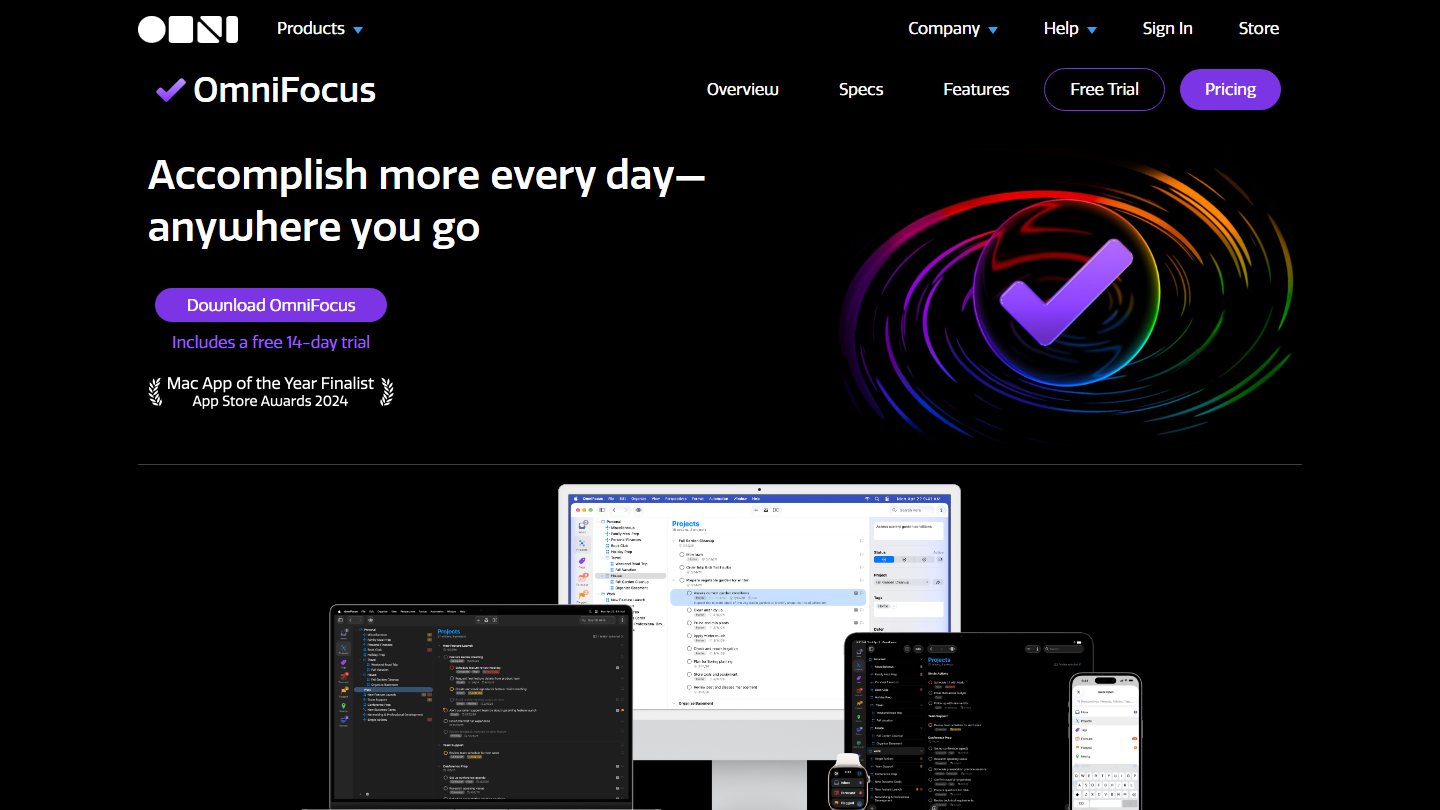
OmniFocus home page: “Accomplish more every day, anywhere you go”, with the app on Mac, iPad and iPhone

OmniFocus, from The Omni Group, is a task manager for Mac, iPhone, iPad, Apple Watch and Vision Pro, built around David Allen’s Getting Things Done method. It is the most complete tool in this top for personal use.

Everything starts from an inbox where you capture tasks, then file them by project and by tag, with due dates. The Forecast view shows what is coming, Perspectives group tasks by your own criteria, and the weekly review guides the sorting of all current projects.

OmniFocus makes sense for people who run dozens of projects in parallel and already practice GTD. For a daily list, it is oversized, and it takes time to get the most out of it.

The perpetual OmniFocus 4 license costs $74.99 for Standard and $149.99 for Pro, for all Apple devices. The subscription, at $99.99 per year, gives the Pro version and web access; otherwise web access costs $4.99 per month. A 14-day trial is included with the download.

10

Google Tasks

3.8/5 From Free

Best for: People who live in Gmail and Google Calendar and want to note their tasks without opening another app

+ Strengths
  • Completely free with a Google account
  • Dated tasks shown in Google Calendar, with reminders
  • Recurring tasks and blocked time slots in the calendar
  • Tasks assignable from Google Chat and Google Docs
− Downsides
  • Rather basic interface
  • Priorities reduced to a star on important tasks
★ Google Tasks in brief

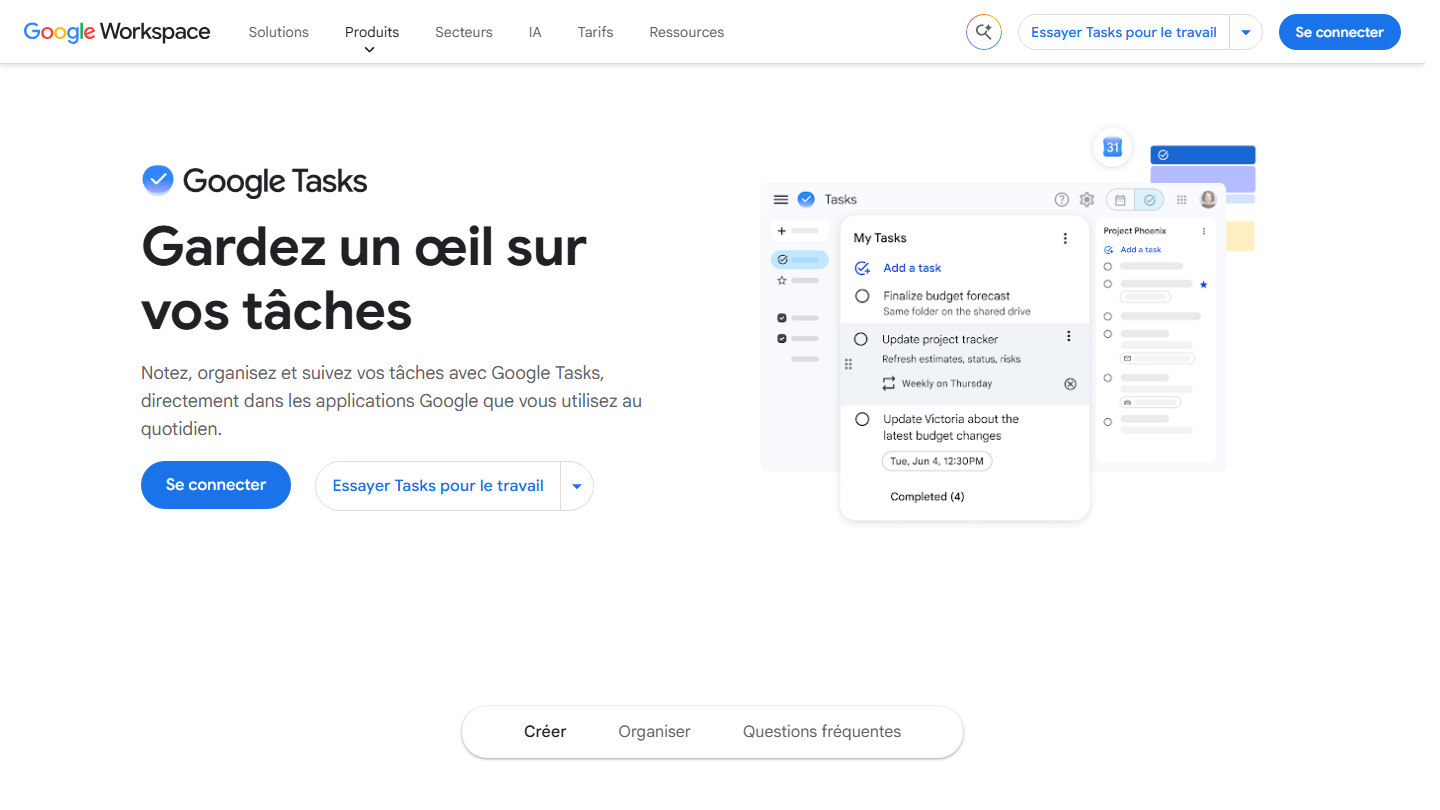
Google Tasks page: “Keep track of your tasks”, showing a task list in the Google interface

Google Tasks is the task list built into Google services: a Google account is enough. You use it on mobile, or directly in Gmail, Google Calendar, Google Chat and Google Docs.

A dated task shows up in Google Calendar, with its reminders, and can block a time slot. You make it recurring, file it in a list by project or by client, and star the most important ones. In Google Chat and Google Docs, you assign a task to a colleague.

Google Tasks makes sense when the Google calendar is already the center of your day: you turn an email into a task without changing tabs. For sorting, filtering and sharing lists, Todoist or Microsoft To Do go further.

It costs nothing, and companies find it in their Google Workspace subscription.

11

Focuster

3.8/5 From Not published

Best for: Freelancers who want their priorities of the day to find their place in the calendar automatically

+ Strengths
  • Automatically places tasks in free calendar slots
  • Reschedules the day when a task overruns
  • 14-day free trial, all features included
− Downsides
  • No public pricing on the site
  • No free plan after the trial
  • Site in English, help and pricing pages inaccessible
★ Focuster in brief

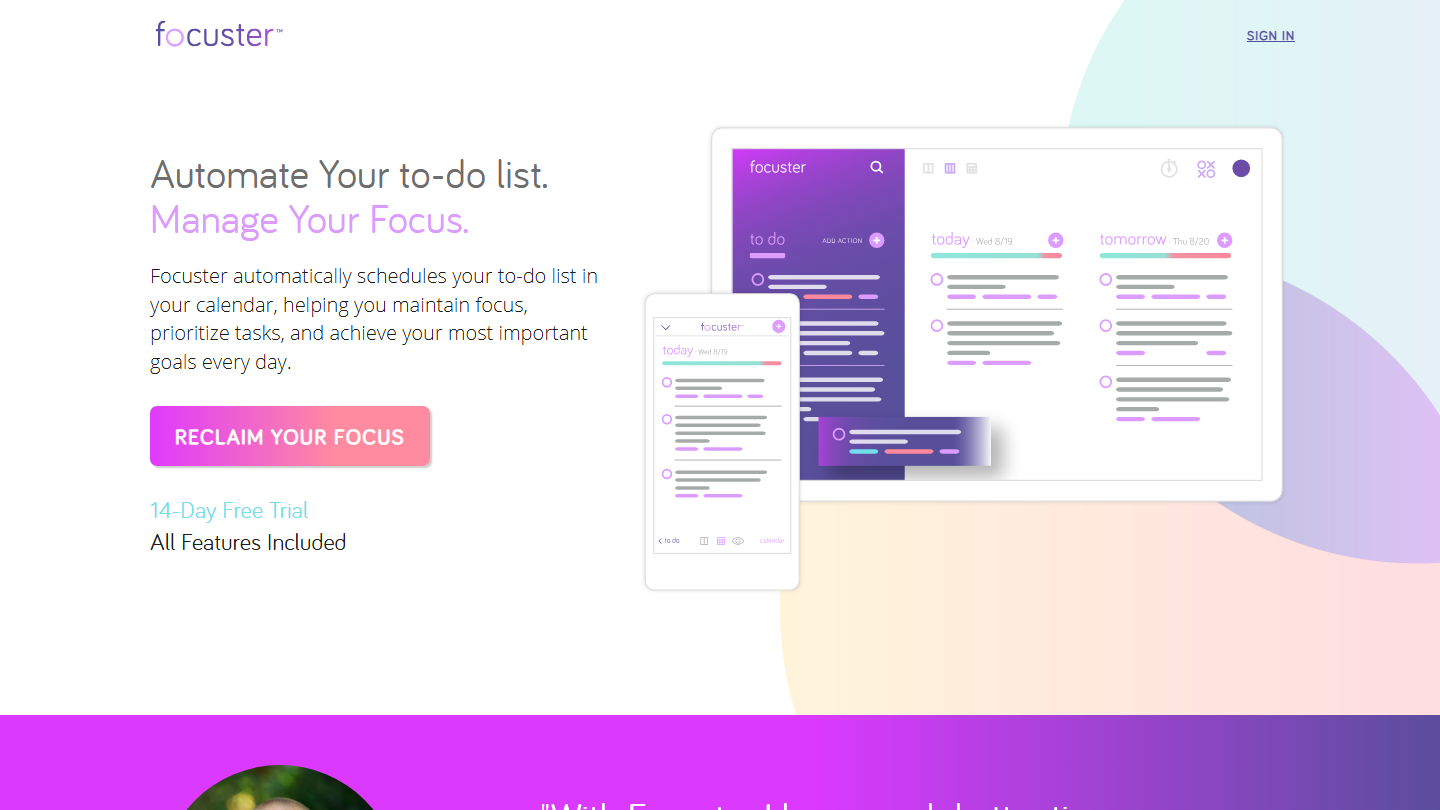
Focuster home page: “Automate Your to-do list. Manage Your Focus.”, with the 14-day free trial

Focuster is a time management tool that starts from your to-do list to fill your calendar: it automatically places each priority in a free slot of the day.

You note your goals for the day, rank them by importance, estimate their duration, and Focuster enters them in the calendar. When a task overruns, it reschedules what follows, and an activity bar shows what is done, what remains and the time available.

Focuster makes sense for a freelancer whose calendar fills up with meetings and who wants to reserve time for real priorities. Those who only want a list to tick off do not need it.

The free trial lasts 14 days, all features included. The site shows no pricing, and its help and pricing pages returned an access error: check that the tool meets your expectations during the trial before committing.

12

Asana

4.2/5 From €10.99

Best for: Two people who want to split tasks with due dates and comments, without paying

+ Strengths
  • Unlimited tasks and projects from the free plan
  • List, board and calendar views for free
  • More than 100 integrations, even for free
− Downsides
  • Free plan limited to 2 users
  • Timeline, Gantt and automation rules reserved for Starter
  • Pricier than most tools in this top
★ Asana in brief

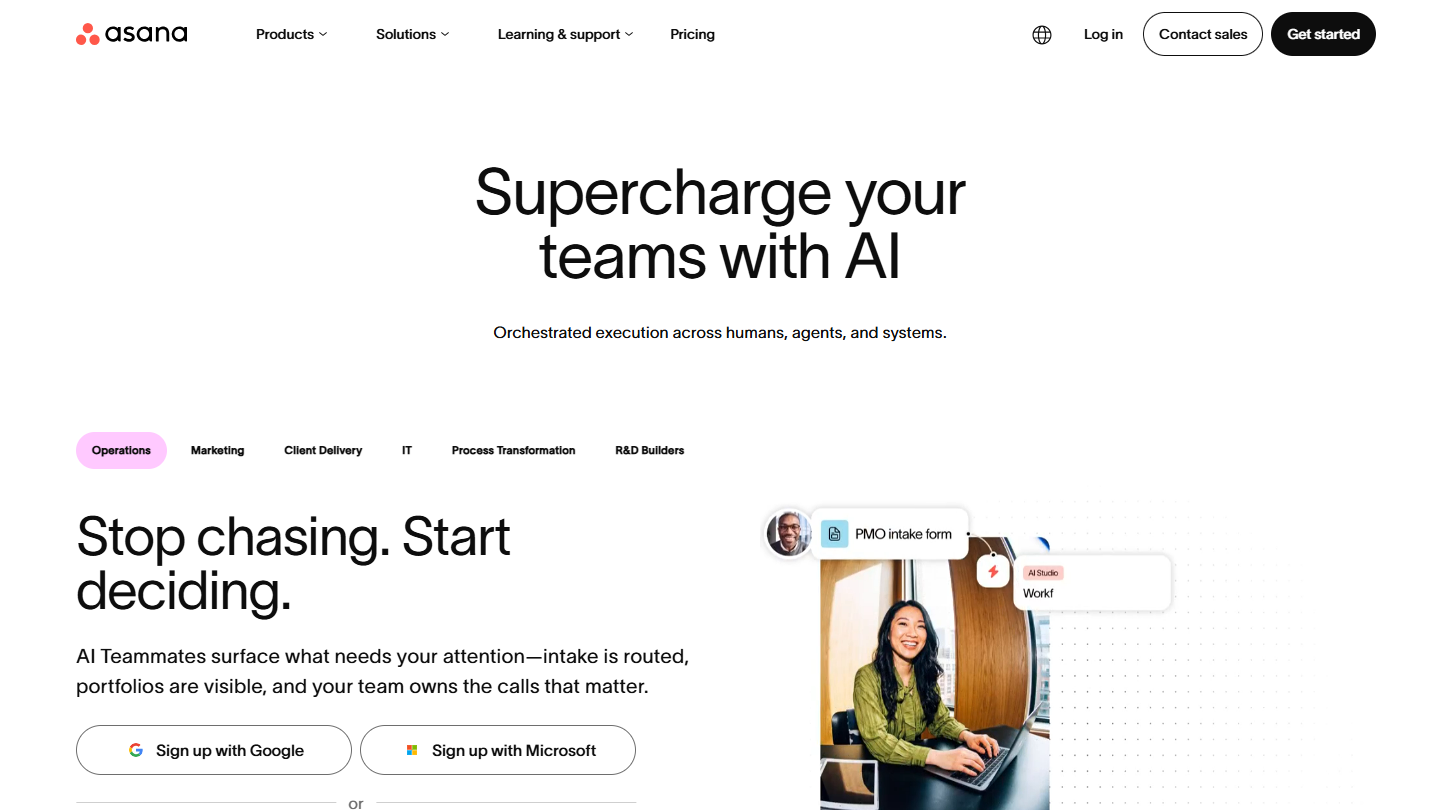
Asana website: “Supercharge your teams with AI”

Asana is work management software, used by marketing, product or operations teams. Its structure stays simple: projects, sections and tasks with an owner, a due date and a comment thread.

As a to-do list, the My Tasks view gathers everything assigned to you, across all projects, and the list view reads like a checklist. You split a task into subtasks, attach a file, mention a colleague.

Asana makes sense for two people who want to divide the work with more structure than a shared list. From the third person on, you have to pay: that is where Trello or ClickUp, free for several people, regain the advantage.

The Personal plan costs nothing and limits neither tasks nor projects, but stops at 2 users. Starter costs €10.99 per user per month billed annually, €13.49 monthly, and adds timeline, Gantt and automations.

13

Momentum

3.7/5 From $39.95

Best for: People who want to see their goal of the day and their tasks in every new tab

+ Strengths
  • Highly crafted visuals: photo, quote and goal of the day in every tab
  • Free version with no credit card
  • Todoist, Trello, Asana, ClickUp, Google Tasks or Microsoft To Do integrations with Momentum Plus
− Downsides
  • Minimal task list: it is first of all a browser start page
  • Multiple lists, color labels and integrations reserved for Momentum Plus
★ Momentum in brief

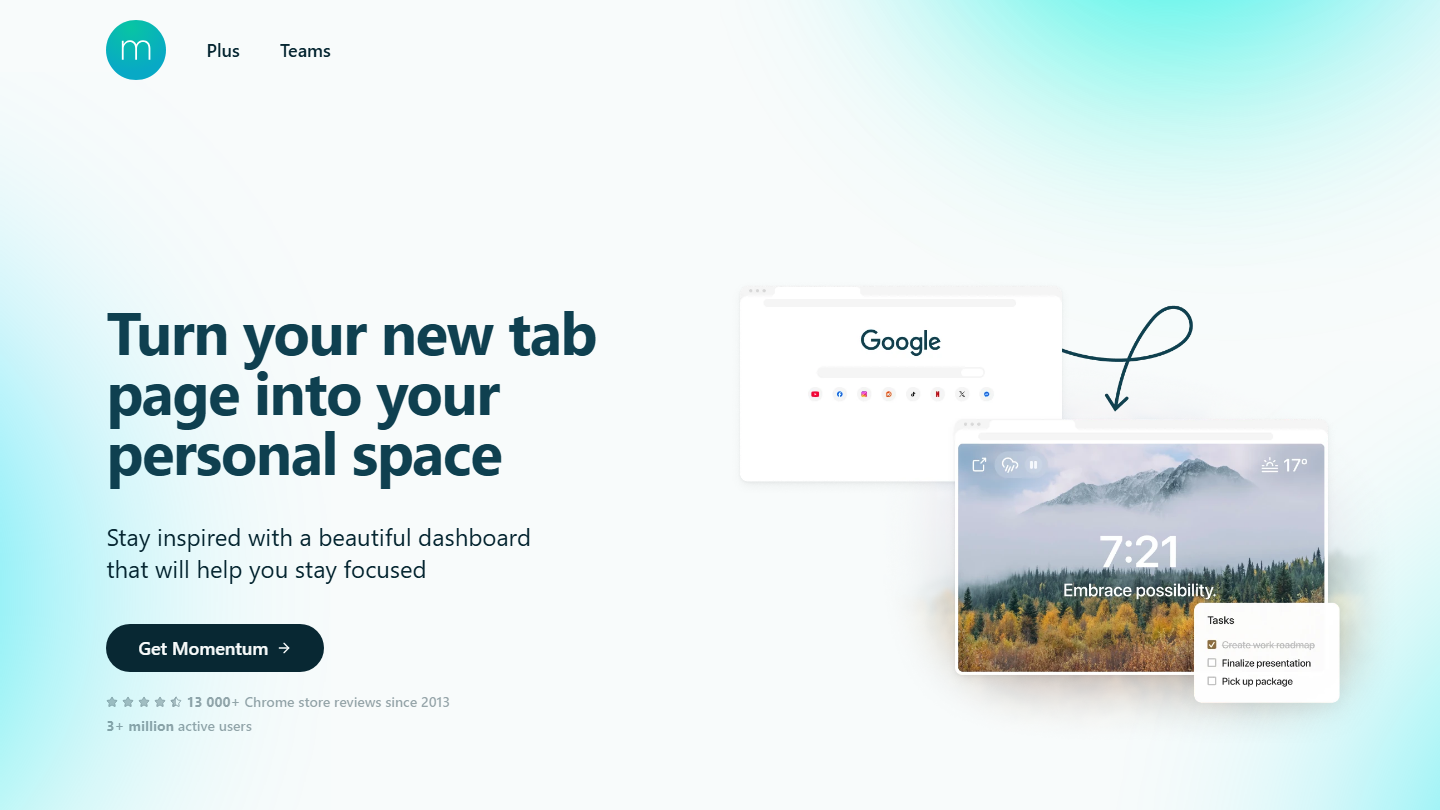
Momentum home page: “Turn your new tab page into your personal space”, showing the browser dashboard

Momentum is a browser extension that replaces the new tab page with a personal dashboard: photo of the day, time, quote, goal of the day and task list. It claims more than 3 million active users.

Every time you open a tab, you land on your goal and your tasks for the day. The Plus version adds a focus mode with a Pomodoro timer and site blocking, multiple lists, and sync with Todoist, Trello, Asana, ClickUp, Google Tasks or Microsoft To Do.

Momentum makes sense as a complement to a real to-do list: it displays tasks where you spend your day, the browser. On its own, it stays too light to manage a long or shared list.

The free version asks for no credit card. Momentum Plus costs $39.95 per year.

14

Evernote

4.0/5 From €12.99

Best for: People who already use Evernote and want to attach their tasks to it rather than open another app

+ Strengths
  • Tasks with dates, reminders and assignment, inside notes
  • Sync across devices
  • Gmail, Google Drive, Google Calendar, Outlook and Slack integrations
− Downsides
  • Free plan limited to 50 notes, 1 notebook and 1 device
  • Starter capped at 1,000 notes and 3 devices
  • Expensive for to-do list use alone
★ Evernote in brief

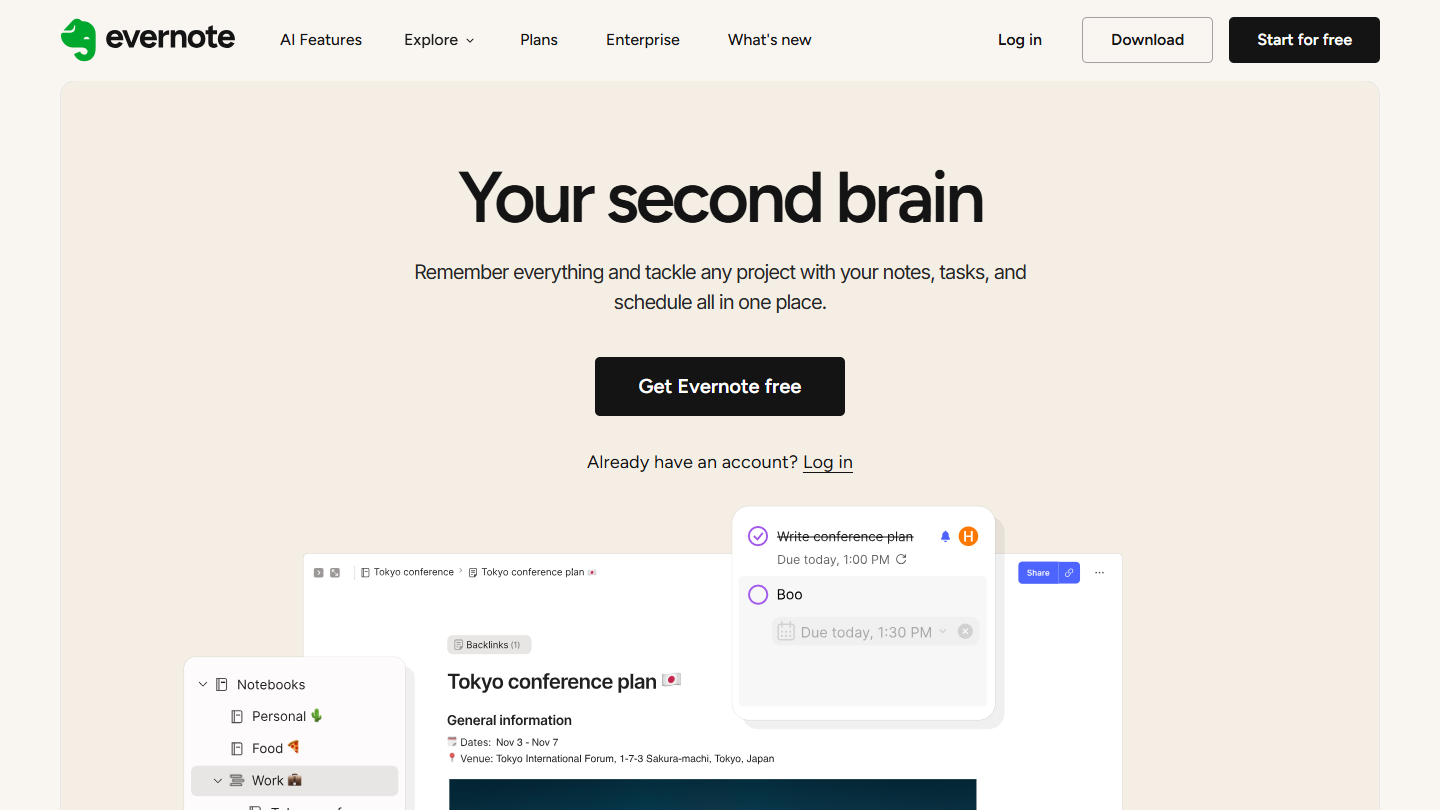
Evernote website: “Your second brain”

Evernote is a note-taking app, owned by Bending Spoons since 2023, that has added tasks to its notes. A task can live on its own or in the middle of a meeting note.

You add a date, a reminder, assign the task to someone, without leaving the note where it was born. Evernote connects to Gmail, Google Drive, Google Calendar, Outlook and Slack.

Evernote makes sense for people who already keep their work notes there and want the actions coming out of a meeting to stay attached to their context. For a to-do list alone, the price is hard to justify against Todoist or TickTick.

The free plan is limited to 50 notes, 1 notebook and 1 device. Starter costs €12.99 per month or €79.90 per year, for 1,000 notes and 3 devices, Advanced €21.99 per month.

15

Superlist

4.2/5 From $5

Best for: Small teams who want to share task lists and notes, without configuring a project management tool

+ Strengths
  • Unlimited tasks and notes from the free plan
  • Lists shared with the team and guests
  • macOS, iOS, Android and web apps
− Downsides
  • Free plan limited to 5 lists and 5 people per shared list
  • Integrations reserved for the Basic plan
  • Unlimited AI features reserved for Super, $21 per person
★ Superlist in brief

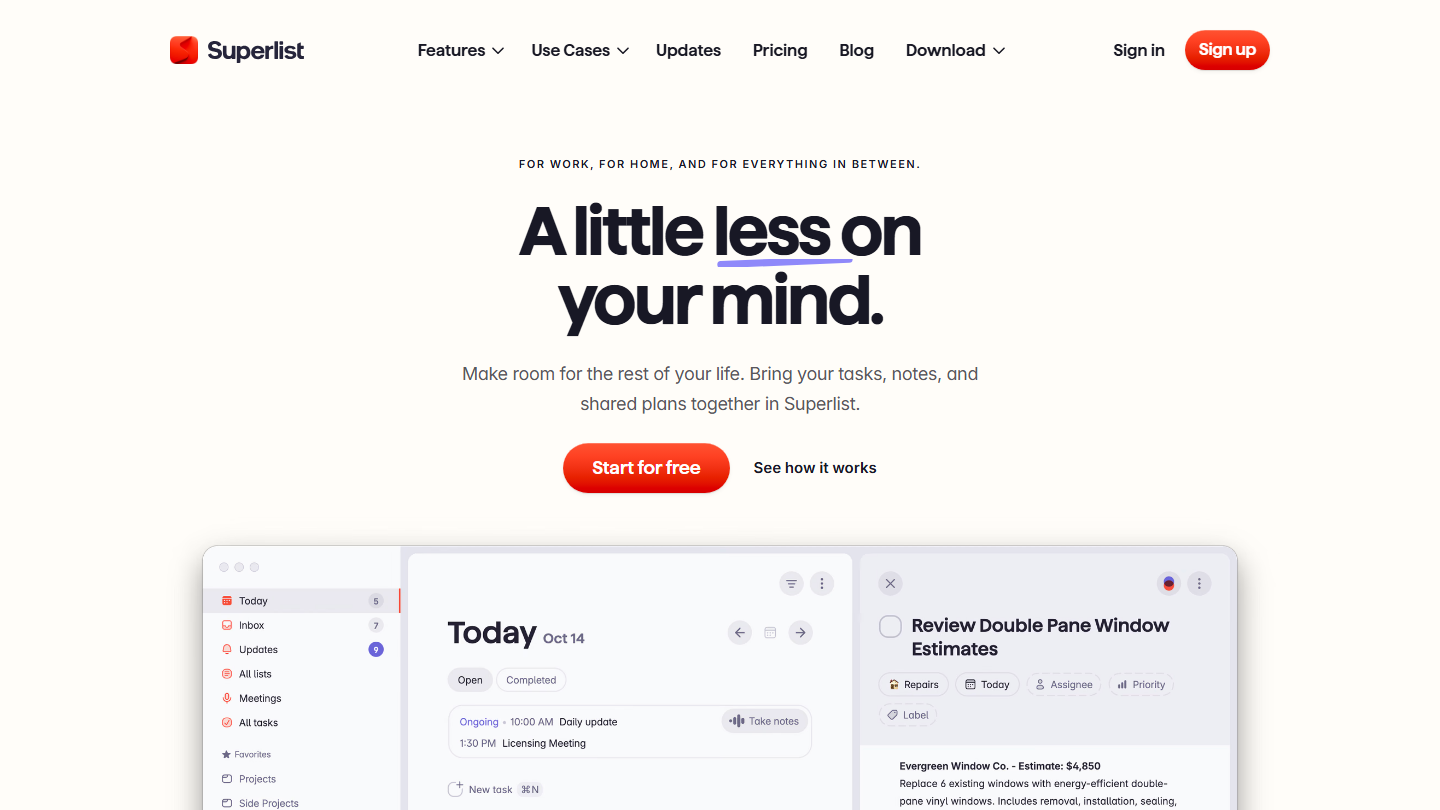
Superlist home page: “A little less on your mind”, showing the app's Today view

Superlist is a task list and notes app. It runs on macOS, iOS, Android and the web, and presents itself as a tool “for work, home and everything in between”.

Each list mixes tasks, sublists and notes. You share it with colleagues or guests, assign a task, set a due date and a priority. The paid plans add voice task dictation and AI meeting summaries.

Superlist sits between the personal to-do list and the project tool: it suits a small team that wants to share a few lists without configuring spaces, statuses and views. For progress tracking in columns, Trello remains easier to read.

The free plan accepts 5 lists, private or shared, with 5 people per shared list and unlimited tasks. Basic costs $5 per person per month (the page shows $59 per year) and lifts these limits. Super, at $21, adds unlimited AI features.

16

Rappels (Apple)

4.1/5 From Free

Best for: iPhone, iPad and Mac users who want a free task list, to share with family or colleagues

+ Strengths
  • Free and already installed on iPhone, iPad, Apple Watch and Mac
  • Shared lists and reminders assigned to the people on the list
  • Location-triggered reminders, subtasks, tags and smart lists
− Downsides
  • No Android or Windows app, only web access through iCloud
  • No board view or team progress tracking
★ Rappels (Apple) in brief

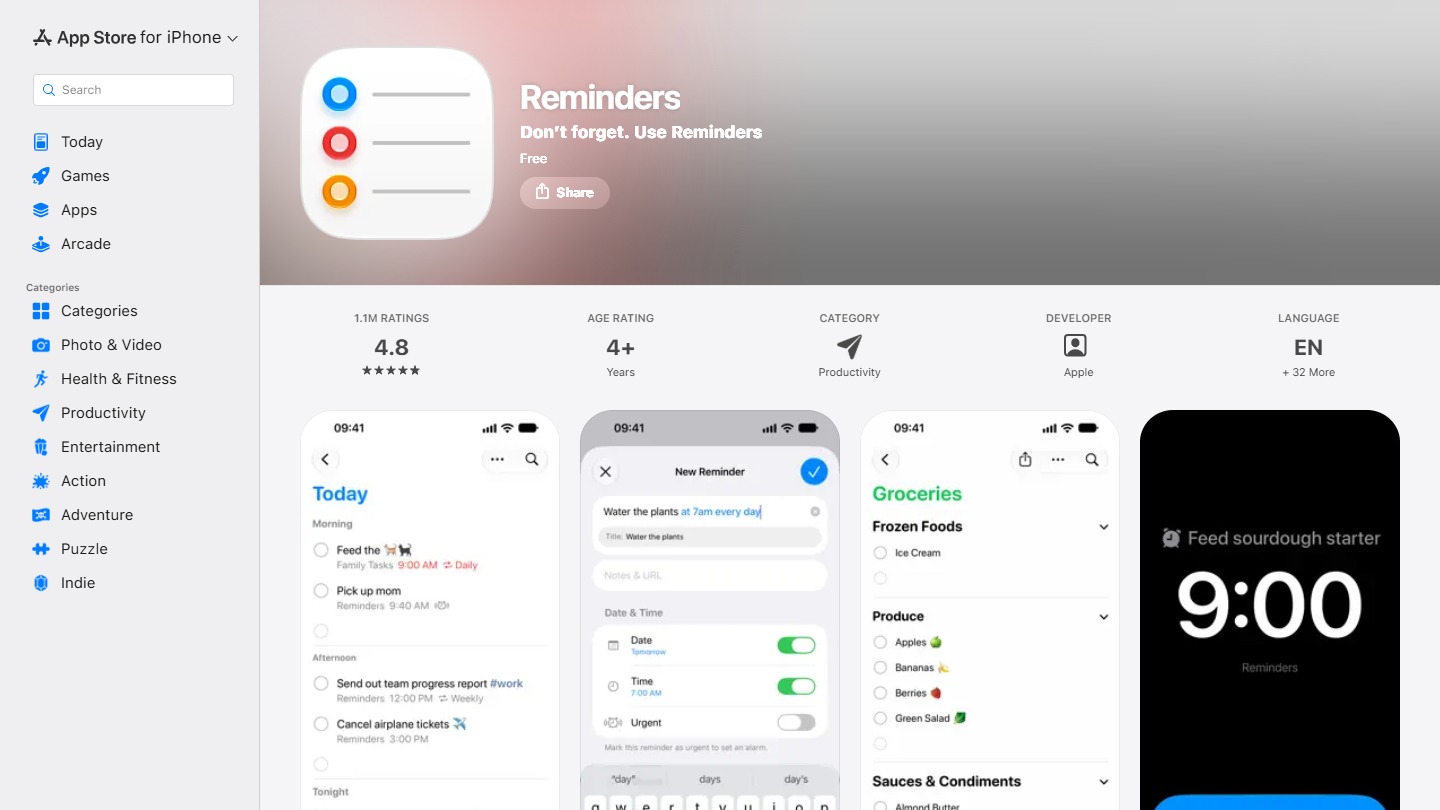
Rappels (Apple) website: “Reminders”

Reminders is Apple’s task app, free and preinstalled on iPhone, iPad, Apple Watch and Mac. Its lists sync through iCloud and can be viewed on the web, at icloud.com.

It goes further than its name suggests: subtasks, tags, smart lists (Today, Scheduled, Assigned to Me), reminders triggered on arriving at the office or at home, reusable list templates. Siri creates a reminder by voice, and grocery lists sort themselves by aisle.

Reminders makes sense for anyone living in the Apple ecosystem who wants a free list without an extra account. Shared lists let you assign a reminder to a family member or colleague, which is enough for a family or two people. As soon as one team member is on Android or Windows, browser access becomes the only option.

The app is free, with no paid plan.

How we chose these 16 tools

Every tool in this selection has been used in real conditions by our team or by a Salesdorado consultant, in a B2B sales and marketing setting. No ranking built from a marketing deck. The order of the list is not a ranking: the right tool depends on your needs.

  1. 01
    Benchmark scope

    Broad identification of the tools on the market (G2, Capterra, Salesdorado customer feedback, LinkedIn signals). Initial filtering, then a short list based on a 2-hour setup per tool.

  2. 02
    Test conditions

    3 to 4 weeks of active use per tool, with data representative of a B2B sales use case. When a tool targets a specific profile (SDR, AE, Ops, Marketer…), we match the tester accordingly.

  3. 03
    Weighted criteria

    For each category, 5 to 7 axes weighted according to what matters in the segment: UX, feature depth, native integrations, support, pricing at scale, compliance (GDPR, security), and roadmap quality.

  4. 04
    Independence

    No tool is scored in exchange for payment. Partner links (affiliate) are marked as such and do not influence the score. Non-partner tools are included when their place in the ranking is deserved.

  5. 05
    Updates

    The ranking is reviewed every 6 to 12 months or on every major release of a tool mentioned. The date of the last check is shown at the top of the article.

The questions we get over and over.

Do you need a to-do list app or project management software?

Apps built only for to-do lists are often free, with more limited features, and are a good fit for small businesses or personal use. To link your to-do lists to more complex projects, project management software is better: it offers collaborative to-do lists and integrates with other tools. It can, however, be too complicated to roll out for a business with limited needs.

Which to-do list apps are free?

Microsoft To Do, Google Tasks and Apple Reminders are entirely free, and Habitica is a free open source app. Todoist, TickTick, Any.do, Superlist, Trello, ClickUp, Asana, Momentum and Evernote offer a free plan, with limits: 5 personal projects at Todoist, 9 lists at TickTick, 2 users at Asana, 50 notes at Evernote. For a personal to-do list, these plans are often enough.

Which to-do list app should you choose on iPhone or Mac?

Reminders, Apple's free app, already covers shared lists, subtasks and location-based reminders. Things 3, very simple to use and clean in design, gathers the tasks to finish each day; it is bought once, €9.99 on iPhone and €59.99 on Mac. OmniFocus, based on the Getting Things Done method, is more complete but pricier (license from $74.99) and has a learning curve.

What makes a good to-do list app?

Easy onboarding, customization options, deadline reminders by notification or email, collaboration options to assign tasks and follow their progress, and integrations with the rest of the company's software.

Why use a to-do list app at work?

It saves the time wasted on paper lists: you can write, organize and prioritize your tasks, attach documents, links and files, and follow how your colleagues' to-do lists are progressing. According to Salesdorado, the key is keeping it constantly up to date, which depends on great ease of use.

★ The conversation, 0 comments

What the community says.

Basic Markdown, moderated within 24 h
Loading…

    In the same category