Top 10 best free ticketing software

Ten ticketing software with a free version compared. Hosted free plans for a customer service team: HubSpot (2 users), Help Scout (5 users, 100 contacts per month), Zoho Desk (3 agents, email only), Crisp (2 seats, chat without email) and Freshdesk (free for 6 months for 1 to 2 agents, no more lifetime free plan). Free plans for a specific use: Jira Service Management (3 agents, IT support) and Organilog (field interventions, 72 hours of history).

Maxime Ben Bouaziz
Maxime Ben Bouaziz
CEO Salesdorado, IA & Sales Tech
July 12, 2022, updated November 10, 2026, 1 min read
See all tools

Managing customer support well matters for any organization that wants to keep its customers. At Salesdorado, we are convinced that retaining customers costs far less than acquiring new ones.

Ticketing software centralizes customer requests, whatever the channel, and tracks each ticket through to resolution. Free versions differ mostly in their limits: number of agents (2 at HubSpot and Crisp, 3 at Zoho Desk and Jira Service Management, 5 at Help Scout), open channels, length of history. Depending on your need:

  • a free help desk connected to a CRM: HubSpot;
  • the most free users, up to 5: Help Scout;
  • free email tickets, then a cheap first paid tier: Zoho Desk;
  • support that starts with chat: Crisp;
  • a full-featured tool to test for six months without paying: Freshdesk;
  • an IT or development team: Jira Service Management;
  • field service teams: Organilog;
  • no subscription at all, even if you have to host the tool: osTicket, FreeScout, or UVdesk for e-commerce.

The free trapFree software tools often share a fairly similar free core and set themselves apart on their paid plans. But switching software can get very expensive very quickly. In my opinion, it is better to look for the software that will still meet your needs best in 6 – 12 months than to try to save two or three licenses in the meantime.
The 10 tools, side by side

# Logos tool Score Price Best for
01 Crisp 4.4/5 ★ €45 Teams that handle customer support mainly through live chat Visit site
02 Freshdesk 4.5/5 ★ €17 Small support teams ready to pay for a full-featured tool after a long free period Visit site
03 HubSpot 4.5/5 ★ €20 Teams that want to centralize their tickets in a free shared inbox Visit site
04 Zoho Desk 4.1/5 ★ €7 Small teams that receive requests by email and want to pay little as they grow Visit site
05 Jira Service Management 4.3/5 ★ $21.50 IT and development teams that want reporting and automation from the free plan Visit site
06 osTicket 3.9/5 ★ $12 Teams looking for a low-cost ticketing system, even a free open source one Visit site
07 UVdesk 3.9/5 ★ $8 Online shops and marketplace sellers who want a free help desk to host Visit site
08 Organilog 3.7/5 ★ €19 Field service and maintenance teams that want to handle customer requests in their scheduling tool Visit site
09 Help Scout 4.7/5 ★ $25 Small support teams that handle requests by email and want a public help site Visit site
10 FreeScout 4.0/5 ★ Free Technical teams that want the equivalent of Help Scout on their own server Visit site
01

Crisp

4.4/5 From €45

Best for: Teams that handle customer support mainly through live chat

+ Strengths
  • Site chat, shared inbox and mobile apps included without paying
  • Priced per workspace, with 4 seats from the Mini plan
  • French vendor, data hosted in Europe
− Downsides
  • Free plan limited to 2 seats and 100 customer profiles
  • No emails on the free plan, and the ticketing system only in the Plus plan, at €295 per month
  • No sales CRM: no pipeline or forecasts
★ Crisp in brief

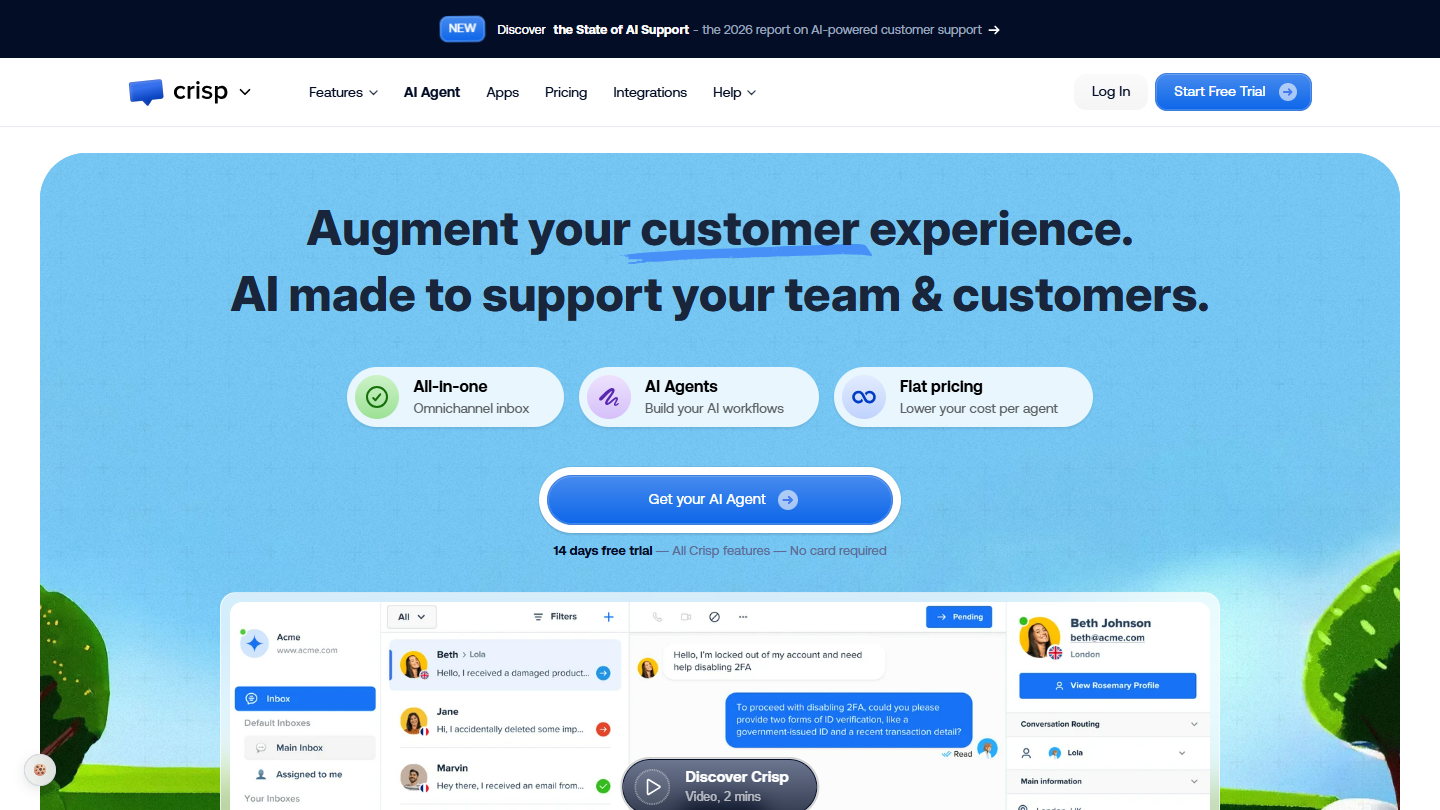
Crisp website: “Augment your customer experience. AI made to support your team & customers.”

Crisp is a French customer messaging platform: site chat, email, social networks and an AI agent all land in one shared inbox. The tool is designed for conversation more than for the formal ticket.

The free plan covers site chat, the shared inbox, the contact form and the mobile apps, for 2 seats and 100 customer profiles. Emails are not included: a request sent to your support address stays outside Crisp.

It makes sense when chat is your first support channel, for example on an e-commerce site or an online software product. If your customers mostly write by email, a free plan centered on email serves you better.

The Mini plan costs €45 per month for the whole workspace, 4 seats included, and adds email. Essentials, at €95, adds the knowledge base, statistics and routing; the ticketing system arrives with Plus, at €295. An extra seat costs €10 per month.

02

Freshdesk

4.5/5 From €17

Best for: Small support teams ready to pay for a full-featured tool after a long free period

+ Strengths
  • €0 offer for 6 months for 1 to 2 agents, no credit card
  • Tickets, shared inboxes, customer portal and knowledge base from Growth
  • Ready-made reports from the first paid plan
− Downsides
  • No more lifetime free plan: free ends after 6 months
  • AI agent and options sold as add-on modules
  • Hard to get started for beginners
★ Freshdesk in brief

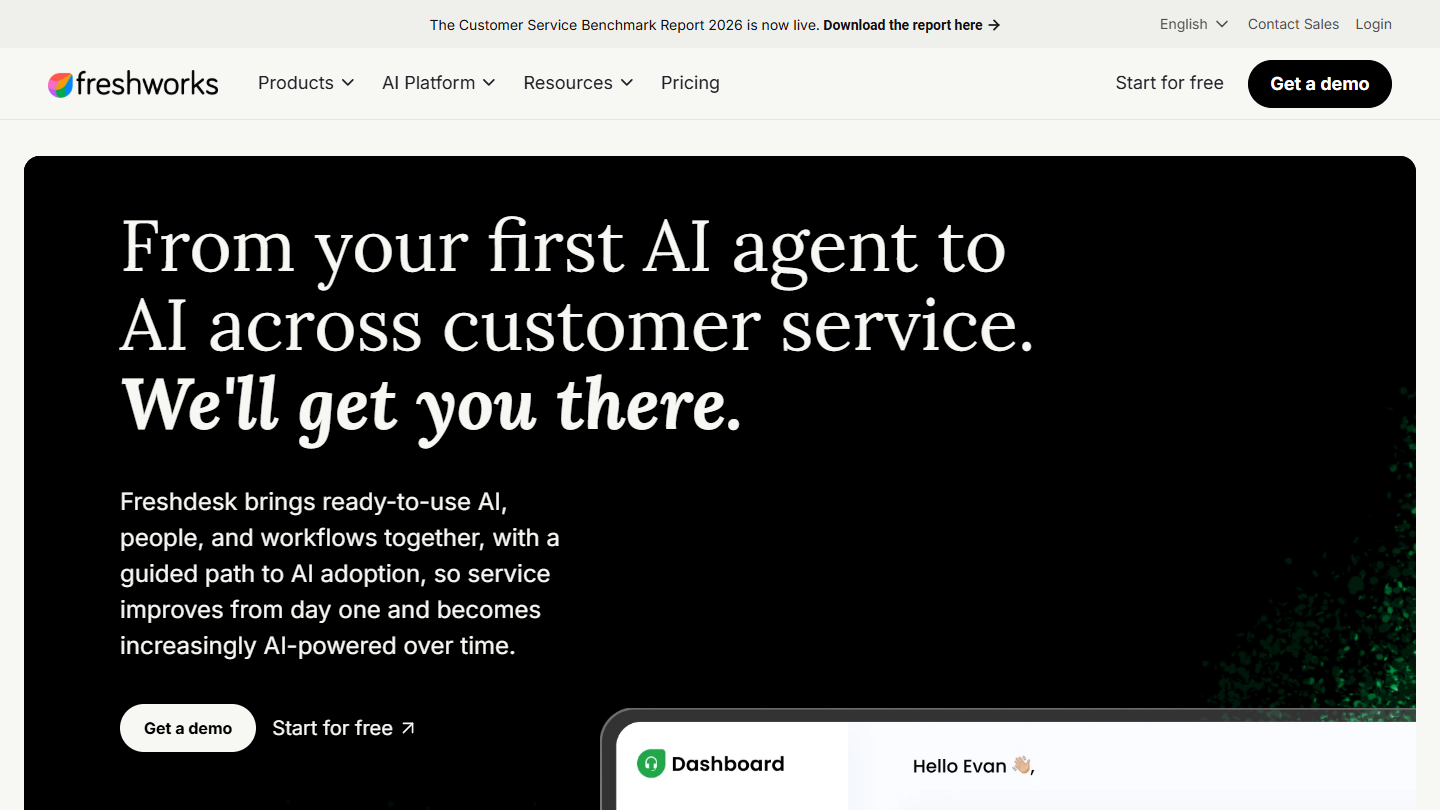
Freshdesk website: “From your first AI agent to AI across customer service. We'll get you there.”

Freshdesk is the help desk from Freshworks. It brings tickets from several channels into shared inboxes, with a customer portal, knowledge base, discussion threads between agents and reports.

Freshdesk no longer has a lifetime free plan. The vendor now advertises €0 for 1 to 2 agents for 6 months, after which you have to pick a paid plan. Six months is enough to set up your processes, and it is also six months during which the team gets used to a tool it will have to pay for.

It is the longest free period among the hosted tools in this top. It makes sense if you already know you will pay for a help desk and want to run it in before signing.

After that, count €17 per agent per month for Growth, €52 for Pro (smart routing, several SLA policies, multilingual help desk) and €84 for Enterprise, billed annually. The standard 14-day trial gives access to the Enterprise plan.

03

HubSpot

4.5/5 From €20

Best for: Teams that want to centralize their tickets in a free shared inbox

+ Strengths
  • Tickets, routing to the right team and site chat included in the free tools
  • Tickets attached to the contact records of the free CRM
  • One of the richest integration catalogs
− Downsides
  • Free limited to 2 users
  • Knowledge base and SLAs reserved for the Pro plan, at €90 per license
  • Long learning curve, users' number one complaint
★ HubSpot in brief

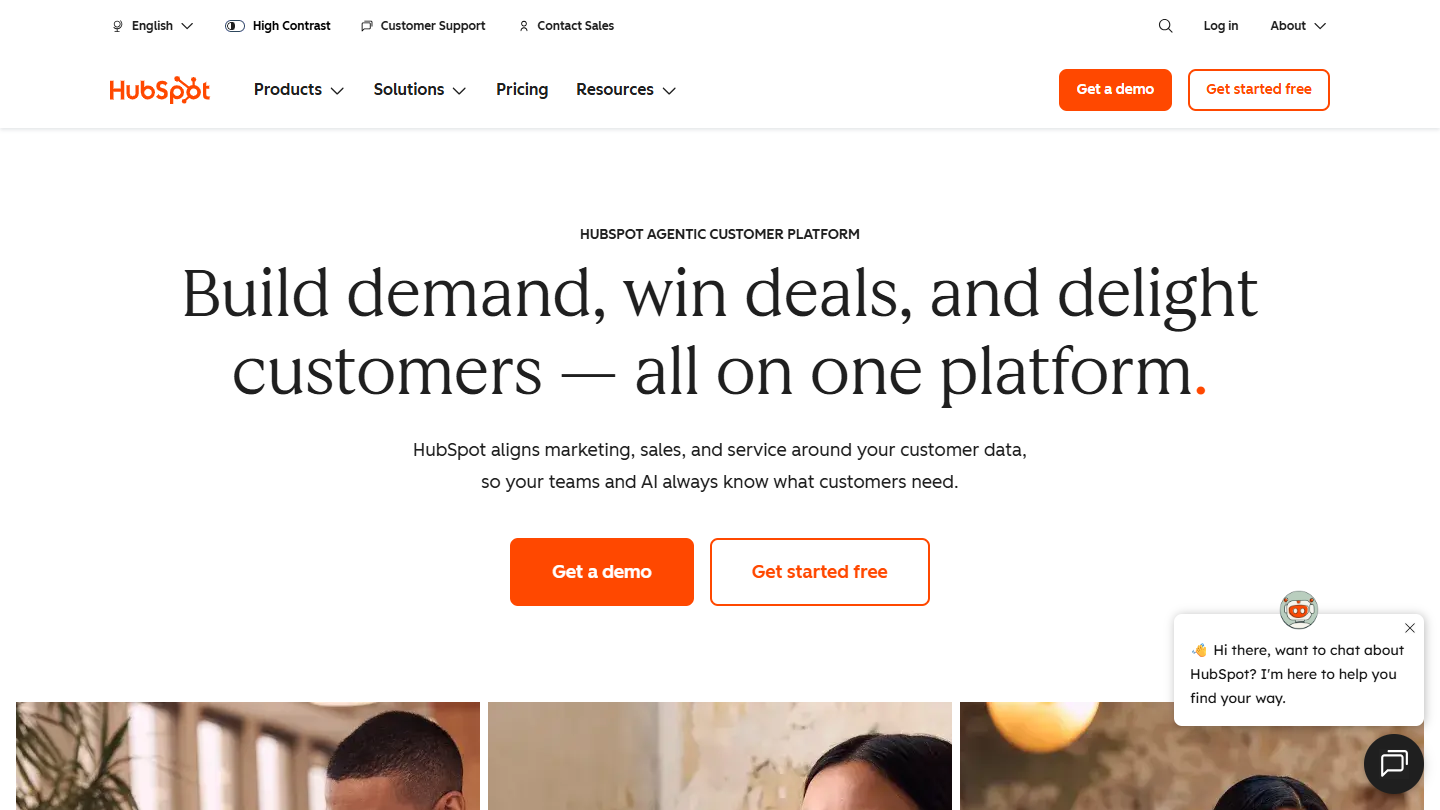
HubSpot website: “Build demand, win deals, and delight customers, all on one platform”

HubSpot is first of all a CRM. Its Service Hub adds a help desk to it: requests arrive by email or through the site chat, become tickets and attach to the contact record, with the history of their sales exchanges.

The free version covers the core of ticketing: ticket creation, routing of incoming requests to the right team, site chat and connection to Gmail or Outlook. It is enough for a two-person team that wants to get out of the shared mailbox.

It makes sense mostly if you already use the HubSpot CRM, or plan to: support sees the deals in progress, sales sees the open tickets. For pure support, with no sales use, other free plans leave more room.

Beyond 2 users, the Starter plan costs €20 per license per month and adds calls, simple automations and up to 10 users. The knowledge base and SLAs require the Pro plan, at €90 per license.

04

Zoho Desk

4.1/5 From €7

Best for: Small teams that receive requests by email and want to pay little as they grow

+ Strengths
  • Lifetime free plan up to 3 agents
  • First paid plan, Express, at €7 per user per month billed annually
  • Social networks, web forms and workflows from Express
− Downsides
  • Free version limited to tickets received by email
  • Chat and knowledge base from Standard, telephony from Professional
★ Zoho Desk in brief

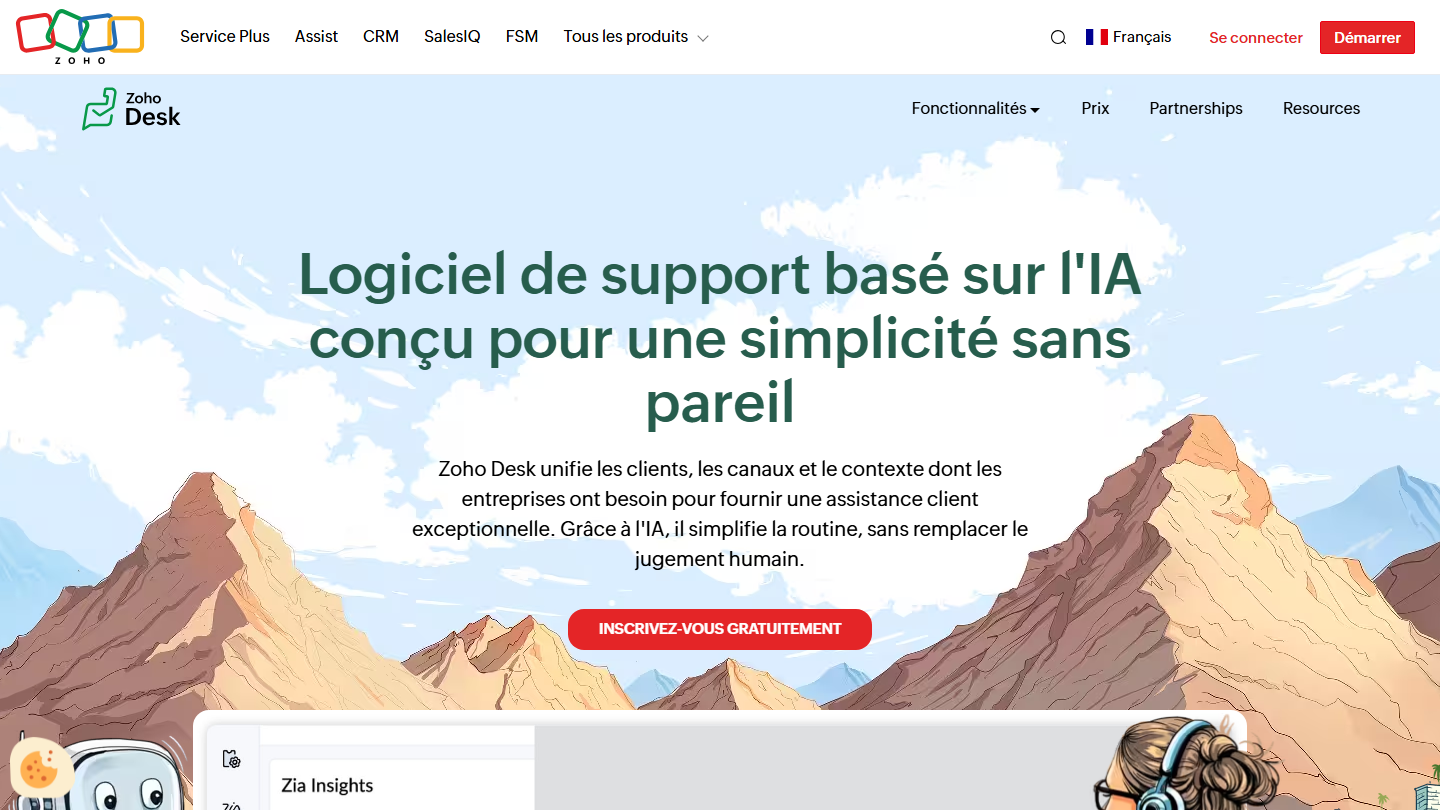
Zoho Desk home page: "AI-based support software designed for unmatched simplicity"

Zoho Desk is the customer service software of the Zoho suite. It receives requests, turns them into tickets and distributes them among agents; the paid plans add workflows and multi-level escalations.

The free version is limited to email tickets, for 3 users, with no time limit. It is not much, but it is the use case of many small teams: one support address, and someone who answers.

Its appeal is the price ladder. When email is no longer enough, the Express plan opens social networks, web forms and workflows without changing tools, or blowing up the bill.

Count €7 (Express), €14 (Standard, with chat and knowledge base), €23 (Professional, with telephony and a multilingual help center) and €40 (Enterprise) per user per month, billed annually.

05

Jira Service Management

4.3/5 From $21.50

Best for: IT and development teams that want reporting and automation from the free plan

+ Strengths
  • Free forever up to 3 agents, unlimited customers
  • Customer portal, email and chat (widget, Slack, Teams) included in the free plan
  • Reporting and 1,250 automation steps per month without paying
− Downsides
  • Beyond 3 agents, a paid plan is mandatory
  • Support limited to the Atlassian community on the free plan
  • Built for IT service management, slow to configure for simple customer support
★ Jira Service Management in brief

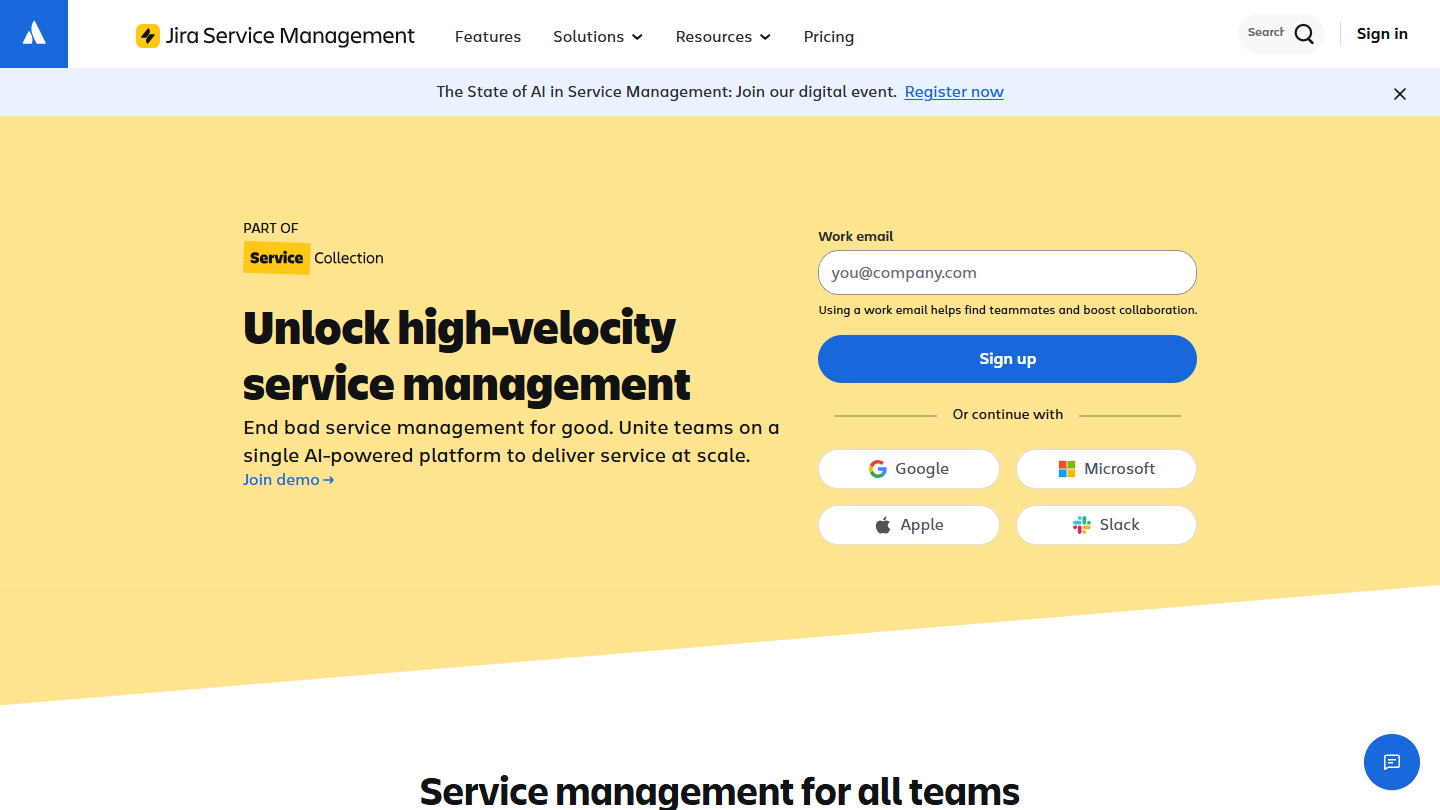
Jira Service Management website: “Unlock high-velocity service management”

Jira Service Management is Atlassian’s service management tool. It receives requests from customers or employees, sorts them into queues and links them, if needed, to the Jira tickets of the development teams.

The Free plan is one of the most complete in this top: 3 agents, unlimited customers, customer portal, email and chat, knowledge base, reporting and 1,250 automation steps per month. Support goes through the Atlassian community.

It makes sense for technical support or an internal service desk, when a customer ticket often ends up as a fix on the development side. For simple customer support, its workflows need more configuration than a classic help desk.

Beyond 3 agents, the Standard plan costs $21.50 per agent per month, with unlimited email notifications and 3,000 automation steps per user. The Premium plan is $55.28.

06

osTicket

3.9/5 From $12

Best for: Teams looking for a low-cost ticketing system, even a free open source one

+ Strengths
  • Free open source version, with every feature and no plan grid
  • Routing filters, automatic assignment and automatic replies included
  • Collision detection and SLAs without paying
− Downsides
  • Free version to host and maintain yourself, community support only
  • Paid hosted version, from $12 per agent per month
★ osTicket in brief

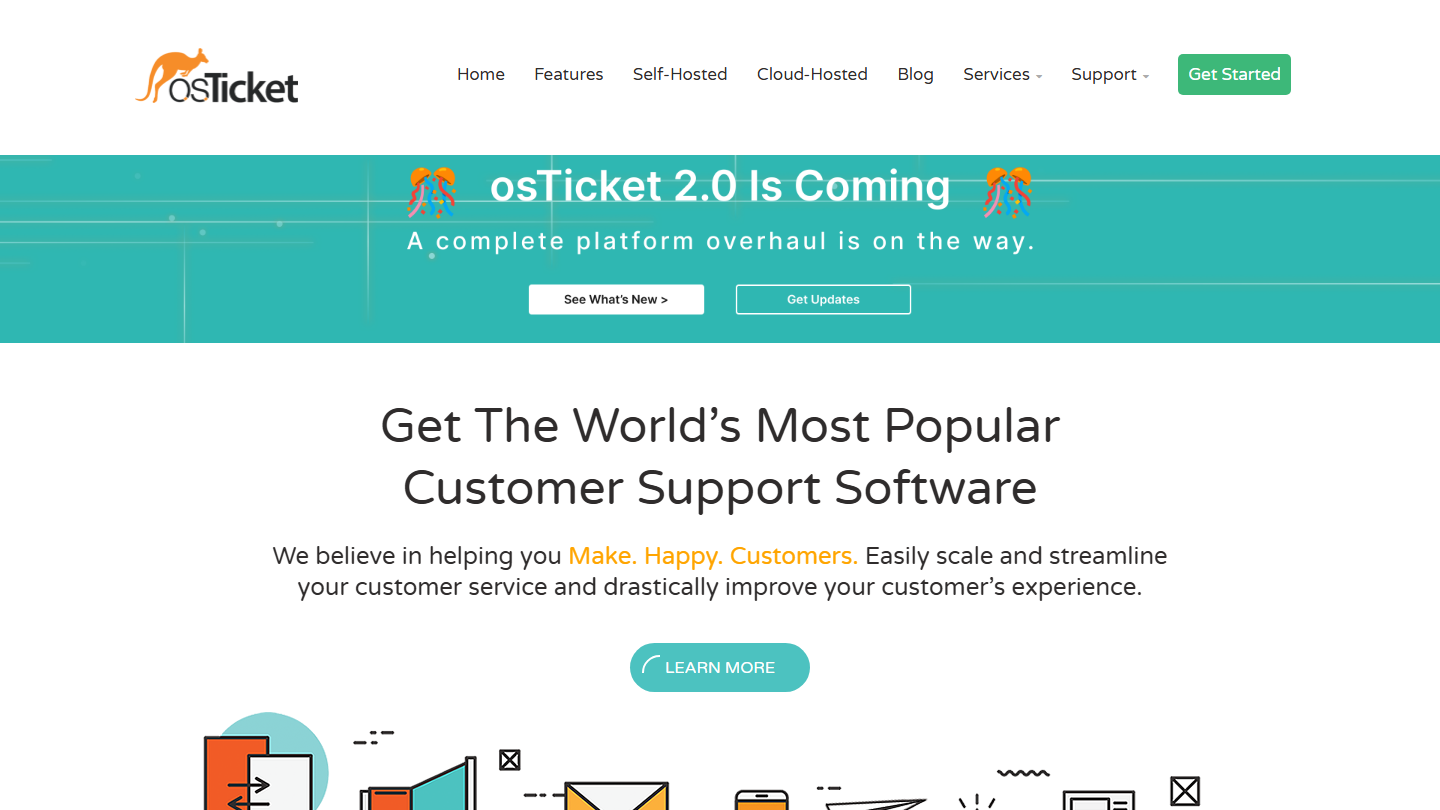
osTicket home page: "Get The World's Most Popular Customer Support Software"

osTicket is an open source ticketing system, among the most widely used. Requests arrive by email or web form and are routed to the right department according to help topics defined in advance.

The free version has no feature grid: the vendor advertises every feature at no cost. It includes routing filters, automatic assignment, automatic replies, SLAs, ticket locking so that two agents don’t answer at the same time, internal tasks and a customer portal.

The trade-off is hosting: you need a PHP and MySQL server, updates to keep up with and no support outside the forum. It suits a team with someone technical in-house. A rewrite, osTicket 2.0, is announced on the site.

To avoid the installation, the version hosted by SupportSystem starts at $12 per agent per month, with a 30-day trial.

07

UVdesk

3.9/5 From $8

Best for: Online shops and marketplace sellers who want a free help desk to host

+ Strengths
  • Free open source version, unlimited agents
  • Workflows included in the free version
  • SaaS version at $8 per agent per month billed annually
− Downsides
  • Free version to host yourself
  • Multichannel e-commerce integration reserved for paid plans
  • SaaS plans billed for 2 agents minimum
★ UVdesk in brief

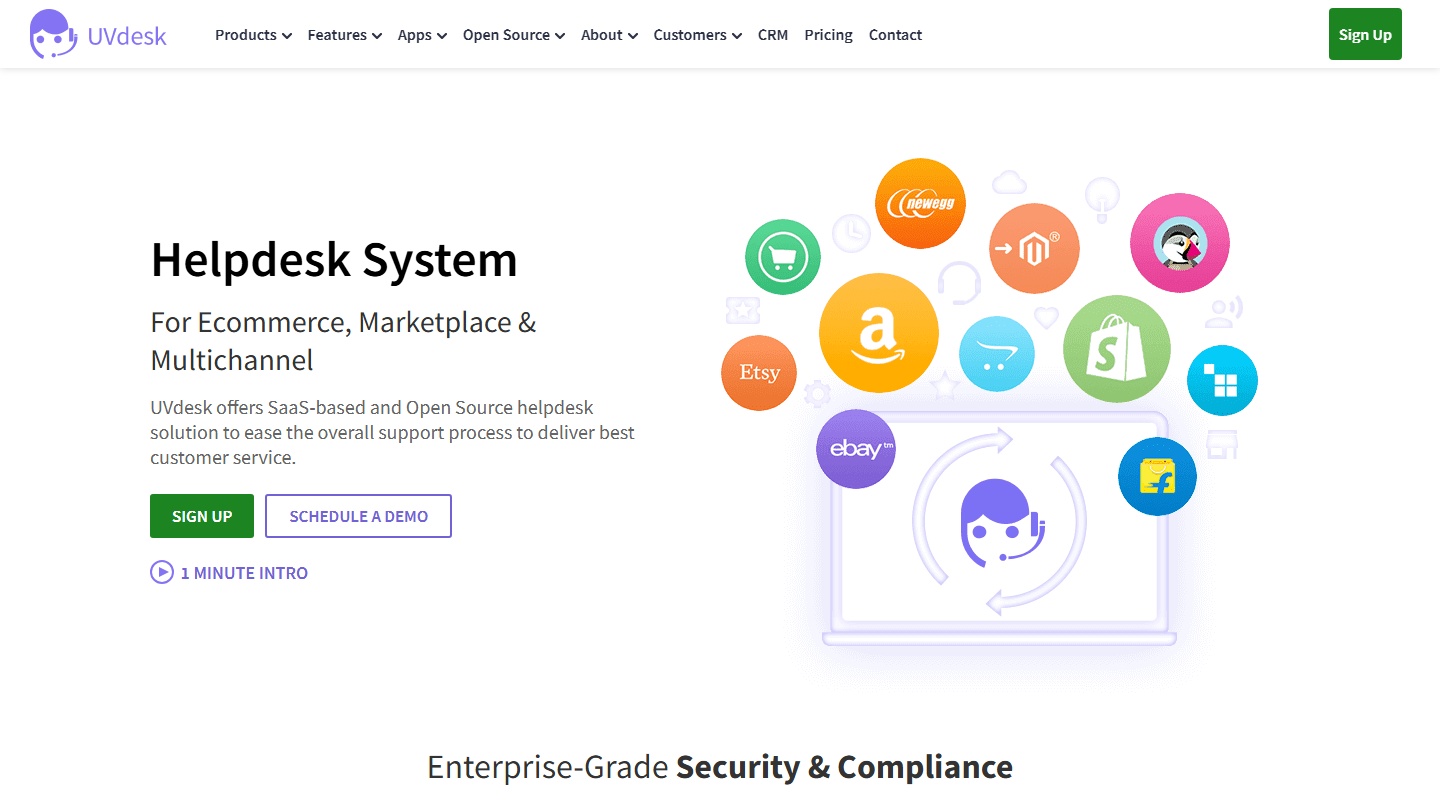
UVdesk home page: "Helpdesk System for Ecommerce, Marketplace & Multichannel"

UVdesk is a help desk offered as open source and as SaaS by a vendor specialized in e-commerce. It targets shops and marketplace sellers (Amazon, eBay, Etsy, Shopify), whose requests it centralizes.

The open source version is free forever, with no agent limit, with workflows and theme customization. It installs on your own server.

It makes sense mostly for an online seller who wants to gather requests from several sales channels. For classic B2B email support, osTicket or FreeScout do the same job.

The SaaS Pro version costs $8 per agent per month billed annually ($11 monthly), 2 agents minimum, and adds the multichannel e-commerce integration and agent performance tracking. Enterprise is $15 ($18 monthly). The SaaS plans can be tried for 30 days.

08

Organilog

3.7/5 From €19

Best for: Field service and maintenance teams that want to handle customer requests in their scheduling tool

+ Strengths
  • French software built for managing interventions
  • Free Basic plan that gives a taste of most Pro modules
− Downsides
  • History limited to 72 hours on the free version
  • No access to customer support without a paid plan
  • A field service tool before it is ticketing software
★ Organilog in brief

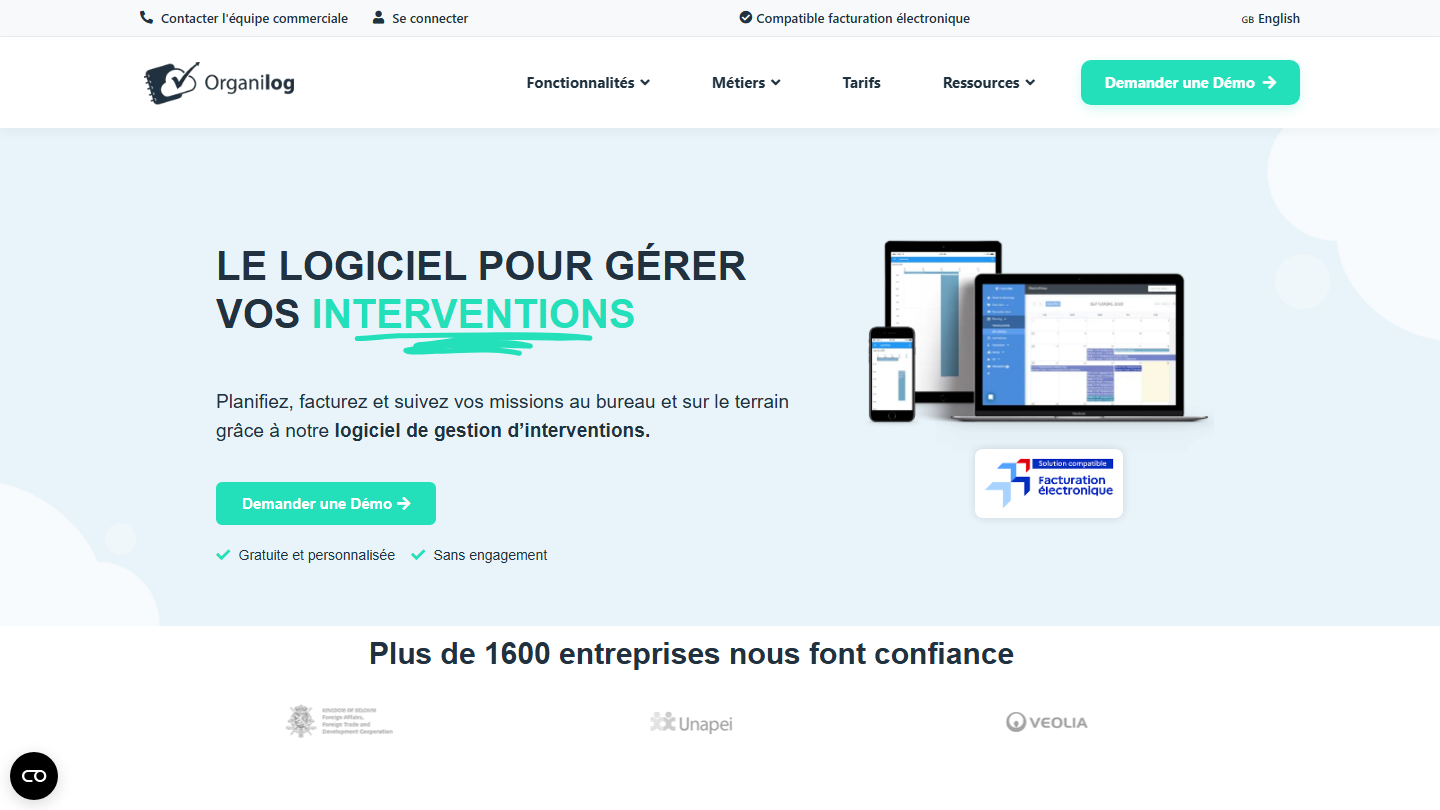
Organilog home page: "The software to manage your interventions"

Organilog is French field service management software: technician scheduling, intervention reports, quotes and invoices. Handling customer requests is one module among others, linked to the schedule.

The Basic plan is free with no time limit, but it keeps only 72 hours of archives, its features are limited and it gives no access to support. It is for discovering the tool more than for running a service.

It makes sense for a maintenance, repair or cleaning company, where a ticket leads to a visit. For remote customer support, a classic help desk is a better fit.

The Pro plan costs €19 per user per month billed annually (€24 monthly), with unlimited archiving and support. Business is €35 (€45 monthly) and Premium €59.

09

Help Scout

4.7/5 From $25

Best for: Small support teams that handle requests by email and want a public help site

+ Strengths
  • Free plan for 5 users, the most generous in this top
  • Shared inbox and help site (Docs) included without paying
  • No credit card requested for the free account
− Downsides
  • Limited to 100 contacts per month and a single inbox
  • Chat, SMS and social networks reserved for paid plans
  • Vendor site in English, prices in dollars
★ Help Scout in brief

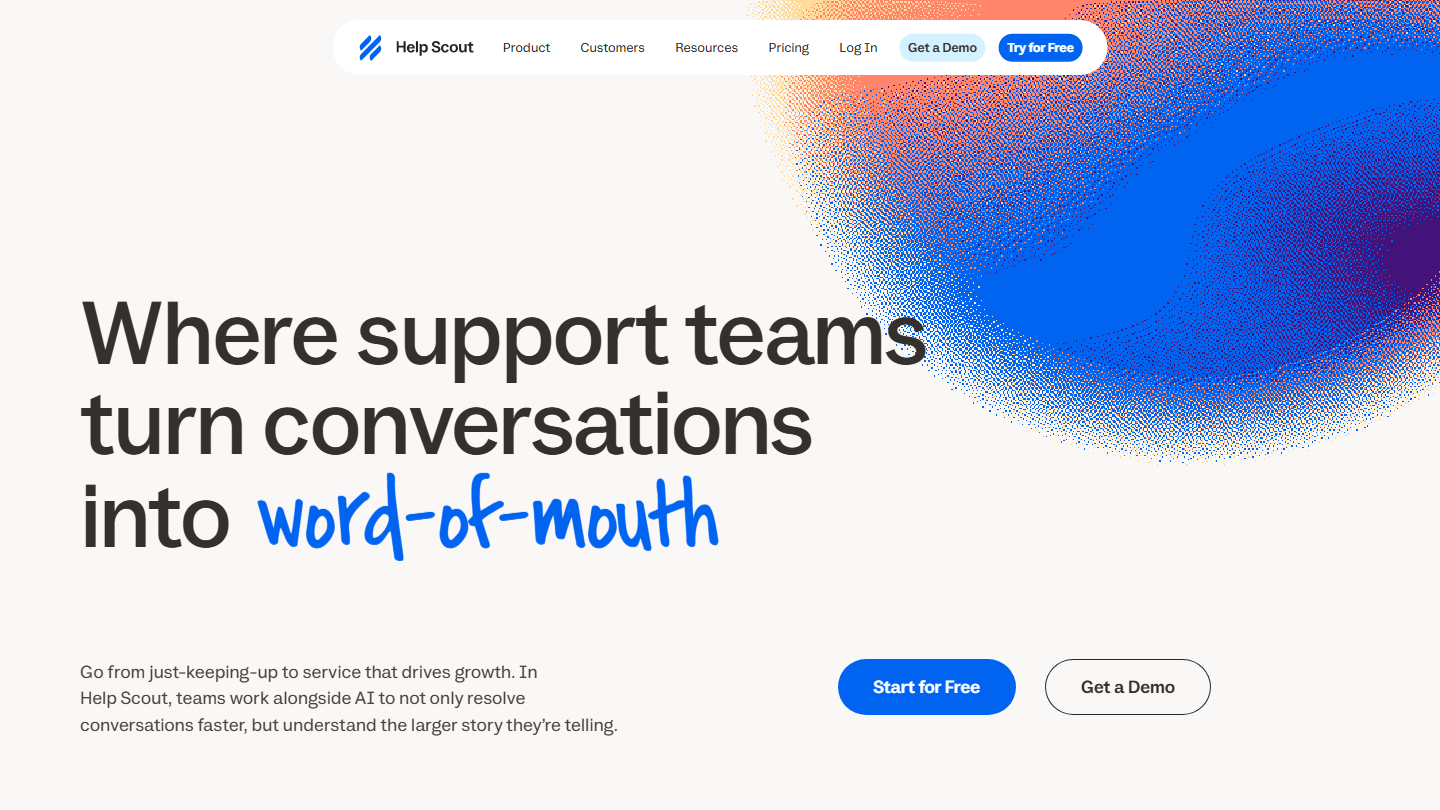
Help Scout home page: "Where support teams turn conversations into word-of-mouth"

Help Scout is a help desk built around a shared inbox: each customer email becomes a conversation that the team assigns, comments on in an internal note and follows through to resolution. The Docs site serves as a public knowledge base.

The Free plan opens 5 users, one inbox and a Docs site. The limit that matters is elsewhere: 100 contacts per month, a contact being a person who received a reply. Several exchanges with the same customer count as one.

It suits a small organization with modest volume, for example a software vendor in its early days or a shop that receives a few requests a day. As soon as you serve more than 100 customers a month, or need to add chat, you have to pay.

The Standard plan costs $25 per user per month billed annually ($30 monthly) and adds several inboxes, chat, SMS, WhatsApp, Instagram and Messenger. The Standard and Plus plans can be tried for 15 days.

10

FreeScout

4.0/5 From Free

Best for: Technical teams that want the equivalent of Help Scout on their own server

+ Strengths
  • Free and open source: unlimited agents, tickets and mailboxes
  • Installs on simple PHP/MySQL shared hosting
  • Modules sold individually, from €3 to €17, as a lifetime license
− Downsides
  • Knowledge base, workflows and reports sold as modules
  • Installation, updates and backups are on you
★ FreeScout in brief

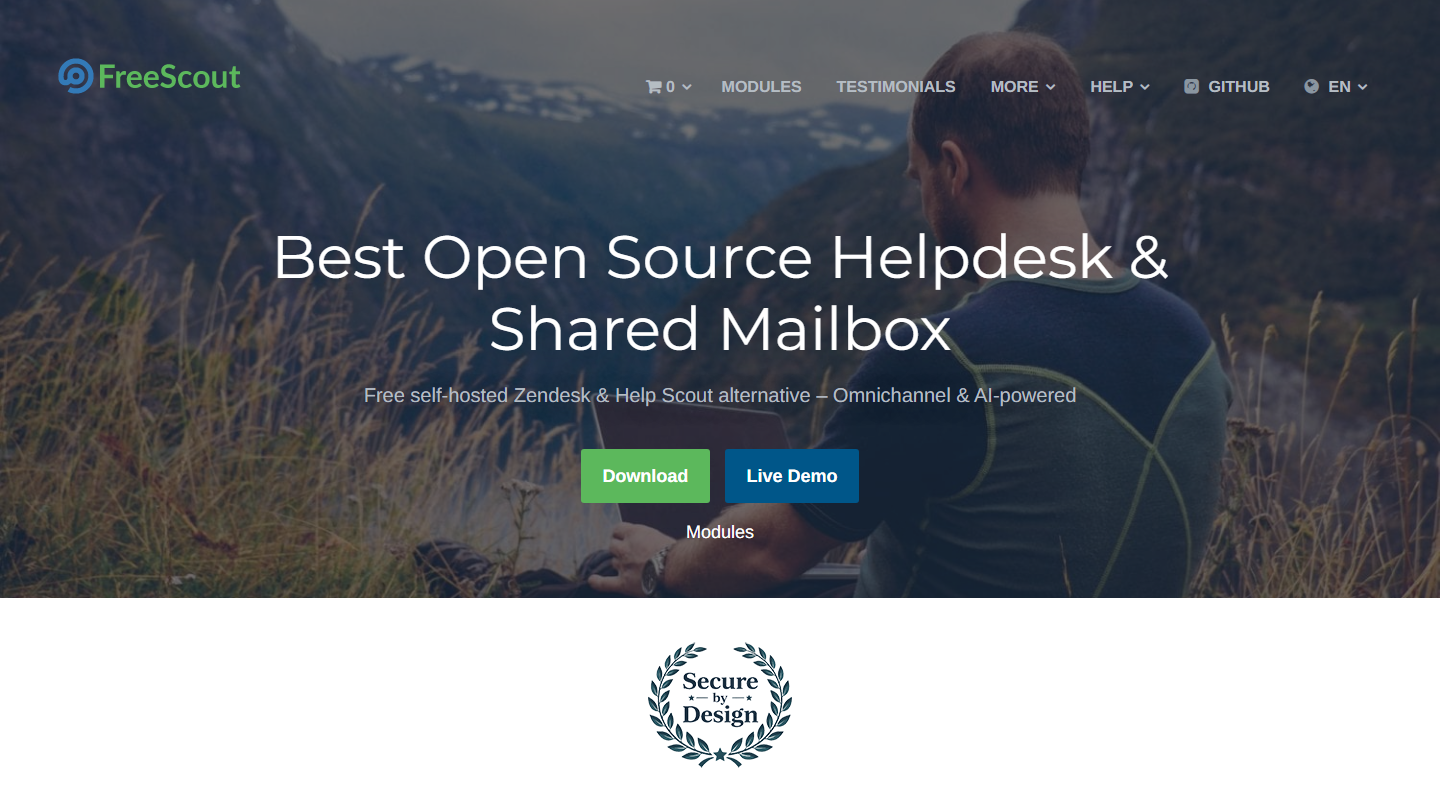
FreeScout home page: "Best Open Source Helpdesk & Shared Mailbox"

FreeScout is an open source help desk written in PHP, which takes up the principle of Help Scout: a shared inbox where emails become assigned conversations, with internal notes, automatic replies and collision detection.

The core of the tool is free, with no limit on agents, tickets or mailboxes. More advanced features are added through paid modules, as a lifetime license per installation: workflows cost €16.99, the knowledge base €14.

It makes sense for a team that wants the comfort of a modern shared mailbox without paying per user, and that knows how to maintain a server.

There is no subscription and no price per agent: the budget is limited to hosting and the modules you choose, paid once.

How we chose these 10 tools

Every tool in this selection has been used in real conditions by our team or by a Salesdorado consultant, in a B2B sales and marketing setting. No ranking built from a marketing deck. The order of the list is not a ranking: the right tool depends on your needs.

  1. 01
    Benchmark scope

    Broad identification of the tools on the market (G2, Capterra, Salesdorado customer feedback, LinkedIn signals). Initial filtering, then a short list based on a 2-hour setup per tool.

  2. 02
    Test conditions

    3 to 4 weeks of active use per tool, with data representative of a B2B sales use case. When a tool targets a specific profile (SDR, AE, Ops, Marketer…), we match the tester accordingly.

  3. 03
    Weighted criteria

    For each category, 5 to 7 axes weighted according to what matters in the segment: UX, feature depth, native integrations, support, pricing at scale, compliance (GDPR, security), and roadmap quality.

  4. 04
    Independence

    No tool is scored in exchange for payment. Partner links (affiliate) are marked as such and do not influence the score. Non-partner tools are included when their place in the ranking is deserved.

  5. 05
    Updates

    The ranking is reviewed every 6 to 12 months or on every major release of a tool mentioned. The date of the last check is shown at the top of the article.

The questions we get over and over.

What features does free ticketing software include?

Communication with customers (email is almost always free, live chat is often included), collaboration between agents (ticket status tracking, shared internal notes), sometimes a knowledge base (Help Scout, Jira Service Management) and basic integrations, notably with mailboxes.

Which features are reserved for paid plans?

Most often, omnichannel ticket management (phone calls, social networks), automation (ticket assignment, automatic replies), reporting and access to the software's full integration marketplace. Open source software such as osTicket is the exception: all its features are free, but you have to host it.

Should you choose ticketing software because it is free?

Not only for that. Free plans look alike and it is the paid plans that make the difference. Before choosing, look at what the first tier costs and what it unlocks: migrating your tickets and their history to another tool takes time.

Which free ticketing software should I choose for live chat?

Crisp includes site chat and a shared inbox in its free version, with mobile apps, but not emails. HubSpot's free tools and the Free plan of Jira Service Management also support chat, in addition to emails.

Which free ticketing software limits the number of agents?

HubSpot and Crisp limit their free version to 2 users, Zoho Desk and Jira Service Management to 3 agents, Help Scout to 5 users and 100 contacts per month. Freshdesk offers 1 to 2 free agents for 6 months only. The open source versions of osTicket, UVdesk and FreeScout have no agent limit.

★ The conversation, 0 comments

What the community says.

Basic Markdown, moderated within 24 h
Loading…

    In the same category