The tool in detail
Clueso.io after real-world use: feature scope, integrations, pricing and concrete limits.
Put simply, Clueso.io is an AI tool built to generate professional-quality how-to videos. The idea: you record a task on screen (a product demo, for example) and the AI generates a ready-to-use professional video, with voiceover, titles and branding, plus a structured article with screenshots, GIFs and text.
It’s a really interesting option if you regularly have to produce explainer content, whether for customer service, training, product onboarding or marketing.
Clueso.io’s big strength is its simplicity: the tool gets straight to the point, without burying the user under complex menus. That’s the advantage of highly niche, specialized tools.
How Clueso.io works in 3 minutes
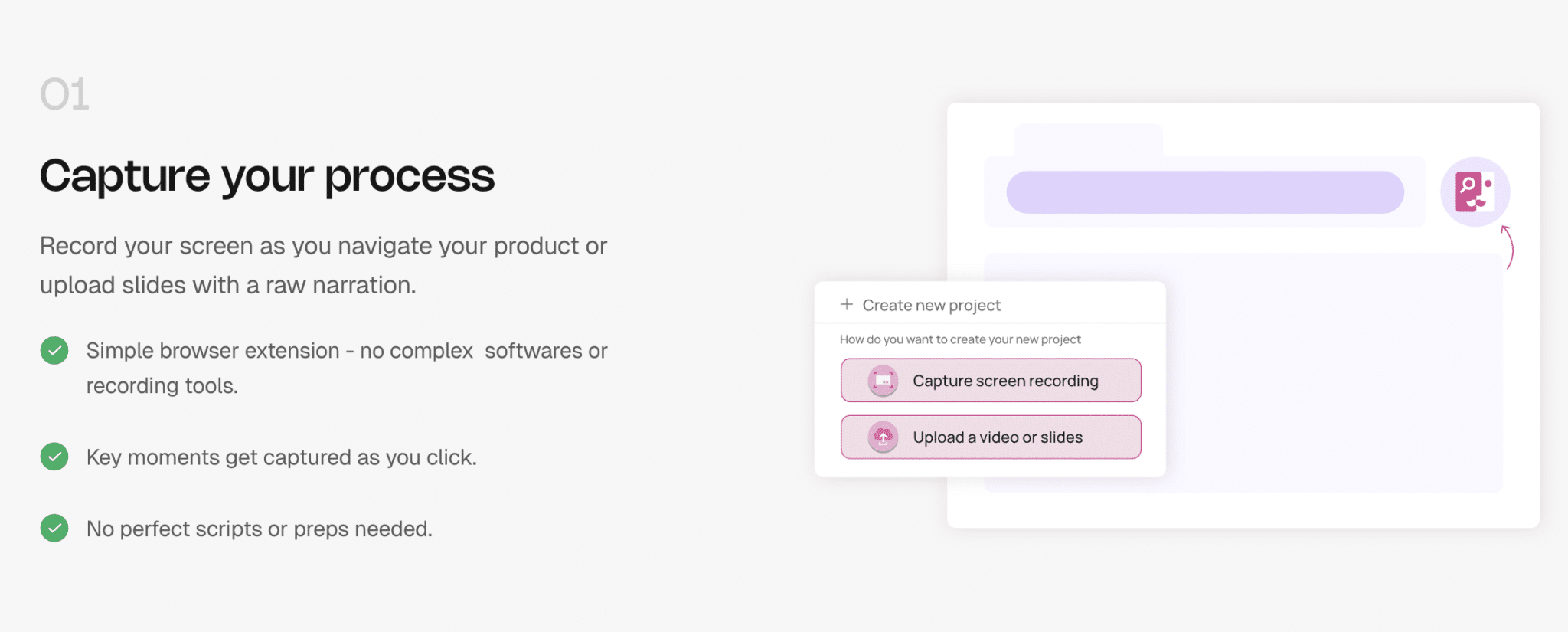
With Clueso.io, all you have to do is click the « Record my screen » button and carry out your task the way you would in front of a colleague. For example, you show how to set up an account or how to use a feature in a piece of software. You navigate normally and Clueso watches.
From that recording, the AI takes care of everything: it cuts the silences, automatically adds zooms on the areas you click, generates a natural voiceover and applies your company’s branding. If sensitive information shows up on screen, it can be blurred in one click.
But Clueso doesn’t stop at the video. In parallel, it creates a written guide that walks through every step of your demonstration with screenshots, GIFs and explanatory text. In a few minutes, you have a video tutorial and clear documentation, perfectly in sync.
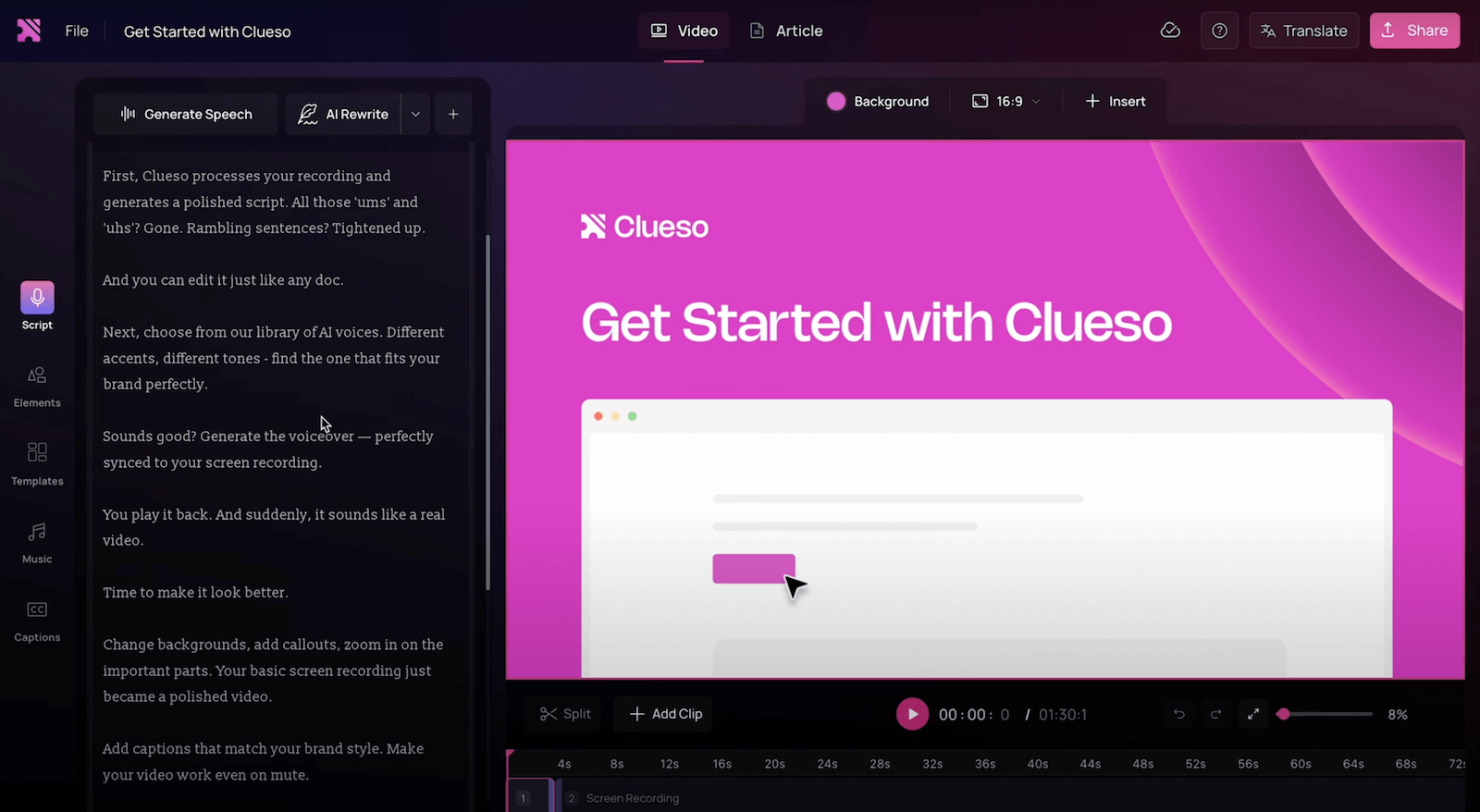
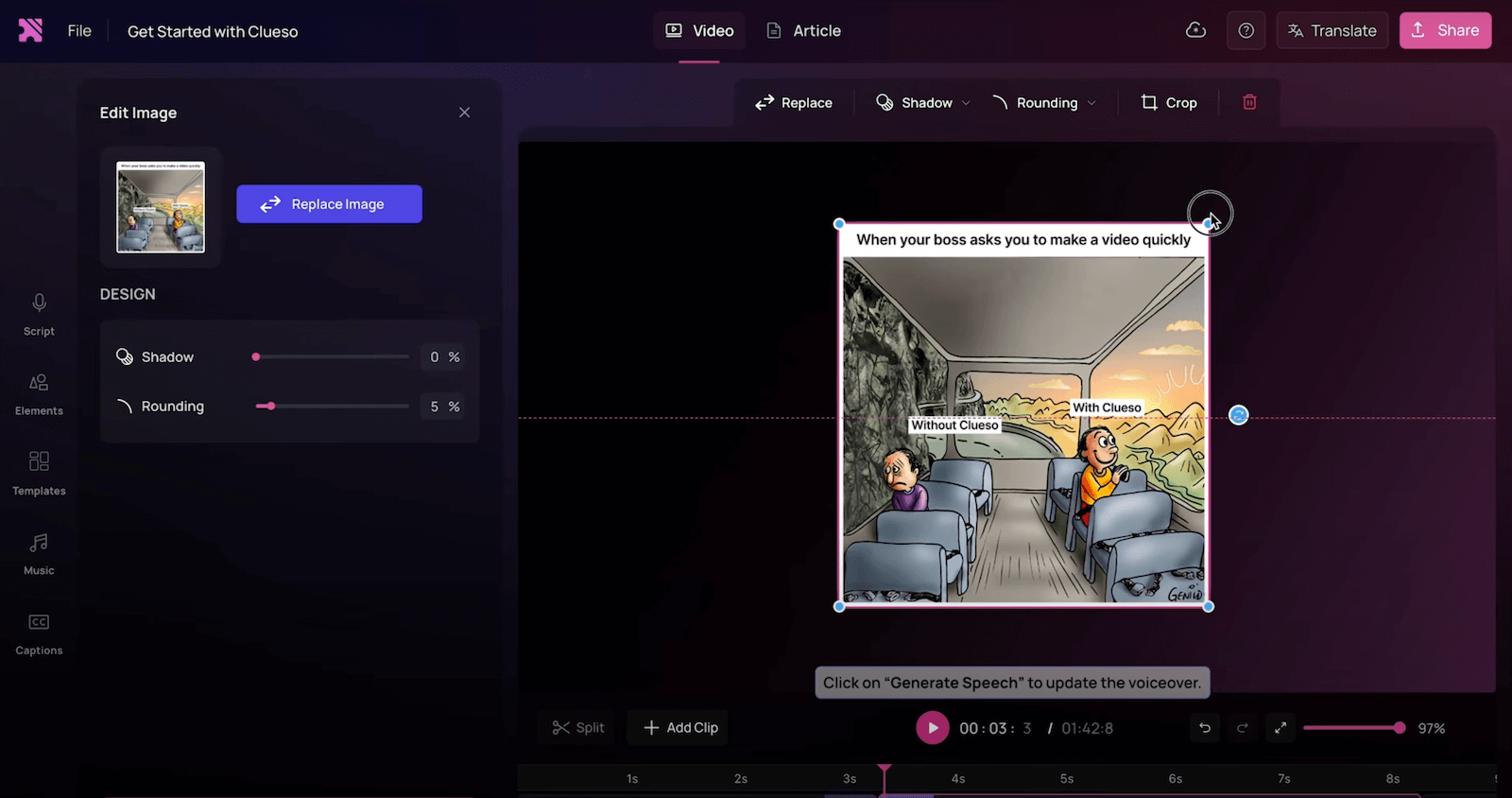
Editing is straightforward: you can rewrite a sentence, change the voice, replace an image or add an extra step. No need to know how to edit video, the tool is designed for an instantly professional result.
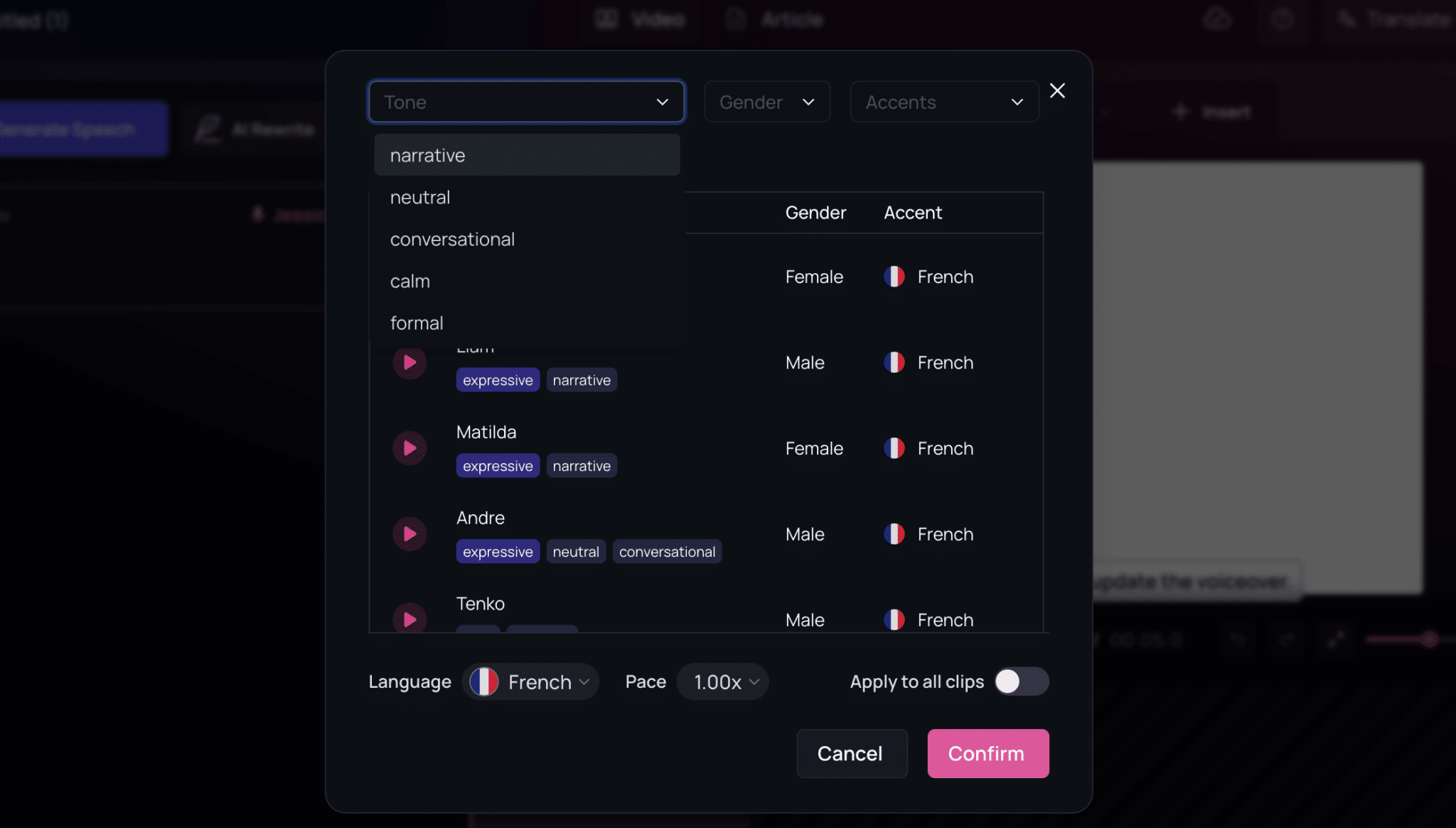
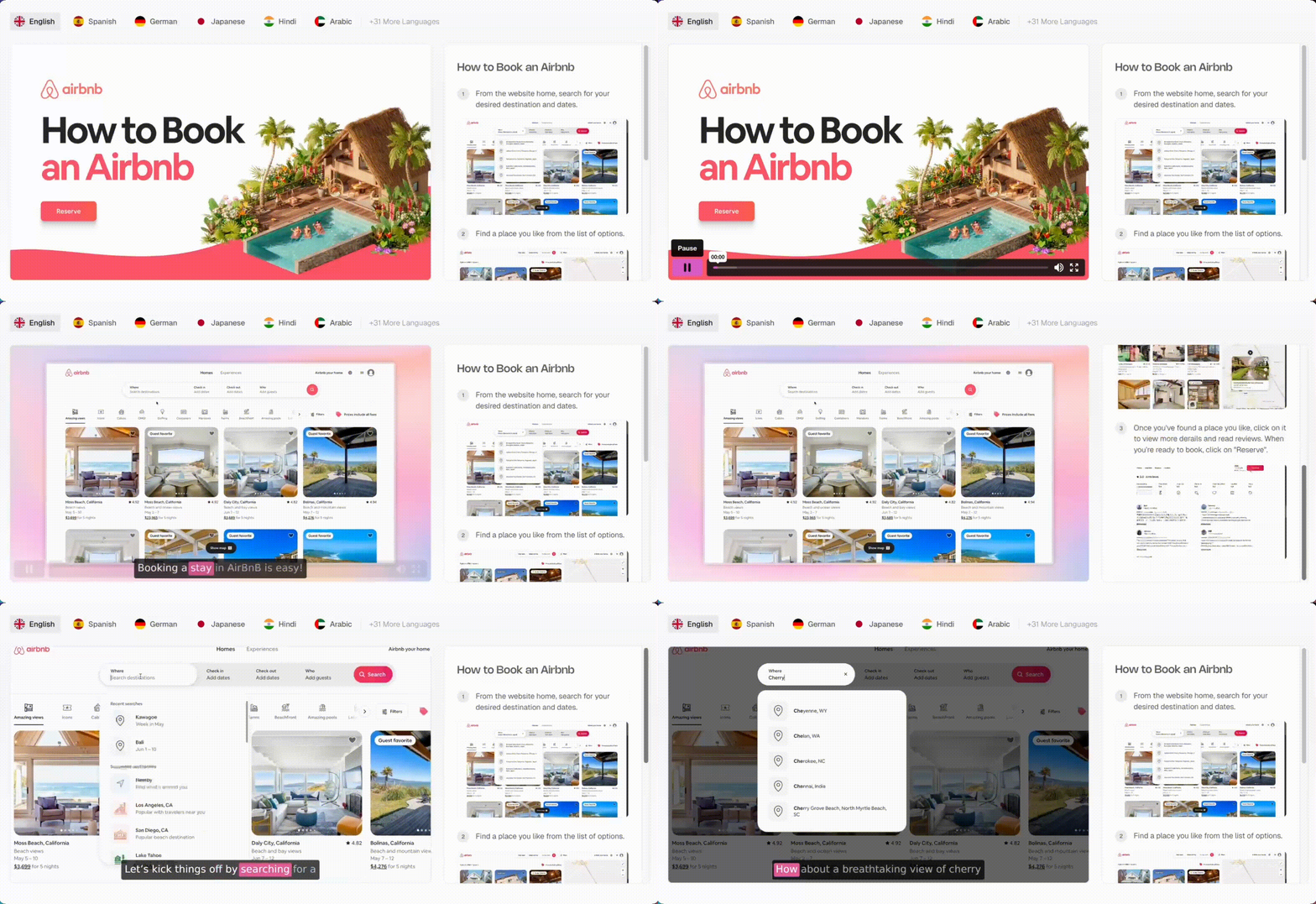
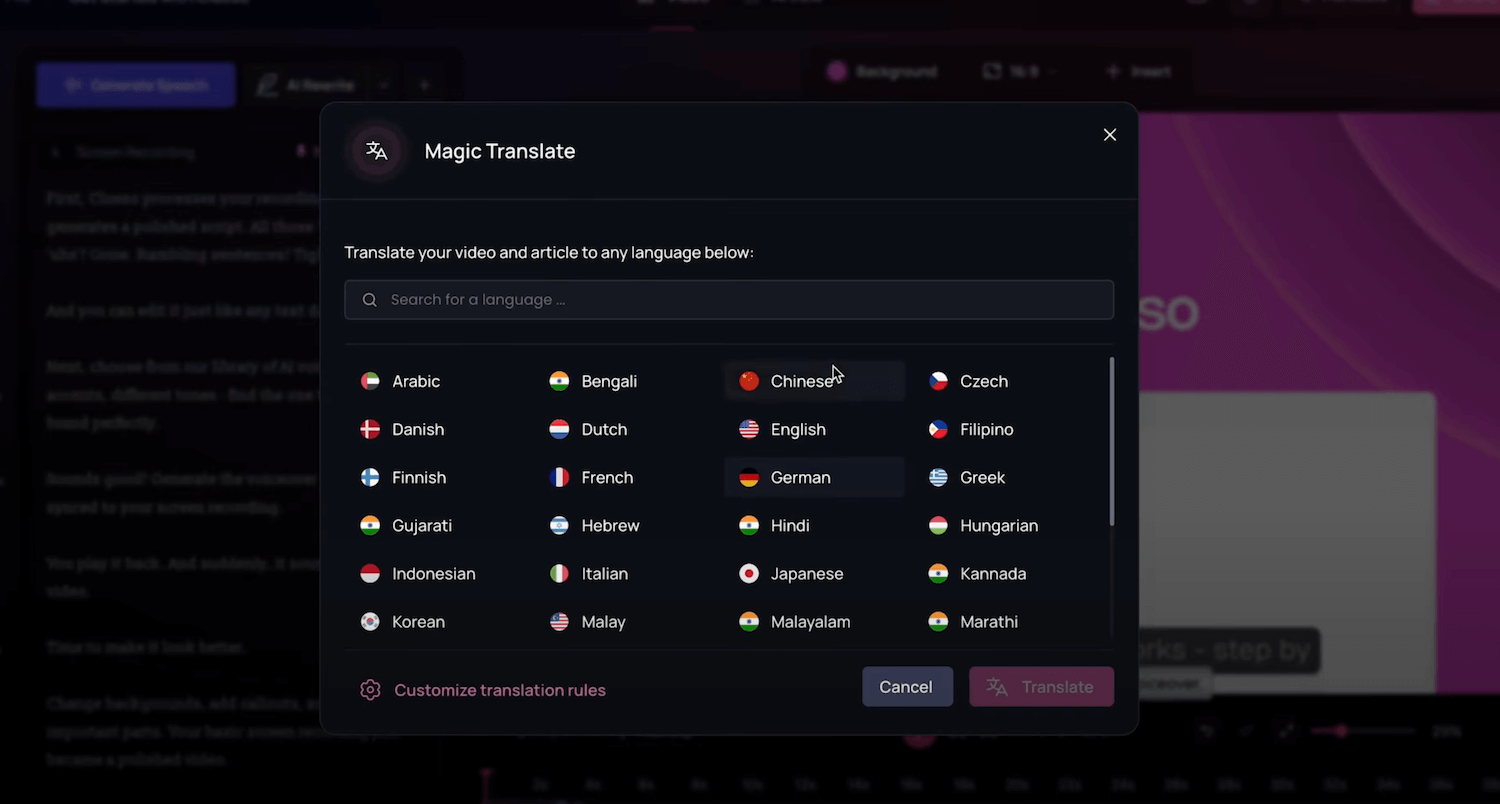
Finally, your content is ready to publish. With Magic Translation, it can be translated into more than 20 languages. Videos export as MP4, and guides can be embedded directly in tools like Intercom, Zendesk or an internal knowledge base.
In practice, the workflow is crystal clear: you click « Record », you show, and the AI turns your demonstration into two ready-to-use formats.
Plans & pricing
Clueso.io runs on a freemium model, with tiers that scale with the number of users, the volume of exports (videos and articles) and the level of support.
What’s nice is that every plan includes the core AI features (voiceover, silence removal, auto zooms, video-to-article conversion, multilingual translation), but quotas and services vary depending on the plan you pick.
Here’s an overview of the plans on offer:
| Plan | Price (annual) | Users | Included exports | Video resolution | Best for |
|---|---|---|---|---|---|
| Free | $0 | 1 | 10 min of video + 10 articles / month | 1080p | Discovering the product and testing it quickly, with no commitment and for free |
| Solo | $40 / month (billed annually) | 1 | 3 h of video + 180 articles / year | 2K | Individual users who want to standardize their documentation |
| Business | $120 / month (billed annually) | 2 | 6 h of video + 360 articles / year | 4K | Growing teams with regular needs for tutorials and guides |
| Enterprise | Custom quote | Custom | Custom quotas | 4K | Large organizations that need to produce a lot |
A few details:
- Annual billing saves you 20% compared with paying monthly.
- Solo and Business cover the needs of most teams, but the quotas can be reached quickly.
- The Enterprise plan unlocks advanced services: multiple workspaces, SSO, custom glossaries, VIP support and a dedicated Customer Success Manager.
Clueso is affordable to get started, but quickly shows its limits on the smaller plans. For heavy use (support or training with a lot of content), you’ll have no choice but to move to the Enterprise plan.