The tool in detail
FrontApp after real-world use: feature scope, integrations, pricing and concrete limits.
Among customer support tools, Front is the ideal platform for small businesses whose support runs entirely in writing, and who want a solution that is easy to use and simple to set up.
Founded by French entrepreneurs and launched in 2014, it quickly carved out a place in the market, with some fine customer references such as Mailchimp, Posthaven and KISSmetrics.
Front makes your internal conversations around external communication easier, without the customer ever noticing. It does everything you expect from customer support software: ticket management, internal communication, automation, a range of integrations, a well-developed help center.
FrontApp: feature scope
#1 Omnichannel management of all your customer communications
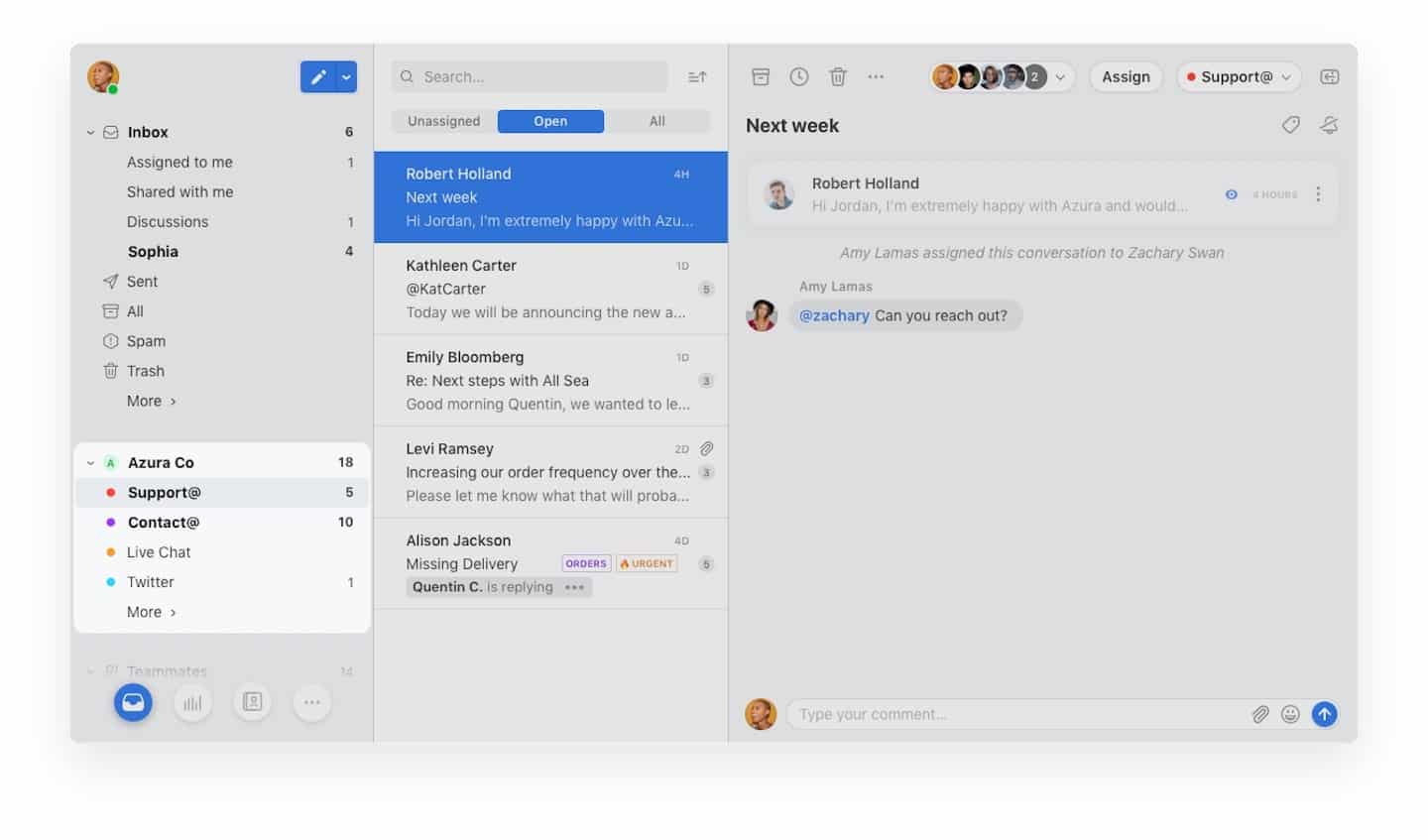
FrontApp lets you generate support tickets through several channels: email, social networks with Facebook and Twitter, and chat apps like WhatsApp. Note: Front has no feature for handling incoming calls.
All your customer communications are centralized: you save time and avoid things slipping through the cracks or being handled twice. Your teams can focus on solving the root of the problems and on what your customers need.
A few features we liked:
- Snooze : an option you switch on to put your mailboxes on standby when you are not available.
- Read receipts : a feature close to a delivery receipt, except it tells you in real time whether the customer has read your reply email.
#2 Collaboration tools
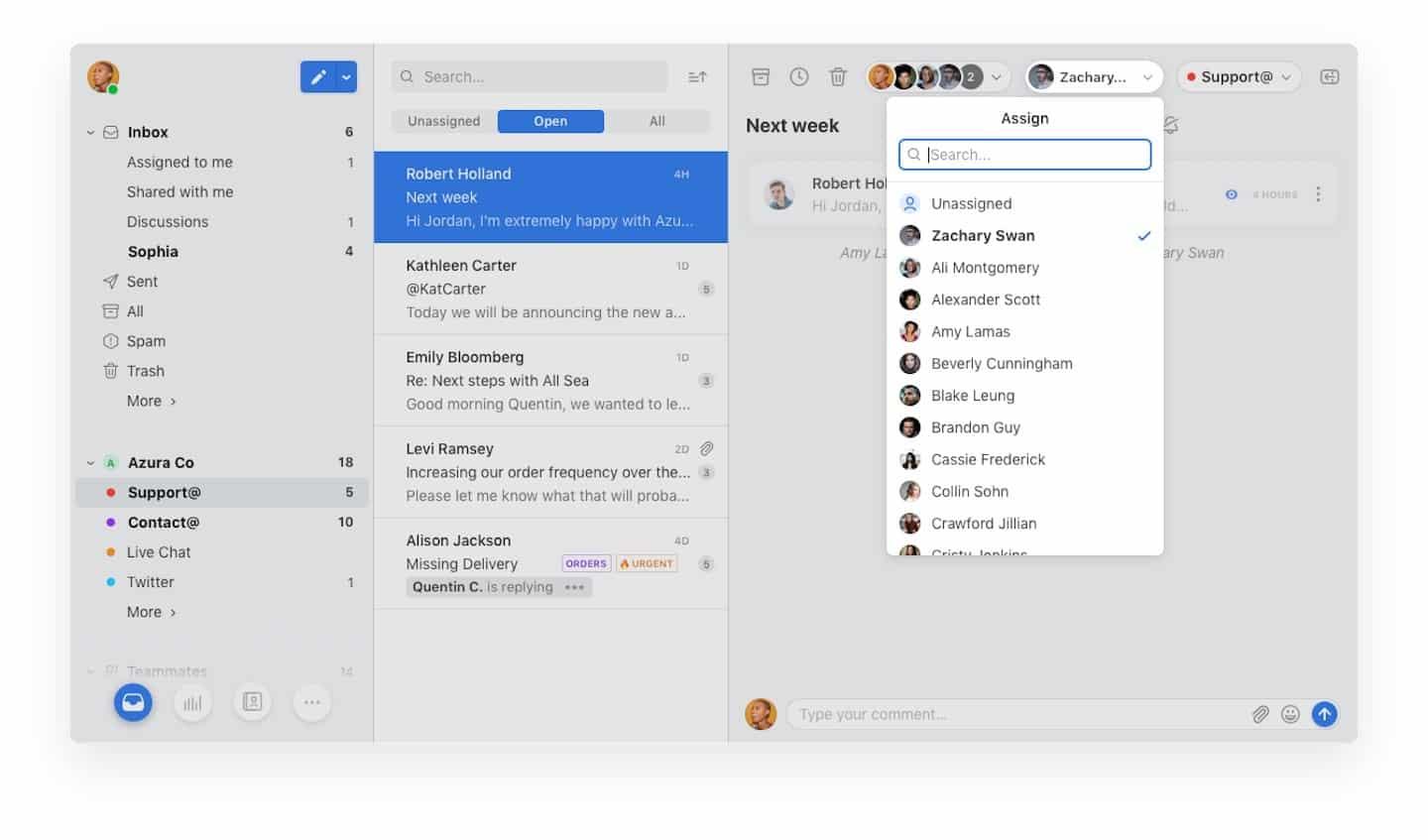
On top of centralizing your customer communications, FrontApp makes work within your teams easier. Under each conversation thread, a comment space lets your agents discuss among themselves to give the best answer to the problem raised.
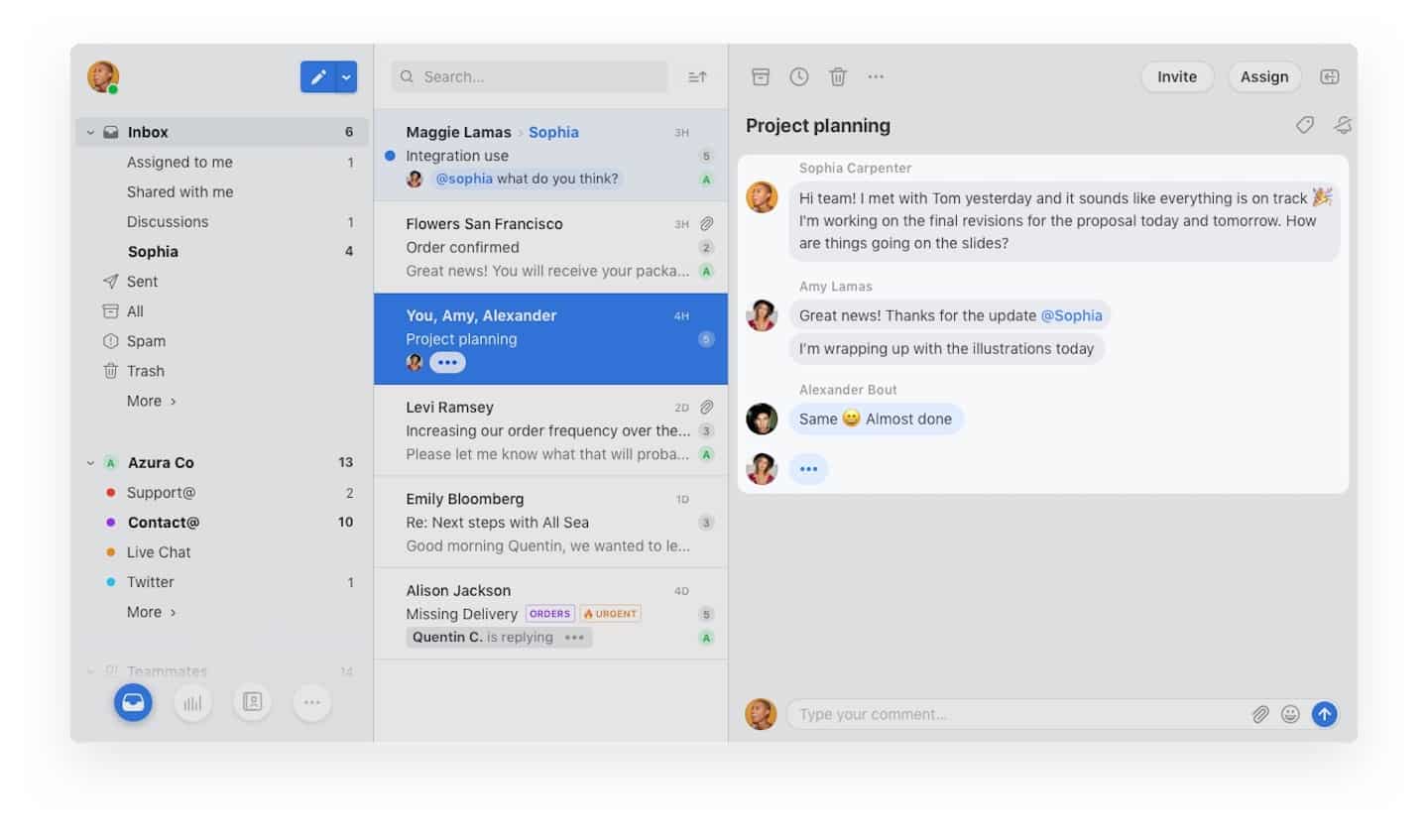
Split incoming emails across your team to work more efficiently:
- When a support ticket is generated, you can assign it to a specific agent.
- You can add a tag to file it under a predefined category.
- Each incoming email is moved into the relevant team’s inbox by drag and drop.
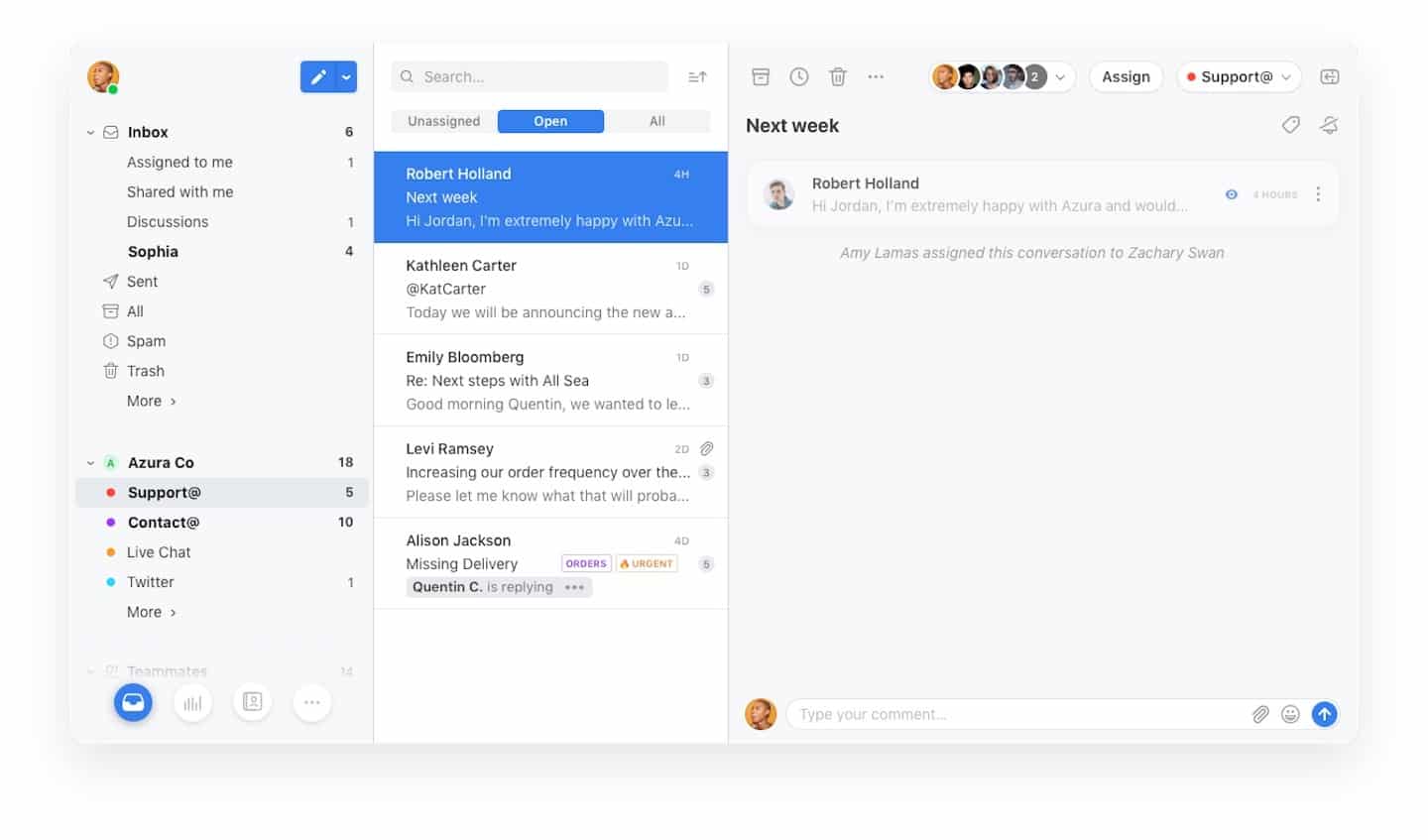
The bonus: if an agent leaves your team, you reassign all of their emails to another agent in one click. And when a new member joins, they immediately get access to the full history of customer communications and internal comments.
#3 Automation tools
Save even more time and gain efficiency with FrontApp’s automation features:
- Improve email assignment by generating it automatically.
- Set up canned responses for the most frequent problems.
- Automate the collection of customer information: spare your teams this repetitive work and improve the management of your customer file.
Reporting in Front
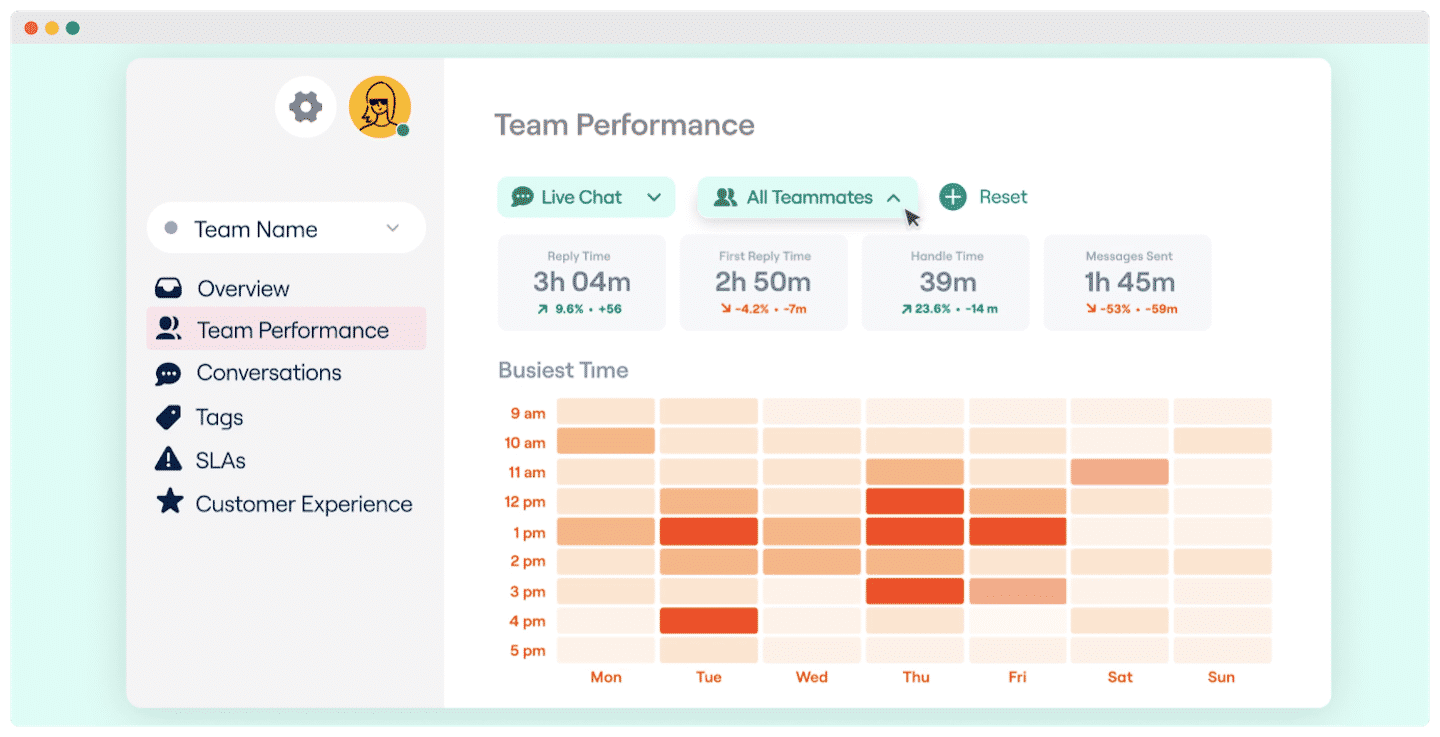
Front’s reporting tool gives you detailed analyses to improve your teams’ work and your customers’ satisfaction.
You can view the analyses by category:
- Customer experience : check how satisfied your customers are, with detailed statistics based on their feedback.
- Team performance and workload : how many emails you receive, who answers them and how long it takes on average.
- Internal conversation statistics : the most discussed topics, the participants and the time it takes to solve problems.
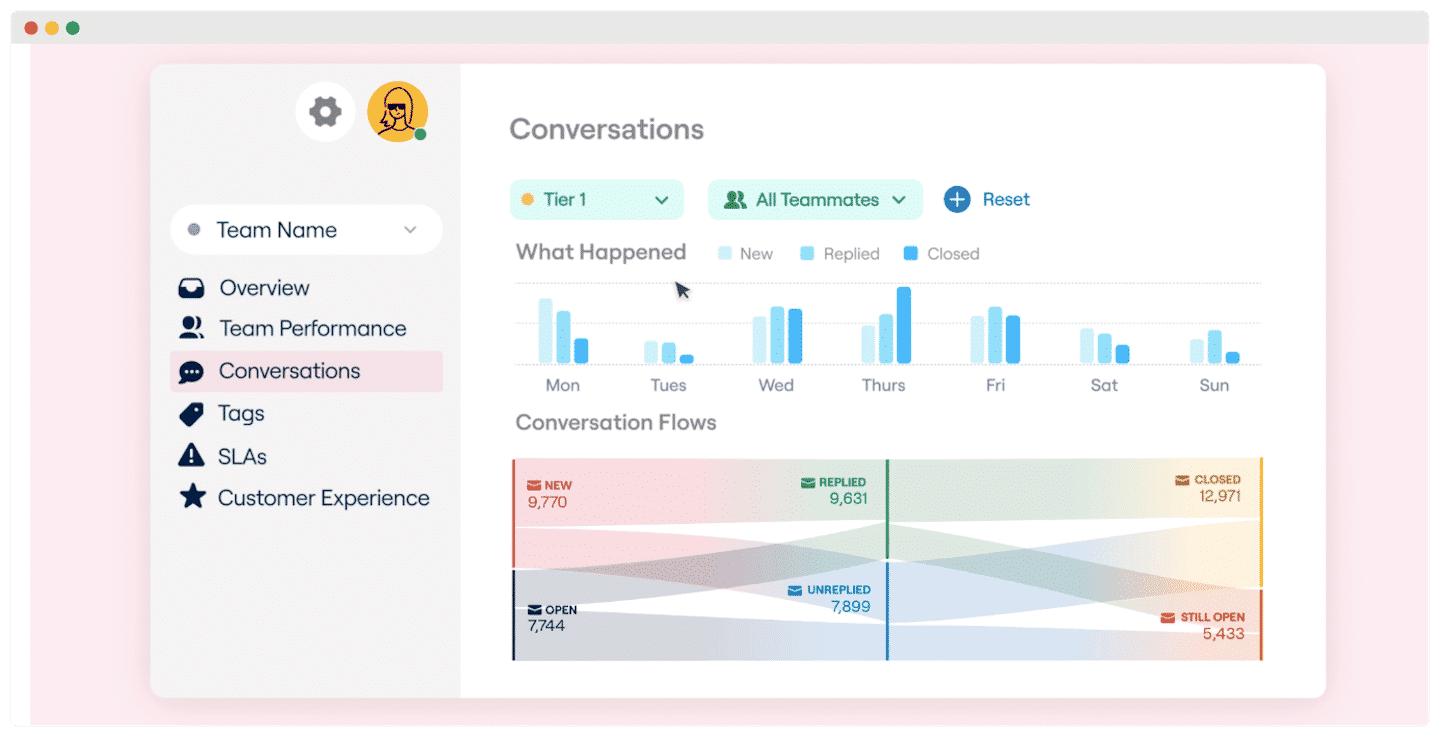
Reporting stays basic on the Starter plan. Advanced analytics are only available from the Professional plan, at $65 per month per license, and custom reports require the Enterprise plan.
Customer support at FrontApp
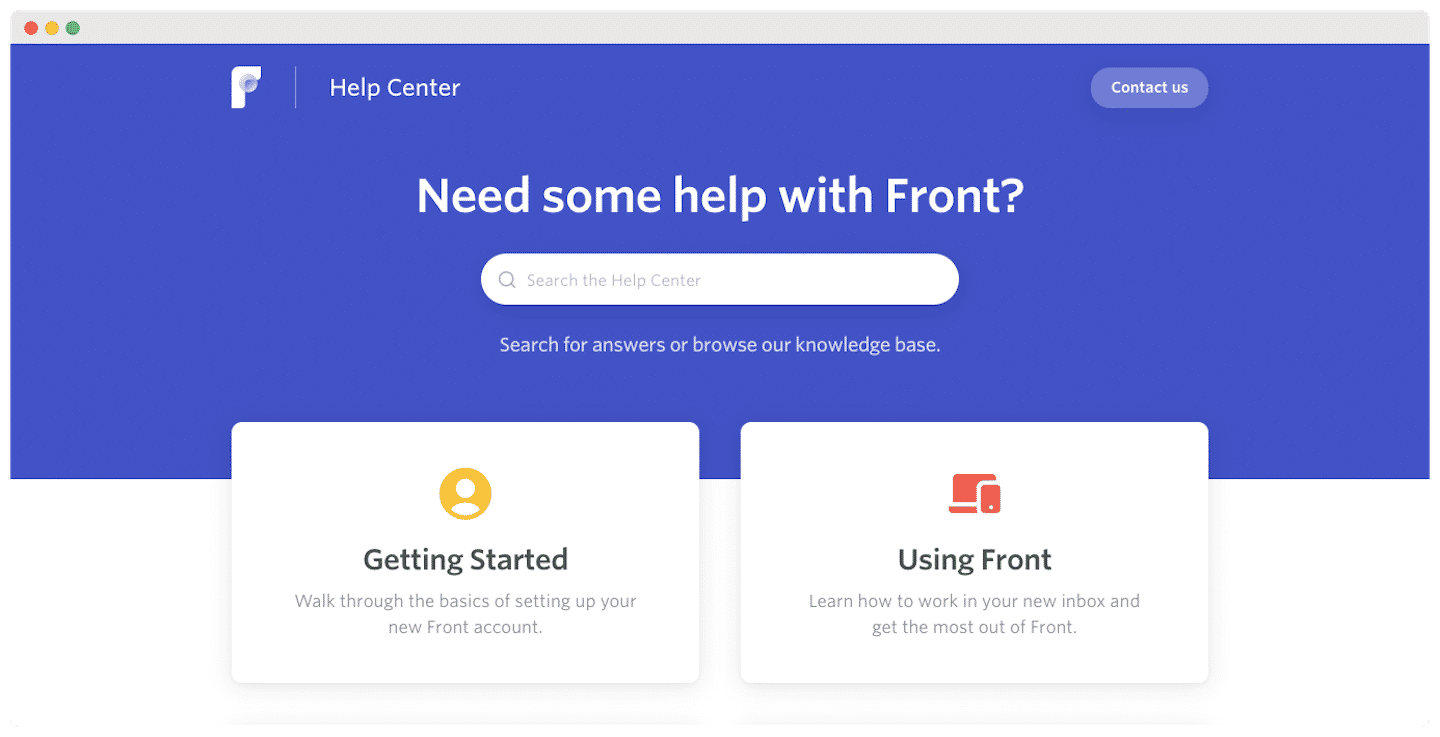
Front’s support center performs rather well. Their agents can be reached 24/7 from Monday to Friday and answer quickly. Our one regret is that the contact options remain limited: email only on the first 2 plans, and chat on the Enterprise plan.
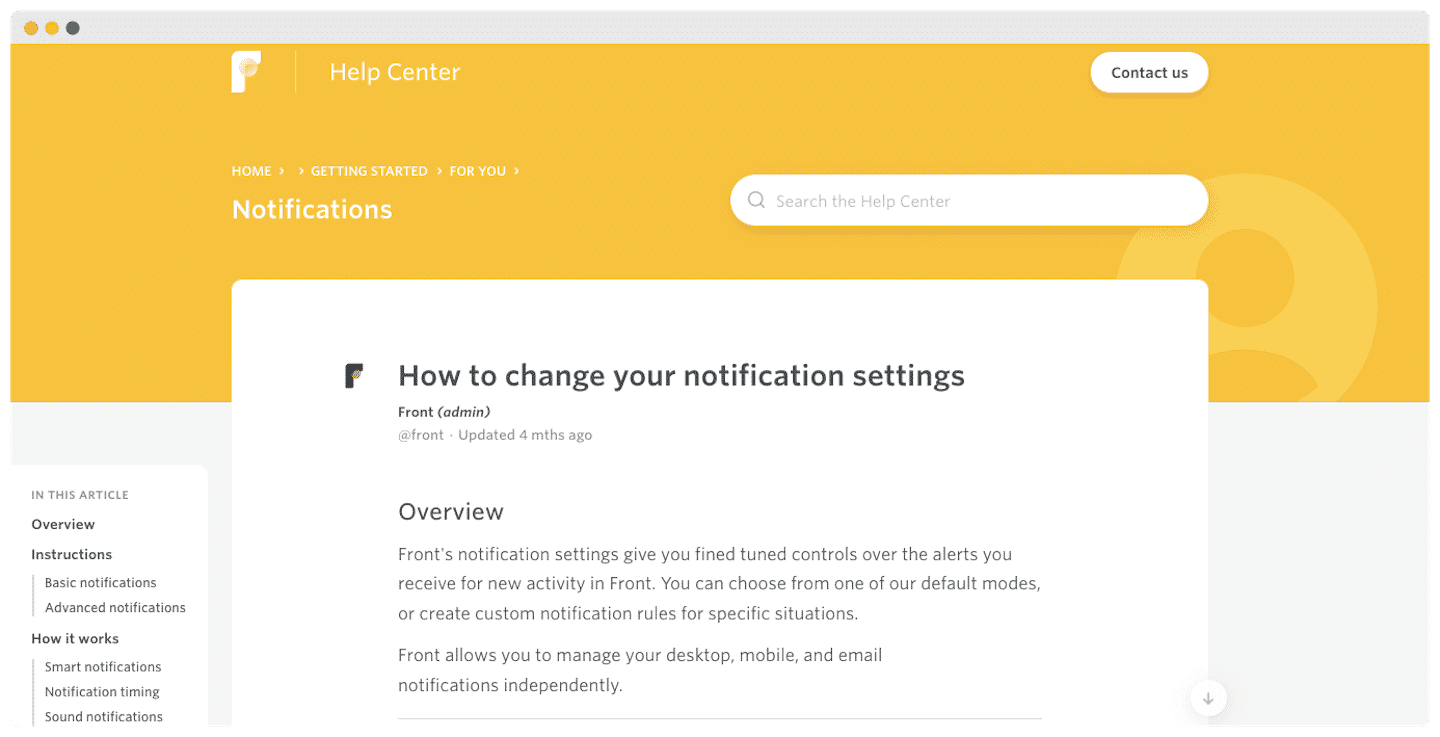
The help center is quite well stocked and clearly organized. We like the fact that the support evolves with how familiar the user is with the tool: help to get started, assistance when the software is updated, then optimization of your practices.
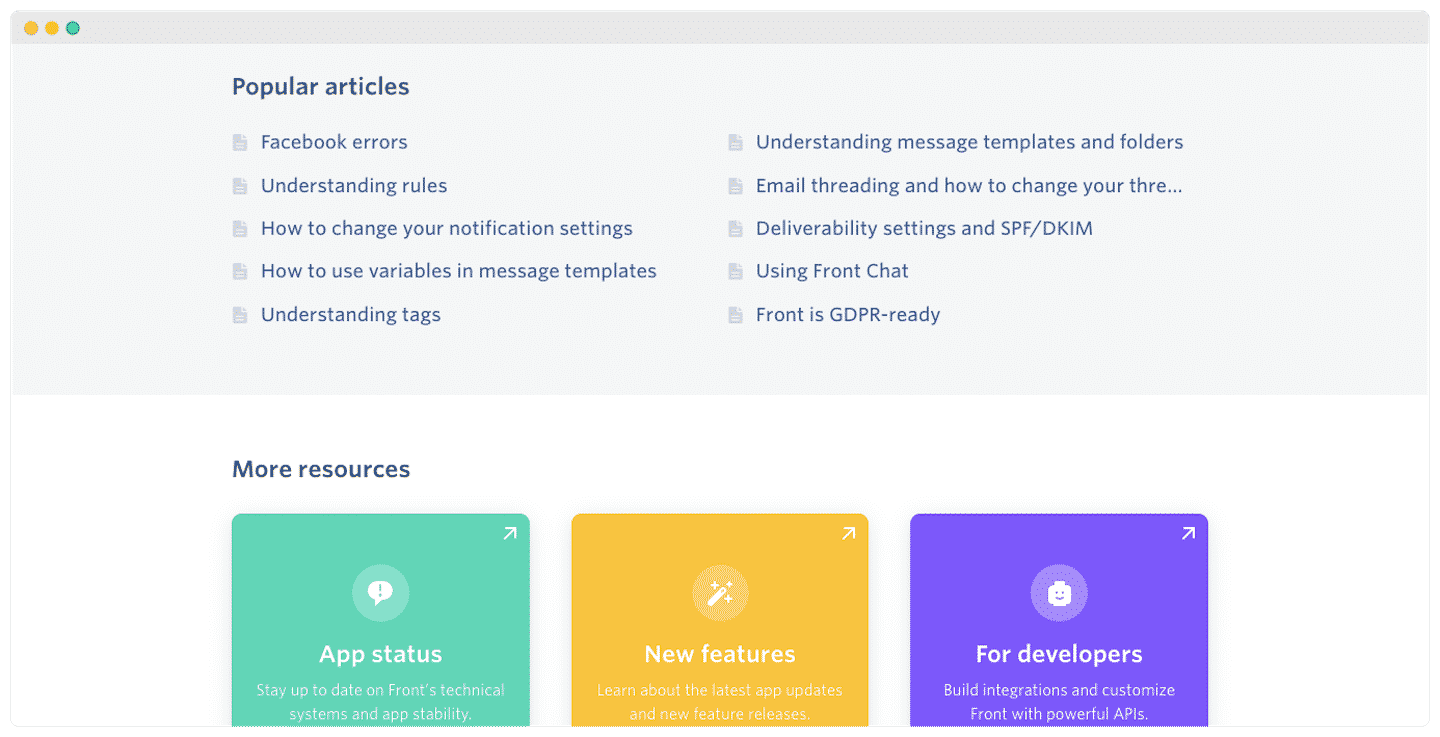
The user community is well developed, as shown by the Q&A sections under their articles, with plenty of mutual help on the most common problems.
Another plus of FrontApp’s support is its presence on YouTube. You will find a wide range of advice there, for example on handling customer emails efficiently, and webinars to improve your performance.
FrontApp integrations
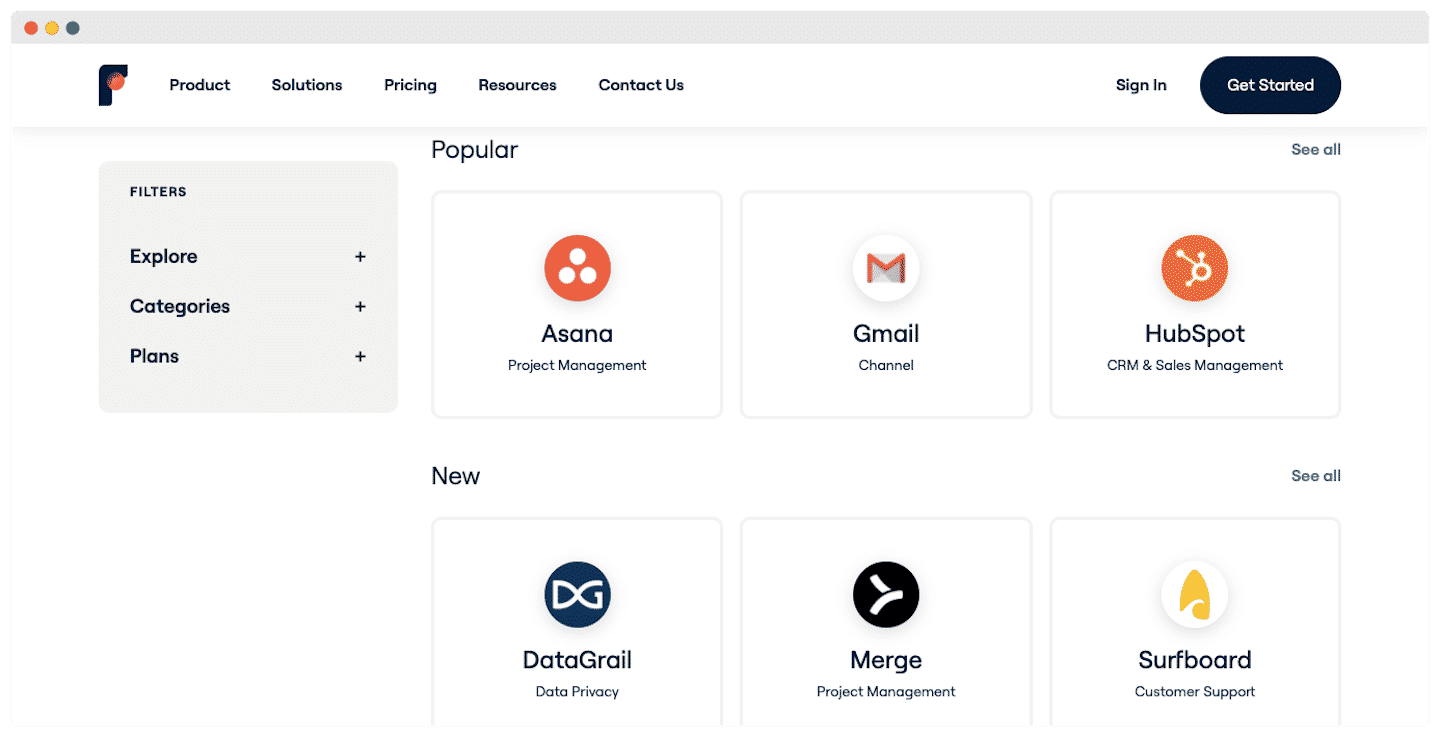
One of FrontApp’s strong points is its very rich integration catalog, which lets you tailor the platform as closely as possible and solve your most common problems.
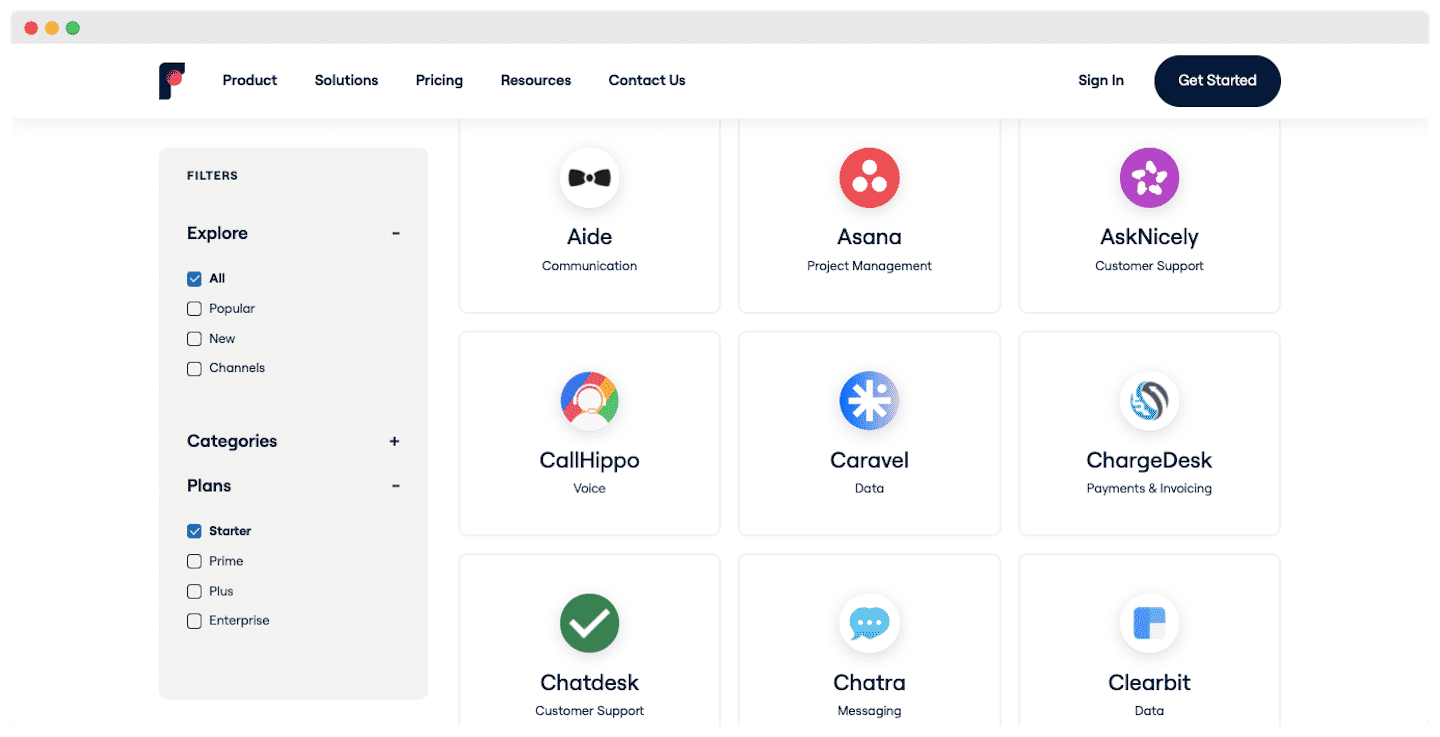
With the Starter plan, you get the basic integrations: Facebook, Jira, Trello, Shopify. With the Professional and Enterprise plans, you get access to VoIP telephony integrations, automation with Zapier, and CRM with Salesforce.
A few of the flagship integrations:
- Channels : Facebook, Instagram, Gmail, WhatsApp. Reply to your messages instantly thanks to automatic sync.
- CRM : HubSpot, Salesforce, Pipedrive. Update your contacts, deals and activities straight from Front.
- Project management software : Jira, Trello, Surfboard. Manage your projects without leaving your inbox.
- Internal communication and collaboration : Slack, Zoom. Start video meetings with your colleagues from inside FrontApp.
The Gmail and Google Workspace integration
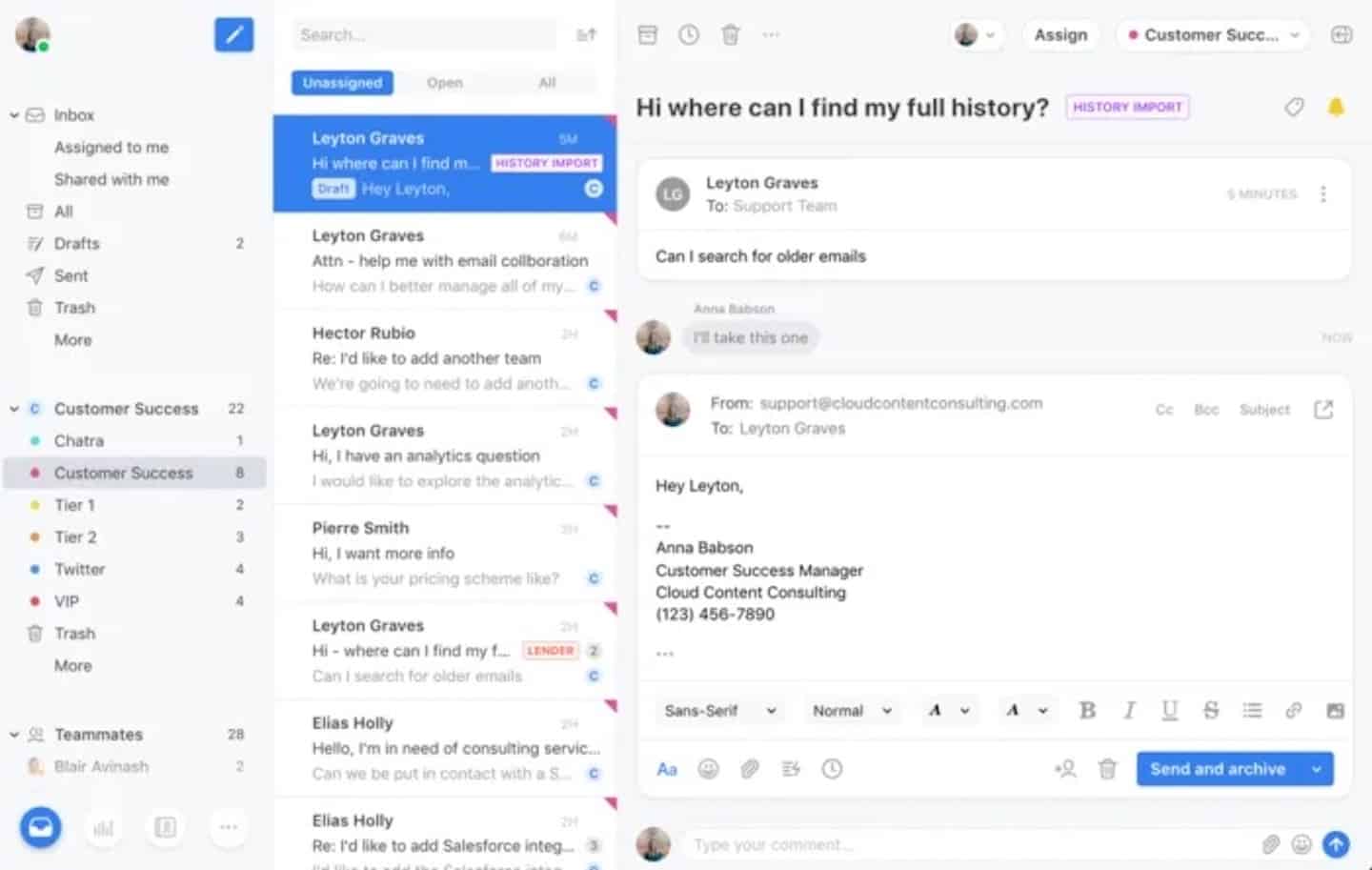
One of the best-performing integrations. You process your emails so you can reply faster and avoid duplicates:
- Create Gmail channels in Front for instant, two-way sync of your emails.
- Use specific addresses, such as sales@ or team@, to create shared channels for your teams.
The Salesforce integration
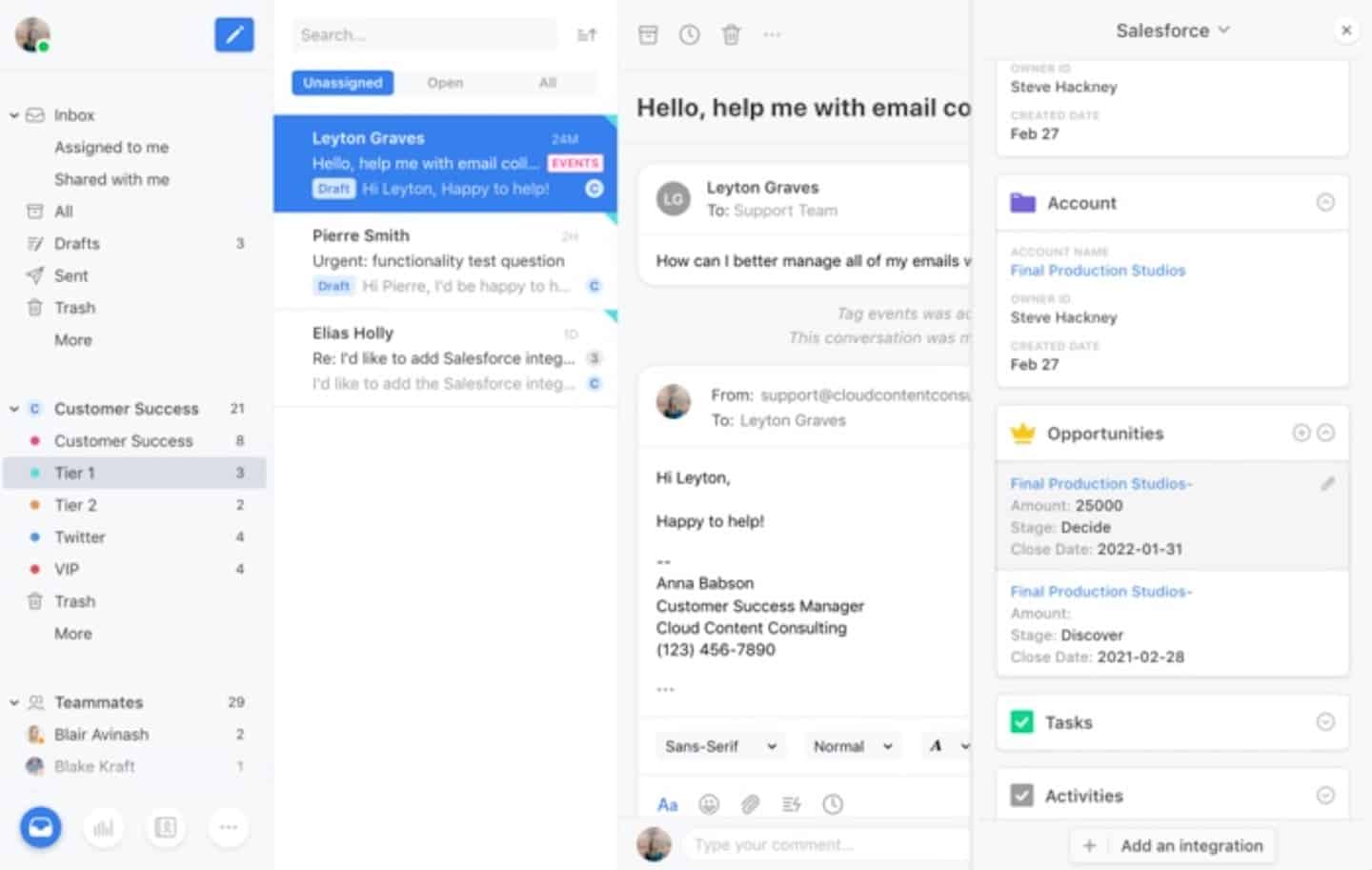
With the Salesforce integration, your sales teams can work upstream: view and edit Salesforce data directly from Front.
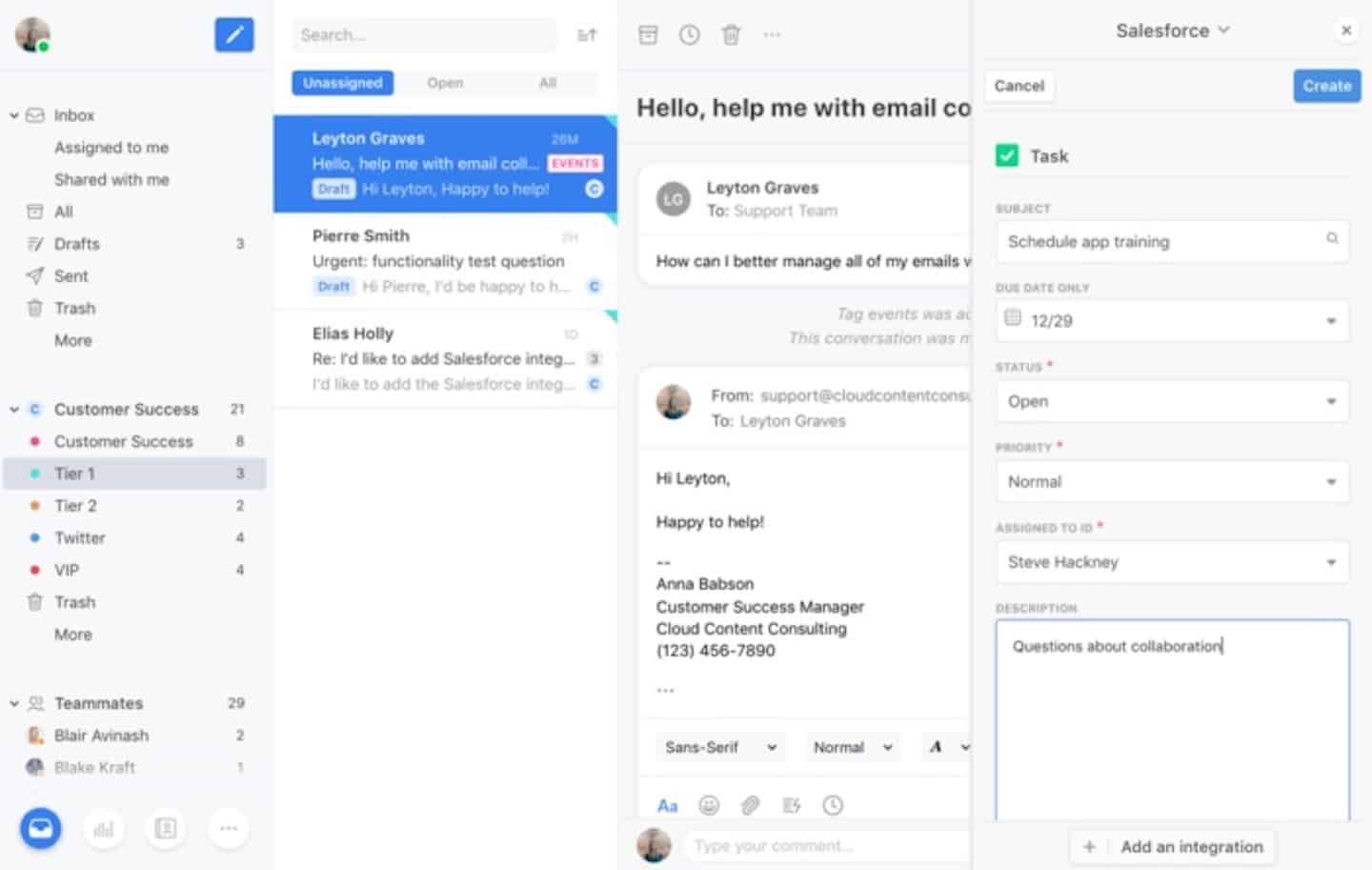
Your sales data, reports and forecasts, are always up to date thanks to automatic sync.
This integration is only available from the Professional plan, at $65 per month per license.
FrontApp: pricing and plan details
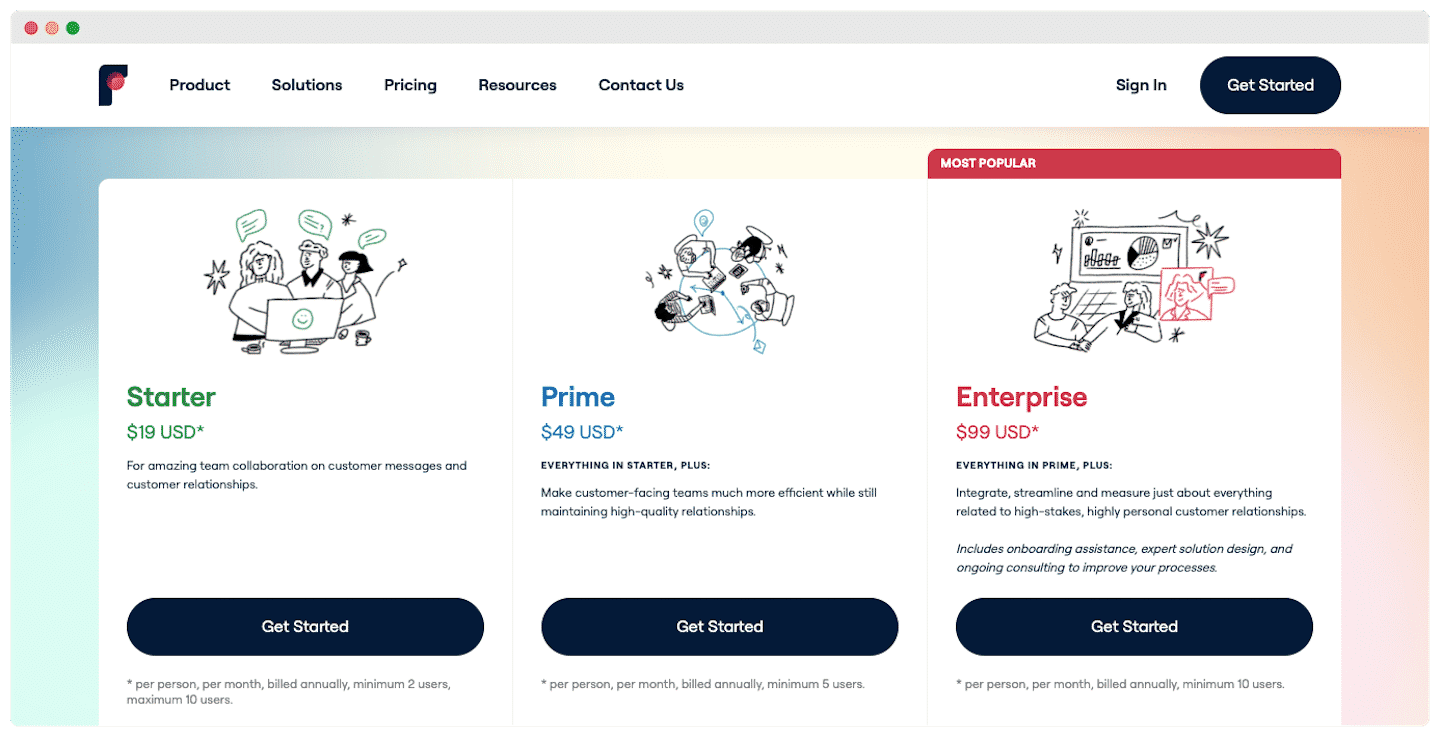
FrontApp offers no free plan, but there is a 14-day free trial with the features of the Professional plan, and you can get a 30-minute demo to get an idea of what the tool can do.
- Starter, at $25 per month billed annually: up to 10 licenses, a single channel type of your choice (email, live chat or SMS), basic reporting, one-click appointment booking, access to the basic integrations, native and third-party, such as Facebook, Gmail, Trello and Dropbox.
- Professional, at $65 per month: up to 50 licenses, a more complete range of integrations, CRMs such as HubSpot or Salesforce, automation via Zapier, and access to advanced reporting.
- Enterprise, at $105 per month: access to custom reports and the option of a dedicated FrontApp manager, for onboarding, team management and change management.
FrontApp alternatives
With Front, the same communication solution can be used by sales, support and even operations, finance or logistics teams, for tightly controlled customer communication.
But even though the tool is very good, Front may not be the ideal solution for everyone. It makes sense when you need to collaborate a little, but not too much, on each request, and above all when customer communications are asynchronous, so not over the phone.
#1 Zendesk
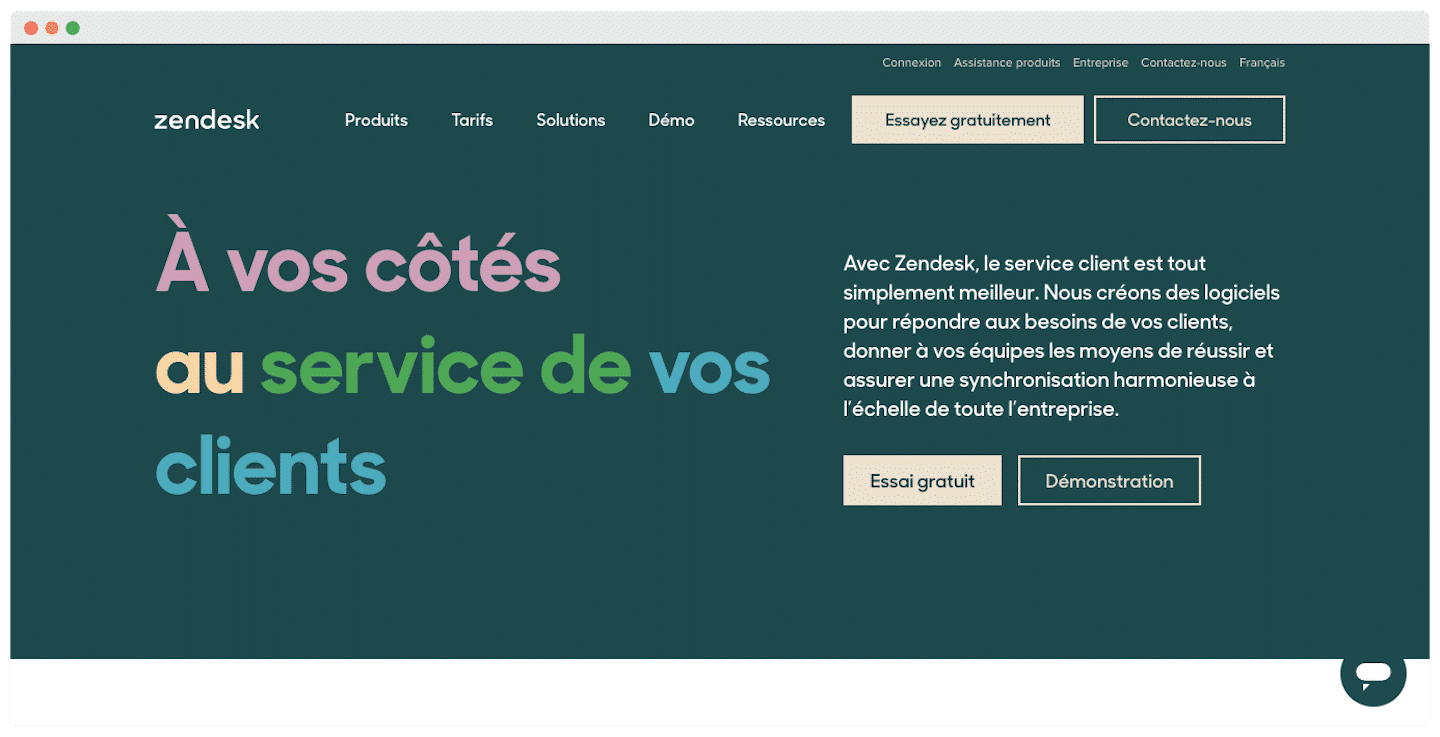
FrontApp is a very good customer support tool, pleasant to use, with a modern design, and above all more accessible than Zendesk, which requires a more thorough onboarding process.
But Zendesk remains the leader, with many more features that let you go further, in particular with built-in telephony and highly developed automation. On customer support, Zendesk also does much better, with a more solid support center. And generally speaking, customers feel more reassured using the tool of a company that has led the market for several years.
#2 Missive
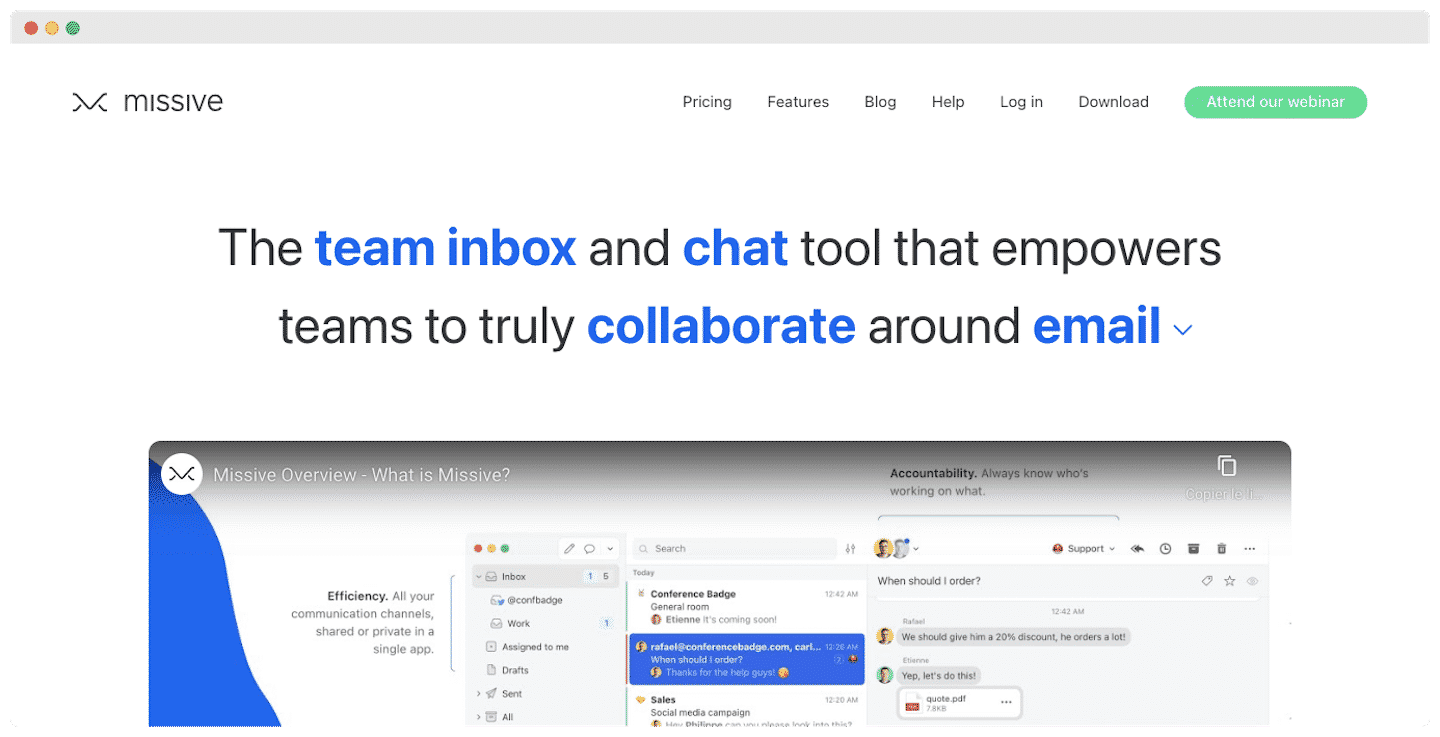
Missive describes itself as a messaging service, whereas FrontApp is more of a customer support tool. Logically, its communication features go further.
For service businesses handling a high volume of email, Missive is a better fit. With a large number of shortcuts and an efficient layout, you work faster.
Another plus: Missive offers a completely free plan, for up to 3 users.
#3 Drag
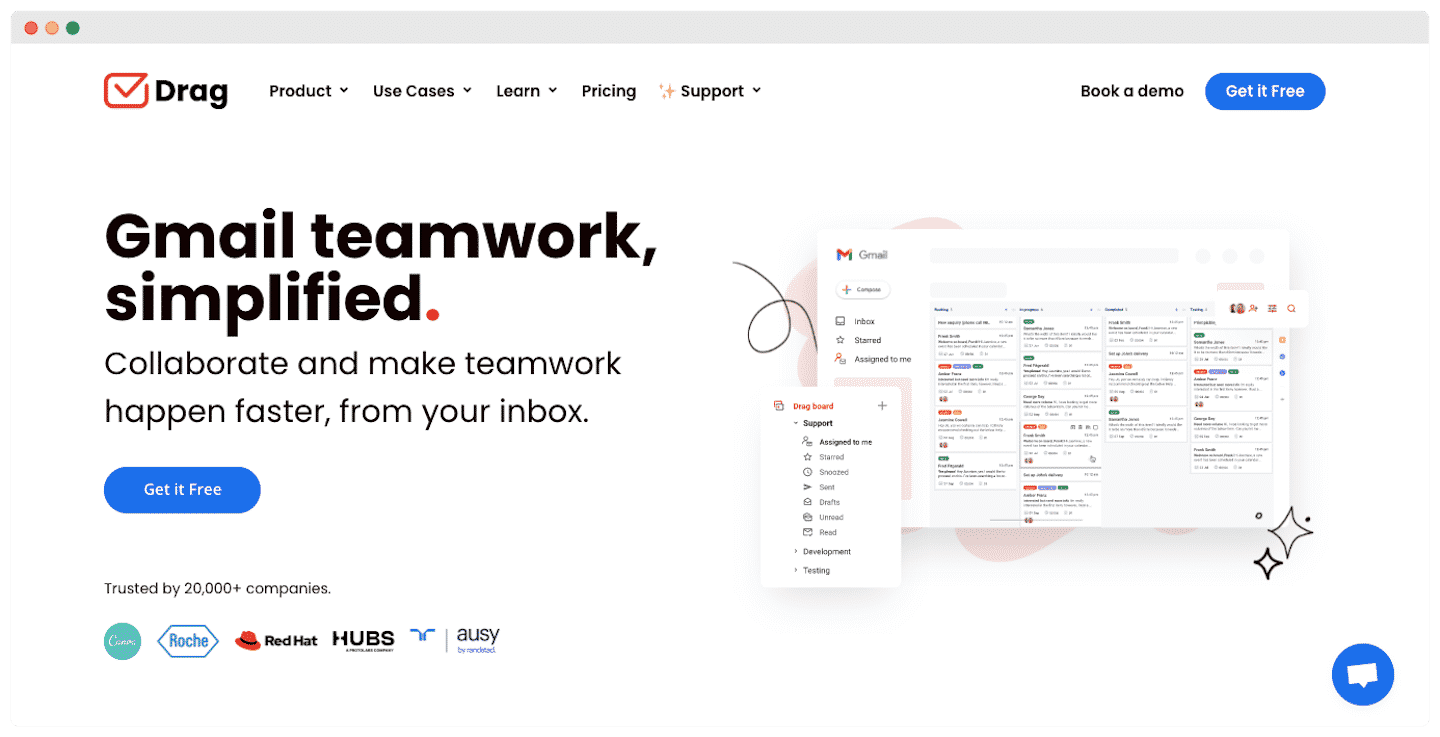
Drag’s big strength: it works directly inside Gmail. Gmail then becomes your help desk, your CRM and your task manager.
It is simpler to use: no jumping from one interface to another, and sorting by folder or label is easier. Overall, it saves you from having to learn a whole new platform.
Drag also has one major advantage: its price. Free for individual users, its $99 per month plan applies whatever the size of your business.