The tool in detail
Jotform after real-world use: feature scope, integrations, pricing and concrete limits.
Between Google Forms (free but basic) and Typeform (excellent but with a very limited free plan), there’s a gap in the market. Jotform rushes into it with a simple pitch: all the features of premium tools (conditional logic, built-in payments, e-signatures, workflows) with a generous free plan and competitive pricing at mid-range volumes.
30 million users later, the tool has never raised funds and is still bootstrapped. That’s rare enough in SaaS to be worth pointing out: no investor pressure, no sudden pivot to fear. Jotform has been making forms for 20 years and will keep doing so.
Which leaves the question: does Jotform really deliver against Typeform? We tested it for you.
Jotform’s key features
Drag-and-drop form builder
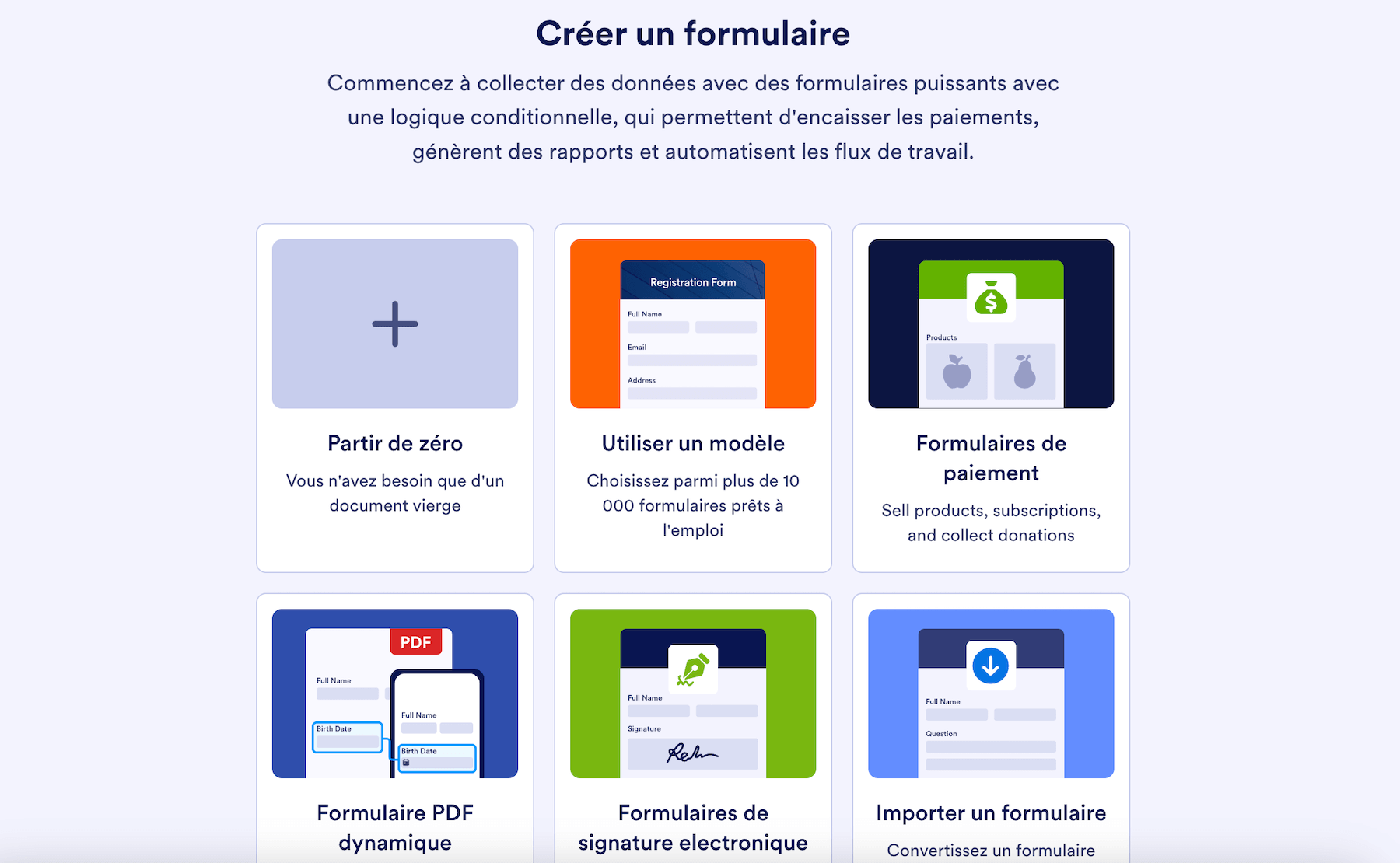
The core of Jotform is its visual editor. You drag and drop elements to build your forms without touching a line of code. Nothing original so far, every competitor does the same.
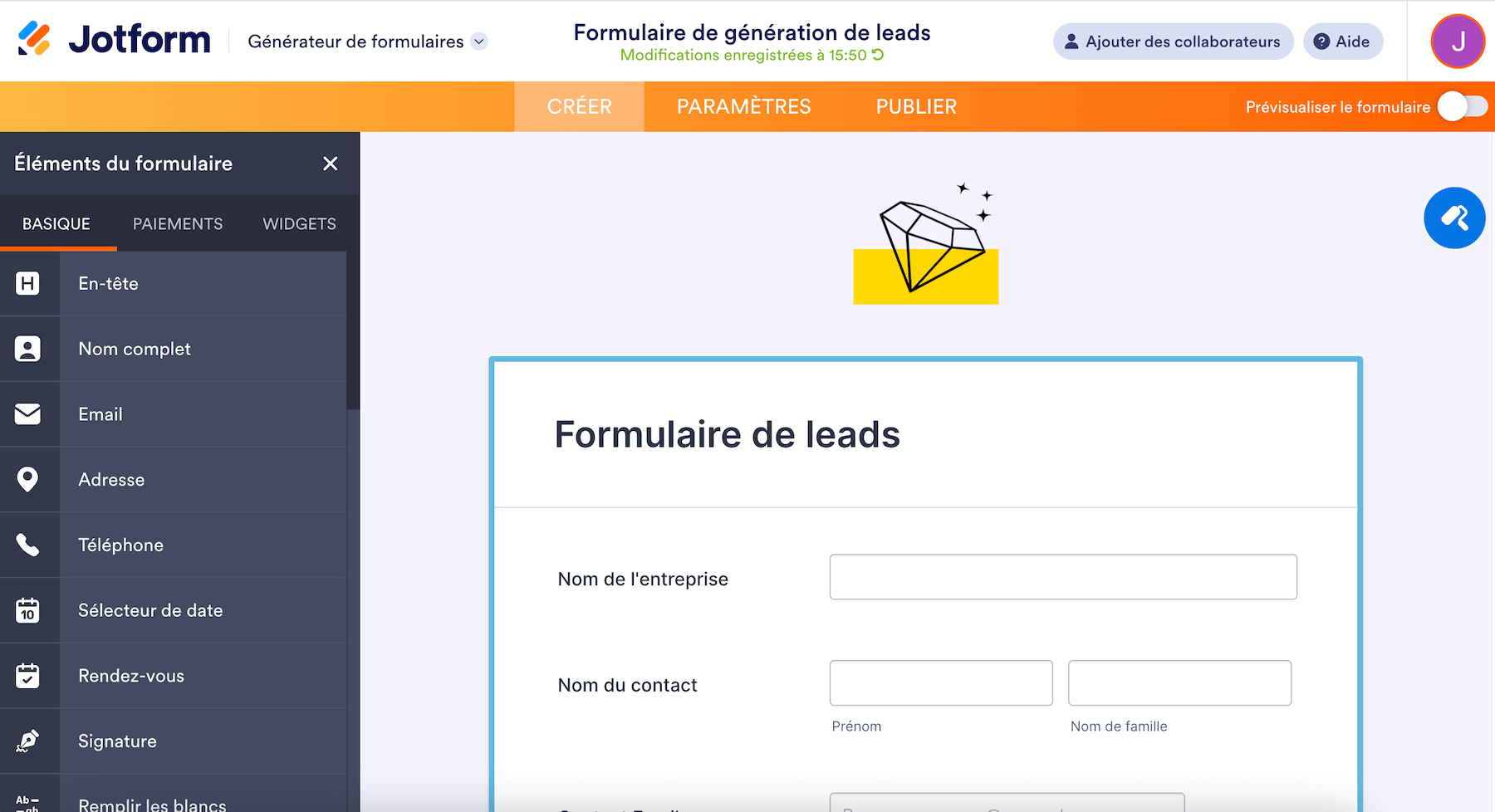
What sets Jotform apart is depth. You get access to more than 10,000 templates covering every case you can think of: contact forms, event registrations, job applications, orders, surveys, customer feedback.
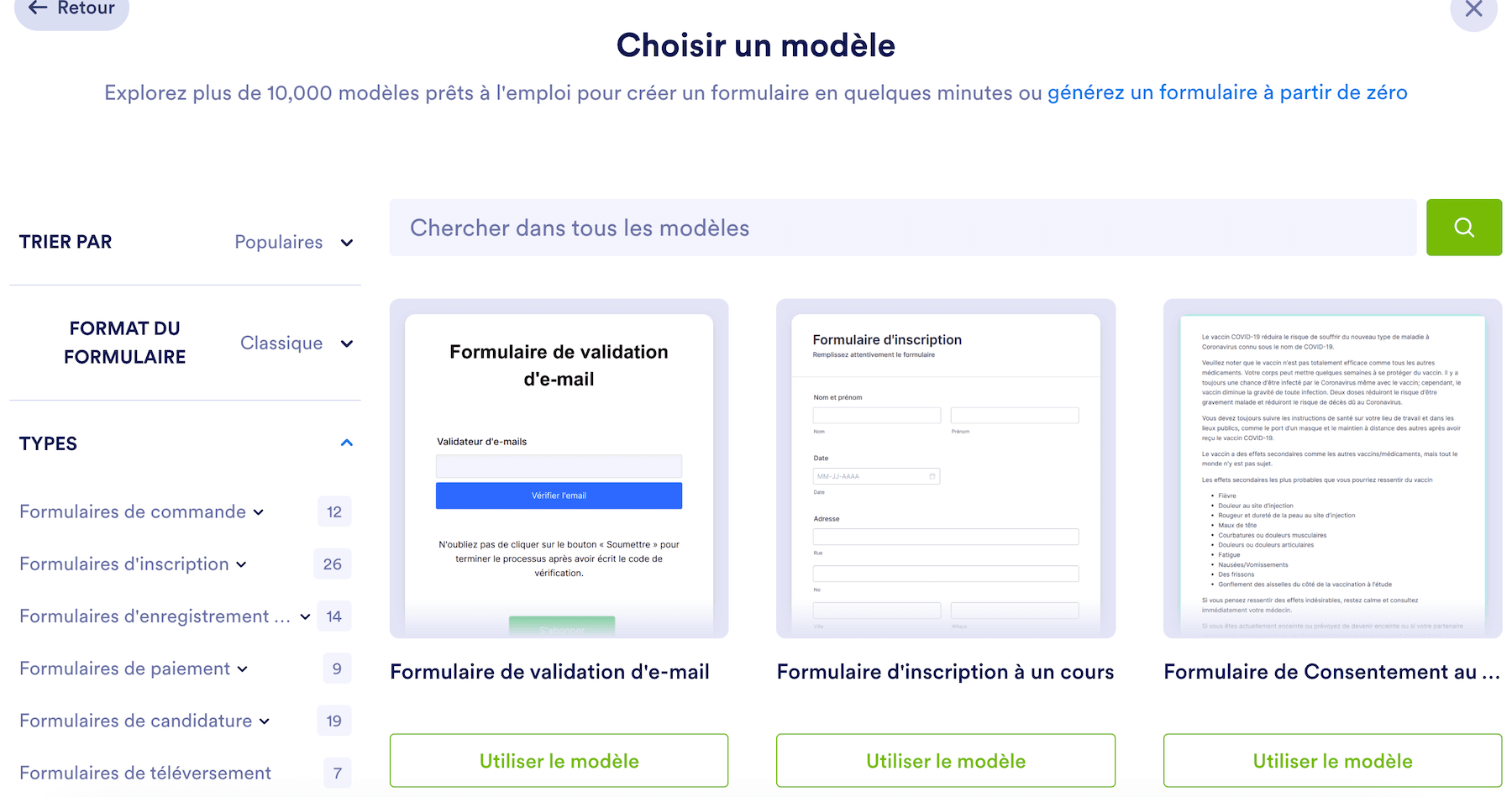
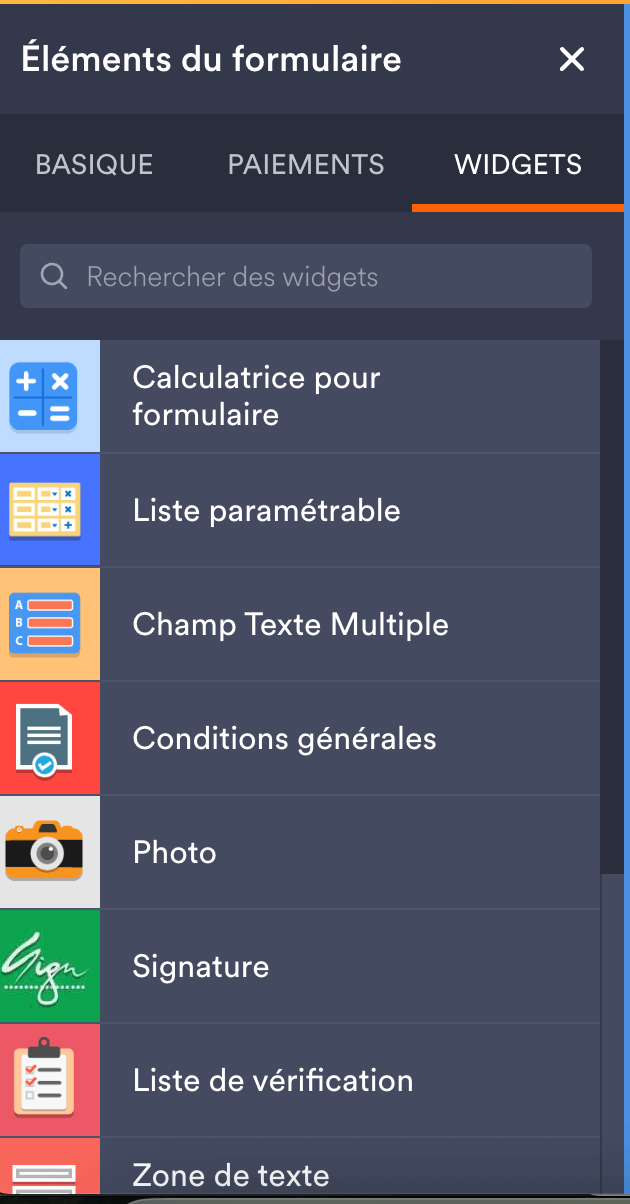
Plus more than 400 widgets to customize with: calculators, matrices, image sliders, advanced date pickers, file uploaders.
Two display modes are available: « Classic » (all the questions on one page, ideal for short forms) or « Card » (one question per screen, Typeform style).
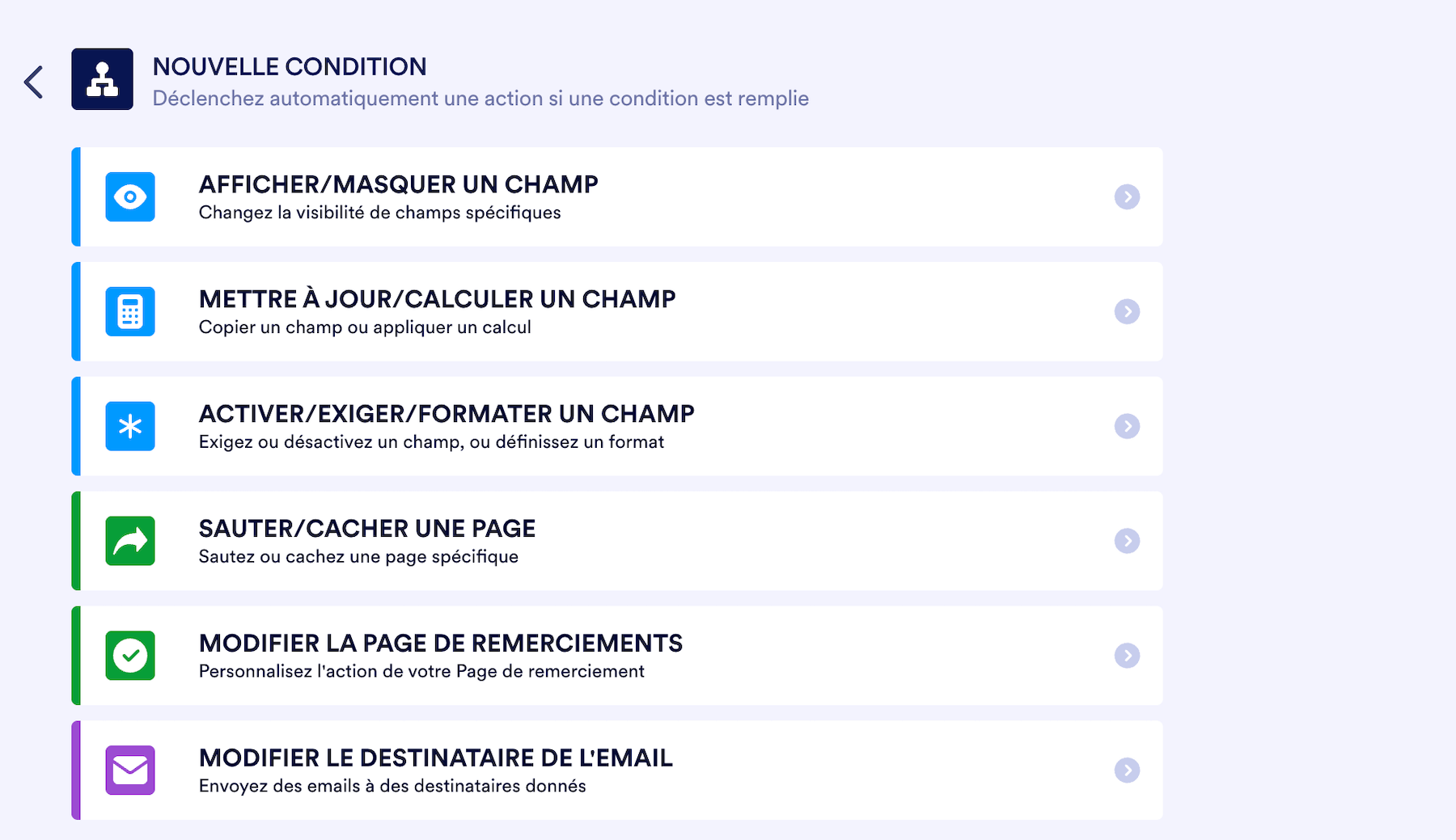
Conditional logic lets you show or hide fields based on previous answers.
Salesdorado’s takeThe template library is a big strength of Jotform. You’ll almost always find a template close to what you need, which you then just have to adapt. It saves hours.
Payments and e-signatures
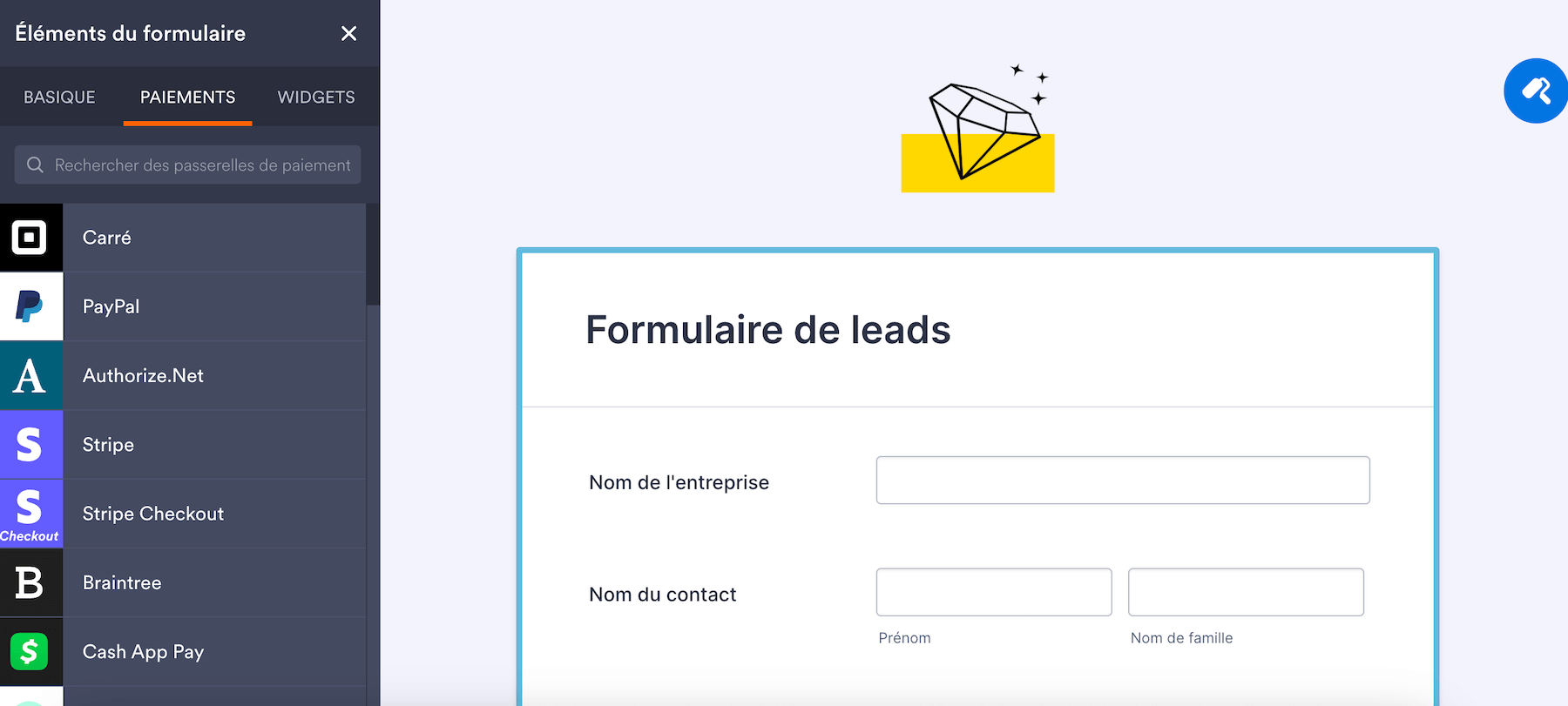
Jotform natively integrates the main payment processors, starting with Stripe, PayPal, Square. So you can collect payments directly in your forms (orders, paid registrations, donations) without a third-party tool.
On the signature side, Jotform Sign turns your forms into legally binding documents. You can create multi-signer workflows (the document goes from one person to the next in the set order), with a full audit trail and automatic sync to Google Drive, Dropbox or OneDrive.
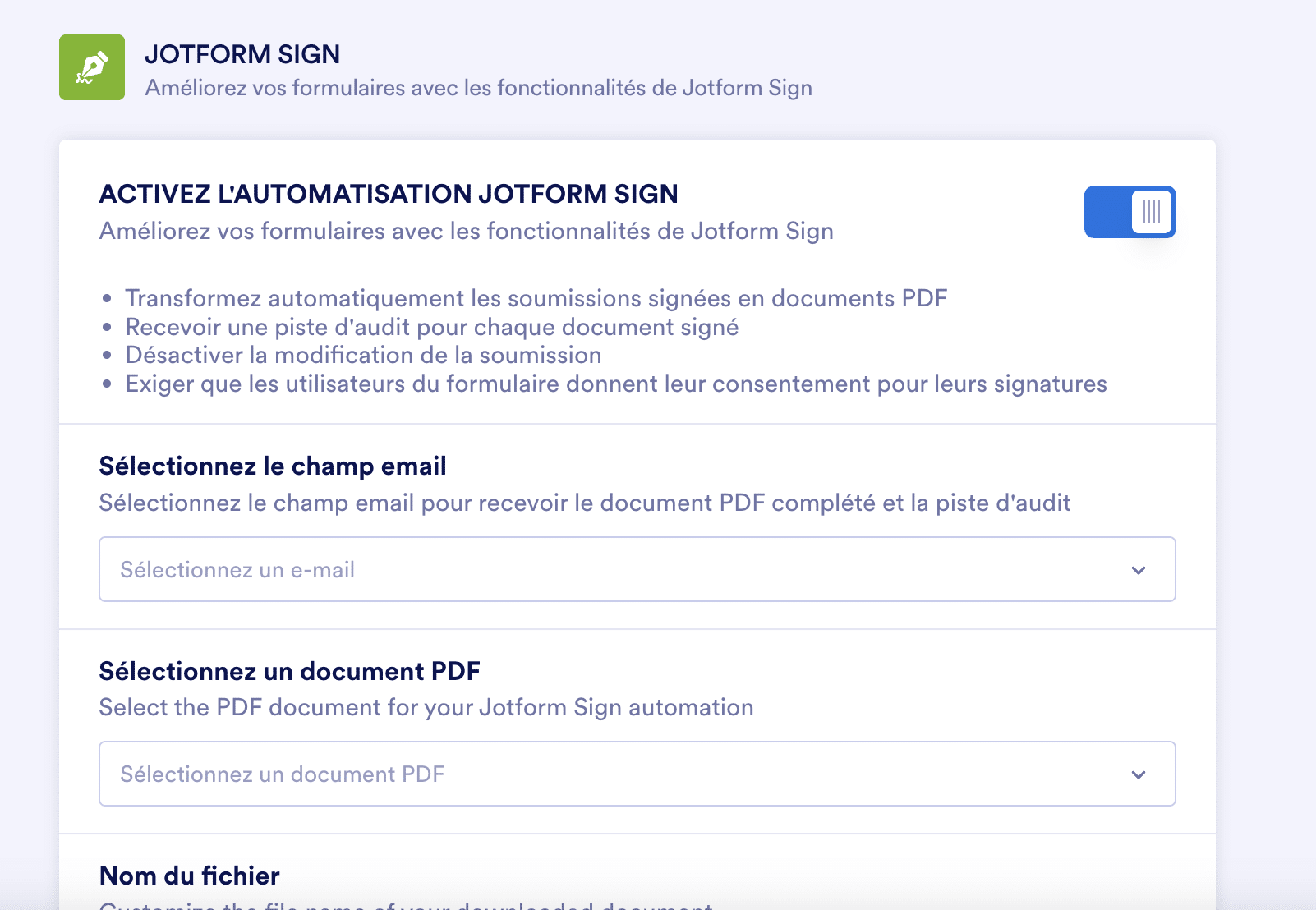
Worth noting: this is a real differentiator compared with Typeform, which offers neither payments this advanced nor native e-signatures.
Integrations and automation
As of today, Jotform connects natively to more than 100 apps:
- CRM (Salesforce, HubSpot, Pipedrive, Zoho)
- Cloud storage (Google Drive, Dropbox, OneDrive)
- Email marketing (Mailchimp, Brevo)
- Communication (Slack, Teams)
- Project management (Trello, Monday, Asana, Notion).
For everything else, Zapier opens access to more than 8,000 additional apps. The tool is also available on Salesforce AppExchange for a direct integration.

Jotform Workflows, launched in 2024, lets you build no-code automations: triggers, conditions, chained actions. Less powerful than a Zapier, but enough for common cases without leaving the tool.
Security and compliance
Jotform ticks the essential boxes: 256-bit SSL encryption, full GDPR compliance, PCI DSS Level 1 certification for payments. The Enterprise plan adds SOC 2 Type II certification.
For the healthcare sector, HIPAA compliance is available as an option on the Gold and Enterprise plans. Data can be hosted in Europe (servers in Germany) for those with data location requirements.
Nonprofits and educational institutions get a 50% discount on paid plans, a welcome gesture.
Jotform pricing
Jotform offers a clear pricing grid with five tiers:
| Plan | Price per month (annual) | Forms | Submissions per month | Storage |
|---|---|---|---|---|
| Starter | Free | 5 | 100 | 100 MB |
| Bronze | €34 | 25 | 1,000 | 1 GB |
| Silver (recommended) | €39 | 50 | 2,500 | 10 GB |
| Gold | €99 | 100 | 10,000 | 100 GB |
| Enterprise | Custom quote | Unlimited | Unlimited | Unlimited |
A few things to note:
- The Silver plan at €39 per month is the most attractive one. For only €5 more than Bronze, you go from 25 to 50 forms and from 1,000 to 2,500 submissions. It’s the plan Jotform pushes, and rightly so.
- The Gold plan at €99 per month unlocks HIPAA. If you’re in healthcare and need compliance, it’s the minimum required.
- The prices above are for annual billing. Monthly billing exists, but costs up to 30% more.
- 50% discount for nonprofits and education. With supporting documents, nonprofit organizations and educational institutions get half price on Bronze, Silver and Gold, and a 30% discount on the Enterprise offer.
- No free trial on paid plans, but the Starter plan lets you test all the standard features (except HIPAA), and a 30-day money-back guarantee applies after payment.
- The Enterprise plan is the only multi-user one. The other plans only allow one user per account: worth knowing before you choose if you work as a team.
- Watch out for overages: if you exceed your submission storage, Jotform automatically deletes the oldest ones to make room.
Jotform VS Typeform, Google Forms and Tally
Jotform VS Typeform
Typeform wins on UX, the conversational experience is smoother and more engaging. On price, it’s more nuanced than it looks. Jotform has a free plan (5 forms, 100 responses) far more generous than Typeform’s, which is capped at a small number of responses per month.
For 1,000 responses per month, Jotform is cheaper (€34 vs €46). But for 10,000 responses, Typeform becomes the better deal again (€75 vs €99).
Jotform’s real differentiator is functional depth: more advanced built-in payments, native e-signatures, workflows. If you need those features, Jotform. If UX comes first and you have volume, Typeform may be the better choice.
Jotform VS Google Forms
Google Forms is free and unlimited, and that’s its only argument. No payments, no signatures, basic conditional logic, dated design, integrations limited to the Google ecosystem. For a quick internal survey, it’s enough. For any professional use in front of customers, Jotform makes a better impression.
Jotform VS Tally
Tally is the new kid on the block, with a very generous free version (unlimited responses). The UX is modern, inspired by Notion.
But Tally lacks functional depth: no built-in payments this advanced, no signatures, fewer templates. For simple forms, Tally is an alternative. For more advanced needs, Jotform stays ahead.
Salesdorado’s takeThe choice between Jotform and Typeform depends on your volume and your needs. Under 1,000 responses per month, Jotform is the better deal (free plan and Bronze at €34). Over 10,000 responses, Typeform Business at €75 is cheaper than Jotform Gold at €99. Jotform’s real argument is functional depth: if you need built-in payments, signatures or workflows, that’s where it makes the difference.
Try JotformJotform offers a free plan with 5 forms and 100 submissions per month. That’s enough to test the tool in real conditions and form your own opinion before committing.