The tool in detail
LiveAgent after real-world use: feature scope, integrations, pricing and concrete limits.
Good customer management software is a must in your sales strategy : it is a guarantee of long-term loyalty, and we hardly need to remind you that keeping a customer usually costs far less than acquiring new ones.
In the vast customer support software market, you will find the leader Zendesk, many tools built by CRM software vendors such as HubSpot or Salesforce, and other interesting solutions such as Freshdesk or Help Scout. In short, there is no shortage of choice.
But LiveAgent has carved out a place in this market by building its entire offering around live chat. It provides a ticket management system that is simple for your agents to use, but with all the features of advanced software. And all of it at an affordable price.
LiveAgent: features
1. Ticket management: simple and effective
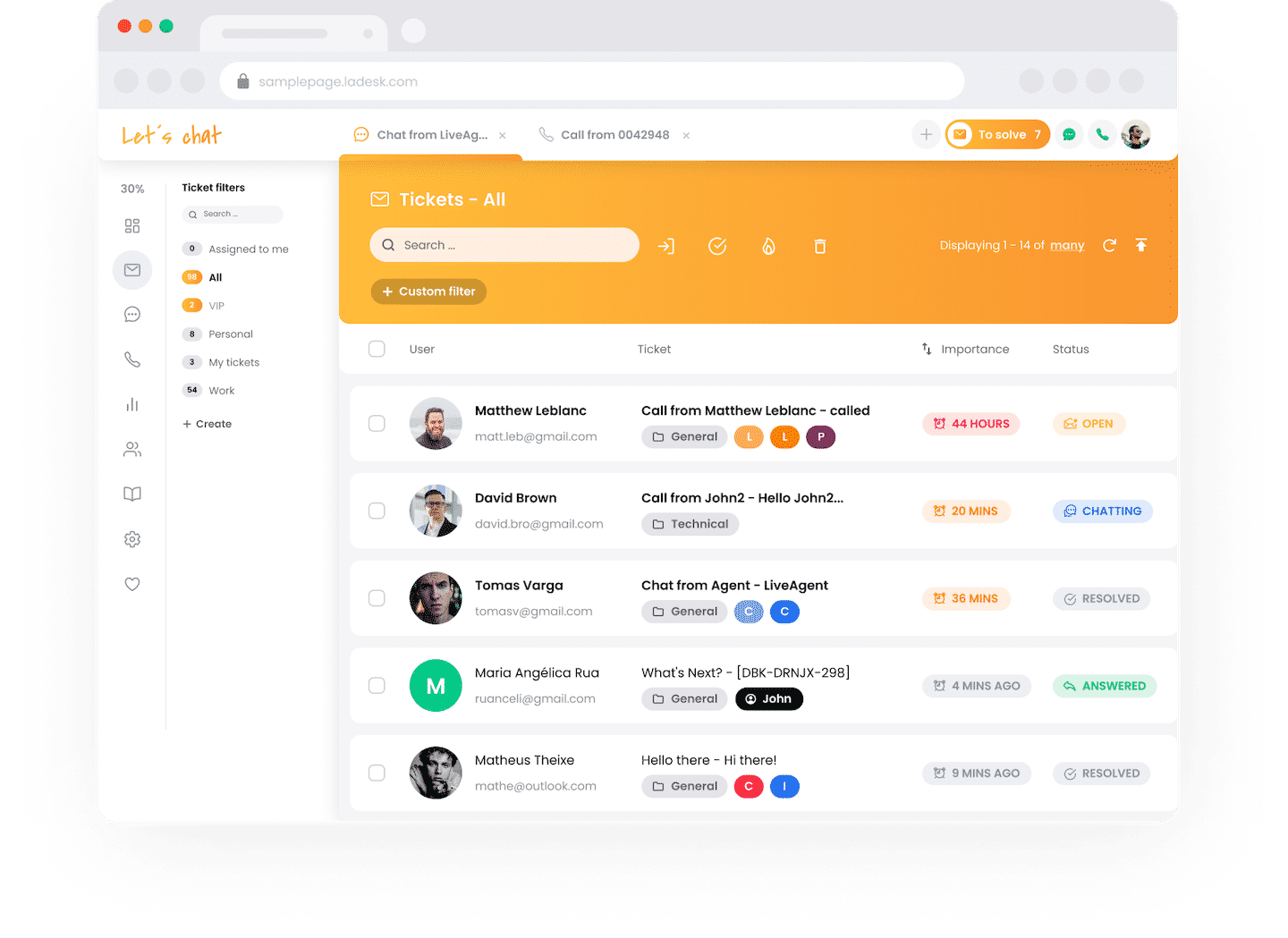
LiveAgent offers a ticket management system that is simple for agents to use: they answer your customers’ requests from a single interface, and all tickets are gathered in a shared inbox.
Several tools make the platform particularly effective:
- Automatic routing makes sure no ticket slips through the cracks.
- Your agents can set limits, in number of tickets or calls, to keep the workload as manageable as possible.
- Tickets can be assigned to an agent based on their skills, and even shared between several agents when it makes sense.
- Your agents get reminders once the ticket has been received and assigned.
- You can also export tickets, merge them, and generate GIFs in the customer chat.
2. Live chat: the heart of the value proposition
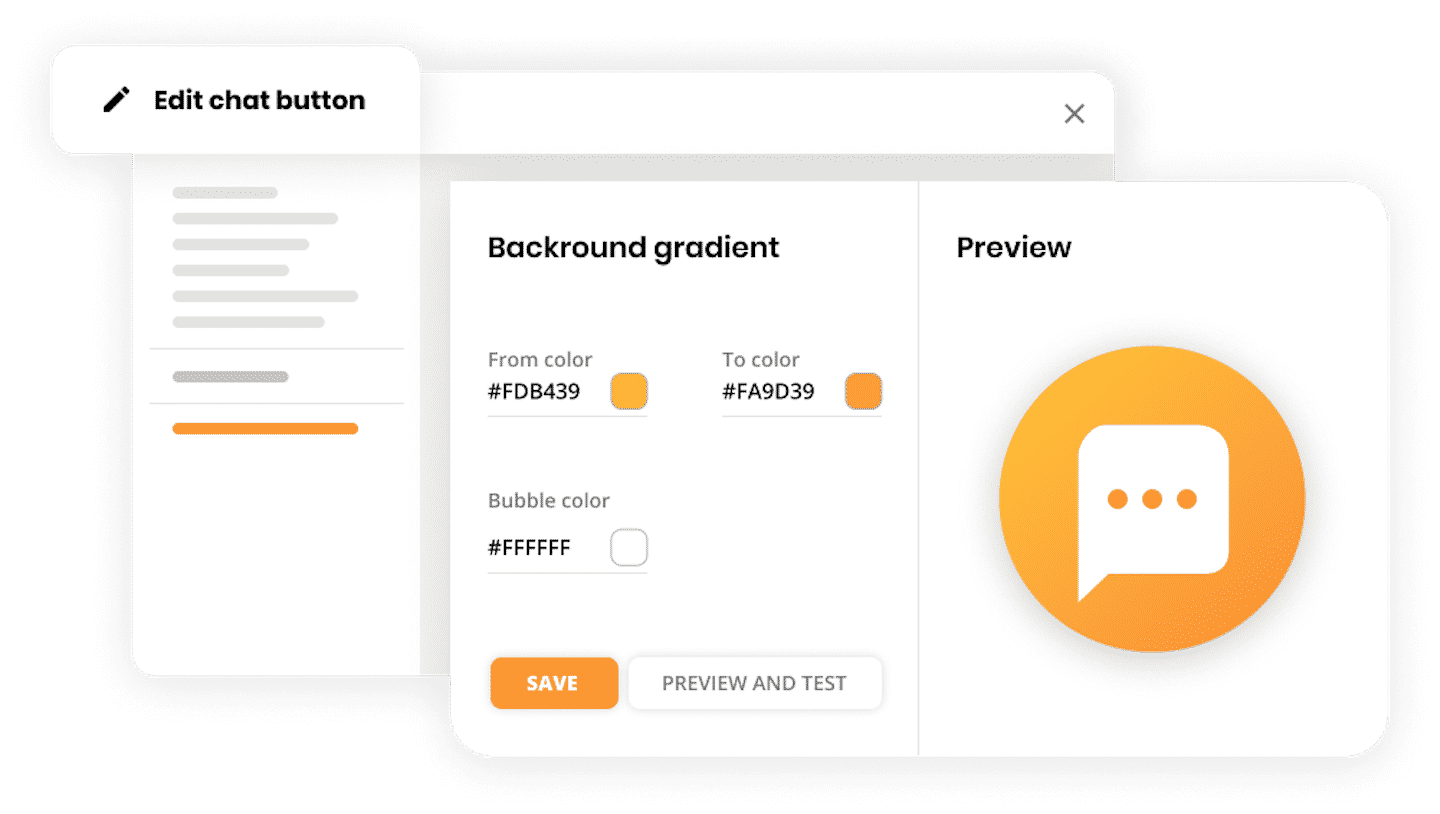
This is LiveAgent’s strong point. The live chat is very easy for everyone to use:
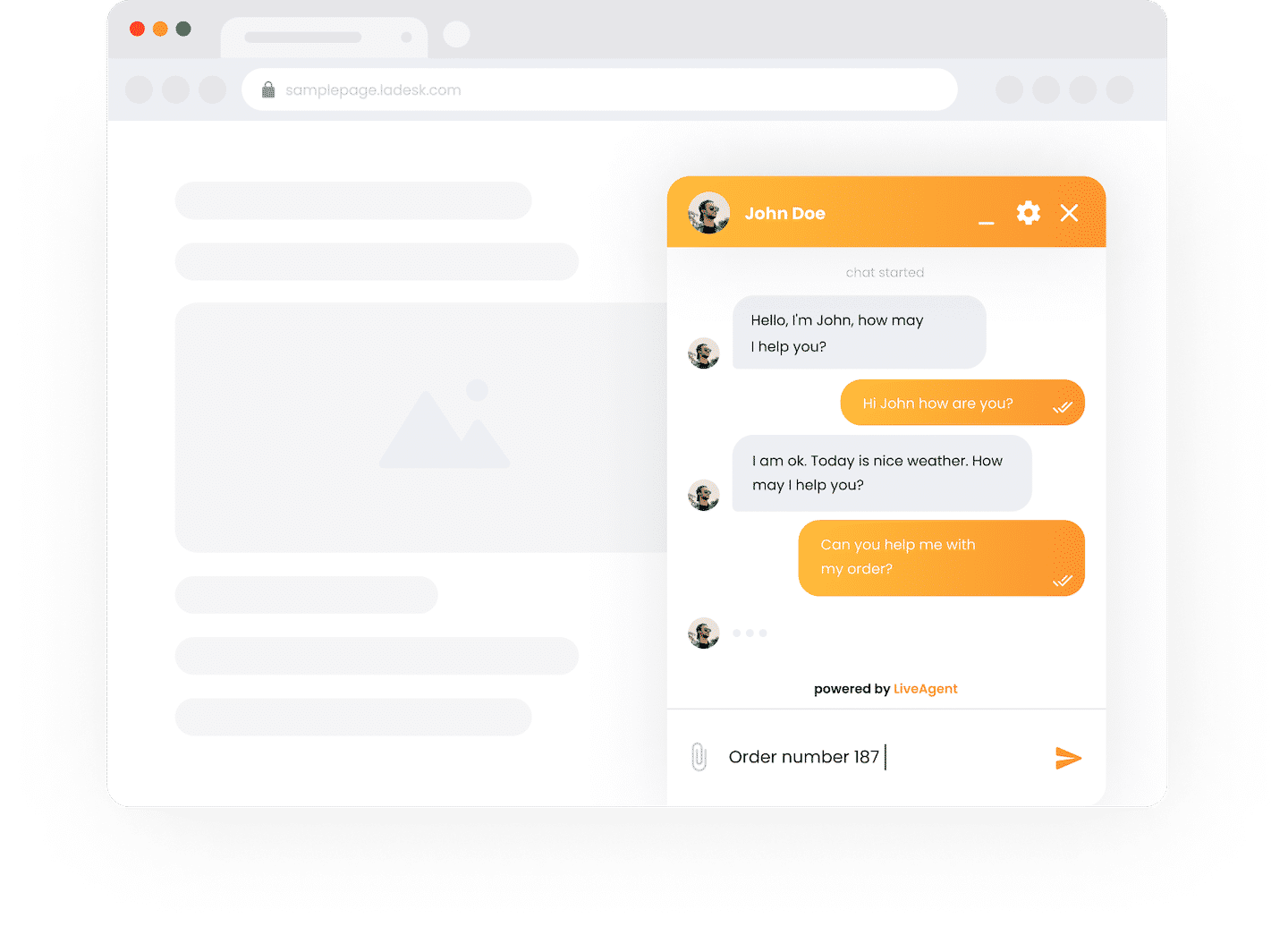
- On the customer side, the task is made easier by predefined messages matching the most common requests, and by file sharing.
- On the agent side, being able to take notes in the chat makes the issue easier to handle.
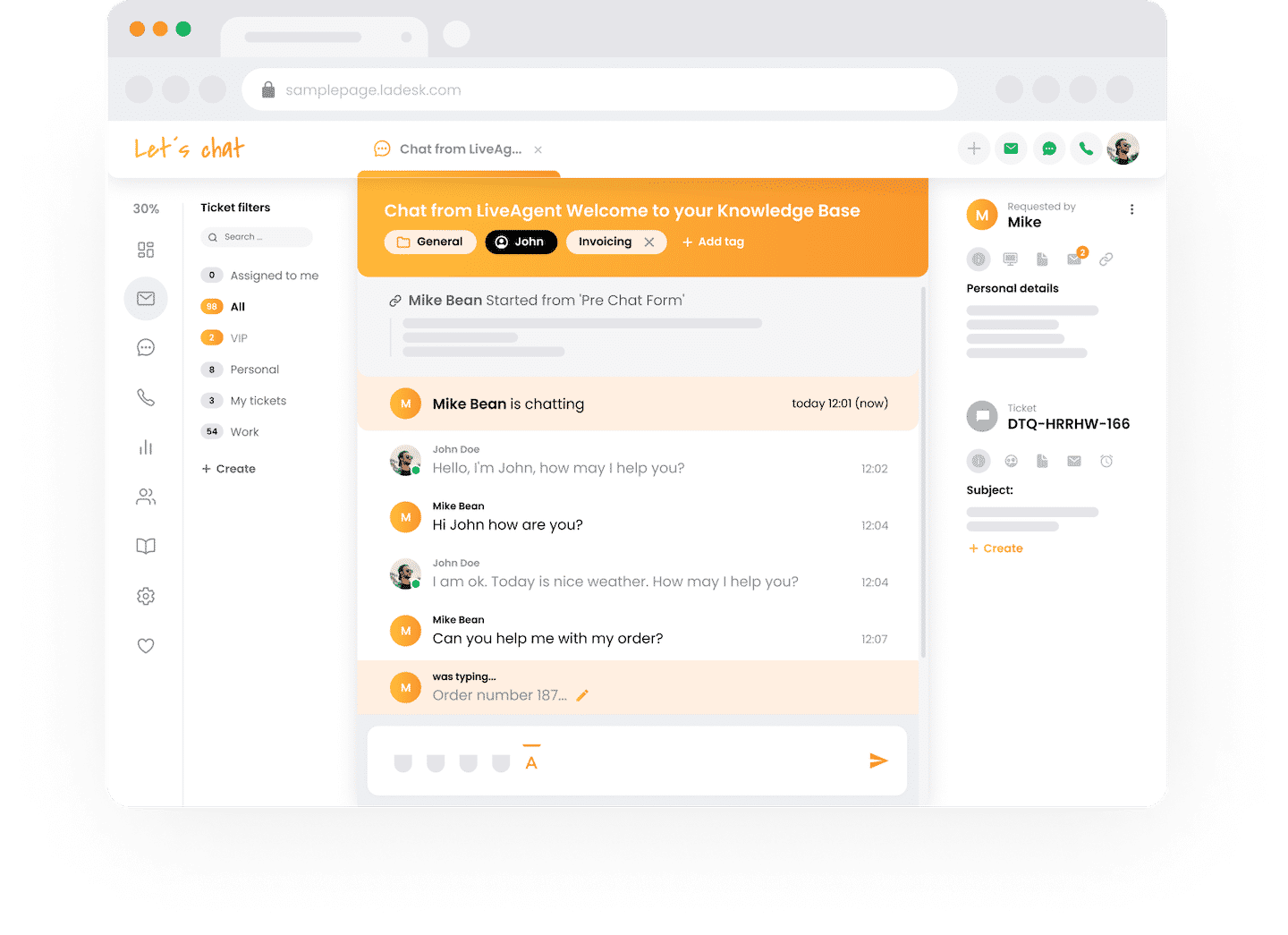
For customization, LiveAgent offers 4 starting styles, but you can change the message colors, the borders or the chat statuses.
The real plus: you can configure the chat so that requests are sent straight to the agent best qualified to answer them.
3. Running a call center
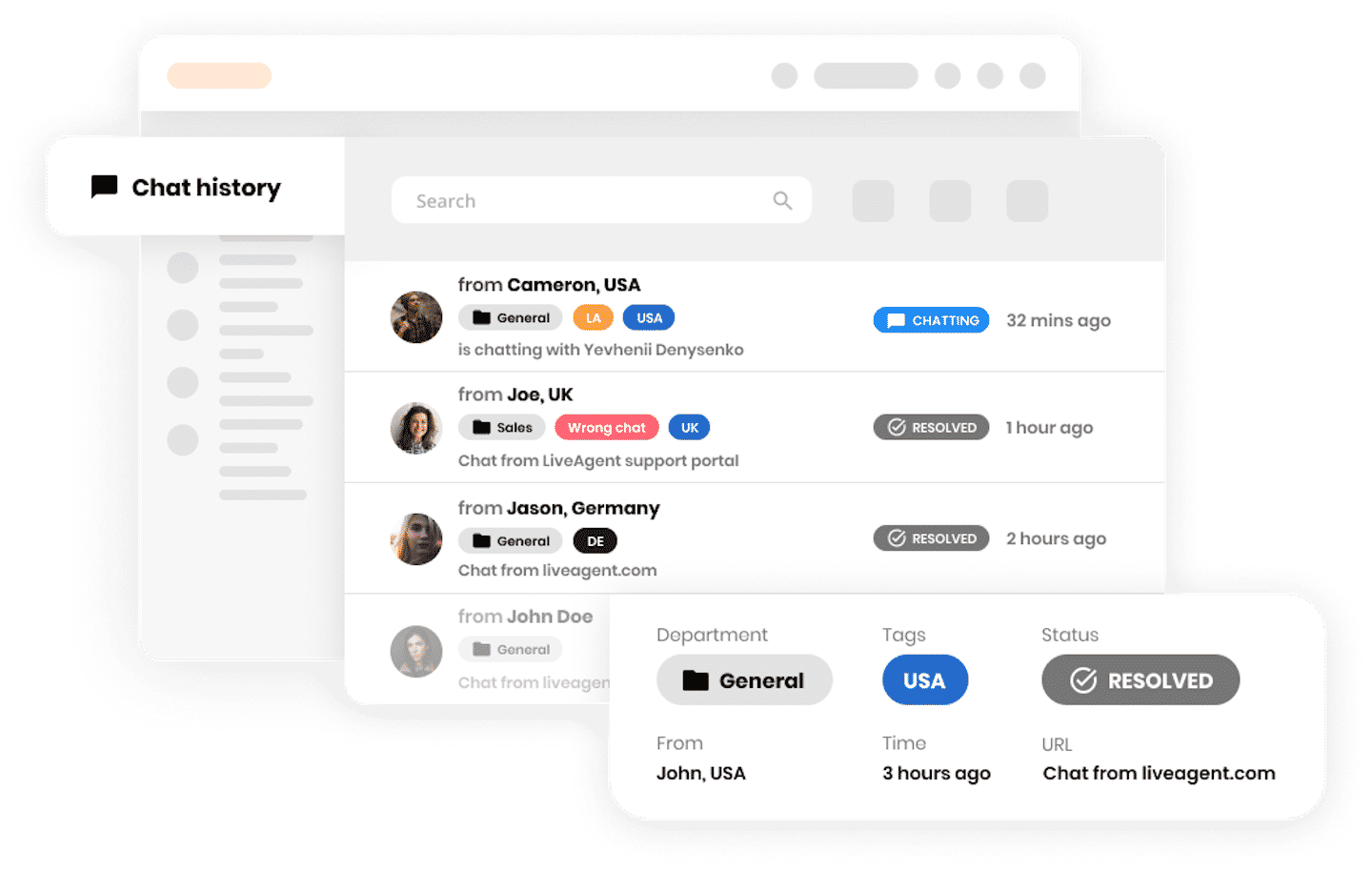
LiveAgent’s call center is easy to set up and use. Once you have created an account, all you need to do is connect your devices, add phone numbers and place the icon on your website.
It handles inbound and outbound calls as well as an interactive voice response system. But you can also manage your internal matters: call transfer, routing, call recording.
You can set up a phone number specific to LiveAgent. When a customer calls, your agents receive the call directly on their computer.
4. User experience and accessibility: a big strength
LiveAgent’s interface is modern, with an attractive design that is easy to get into. The real strength is the task tabs, which make windows easier to manage. But the reporting is also effective for tracking your progress and building your knowledge base.
You can even manage your calls and video conferences. By integrating your chat or video software, you make calls directly from the platform, and you control how your availability is shown on the website.
On the live chat side, the features are genuinely advanced. LiveAgent even provides a code to track the country, time and IP address of the people you are talking to.
Where LiveAgent really shines is in combining complex features with simple navigation. Everything is clearly laid out in the side menu so that your team gets the most out of the software.
Reporting in LiveAgent
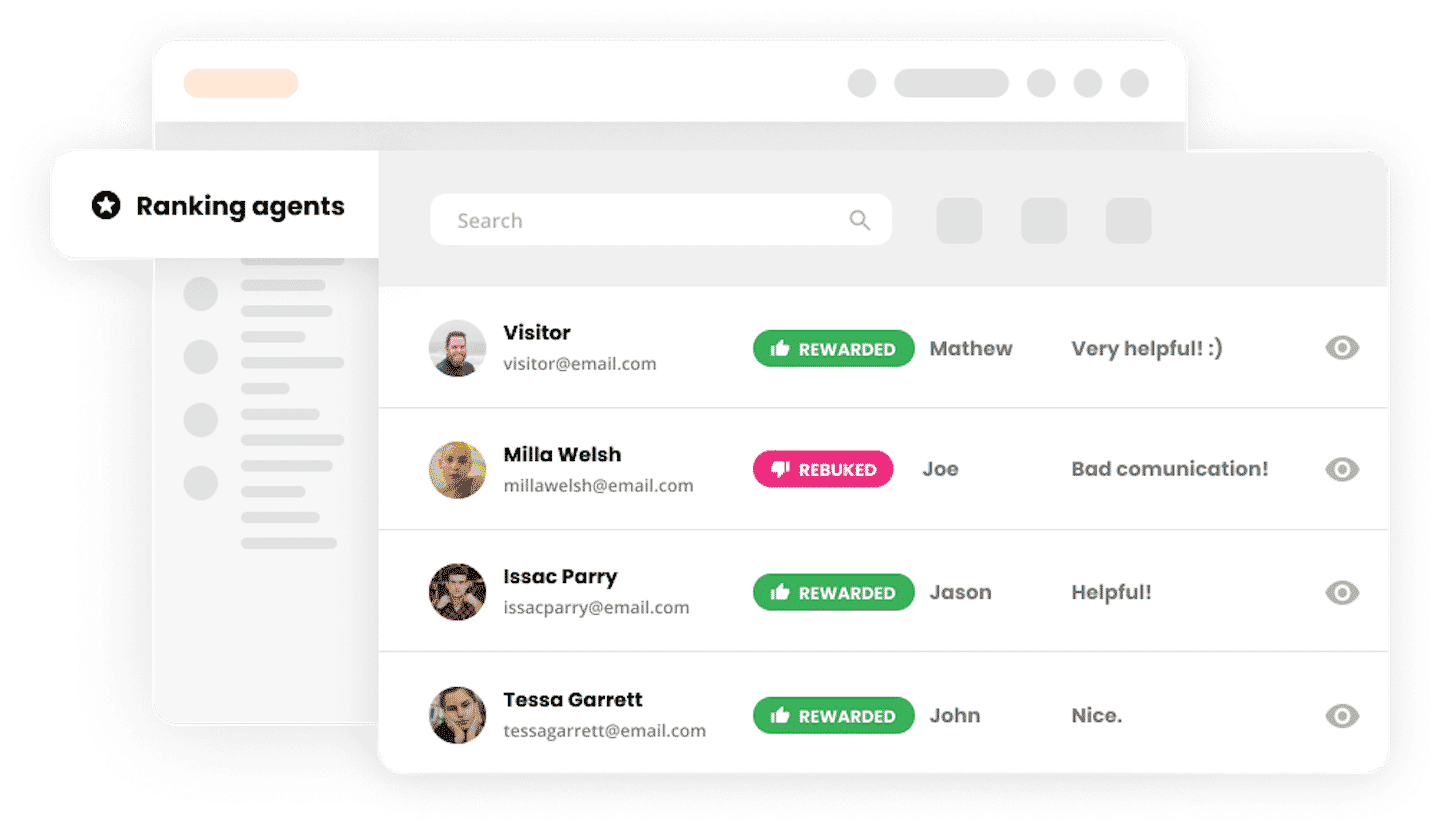
LiveAgent offers advanced reporting with several different functions:
- Analytics overview : to see usage statistics and the customer satisfaction rate.
- Performance reports : to assess the time agents spend on the platform, how fast they are and how customers rate them.
- Reports by category : on the different channels, on tags, on your company’s departments.
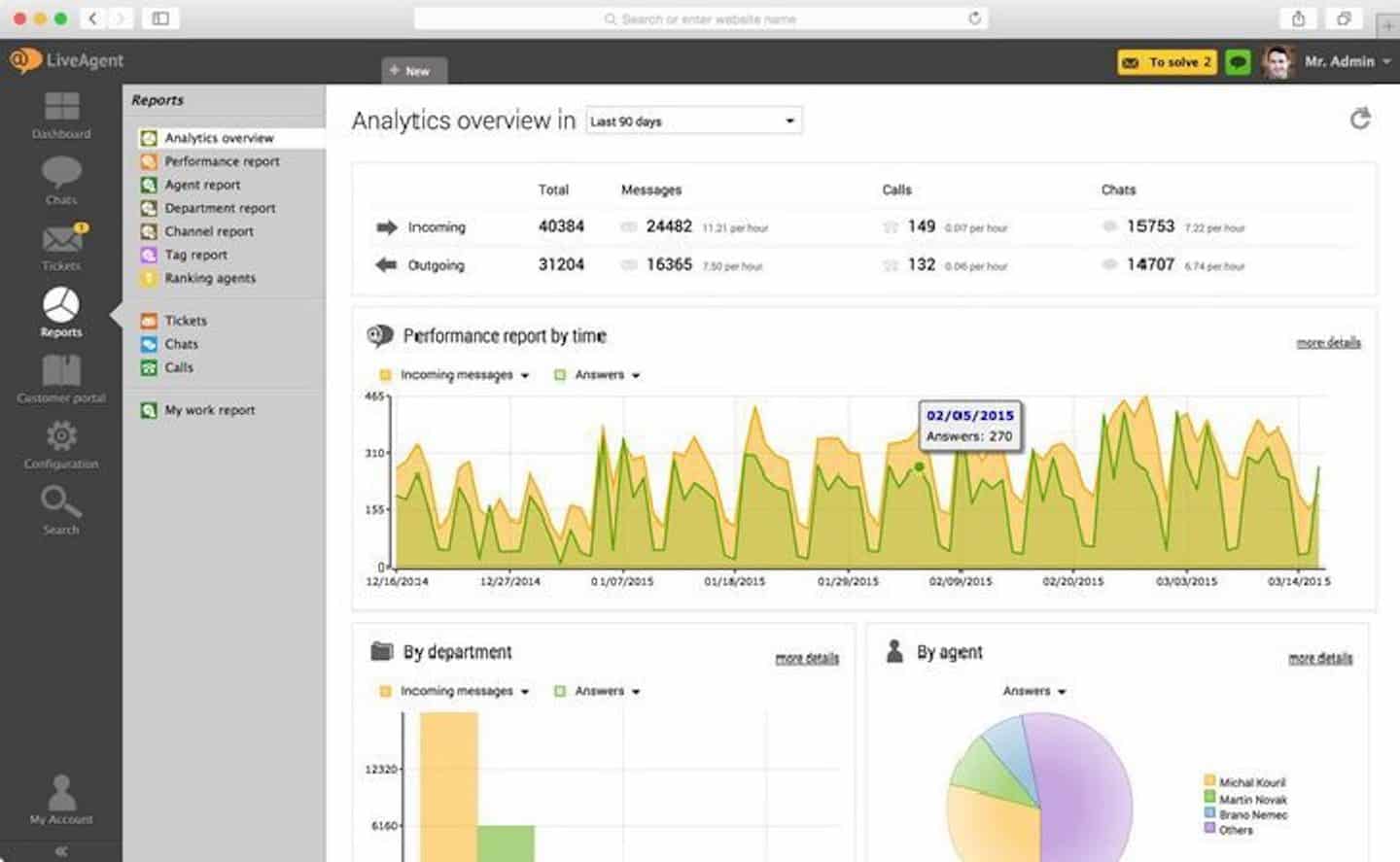
Using the reporting data, you can set up an internal game to create healthy competition among your agents: award badges based on performance over the last 7 days, or create leaderboards based on the actions completed.
Customer support at LiveAgent: a do-it-yourself culture
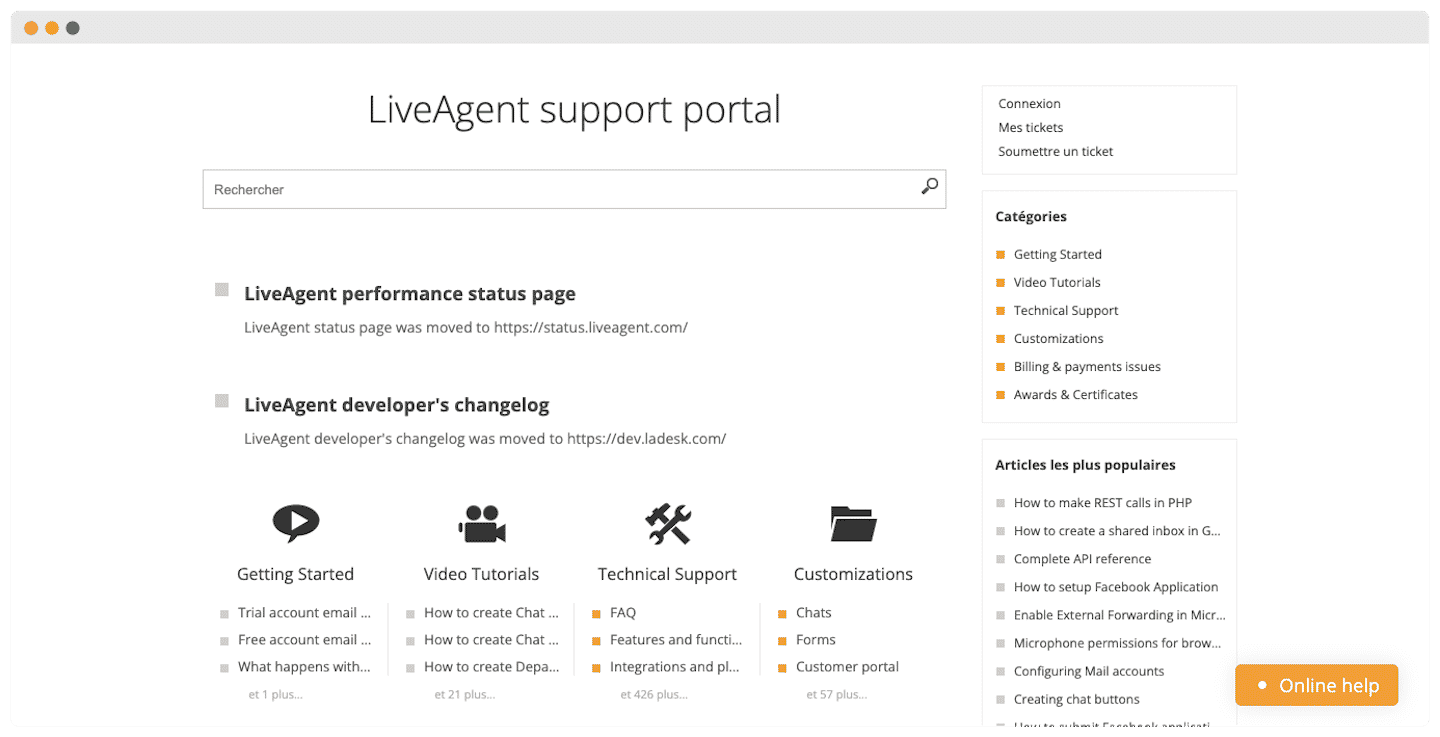
LiveAgent’s big advantage is that its help center is in English, even if it takes a bit of effort to search through.
The support is very comprehensive and provides all the help you need, and more: phone and email assistance, an FAQ page, video tutorials, user forums, integration guides, a knowledge base, a performance status page.
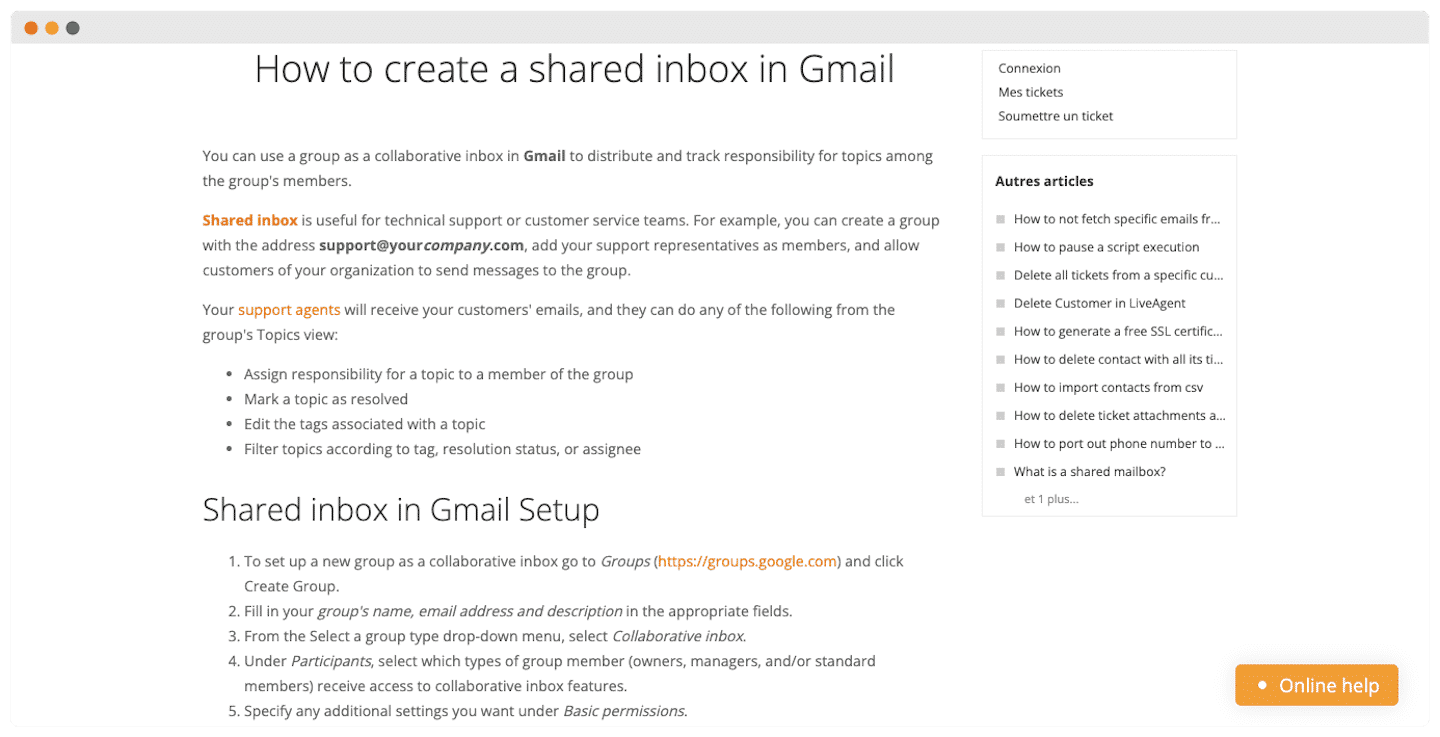
Simply put, there is practically no chance that your question or problem will go unanswered.
Support is available by email 24/7, and by live chat and phone Monday to Friday from 7 am to 11 pm, Central European Time (an AI agent answers outside those hours), but users often mention that, while it is very accessible, its answers tend to be imprecise. In the end, you are better off searching on your own through the wide range of resources available.
LiveAgent integrations
Social media management
LiveAgent integrates the best-known social networks to boost your agents’ productivity:
- Facebook : agents can monitor several pages at once, and comments are automatically converted into support tickets and added to their dashboards.
- Messenger : private messages are forwarded to the dashboard in the same way. Your agents access them more easily and reply with attachments or GIFs.
- X and Instagram : you monitor mentions of your brand in real time. Same system as for Facebook, a mention triggers a support ticket.
- Viber : your agents can send messages to up to 300 recipients at once.
An impressive range of integrations
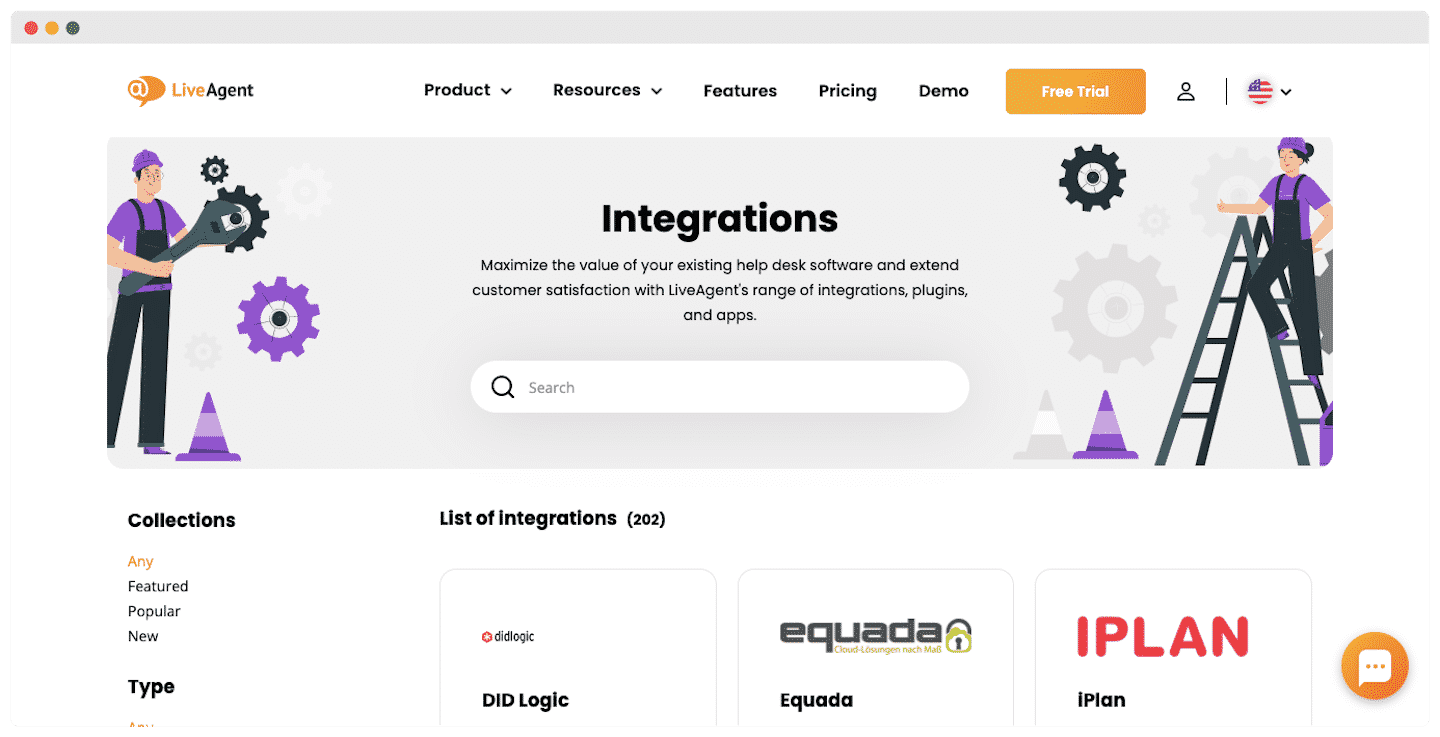
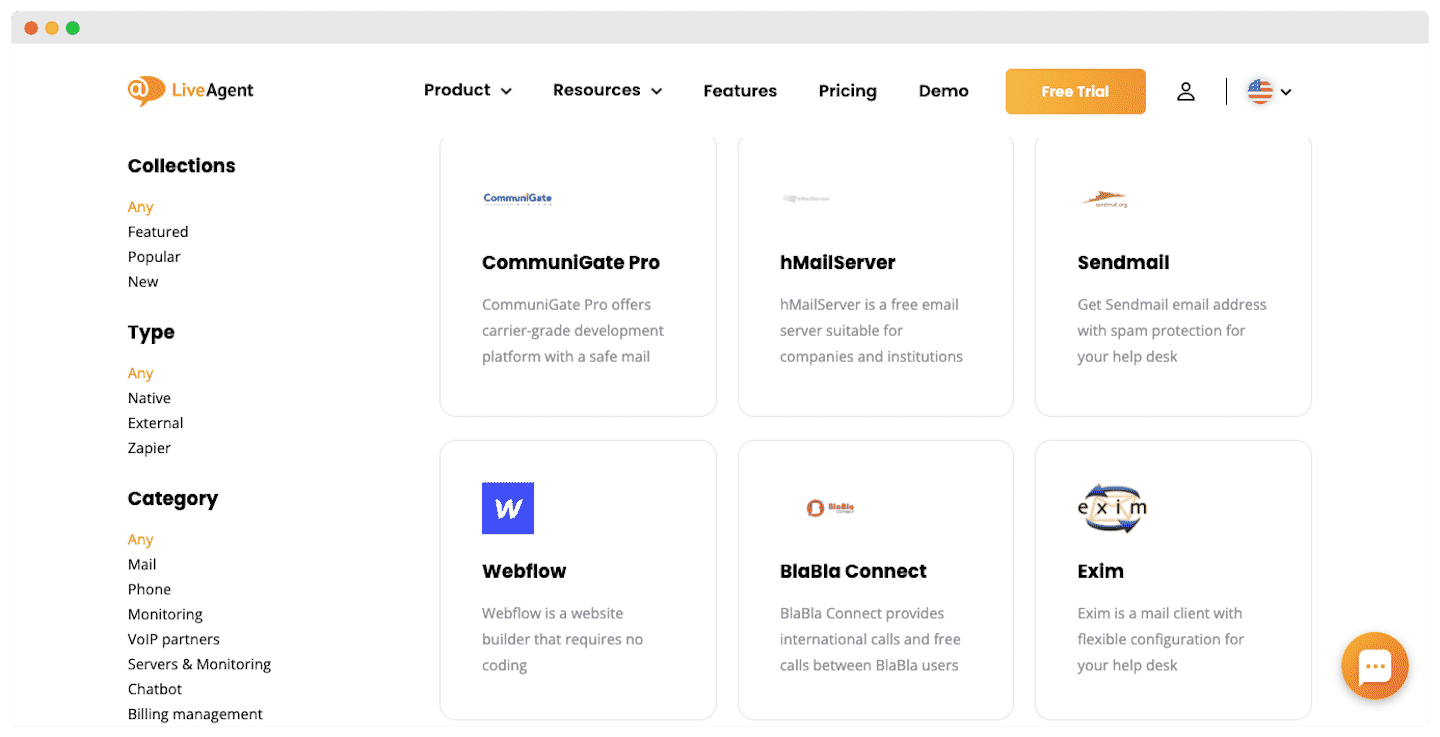
The platform has 133 native integrations, but with Zapier, you get to more than 3,000 available apps.
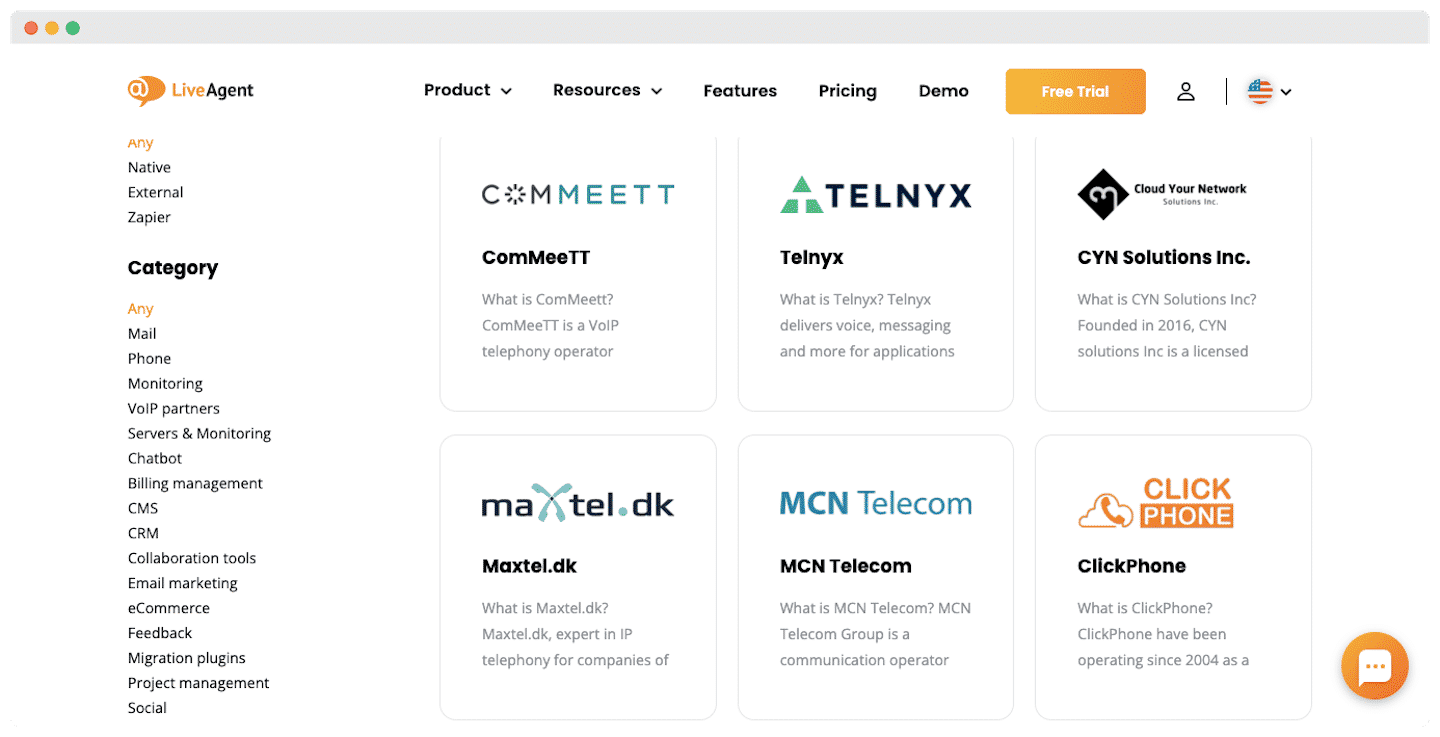
A few examples of integrations:
- With Slack, you keep track of your work discussion threads.
- With ChargeDesk or Stripe, you manage your billing.
- Automate your text messages with ClickSend.
- Add a live chat widget with the WordPress integration.
The mobile apps: a good idea, rather poorly executed
On top of the website, LiveAgent has developed a mobile app. It makes it even easier to answer tickets from a smartphone or tablet, as agents can talk to customers by chat or email.
The idea was good, but the execution leaves a lot to be desired. Customers, on Android as on iOS, are mostly dissatisfied. The app is not adapted to the latest smartphone models and is updated too rarely to avoid recurring bugs.
LiveAgent pricing: a flexible offering
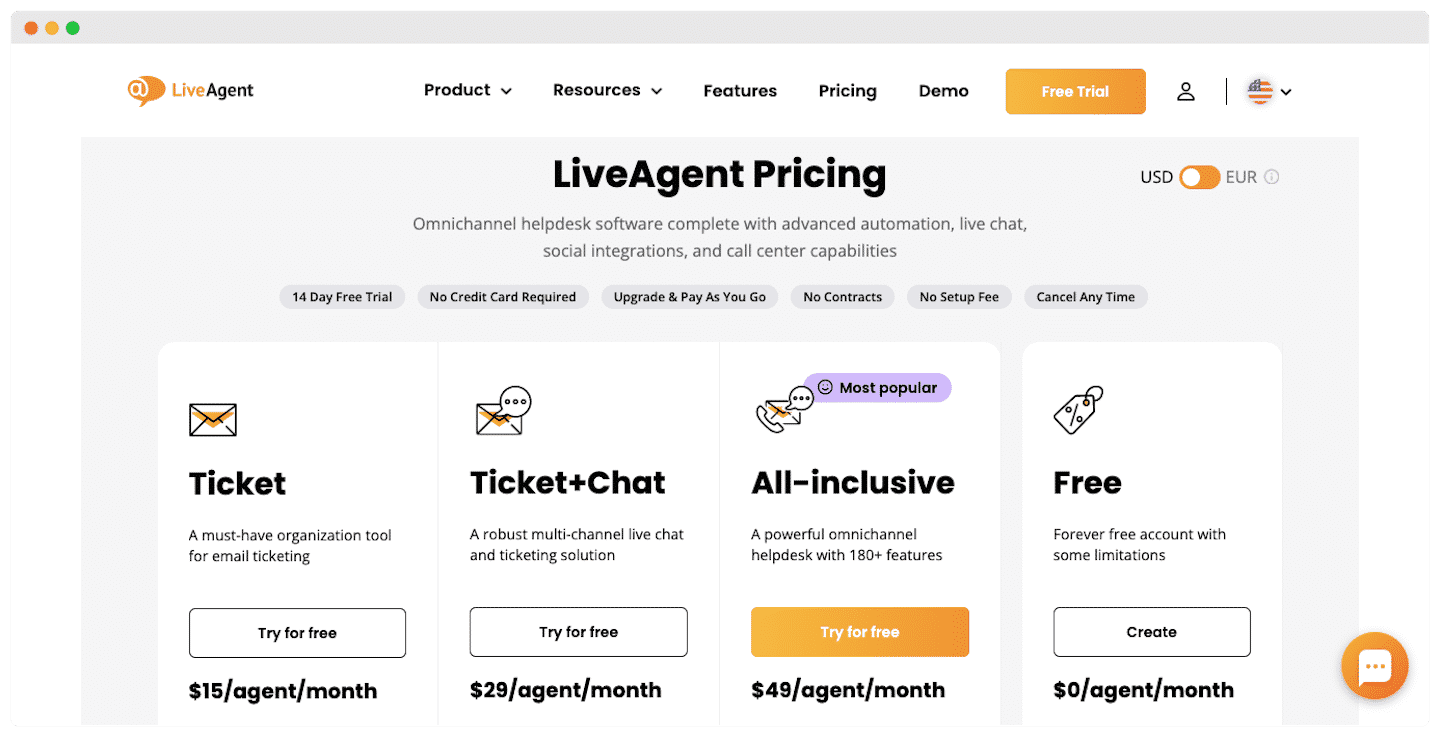
LiveAgent offers 4 different plans depending on your needs:
- Starter, at $15 per month per agent ($19 billed monthly): for small teams of up to 5 agents, getting started with email, live chat and a first AI agent.
- Team, at $29 per month per agent ($35 billed monthly): up to 15 agents. This is the plan that opens every channel: social networks, messaging apps such as WhatsApp, and the call center.
- Business, at $49 per month per agent ($59 billed monthly): no agent limit, for more structured teams that need more email addresses, departments and AI agents.
- Enterprise, at $3,199 per month ($3,999 billed monthly): a flat fee that includes 80 agents, with no limits at all, and priority support.
Every plan includes unlimited ticket history and 24/7 support. On the AI side, LiveAgent charges nothing: you plug in your own provider and pay for your usage directly to them. Each plan can be tried free for 30 days, with no credit card, and annual billing saves up to 21%.
See for yourself this affordable solution with its many integrations.