Top 10 Best Project Management Tools

Ten project management tools compared: all-in-one platforms (ClickUp, monday.com, Notion), simple tools for small teams (Trello, Basecamp), tools for structured organizations (Asana, Wrike, Jira) and tools for client projects (Teamwork.com, Zoho Projects).

Maxime Ben Bouaziz
Maxime Ben Bouaziz
CEO Salesdorado, IA & Sales Tech
November 12, 2025, updated November 10, 2026, 1 min read
See all tools

A project management tool centralizes a team’s tasks, deadlines and conversations: everyone knows who does what, and by when. Once reserved for the largest organizations, these tools are now within reach of every small and mid-sized business: all ten in this selection have a free plan, and a subscription avoids a heavy upfront investment.

But while this software can create a lot of value, it quickly turns into a gimmick when it is poorly implemented and not integrated into the work environment. We benchmarked about forty tools on the market to pick these 10. Depending on your need:

  • everything in one platform: ClickUp, or monday.com for non-technical teams;
  • projects, wiki and documentation in one place: Notion;
  • a Kanban board adopted without training: Trello;
  • a flat price, no per-user billing: Basecamp;
  • coordinating projects across several teams: Asana, or Wrike for approval workflows;
  • a development team working in Scrum or Kanban: Jira;
  • billing the time spent on client projects: Teamwork.com;
  • a small budget, or a small business already equipped with Zoho: Zoho Projects.
SalesdoradoSimulate your choice of project management tool
Free tool, 2 minutes
Simulate your choice of project management tool

Answer 10 targeted questions and find the tools that actually fit your situation.

12
tools analyzed
10
targeted questions
€0
no sign-up
Methodology published by the Salesdorado editorial team

The 10 tools, side by side

# Logos tool Score Price Best for
01 Notion 4.7/5 ★ €9.50 Teams that want projects, wiki and documentation in a single space Visit site
02 ClickUp 4.7/5 ★ $9 Small and mid-sized businesses that want to replace several productivity tools with a single platform Visit site
03 Wrike 4.5/5 ★ $10 Large teams with complex projects that need approval workflows Visit site
04 Zoho Projects 4.7/5 ★ €4 Small and mid-sized businesses already equipped with other Zoho apps, CRM or accounting Visit site
05 monday.com 4.0/5 ★ €9 Non-technical teams that want visual boards they can adopt without training Visit site
06 Jira 4.7/5 ★ $8.48 Software development teams working in Scrum or Kanban Visit site
07 Trello 4.7/5 ★ $5 Small teams that want a visual Kanban board, adopted without training Visit site
08 Asana 4.2/5 ★ €10.99 Companies of 50 to 1,000 employees coordinating projects across several teams Visit site
09 Basecamp 4.7/5 ★ $29 Small teams and agencies for whom communication around the project matters as much as the schedule Visit site
10 Teamwork.com 4.6/5 ★ €9.99 Agencies and service companies that bill their clients for time spent Visit site
01

Notion

4.7/5 From €9.50

Best for: Teams that want projects, wiki and documentation in a single space

+ Strengths
  • Each page becomes a project board, database, wiki or simple document, as you choose
  • Relational databases that link projects, clients and resources
  • Very rich template gallery, useful given the tool’s flexibility
  • Free plan with unlimited pages and blocks for solo use
− Downsides
  • Harder to learn than a structured tool like Trello
  • Underdeveloped reporting features
  • Recurring tasks are hard to create
★ Notion in brief

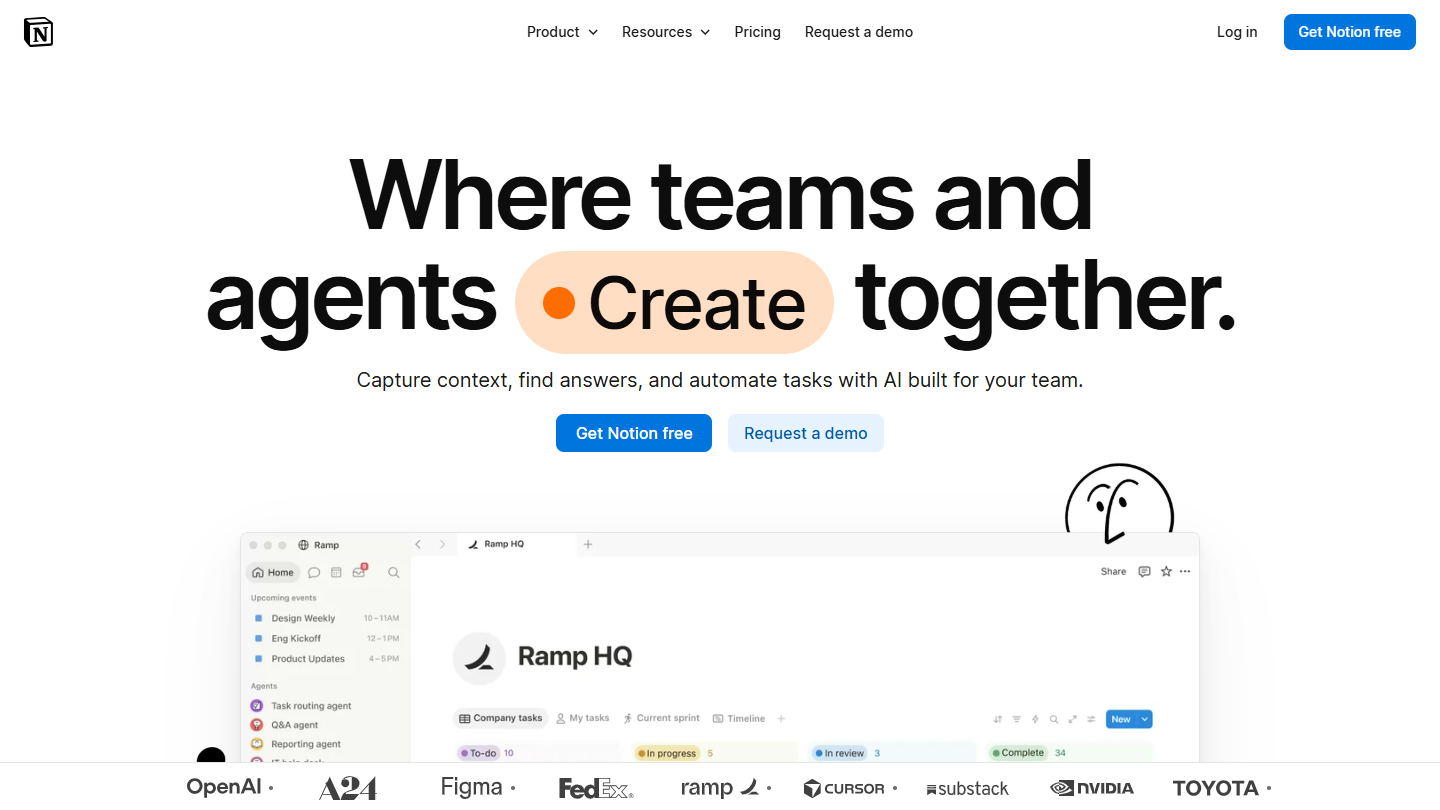
Notion website: “Where teams and agents Create together.”

Notion works as a workspace where every page can become a project board, a customer database, a company wiki or a simple document.

In practice, you create a Kanban board to track projects, then link each card to a page holding the brief, the team’s comments and the edit history. One click on a client shows their current projects, their statuses and the people assigned. An agency stores briefs, moodboards and deliverables there; a content team keeps its editorial calendar linked to the articles in progress.

Notion makes sense when documentation matters as much as task tracking, for example in a startup building its knowledge base at the same time as its roadmap. To run tight schedules and track each person’s workload, Wrike or ClickUp go further.

Free for a single user, with unlimited pages and blocks; from 2 members, the number of blocks is limited. Plus costs €9.50 per member per month billed annually (€11.50 monthly), Business €19.50 (€23.50) with Notion’s AI agent.

02

ClickUp

4.7/5 From $9

Best for: Small and mid-sized businesses that want to replace several productivity tools with a single platform

+ Strengths
  • Native documents, whiteboards, OKR goals and internal messaging in one place
  • One view per space: Mind Map, Workload, Form...
  • Among the most advanced automations in its category
  • Free plan with unlimited members and tasks
− Downsides
  • Long adaptation period, no onboarding support outside the Enterprise plan
  • Support reachable only by chat for usage questions
  • Help center too crowded and poorly organized
★ ClickUp in brief

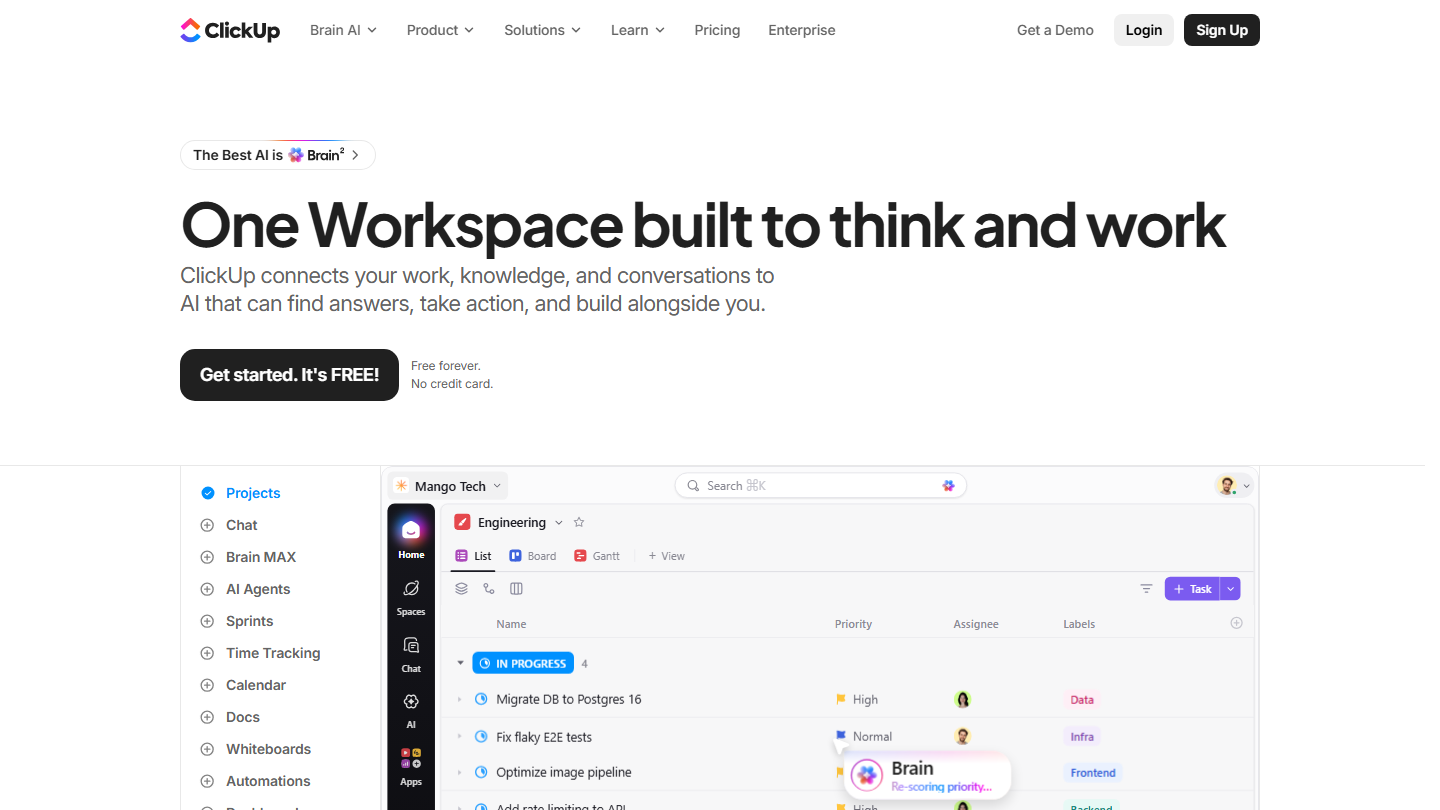
ClickUp homepage: “One Workspace built to think and work”, with a task list in project view

ClickUp aims to replace all your productivity tools. Beyond task lists, the platform includes documents, whiteboards, goals with automatic progress and internal messaging, in the same workspace.

In practice, each space takes the view that suits it: sprints for the product team, a simple list for accounting, a Workload view to allocate resources, a form to turn a client request into a task. An automation can notify the next person as soon as a task is done and move the project to the next stage.

It is the choice of businesses that want a single tool for several departments, provided they accept a few weeks of setup. For a team that just wants a task board, it does too much.

The free plan has no limit on members or tasks, but it caps storage at 60 MB and forms at one. Core costs $9 per user per month billed annually ($12 monthly) and adds unlimited Gantt, time tracking and storage; Business goes up to $17 ($25 monthly). AI is included as monthly credits, 1,000 per user in Core, with paid top-ups beyond that.

03

Wrike

4.5/5 From $10

Best for: Large teams with complex projects that need approval workflows

+ Strengths
  • Interactive Gantt from Team: move a deadline and see the impact on the whole project
  • Workflows that define exactly who approves what
  • Excellent permissions management, full audit trails
  • Real-time dashboards that aggregate several projects
− Downsides
  • Difficult to set up, poorly suited to small organizations
  • Prices at the high end of the market
  • Somewhat thin integrations catalog
★ Wrike in brief

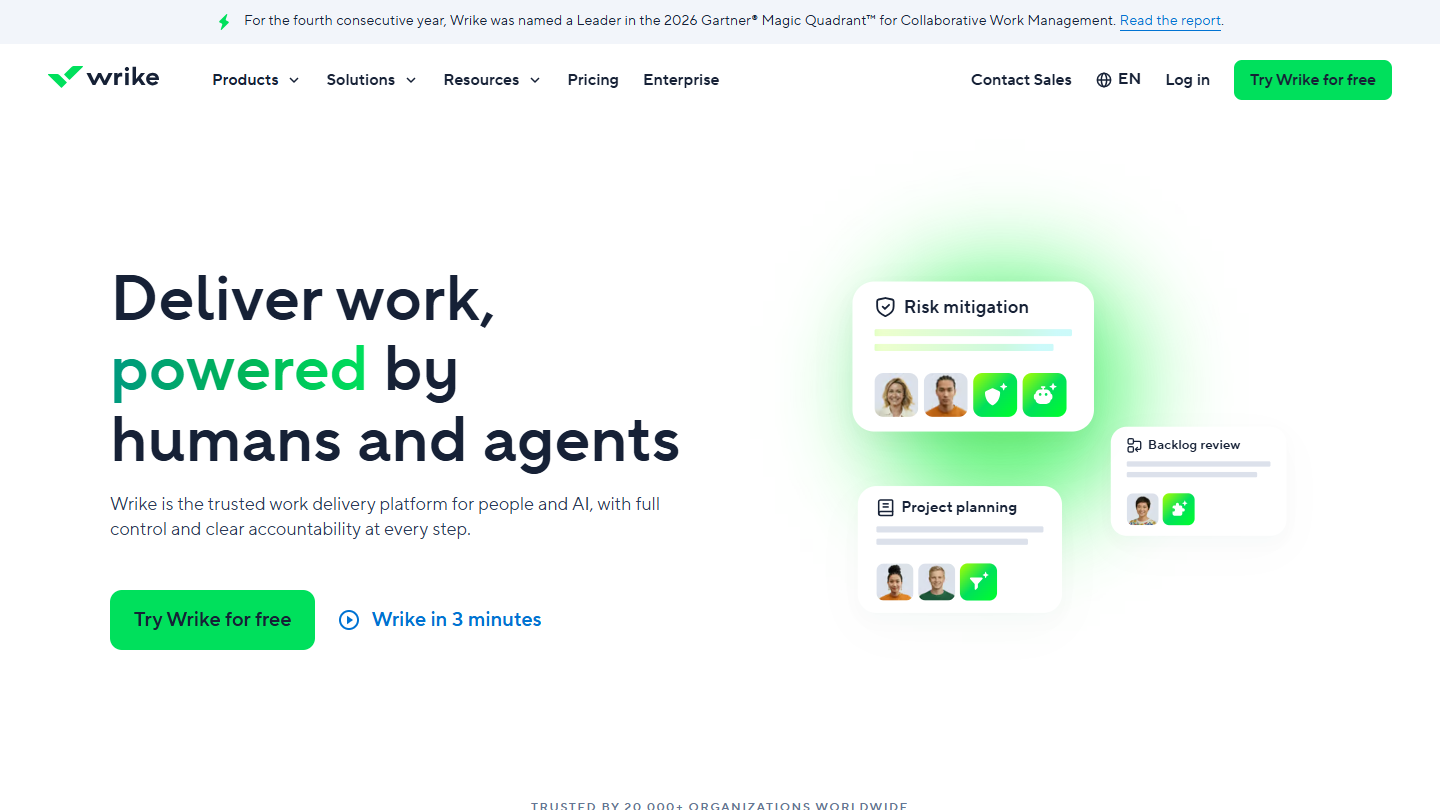
Wrike website: “Deliver work, powered by humans and agents”

Wrike brings enterprise-style structure to project management: approval flows, fine-grained permissions, resource planning and dashboards that consolidate several projects.

In practice, a visual passes automatically from the graphic designer to the art director, then to the client for sign-off, and every step stays traced. Marketing departments manage their multichannel campaigns there, engineering firms their long projects with many dependencies.

Wrike makes sense when projects go through several approvals and management wants a consolidated view. Watch the cap on the Team plan, limited to 15 users: beyond that, you need Business.

The Free plan covers basic task management, with a limited number of active tasks and no Gantt. Team costs $10 per user per month billed annually (about €8.96), Business $25 (about €22.39); Pinnacle and Apex are on request. 14-day trial with no credit card.

04

Zoho Projects

4.7/5 From €4

Best for: Small and mid-sized businesses already equipped with other Zoho apps, CRM or accounting

+ Strengths
  • Project budget and earned value (EVM) from Premium
  • Timesheets and profitability tracking by project
  • Interface and support available in French
  • Affordable alternative to enterprise solutions
− Downsides
  • Less depth on time tracking and resource management
  • Not always intuitive to learn
  • Free plan capped at 5 users and 3 projects
★ Zoho Projects in brief

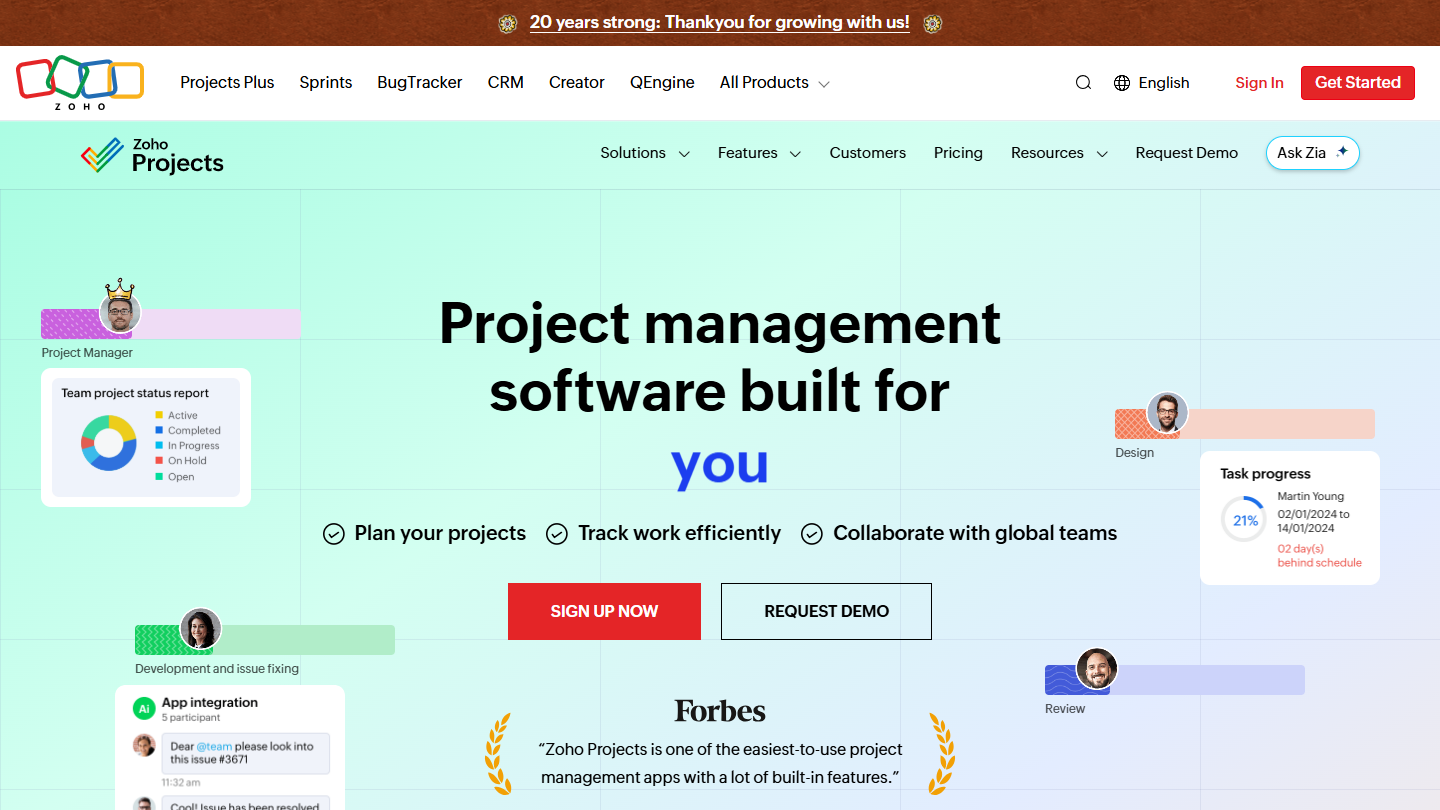
Zoho Projects website: “Project management software built for increased productivity improved collaboration dynamic teams you”

Zoho Projects plugs into the Zoho app suite: you create a project from a Zoho CRM quote, the time logged feeds invoicing in Zoho Books, and profitability is analyzed in Zoho Analytics.

In practice, timesheets record hours by task and by client, project forums avoid email threads, and dashboards track burn-down, budget consumed and upcoming milestones. From Enterprise, the Gantt shows the critical path and the baseline.

It is the logical choice for a business already on Zoho, and the cheapest tool in the top for a team that wants timesheets and budget tracking.

Free up to 5 users and 3 projects. Premium costs €4 per user per month billed annually (€5 monthly), Enterprise €9 (€10), Ultimate €14 (€15). 15-day trial with no credit card.

05

monday.com

4.0/5 From €9

Best for: Non-technical teams that want visual boards they can adopt without training

+ Strengths
  • Visual, colorful interface, quick to learn
  • Customizable columns: statuses, people, dates, budgets
  • Automations configured in natural language
  • Two-way integrations, no double entry
− Downsides
  • Free plan limited to 2 seats and 3 boards
  • Gantt and automations missing from the Basic plan
  • No automatically generated reports
★ monday.com in brief

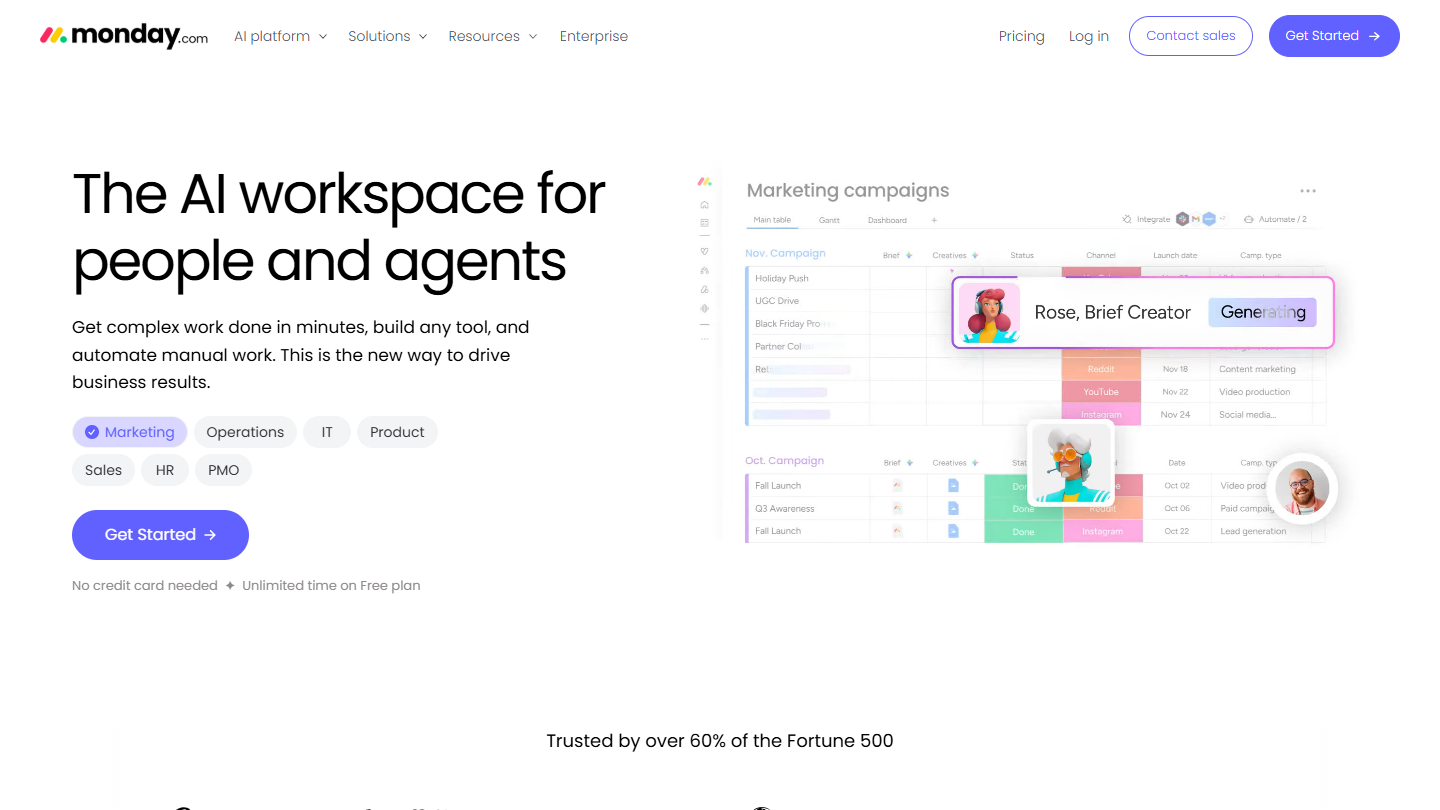
monday.com website: “The AI workspace for people and agents”

monday.com makes project management accessible through its visual interface. Each board represents a process, a hiring round, a product launch or an agency production, with the columns you need: colored status, assignee, date, budget.

In practice, an automation reads like a sentence: when the status changes to Done, move the item to the Archive board and notify the person in charge. That is what lets HR, finance or legal departments leave Excel and email without heavy training.

monday.com suits businesses that want to start with a few people and grow to several hundred without changing tools. You should aim for at least Standard, though: the Gantt view, the calendar view and automations do not exist in Basic.

The free plan accepts 2 users and 3 boards. Basic costs €9 per seat per month billed annually (€12 monthly), with a 3-seat minimum, or €27 per month. Billed monthly, Standard costs €14 per seat and Pro €24. Every paid plan can be tried for free.

06

Jira

4.7/5 From $8.48

Best for: Software development teams working in Scrum or Kanban

+ Strengths
  • Scrum and Kanban boards that became the industry norm
  • Workflows modeled on your process, from To Do to Done
  • Complex searches and technical dashboards with JQL
  • Free plan up to 10 users
− Downsides
  • Heavy tool, slow to roll out in a team
  • Designed first for technical profiles
  • Prohibitive price for a small organization once past the 10 free users
★ Jira in brief

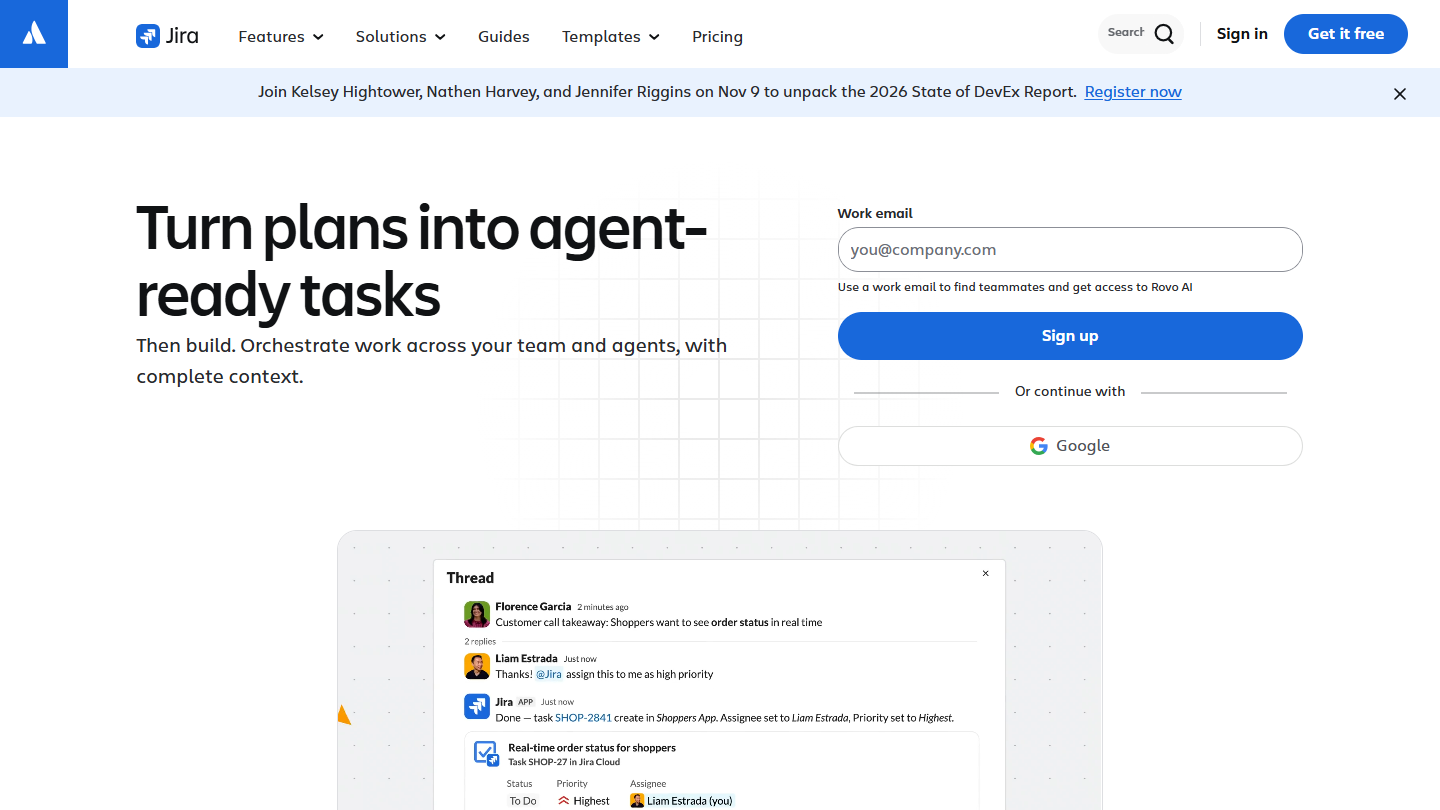
Jira website: “Turn plans into agent-ready tasks”

Jira, from Atlassian, structures software development around tickets. Every bug, feature or task becomes an issue with a description, acceptance criteria, an estimate and links to the code and pull requests.

In practice, Scrum boards organize sprints with a prioritized backlog, sprint planning and automatic burn-down. A ticket moves through the team’s stages, for example In Progress, Code Review then Testing, and Jira connects to Git and the CI/CD pipeline.

Jira remains the standard for software vendors, IT departments and DevOps teams. A marketing or sales team will find it needlessly heavy: Trello or Asana is enough for them.

Free up to 10 users, with 2 GB of storage and 150 automation steps per month. Standard costs $8.48 per user per month billed monthly, Premium $15.56; annual billing saves up to 17%. 7-day trial on Standard and Premium.

07

Trello

4.7/5 From $5

Best for: Small teams that want a visual Kanban board, adopted without training

+ Strengths
  • Simple Kanban boards, instant adoption
  • Power-Ups to add voting, time tracking or calendar sync
  • Automations included from the free plan, 250 runs per month
− Downsides
  • Limited functional depth for complex projects
  • Free plan limited to 10 boards and 10 collaborators per workspace
  • Few communication and collaboration features
★ Trello in brief

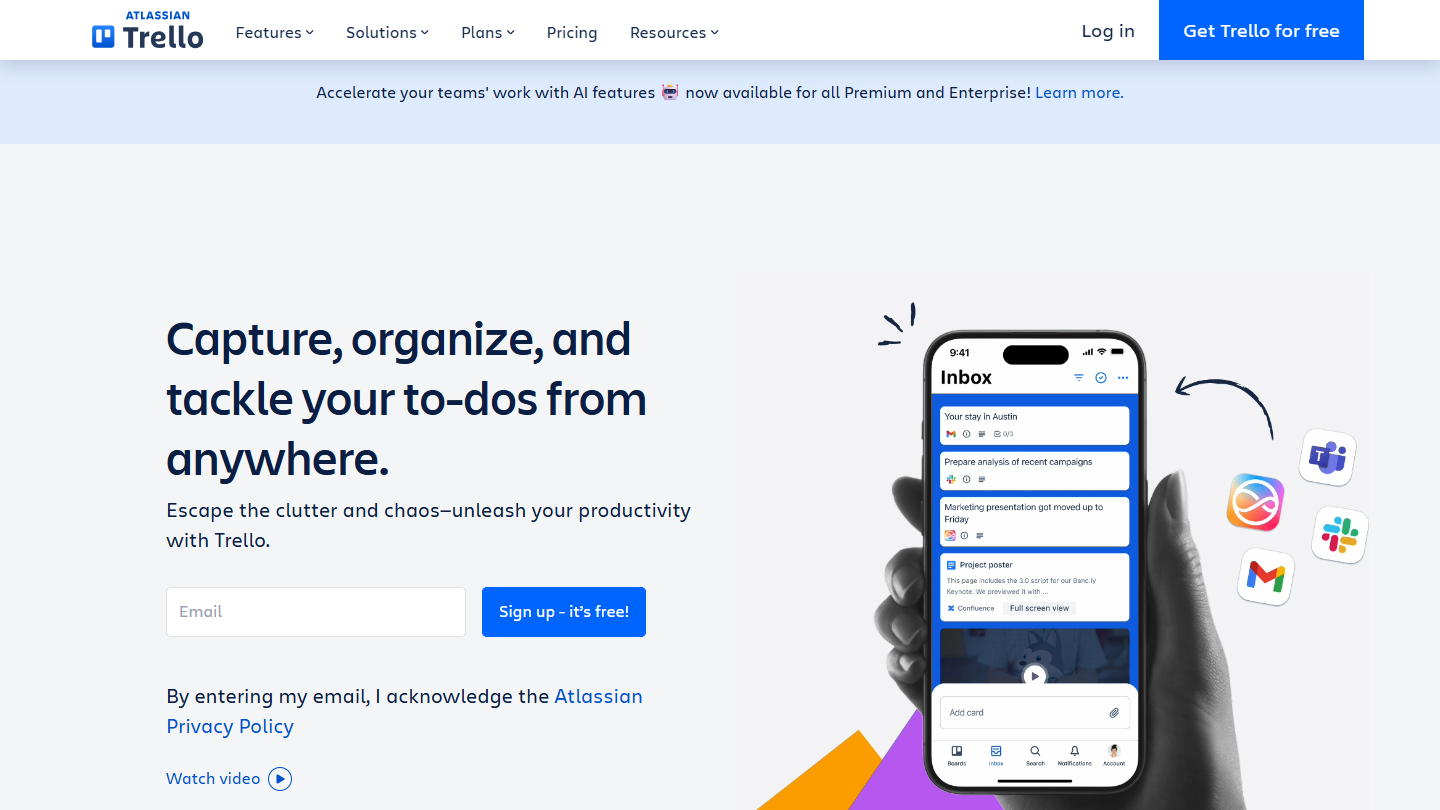
Trello website: “Capture, organize, and tackle your to-dos from anywhere.”

Trello takes the principle of the physical Kanban board: columns (To Do, In Progress, Done) and cards you drag from one to the next. Each card carries checklists, attachments, a due date and comments.

In practice, an editorial team sees its content pipeline from pitch to publication without a status meeting. Power-Ups add card voting, time tracking or calendar sync, and automations run rules like “every Monday, create the Weekly meeting card in the To Do column”.

It is the tool for a department or small team that wants to get organized fast, without going through IT. As soon as projects call for a schedule or reports, you need to move to Premium or a more complete tool.

Free up to 10 collaborators and 10 boards per workspace. Standard costs $5 per user per month billed annually ($6 monthly), Premium $10 ($12.50) with the Timeline, Calendar and Dashboard views. Premium can be tried for free.

08

Asana

4.2/5 From €10.99

Best for: Companies of 50 to 1,000 employees coordinating projects across several teams

+ Strengths
  • List, board, timeline and calendar views, your choice
  • Portfolios and Goals to link tasks to objectives
  • Automation rules and request forms
  • Mobile apps among the best on the market
− Downsides
  • Prices noticeably above the market
  • Customer support with a poor reputation
  • Free plan limited to 2 users
★ Asana in brief

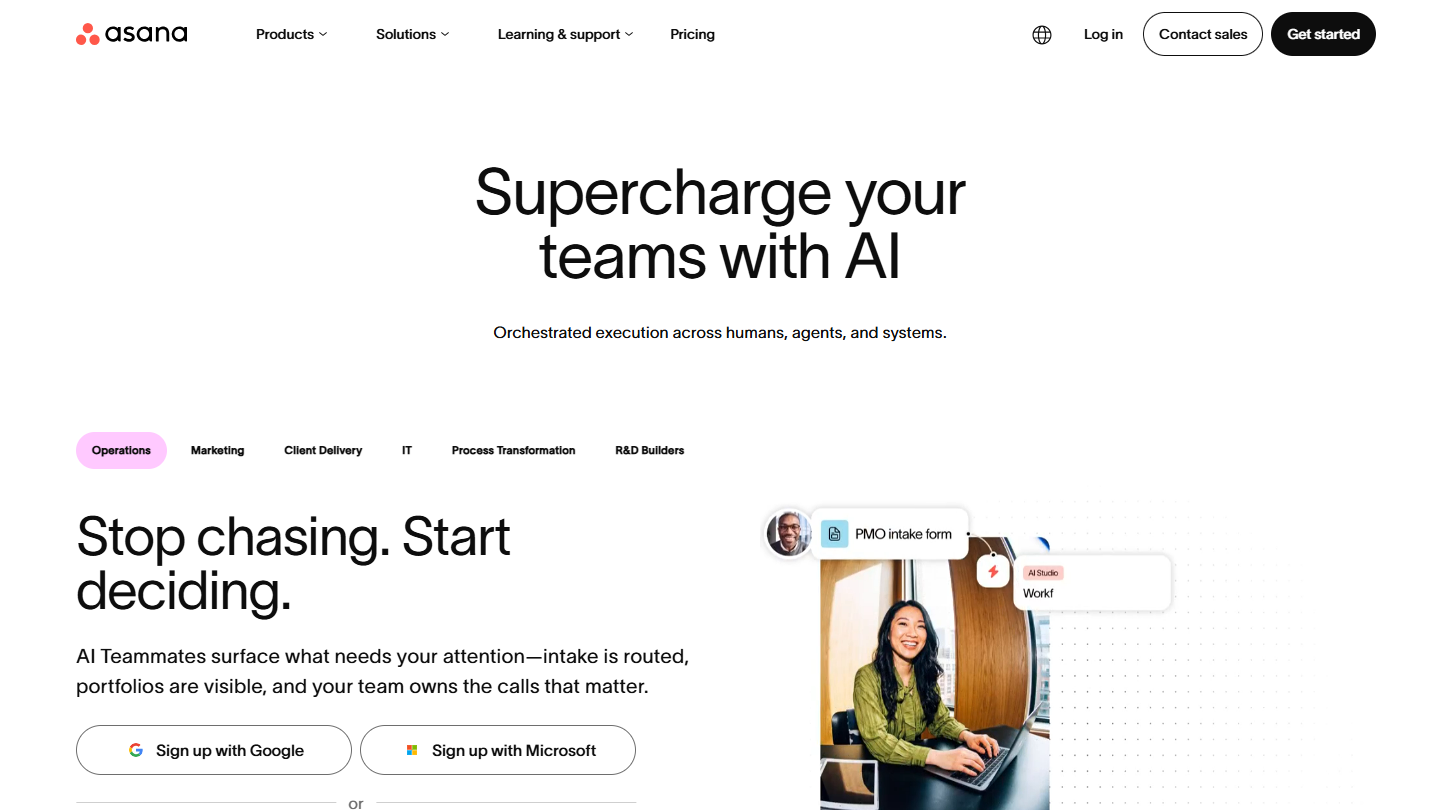
Asana website: “Supercharge your teams with AI”

Asana organizes the work of teams that depend on one another. Projects display as a list, board, timeline or calendar, and portfolios group related projects to give management an overview.

In practice, a multi-phase marketing campaign is broken into tasks with dependencies, forms turn incoming requests into structured tasks, and status updates replace part of the progress meetings. Goals show how each task contributes to company priorities.

It makes the most sense when several teams share the same projects and their priorities have to be arbitrated. For a team of five, its price weighs heavily against Trello or ClickUp.

The Personal plan is free for 2 users, with unlimited tasks and projects. Starter costs €10.99 per user per month billed annually (€13.49 monthly) and adds Gantt, dashboards and automations; Advanced goes up to €24.99 (€30.49) with portfolios and team capacity.

09

Basecamp

4.7/5 From $29

Best for: Small teams and agencies for whom communication around the project matters as much as the schedule

+ Strengths
  • Per-account price, no per-user fees
  • Messages, to-dos, Kanban, chat and schedule together in each project
  • Quick to learn, even for a team with few tools
  • 30-day trial with no credit card
− Downsides
  • Planning and task visualization less advanced than the competition
  • Number of active projects capped up to Pro Plus
  • Site and resources in English only
★ Basecamp in brief

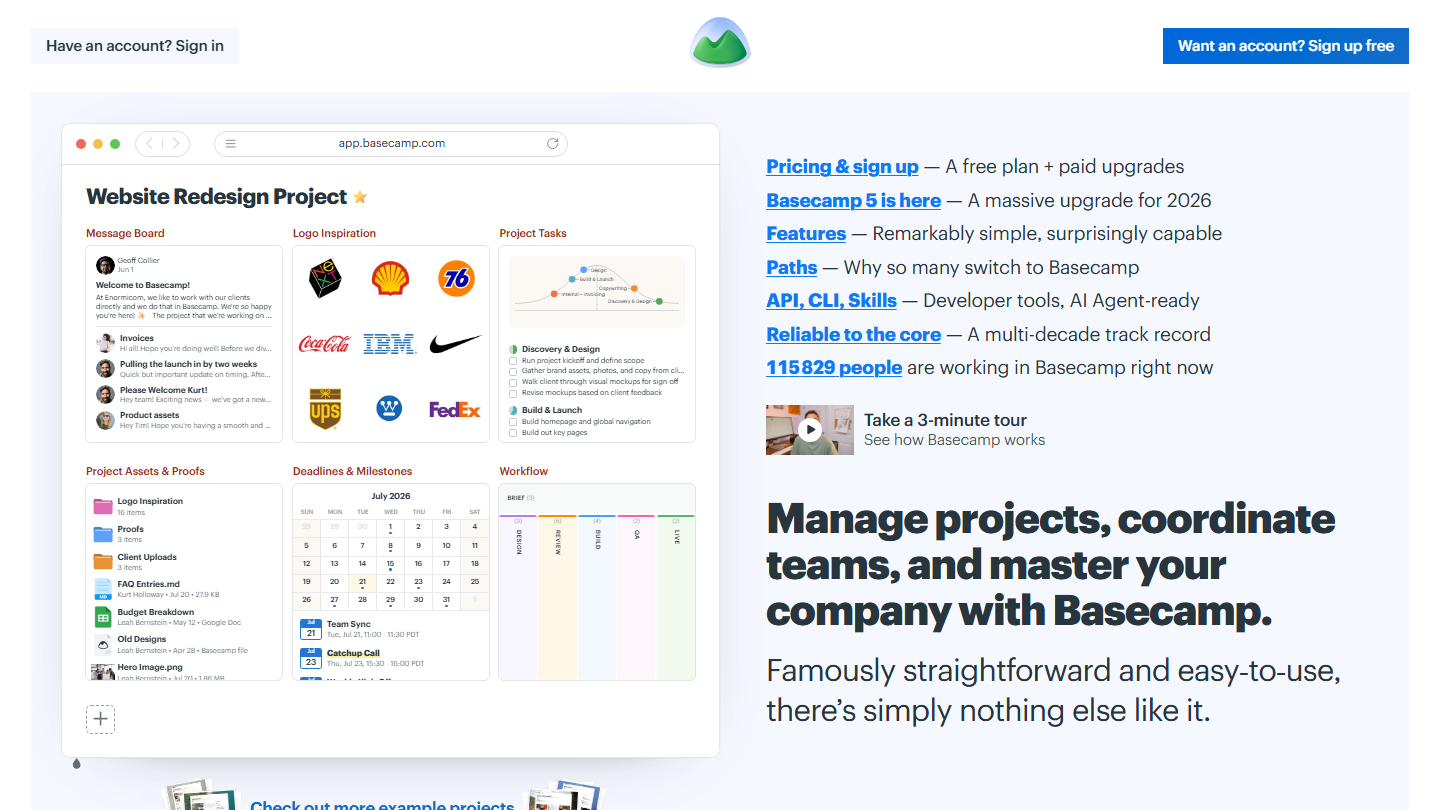
Basecamp homepage: “Manage projects, coordinate teams, and master your company with Basecamp”, with a sample project

Basecamp, published by 37signals since 2004, brings together in each project a message board, to-do lists, a Kanban board (Card Table), a group chat, a schedule and a document space.

In practice, each project has its announcement thread, its Campfire chat and its assigned to-dos. Automatic Check-Ins ask the team recurring questions, such as “what did you make progress on this week?”, and replace part of the status meetings.

Its strength is communication around the project more than fine-grained planning, which stays lighter than at Wrike or monday.com. Its pricing model changes things for a growing team: you pay for the account, not for each user.

The free plan covers 1 project and 3 users. Freelancer costs $29 per month (3 projects, 5 users), Pro $79 (8 projects, 10 users), Pro Plus $99 (12 projects, 15 users, time tracking). Pro Unlimited, with no limit on projects or users, costs $199 per month billed annually ($329 monthly).

10

Teamwork.com

4.6/5 From €9.99

Best for: Agencies and service companies that bill their clients for time spent

+ Strengths
  • Billable time logged and reported from Basics
  • Clients invited into their project, with custom permissions
  • Free plan with Gantt, list and board views
  • More than 20,000 automations per month in Accelerate
− Downsides
  • More limited customization than its competitors
  • Help center and resources in English only
  • Invoices and workload management reserved for Accelerate, at €24.99
★ Teamwork.com in brief

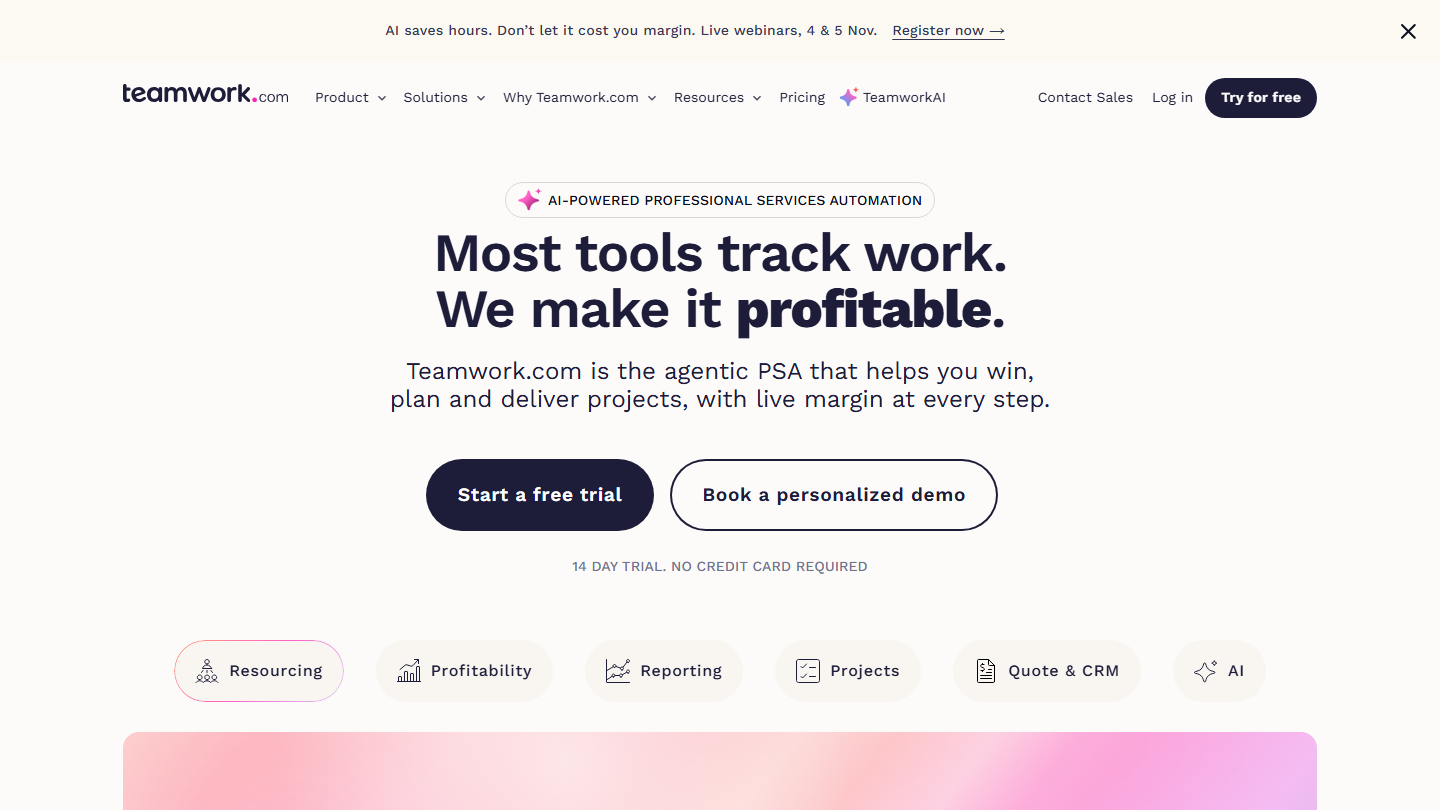
Teamwork.com homepage: “Most tools track work. We make it profitable.”, client project management software

Teamwork.com is built for agencies and service companies that run projects for their clients. The vendor now presents it as a tool for managing service activities: projects, time spent, team workload and profitability.

In practice, each member logs time on tasks, the project manager tracks the hours budget and monthly retainers client by client, then the invoice is built from the recorded hours.

Against Asana or monday.com, Teamwork.com has the edge as soon as you need to bill the time spent. For an internal team that bills nothing, its strengths disappear.

Free up to 5 users and 5 projects, with 100 automations. Basics costs €9.99 per user per month billed annually (€13.99 monthly), Accelerate €24.99 (€29.99); Optimize and Enterprise are on request. 14-day trial with no credit card.

How we chose these 10 tools

Every tool in this selection has been used in real conditions by our team or by a Salesdorado consultant, in a B2B sales and marketing setting. No ranking built from a marketing deck. The order of the list is not a ranking: the right tool depends on your needs.

  1. 01
    Benchmark scope

    Broad identification of the tools on the market (G2, Capterra, Salesdorado customer feedback, LinkedIn signals). Initial filtering, then a short list based on a 2-hour setup per tool.

  2. 02
    Test conditions

    3 to 4 weeks of active use per tool, with data representative of a B2B sales use case. When a tool targets a specific profile (SDR, AE, Ops, Marketer…), we match the tester accordingly.

  3. 03
    Weighted criteria

    For each category, 5 to 7 axes weighted according to what matters in the segment: UX, feature depth, native integrations, support, pricing at scale, compliance (GDPR, security), and roadmap quality.

  4. 04
    Independence

    No tool is scored in exchange for payment. Partner links (affiliate) are marked as such and do not influence the score. Non-partner tools are included when their place in the ranking is deserved.

  5. 05
    Updates

    The ranking is reviewed every 6 to 12 months or on every major release of a tool mentioned. The date of the last check is shown at the top of the article.

The questions we get over and over.

Which project management tool should a small organization choose?

For small organizations and startups, Notion or Trello offer flexibility and gradual scaling. Trello is adopted with no learning curve, and Notion grows with the team, from the first boards to full documentation.

Which project management software suits a development team?

Tech companies turn to Jira for its focus on development: detailed tickets, Scrum boards with backlog and burn-down, workflows modeled on the team’s process, and advanced queries in JQL. It is not made for non-technical teams, who are fine with Trello.

Which tool should you choose to centralize all your productivity tools?

Organizations that want a complete solution without multiplying tools will like ClickUp or monday.com. ClickUp brings together documents, whiteboards, OKR goals and internal messaging; monday.com relies on visual boards and automations configured in natural language.

What criteria should you use to choose project management software?

Three factors: the digital maturity of the teams, the current processes (digitize them or transform them completely) and the company’s trajectory, since the tool must support its growth over at least 2 to 3 years. Price should never be the only decision criterion.

How much does project management software cost?

Entry plans range from €4 per user per month at Zoho Projects to €10.99 at Asana, billed annually; advanced plans exceed €20 per user, such as Asana Advanced at €24.99 or Wrike Business at $25. Basecamp is the exception with a per-account price, from $29 to $199 per month. All ten tools in this selection offer a free plan, and most offer a trial of the paid plans.

★ The conversation, 0 comments

What the community says.

Basic Markdown, moderated within 24 h
Loading…

    In the same category