The tool in detail
Odoo after real-world use: feature scope, integrations, pricing and concrete limits.
Odoo’s feature set
Creating quotes and invoices
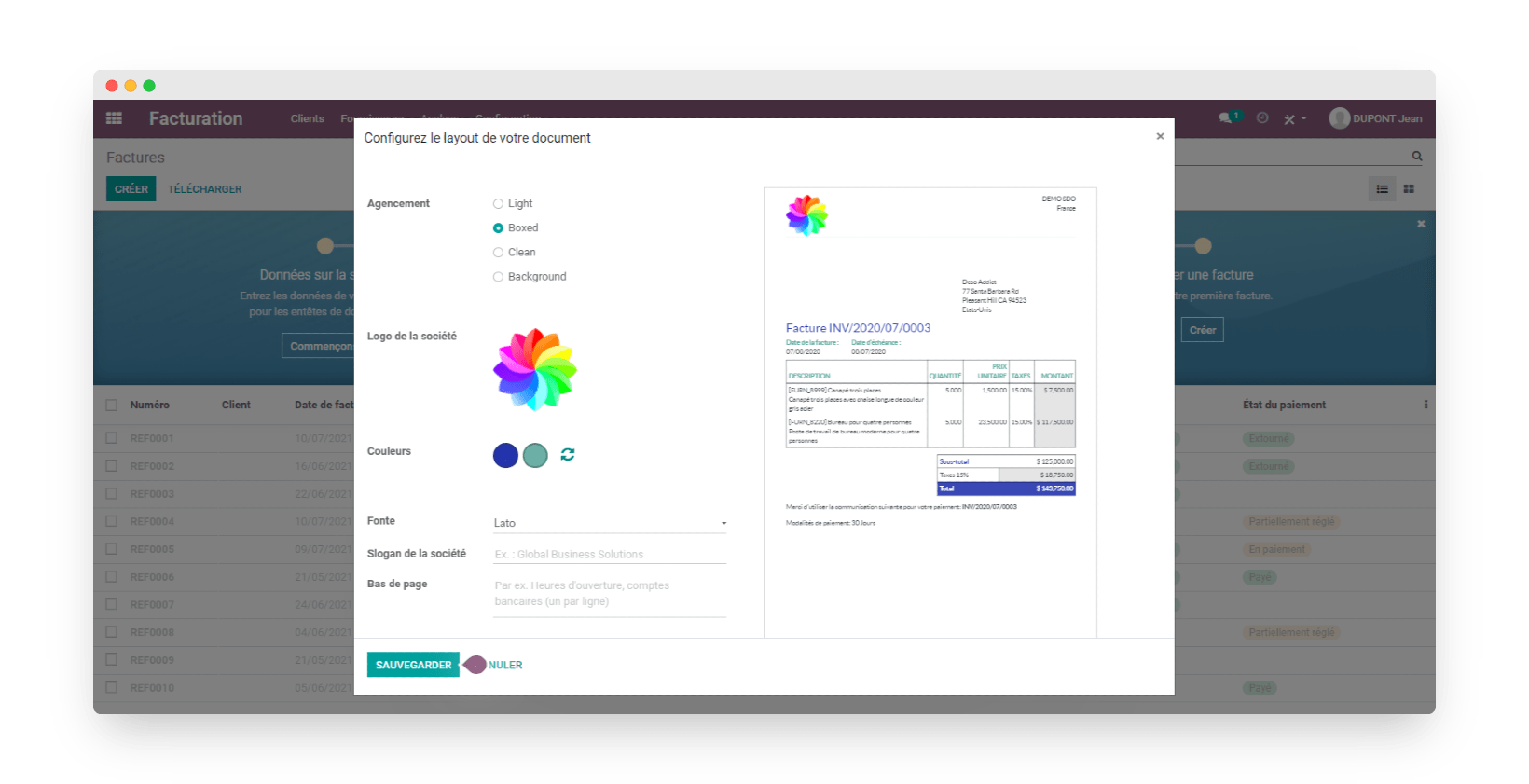
With the four quote and invoice templates Odoo provides, you can add your logo, a header and your tagline to your sales document templates. You can also change the fonts and text colors of each of the 4 available templates.
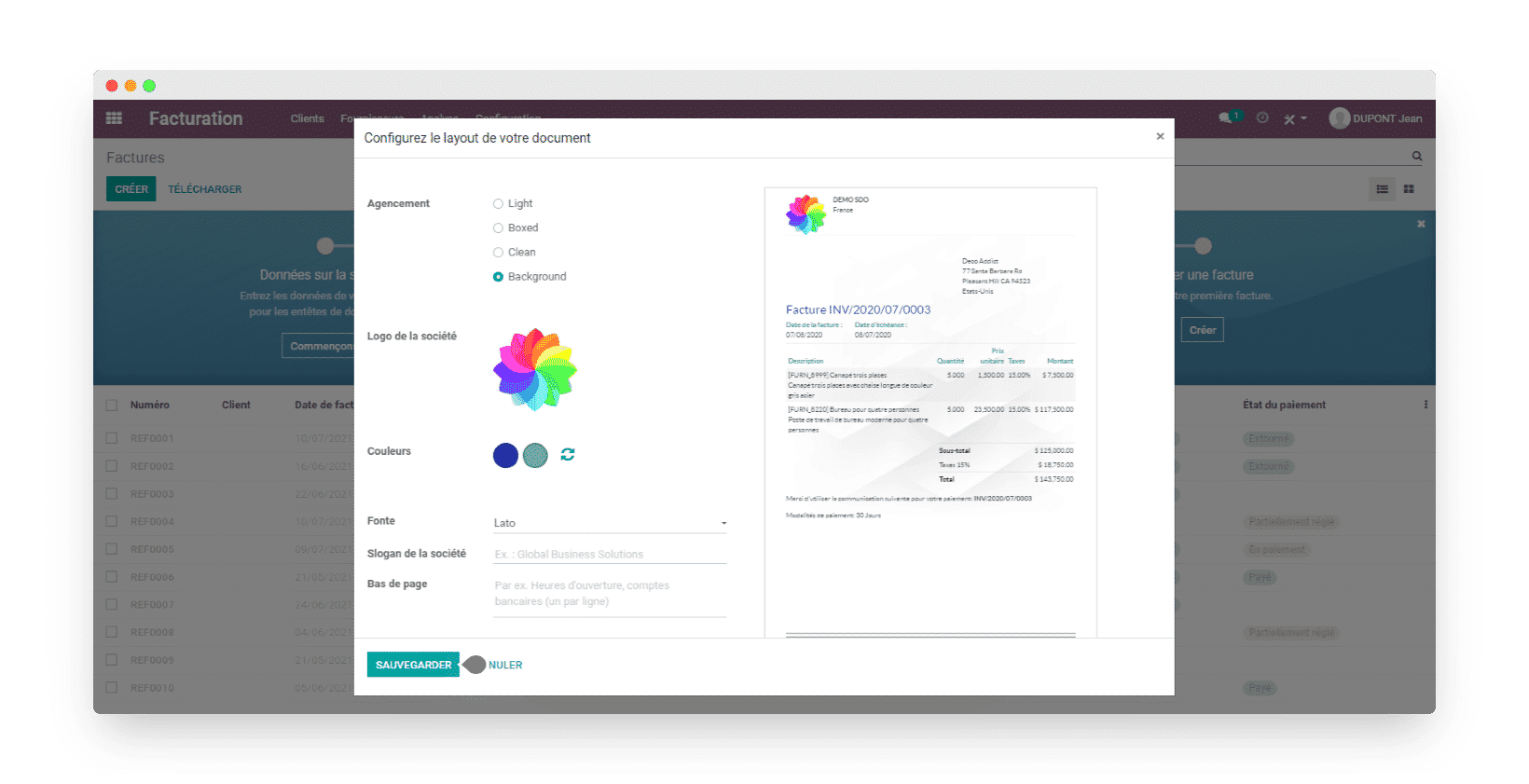
These templates are not fully customizable (you cannot place your logo or any other element exactly where you want on your documents), but the result still looks very professional.
Once your invoice template is set up, you can use it to bill your customers. To create an invoice, just go to the « invoices » tab and click « create ». You can then add a customer and the items you want. You can also start from a quote, or from an order already recorded, and turn it into an invoice.
This is the step where you enter the payment terms and the alerts needed to track the payment (you can also add an alert as a note, such as « careful, customer tends to pay late »). You also set at this step the reminder template to apply if payment is late.
Finally, you can send your invoices directly by email, as a PDF, along with an online payment link to make paying easier. You can also submit the invoice to other people in your company before sending it so that it gets approved first.
Salesdorado’s tipBe careful though if you manage subscriptions: the invoicing and accounting modules do not create recurring invoices automatically. For that you need to add the Subscriptions app, which is paid. Without it, you will have to set up your own reminders and create your own invoices for each billing period.
Customer records and product catalog
In your Odoo management tool, you can store all of your customer and supplier contact databases. You record all the information you need there, including images, your customers’ logos, internal notes to get to know them better, and purchase and sales settings.
By adding this ERP’s CRM app, you can also manage your exchanges with your partners and keep a close eye on your ongoing negotiations.
One small drawback on the contacts dashboard: too little information is visible without having to open each customer or supplier record.
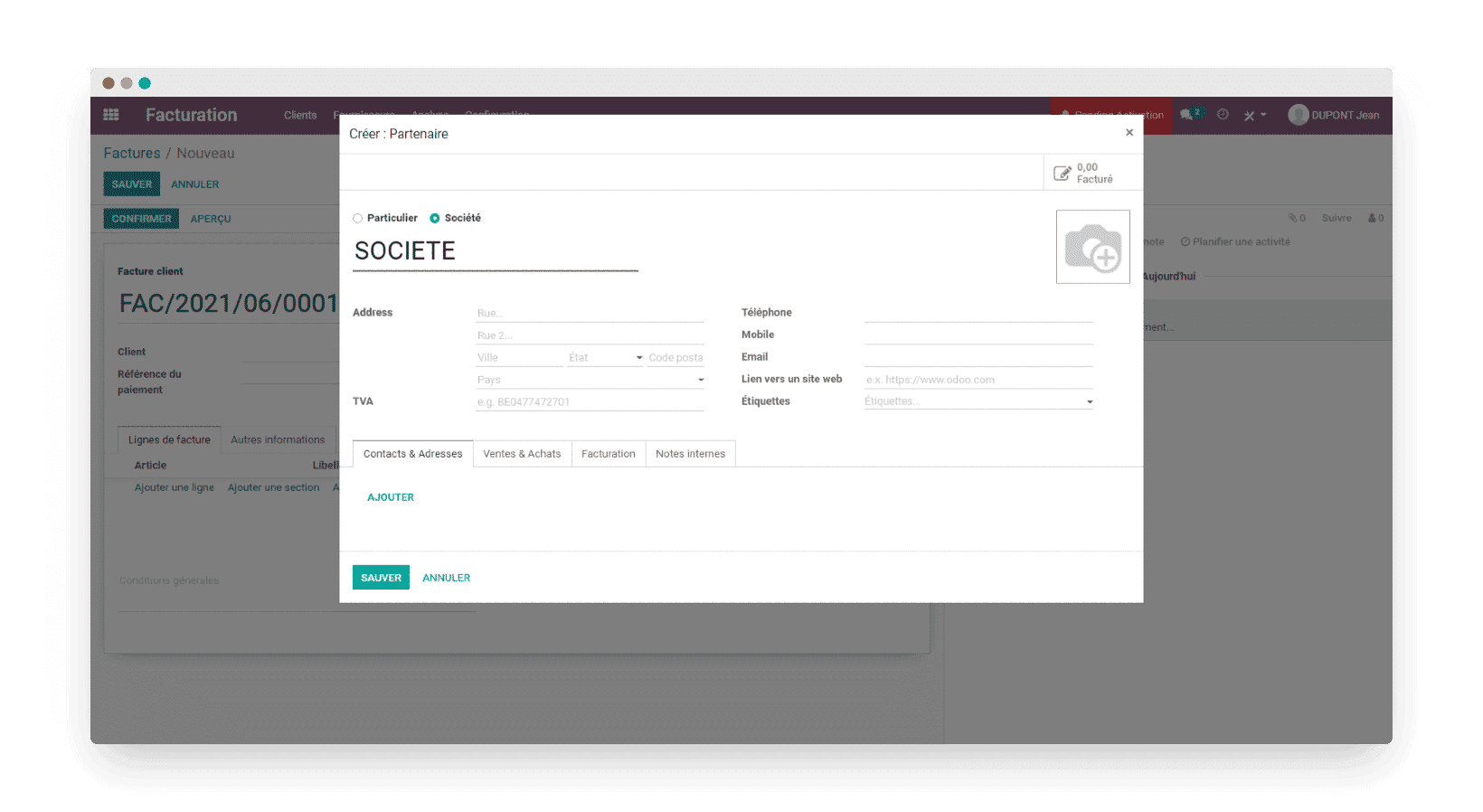
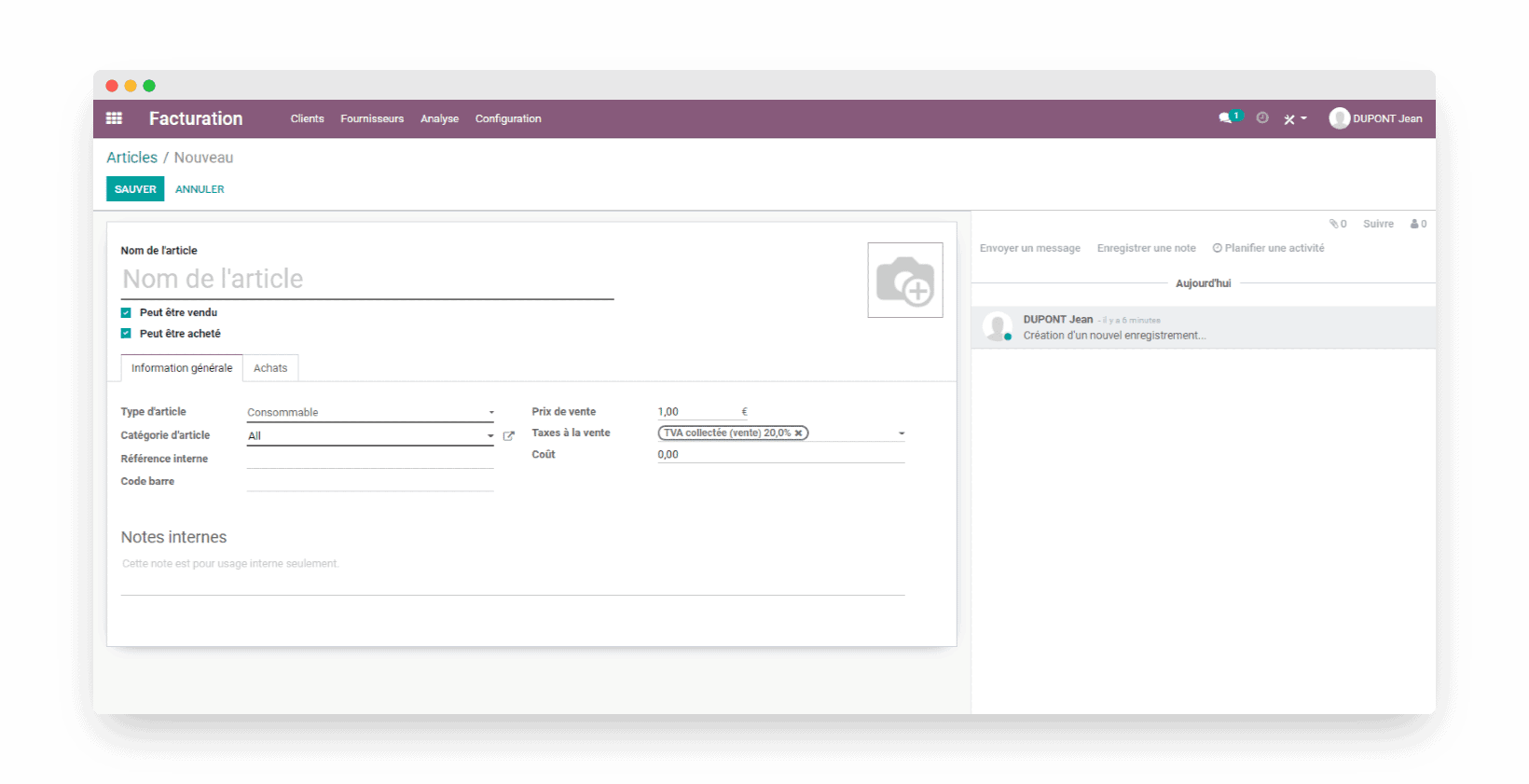
In the same way, keep your product database in your management tool, so you can easily find each item, along with all the information about it, when you create a sales document or enter an accounting entry:
- Enter all the information useful for selling your products, namely: the minimum quantity sold, the purchase and sale price, the VAT applied, and the accounting codes associated with buying and selling your items.
- Add an image or a photo of your item
- Specify whether the items are purchased or sold
- Manage your stock and create alerts so you never run out
- Manage several product categories to organize your product database as well as possible
To go further in managing your items, especially for inventory management, you will probably need to buy the « Inventory » module offered by Odoo.
Time tracking and rebilling
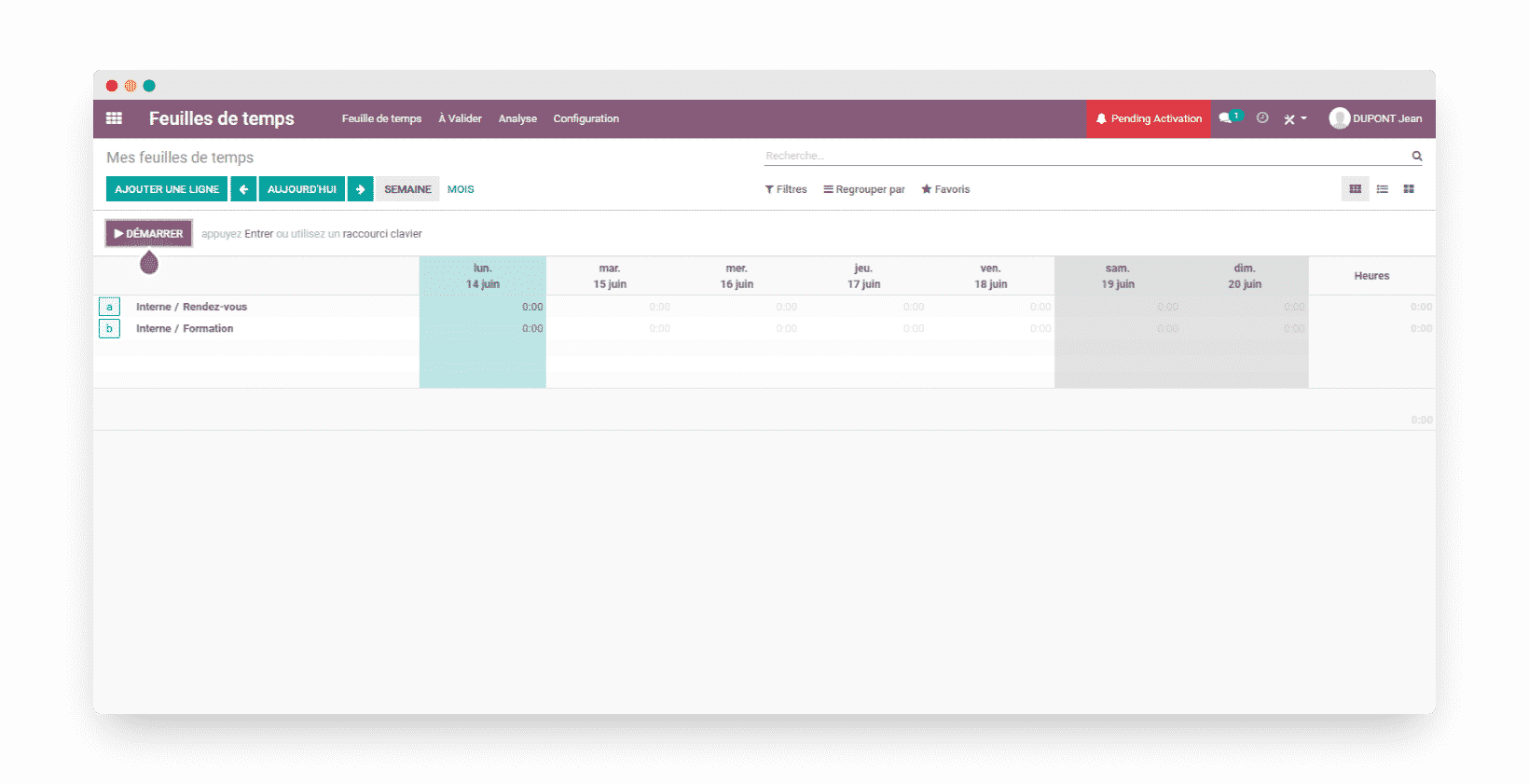
To monitor the hours spent on your customers’ orders when needed, use the « timesheet » feature, which lets you:
- Enter and time the hours spent on each production step during the day with the timer, which you can start at any moment
- Start your tasks easily by clicking « Start » in the Google Chrome extension offered by Odoo
- Quickly record your timesheets and forecasts with the grid view, and see your team’s activity in real time
- Log hours worked directly on your customers’ sales orders, and automatically adjust the time to invoice
- Use filters that make it easier to validate and invoice your timesheets
To invoice expenses, Odoo gives you two options:
- Create a consumable item, add it to a sales order and increase the quantity as you use this consumable for your customer. Once the order is complete, you can turn this sales order into an invoice to rebill the customer.
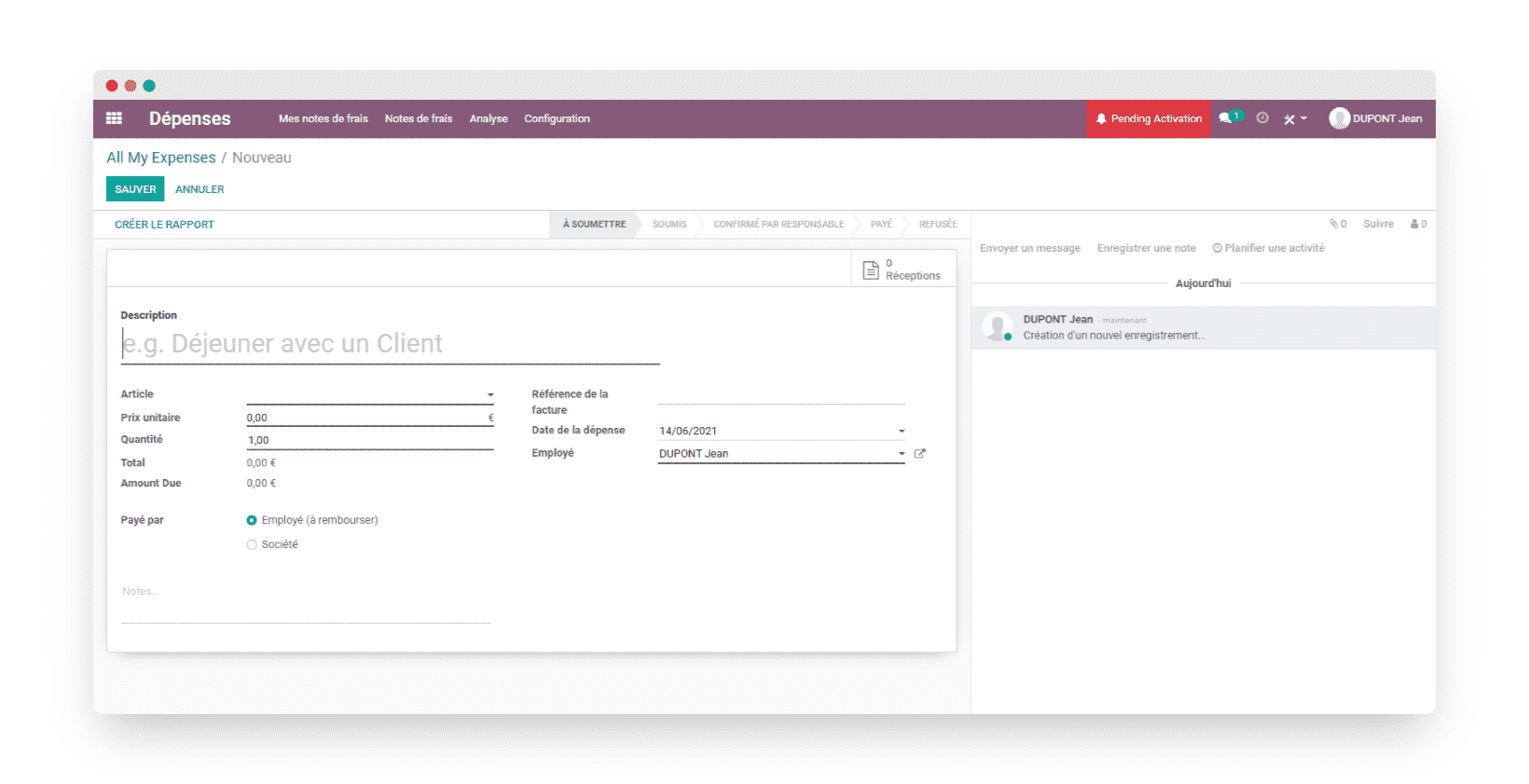
- Use the « expense reports » module offered by Odoo, along with the « Expenses » module. As with the first option, you create an item, this time of the service type. Then you select the « Reinvoice costs » invoicing policy, then « at cost », without forgetting to select an analytic account. You can then create an expense in the « Expenses » app, include the item created earlier, and enter the quantity used and the unit price of that item. All that is left is to click « submit to manager ». Finally, once the expense report is approved, you can create an invoice and include your expense report in it: the customer is then rebilled for your expense report.
Payment management
Customer portal
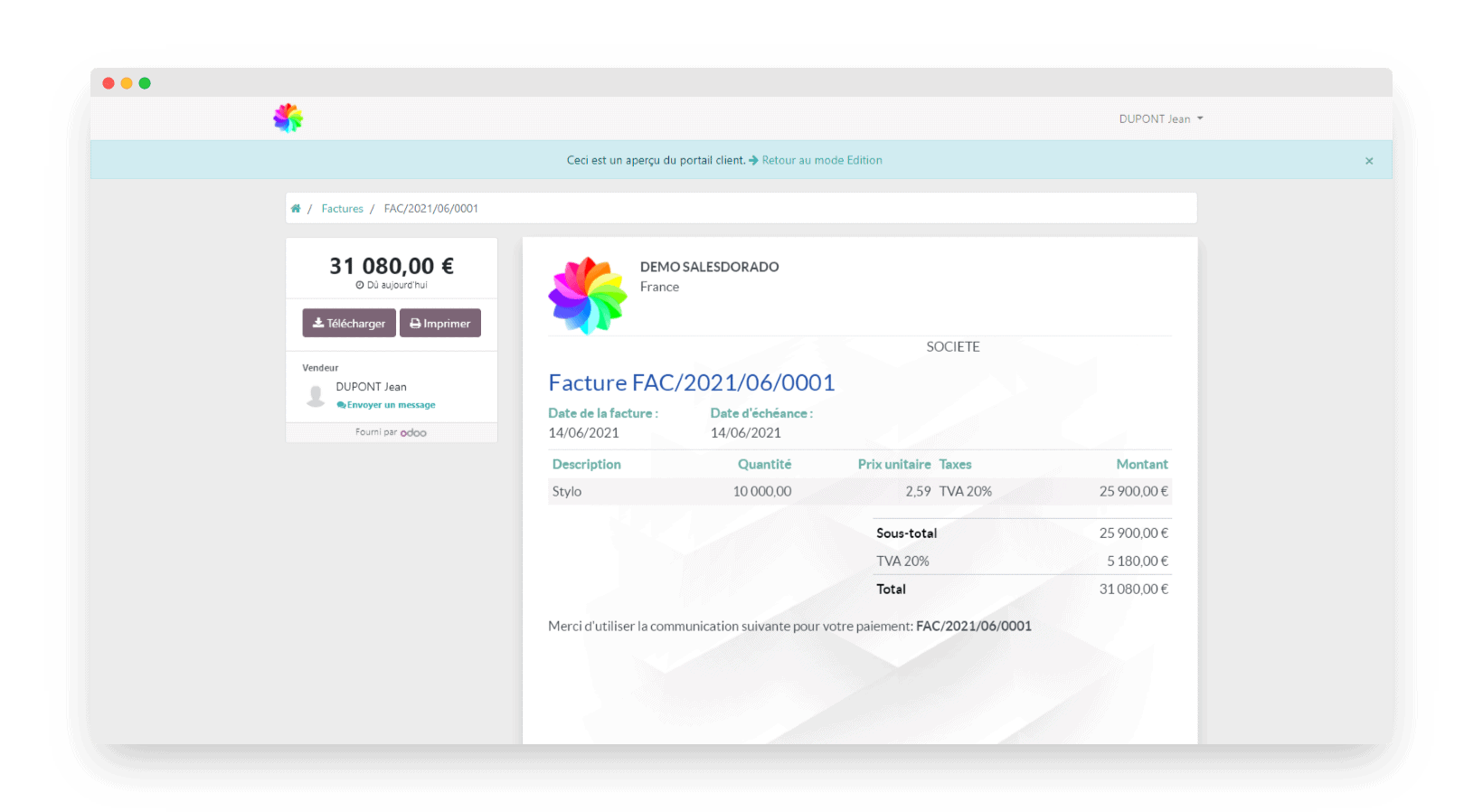
When you send an invoice to your customer, they find it in their dedicated customer portal. This secure access lets them view their invoice (or their quotes) and pay online directly from a modern, pleasant interface.
Online payments
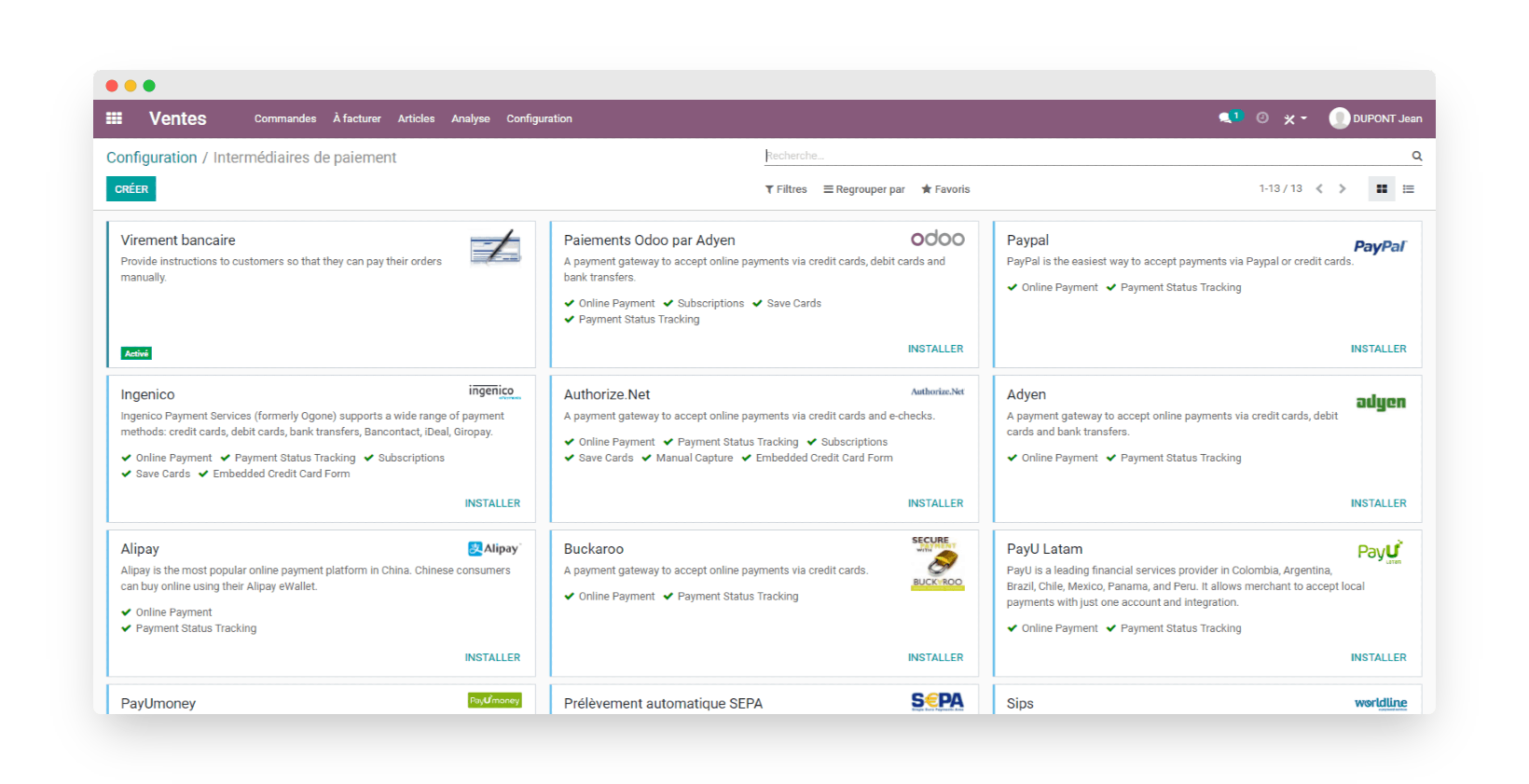
Let your customers pay their invoices online in their Odoo customer portal. Payments through PayPal, Worldline, Stripe, Authorize.net and many other platforms are accepted.
Reminders for late payments are very easy to set up in Odoo and help you get paid faster.
Alerts and unpaid invoice reminders
Odoo makes payment tracking easier:
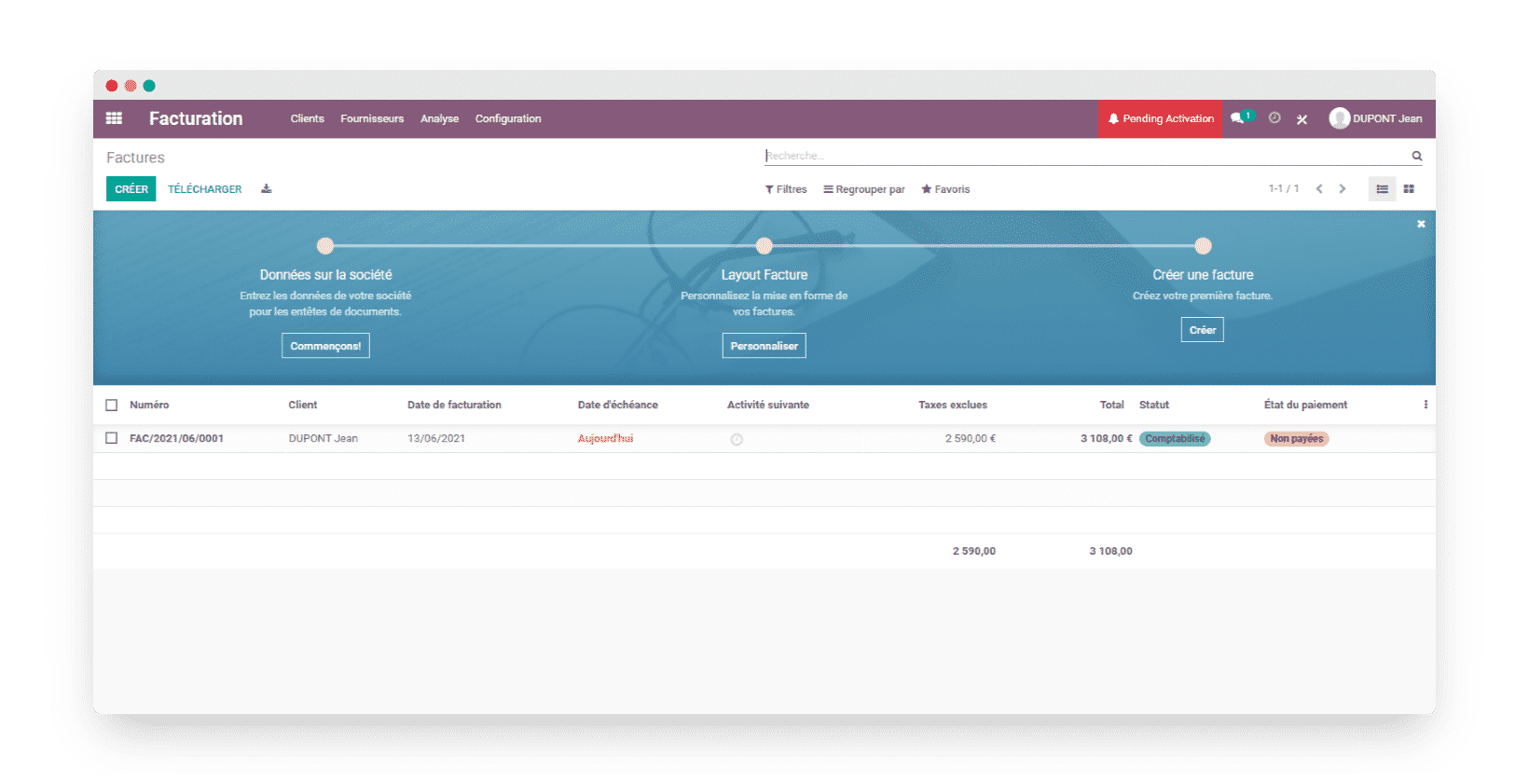
- Create recurring alerts for unpaid invoices
- Automate sending reminders at predefined intervals when payment is late
- Rank your reminders by how late the customer is, by creating several reminder levels
- Find all unpaid invoices and the reminders sent on Odoo’s sales dashboard and in each customer record
Bookkeeping
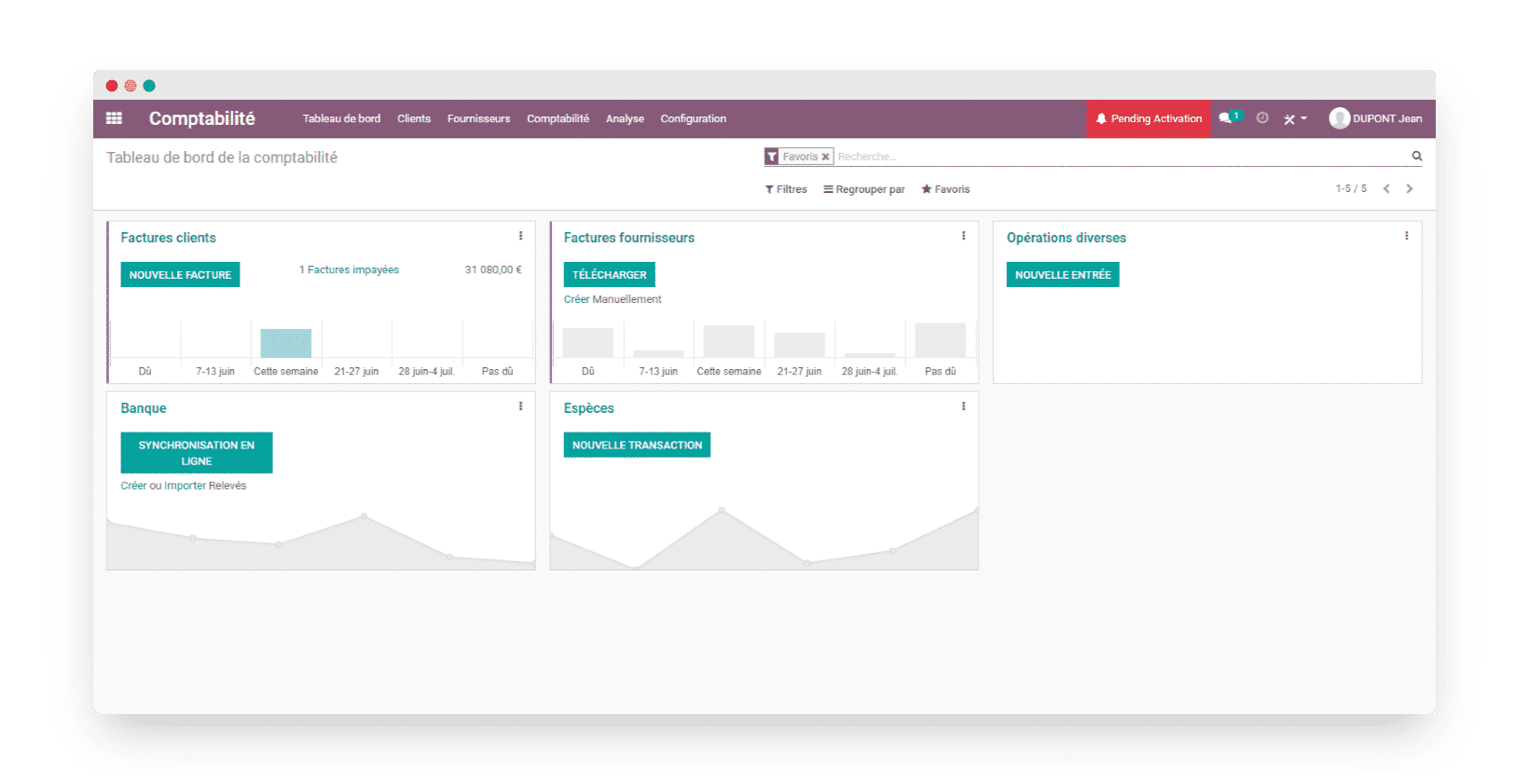
Odoo’s accounting interface lets you manage:
- Bank synchronization: import your bank statements from your bank in a few clicks or set up an automatic synchronization.
- Smart bank reconciliation: save time by automating the matching of your customers’ and suppliers’ receivables against the different lines of your bank statements.
- Producing professional invoices with automated payment tracking.
- Taxes: also automate the recording of the taxes due on each of your sales, starting from when the product record is created. The default rate set on the product can still be changed line by line on the invoice.
Salesdorado’s tipYou can also set a fiscal position on the customer record so that it automatically replaces the product’s default rate.
Mobile app
To stay responsive and keep access to the key information about your business at all times, Odoo built a mobile app reserved for the Enterprise edition. All your team members can keep working together while on the move.
Since not all data is needed on the go, only the most useful data can be viewed and edited from the Odoo mobile app. It even syncs offline so that no information is lost.
- See which customer is calling you thanks to the synchronization of Odoo’s contact book
- Calculate your mileage expenses with the GPS route calculation built into the app
- Manage your stock movements by scanning your products with your smartphone camera
- Dictate your notes to save them in Odoo and share them with your colleagues
Salesdorado’s takeOdoo has all the qualities of a complete invoicing software, built into an ERP that lets you run your whole business. The only thing missing is a payroll app, which could easily be added and linked to timesheets and customer invoices for calculating sales commissions. All the more so since human resources management is possible with Odoo: time off, meal vouchers, expense reports, planning.
Reporting
Analytic accounting
Management control
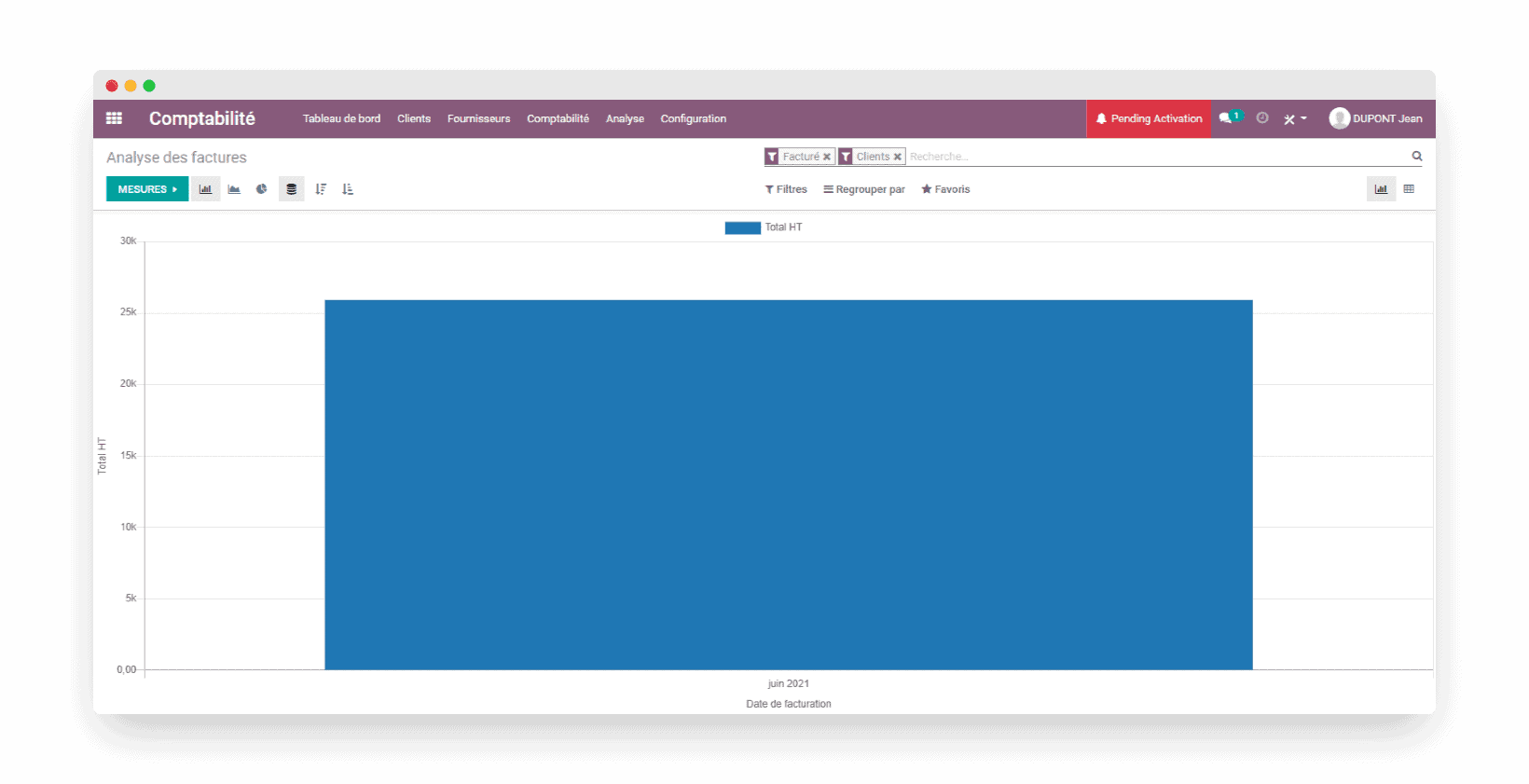
Measure your economic performance with the analytic accounting handled in Odoo:
- Organize your analytic accounts in a hierarchy by project, contract or business activity
- Automatically feed your timesheets, purchase invoices and other costs into your analytic accounting
- Split your accounting entries across several analytic accounts with analytic tags
- Manage many analytic plans with default values and allocation ratios
- Get clear analysis reports, organized hierarchically according to your priorities
Cost keys
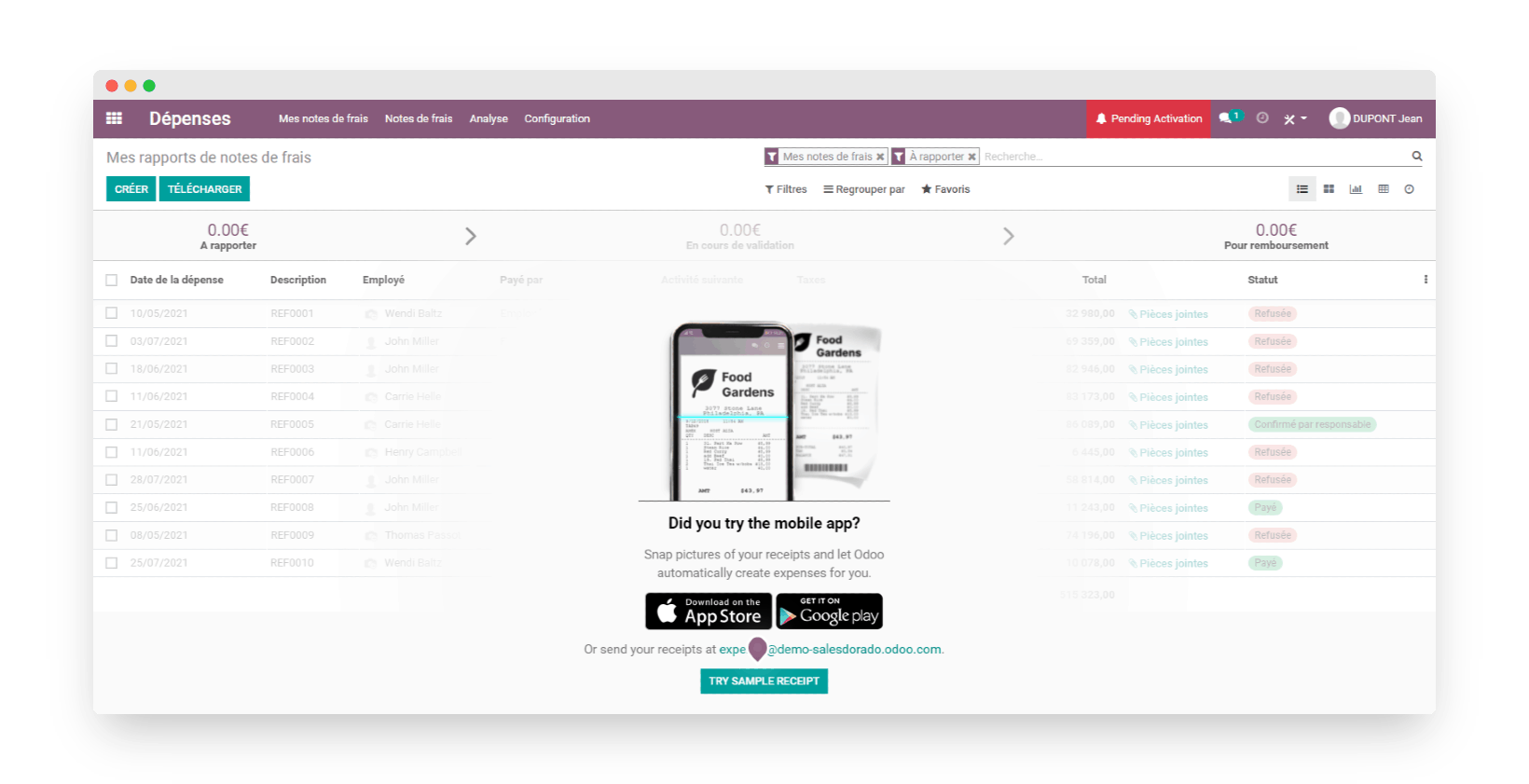
In Odoo, you can manage your budgets and automatically sort your expense reports. Your employees can scan or photograph their receipts, then send them to a dedicated email address linked to Odoo so that they are recorded and saved instantly.
You can also keep an eye on each team’s spending by sorting each team’s expense reports. This helps you enforce the budgets set in advance.
Cash management
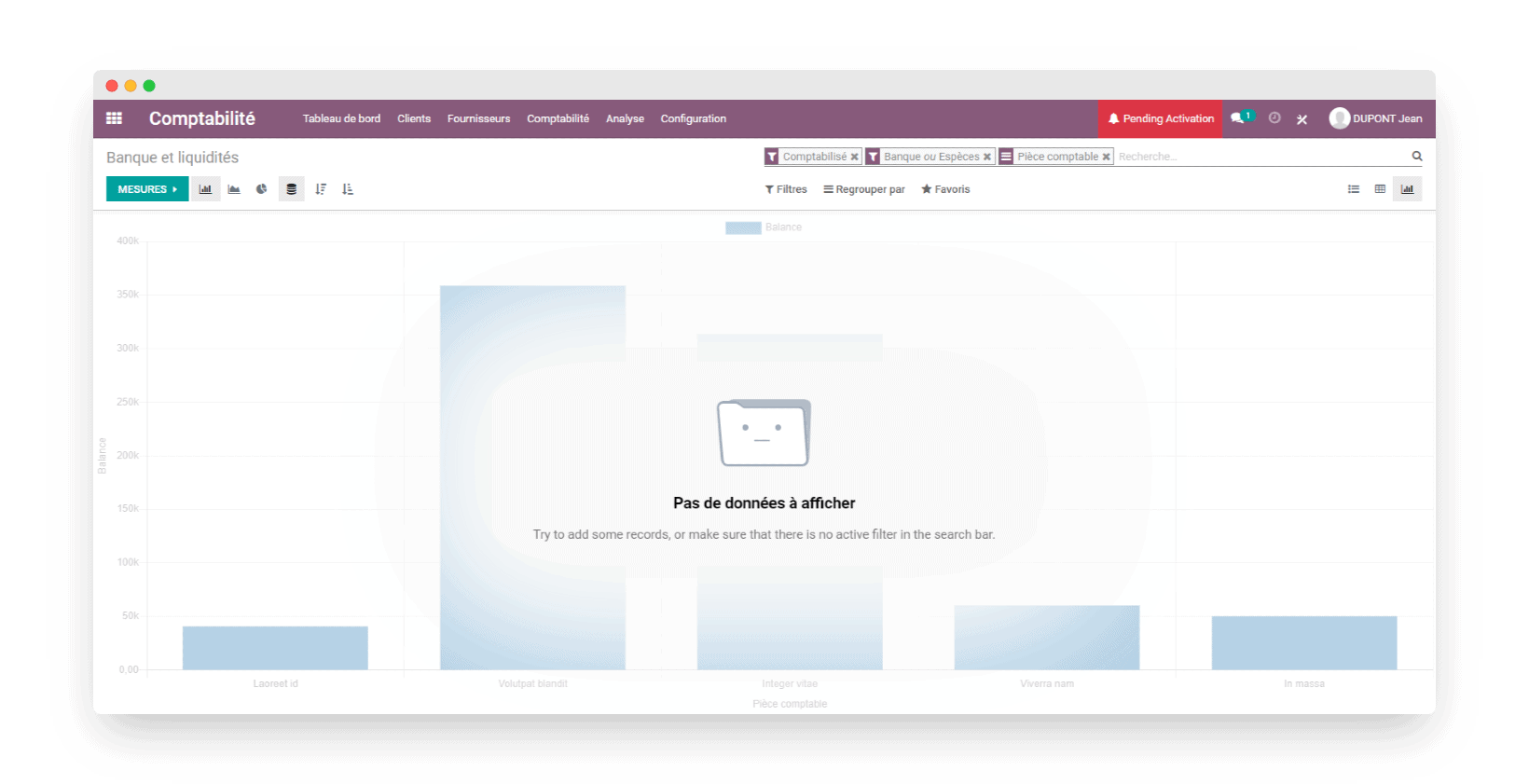
With Odoo, you can bring in your bank statements automatically, or by importing OFX, QIF, CSV or Coda files, to match your various flows against the purchase, sales and expense payments recorded in your management software.
Odoo can also be used at points of sale, and lets you track the transactions made at the till, including those paid in cash.
Salesdorado’s takeReporting in Odoo is, like the whole solution, highly customizable. It takes some knowledge of analytic accounting in particular, but you get statistics tailored to your needs.
Getting started
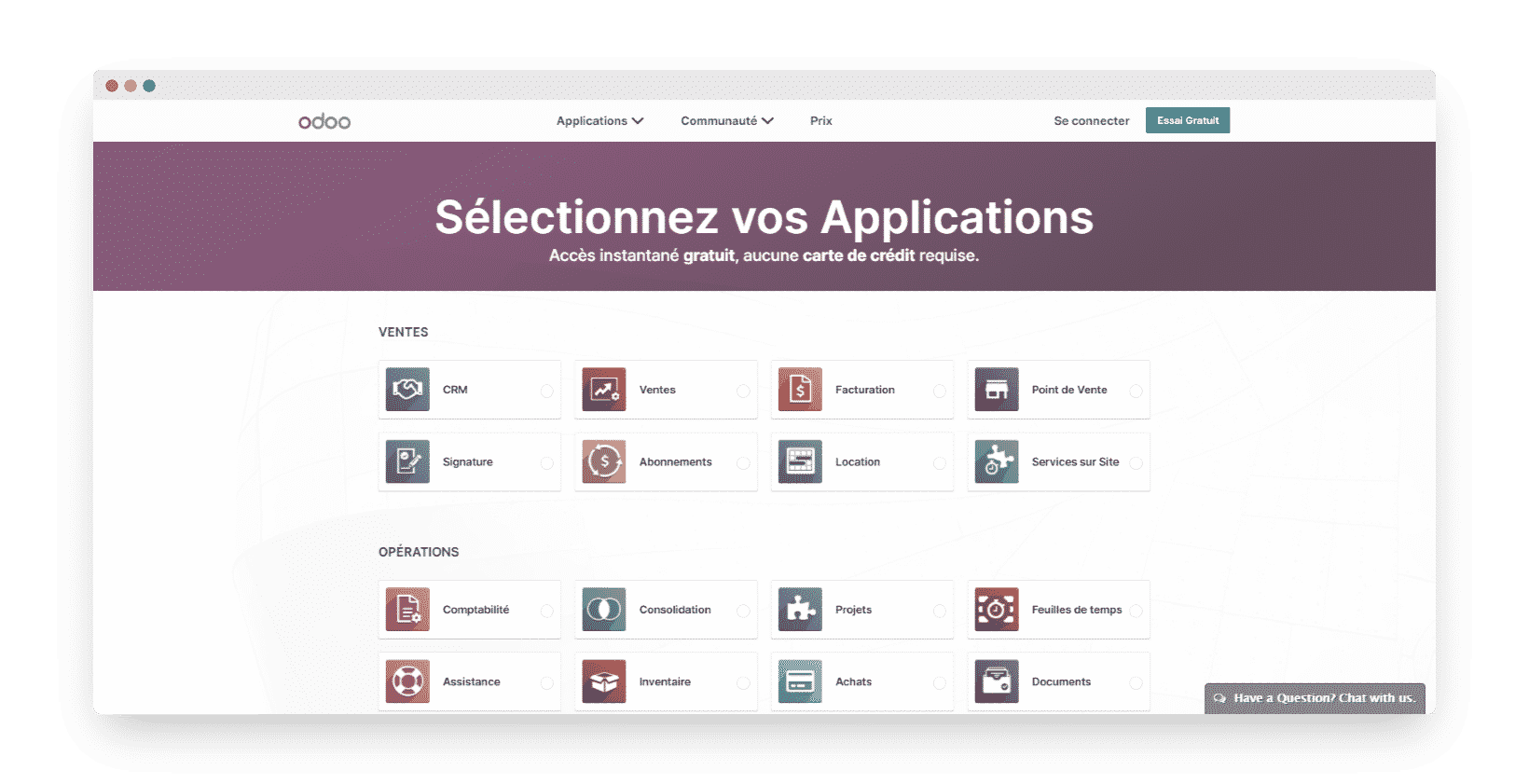
Once again, it is important to note that we are looking here at the version of Odoo available for free online.
Overall, signing up for Odoo is quick and smooth: in a few minutes, you choose the modules you are interested in, enter your details and you are ready to use the tool.
Before you start, Odoo guides you through setting up your account by entering your company data along with your banking and accounting information.
As for navigating and using the software itself, Odoo is intuitive on the whole and access to its main features is fairly simple.
Salesdorado’s takeApart from a small weakness in the French translation of some elements, which is sometimes approximate, Odoo is a pleasant tool to use and its modular approach lets you limit its use to just the features you are interested in.
Odoo’s customer service
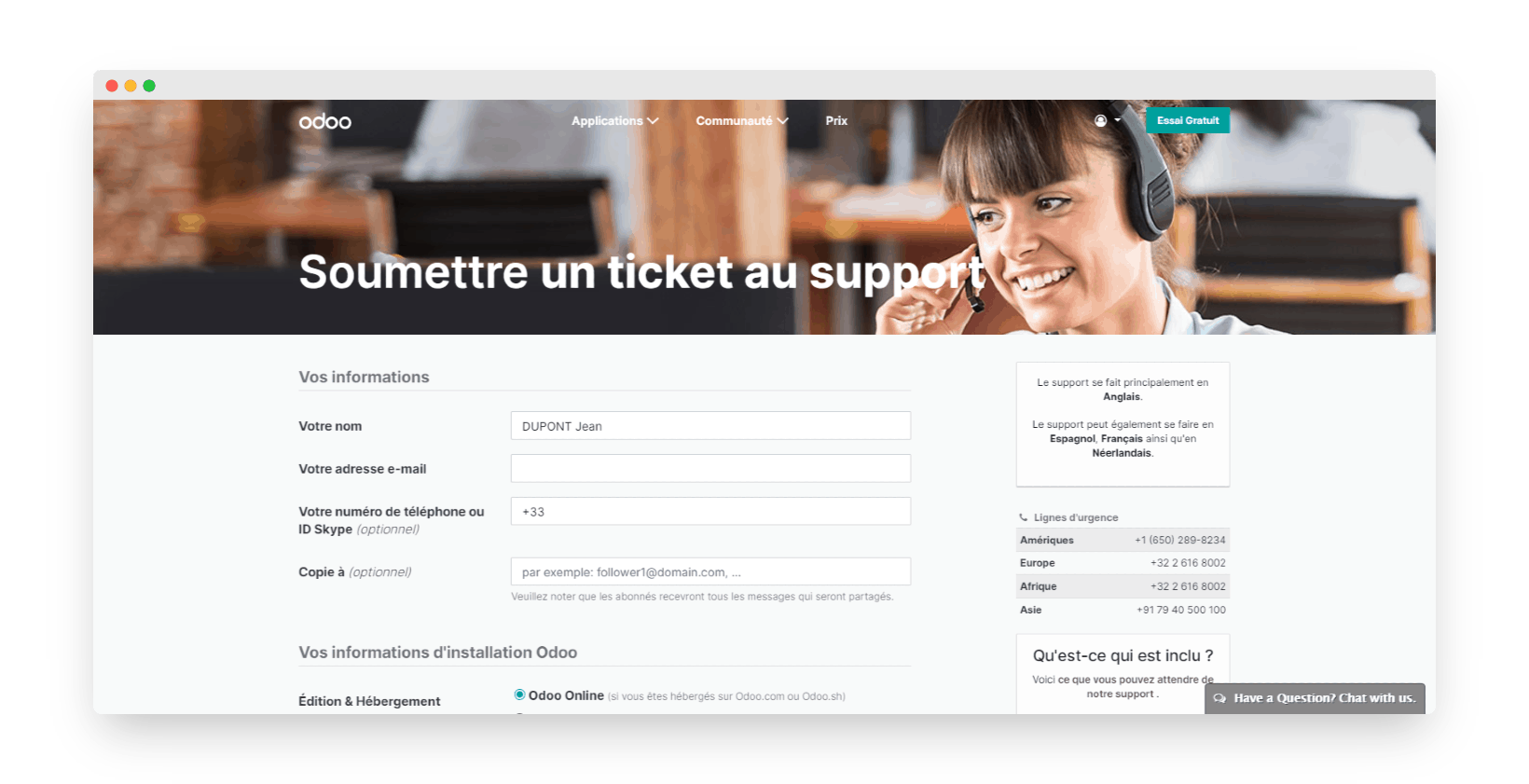
It is not easy to get an immediate and complete answer from Odoo’s customer service. Replies sent by email arrive anywhere from a few hours to a few days after you send your request, and are sometimes incomplete.
Between the slow handling of your request and the quality of the answer, which depends on who you get, you are often better off turning to the well-stocked help center and the community forum.
Here are nonetheless the different ways to contact Odoo’s customer support:
- Email: there is no email address to contact Odoo’s customer support directly. You can only get general information about the management software this way.
- Phone: the phone number provided by Odoo is only useful for emergencies and functional questions.
- Support form: the only way to get technical help from Odoo. Answers can take several hours, or even several days, to arrive.
- Help and documentation center: on Odoo’s help page you will find how-to guides and FAQs that answer the most common technical problems and guide you toward a fix. This is the method to favor with Odoo.
- Community forum: this peer support space lets users exchange by asking their questions to other Odoo users.
- Live chat: this chat tool available on Odoo’s website lets you ask general questions about Odoo’s apps.
- Training center: Odoo’s eLearning platform, free to access on every plan, offers courses to help you become autonomous with Odoo.
- Blog: Odoo’s blog gathers articles about Odoo news and customer feedback on their experience.
- News pages: to regularly catch up on what is new at Odoo.
- White papers: the white papers offered by Odoo are very detailed, but must be shared on social media before you can download them.
- YouTube channel: Odoo’s YouTube channel hosts recorded webinars and customer testimonials.
- Social media: Odoo’s Facebook, LinkedIn and X (formerly Twitter) profiles are kept up to date regularly.
Salesdorado’s takeOdoo’s customer service is not easy to reach directly. On the other hand, the help center is richly documented and detailed, which lets you find an immediate fix to any problems you run into without needing special assistance.
Odoo pricing
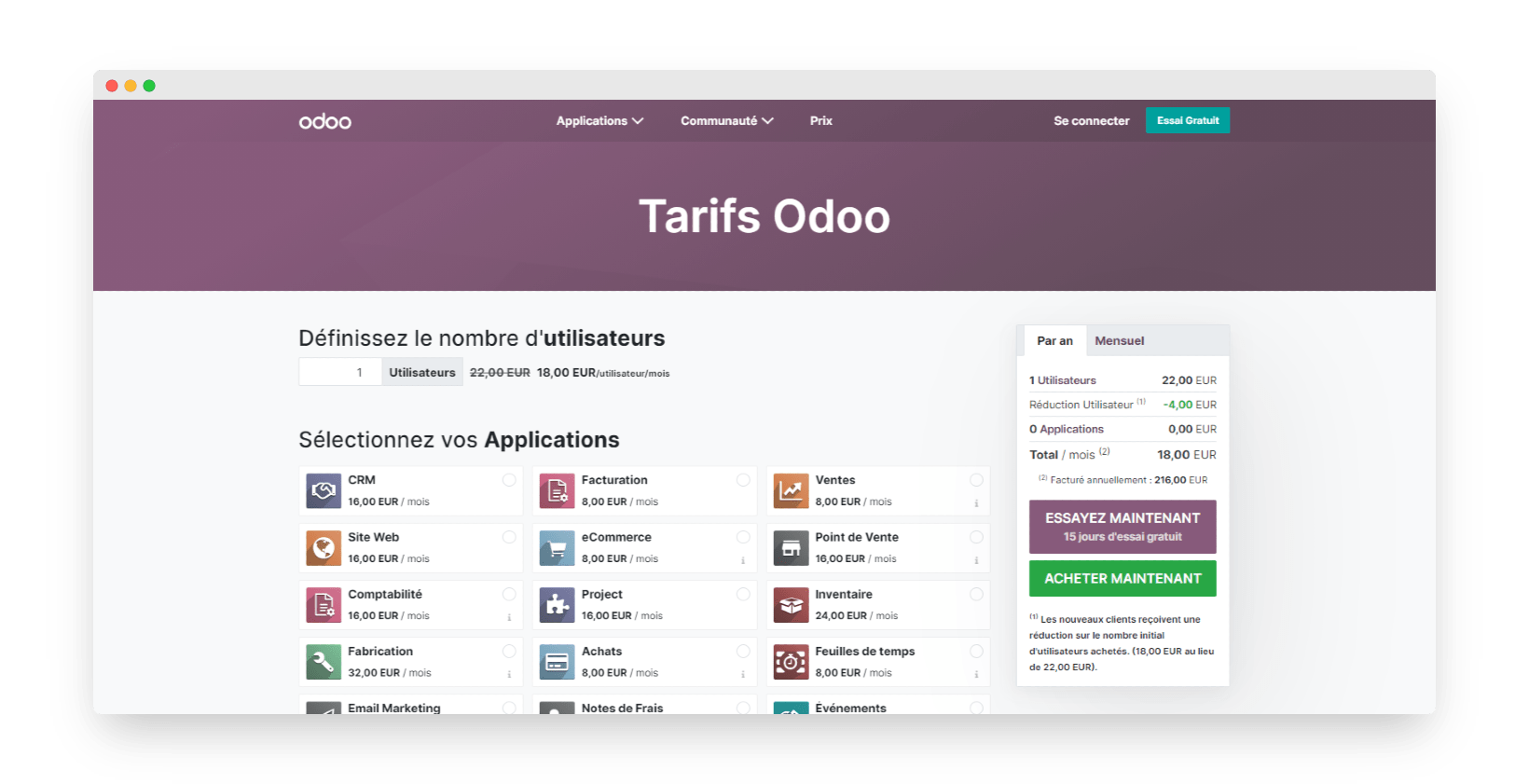
As you will have gathered, Odoo stands out from its competitors with its « modular » approach. On pricing, this means a single free app, for an unlimited number of users. From the second app on, you move to a paid plan billed per user, which gives access to all apps for a single price.
The invoicing and accounting modules, which are what we mainly care about here, are linked and available for free, as long as you do not need more apps or hosting options.
Salesdorado’s tipWe particularly like the fact that the invoicing and accounting modules are available for free, with no user limit.