
The tool in detail
Teamleader after real-world use: feature scope, integrations, pricing and concrete limits.
Teamleader’s functional scope
Creating quotes and invoices
Teamleader lets you manage your quote templates, invoices, as well as purchase orders, on top of customer relationship management. Work orders require a paid Booster, at €20 per month for the account.
Sales documents can be customised. Invoice templates can be downloaded in Word format from the Teamleader help centre. Editing your sales documents is therefore very easy.
Adding your logo or your slogan, or changing the text on each document, are all changes you make quickly and intuitively.
Once you have invoices, quotes and purchase orders tailored to your business, all you have to do is save them and import them into Teamleader so that they replace the standard templates.
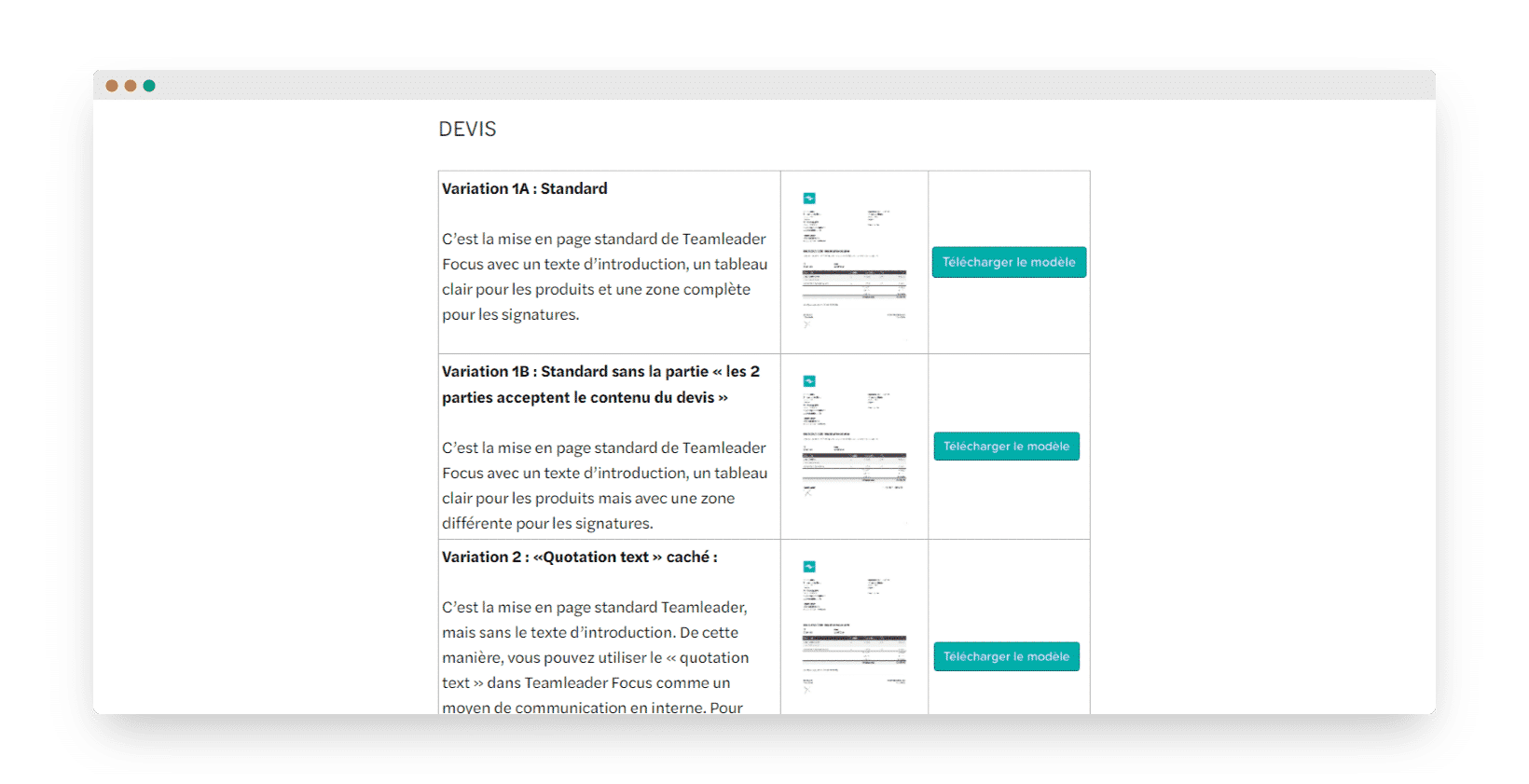
Starting from an opportunity and the information it holds, you can create a quote very quickly. Quotes can then be emailed to your prospects directly from Teamleader, then signed online. The quote is automatically saved on the opportunity page so it can be found and viewed at any time.
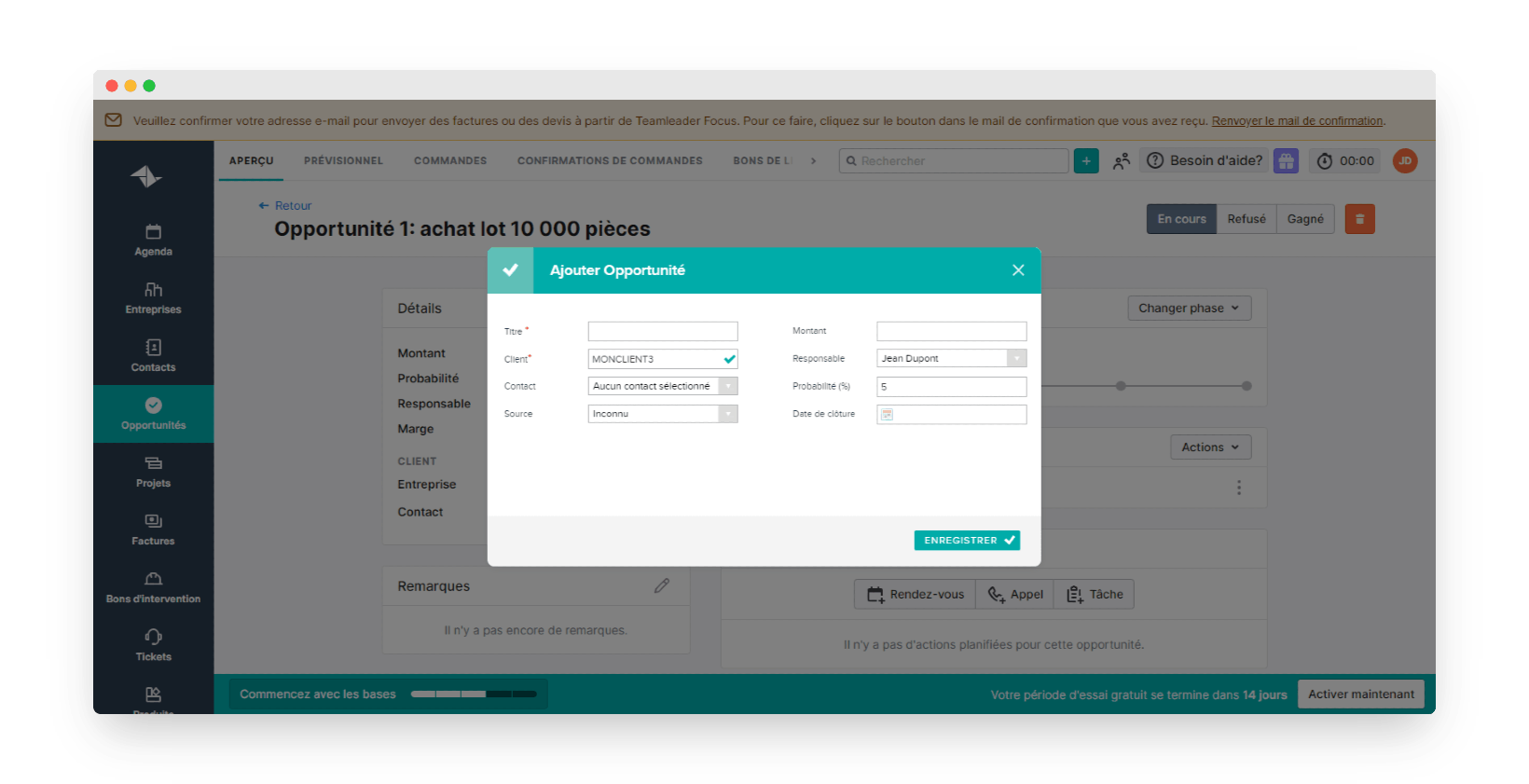
When your customer accepts your sales proposal, you simply mark the opportunity as won and the acceptance of your quote is recorded. You can then create the purchase order, the invoice or the deposit invoice.
Like quotes, invoices can be sent to your customers directly from Teamleader.
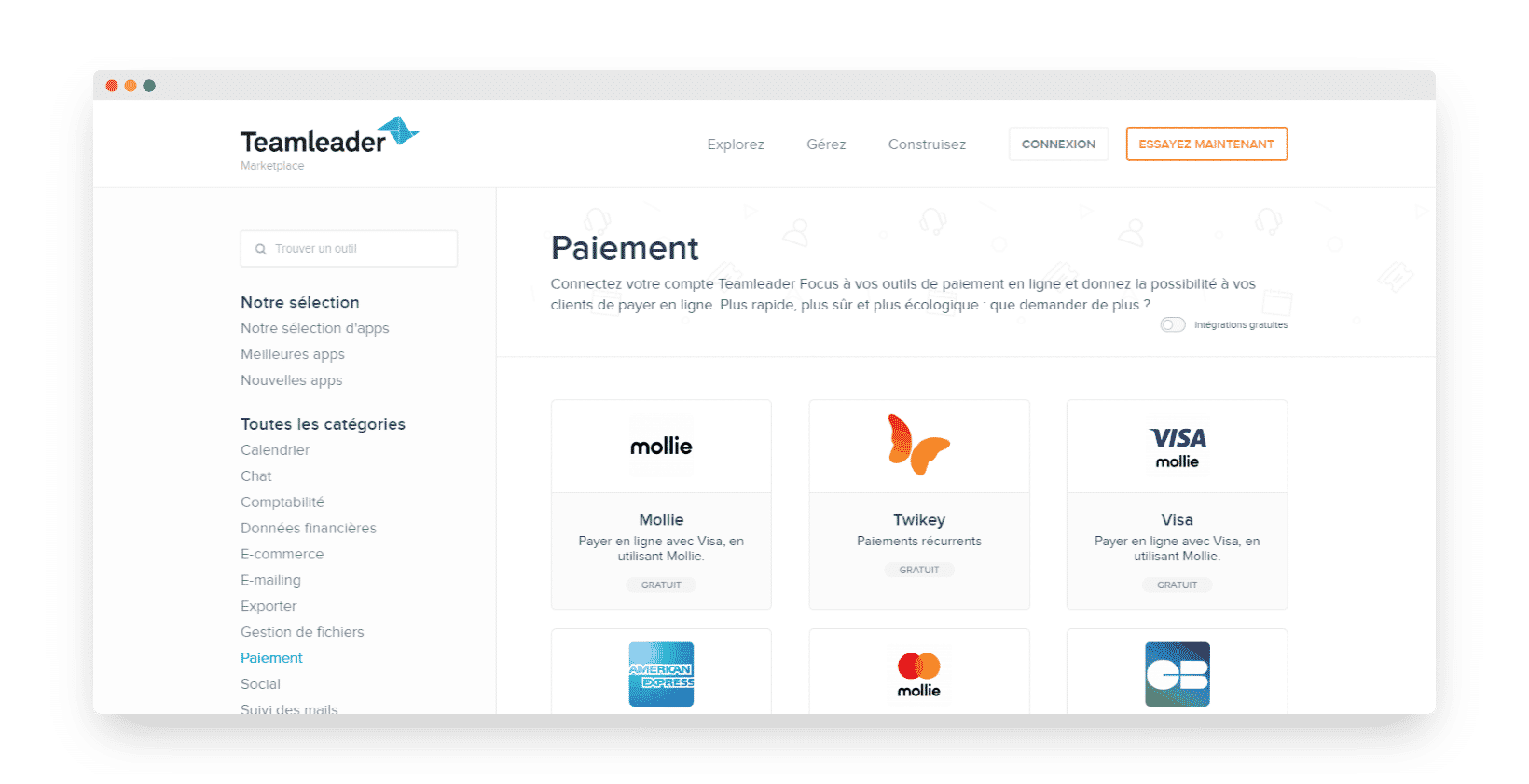
Once the invoice has been sent, your customer can pay it online straight away if they wish. Teamleader integrates several payment solutions that let you accept payments by bank card or SEPA direct debit.
In Teamleader, you handle one-off payments as well as recurring payments, thanks to subscription management and recurring invoices. These are generated automatically on each due date.
Teamleader is particularly well suited to entrepreneurs who want sales management software coupled with a CRM that is easy to set up and to use every day.
Customer file and product catalogue
With its built-in CRM module, Teamleader centralises the management of contacts and client companies. When you open a contact record, you get all the information you hold, and your history of exchanges with each of them.
By connecting Teamleader to an email marketing tool, you instantly see the history of the campaigns sent to each of your contacts.
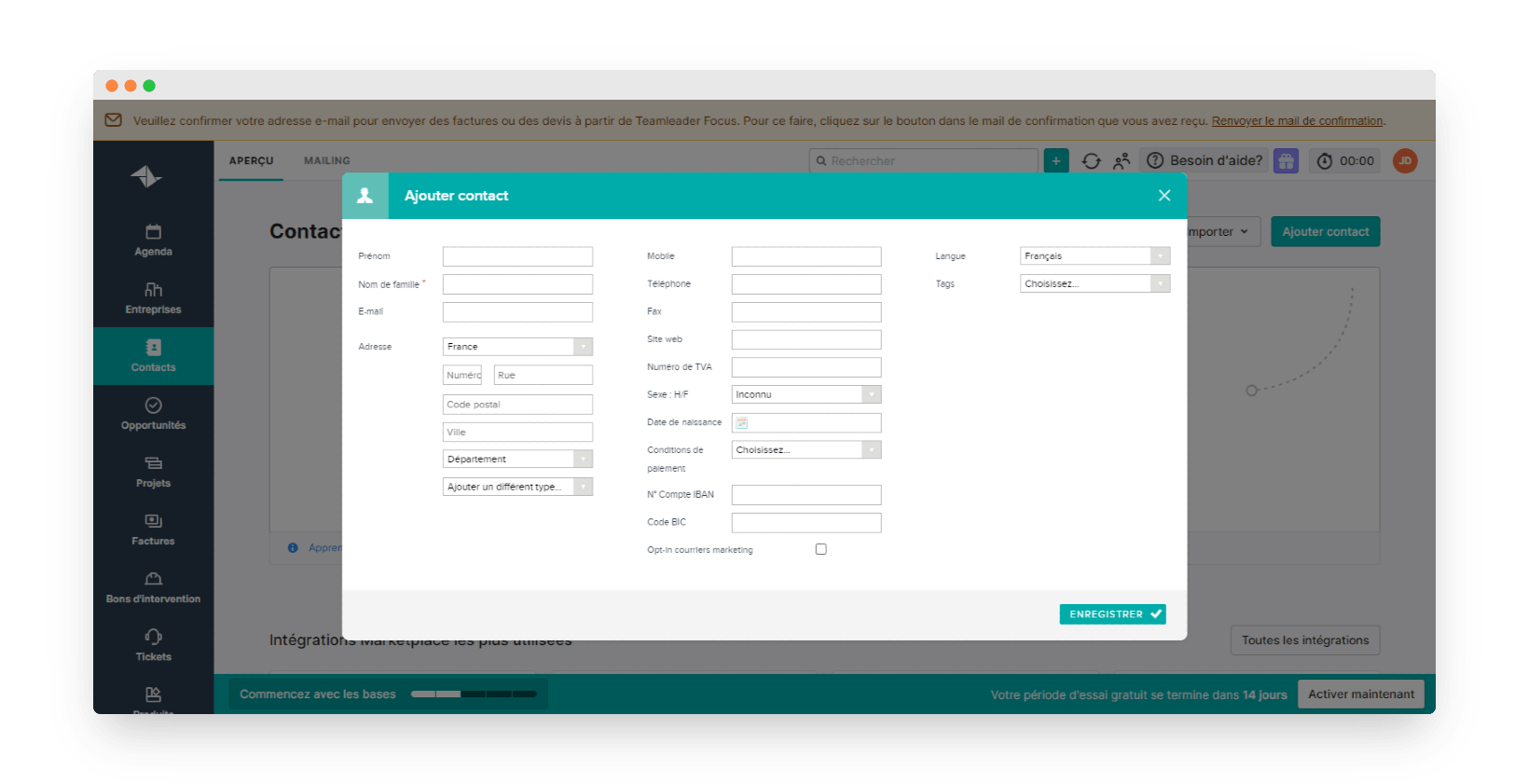
From a contact record, you can create an opportunity. However, you cannot create tasks there, or send a sales proposal or an invoice. Nor can you create the company this contact belongs to directly from their record: you have to leave the contact record to create a company record and link it to them.
Yet these functions are possible in other CRM software, and users take them for granted.
You can create custom fields and tags in Teamleader to sort your contacts and companies. To set them up, go to the software’s settings: you cannot create them directly from a contact record, for example.
With Teamleader, company records can be created automatically by entering only the company’s VAT number. Its name and address are then filled in directly from the tool’s database.
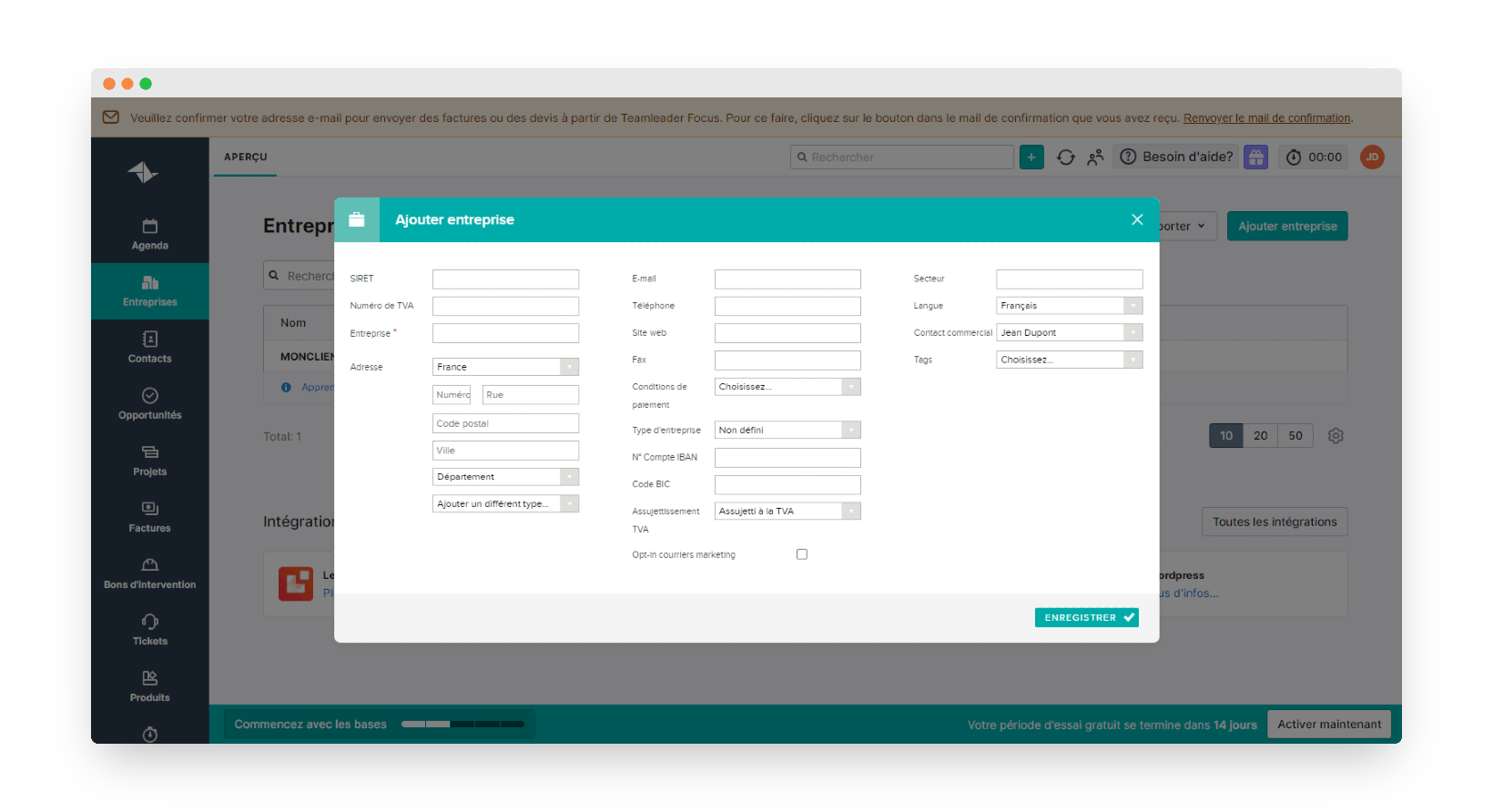
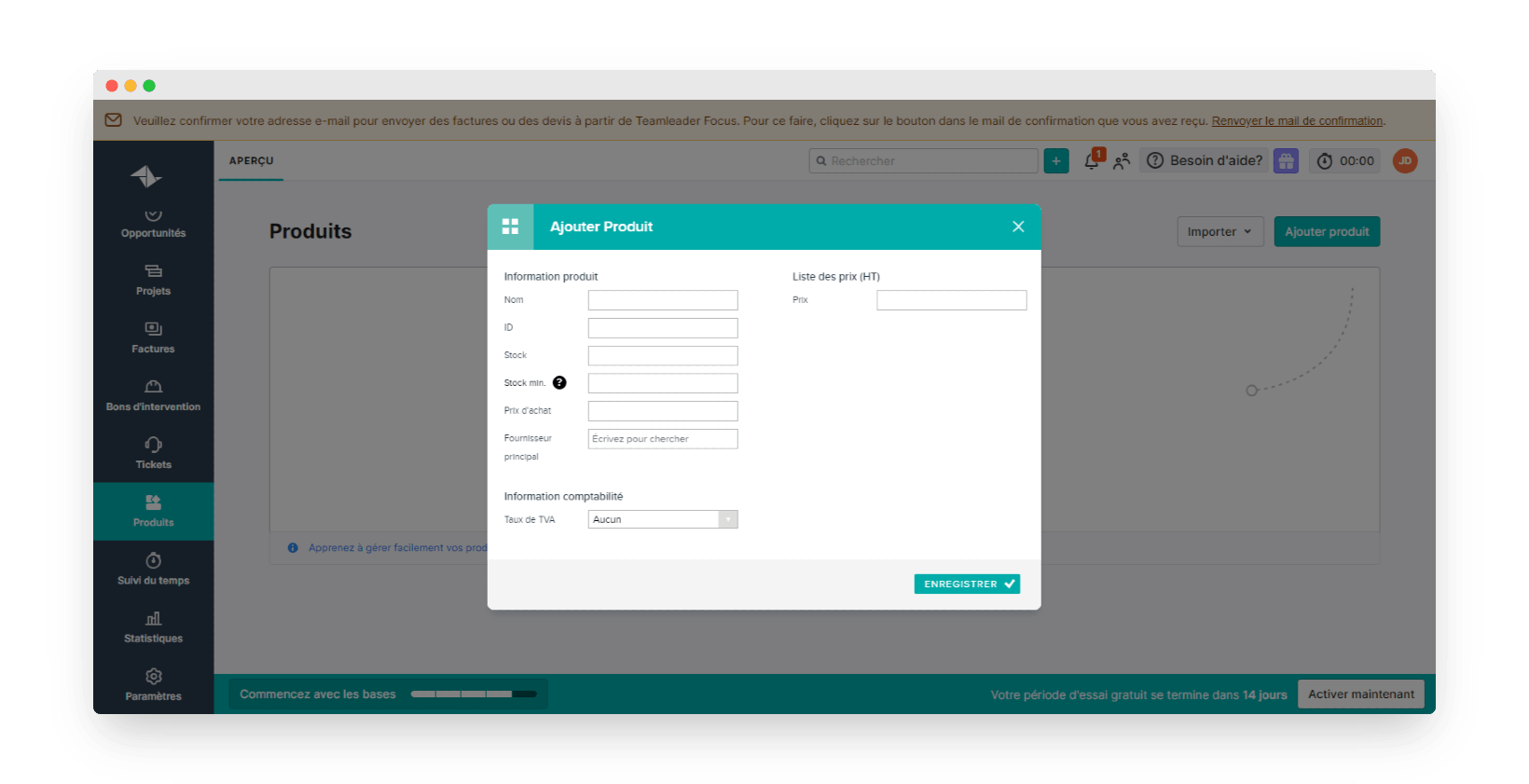
Teamleader also lets you manage your item catalogue and track stock levels if needed. You can make sure you buy your products in time to replenish your stock, and keep an eye on the margins you make on the products you sell.
Tracking hours worked and billing them
Time management is one of Teamleader’s strengths. The software lets you manage projects and tasks and track the time your team members spend on each task.
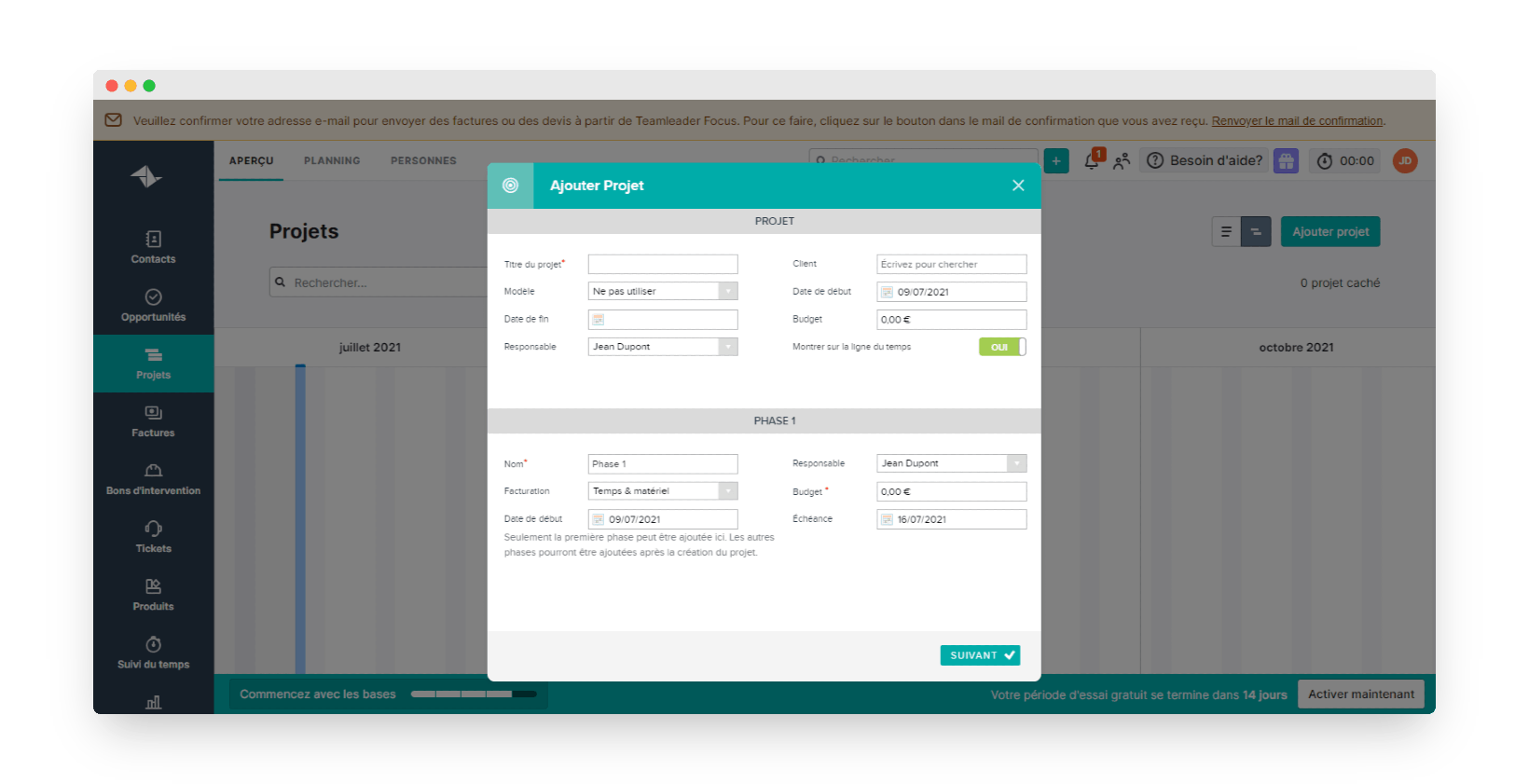
When you win an opportunity, you can turn it into a project and follow its progress, all the way to delivering the order to the customer and invoicing it. Projects are broken down into several tasks assigned to your various team members. These tasks can also be spread across several production phases.
Track in real time the time each member of your teams spends on a project’s tasks, with the option of starting a timer at the beginning of a task and stopping it at the end.
Then compare the time spent on the project with the initial estimates, and bill the difference to your clients if you wish. This feature is particularly useful for freelance service providers such as web agencies, or IT services companies, who can bill their work as accurately as possible. Teamleader also saves you a lot of time, since your timesheets can be turned into invoices in a few clicks.
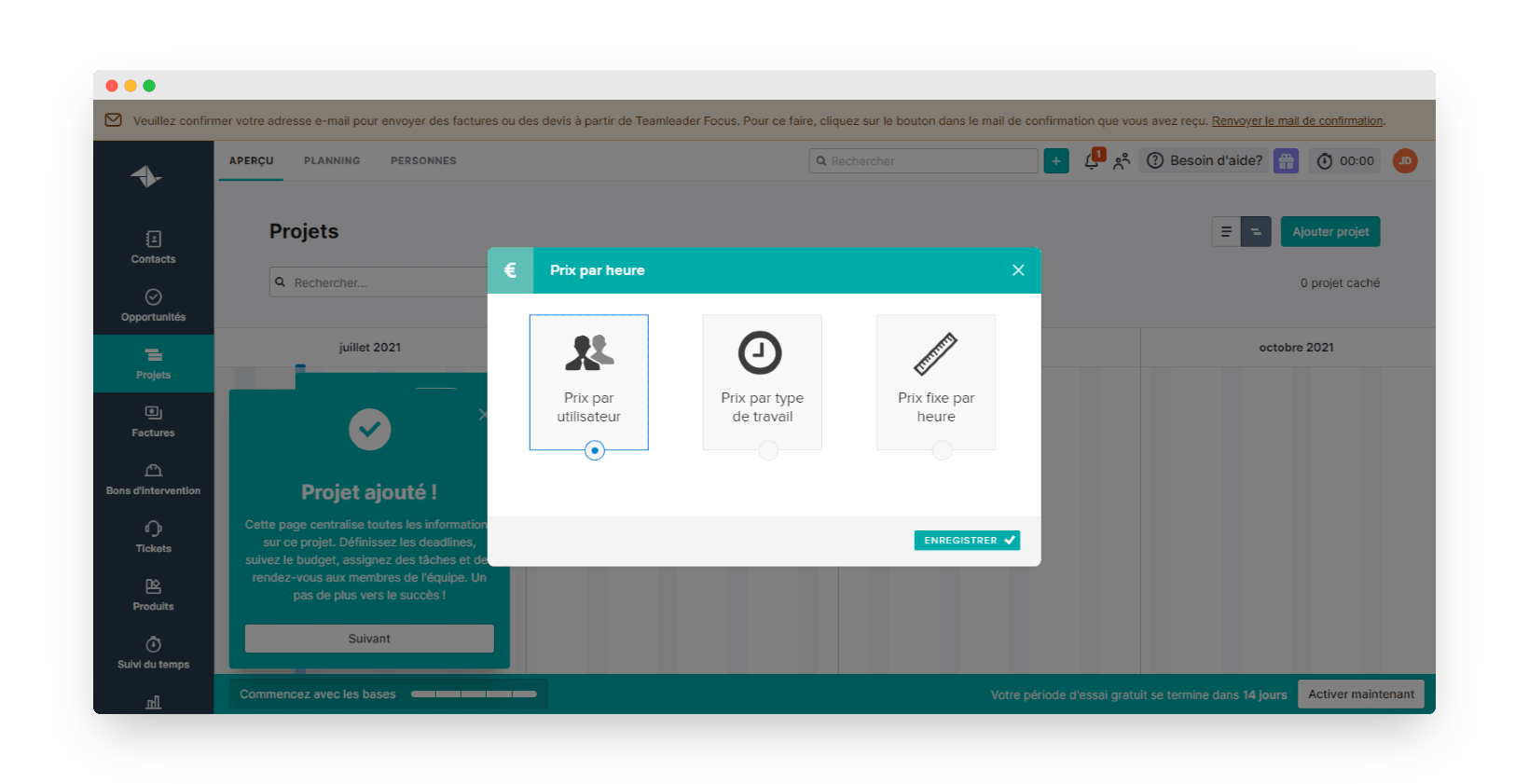
You can see the time worked but not yet billed, which you can then add to the final invoice. With Teamleader, you can set different hourly rates depending on the work done or the team members doing the tasks. You can also choose a fixed price, or a cap on unbilled time. If that cap is exceeded, Teamleader automatically generates an invoice.
Payment management
Online payments
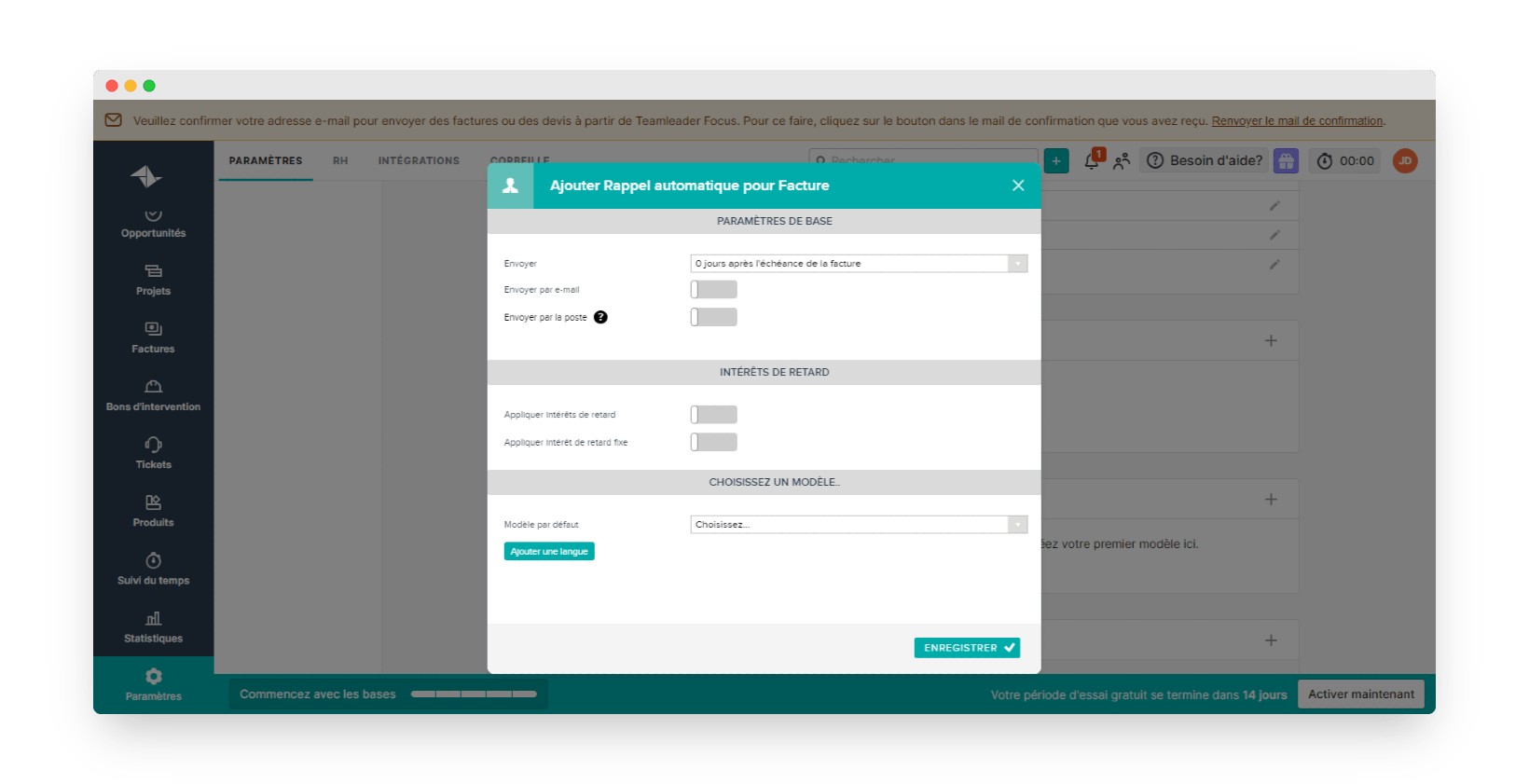
Teamleader helps you get paid on time, since your customers can pay their invoices online immediately by bank card. You can check payment status at any time, and create reminders for customers who are late paying.
Alerts and reminders for unpaid invoices
To chase customers who are late paying, you have two options:
- Write and send a reminder manually to remind your customer that some invoices have not been paid.
- Set up automatic reminders that the software will send your customers at predefined due dates to chase them. Interest or reminder fees can be charged to late payers.
Bookkeeping
You can export the data held in Teamleader to import it into accounting software. However, the export formats are currently designed first and foremost for software used in Belgium.
Syncing with Exact Online, Octopus and Yuki goes through a paid Booster, the Accounting connector, at €5 per month for the account on an annual commitment (€6 on a quarterly one). This Booster is reserved for Belgian and Dutch accounts and company entities: it does not appear on the French price list. For other software, you can use the integrations in the marketplace or send invoices and expenses to your accountant’s email address.
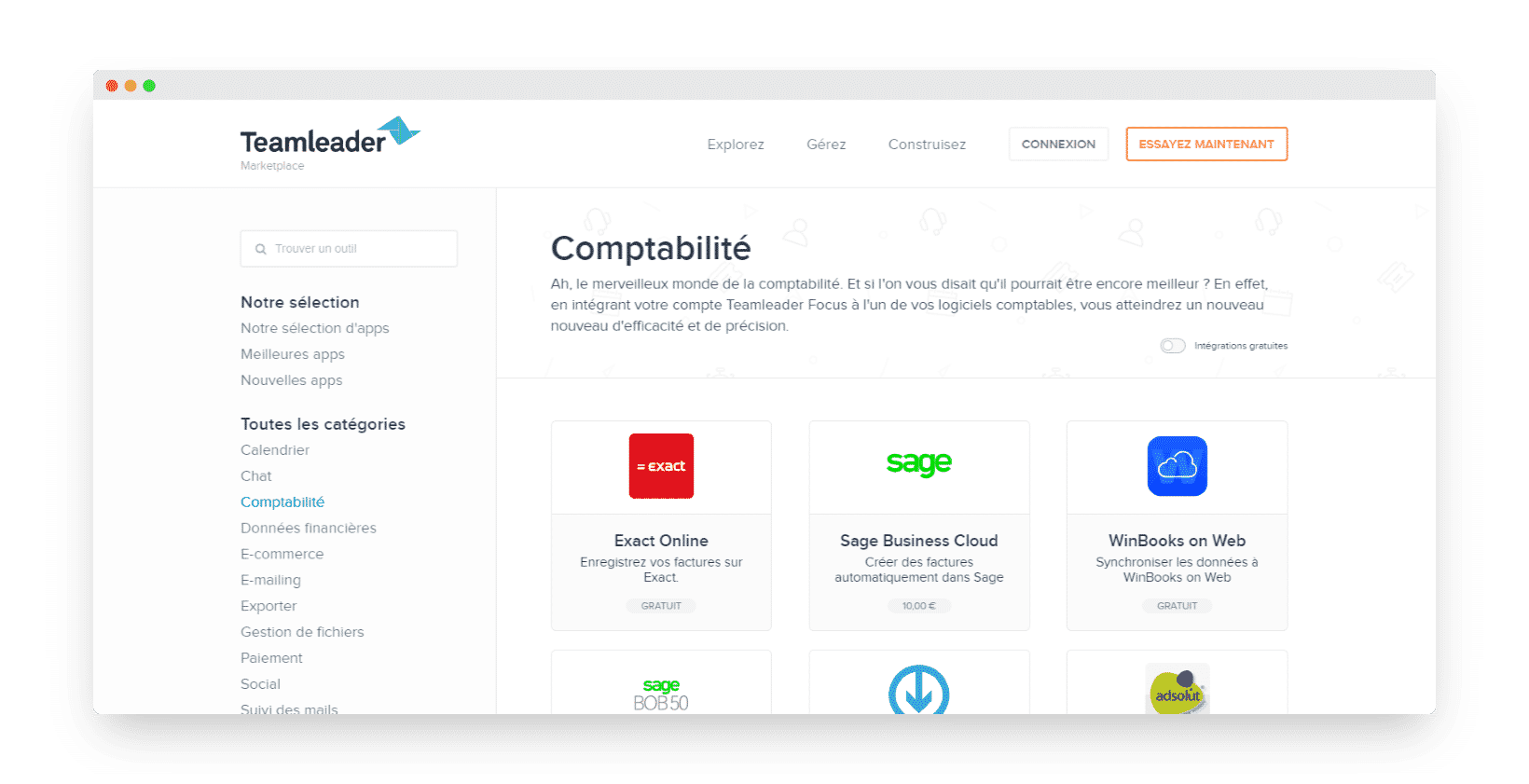
When it comes to bookkeeping, Teamleader is less suited to the French market than other management and CRM tools.
Mobile app
Teamleader is a SaaS tool, so it can be accessed from a web browser with a simple internet connection. You don’t need to install anything or host the solution. Updates are automatic, and your data is hosted securely in the cloud on Amazon servers in Ireland.
There is a mobile app, available on iOS and Android, where you find all your data on your customers and prospects. You can also generate your purchase orders and invoices, or add new contacts simply by scanning business cards.
Salesdorado’s takeThe features in Teamleader meet the expectations of small and medium-sized service businesses well, thanks to the built-in project and time management functions. There is still some room for improvement, however, especially in the connection with accounting solutions on the French market.
Reporting
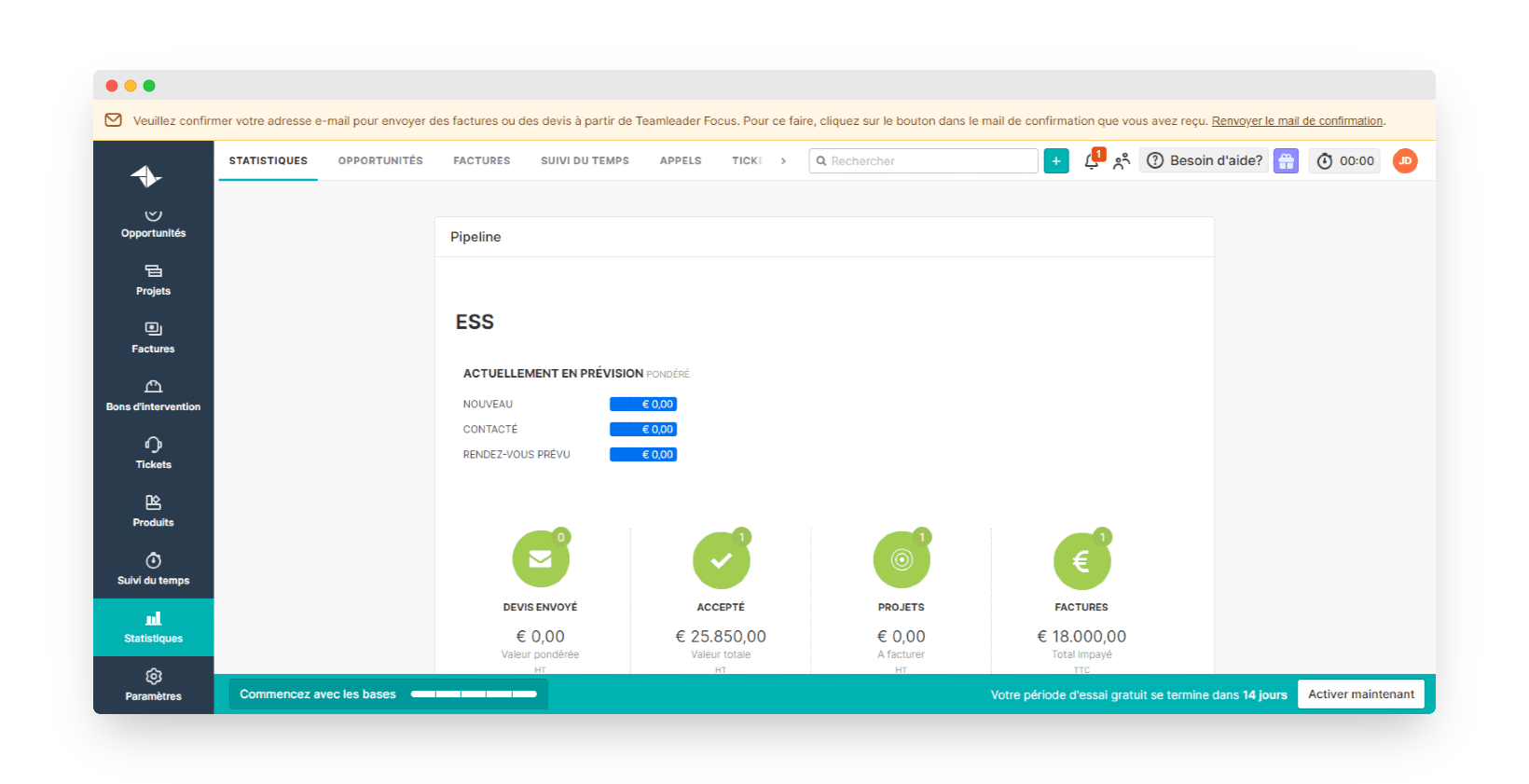
Reporting is included in every Teamleader Focus plan, with ready-made reports that you can edit. Period comparisons and custom calculations, on the other hand, require a paid Booster, Advanced Statistics, and Teamleader Orbit, the plan designed for agencies, goes further. These reports, which are easy to customise, let you track the progress of your projects precisely, both financially (cash-flow tracking before the project ends) and in terms of the time used by your various contributors.
You can build your own reports showing the customer data held in Teamleader’s CRM, and so produce your sales activity statistics automatically without having to use an Excel spreadsheet or another sales reporting tool alongside it.
Salesdorado’s takeA very complete reporting tool, especially on the project management side. A pity that its most advanced functions require a paid Booster.
Getting started
Teamleader’s interface looks polished and intuitive, and with the discovery guides offered at the start, you’d think the solution is perfectly easy to use. In reality, as you use it, the interface turns out to be fairly complex and you need to set aside some time to learn how to handle the tool.
Progress is still expected on some operations that currently force you to go back to the main menu again and again, and to click many times to get what you want. The settings are also fairly hard to understand, including setting up custom fields.
Salesdorado’s takeThe interface is attractive and seems fairly intuitive at first, but you often have to spend a few minutes looking for certain buttons before you manage to carry out a simple operation.
Teamleader’s customer service
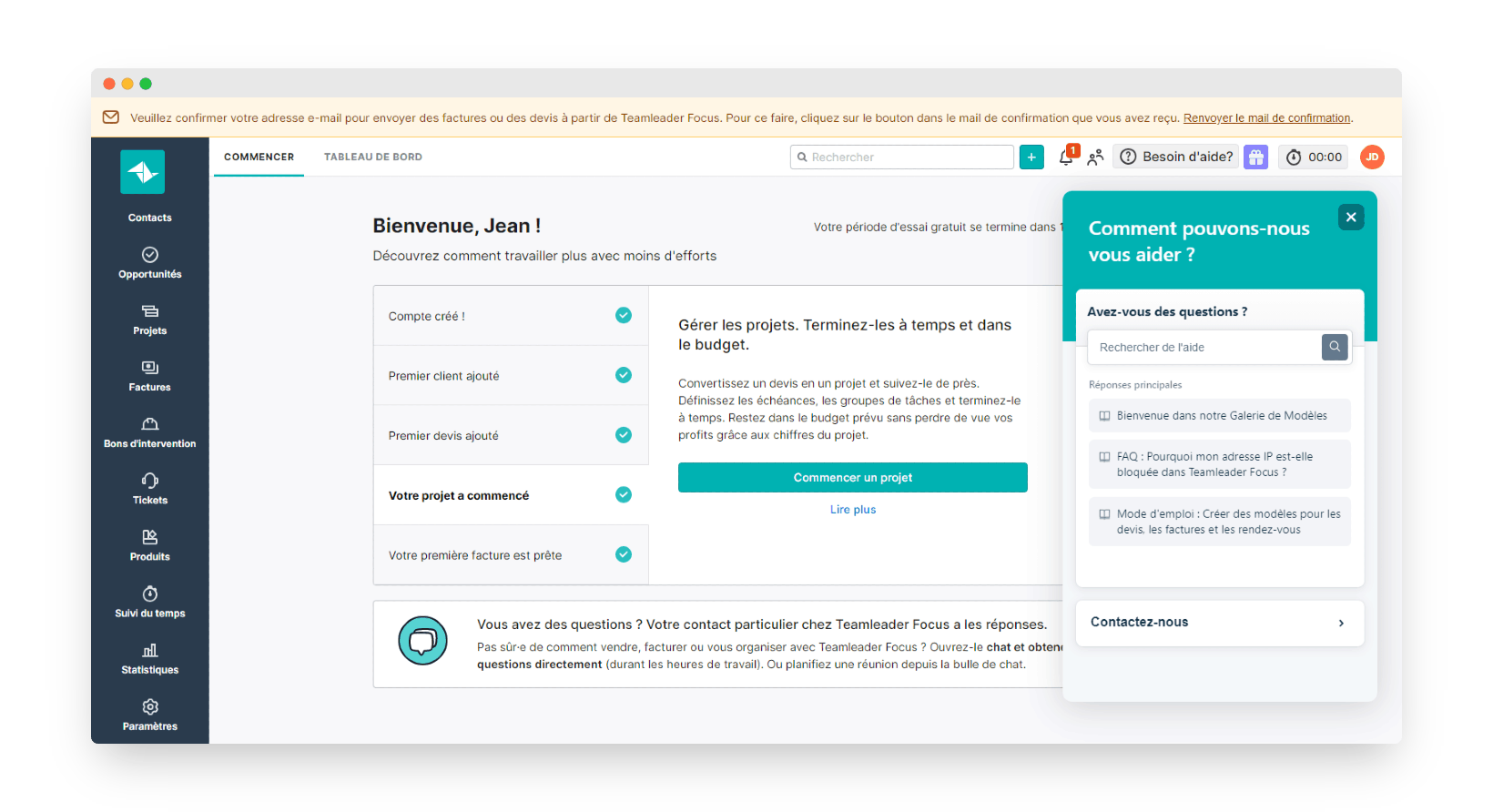
Teamleader offers customer support in your own language, English included.
A knowledge base, FAQ pages and video tutorials let you answer common usage questions on your own. If a problem persists, you can contact customer support through a contact form. Your customer area shows you the status of your support tickets awaiting a reply.
You can also call customer service and leave a voice message: the team calls you back with an answer, which is fairly rare these days compared with other CRM solutions and management tools on the market.
Salesdorado’s takeThe customer support offered by Teamleader is very complete. You have multiple channels to contact the teams directly, including by phone (voice message, then a call back), which is not common in this field. The help centre, with its FAQs and technical knowledge base, also helps you become self-sufficient quickly.
Integrations
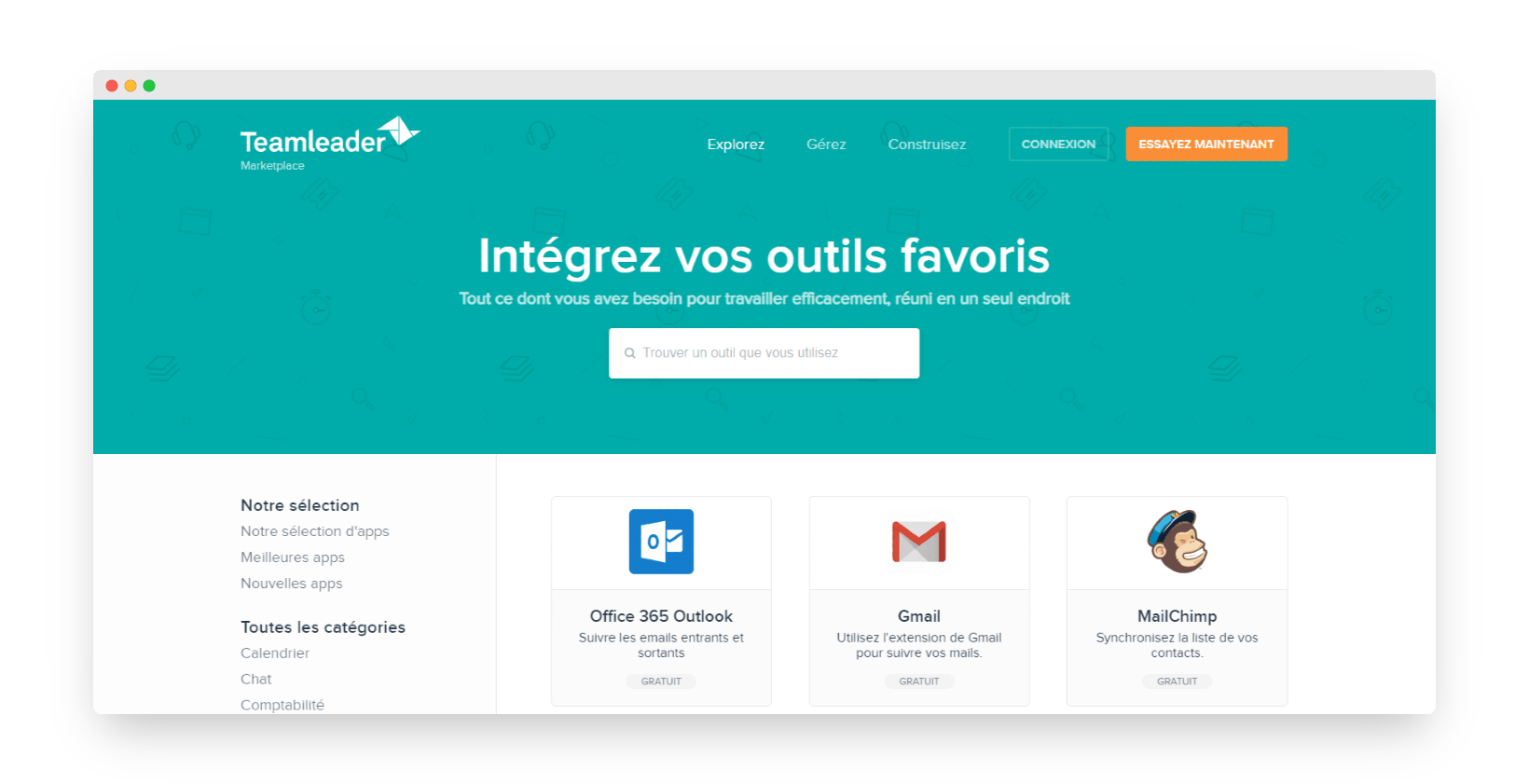
Many integrations with other business tools are available on the Teamleader marketplace. You can connect Teamleader to an email marketing solution, website building software, your social networks, a live chat, scheduling tools or online payment tools.
Salesdorado’s takeThe many integration options let you customise your use of Teamleader as much as possible, and adapt it to your company’s needs.
Teamleader pricing
Teamleader’s offer is split into 2 distinct lines: Focus, for small businesses, and Orbit, for larger organisations.
Teamleader Focus: pricing
For Focus, the following plans are available:
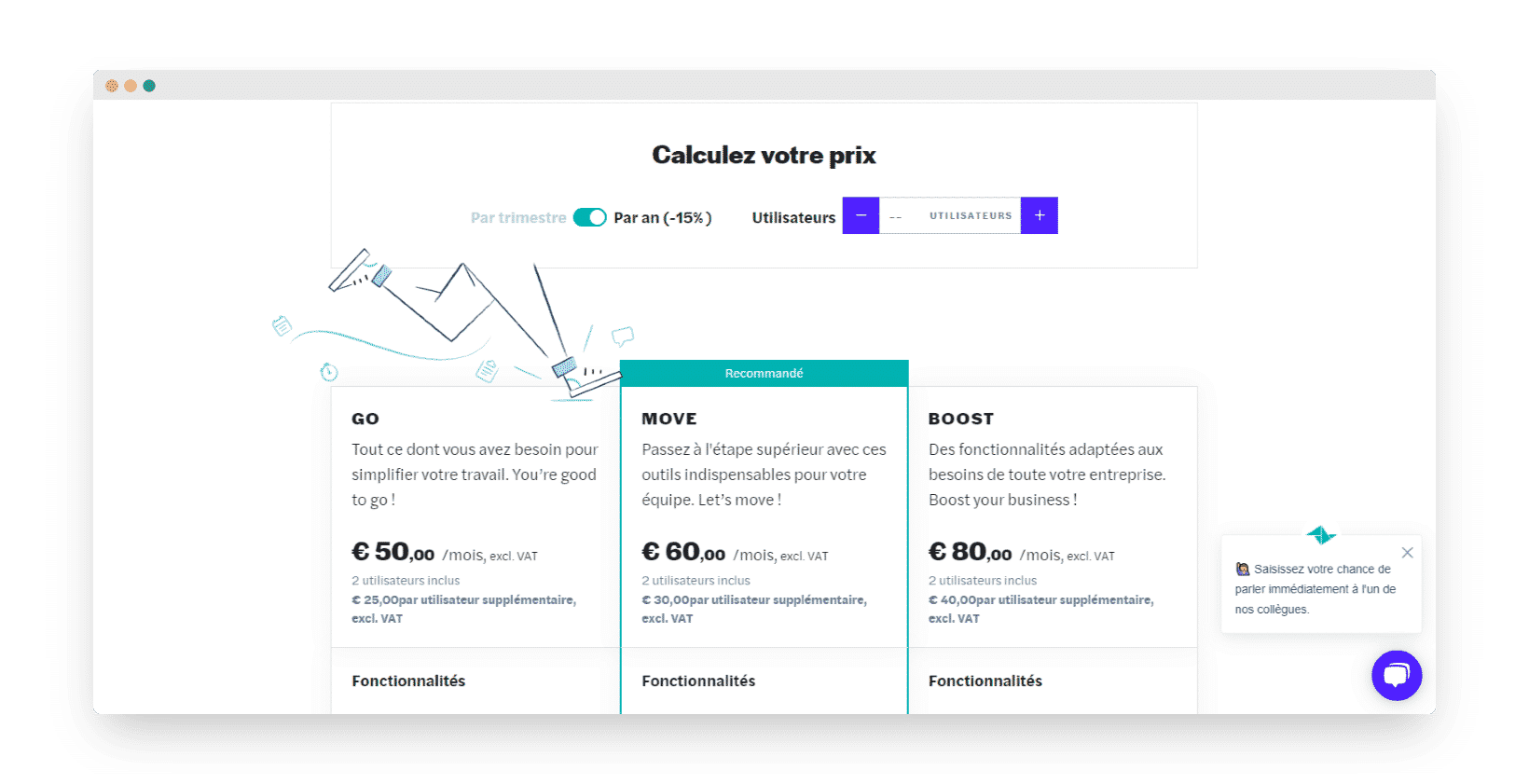
- Teamleader Smart: €50/month for 2 users, then €25/month per additional user, for all the core features, i.e. the CRM, time tracking, branded quotes and invoices, sending e-invoices via Peppol, reports and statistics, integrations and access to customer support.
- Teamleader Grow: €66/month for 2 users, then €33/month per additional user, for the same options as Smart plus receiving e-invoices via Peppol, automatic payment reminders, subscriptions and recurring invoices, and margin calculation.
- Teamleader Flow: €90/month for 2 users, then €45/month per additional user, for the same options as Grow plus leave management, multiple sales pipelines, financial forecasts, management of several business entities and priority access to customer service via chat.
All these prices exclude tax and apply to an annual commitment, and the price per additional user is halved from the 6th user onwards. A quarterly subscription is also available, at a higher price: the annual commitment saves up to 17%. Project management and planning are not included in any plan: they are Boosters, at €35 per month each for the account on an annual commitment. Work orders are added the same way, with a Booster at €20 per month.
Teamleader Orbit: pricing
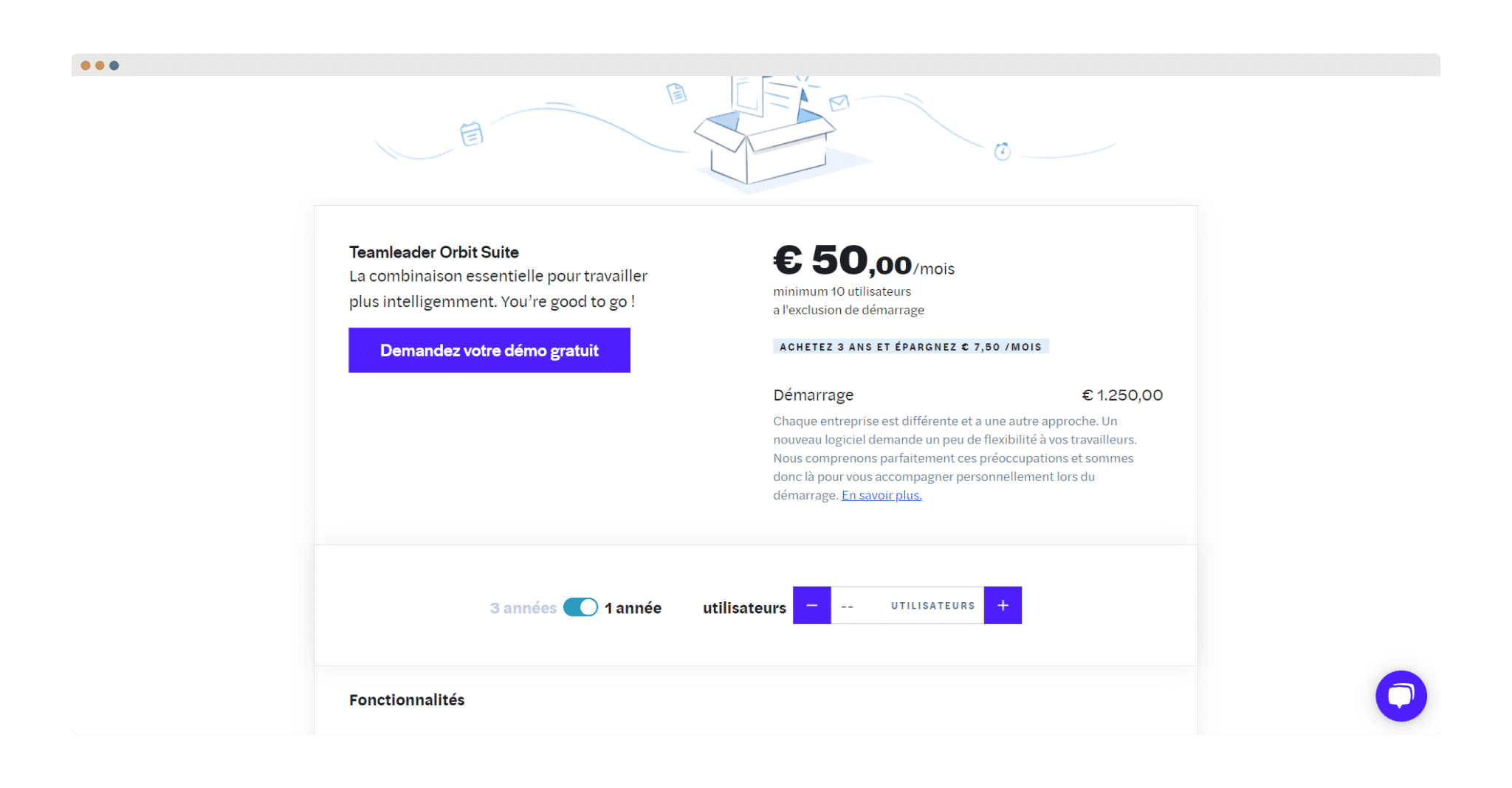
Teamleader Orbit has no public price list: its pricing is quoted on request, according to your needs. The vendor aims it at agencies with at least 20 employees.