Logo Teamwork

Our review of Teamwork: the project management software agencies prefer

Project management built to bill your clients, not just to get organized.

Salesdorado
4.6 /5
1 test
G2
4.4 /5
1,214 reviews
Capterra
4.5 /5
942 reviews
Trustpilot
3.1 /5
70 reviews
Weighted average 4.24/5 4 combined reviews
Price
Free, then $9.99 per user per month

The verdict in 30 seconds

Teamwork is complete project management software for agencies and service companies, standing out for excellent time tracking and invoicing capabilities. It’s the only tool in its category truly built for working with your own clients, invited into the tool with tailored permissions. Two reservations: customization is more limited than with its competitors, and the help center is neither very comprehensive nor available in languages other than English.

+ What we liked
  • Significant functional depth: Teamwork offers a lot of features, and its rich template library, unlimited from the first paid plan, makes it easier to get started.
  • A free plan to get going: up to 5 users and 5 projects, with the core of project management. A good way in, minus billable time, invoicing and workload management.
  • External communication and invoicing: the big strength once you go for a paid plan, and the reason agencies and service companies like Teamwork.
  • Users appreciate the tool's level of detail and its efficiency, thanks to tasks, milestones and alerts, as well as the full set of project management features: collaboration, time tracking, task boards, reports.
  • An iOS and Android mobile app praised for its ease of use, which includes the basic tools to track tasks, keep control of projects and stay in touch with the team and clients.
  • A very rich integrations catalog, complemented by the Teamwork CRM module, useful for combining project management with customer support.
− The downsides
  • A lack of flexibility: customization is more limited than in other tools. On top of that, the target audience is very specific, services and agencies, so the tool adapts poorly to other kinds of use.
  • The help center is not the most comprehensive or the clearest on the market, and it is only available in English.
  • Some customers find the interface slow at times because of its level of detail, which can also make it hard to get started.
  • Some users feel the tool's CRM and API are not yet up to par.
  • Billable time tracking and invoicing, the tool's real strengths, are missing from the free version, which is limited to time logging. And while billable time tracking comes with Basics, invoicing requires the Accelerate plan, at $24.99 per user.
  • Support is available Monday to Friday, with only limited weekend cover.

Who it is for

★ Go for it if...

Agencies and service companies that run projects with their own clients: it's the only tool in the lineup built for this use, with external collaboration, a client tracking portal, a built-in helpdesk, time tracking and invoicing tied to logged hours.

⌘ Skip it if...

Skip it if you're looking for a highly customizable tool: customization is more limited than elsewhere, and the product is so targeted that it adapts poorly to other uses. Skip it too if you don't read English, since the resource center isn't translated, or if you'd be happy with billable time tracking and invoicing on a free plan: they're reserved for paid plans, and invoicing for the Accelerate plan.

Scores per criterion

  • Overall rating 4.6
  • Ease of use 4.6
  • Ease of setup 4.5
  • Customer service 4.3
  • Functional depth 4.8
  • Integrations 4.7
  • Value for money 4.7

The tool in detail

Teamwork after real-world use: feature scope, integrations, pricing and concrete limits.

Teamwork presents itself as the only project management tool built for the work its users do with their own clients. Its target audience is therefore agencies and service companies.

To meet their needs, Teamwork offers advanced collaboration, time tracking and invoicing features, which make it one of the densest tools on the market.
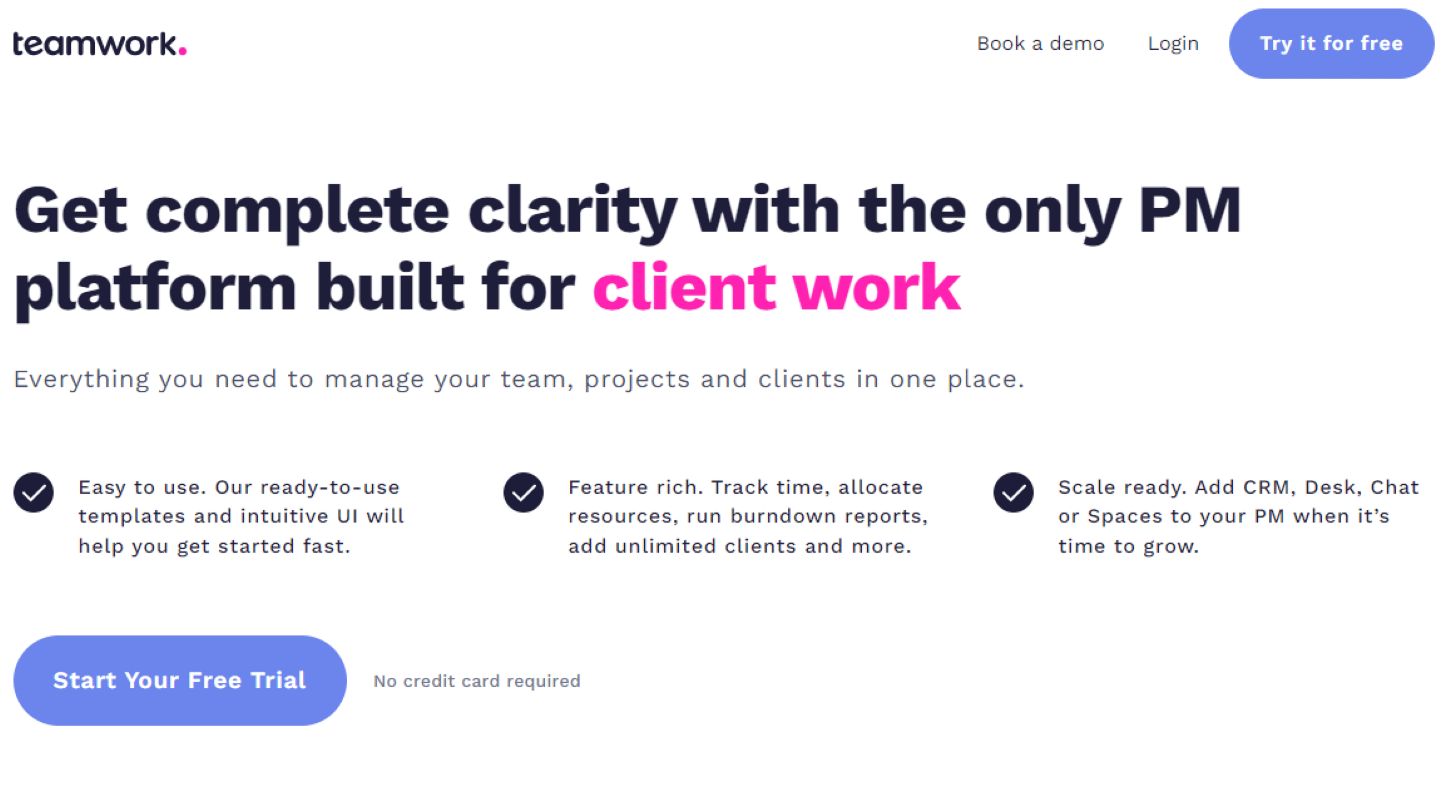
The Teamwork home page

Teamwork: features overview

Project management and task planning

Teamwork offers many project management features, starting with the free version. The tool lets you create tasks and subtasks, grouped into lists.
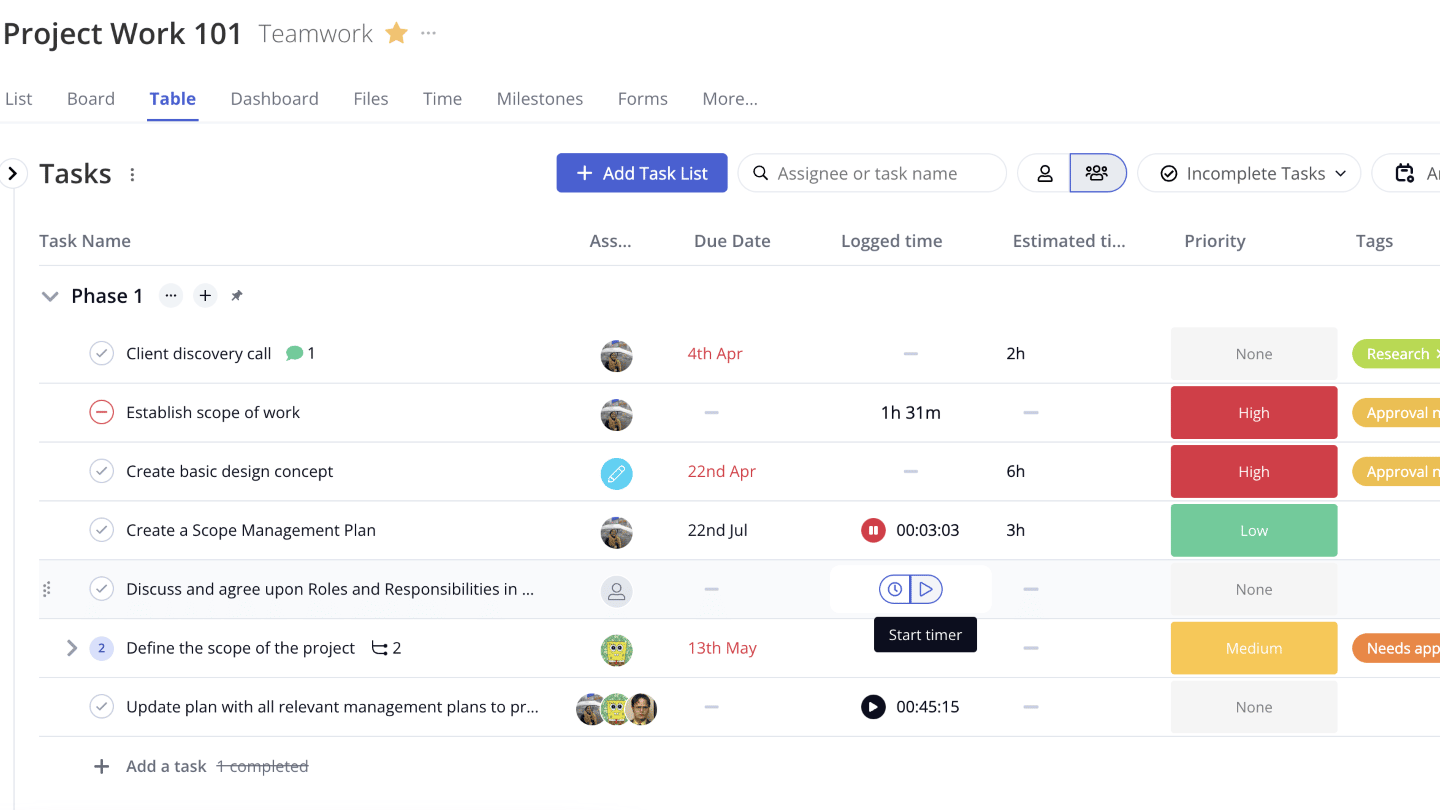
Task management in Teamwork

To keep track of tasks, you can assign « followers » to projects: they can monitor progress or stay in the loop without having tasks of their own. You can also get notified when a task is completed.

The milestones feature gives you an overview of your dashboards to measure planned deadlines against actual results, and to follow your company’s growth over time.

Teamwork offers many dashboards and views to manage your projects and collaborate with clients: Kanban board, Gantt chart, Table view.
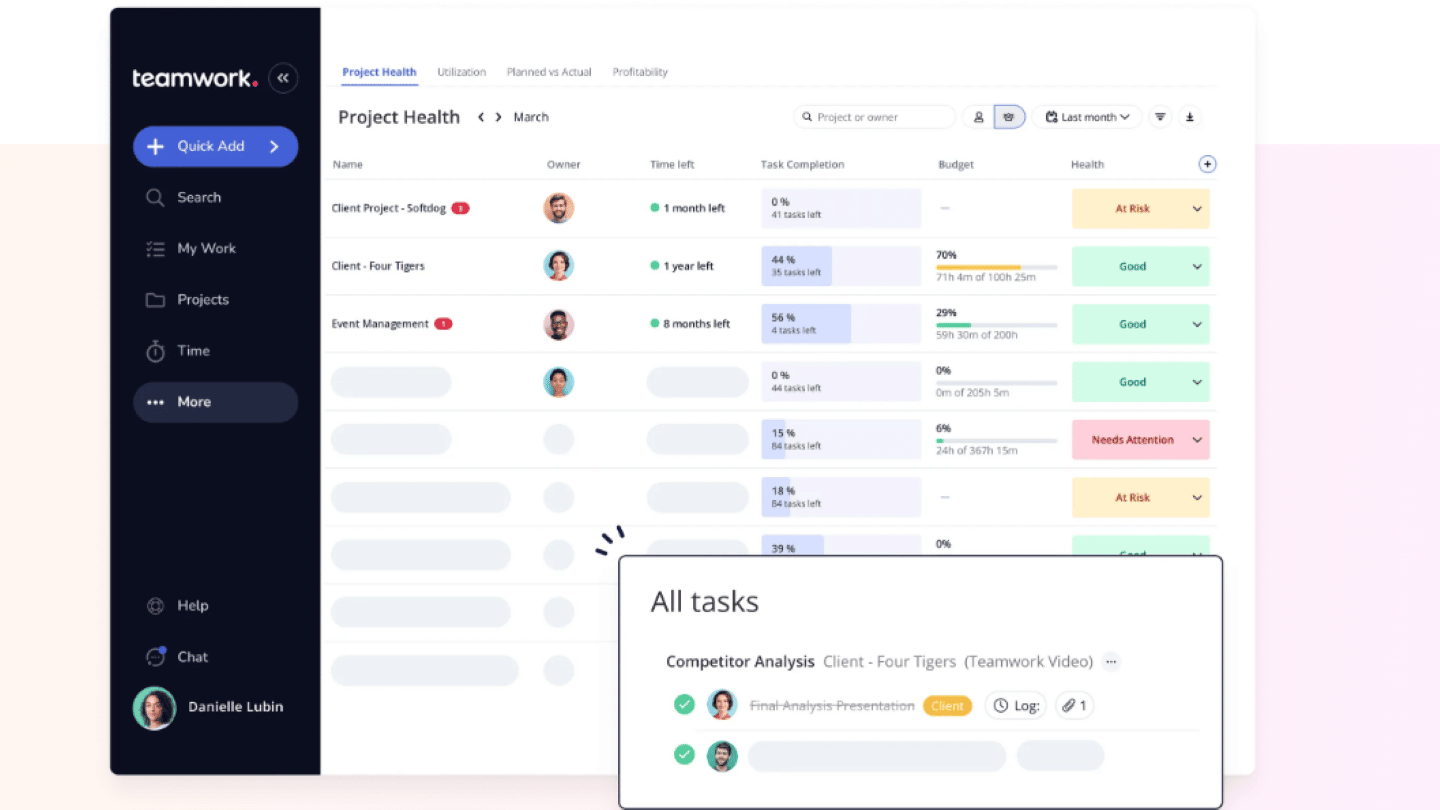
The project views available in Teamwork

Time tracking and invoicing

While time logging is available from the free plan, Teamwork’s billable time tracking and invoicing tools, available only on paid plans, are one of its major strengths, and they explain its success with agencies and service companies.

The built-in time tracking system is an excellent motivation tool for your team and a valuable source of data and business insight. It is also useful for clients who demand more transparency on billable hours.

With Teamwork, you can easily add logged time to exportable invoices, and easily create custom invoices.

Invoices can be based on fixed prices or update automatically as expenses, materials, labor or other costs change.
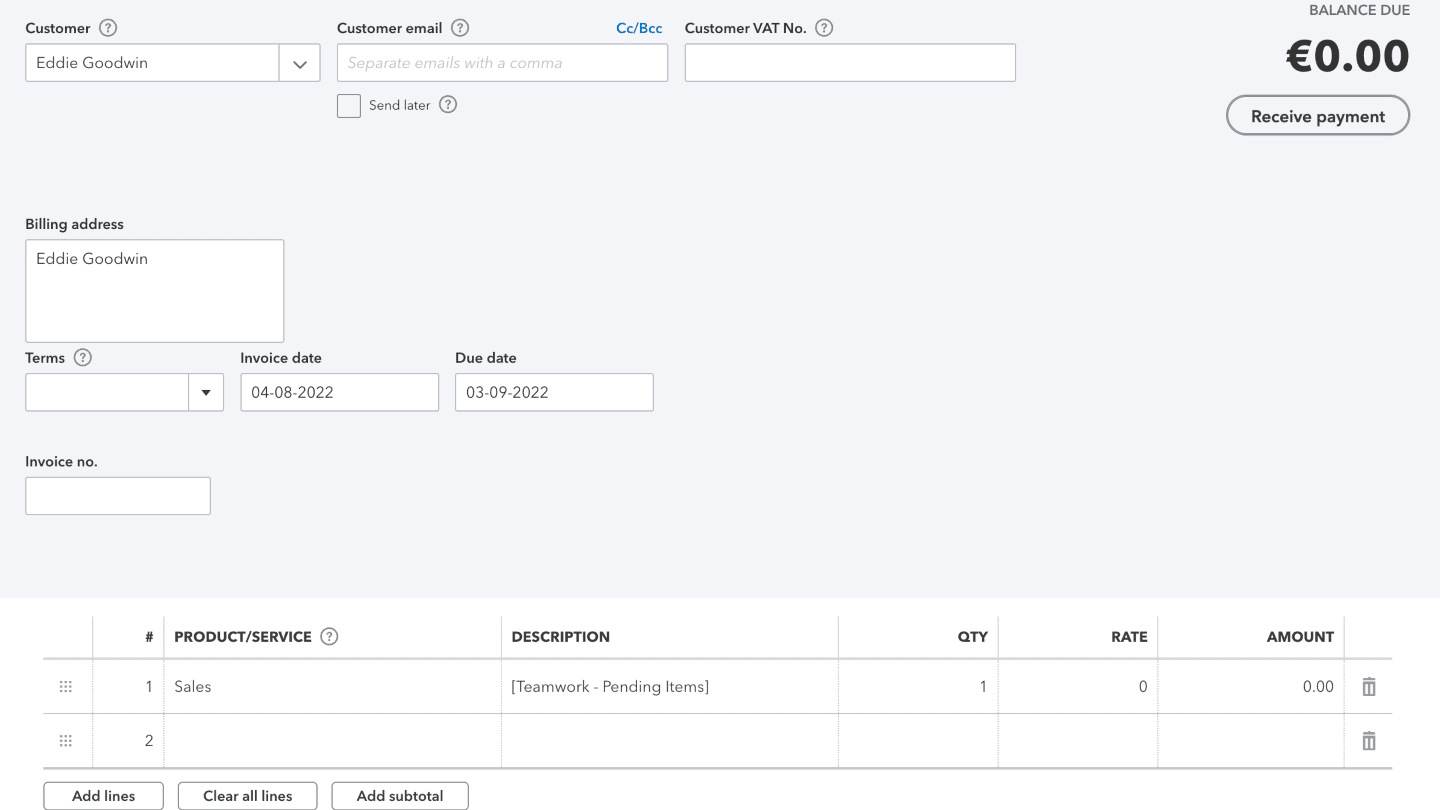
Invoicing in Teamwork

External collaboration tools

If agencies love Teamwork, it’s because it lets you work directly with your clients. You can set them as simple followers of a project, so they can track progress without interfering, or give them more access rights.

Teamwork also has built-in helpdesk software, so its users can respond directly to their clients’ needs, notably through a ticketing system.
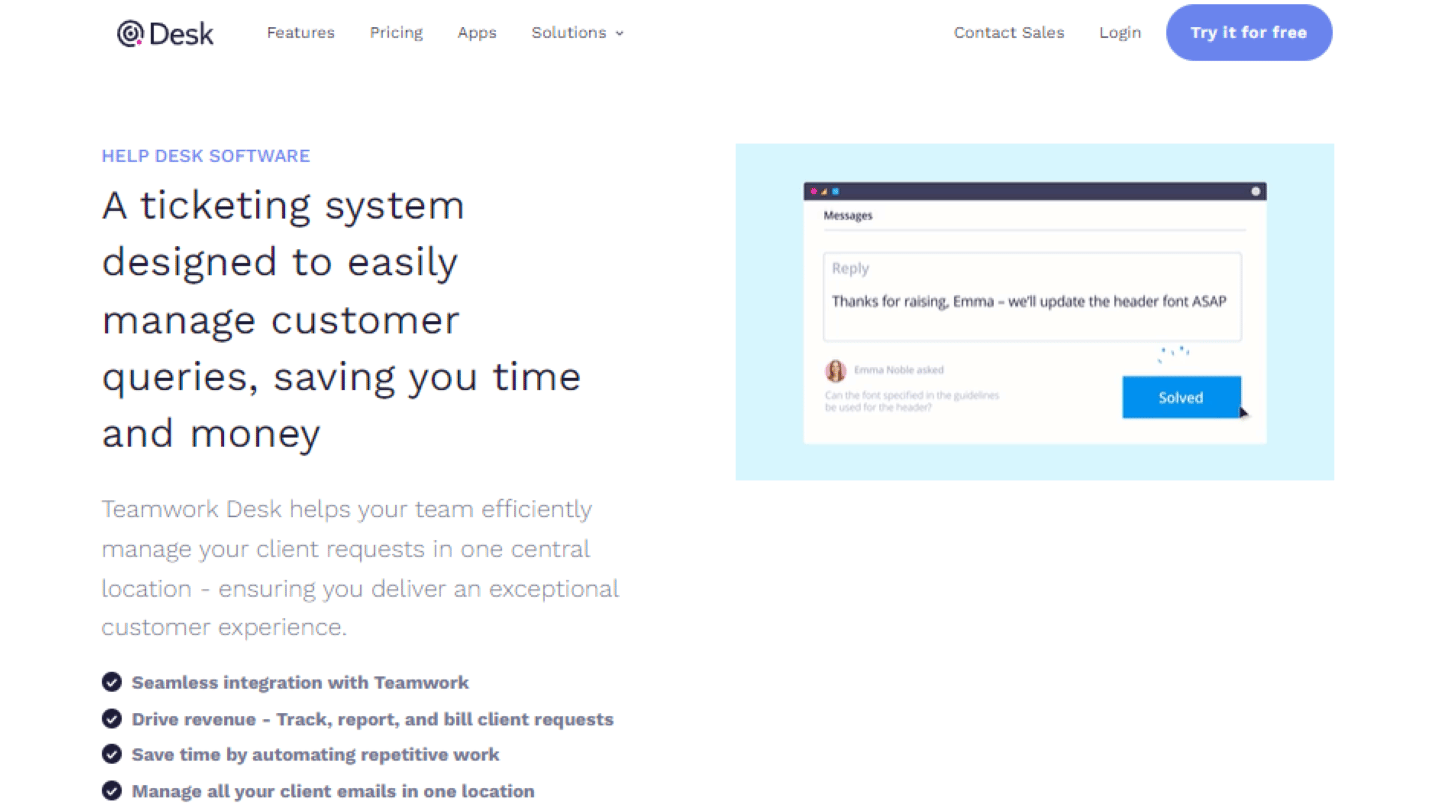
The helpdesk software built into Teamwork

Internal collaboration tools

Teamwork’s internal collaboration features are also very well developed. The tool lets you create teams, and even sub-teams. Teams can be based on a department, such as HR or creative, or on a project or a client.

Included from the free version onward, Teamwork’s chat feature lets you easily sort your conversations by project, and you can follow the team members, partners, clients or freelancers who also take part in the conversation.
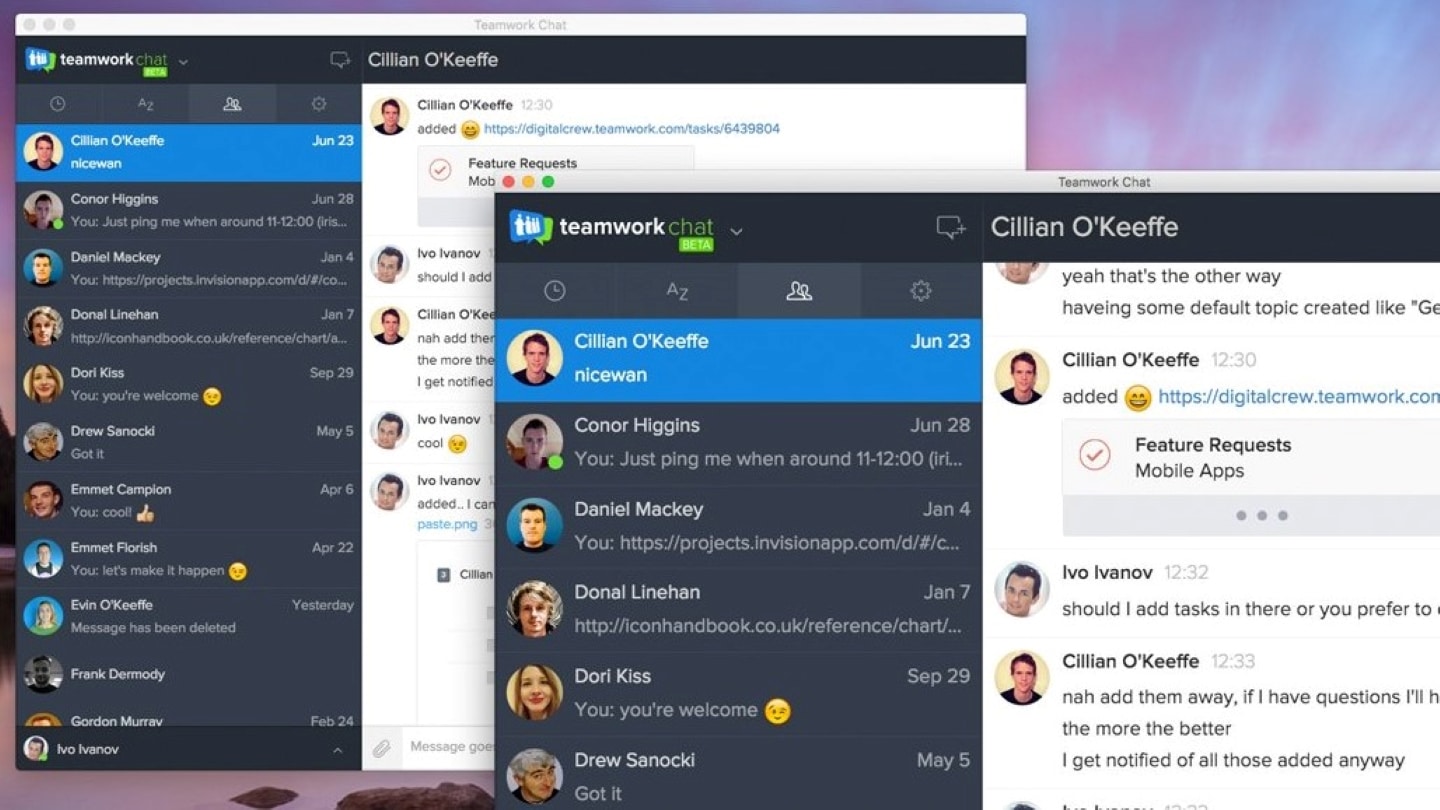
Teamwork's chat feature

Teamwork’s extra: the mobile appAvailable on iOS and Android, it is praised for its ease of use. It contains all the basic tools to track and manage your daily tasks, keep control of your projects, and stay in touch with your team and your clients.

Customer support at Teamwork
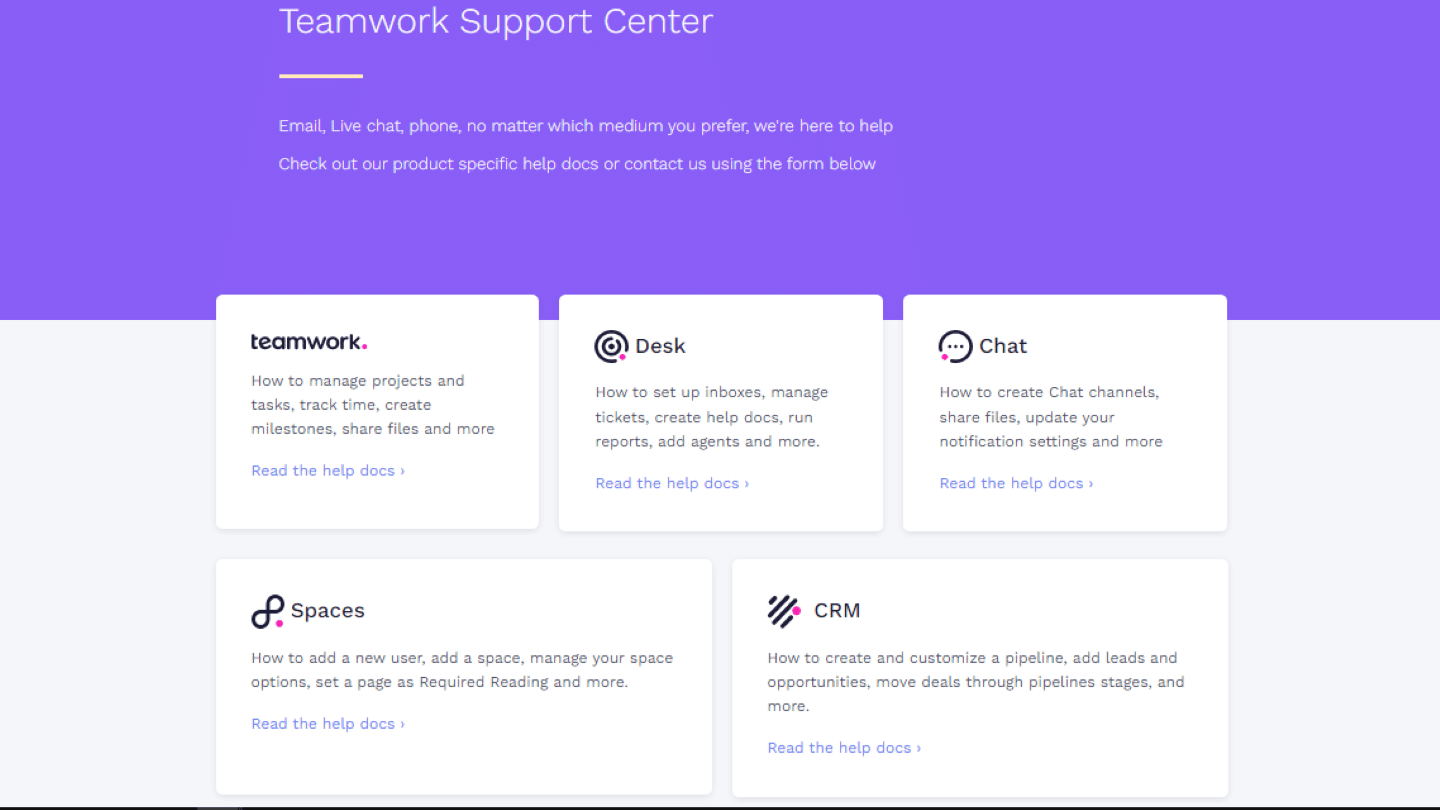
The Teamwork support center

Teamwork’s customer service is available Monday to Friday, from 7 am to midnight (IST), with limited weekend cover. It can be reached by contact form, email or live chat.
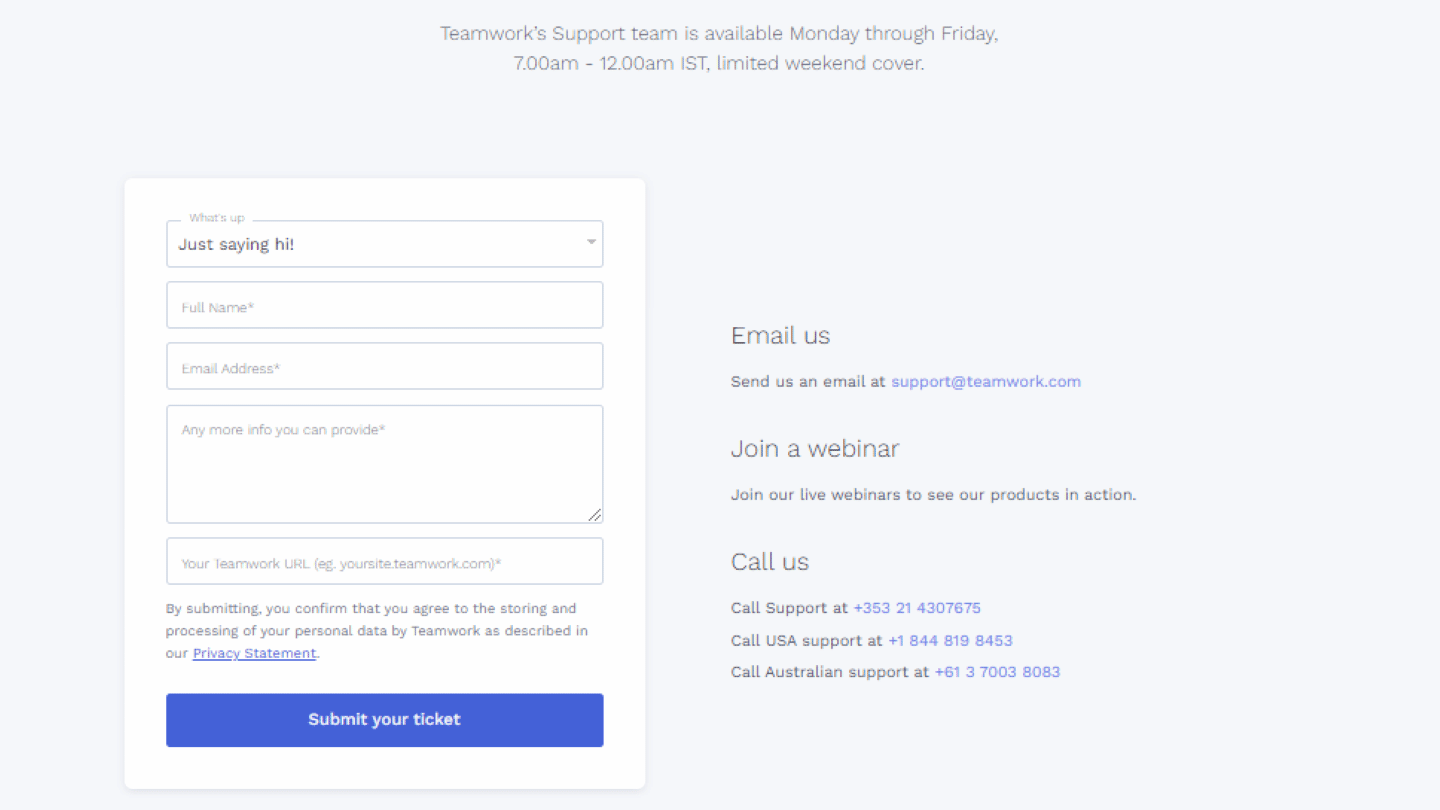
Teamwork support contact options

Teamwork offers plenty of help resources: documents specific to each feature, videos, webinars, interactive guides, and a blog with many articles.
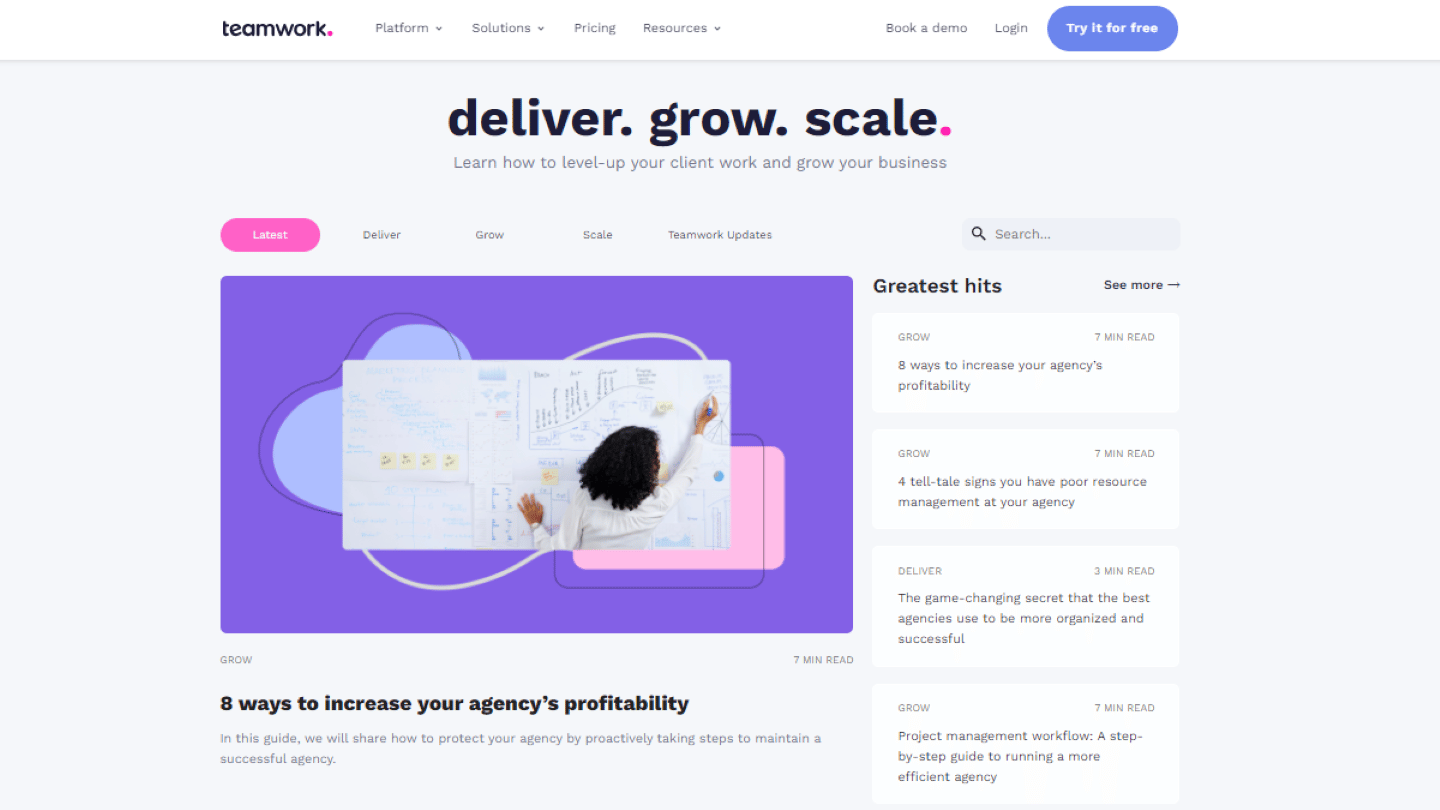
The Teamwork blog

All these resources are gathered in a resource center that is complete, clear and easy to navigate thanks to precise search filters. However, these resources are available in English only.
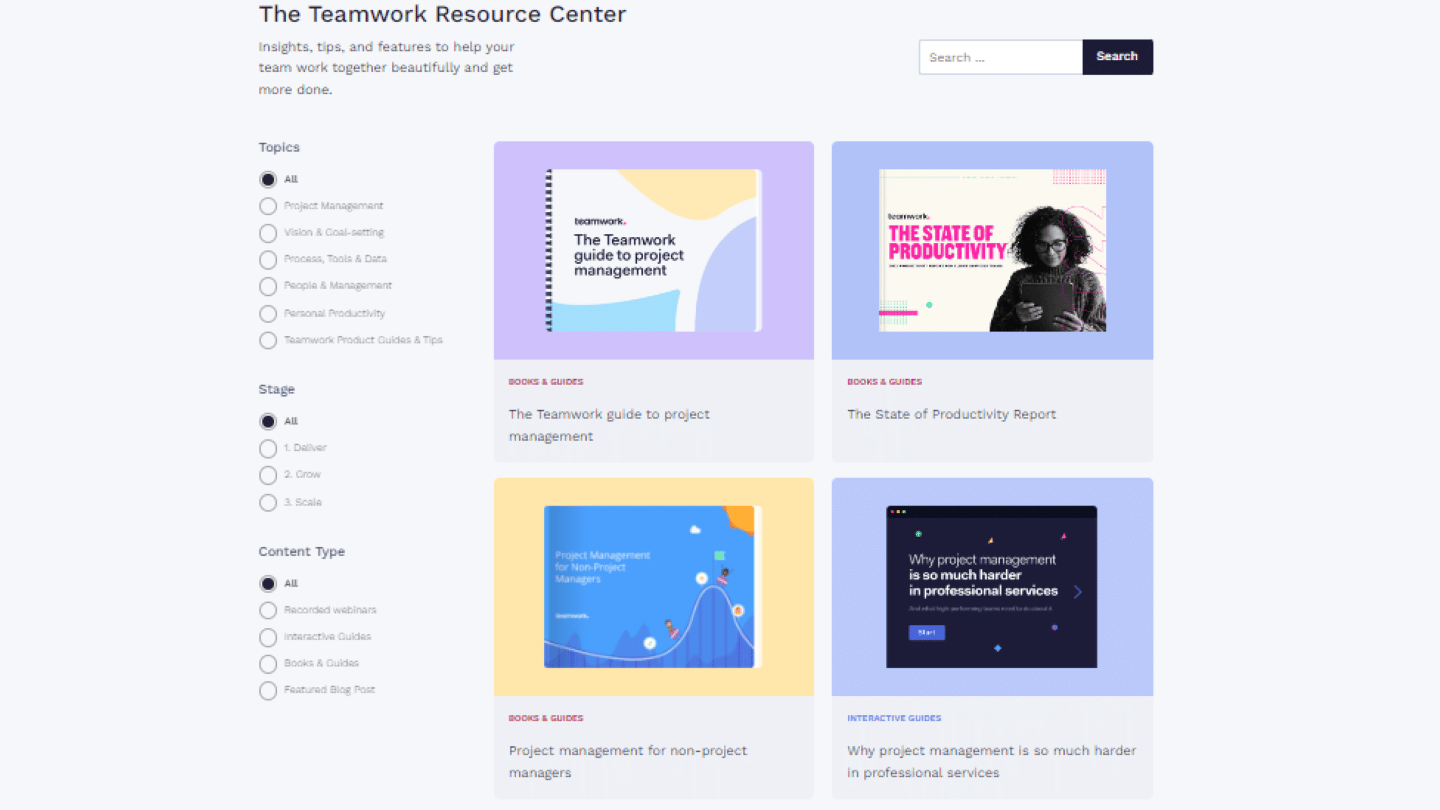
The Teamwork resource center

The Teamwork integrations marketplace
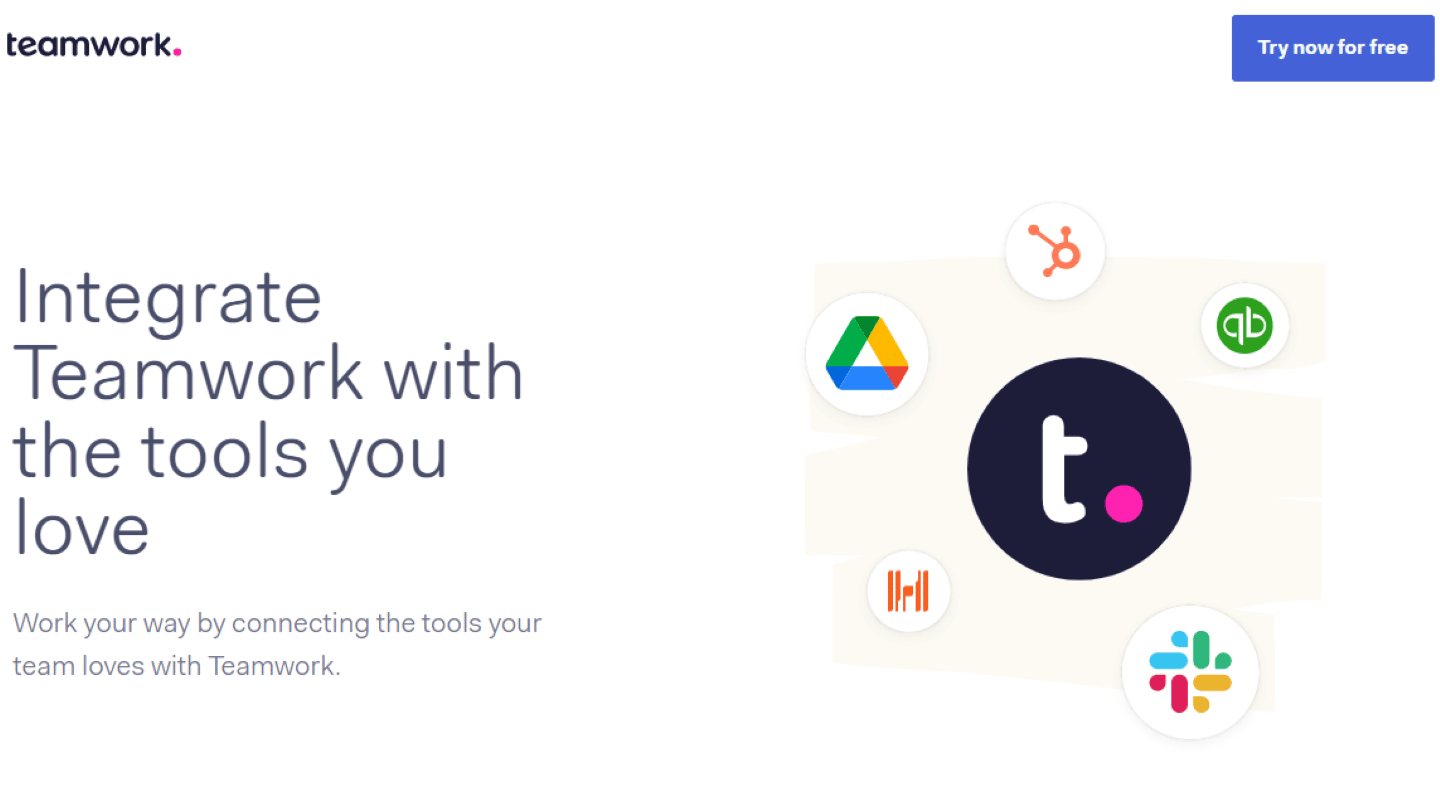
Teamwork's integrations marketplace

Teamwork has an integrations marketplace covering every area needed for project management and client relationships:

  • Communication: Gmail, Mailchimp, Outlook, Slack. These integrations make it easier to collaborate with your team members, as well as with your clients.
  • Reporting: Databox, Numerics, Zoho Projects. These integrations give you plenty of information through reports.
  • Marketing tools: HubSpot, Mailchimp. These integrations will be very useful for the main customers Teamwork targets: agencies and service companies.
  • Time tracking: Clockify, Harvest, Toggl. These apps are essential to track the time teams spend on a project, and so assess how efficient your processes are, and to bill the client based on that information.
  • The Teamwork CRM add-on: this module is a real plus, very useful for combining project management with customer support management.

Teamwork: pricing

Teamwork offers 5 different plans:

  • Free : this free plan is a good way in, limited to 5 users and 5 projects, but it leaves out some of Teamwork’s major strengths, such as invoicing and workload management.
  • Basics : at $9.99 per user per month billed annually, with a 3-user minimum, this plan is for small teams that want to deliver their projects and track their billable time, with all views and unlimited templates.
  • Accelerate : at $24.99 per user per month billed annually, with a 5-user minimum, this plan lets you automate work, plan team workload, manage budgets and retainers, bill for time spent and connect to HubSpot and QuickBooks.
  • Optimize : quote-based, this plan is for service companies that manage their resources and profitability, with quote creation, planning by role or skill, multi-currency financial tracking and Salesforce and NetSuite connections.
  • Enterprise : quote-based, for more complex organizations, with advanced security, SSO, a dedicated manager and priority support.
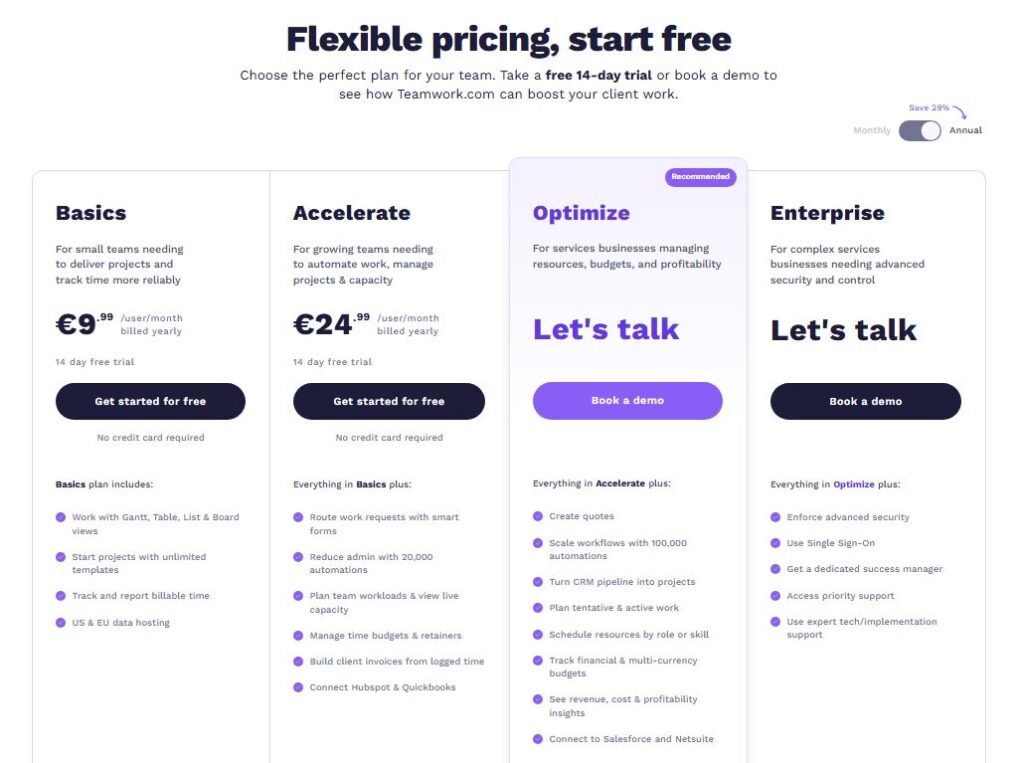
Teamwork pricing

Teamwork’s AI assistant is included in all paid plans for a launch period, before switching to usage-based credits. The Basics and Accelerate plans can be tried free for 14 days, with no credit card.

Salesdorado’s tipAnnual billing saves up to 29%: take advantage of it once you’ve validated the tool.

The main alternatives to Teamwork

Those looking for highly customizable software could be disappointed by Teamwork. If you have a strong need for customization, we advise you to look instead at Asana or Notion.

Teamwork is software heavily focused on internal collaboration and collaboration with clients. For those looking for tools more focused on task management than collaboration, we recommend Monday, Trello or Wrike.


Specs

Target
Agencies and service companies running projects with their clients
Tasks
Tasks and subtasks grouped into lists, project followers, task completion notifications, milestones
Views
Kanban board, Gantt chart, Table view and dashboards
External collaboration
Clients invited as followers or with extended permissions, built-in helpdesk with ticketing system
Internal collaboration
Teams and sub-teams by department, project or client; per-project chat from the free version
Time tracking
Billable time tracking from the Basics plan
Invoicing
Custom invoices from logged time, at a fixed price or adjusting, from the Accelerate plan
Mobile app
iOS and Android
Integrations
Gmail, Mailchimp, Outlook, Slack, Databox, Numerics, Zoho Projects, HubSpot, Clockify, Harvest, Toggl, plus the Teamwork CRM module
Support
Form, email and live chat, Monday to Friday from 7 am to midnight (IST), limited weekend cover. Documents, videos, webinars, guides and blog, in English only
Plans
Free (5 users, 5 projects), Basics $9.99 and Accelerate $24.99 per user per month billed annually, Optimize and Enterprise on quote. Up to 29% off with annual billing, 14-day trial

3 alternatives to know

If Teamwork isn't the right fit, here's what we'd look at if we were you.

  • Logo Monday
    Monday 4.0 From 45€/month
    The visual CRM grafted onto the Monday project management tool.
    See review
  • Logo Asana
    Asana 4.2 Free, then US$10.99 per user per month (billed annually)
    Visual project management, with a particularly generous free plan.
    See review
  • Logo ClickUp
    ClickUp 4.7 Free, then $9 per user per month billed annually
    The best value for money in project management, starting with the free plan.
    See review

Verified user reviews

Reviews collected through our partner program, work emails verified.

★ No reviews yet

Do you use Teamwork every day? Be the first to share your review with the Salesdorado community.

Share my review

Share my review of Teamwork

All reviews are checked and the work email verified before publishing. Just 5 minutes.

★ Work email required
Your rating *
Click to rate (0.5 step)

By submitting, you agree to publish your review (first name + initial, role). Email is never published.

Maxime Ben Bouaziz
Written by
Maxime Ben Bouaziz, CEO, Salesdorado, AI & Sales Tech

Expert in sales tools, CRM and B2B sales automation. Tests and breaks down prospecting, data enrichment and generative AI solutions to help marketing and sales teams build their stack.

Published on November 8, 2026, updated on November 16, 2026, reading 5 min