Top 14 customer support software

Comparison of 14 customer support software. All-in-one support centers: Zendesk (Suite Team €55/agent/month, Support Team email only €19), Freshdesk (€17, AI agent included, no more lifetime free plan), HappyFox Help Desk ($24, Slack integration from Team), Kustomer (on request, high-volume B2C). Customer service inside the CRM: Salesforce Service Cloud (Starter Suite €25, Core €195), HubSpot Service Hub (free for 2 users, Starter €20, knowledge base in Pro €90).

Maxime Ben Bouaziz
Maxime Ben Bouaziz
CEO Salesdorado, IA & Sales Tech
June 6, 2022, updated November 10, 2026, 1 min read
See all tools

A customer support software centralizes customer requests whatever the channel: email, chat, phone, social networks, messaging apps. It routes them to the right agents, keeps each customer’s history and publishes a knowledge base so customers can find the answer themselves. The ticket is only part of the job.

All of them include ticket management, collaboration and customer communication. The difference lies in the channels: live chat suits small requests that get solved in a few exchanges, email or a portal suit complex requests, and phone is something only some tools really handle. Depending on your need:

  • every channel in one queue, for a structured team: Zendesk;
  • an SMB help desk with an AI agent from the first plan: Freshdesk;
  • a help desk connected to Slack and Teams: HappyFox;
  • lots of conversations across lots of channels, in B2C: Kustomer;
  • support and sales on the same customer base: HubSpot, free to start, or Salesforce Service Cloud if the company already runs on it;
  • messaging-based support inside a SaaS product: Intercom;
  • website chat and phone at a low price: LiveAgent;
  • shared email support: Help Scout for a small team, Front when several teams write to customers, HelpSpot for a fixed annual fee;
  • one specific channel as a complement: Aircall for phone, Sprout Social for social networks, HelpDocs for the knowledge base.

Our takeBeware of gimmick automation. On the other hand, suggesting articles or answers, on the agent side as well as the customer side, is a real performance lever.


The 14 tools, side by side

# Logos tool Score Price Best for
01 Salesforce Service Cloud 4.5/5 ★ €25 Companies that want to put all their customer data to work with the Salesforce suite’s AI Visit site
02 Zendesk 5.0/5 ★ €55 Structured customer service teams that answer on several channels and in several languages Visit site
03 Freshdesk 4.5/5 ★ €17 Small, very digital teams that want automation from the first plan Visit site
04 LiveAgent 4.6/5 ★ $15 Teams that handle support mostly through live chat, with phone and tickets in the same tool Visit site
05 HubSpot 4.5/5 ★ €20 Startups and small businesses that want to manage tickets and live chat for free, then grow within the HubSpot suite Visit site
06 Front 4.4/5 ★ $25 Teams that handle customer support by email only Visit site
07 HelpSpot 4.2/5 ★ $899 Teams that want complete ticketing with no hidden costs, hostable on their own servers Visit site
08 Help Scout 4.7/5 ★ $25 Small teams that want a tool that is quick to adopt, with the full customer history in one place Visit site
09 Intercom 4.5/5 ★ $29 B2B SaaS companies that want to manage support, live chat and targeted messages in a single tool Visit site
10 HappyFox Help Desk 4.3/5 ★ $24 Mid-sized support teams that want tickets, SLAs and a knowledge base in a single tool Visit site
11 Kustomer 4.1/5 ★ On request High-volume customer service teams, in e-commerce or travel, that want all of a customer’s conversations in one place Visit site
12 Sprout Social 4.0/5 ★ $199 Teams that handle customer support on social networks only Visit site
13 Aircall 4.6/5 ★ €30 Support teams that handle a large number of calls every day Visit site
14 HelpDocs 4.0/5 ★ €89 Teams that want a dedicated knowledge base to complement their help desk Visit site
01

Salesforce Service Cloud

4.5/5 From €25

Best for: Companies that want to put all their customer data to work with the Salesforce suite’s AI

+ Strengths
  • Omnichannel routing, knowledge management and service contracts in the advanced editions
  • Complex distribution rules: expertise, languages
  • Software available in French
− Downsides
  • Real entry ticket well above the entry price
  • Integration project, not a tool you install on your own
  • No free plan
★ Salesforce Service Cloud in brief

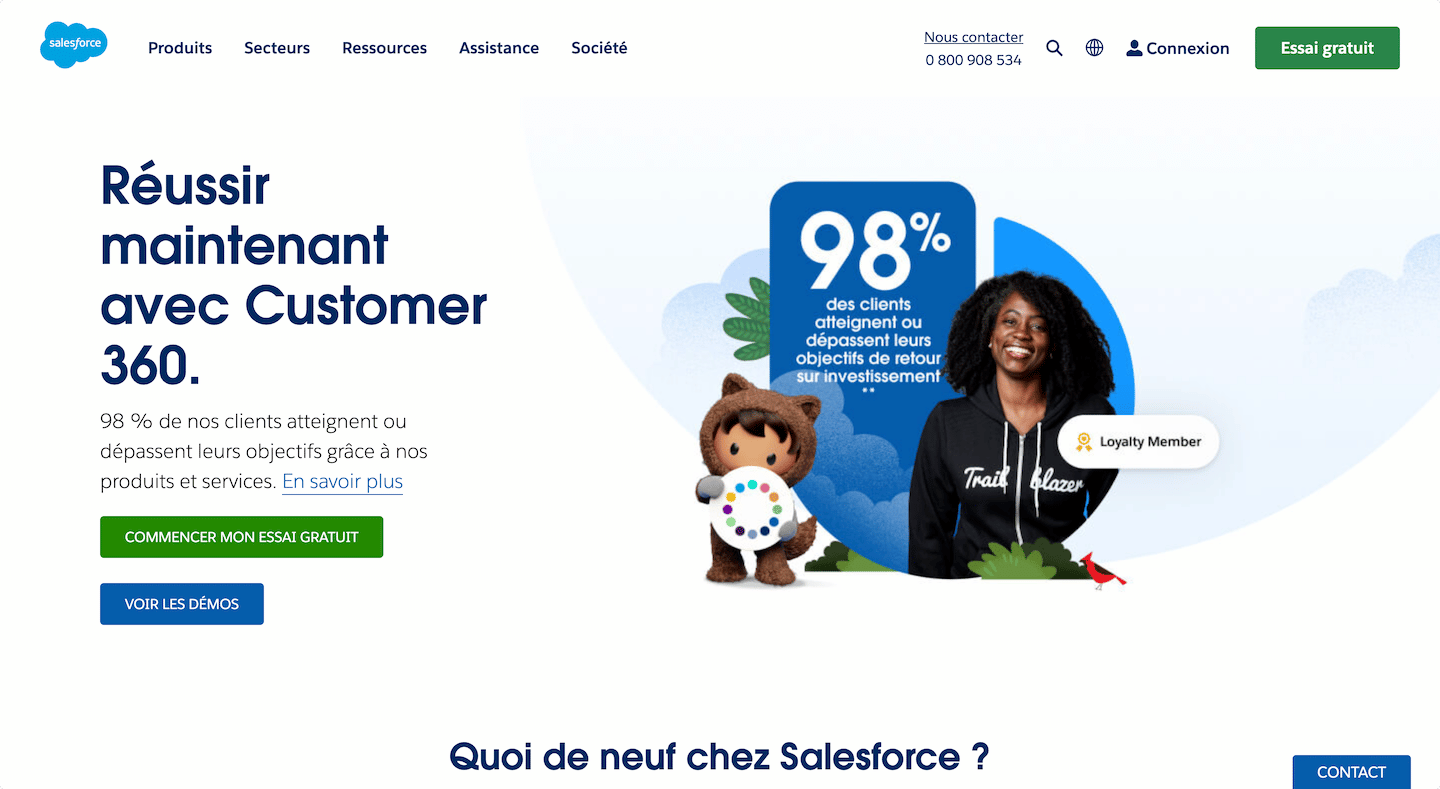
Salesforce Service Cloud page: “Make your customer service a competitive advantage”

Service Cloud is the support side of Salesforce. Every request a customer opens becomes a case linked to their account, which sales reps can also see, and Slack serves as the working channel between teams.

An agent opens a request, sees the customer’s service contracts and ongoing opportunities, and brings in a sales rep or an expert in Slack without leaving the case. The suite’s AI tools work on that same data.

It makes sense in a company that already runs on Salesforce and wants a single customer repository for sales and support. Starting from scratch on Service Cloud for a five-person support team makes no economic sense.

The entry price, €25 per user per month, is the Starter Suite, which mixes sales and service. The Core edition, the first one designed for customer service, costs €195 billed annually, then €395 (Advanced) and €550 (Max). Each edition can be tried for free, for a duration that is not displayed.

02

Zendesk

5.0/5 From €55

Best for: Structured customer service teams that answer on several channels and in several languages

+ Strengths
  • Routing by skill and by language, very fine-grained macros and triggers
  • Top-notch reporting and a solid knowledge base
  • AI agents included in all Suite plans
  • Website and interface in French
− Downsides
  • Per-agent cost climbs fast with advanced features
  • Demanding setup: better to have an in-house owner for the tool
  • No free plan
★ Zendesk in brief

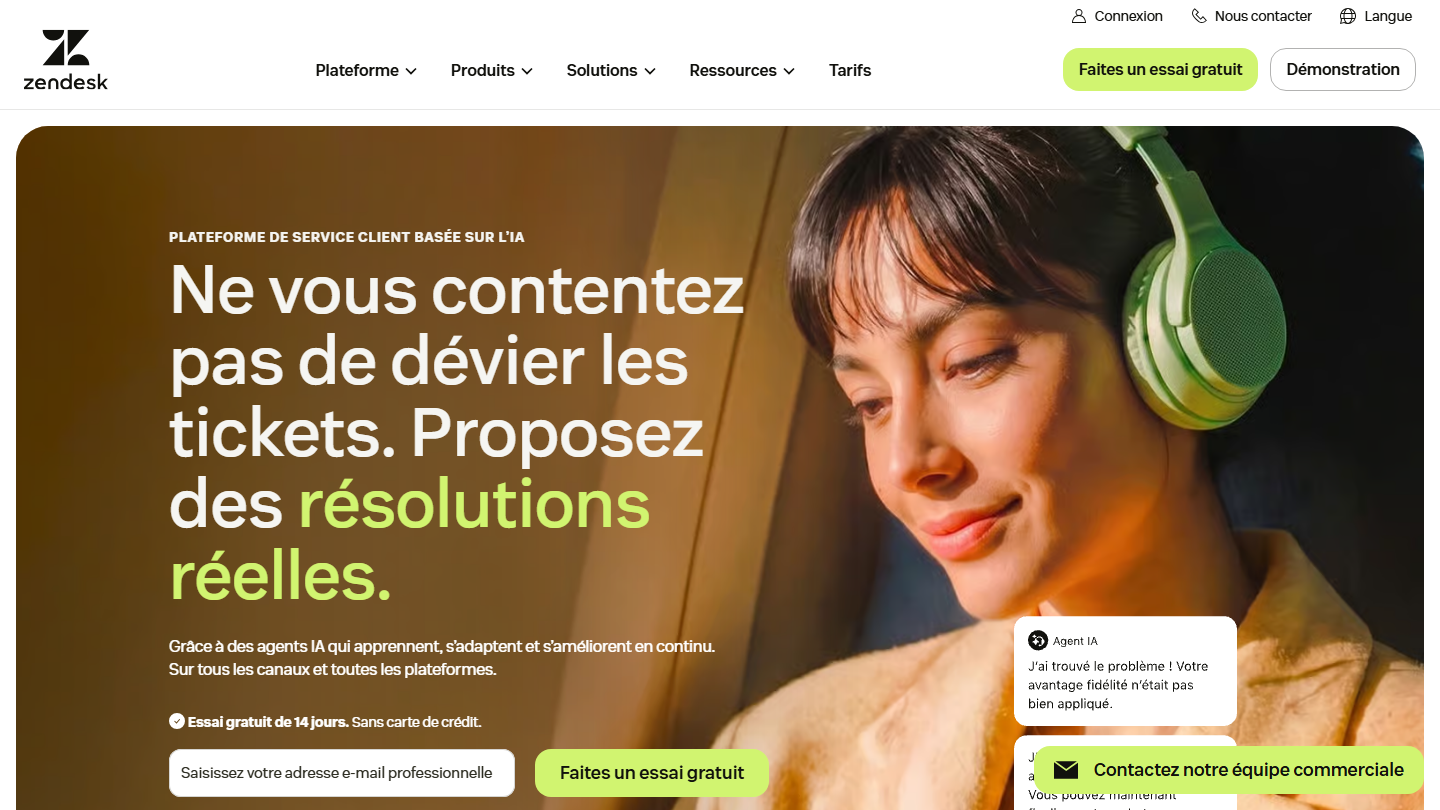
Zendesk home page: “Don’t just deflect tickets. Deliver real resolutions.”

Zendesk is the historical reference for help desks. Its Suite brings email, website chat, messaging, phone and a public help center into a single workspace, with one history per customer.

In practice, a customer who writes in the chat and calls the next day reaches an agent who has the whole thread in front of them. Triggers distribute requests by product, customer tier or queue, and the help center absorbs part of the repetitive questions before they become tickets.

Zendesk makes sense when support spans several channels, several teams and several time zones. For support that fits in a mailbox, Help Scout or Front cost less and deploy faster.

Support Team, at €19 per agent per month billed annually, handles email only. Multichannel support starts with Suite Team at €55, then Suite Professional at €115 and Enterprise on request. Copilot is an extra €50 per agent. The trial lasts 14 days.

03

Freshdesk

4.5/5 From €17

Best for: Small, very digital teams that want automation from the first plan

+ Strengths
  • Fast, simple and solid
  • Freddy AI agent included from the first plan
  • Good mobile app for agents
− Downsides
  • Advanced features reserved for higher plans
  • Paid options on top of the plans, pricing not very transparent
★ Freshdesk in brief

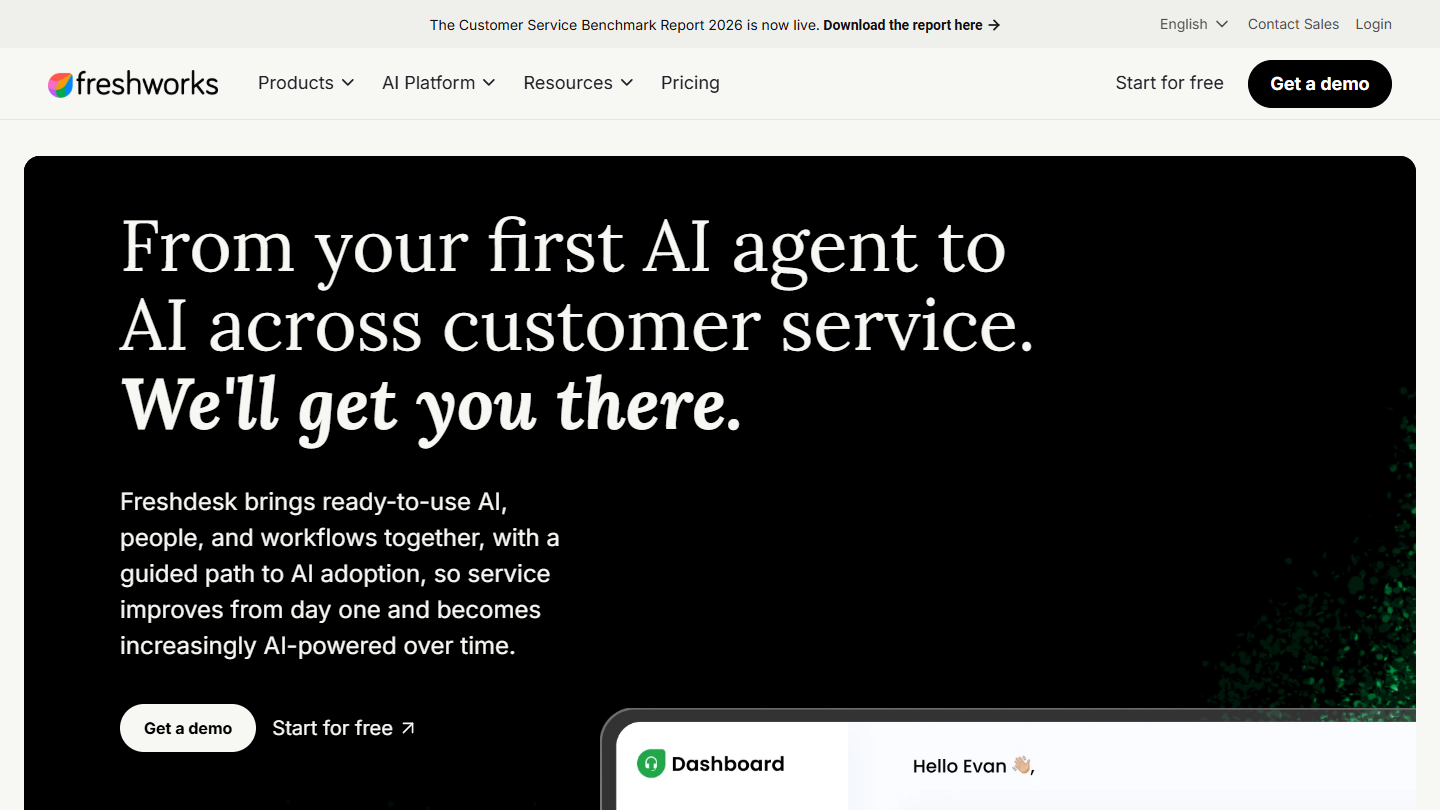
Freshdesk website: “From your first AI agent to AI across customer service. We'll get you there.”

In the Freshworks suite, Freshdesk plays the help desk role. Emails and forms land in shared inboxes and become tickets, and a portal gives customers access to their requests and to help articles.

Day to day, agents coordinate in the discussion threads and tasks attached to the ticket, and ready-made reports track response times with no setup. Roles and permissions can be configured from the first plan.

An SMB gets a serious help desk without the budget of a Zendesk, with the option to plug in the Freshworks CRM later. Smart routing, the multilingual help desk and multiple SLAs require the Pro plan.

The three plans are listed at €17 (Growth), €52 (Pro) and €84 (Enterprise) per agent, billed annually. AI agent sessions beyond the 500 included cost €45 per 100, and Copilot €29 per agent. For 14 days, the trial gives access to all of Enterprise; the lifetime free plan is gone, replaced by 6 free months for 1 or 2 agents.

04

LiveAgent

4.6/5 From $15

Best for: Teams that handle support mostly through live chat, with phone and tickets in the same tool

+ Strengths
  • Fast live chat widget, at the heart of the tool
  • Built-in VoIP call center from Team
  • Knowledge base and chatbot from Starter
  • E-commerce-oriented integrations
− Downsides
  • Entry plan too limited for multichannel support
  • Mobile app unsatisfying and rarely updated
  • No permanent free plan
★ LiveAgent in brief

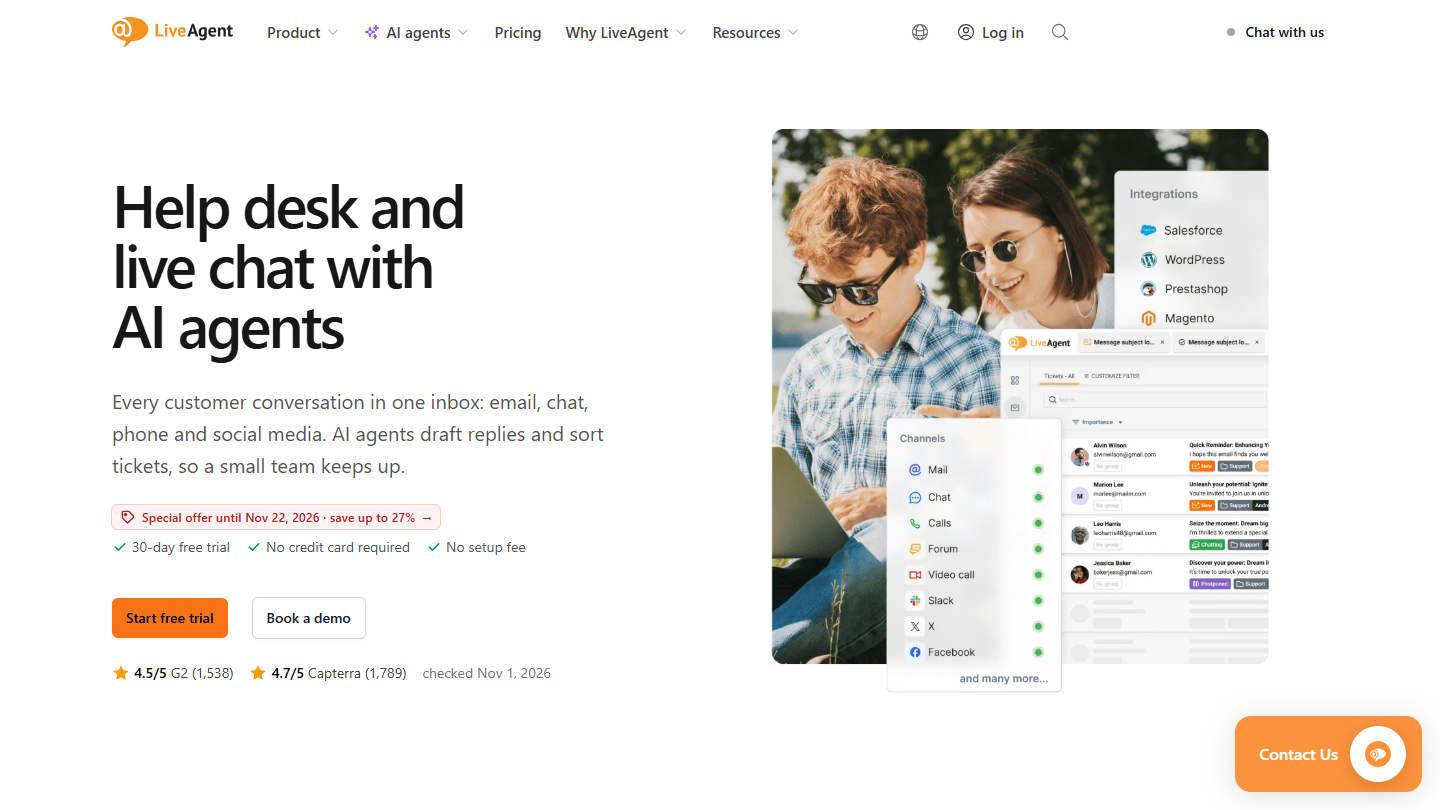
LiveAgent website: “Help desk and live chat with AI agents”

LiveAgent was built to handle customer service through live chat. It has become a complete solution: emails, social networks and calls feed the same ticket system, with each customer’s history.

It fits the online shop case well: the visitor asks a question in the chat, the agent answers live or turns the exchange into a ticket if the answer needs checking, and customer service calls go through the built-in call center.

It makes sense when you want chat, phone and tickets from a single vendor without paying the price of a Zendesk. On automated replies, it stays behind the more expensive suites.

Expect $15 per agent for Starter billed annually ($19 monthly), for 5 agents maximum. For phone and social networks, you need Team ($29), then Business ($49). AI features are included in the subscription, with usage billed by the AI provider you choose. 30-day trial.

05

HubSpot

4.5/5 From €20

Best for: Startups and small businesses that want to manage tickets and live chat for free, then grow within the HubSpot suite

+ Strengths
  • Usable free version: tickets, live chat and routing for 2 people
  • Inbound and outbound calls from Starter
  • Support history visible to sales and marketing
  • Website and support available in French
− Downsides
  • Starter and Pro plans expensive for what they offer
  • Support features less deep than a dedicated help desk
★ HubSpot in brief

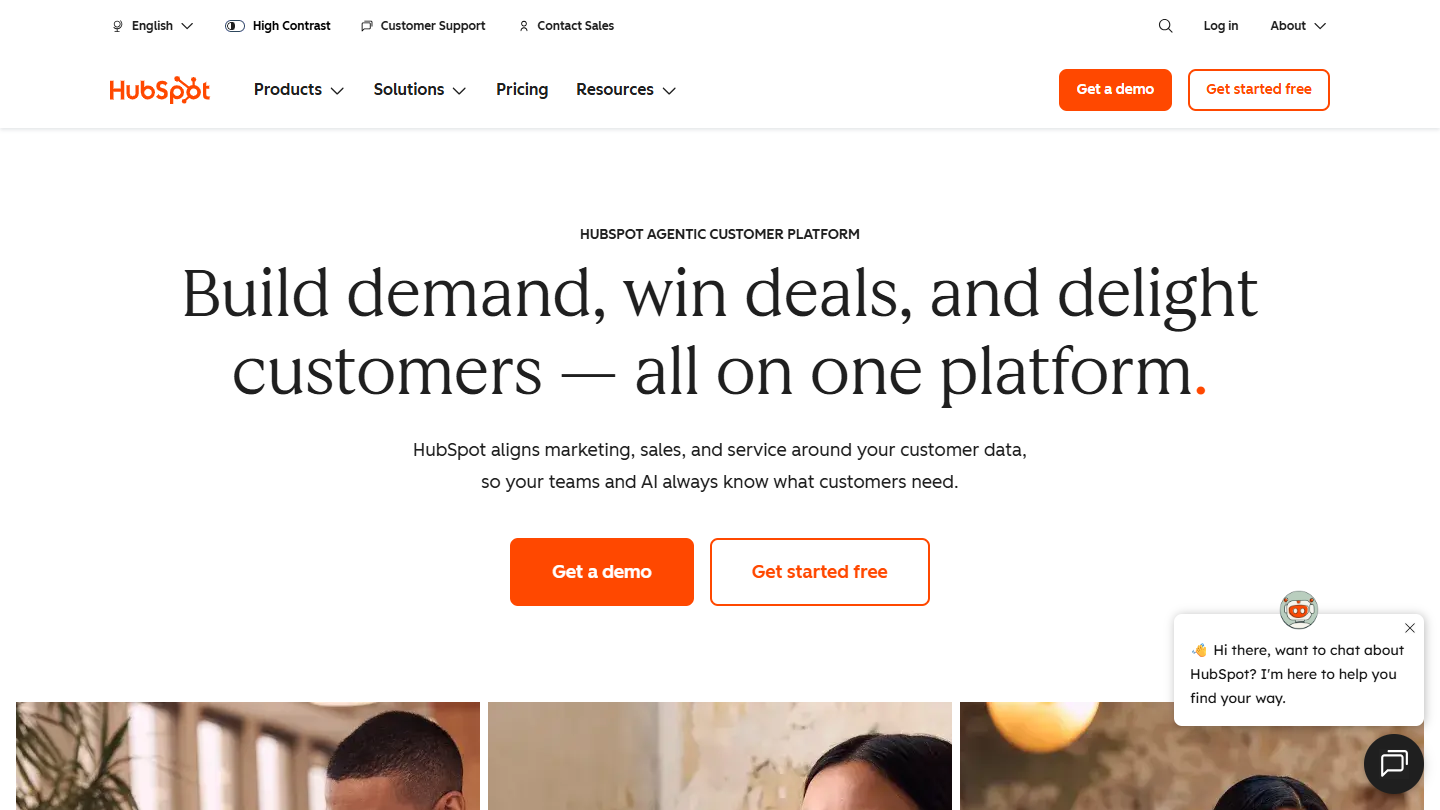
HubSpot website: “Build demand, win deals, and delight customers, all on one platform”

Service Hub is the support building block of HubSpot. Website chat, emails and, from Starter, calls are gathered in one place, and every request becomes a ticket attached to the contact record.

For a very small business, it is often the first support tool: you install the chat, connect the Gmail or Outlook mailbox, and tickets are handled without paying. As volume grows, the paid plans add automation and multiple ticket pipelines.

It makes sense when the CRM is already HubSpot, or is going to be: support benefits from the same contacts as sales and marketing. Without commercial use of the CRM, you pay for a suite of which support uses only a part.

Free for 2 users, Service Hub goes to €20 per monthly seat on Starter. You need to move up to Pro (€90) to get a knowledge base and response-time commitments, with Enterprise at €175. For a knowledge base without moving to Pro, dedicated tools such as HelpDocs exist.

06

Front

4.4/5 From $25

Best for: Teams that handle customer support by email only

+ Strengths
  • Turns the mailbox into a help service
  • Super simple to use, saves a huge amount of time
  • Support, account management and sales can share the same inboxes
− Downsides
  • Omnichannel reserved for the Professional plan
  • Automation falls short for larger organizations
  • No free version
★ Front in brief

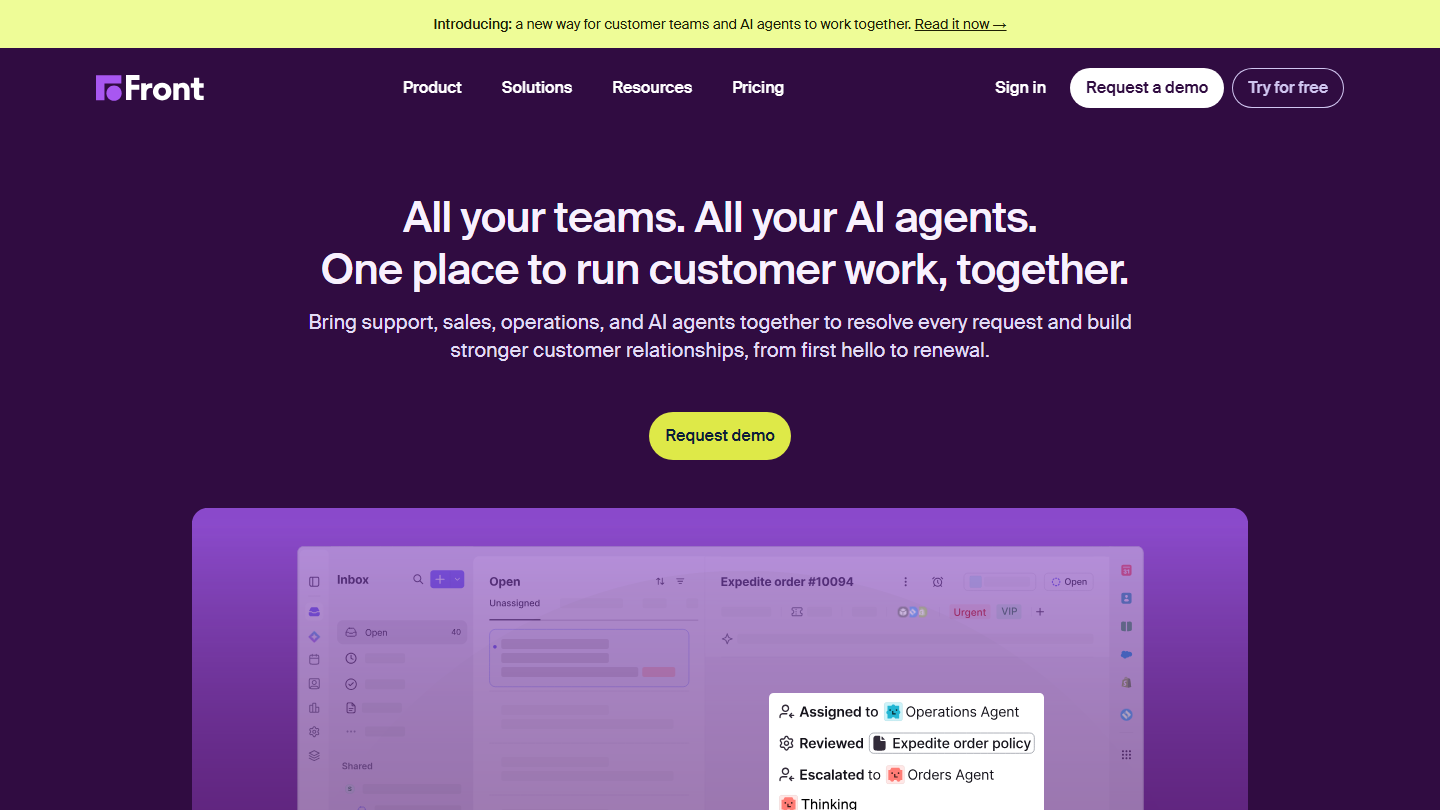
Front home page: “All your teams. All your AI agents. One place to run customer work, together.”, with a shared inbox

Front is a tool specialized in handling inbound email. It turns shared addresses (support@, contact@) into collaborative inboxes: each message is assigned, commented on internally and tracked through to the reply, in an interface that still feels like an email client.

The classic case: a five-person team that shared one Gmail account and answered the same customer twice. With Front, everyone sees who is handling which message, canned replies are shared, and automation rules sort requests by topic.

It makes sense when most support goes through email and other teams write to the same customers. For support that also has to cover phone and chat at scale, a suite like Zendesk is better equipped.

Expect $25 per seat per month billed annually for Starter (10 seats maximum, one channel type), $65 for Professional, which handles several channels, and $105 for Enterprise. The Copilot assistant costs $20 more per seat. 14-day trial, no credit card.

07

HelpSpot

4.2/5 From $899

Best for: Teams that want complete ticketing with no hidden costs, hostable on their own servers

+ Strengths
  • All features and AI included at every tier, unlimited tickets and inboxes
  • Same price in the cloud (United States or Europe) or on your servers
  • Human phone support and free onboarding
− Downsides
  • Website and support in English
  • No free plan, annual billing by agent tier
  • Designed for email above all
★ HelpSpot in brief

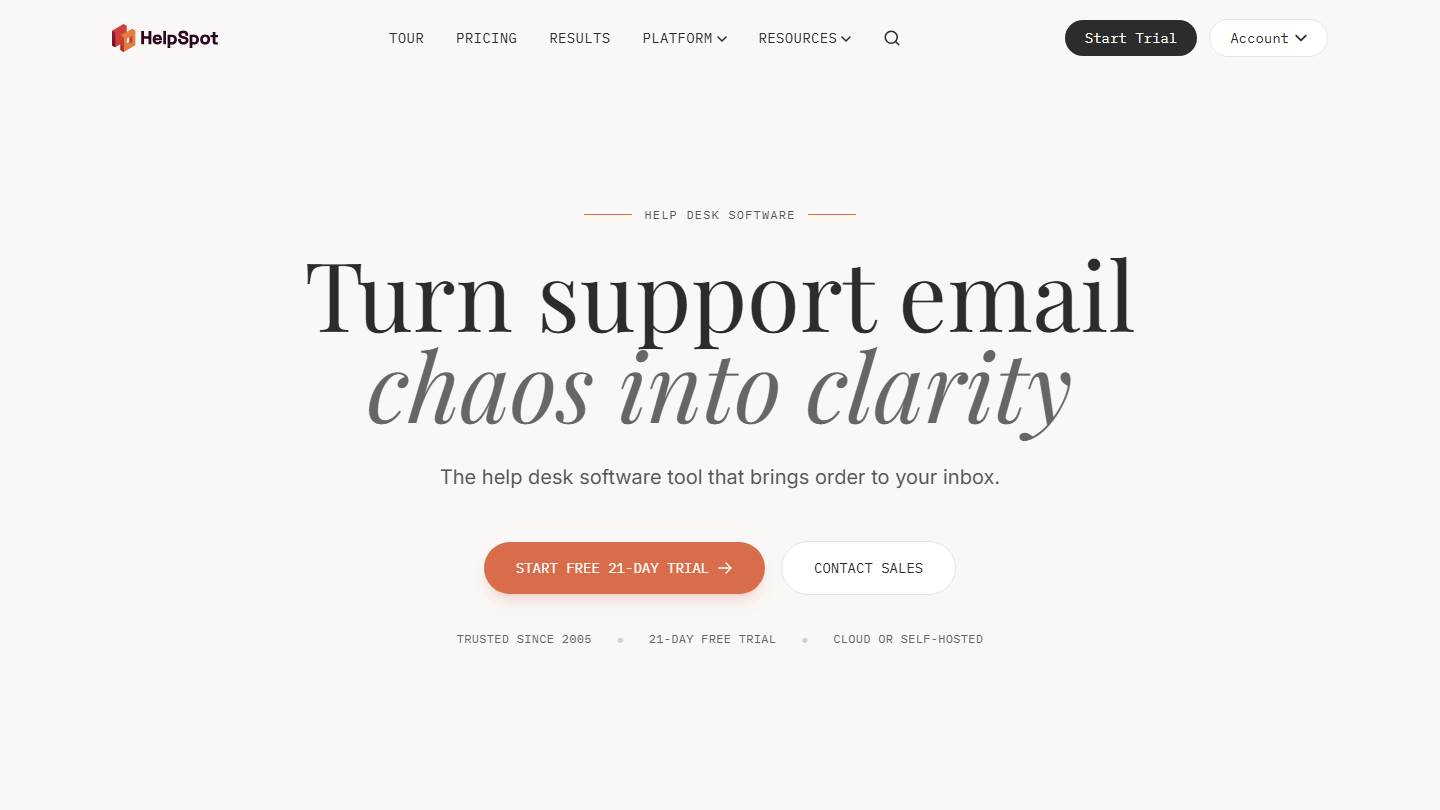
HelpSpot home page: “Turn support email chaos into clarity”, cloud or self-hosted help desk

HelpSpot is an American help desk launched in 2005, built to bring order to support emails: shared inbox, tickets, more or less automated assignment, reporting, satisfaction surveys and a knowledge base.

You find it in internal support services (IT, human resources) and in organizations with hosting constraints: the self-hosted version runs on their own servers, at no extra cost.

It makes sense when support goes mostly through email and the budget must be set in advance, with no options and no per-ticket cost. For conversational support, chat and messaging first, LiveAgent or Intercom are better suited.

The price is annual, by agent tier: $899 for 3 agents, $1,299 for 5, $2,199 for 10, or about $18 per agent per month at that level. The trial lasts 21 days with no credit card, and HelpSpot refunds within 90 days.

08

Help Scout

4.7/5 From $25

Best for: Small teams that want a tool that is quick to adopt, with the full customer history in one place

+ Strengths
  • Super fast to adopt and simple to use
  • Complete customer history next to each conversation
  • Free plan for 5 users
− Downsides
  • Website and support in English only
  • Little customization, the flip side of simplicity
★ Help Scout in brief

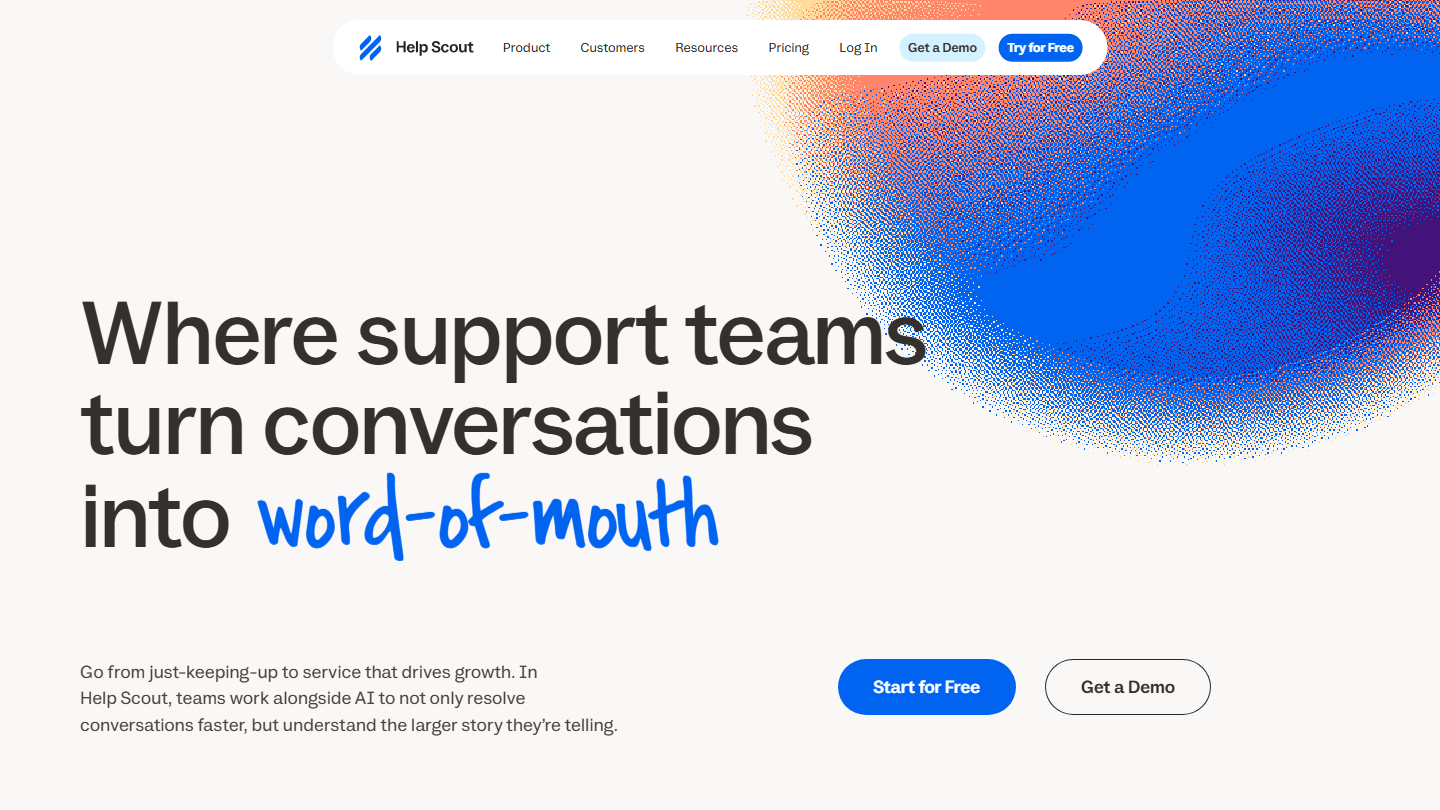
Help Scout home page: “Where support teams turn conversations into word-of-mouth”

Help Scout is an email-centered support software, complemented from Standard by chat, SMS and social messaging (WhatsApp, Instagram, Messenger), and by Docs to publish a knowledge base.

Day to day, agents work in an inbox that looks like Gmail, and customers write by email or from the website widget. Feedback-collection forms and pop-ups are used to start the conversation with customers before they get stuck.

It makes sense for a small team whose customers mostly write by email and that does not want to spend weeks configuring a help desk. For complex distribution rules, Zendesk goes further; for phone, you need a separate telephony tool, such as Aircall.

Free for 5 users within the limit of one inbox and 100 contacts per month, Help Scout then goes to $25 per user billed annually ($30 monthly) for Standard, $45 for Plus and $75 for Pro. 15-day trial on Standard or Plus.

09

Intercom

4.5/5 From $29

Best for: B2B SaaS companies that want to manage support, live chat and targeted messages in a single tool

+ Strengths
  • Messenger, shared inbox, tickets and public help center from Essential
  • Fin AI agent billed only when it resolves the request
  • Clear and very rich reporting
− Downsides
  • Cost hard to predict: seats plus AI resolutions
  • Steep learning curve
  • Proactive messages (product tours, surveys) in a separate module
★ Intercom in brief

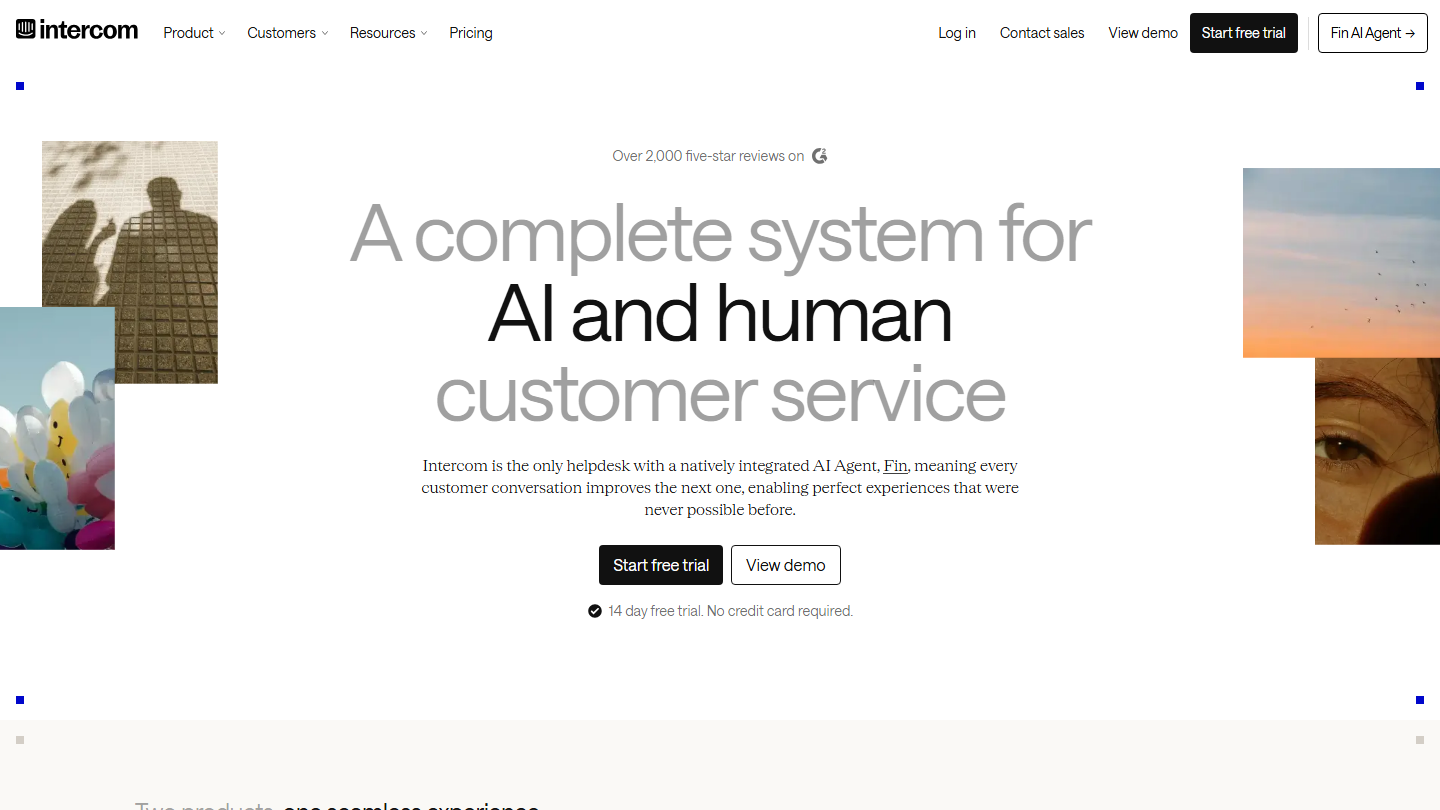
Intercom home page: “A complete system for AI and human customer service”, 14-day free trial

Intercom started as chat built into SaaS products and turned into a full help desk: messenger on the website and in the app, inbox, tickets and help center. Its AI agent, Fin, answers on the front line on every channel and hands over to a human when it gets stuck.

Typical use: a user asks a question from the app, Fin answers from help center articles, and the conversation lands in the team’s inbox if the customer asks for a human. Targeted messages and product tours are then used to prevent recurring questions.

It is originally a customer communication tool, but it is so complete that using it for customer service is common. It makes sense for a digital product where support happens inside the interface. For support mostly by phone or email, other tools in this top are better suited.

Essential costs $29 per seat per month billed annually, Advanced $85 (workflows, round robin, multilingual help center) and Expert $132 (SLAs, SSO, multibrand). Fin is billed $0.99 per resolution on all plans, and Copilot $29 per agent. The trial lasts 14 days, no credit card.

10

HappyFox Help Desk

4.3/5 From $24

Best for: Mid-sized support teams that want tickets, SLAs and a knowledge base in a single tool

+ Strengths
  • Unlimited tickets, SLAs and knowledge base from the Basic plan
  • Slack, Microsoft Teams, Jira and Aircall integrations from Team
  • Migration from another help desk included with the annual subscription
− Downsides
  • Basic plan capped at 5 agents
  • Website chat, AI and workflows sold as separate products
★ HappyFox Help Desk in brief

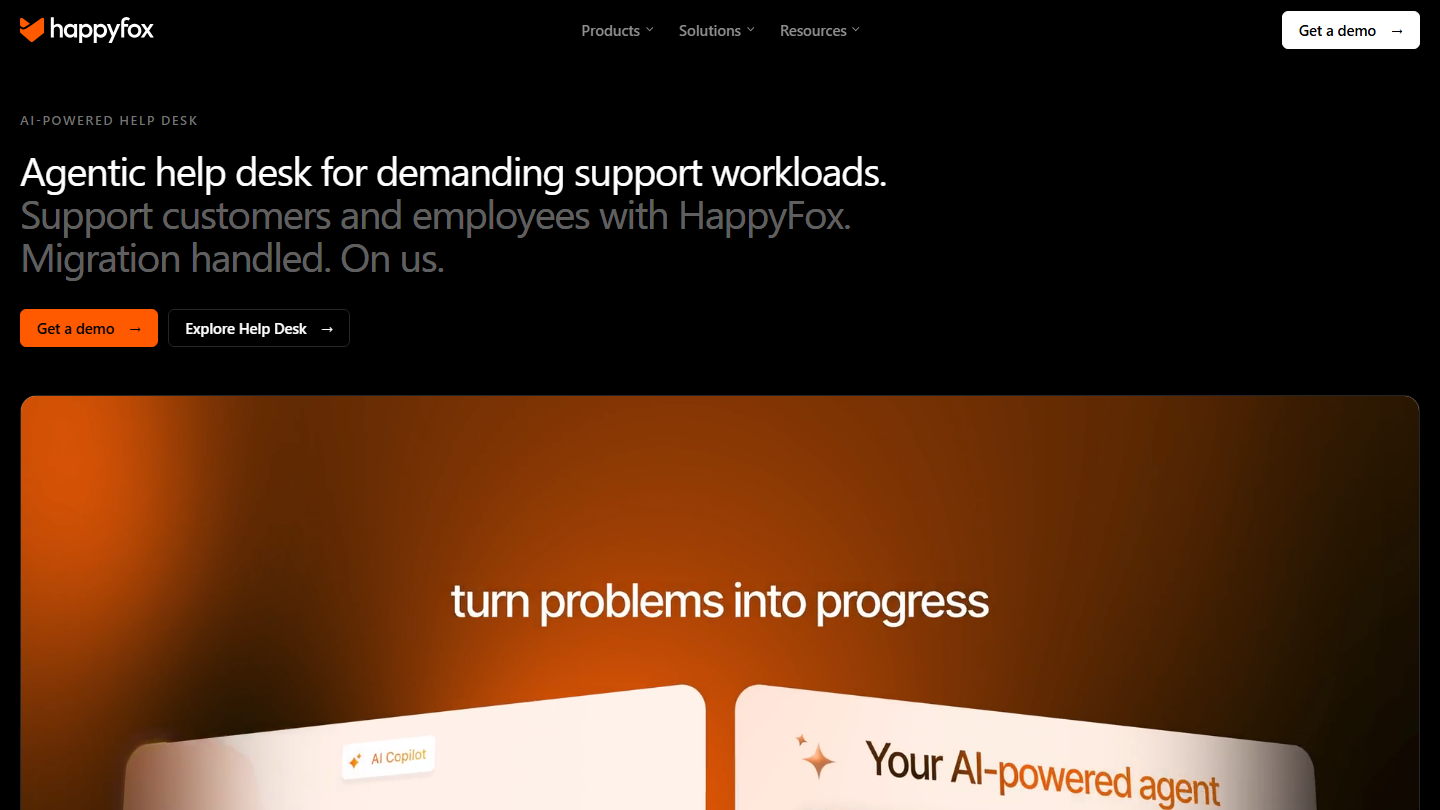
HappyFox home page: “Agentic help desk for demanding support workloads”

HappyFox Help Desk is a multichannel ticketing software: emails, forms and social networks (Facebook pages from Basic, Instagram from Team) create tickets in a single queue, alongside a public and internal knowledge base.

A bonus point is the very complete Slack integration: part of the ticket work happens where the team already talks, and product experts are called in without switching tools. Custom queues and the Kanban view come with Team.

It makes sense for a team that has outgrown the shared inbox and wants SLAs, per-team queues and tasks, without the price or the heaviness of a Zendesk. Better to cost out the whole thing before signing, chat and AI included.

Basic costs $24 per agent per month billed annually, Team $49, Pro $99 (proactive collision detection, task and asset management) and Enterprise Pro on request. Beyond 20 to 25 agents, HappyFox offers unlimited-agent plans, billed yearly based on ticket volume. The 14-day trial is requested through the demo form.

11

Kustomer

4.1/5 From On request

Best for: High-volume customer service teams, in e-commerce or travel, that want all of a customer’s conversations in one place

+ Strengths
  • Chat, email, SMS, voice, Slack and forms in a single console
  • Facebook, Instagram, WhatsApp and TikTok Shop supported
  • Custom objects to surface the customer’s business data
− Downsides
  • No public price
  • Oversized for a small team
  • No free trial displayed, only a demo
★ Kustomer in brief

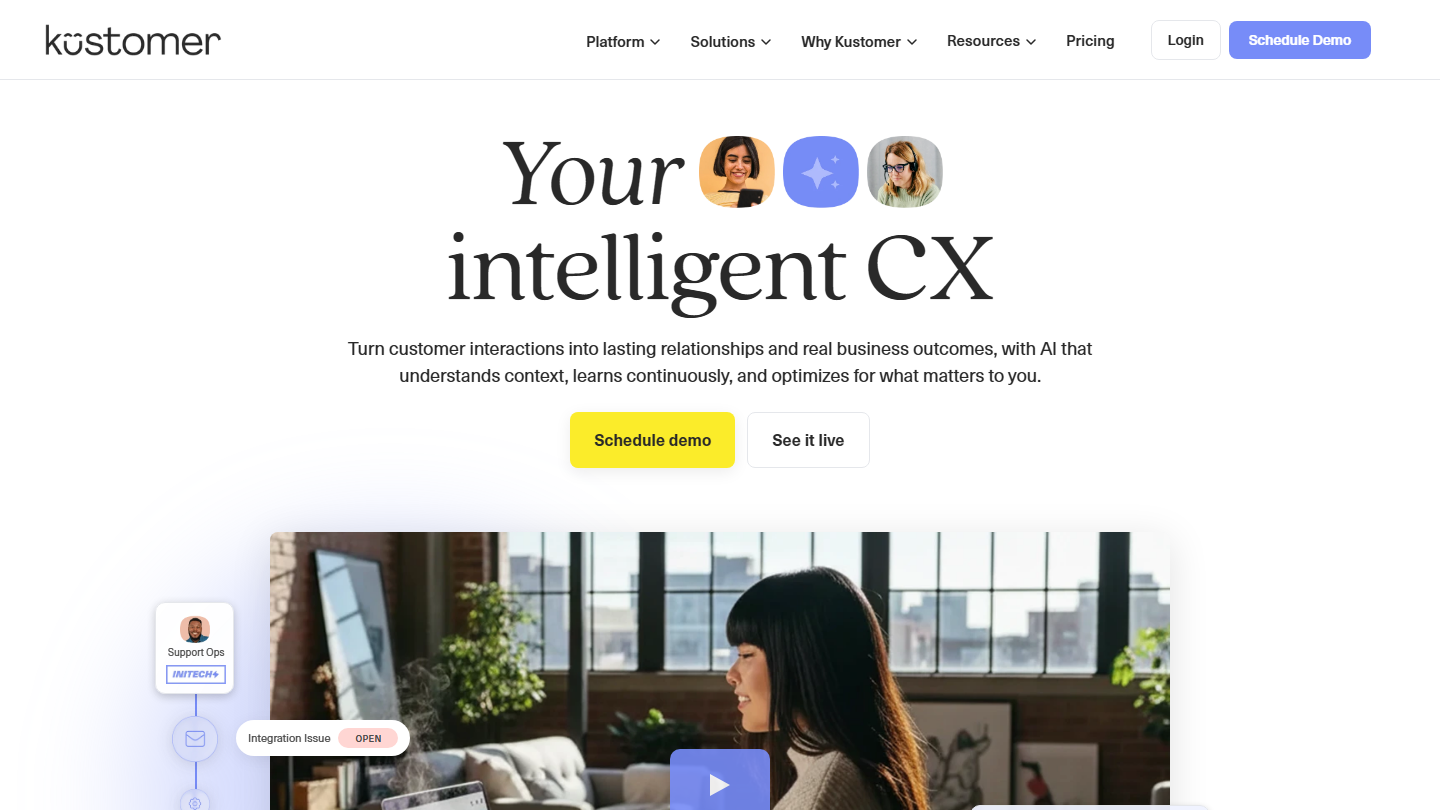
Kustomer home page: “Your intelligent CX”, with an “Integration Issue” ticket open

Kustomer is a customer service platform built like a CRM: each customer has a timeline that gathers their conversations, whatever the channel, and their business data.

An agent who receives a WhatsApp message sees on the same screen yesterday’s email and last week’s call. Queue-based routing and business rules distribute requests, SLA management tracks deadlines, and AI assistants help write workflows and automations.

It makes sense when conversation volume is high and they arrive on many channels at once, typically in online retail. For a B2B SMB that mostly receives emails, it is too much tool.

Kustomer displays no pricing: a two-minute questionnaire estimates the return on investment, then a salesperson builds the quote. Voice (calls, SMS, transcription) and WhatsApp are billed on usage, and some setups add implementation fees.

12

Sprout Social

4.0/5 From $199

Best for: Teams that handle customer support on social networks only

+ Strengths
  • Single inbox for all social accounts
  • Moderation of comments, reviews and Facebook and Instagram ads
  • Collision detection: two agents don’t answer the same message
  • 30-day free trial with no credit card
− Downsides
  • Limited to social networks
  • High price per user once you aim at support
★ Sprout Social in brief

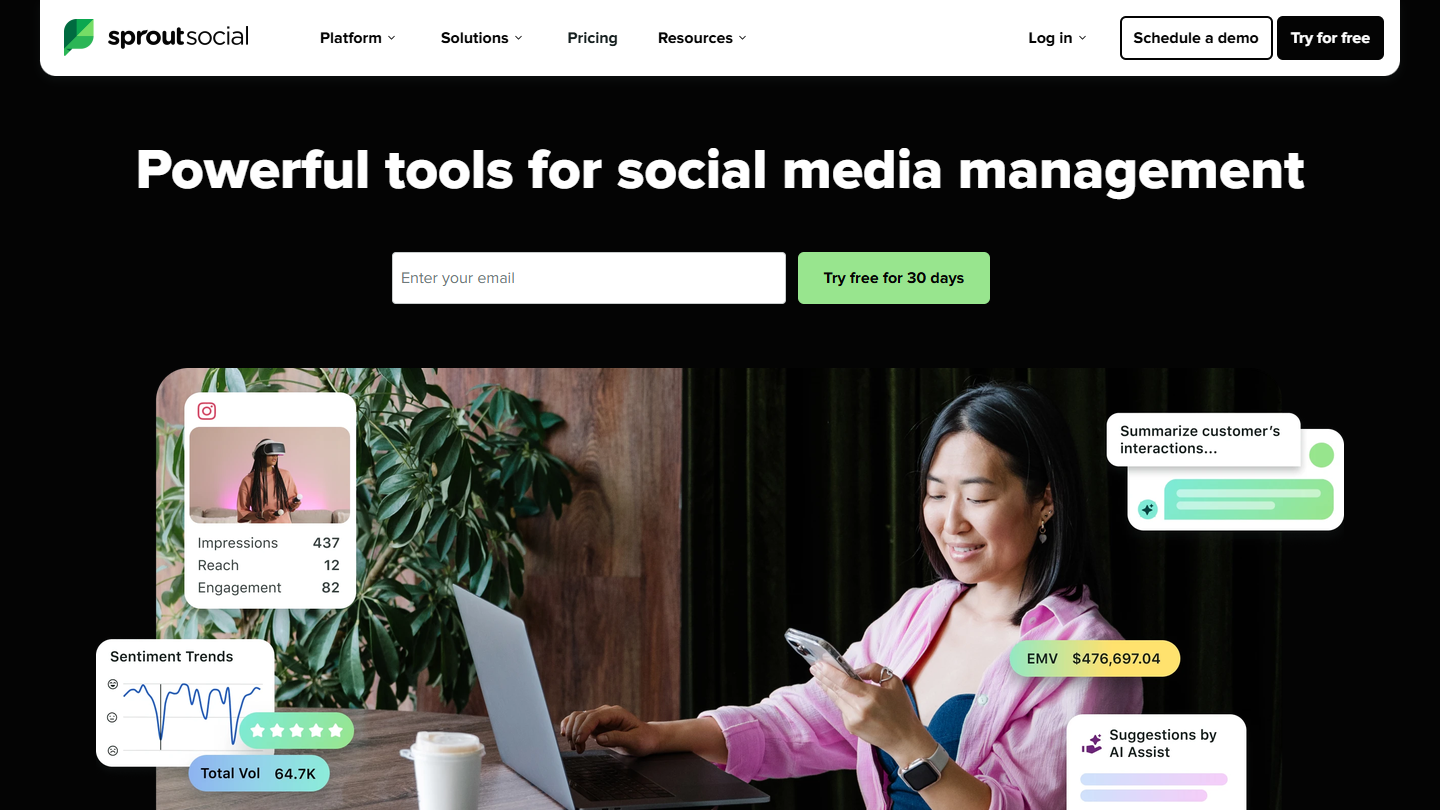
Sprout Social website: “Powerful tools for social media management”

Sprout Social is a social media management platform: publishing, listening, reporting. For customer service, what matters is its Smart Inbox: private messages, mentions, comments and reviews from all profiles arrive in one stream.

An angry message on Instagram is handled like a support request: it is assigned, the person’s history shows up next to it, and case management follows the request through to resolution. Well handled, these interactions become opportunities to talk about the brand.

It makes sense when social networks are a support channel in their own right, with volume and a dedicated team. If a few messages a week arrive on Facebook, the social integrations of Zendesk, HappyFox or LiveAgent are enough.

The Essentials plan, at $79, is only for publishing: the inbox starts with Standard, at $199 per user per month billed annually for 5 profiles. Professional ($299) opens unlimited profiles, Advanced ($399) the helpdesk integrations and customer service reports.

13

Aircall

4.6/5 From €30

Best for: Support teams that handle a large number of calls every day

+ Strengths
  • Unlimited inbound calls from Essentials
  • More than 250 integrations, including Zendesk, HubSpot and Intercom
  • Software available in French
− Downsides
  • Higher price than other VoIP solutions
  • Live supervision and smart routing only in Professional
★ Aircall in brief

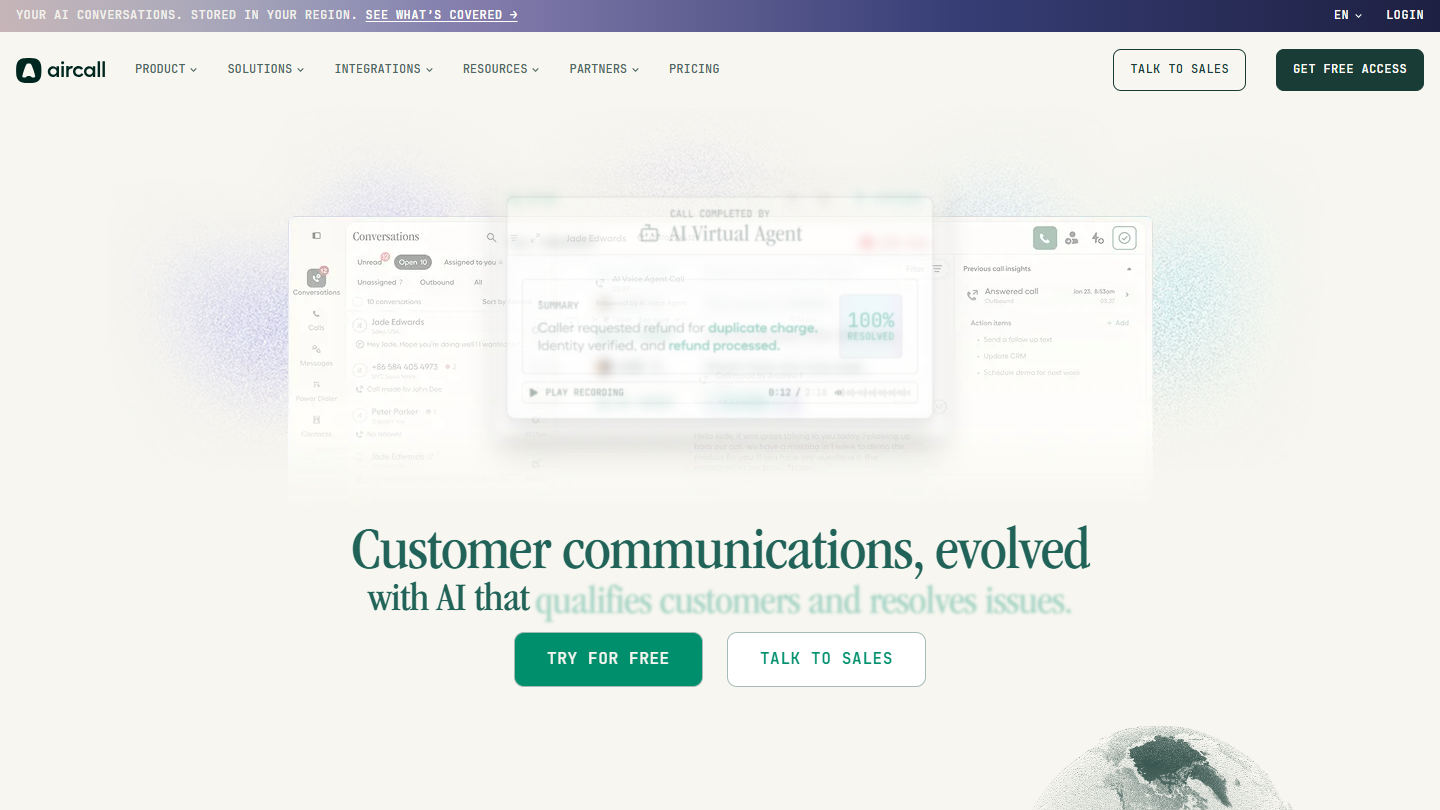
Aircall website: “Customer communications, evolved with AI that qualifies customers and resolves issues.”

Aircall is a VoIP telephony software for sales and support teams. Numbers, calls, SMS and voicemail go through an app on computer or mobile, with no physical switchboard.

On the support side, it handles the waiting queue, the interactive voice server and the distribution of inbound calls to available agents. Connected to the help desk, calls and their transcripts appear next to the customer’s other requests, and AI voice agents can take the simple questions.

It does not replace a help desk: it is the phone building block to add to Zendesk, Freshdesk or HubSpot when the team handles a large number of calls every day.

Essentials costs €30 per license per month billed annually, with 1,000 minutes of domestic outbound calls; Professional, at €50, makes domestic outbound calls unlimited and adds queue callback. Both require a minimum of 3 licenses, and Enterprise is on request from 25 licenses. 50 minutes of AI voice agents are included each month.

14

HelpDocs

4.0/5 From €89

Best for: Teams that want a dedicated knowledge base to complement their help desk

+ Strengths
  • Real CMS specialized in knowledge bases
  • Truly well-thought-out search features
  • Unlimited public readers on all plans
  • AI included: drafts, rewrites and Ask AI
− Downsides
  • Knowledge base only, no ticketing
  • No free plan
★ HelpDocs in brief

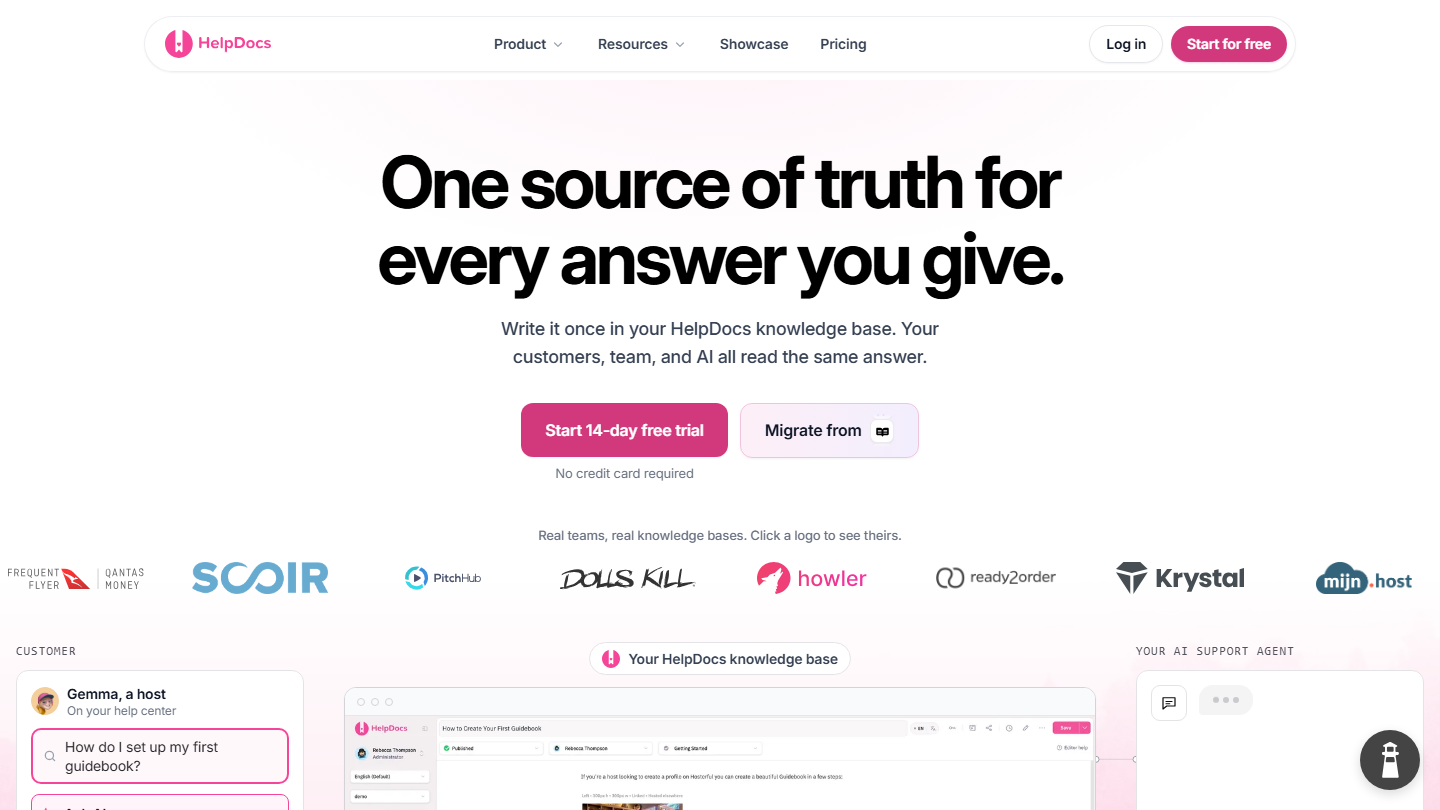
HelpDocs home page: “One source of truth for every answer you give”, knowledge base

HelpDocs is a specialized software for building knowledge bases. It is a real CMS (Content Management System): articles, categories, custom domain, several languages, and a widget to display help directly in your site or product.

Self-service is often the most profitable lever in support: a customer who finds the answer alone doesn’t open a ticket. HelpDocs also serves as a source for AI agents, with an MCP server and an llms.txt index that give them access to the content.

It makes sense when the help desk in place has no knowledge base, or reserves it for its top plans, like HubSpot before Pro. With Zendesk, Intercom or Help Scout, the built-in base is often enough.

Sprout costs €89 per month billed annually (€119 monthly) for 5 editors and 3 languages, Bloom €219 for 15 editors and 20 languages, Harvest €369 for 25 editors. The trial lasts 14 days, no credit card.

How we chose these 14 tools

Every tool in this selection has been used in real conditions by our team or by a Salesdorado consultant, in a B2B sales and marketing setting. No ranking built from a marketing deck. The order of the list is not a ranking: the right tool depends on your needs.

  1. 01
    Benchmark scope

    Broad identification of the tools on the market (G2, Capterra, Salesdorado customer feedback, LinkedIn signals). Initial filtering, then a short list based on a 2-hour setup per tool.

  2. 02
    Test conditions

    3 to 4 weeks of active use per tool, with data representative of a B2B sales use case. When a tool targets a specific profile (SDR, AE, Ops, Marketer…), we match the tester accordingly.

  3. 03
    Weighted criteria

    For each category, 5 to 7 axes weighted according to what matters in the segment: UX, feature depth, native integrations, support, pricing at scale, compliance (GDPR, security), and roadmap quality.

  4. 04
    Independence

    No tool is scored in exchange for payment. Partner links (affiliate) are marked as such and do not influence the score. Non-partner tools are included when their place in the ranking is deserved.

  5. 05
    Updates

    The ranking is reviewed every 6 to 12 months or on every major release of a tool mentioned. The date of the last check is shown at the top of the article.

The questions we get over and over.

How do you choose customer support software?

Six questions help identify the 2 or 3 tools that match your processes: the type of support your customers expect, the channels you want to communicate on, how the answer to a customer question is organized, what you want to automate, your customers’ ability to find the answer themselves, and how the software fits into your data ecosystem (CRM, marketing automation).

Which customer support software for complex distribution rules?

If you need complex rules (expertise, languages), turn to established solutions like Zendesk or Salesforce Service Cloud. Automated distribution routes incoming requests to the right team and makes sure they all get an answer.

Is there free customer support software?

HubSpot offers ticket management, routing and live chat in its free version, up to 2 users. Help Scout has a free plan for 5 users, limited to one inbox and 100 contacts per month. Freshdesk no longer has a lifetime free plan: it offers 6 months for 1 or 2 agents.

Which software to choose depending on the support channel?

Front suits email customer support, Sprout Social support on social networks, Aircall phone support and LiveAgent live chat support. Kustomer covers all channels in a single console: chat, email, SMS, voice, social networks and forms.

Do you need a dedicated tool for the knowledge base?

Some software reserves the knowledge base for its top plans: at HubSpot, it only comes with the Pro plan, at €90 per license. Dedicated solutions like HelpDocs, a real CMS with well-thought-out search features, let you build one separately. It is often a good investment: calling support is a waste of time for the customer, who looks for speed first.

★ The conversation, 0 comments

What the community says.

Basic Markdown, moderated within 24 h
Loading…

    In the same category