Top 10 CRM software for Gmail

Ten CRMs and tools for Gmail: CRMs that live in the inbox (Streak, NetHunt CRM); CRMs linked to Gmail through a sidebar or an add-on (Copper, HubSpot, Pipedrive, Zoho CRM); contact and network CRMs (folk, Dex); shared inboxes for team work (Drag inside Gmail, Front in a separate application). Annual prices: from $12 per month (Dex Premium, Drag Starter) to $49 per user (Streak Pro); HubSpot (2 users) and Zoho CRM (3 users) have a free plan, Streak only free email tools. Watch-outs: Streak automations reserved for Pro+, full Pipedrive email sync from Growth, folk Deals objects on Premium.

Maxime Ben Bouaziz
Maxime Ben Bouaziz
CEO Salesdorado, IA & Sales Tech
March 28, 2023, updated November 10, 2026, 1 min read
See all tools

A CRM for Gmail ties your emails to your contacts and deals, with no need to copy conversations over. These tools offer different levels of Gmail integration: some live inside the inbox, others appear in a sidebar, and others still are for working as a team on a single address.

Here are the 10 tools we find best suited to Gmail users. Depending on your need:

  • manage everything without leaving the inbox: Streak;
  • a full CRM, campaigns and sequences included, inside Gmail: NetHunt CRM;
  • a company entirely on Google Workspace: Copper;
  • start for free with a CRM that will grow with you: HubSpot;
  • run a lot of deals and view them from Gmail: Pipedrive;
  • a full CRM at a low price: Zoho CRM;
  • manage a network of contacts in a small team: folk;
  • maintain a personal network: Dex;
  • share a Gmail address in a common board: Drag;
  • coordinate several people writing to the same customers: Front.

SalesdoradoSimulate your CRM choice
Free tool, 2 minutes
Simulate your CRM choice

Answer 10 targeted questions and find the tools that actually fit your situation.

15
tools analyzed
10
targeted questions
€0
no sign-up
Methodology published by the Salesdorado editorial team

The 10 tools, side by side

# Logos tool Score Price Best for
01 Streak 4.3/5 ★ $49 Small teams that spend their day in Gmail and want a CRM they will actually use Visit site
02 NetHunt CRM 4.4/5 ★ $24 Sales teams on Google Workspace that want pipeline, campaigns and sequences in a single tool Visit site
03 Copper 4.0/5 ★ $23 Small businesses on Google Workspace that want a CRM linked to Gmail, Calendar and Drive Visit site
04 HubSpot 4.5/5 ★ €20 SMBs that want to start without paying with the Gmail extension, then extend the CRM to marketing and customer service Visit site
05 folk 4.0/5 ★ €22 Founders and small teams that manage a network of contacts more than a sales process Visit site
06 Drag 4.0/5 ★ $12 Small teams that share a Gmail address and track their requests in columns Visit site
07 Pipedrive 4.5/5 ★ €14 Sales teams with a busy pipeline that want to view and update their deals from Gmail Visit site
08 Zoho CRM 4.2/5 ★ €14 SMBs that want a full, inexpensive CRM, with a Gmail extension for everyday tasks Visit site
09 Front 4.4/5 ★ $25 Sales and account management teams that share the same customers across several addresses Visit site
10 Dex 3.9/5 ★ $12 Freelancers, founders and investors who want to stay in touch with a large network Visit site
01

Streak

4.3/5 From $49

Best for: Small teams that spend their day in Gmail and want a CRM they will actually use

+ Strengths
  • Pipelines, stages and deal records displayed in Gmail, next to each thread
  • Email history of each deal automatically shared with the team
  • Unlimited pipelines and records from Pro, import from Sheets, CSV or Excel
  • Free email tools for life: open tracking, snippets, mail merge
− Downsides
  • Automations, Zapier and direct integrations reserved for Pro+, at $69
  • The free version does not include the CRM, only the email tools
  • English-language site and pricing, in dollars
★ Streak in brief

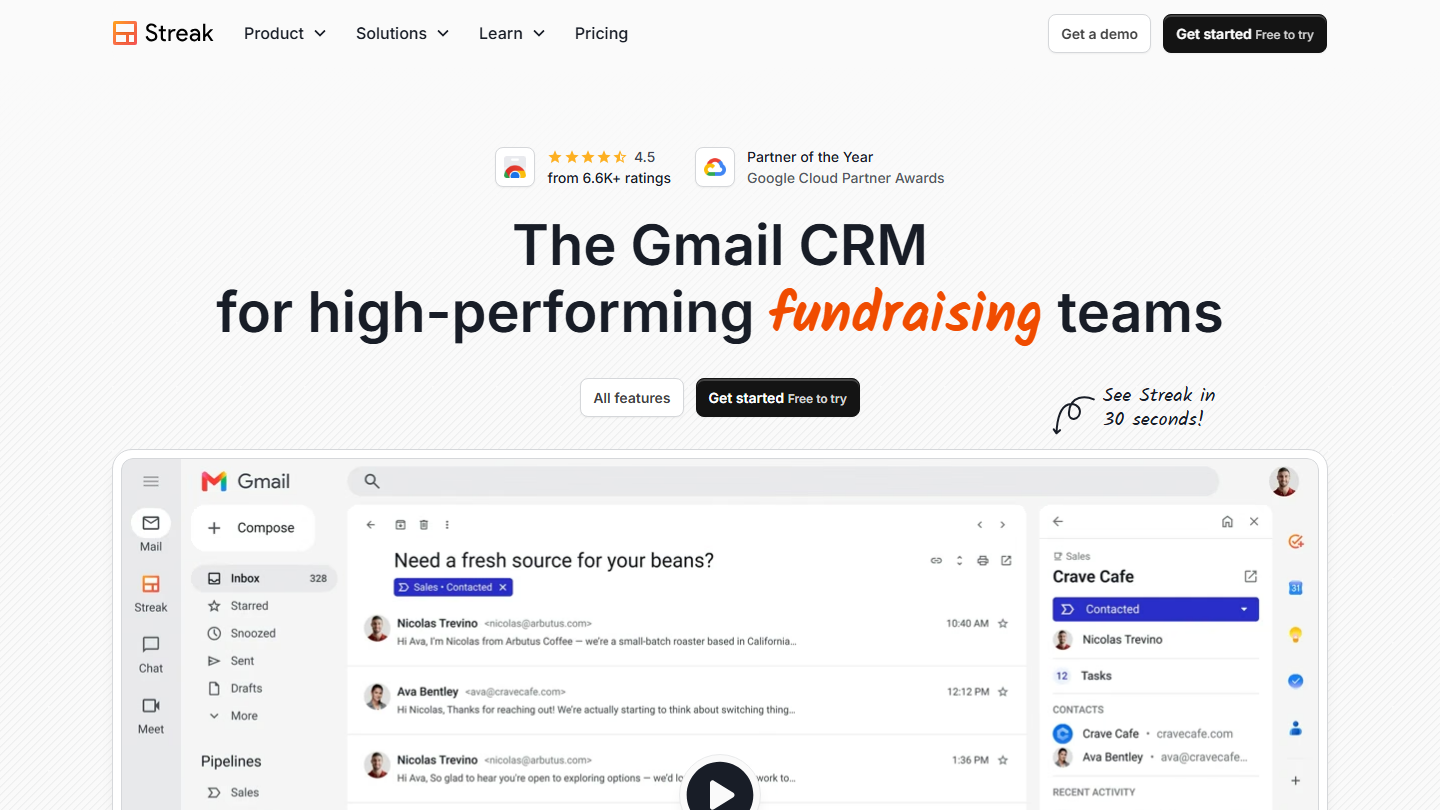
Streak homepage: “The Gmail CRM for high-performing teams”, with a pipeline and a deal record in the Gmail sidebar

Streak installs as a Gmail extension. Pipelines appear in the left-hand menu, each thread can be attached to a deal and carries a stage label, and the deal record opens in a panel to the right of the message. No separate tab: the CRM is the inbox.

The typical case: a team of three salespeople who receive their requests by email. Every exchange with a prospect shows up on the deal and stays visible to colleagues, automatic fields log the last reply and the time spent in the stage, and a forgotten follow-up is spotted by filtering the pipeline. The same tool is used for recruiting or fundraising, which Streak promotes on its site.

Streak makes sense when most of the customer relationship runs through email and the team refuses one more CRM. As soon as you need automated workflows or connections with other tools, you have to aim for Pro+, and the bill catches up with that of more complete CRMs.

Pro costs $49 per user per month billed annually ($59 monthly), Pro+ $69 ($89) and Enterprise $129 ($159). The trial lasts 14 days. The free email tools remain available without a subscription.

02

NetHunt CRM

4.4/5 From $24

Best for: Sales teams on Google Workspace that want pipeline, campaigns and sequences in a single tool

+ Strengths
  • Customer record and open deals displayed in Gmail thanks to the add-on
  • Several pipelines and Google Workspace integration from Basic
  • Email campaigns from Basic Plus, multichannel sequences and sales automation from Business
  • Native integrations with Slack, WhatsApp, Make and Looker Studio
− Downsides
  • Sales automation only from Business, at $60 monthly
  • Customizing fields and views takes a long time to set up
  • Annual price of Business and Business Plus given on request
★ NetHunt CRM in brief

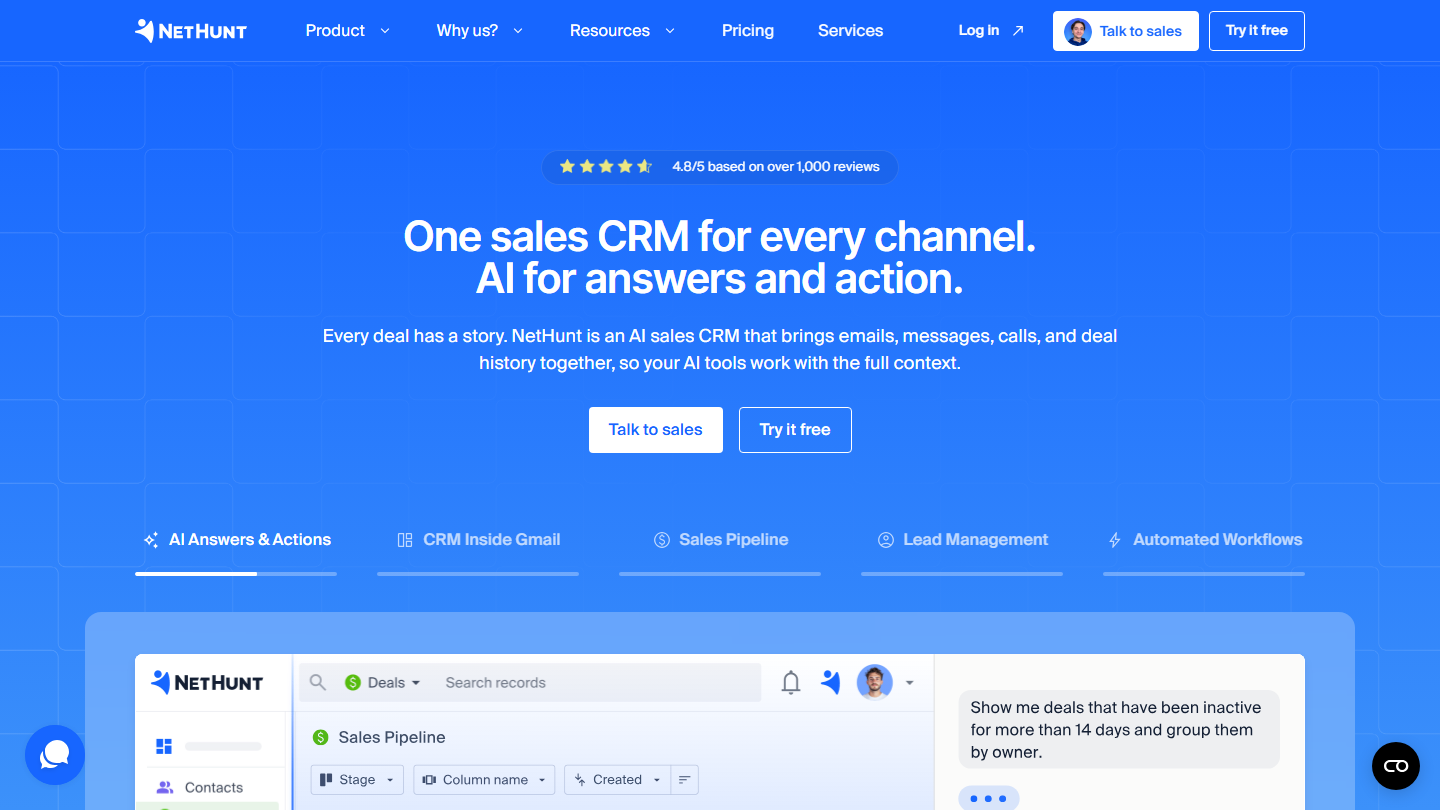
NetHunt CRM homepage: “One sales CRM for every channel. AI for answers and action.”, with a sales pipeline

NetHunt CRM lives in Gmail and in Google Workspace. Contacts, companies and deals are filed in folders accessible from the inbox, and the Gmail add-on shows the customer record when you open an email. Messages, calls and the deal history are gathered on a single timeline.

What sets it apart from Streak is marketing and automation. A team can capture a lead from a form, send it into a follow-up sequence by email and then by messaging, and track campaign results on the record. The vendor adds an MCP server to query the pipeline from an AI assistant.

NetHunt makes sense for a team that wants to keep everything in Google Workspace without stacking an emailing tool and a sequencing tool next to the CRM. Watch the plan: campaigns arrive with Basic Plus, sales automation with Business.

Basic costs $24 per user per month billed annually ($30 monthly), Basic Plus $34 ($42). Business is $60 and Business Plus $84 monthly, their annual price is given on request. The 14-day trial opens all features.

03

Copper

4.0/5 From $23

Best for: Small businesses on Google Workspace that want a CRM linked to Gmail, Calendar and Drive

+ Strengths
  • Gmail emails, contacts and files synced, like Calendar and Drive, from Basic
  • Interface modeled on Google’s visual codes, quickly adopted by a Gmail team
  • Chrome extension that shows the contact record next to the email
  • Connection to Sheets and Looker Studio for reports
− Downsides
  • Workflows, integrations and bulk sending from Professional, at $59
  • Basic limited to 2,500 contacts
  • Interface not translated into French
★ Copper in brief

Copper homepage: “The CRM that helps you be there for your clients, every step of the way”

Copper was designed for Google Workspace. It borrows Google’s visual codes (Material Design) and plugs into Gmail, Google Calendar, Google Contacts and Drive. In Gmail, the Chrome extension opens the contact record and its deals in a side panel, and the full pipeline view is consulted in the web application.

Day to day, the email of a new prospect becomes a lead in two clicks, with past exchanges and attachments filed on the record. Calendar meetings show up on the deal on their own, and the Drive documents shared with the customer stay accessible from the CRM.

Copper makes sense when the company is already entirely on Google Workspace: that is what sets it apart from HubSpot or Pipedrive, which also work with Outlook. A team that wants automated workflows must count on Professional, noticeably more expensive than Basic.

Basic costs $23 per seat per month billed annually ($29 monthly), for 2,500 contacts. Professional is $59 ($69) with 15,000 contacts, Business $99 ($134) with unlimited contacts. The trial is free and requires no credit card.

04

HubSpot

4.5/5 From €20

Best for: SMBs that want to start without paying with the Gmail extension, then extend the CRM to marketing and customer service

+ Strengths
  • Free HubSpot Sales extension for Gmail and Outlook
  • Open and click tracking, emails logged on the contact record
  • Contact and company information displayed in the inbox
  • Free CRM for 2 users, with no time limit
− Downsides
  • Lighter integration than Streak: the Gmail inbox changes little, the CRM stays alongside
  • Automations and sequences reserved for paid plans
  • Long learning curve once you add modules
★ HubSpot in brief

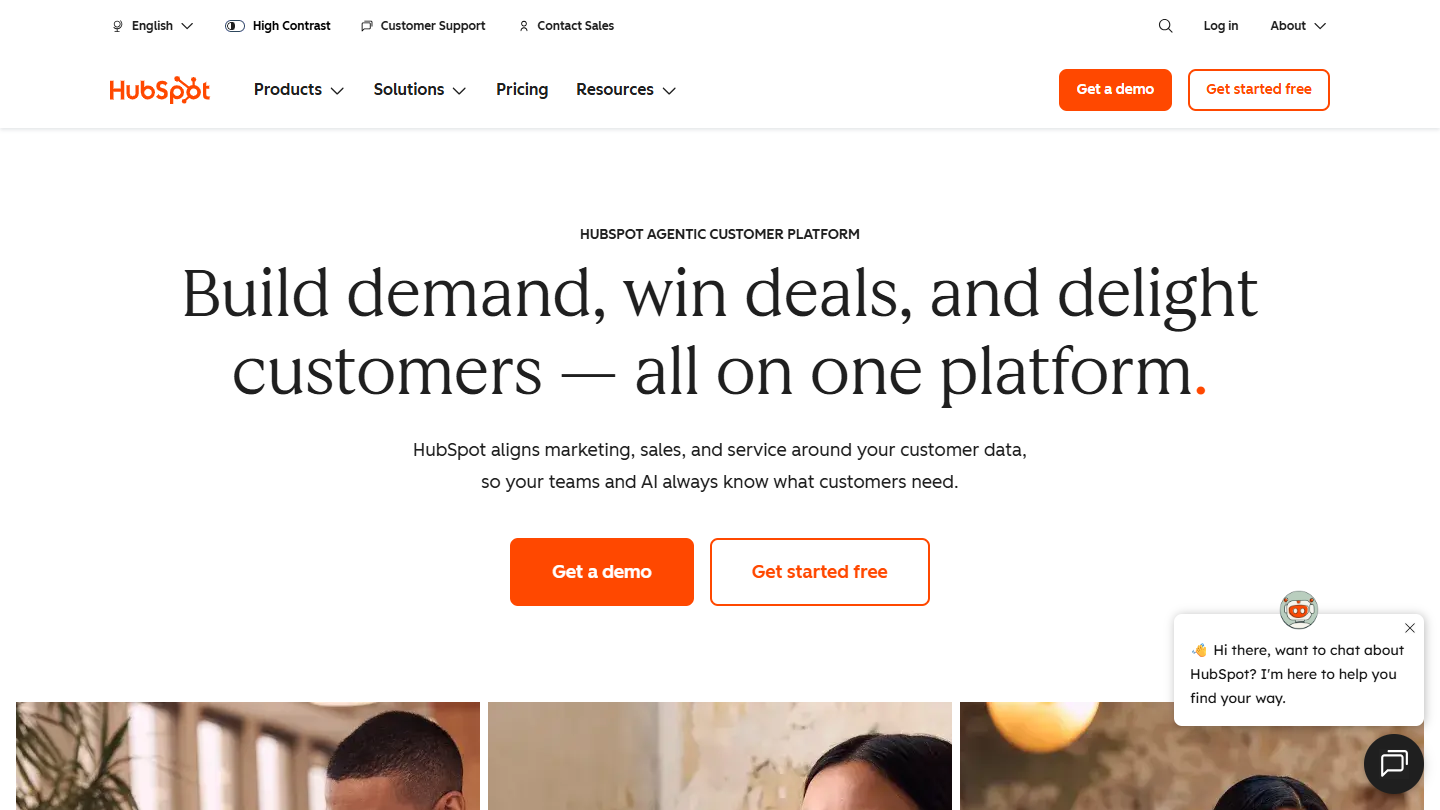
HubSpot website: “Build demand, win deals, and delight customers, all on one platform”

With HubSpot, Gmail does not become the CRM: it links to it. The HubSpot Sales extension adds itself to Gmail, logs sent emails on the contact record, notifies you when a prospect opens a message or clicks a link, and shows information about the contact and their company in the inbox.

The rest of the work happens in HubSpot: deal pipeline, tasks, reports. A sales team also finds meeting booking, email templates and quotes there, then marketing and customer service if it adds them to the same CRM.

HubSpot makes sense when Gmail is just one channel among others and the company wants a single database for all its teams. For anyone who just wants a pipeline in their inbox, Streak or NetHunt CRM go further in integration.

The free tools cover 2 users, with no time limit. Beyond that, Starter costs €20 per license per month, Pro €90 and Enterprise €175.

05

folk

4.0/5 From €22

Best for: Founders and small teams that manage a network of contacts more than a sales process

+ Strengths
  • Gmail, calendar and WhatsApp sync from Standard
  • Gmail contacts imported in one click, with notes, tags and exchange history
  • Gmail and LinkedIn email templates, email campaigns included
  • Enrichment of 500 email addresses per month
− Downsides
  • Deals objects, sequences and dashboards reserved for Premium, at €43
  • Only one synced email account per member on Standard
  • Per-member price that climbs quickly for a large team
★ folk in brief

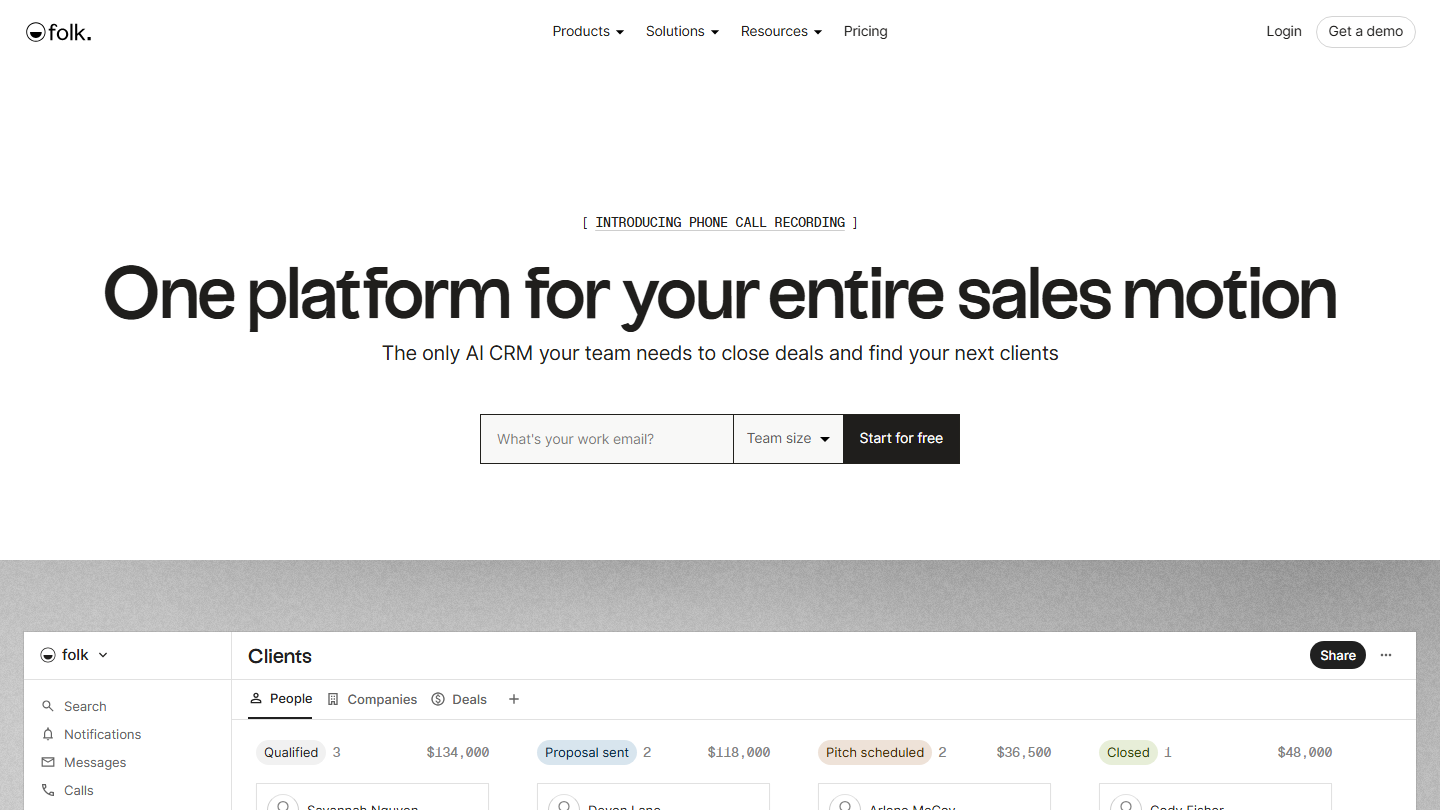
folk homepage: “One platform for your entire sales motion”, with a Clients pipeline

folk is a contact CRM. It connects to Gmail and the calendar, imports contacts from the inbox and attaches each exchange to the right person, with their notes and tags. The folkX extension adds a contact from LinkedIn or a website, and AI assistants suggest follow-ups to make.

The typical use is that of a founder, a firm or a small agency: a few hundred relationships to maintain, lists shared with the team, and emails sent from Gmail using templates. Email campaigns are included from Standard.

folk makes sense when you manage relationships more than deals. A pipeline exists from Standard, but Deals objects, with amounts and stages, require Premium; at that price, Copper or Pipedrive suit a sales team better.

Standard costs €22 per member per month billed annually (€27 monthly), Premium €43 (€54), Enterprise is on request from $80. The trial lasts 2 weeks, with no credit card.

06

Drag

4.0/5 From $12

Best for: Small teams that share a Gmail address and track their requests in columns

+ Strengths
  • Shared inboxes and Kanban boards directly in Gmail
  • Email assignment, @mentions, notes and subtasks
  • Unlimited email sequences and automation rules from Plus
  • No minimum number of seats
− Downsides
  • A shared inbox more than a CRM: sales follow-up is built with columns and fields
  • Trial limited to 7 days
  • English-language site and pricing, in dollars
★ Drag in brief

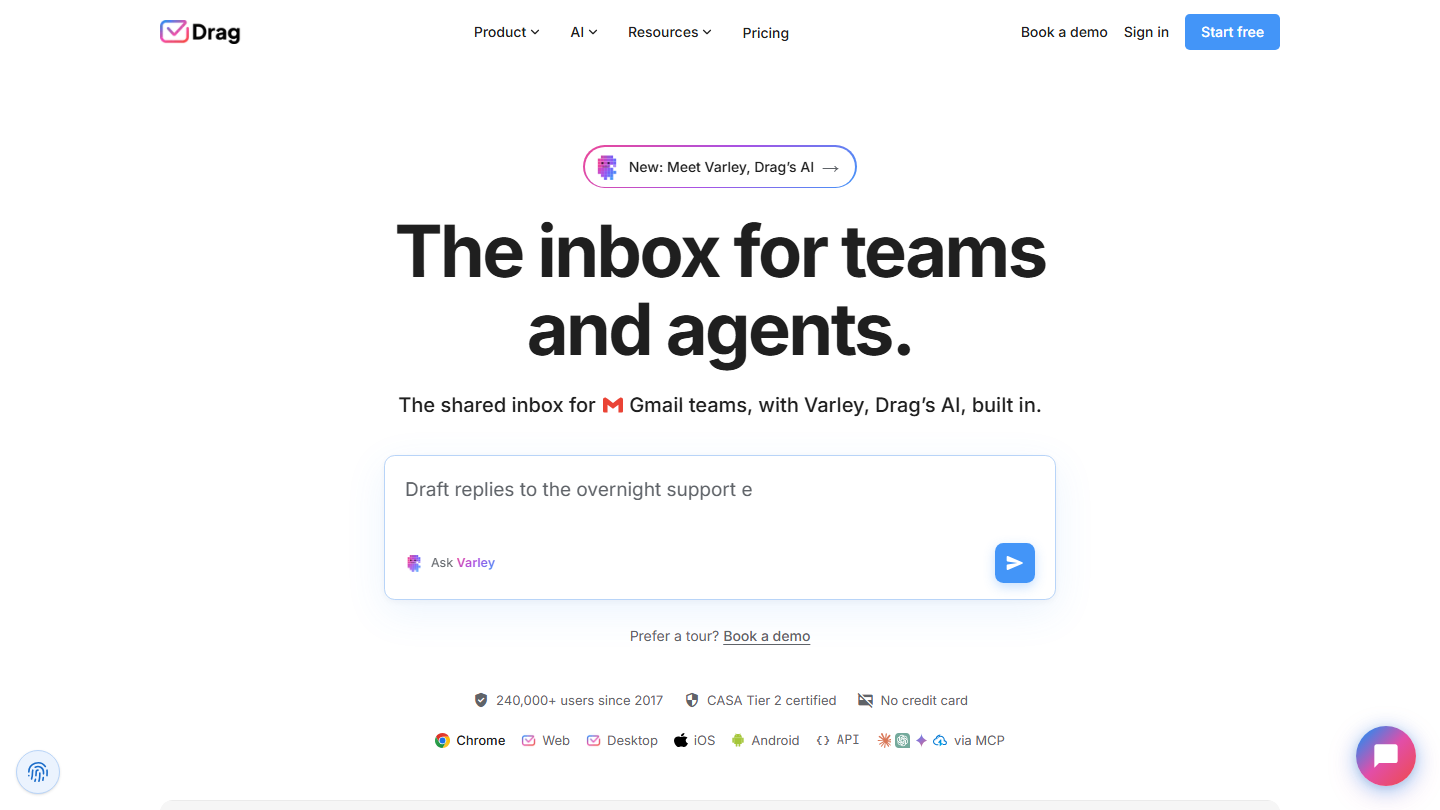
Drag homepage: “The inbox for teams and agents.”, shared inbox for teams on Gmail

Drag (dragapp.com) installs inside Gmail and turns emails into cards sorted into columns. A shared address, contact@ or sales@, becomes a common board where each email has an owner, a status and internal notes. The emails stay in Gmail.

For a small sales team, the board serves as a light pipeline: one column per stage, incoming requests at the top, and follow-ups with templates, then sequences from Plus. The same tool also handles support, with a help center and live chat.

Drag makes sense when several people reply from the same addresses and the follow-up fits in a board. It does not replace a CRM for a team that tracks amounts, forecasts and a history per account.

Starter costs $12 per user per month billed annually ($16 monthly), Plus $18 ($22) with the Varley AI included, Pro $24 ($30) with WhatsApp and round-robin assignment. The 7-day trial requires no credit card.

07

Pipedrive

4.5/5 From €14

Best for: Sales teams with a busy pipeline that want to view and update their deals from Gmail

+ Strengths
  • Free Gmail add-on: the contact’s deals, activities and notes in the sidebar
  • Contacts, deals and follow-ups created without leaving the email
  • Full Gmail sync with open tracking from Growth
  • Visual pipeline and detailed sales reports
− Downsides
  • Full email sync missing from Lite: you need Growth, at €39
  • Marketing emailing sold separately, with the Campaigns extension
  • No free plan
★ Pipedrive in brief

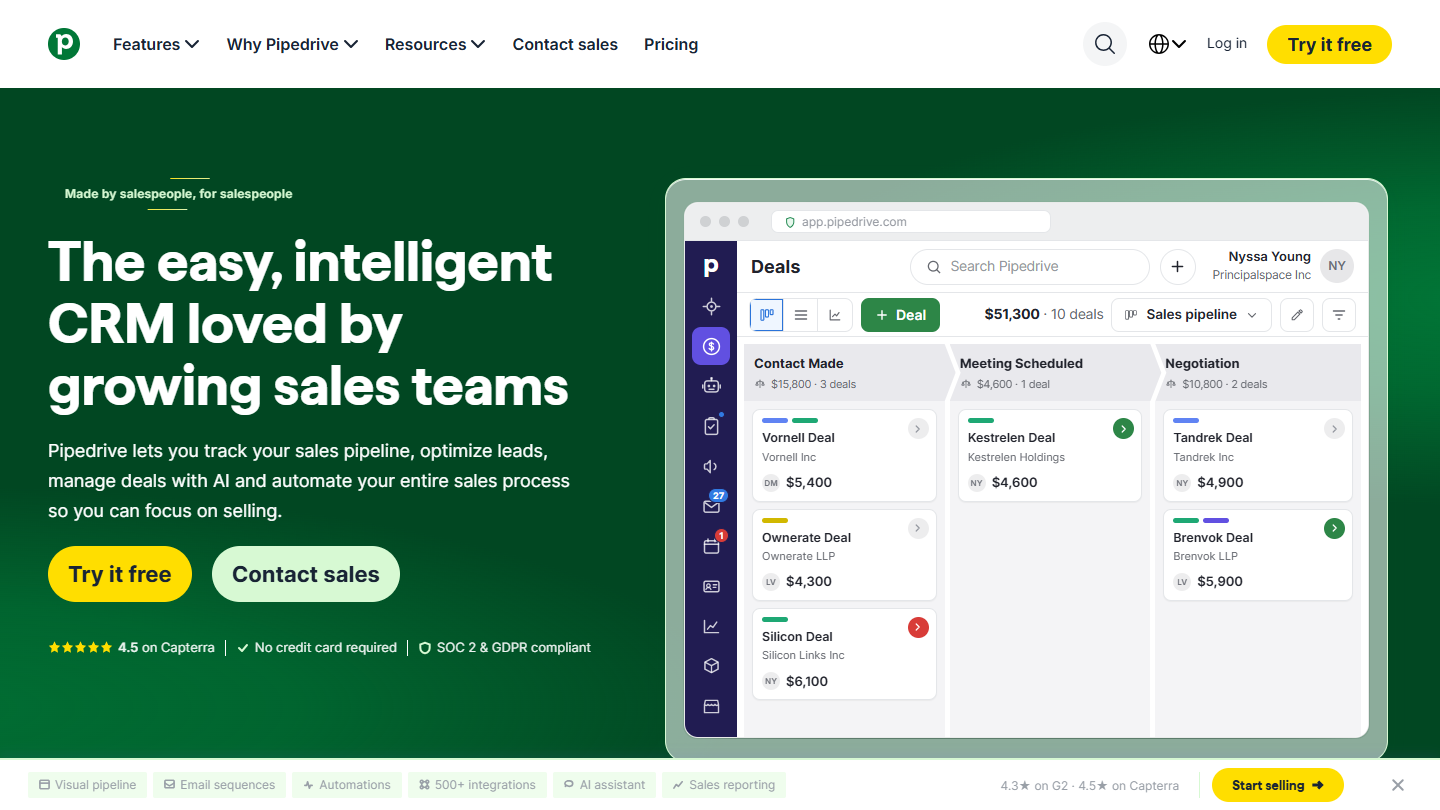
Pipedrive website: “The easy, intelligent CRM loved by growing sales teams”

Pipedrive is a pipeline CRM: each sale is a card that moves from stage to stage, and the tool reminds you of the next action on every deal. On the Gmail side, the Pipedrive add-on adds a sidebar that shows, when you open an email, the deals, activities and notes linked to the sender.

From this sidebar, a salesperson creates the contact and the deal, schedules the follow-up, links the email to the right deal or inserts a meeting booking link. The add-on works in any desktop browser.

The point to check is the plan. With Lite, the add-on is enough to view and update the CRM from Gmail, but full email sync, with open and click tracking, starts at Growth. For a team that mostly does deal tracking, it is a good compromise; to live in Gmail, Streak is more direct.

Lite costs €14 per seat per month billed annually, Growth €39, Premium €59 and Ultimate €79. The trial lasts 14 days, with no credit card.

08

Zoho CRM

4.2/5 From €14

Best for: SMBs that want a full, inexpensive CRM, with a Gmail extension for everyday tasks

+ Strengths
  • Free Zoho CRM for Gmail extension: leads and contacts created from the email
  • Tasks, events and calls added to the record from the inbox
  • Free edition for up to 3 users
  • Standard at €14 with workflows, cadences, reports and forecasts
− Downsides
  • Extension limited to everyday actions: the pipeline is managed in Zoho
  • More features than a small team uses, and a real learning curve
  • Zoho does not say whether the extension works with the free edition
★ Zoho CRM in brief

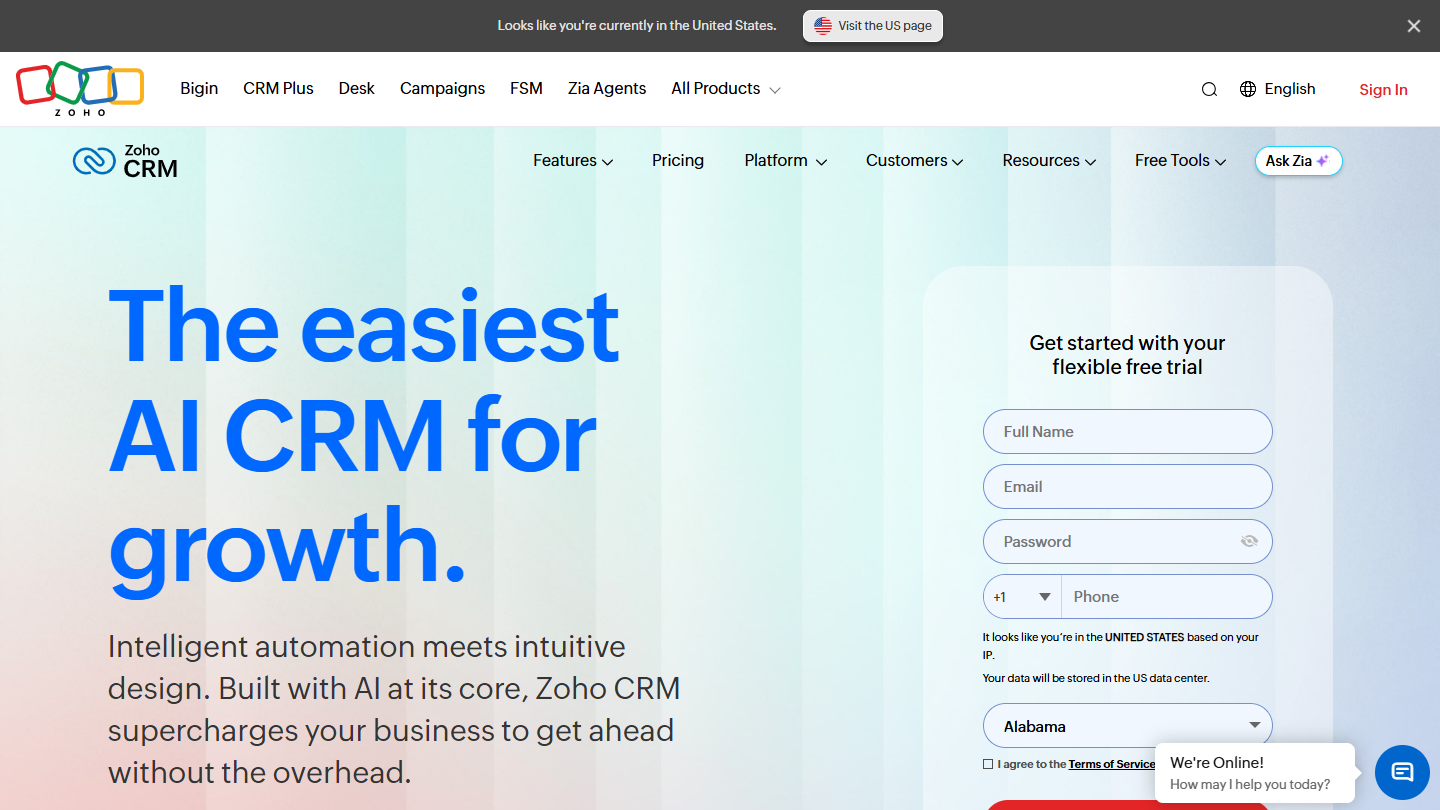
Zoho CRM website: “The easiest AI CRM for growth.”

Zoho CRM is a very full-featured general-purpose CRM. With Gmail, it goes through the Zoho CRM for Gmail extension, published by Zoho and free: when you open an email, it shows the lead or contact record, and creates a new one without leaving the inbox.

From this extension, you can also add a task, an event or a call to the customer record. The rest, pipeline, workflows, reports, happens in the Zoho application, which covers far more than sales if you add the vendor’s other applications.

Zoho CRM makes sense for a company that wants a full CRM without paying the price of HubSpot or Salesforce, and for which Gmail is one entry point among others. For a small team that mostly wants to track its emails, it does too much.

The free edition covers 3 users. Standard costs €14 per user per month billed annually, Professional €23, Enterprise €40 and Ultimate €52. Zoho does not say on its pricing page whether the Gmail extension works with the free edition: test it during the trial.

09

Front

4.4/5 From $25

Best for: Sales and account management teams that share the same customers across several addresses

+ Strengths
  • Group and individual emails, SMS and chat in a single inbox
  • Assignment, internal comments and shared drafts on every message
  • Team Gmail accounts connected without changing address
− Downsides
  • Separate application: you leave the Gmail interface
  • Starter limited to a single channel type and 10 seats
  • English-language interface
★ Front in brief

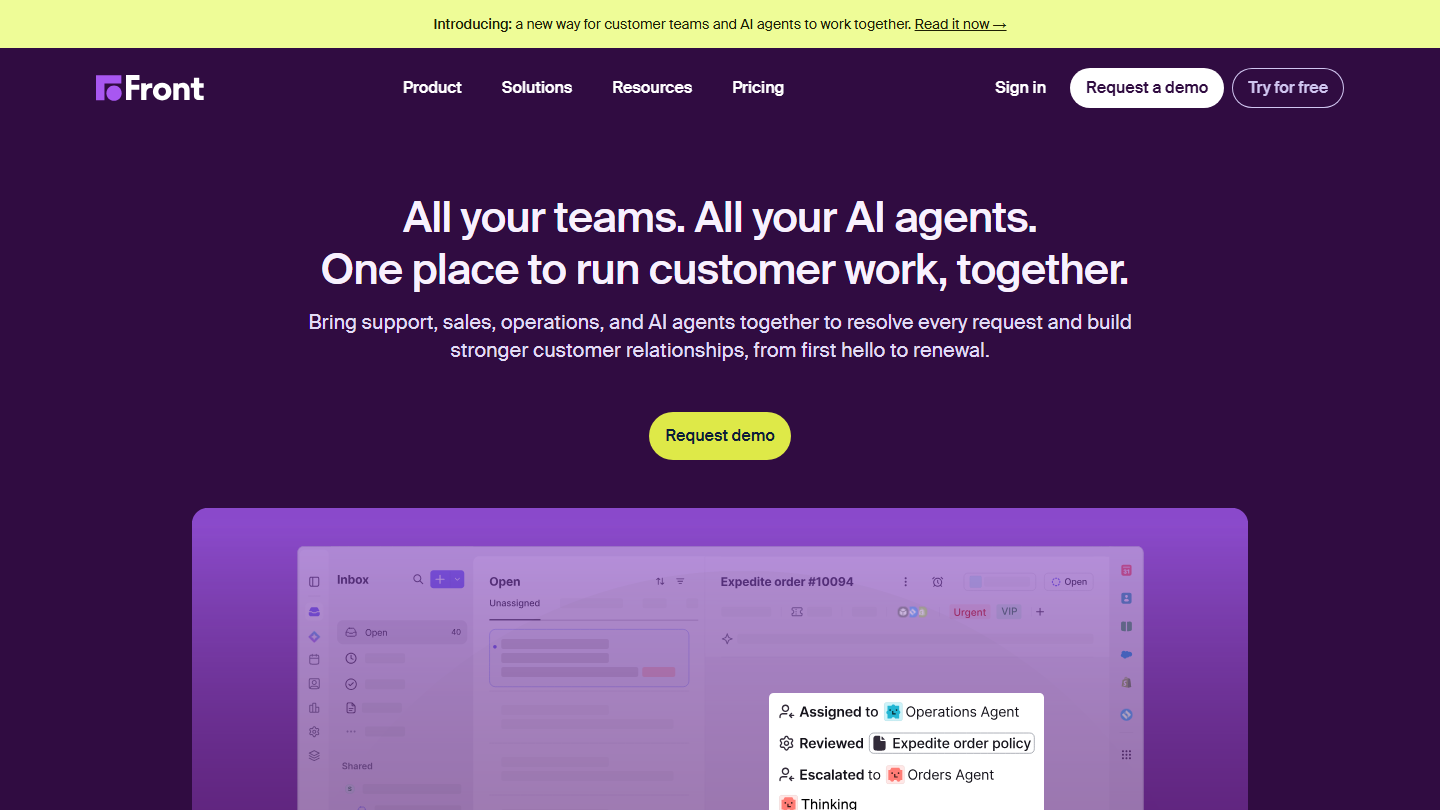
Front homepage: “All your teams. All your AI agents. One place to run customer work, together.”, with a shared inbox

Front is not a CRM: it is a shared inbox, in a separate application. You connect the team’s Gmail accounts and shared addresses, and each message can be assigned, commented on internally or reviewed by a colleague before sending.

It earns its place in this top for teams whose customer relationship involves several people: a salesperson and an account manager writing to the same customer each see what the other replied. Front then links to the team’s CRM through integrations.

Front makes sense when the problem is coordination among several people on emails, more than pipeline tracking. To stay in the Gmail interface, Drag is simpler; to track deals, you need a CRM from this top alongside it.

Count on $25 per seat per month billed annually for Starter (10 seats, one channel type), $65 for Professional, which moves to omnichannel, and $105 for Enterprise. 14-day trial.

10

Dex

3.9/5 From $12

Best for: Freelancers, founders and investors who want to stay in touch with a large network

+ Strengths
  • Email, calendar, LinkedIn and WhatsApp gathered on each contact’s record
  • Reminders to get back in touch, contacts ranked by importance
  • LinkedIn sync up to 2,500 connections from Premium
  • Extension to add a contact from LinkedIn, Facebook or Twitter
− Downsides
  • Designed for one person: the Team plan costs $40 per user
  • No free plan, 6-day trial
  • English-language site and pricing, in dollars
★ Dex in brief

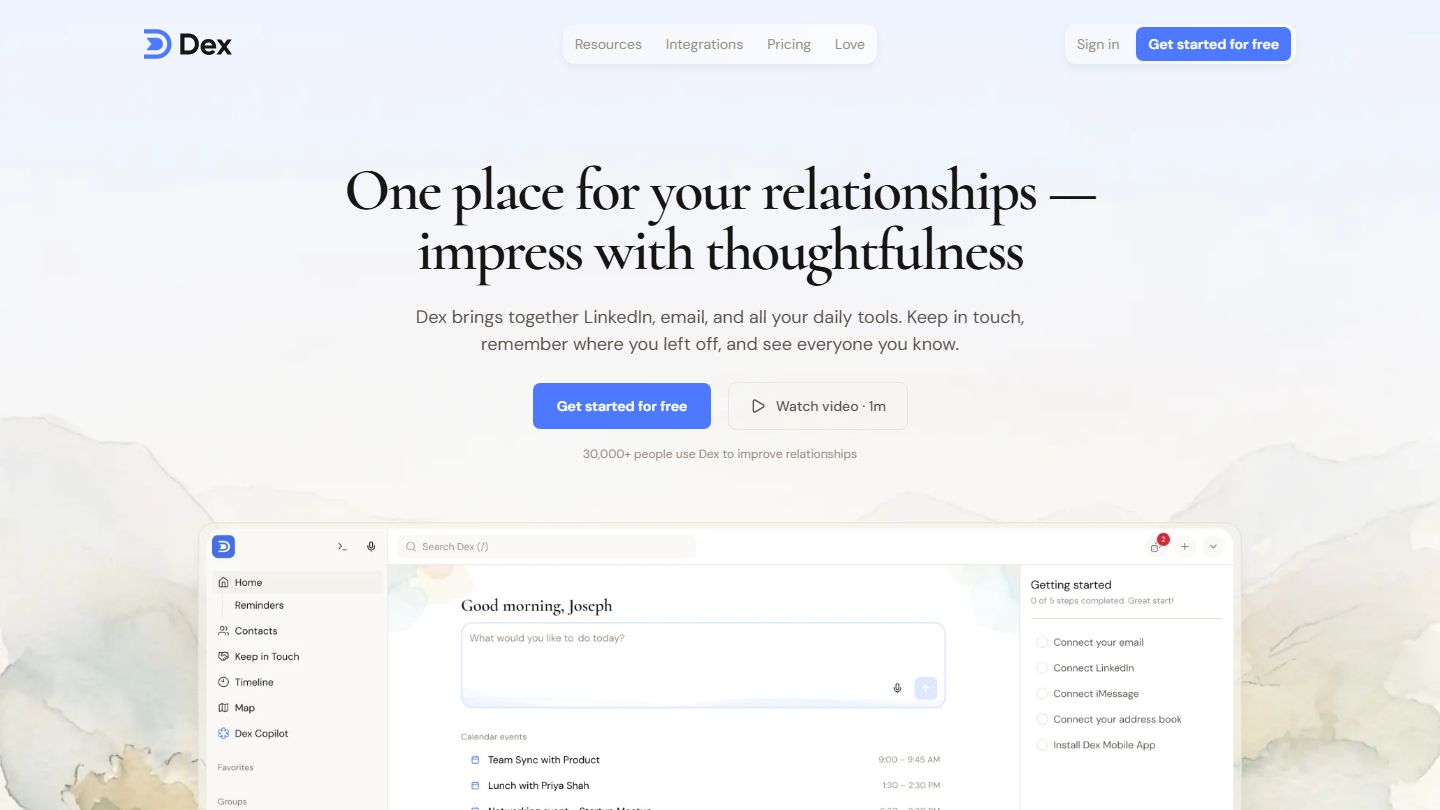
Dex homepage: “One place for your relationships”, personal CRM that brings together LinkedIn and email

Dex is a personal CRM. It syncs email and calendar, imports LinkedIn connections and WhatsApp conversations, and gathers everything on one record per person, with the exchange history and the date of the last contact.

It is used to keep track of a network: Dex reminds you to get back in touch with someone after a period you choose, and the extension adds a contact from their LinkedIn, Facebook or Twitter profile the moment you come across them.

Dex makes sense for a freelancer, a founder or an investor whose network is their first asset. It is not a team sales tool: to track deals as a group, folk or Copper go further.

Premium costs $12 per month billed annually ($20 monthly), Professional $20 ($34), with mail merge, several email accounts and Zapier access. Team is $40 per user per month. The trial lasts 6 days.

How we chose these 10 tools

Every tool in this selection has been used in real conditions by our team or by a Salesdorado consultant, in a B2B sales and marketing setting. No ranking built from a marketing deck. The order of the list is not a ranking: the right tool depends on your needs.

  1. 01
    Benchmark scope

    Broad identification of the tools on the market (G2, Capterra, Salesdorado customer feedback, LinkedIn signals). Initial filtering, then a short list based on a 2-hour setup per tool.

  2. 02
    Test conditions

    3 to 4 weeks of active use per tool, with data representative of a B2B sales use case. When a tool targets a specific profile (SDR, AE, Ops, Marketer…), we match the tester accordingly.

  3. 03
    Weighted criteria

    For each category, 5 to 7 axes weighted according to what matters in the segment: UX, feature depth, native integrations, support, pricing at scale, compliance (GDPR, security), and roadmap quality.

  4. 04
    Independence

    No tool is scored in exchange for payment. Partner links (affiliate) are marked as such and do not influence the score. Non-partner tools are included when their place in the ranking is deserved.

  5. 05
    Updates

    The ranking is reviewed every 6 to 12 months or on every major release of a tool mentioned. The date of the last check is shown at the top of the article.

The questions we get over and over.

How do you choose a CRM for Gmail?

You can choose based on the level of Gmail integration. Fully integrated CRMs give you access to all your prospect data without leaving the inbox. Sidebar CRMs do not change the Gmail interface: the integration is lighter, but they offer advanced features for automation, sales analytics or prospect targeting. Shared inboxes connect your Gmail account to their platform so you can work as a team.

Which CRMs integrate fully with the Gmail interface?

Streak and NetHunt CRM. Streak shows pipelines, contacts and tasks in the inbox, and shares the email history of each deal with the team. NetHunt CRM shows the customer record when you open an email and adds campaigns, sequences and automations on its higher plans.

Which shared inbox should you choose to work as a team on Gmail?

Drag and Front. Drag installs inside Gmail and turns a shared address into a Kanban board, with email assignment and internal notes, from $12 per user per month. Front is a separate application: you connect the team’s Gmail accounts, and emails, SMS and chats are handled together in the same inbox, from $25 per seat.

Does HubSpot’s free plan work with Gmail?

Yes. The HubSpot Sales extension for Gmail is part of the free tools: it tracks opens and clicks, logs emails on the contact record and shows contact information in the inbox. The free plan covers 2 users; beyond that, you need to move to Starter, at €20 per license per month.

Does Zoho CRM’s free plan include the Gmail integration?

Zoho CRM offers a free edition for up to 3 users, and the Zoho CRM for Gmail extension is free to install. Zoho does not say on its pricing page whether it works with the free edition: test it during the trial. The first paid plan, Standard, costs €14 per user per month billed annually, with workflows, cadences, reports and sales forecasts.

★ The conversation, 0 comments

What the community says.

Basic Markdown, moderated within 24 h
Loading…

    In the same category