Nine Credible Alternatives to Salesforce

Nine Salesforce alternatives for SMBs, sorted into two groups. Price benchmark: Salesforce Suite Starter €25 per user per month, Suite Pro €100 billed annually, Sales Cloud from €195. Lighter and cheaper than Salesforce: Pipedrive (from €14, pipeline-centered), HubSpot (free plan for 2 users, Starter €20, marketing and sales on the same database), Zoho CRM (free for 3 users, Standard €14), monday CRM (from €12, sales followed by projects, 3 users minimum) and Agile CRM (free for 10 users and 1,000 contacts, Starter $9.

Maxime Ben Bouaziz
Maxime Ben Bouaziz
CEO Salesdorado, IA & Sales Tech
October 25, 2023, updated November 10, 2026, 1 min read
See all tools

Salesforce is not the leader for nothing: functionally, it is one of the CRMs that go the furthest, and its ecosystem of integrators, AppExchange apps and training is one of the richest on the market. For an SMB, it is also an expensive tool that takes a long time to deploy: count €25 per user per month for Suite Starter, €100 for Suite Pro (annual commitment), €195 and up for the Sales Cloud editions.

If you are looking for a Salesforce alternative, then either you want a lighter solution that costs less in time, money and training, or you want a roughly equivalent scope that does not charge for the leading brand. The nine tools are sorted according to these two cases. Depending on your need:

  • a readable pipeline for a team that handles many deals: Pipedrive;
  • marketing and sales in the same database, starting for free: HubSpot;
  • a complete CRM at a low price, within a suite of apps: Zoho CRM;
  • sales that lead to projects to deliver: monday CRM;
  • the tightest budget, with a free plan for 10 users: Agile CRM;
  • a company that already works in Outlook, Teams and Excel: Microsoft Dynamics 365;
  • link sales to quotes, orders and invoicing in an Oracle ERP: Oracle Fusion Cloud Sales;
  • a company already running on a SAP ERP: SAP Sales Cloud;
  • an open source CRM, extended later with invoicing or accounting: Odoo.

SalesdoradoSimulate your CRM choice
Free tool, 2 minutes
Simulate your CRM choice

Answer 10 targeted questions and find the tools that actually fit your situation.

15
tools analyzed
10
targeted questions
€0
no sign-up
Methodology published by the Salesdorado editorial team

The 9 tools, side by side

# Logos tool Score Price Best for
Lighter and cheaper than Salesforce
01 Pipedrive 4.5/5 ★ €14 SMBs whose sales reps handle a high volume of deals and want a deal-centered tool Visit site
02 HubSpot 4.5/5 ★ €20 SMBs that want a CRM as broad as Salesforce, simpler to deploy, with a free plan to get started Visit site
03 Zoho CRM 4.2/5 ★ €14 SMBs that want the essentials of Salesforce at a lower cost, with other Zoho apps around it Visit site
04 monday CRM 4.0/5 ★ €12 Small teams that, once the sale is signed, have to deliver a long project to the client Visit site
05 Agile CRM 4.0/5 ★ $9.99 Small teams that want sales, marketing and support in a single tool, for less than $10 per user Visit site
Equivalent functional depth
06 Microsoft Dynamics 365 4.1/5 ★ €56.30 SMBs and mid-sized companies that work in Outlook, Teams and Excel and want a Salesforce-level CRM Visit site
07 Oracle Fusion Cloud Sales 3.8/5 ★ On request Mid-sized and large companies equipped with the Oracle Fusion ERP, with complex quoting processes Visit site
08 SAP Sales Cloud 4.0/5 ★ On request Companies equipped with SAP ERP or S/4HANA, with sales teams in the field Visit site
09 Odoo 4.4/5 ★ €24.90 SMBs looking for a highly customizable CRM, extended later with invoicing, inventory or accounting Visit site

Lighter and cheaper than Salesforce

For everyday use (email tracking, pipeline, forecasts, quotes, shared calendar), Salesforce’s Suite Starter quickly falls short, and Suite Pro, at €100 billed annually, is expensive for features you will not all use. These five CRMs cover that scope for €10 to €40 per user per month.

01

Pipedrive

4.5/5 From €14

Best for: SMBs whose sales reps handle a high volume of deals and want a deal-centered tool

+ Strengths
  • Visual pipeline, stages customizable by team
  • Gmail and Outlook email sync and forecasts from Growth
  • More than 500 integrations from the Lite plan
  • iOS and Android mobile apps
− Downsides
  • Few native marketing features, Campaigns is a paid add-on
  • Reporting sufficient to manage sales, limited for in-depth analysis
  • No free plan, only a 14-day trial
★ Pipedrive in brief

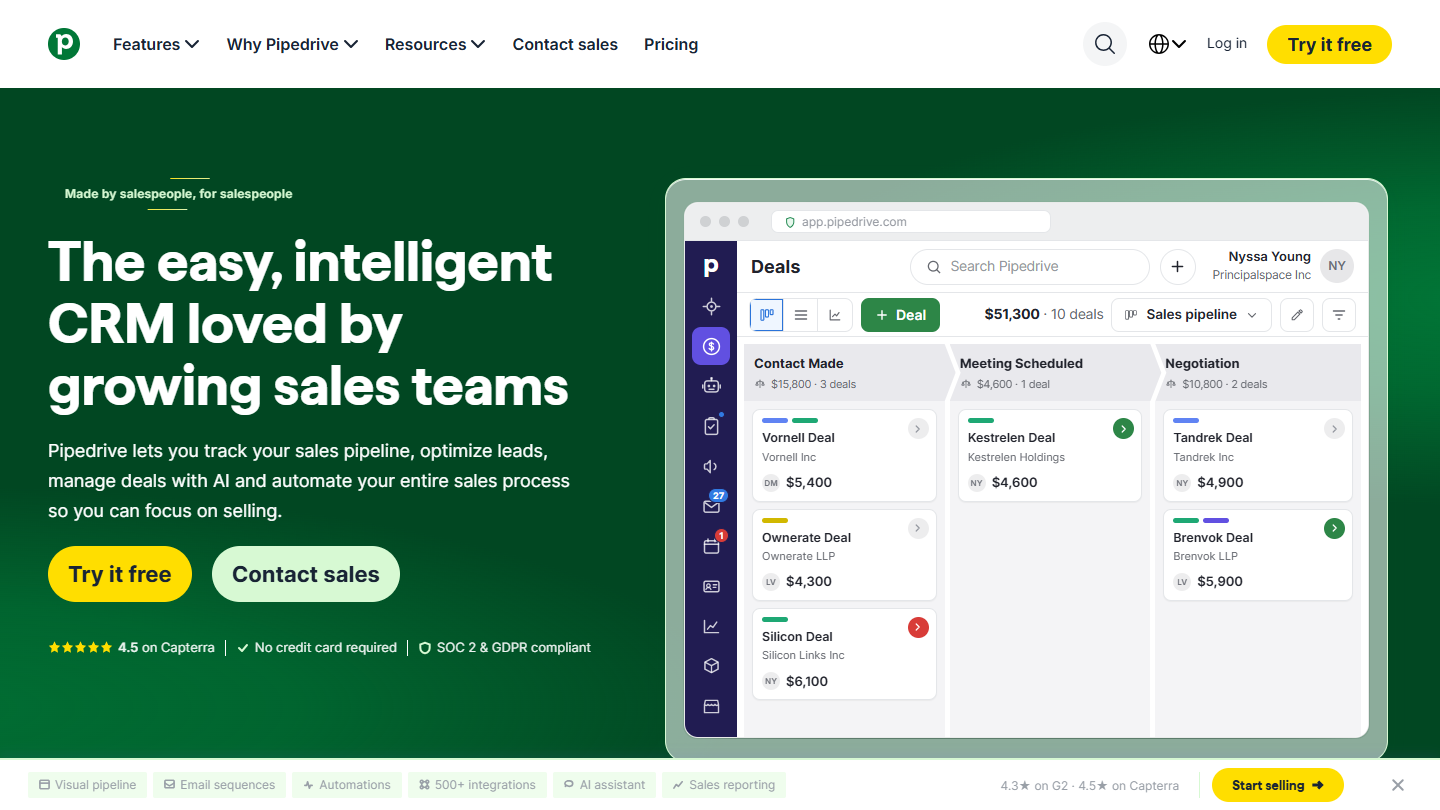
Pipedrive website: “The easy, intelligent CRM loved by growing sales teams”

Pipedrive is a CRM built around a single view: the deal pipeline, column by column. Each deal carries its next action, and the sales rep immediately sees what is moving and what is stalling. It is the opposite of the Salesforce logic, where you start from a very rich data model that has to be configured before you can sell.

Day to day, the tool covers what an SMB asks of Salesforce without paying for its complexity: emails linked to deals, scheduled follow-ups, pipeline reports, a mobile app for field teams. Pipedrive for Gmail lets you work from the mailbox without opening the CRM.

For a team leaving Salesforce, the Growth plan is the closest to everyday use. Pipedrive shows its limits when the CRM must also carry marketing, customer service or processes with several approvals: you then need extensions or third-party tools.

Annual pricing, per seat: Lite at €14, Growth at €39, Premium at €59, Ultimate at €79. Equipping five sales reps on Growth comes to €195 per month, less than two Suite Pro licenses at Salesforce.

02

HubSpot

4.5/5 From €20

Best for: SMBs that want a CRM as broad as Salesforce, simpler to deploy, with a free plan to get started

+ Strengths
  • Free plan for 2 users, with no time limit
  • Marketing, sales, customer service and CMS on the same contact database
  • Open ecosystem, without the control Salesforce exerts on the AppExchange
  • Ready-made dashboards, from website traffic to closed deals
− Downsides
  • The Pro (€90) and Enterprise (€175) plans quickly push the bill up
  • Deep customization less advanced than Salesforce
  • Real learning curve once you activate several hubs
★ HubSpot in brief

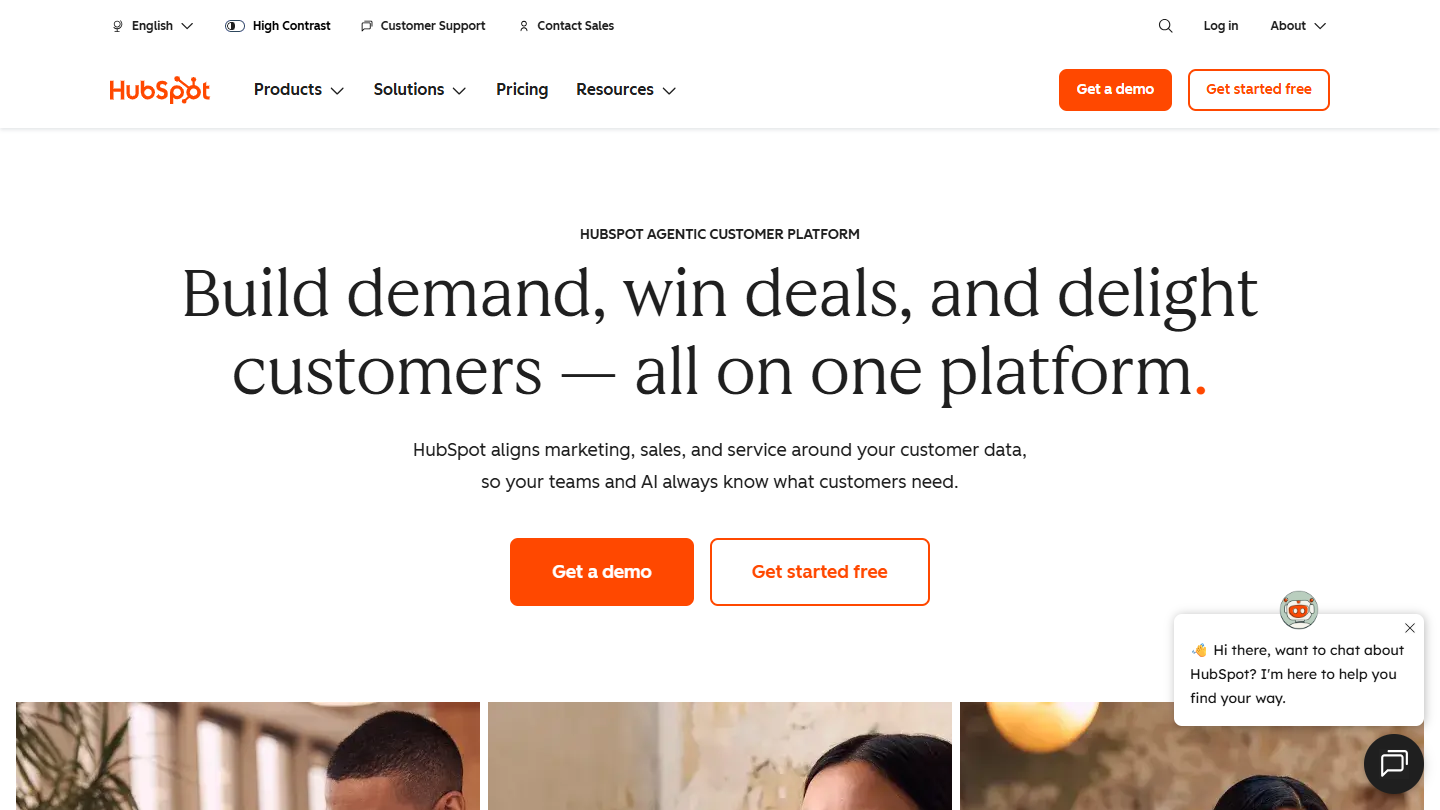
HubSpot website: “Build demand, win deals, and delight customers, all on one platform”

HubSpot is Salesforce’s most direct competitor among SMBs. Both vendors cover the same functional breadth, from sales to customer service, but HubSpot was designed to be set up by the team itself, whereas a Salesforce project often goes through an integrator.

The biggest difference lies in the ecosystem. Salesforce closely supervises the AppExchange and its training; HubSpot works with anyone, and the HubSpot Academy courses are free. For an SMB, that means less dependence on a service provider and a faster start.

Its marketing suite is its real strength against Salesforce: emails, forms, landing pages and automations share the records and the pipeline history, whereas Salesforce sells them in a separate product, the former Pardot. Enough to make Pardot blush, precisely, on the SMB turf.

Two users can work for free. Against Salesforce’s Suite Starter (€25), HubSpot’s Starter asks €20 per license; the next tiers climb to €90 (Pro) and €175 (Enterprise). At Pro, the gap with Salesforce becomes small: it is the ecosystem that decides, more than the price.

03

Zoho CRM

4.2/5 From €14

Best for: SMBs that want the essentials of Salesforce at a lower cost, with other Zoho apps around it

+ Strengths
  • Free up to three users
  • Automations, workflows and analytics from Standard, at €14
  • Canvas to redesign the interface without code
  • Zoho apps (emailing, support, invoicing) natively connected
− Downsides
  • Lengthy setup, the flip side of its functional richness
  • CPQ (quotes and product catalog) from Professional, €23
  • Choosing between Zoho CRM and Bigin takes a bit of analysis
★ Zoho CRM in brief

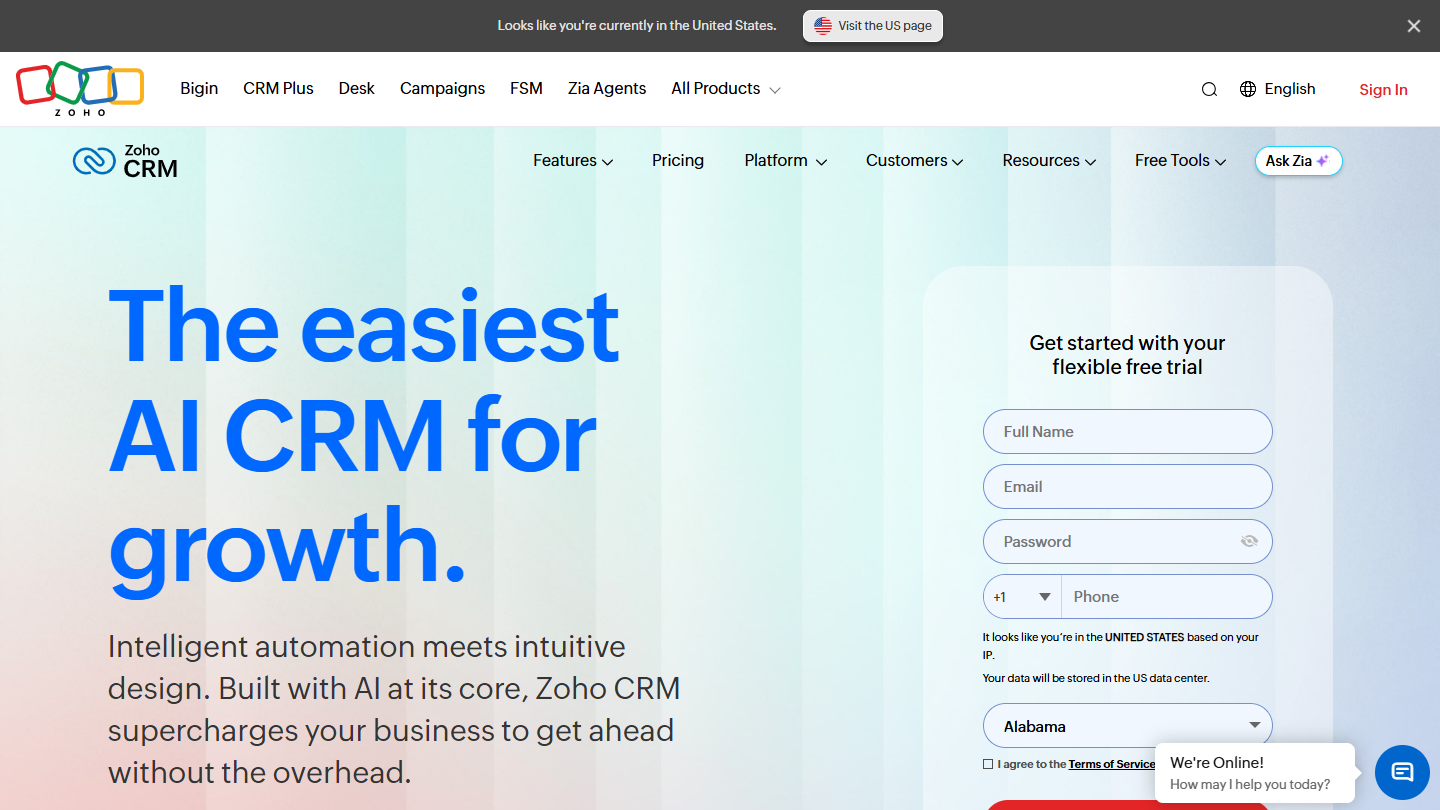
Zoho CRM website: “The easiest AI CRM for growth.”

Zoho, an Indian vendor of more than forty business applications, has made Zoho CRM its centerpiece. It is one of the most affordable Salesforce alternatives at a comparable scope: pipeline, forecasts, automations, reports and a mobile app are available from the first plans.

Against Salesforce, Zoho plays the same customization card, with no mandatory integrator. Canvas lets you redesign records and views without code, which helps adoption when the team arrives from another CRM, and workflows are configured from the admin, with no development.

If you only need a pipeline, Zoho also sells Bigin, a lighter version for very small teams, at €7 per user per month billed annually. Zoho CRM makes sense as soon as you need quotes, forecasts or finer automations.

Up to three people, the free edition is enough to get started. Beyond that, the annual grid runs from €14 (Standard) to €52 (Ultimate) per user, with Professional at €23 and Enterprise at €40. A team of five on Professional pays €115 per month, barely more than a single Suite Pro license at Salesforce.

04

monday CRM

4.0/5 From €12

Best for: Small teams that, once the sale is signed, have to deliver a long project to the client

+ Strengths
  • Boards, columns and stages adaptable to any sales process
  • Sales tracking and project tracking combined
  • Automatic follow-ups and notifications at each stage change
  • Integrations with Slack, Gmail, Outlook and Mailchimp
− Downsides
  • Less rich than Salesforce on forecasting and reporting
  • Not a native CRM: sales is grafted onto a project tool
  • No free plan, and three seats minimum
★ monday CRM in brief

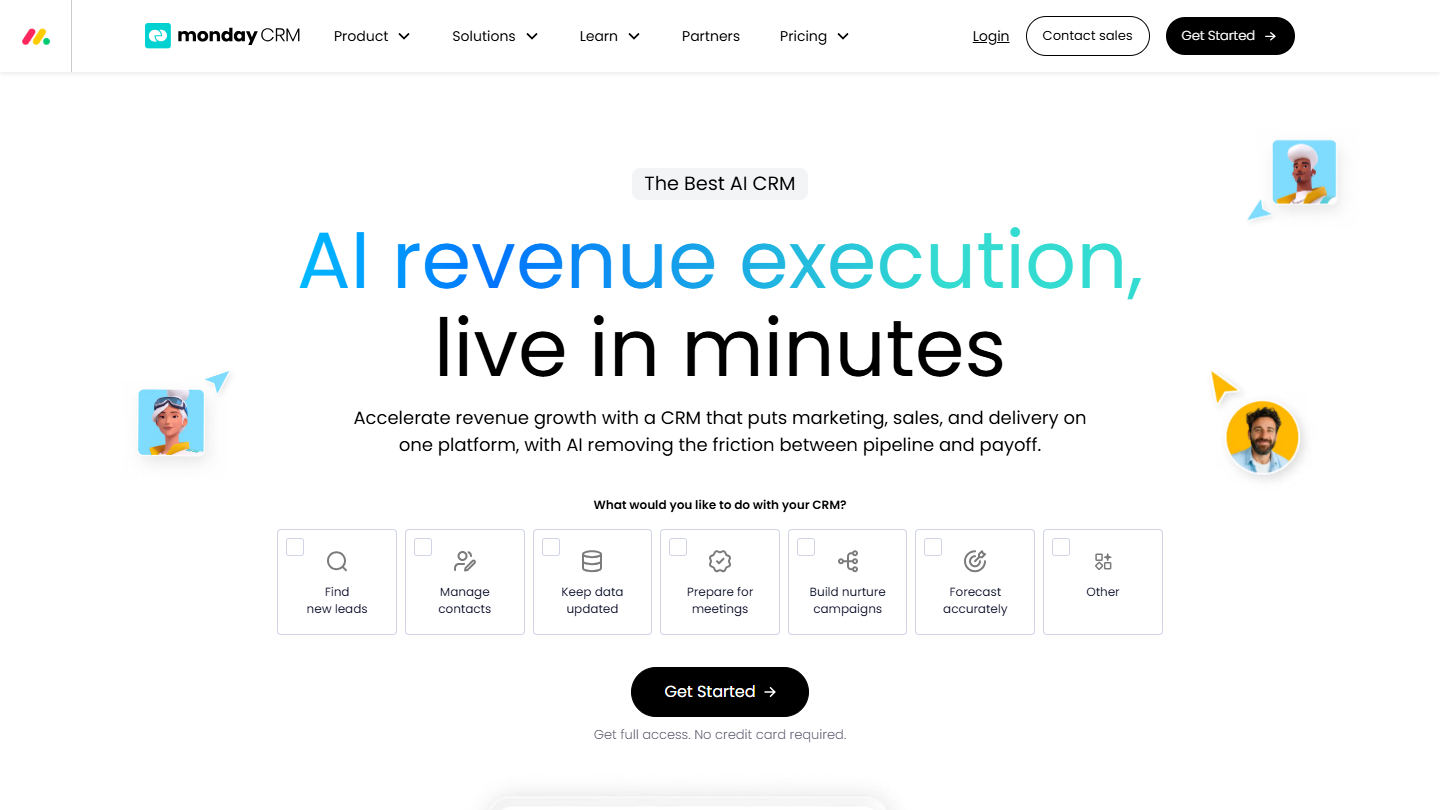
monday CRM website: “AI revenue execution, live in minutes”

monday CRM is the sales version of monday.com, the board-based project management tool. You find the same building blocks: rows for deals, columns for stages and fields, which you move or rename without development.

It suits companies where the sale is only the start of the work: consulting, agencies, integrators, engineering firms. The signed deal passes to the production team in the same space, with its history, where Salesforce would require an extra module or tool.

Against Salesforce, monday CRM remains less deep. Its strength is quick customization, useful to a small team that manages long, complex sales cycles without a dedicated CRM administrator.

Billed annually, the seat starts at €12 on Basic (€18 with no commitment), goes to €17 on Standard and €28 on Pro, for at least three seats. Three Pro seats cost €84 per month, less than one Suite Pro license from Salesforce.

05

Agile CRM

4.0/5 From $9.99

Best for: Small teams that want sales, marketing and support in a single tool, for less than $10 per user

+ Strengths
  • Free for a team of ten people
  • Sales, marketing automation and customer support in the same tool
  • Lead scoring and appointment calendar available without paying
  • Sales gamification, rare in this price range
− Downsides
  • Free plan limited to 1,000 contact and company records
  • Takes longer to set up than HubSpot or Pipedrive
  • Support in English, slow to respond
★ Agile CRM in brief

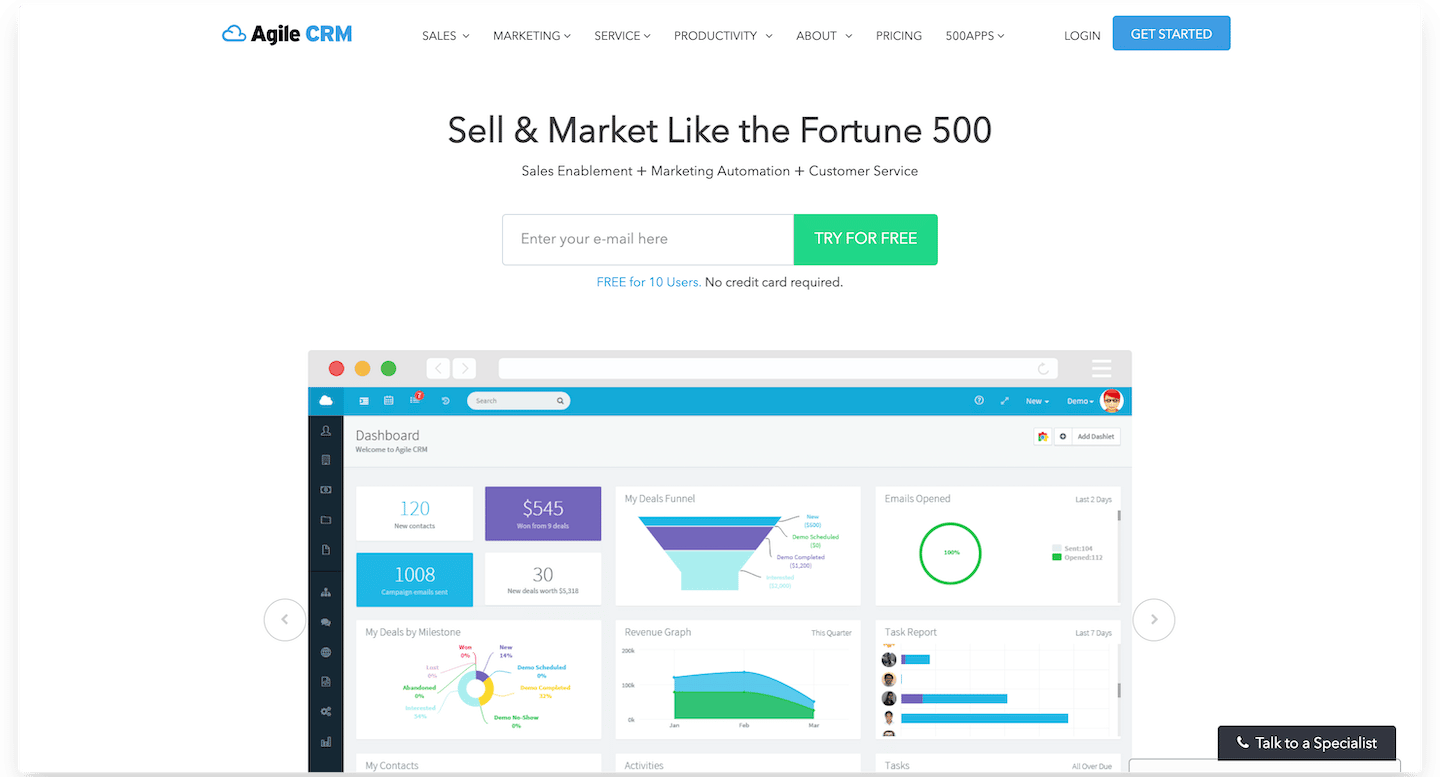
Agile CRM homepage:

Sales, marketing automation and customer service: Agile CRM puts all three in one online software. On paper, it covers a good part of what Salesforce spreads across several products, for a fraction of the price.

It is a tool rich in automations: email sequences, lead scoring, appointment booking, tracking of sent emails. It suits SMBs that want to manage many communication flows without stacking subscriptions.

The trade-off is the setup: the interface is dense, configuration takes time, and a company with simple operations will get lost in it. The free plan is mainly useful for testing the tool as a team before moving to a paid plan.

Prices are shown in dollars: $9.99 per user per month for Starter paid annually, $8.99 if you commit for two years; Regular goes up to $39.99 and Enterprise to $64.99 on a one-year term.

Equivalent functional depth

If you still have large-account needs (advanced forecasting, complex quotes, an ERP link), these four platforms play in the same category as Salesforce. For an SMB, they mostly make sense when the company already uses the vendor’s ecosystem.

06

Microsoft Dynamics 365

4.1/5 From €56.30

Best for: SMBs and mid-sized companies that work in Outlook, Teams and Excel and want a Salesforce-level CRM

+ Strengths
  • Native interoperability with Outlook, Teams and Excel
  • Advanced analytics with Power BI
  • Copilot and AI assistants included from Sales Enterprise
  • Bundle with LinkedIn Sales Navigator (Microsoft Relationship Sales)
− Downsides
  • Less intuitive ergonomics, which weighs on adoption
  • Complex license grid: Power Automate and Power Apps billed extra
  • Ticket-based support in English, slow to respond
★ Microsoft Dynamics 365 in brief

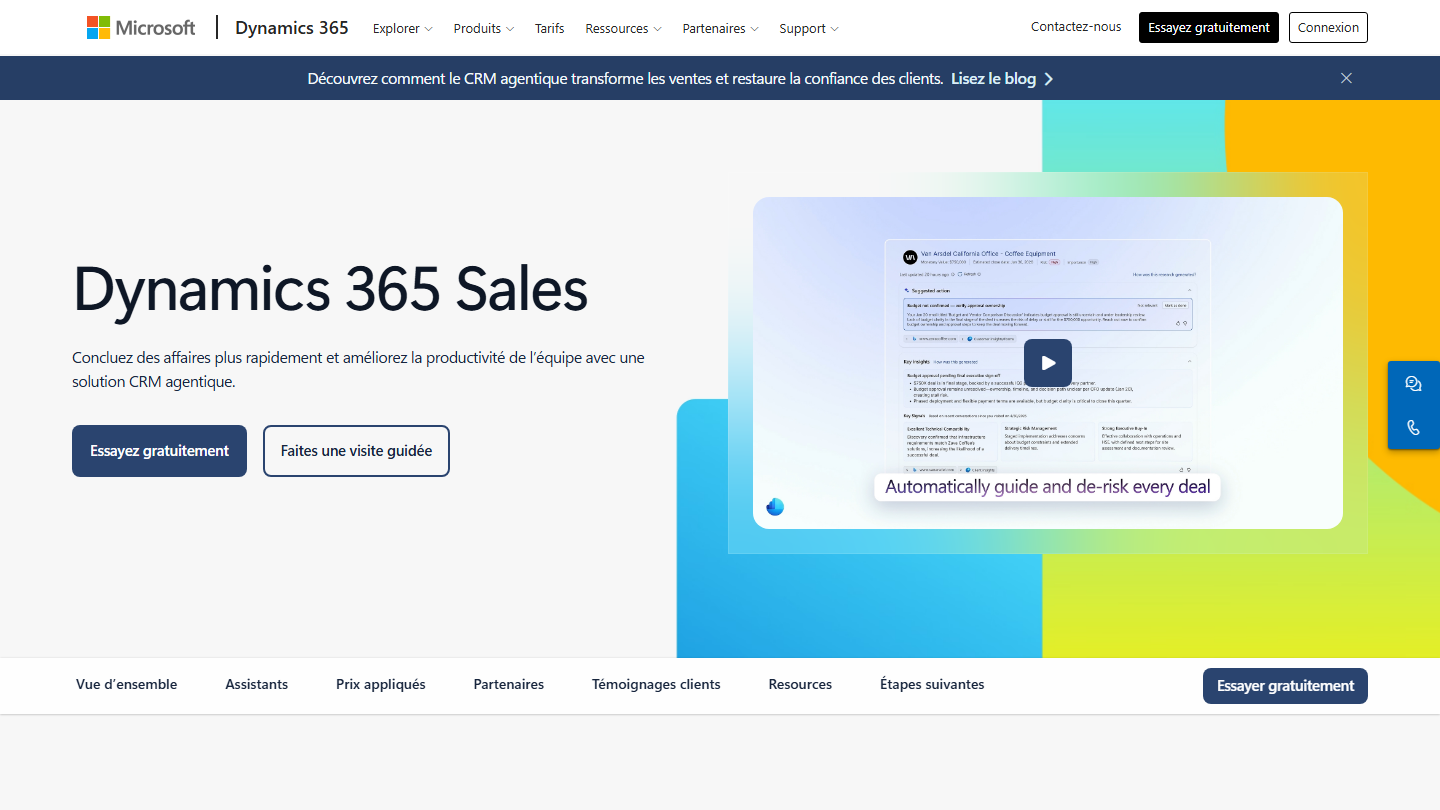
Microsoft Dynamics 365 Sales page:

Dynamics 365 Sales is Microsoft’s CRM. It is the closest Salesforce competitor in functional depth, with an argument Salesforce does not have: it lives in the same environment as Microsoft 365.

For an SMB already on Microsoft 365, this changes adoption: sales reps find their emails and meetings in the CRM, and data goes to Excel without a manual export. The base plan covers leads, opportunities, quotes, orders and invoices.

On the AI side, Copilot plays the role of Agentforce at Salesforce: opportunity summaries, meeting preparation, email reply drafts. It is included from Sales Enterprise; Sales Premium adds 1,000 Copilot credits per user per month to run the assistants.

Sales Professional costs €56.30 excl. VAT per user per month, Sales Enterprise €91 and Sales Premium €130, billed annually. At the Enterprise level, the budget is close to Salesforce’s Suite Pro: the choice comes down to your teams’ work environment.

07

Oracle Fusion Cloud Sales

3.8/5 From On request

Best for: Mid-sized and large companies equipped with the Oracle Fusion ERP, with complex quoting processes

+ Strengths
  • Sales, CPQ, self-service commerce and subscriptions on a single platform
  • Native integration with Oracle Fusion Cloud ERP and Order Management
  • Automatic calculation of sales commissions
  • Real-time forecasts for sales management
− Downsides
  • Very complex, reserved for advanced CRM projects
  • You buy an Oracle ecosystem, not just a CRM
  • No public price or trial: demo, then quote
★ Oracle Fusion Cloud Sales in brief

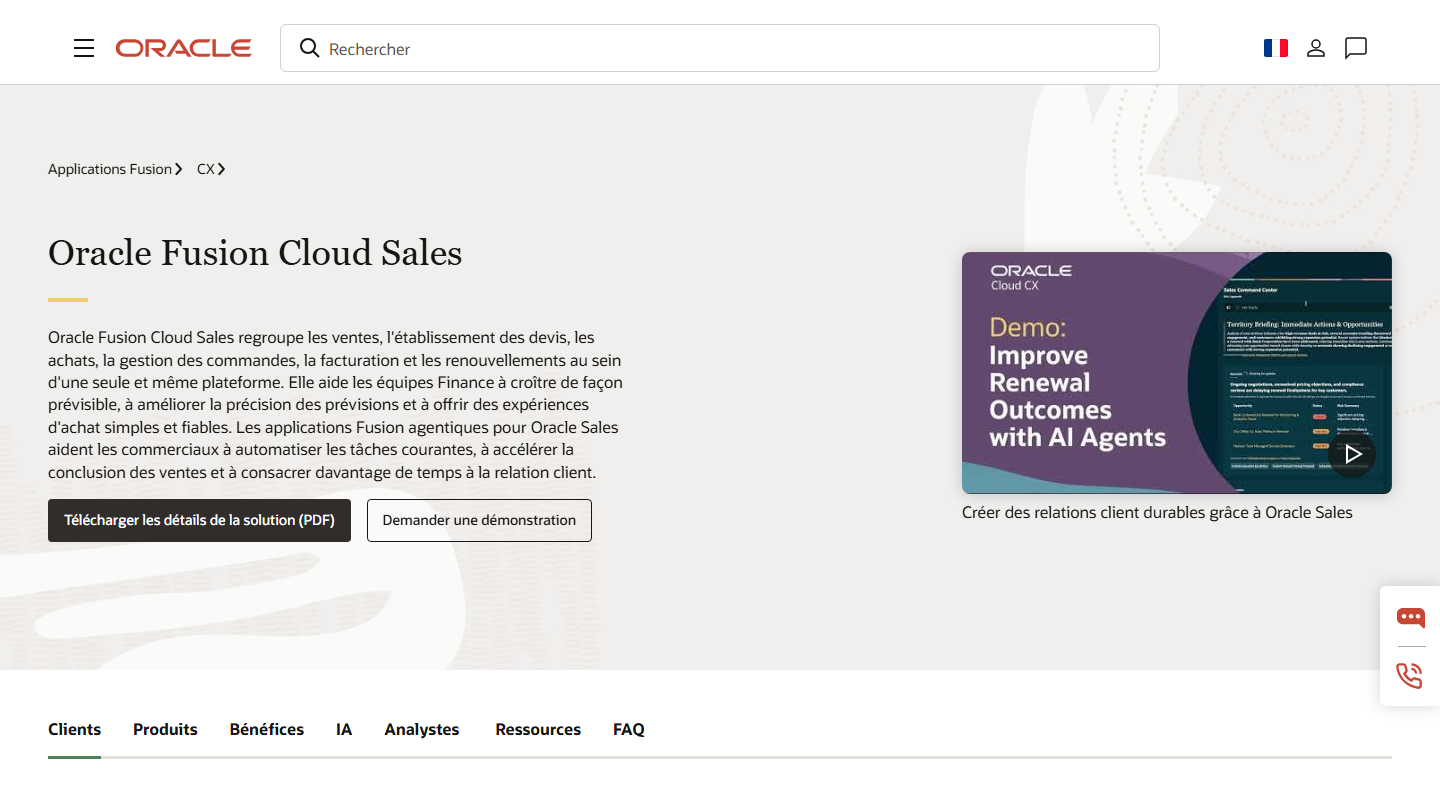
Oracle Fusion Cloud Sales page: sales, quotes, orders, invoicing and renewals on a single platform

Oracle Fusion Cloud Sales is the CRM of Oracle’s Fusion suite. It brings together sales, quoting, self-service commerce, subscription management and commission calculation, on the same platform as the Oracle ERP.

It is a Salesforce alternative for one specific reason: when sales must plug directly into finance. The quote configured by the sales rep becomes an order, then an invoice and a renewal, with no re-entry between the CRM and the ERP.

For an SMB, it is rarely justified: the project is run with an integrator, and the decision is made case by case. SMBs leaving Salesforce for cost reasons will find their tool in the first group of this top instead.

Oracle does not publish a price grid for Fusion Cloud Sales: the price is obtained after a demo request.

08

SAP Sales Cloud

4.0/5 From On request

Best for: Companies equipped with SAP ERP or S/4HANA, with sales teams in the field

+ Strengths
  • Native connection to SAP ERP and S/4HANA
  • AI-guided selling and assisted forecasts (Joule copilot)
  • Mobile apps usable offline
  • Planning of field visits and routes
− Downsides
  • A rather "old school" vision of software, designed for large accounts
  • Makes little sense without the rest of the SAP ecosystem
  • No public price: pricing on request
★ SAP Sales Cloud in brief

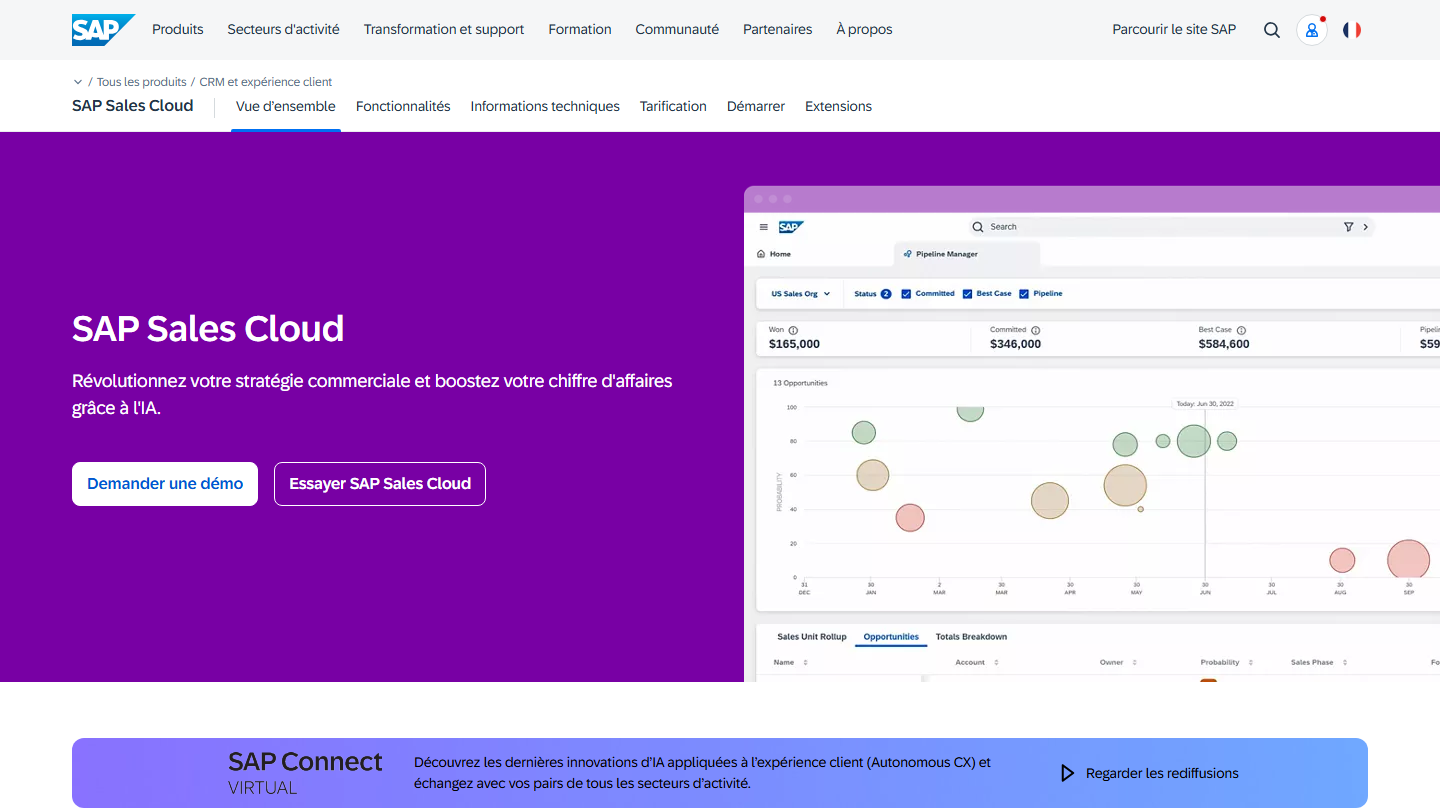
SAP Sales Cloud page:

SAP Sales Cloud is the CRM of SAP, the German ERP vendor. It is part of SAP’s customer experience offer, alongside service and commerce, and plugs into SAP ERP and S/4HANA.

Against Salesforce, its argument is the integration with operations: the sales rep sees product availability, prices, quotes and order status without leaving the CRM. Predictive models help make forecasts more reliable and spot at-risk deals.

For an SMB, SAP Sales Cloud only makes sense if the company already runs on a SAP ERP: on its own, it is heavier to deploy than the CRMs in the first group. SAP also offers it within GROW with SAP, its S/4HANA Cloud Public Edition offer.

SAP does not publish prices on its pricing page: pricing goes through a quote request. A free trial is offered from the product page.

09

Odoo

4.4/5 From €24.90

Best for: SMBs looking for a highly customizable CRM, extended later with invoicing, inventory or accounting

+ Strengths
  • Open source: one of the most modular and customizable tools
  • CRM, sales, invoicing, inventory and accounting in the same software
  • Ecosystem rich in integrator partners
  • One free module, with no user cap
− Downsides
  • Setup is hard to carry out without support
  • Support is slow and hard to reach
  • ERP logic: more menus and settings than a CRM alone
★ Odoo in brief

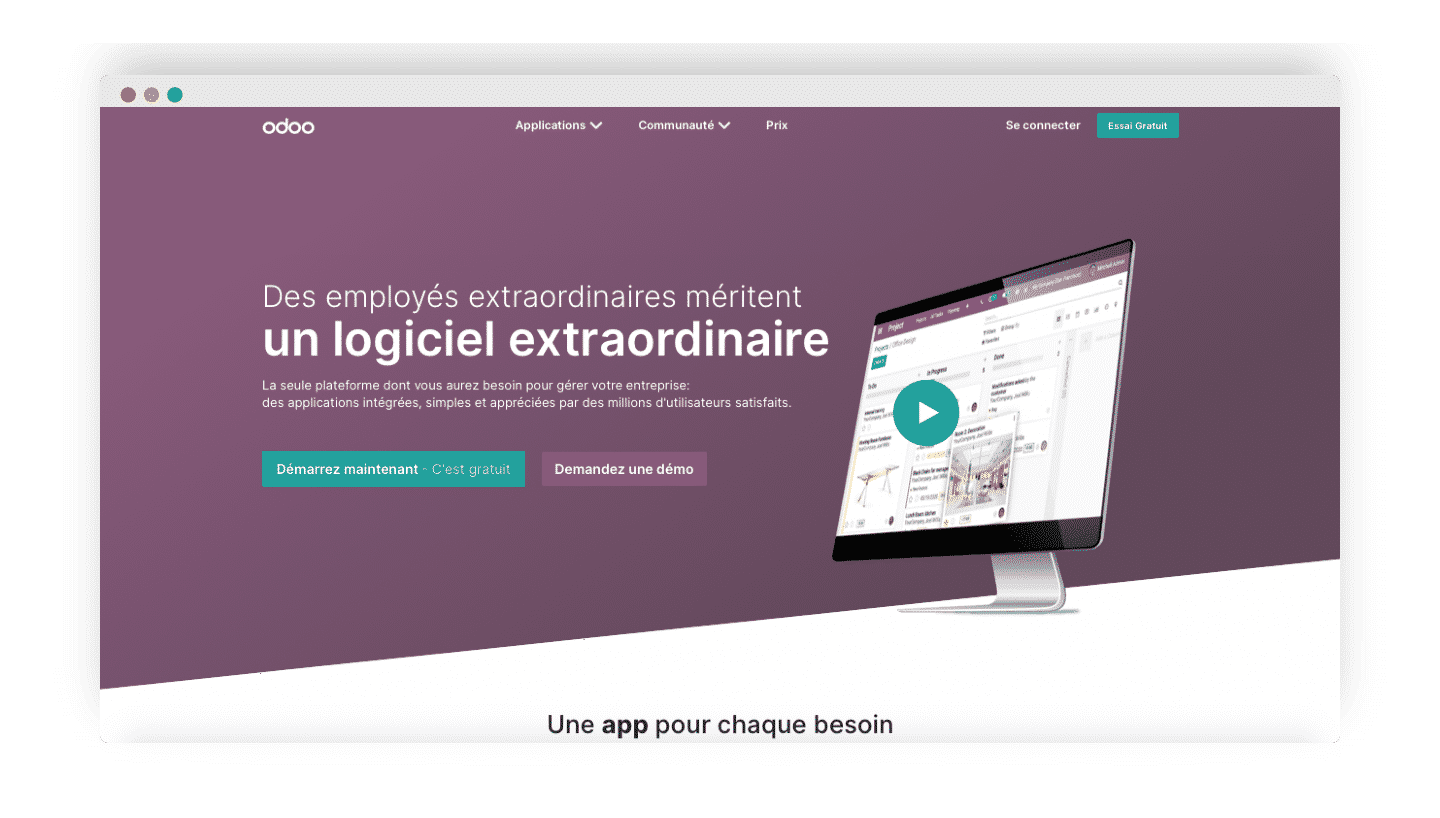
Former Odoo homepage:

Odoo, a Belgian vendor, sells open source management software split into modules that you add one by one: the CRM is one of them, alongside sales, invoicing, accounting or inventory, all on the same database.

Against Salesforce, Odoo tackles the problem from the other end: instead of a very deep CRM that you connect to an ERP through connectors, it offers a simpler CRM, already linked to the rest of the management. The quote starts from the pipeline, becomes an order then an invoice, with no integration to maintain.

Its open code also makes it one of the most customizable tools on the market. The model mostly benefits the SMB that aims for a full ERP in the long run; for sales tracking alone, a pure CRM will be more direct.

As long as you activate only one module, Odoo charges nothing, whatever the number of users. To open everything, the Standard plan asks €24.90 per user per month billed annually, €31.10 with no commitment; the Custom plan (€44.90) adds the Studio customization tool and installation on your own servers.

How we chose these 9 tools

Every tool in this selection has been used in real conditions by our team or by a Salesdorado consultant, in a B2B sales and marketing setting. No ranking built from a marketing deck. The order of the list is not a ranking: the right tool depends on your needs.

  1. 01
    Benchmark scope

    Broad identification of the tools on the market (G2, Capterra, Salesdorado customer feedback, LinkedIn signals). Initial filtering, then a short list based on a 2-hour setup per tool.

  2. 02
    Test conditions

    3 to 4 weeks of active use per tool, with data representative of a B2B sales use case. When a tool targets a specific profile (SDR, AE, Ops, Marketer…), we match the tester accordingly.

  3. 03
    Weighted criteria

    For each category, 5 to 7 axes weighted according to what matters in the segment: UX, feature depth, native integrations, support, pricing at scale, compliance (GDPR, security), and roadmap quality.

  4. 04
    Independence

    No tool is scored in exchange for payment. Partner links (affiliate) are marked as such and do not influence the score. Non-partner tools are included when their place in the ranking is deserved.

  5. 05
    Updates

    The ranking is reviewed every 6 to 12 months or on every major release of a tool mentioned. The date of the last check is shown at the top of the article.

The questions we get over and over.

Why look for a Salesforce alternative?

Either to find a lighter solution that costs less in time, money and training, or to find a roughly equivalent alternative that does not charge for the leading brand. Salesforce goes very far functionally, but it is too complex and expensive for the vast majority of its customers.

Which Salesforce alternative for a small business?

HubSpot is the real challenger: at least as broad, but much simpler to set up and use for a small business, with a free plan for 2 users. Pipedrive suits those who handle large flows of prospects, Zoho CRM those who want an affordable CRM at the heart of a software suite, and Agile CRM the tightest budgets.

Which Salesforce alternative for a large company?

Microsoft Dynamics 365 is a very solid Salesforce competitor, especially for companies already equipped with Microsoft 365, thanks to its native integrations with Outlook, Teams and Excel. Oracle Fusion Cloud Sales and SAP Sales Cloud target very advanced projects, tied to their vendor's ERP, and Odoo offers a highly modular open source suite.

What is the difference between Salesforce and HubSpot?

The biggest difference lies in the ecosystem: Salesforce controls the AppExchange tightly and supervises its training, whereas HubSpot has a much more open vision and works with anyone. On price, HubSpot offers a free plan for 2 users and a Starter at €20 per license; Salesforce has a free Suite, then Suite Starter at €25 per user per month.

Do Salesforce alternatives require an annual commitment?

Salesforce bills Suite Pro annually; only Suite Starter can also be paid monthly. Several alternatives in this top are paid monthly, such as monday CRM (€18 per user instead of €12 billed annually) or Odoo (€31.10 instead of €24.90), with a discount if you commit for a year. Microsoft Dynamics 365 is, like Salesforce, billed annually.

★ The conversation, 0 comments

What the community says.

Basic Markdown, moderated within 24 h
Loading…

    In the same category