Top 15 Best Collaboration Platforms

Fifteen collaboration platforms split into three families: project management (monday.com, ClickUp, Wrike, Basecamp, Teamwork.com), document management (Notion, Google Drive, Microsoft 365, Miro, Canva) and communication (Slack, Microsoft Teams, Loom, tl;dv, Claap).

Maxime Ben Bouaziz
Maxime Ben Bouaziz
CEO Salesdorado, IA & Sales Tech
August 31, 2022, updated November 10, 2026, 1 min read
See all tools

According to a 2021 study by Wakefield Research for Slack, 79% of users say their collaboration platform is very important to their work.

But when we talk about a collaboration platform, we mean project management, communication and document editing tools alike. All of them centralize teamwork to cut down on emails and meetings, but they don’t have the same features and so don’t meet the same needs. The right choice starts from the problem you face internally:

  • onboarding new members onto a project and tracking who does what: monday.com, ClickUp or Wrike; Basecamp for a flat price, Teamwork.com for an agency;
  • centralizing your documents and information: Notion, Google Drive or Microsoft 365;
  • thinking together on a whiteboard: Miro;
  • giving other teams templates and brand guidelines: Canva;
  • keeping track of your conversations: Slack, or Microsoft Teams if you run on Office;
  • replacing a meeting with a video: Loom, or Claap for a sales team;
  • keeping a record of your video calls: tl;dv.

Here are our 15 favorite collaboration platforms, split into three parts according to what your organization needs: project management, document management, communication.

SalesdoradoSimulate your choice of project management tool
Free tool, 2 minutes
Simulate your choice of project management tool

Answer 10 targeted questions and find the tools that actually fit your situation.

12
tools analyzed
10
targeted questions
€0
no sign-up
Methodology published by the Salesdorado editorial team

The 15 tools, side by side

# Logos tool Score Price Best for
To manage projects better
01 monday.com 4.0/5 ★ €9 Teams that want a collaborative dashboard and the whole team’s schedule Visit site
02 ClickUp 4.7/5 ★ $9 Teams looking for an advanced free plan and great functional depth Visit site
03 Wrike 4.5/5 ★ $10 Complex projects that bring together several different teams Visit site
04 Basecamp 4.7/5 ★ $29 Small and large teams that want a proven tool, strong on communication Visit site
05 Teamwork.com 4.6/5 ★ €9.99 Agencies and service companies that manage client projects and bill their time Visit site
To manage documents better
06 Notion 4.7/5 ★ €9.50 Companies that want all their information in a single workspace Visit site
07 Google Drive 4.5/5 ★ Free Teams already on Gmail and Google Calendar that edit their documents together Visit site
08 Microsoft 365 Business 4.3/5 ★ €6.07 Office suite users who share their documents in Teams meetings Visit site
09 Miro 4.3/5 ★ €8 Teams that work together on a virtual whiteboard Visit site
10 Canva 4.6/5 ★ €12 Communication teams that provide templates and brand guidelines to other teams Visit site
To communicate better
11 Slack 4.6/5 ★ €6.75 Teams that want to organize their conversations into channels and automate their notifications Visit site
12 Microsoft Teams 4.5/5 ★ €3.50 Companies on the Office suite that want chat and video conferencing in one tool Visit site
13 Loom 4.4/5 ★ $18 Teams that solve their internal problems and pass on information through video Visit site
14 tl;dv 4.2/5 ★ €18 Teams that want to record and transcribe their Google Meet, Zoom and Teams meetings Visit site
15 Claap 4.2/5 ★ €24 Sales teams that share their meetings as video and want to feed their CRM Visit site

To manage projects better

Tasks, deadlines and owners: these platforms give a project team’s work its structure and make progress visible to everyone.

01

monday.com

4.0/5 From €9

Best for: Teams that want a collaborative dashboard and the whole team’s schedule

+ Strengths
  • Whole team’s schedule displayed over a set period
  • Collaborative dashboard, integrations and planning tools
  • Visual, colorful interface, quick to learn
  • Unlimited free guests from the Basic plan
− Downsides
  • Free plan limited to 2 users, 3 boards and 3 docs
  • Calendar and Gantt views reserved for the Standard plan, at €14 per seat billed annually
  • 3-seat minimum on paid plans
★ monday.com in brief

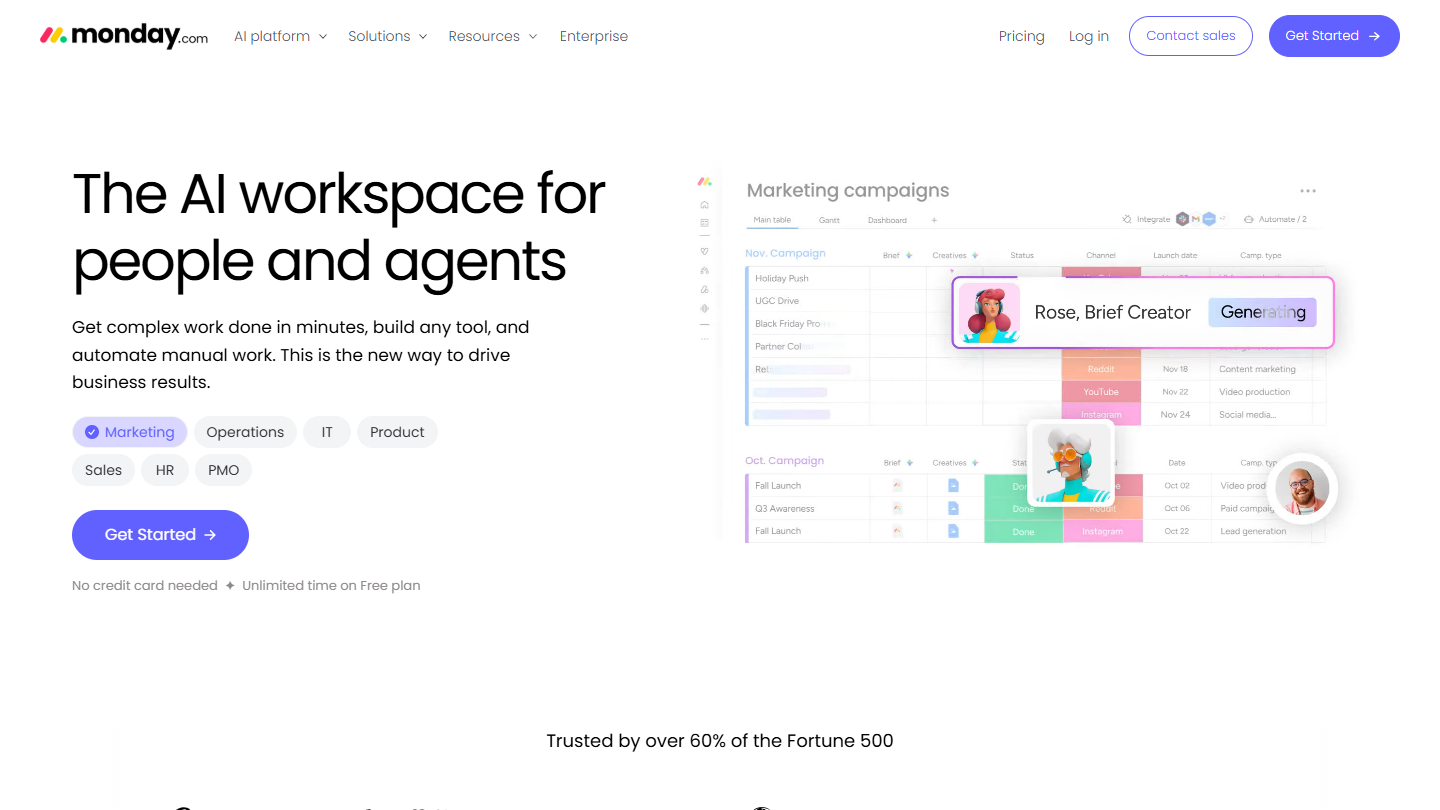
monday.com website: “The AI workspace for people and agents”

At Salesdorado, we consider monday.com the leader in project management: software rich in integrations and planning tools, with advanced collaboration features. Its collaborative dashboards give the whole team the same view of ongoing projects.

On the collaboration side, monday.com displays your whole team’s schedule over a given period: you can see who is working on what, and until when. Every item can be commented on and receives its files, and from the Basic plan, a client or contractor can view the boards as a guest without paying for a seat.

It suits a team that often brings new members onto its projects: the highly visual interface is quick to pick up. It is less comfortable for documentation and messaging, where the tools from the other two families in this ranking go further.

The free plan covers 2 users, 3 boards and 3 docs. Basic costs €9 per seat per month billed annually (€12 billed monthly), with a 3-seat minimum; calendar and Gantt views arrive with Standard, at €14 billed annually excluding the temporary offer.

02

ClickUp

4.7/5 From $9

Best for: Teams looking for an advanced free plan and great functional depth

+ Strengths
  • Free plan with no limit on members or tasks
  • Collaborative docs, chat, SyncUps video calls and Gantt charts in the same tool
  • Some of the most advanced automation on the market
  • Customizable interface, from freelancers to international companies
− Downsides
  • Free plan limited to 60 MB of storage
  • Long learning curve, little guidance outside the Enterprise plan
  • Automations capped at 1,000 per month on Core
★ ClickUp in brief

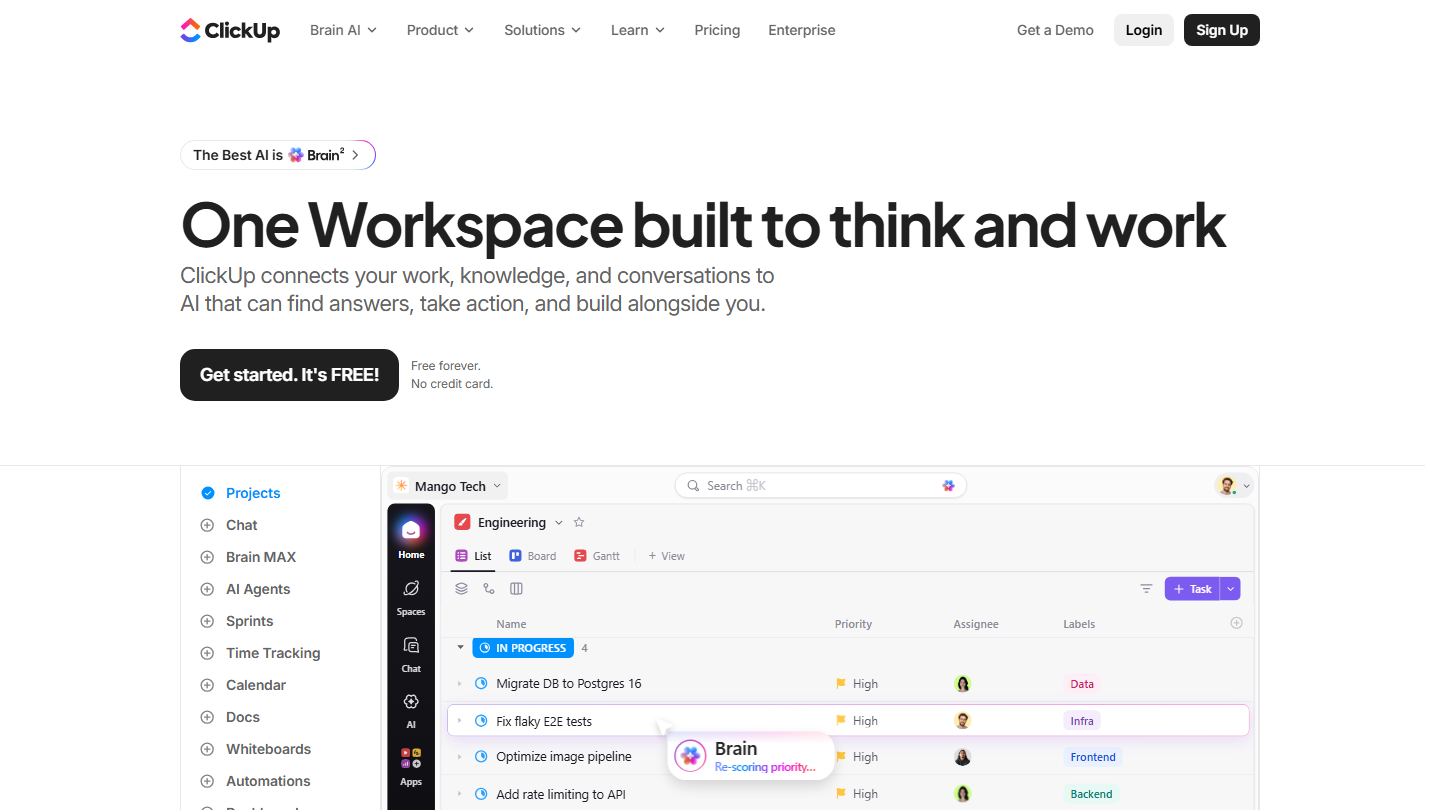
ClickUp home page: “One Workspace built to think and work”, with a task list and the Board and Gantt views

ClickUp is Silicon Valley’s trendy challenger. When it comes to free project management tools, it is one of the best solutions on the market: the free plan accepts an unlimited number of members and tasks.

Its collaboration features go beyond the task list: documents written together, whiteboards, built-in chat, SyncUps video calls and Gantt charts to visualize dependencies between projects. A team discusses a task where it is tracked, without opening another application.

Compared with monday.com, ClickUp offers more depth at a lower price, in exchange for a longer learning curve: it takes some setup before the whole team finds its way around the options.

The free plan is limited to 60 MB of storage. Core, the first paid plan, costs $9 per user per month billed annually ($12 billed monthly) and unlocks unlimited storage, chat and Gantt; Business goes up to $17 billed annually ($25 billed monthly).

03

Wrike

4.5/5 From $10

Best for: Complex projects that bring together several different teams

+ Strengths
  • Very advanced security features and in-depth permission management
  • Advanced planning for multi-team projects
  • Highly developed, customizable reporting
  • 14-day trial with no credit card, on top of the free plan
− Downsides
  • Hard to set up for small organizations
  • Prices on the high end of the market
  • Free plan with no Gantt and a limited number of active tasks
★ Wrike in brief

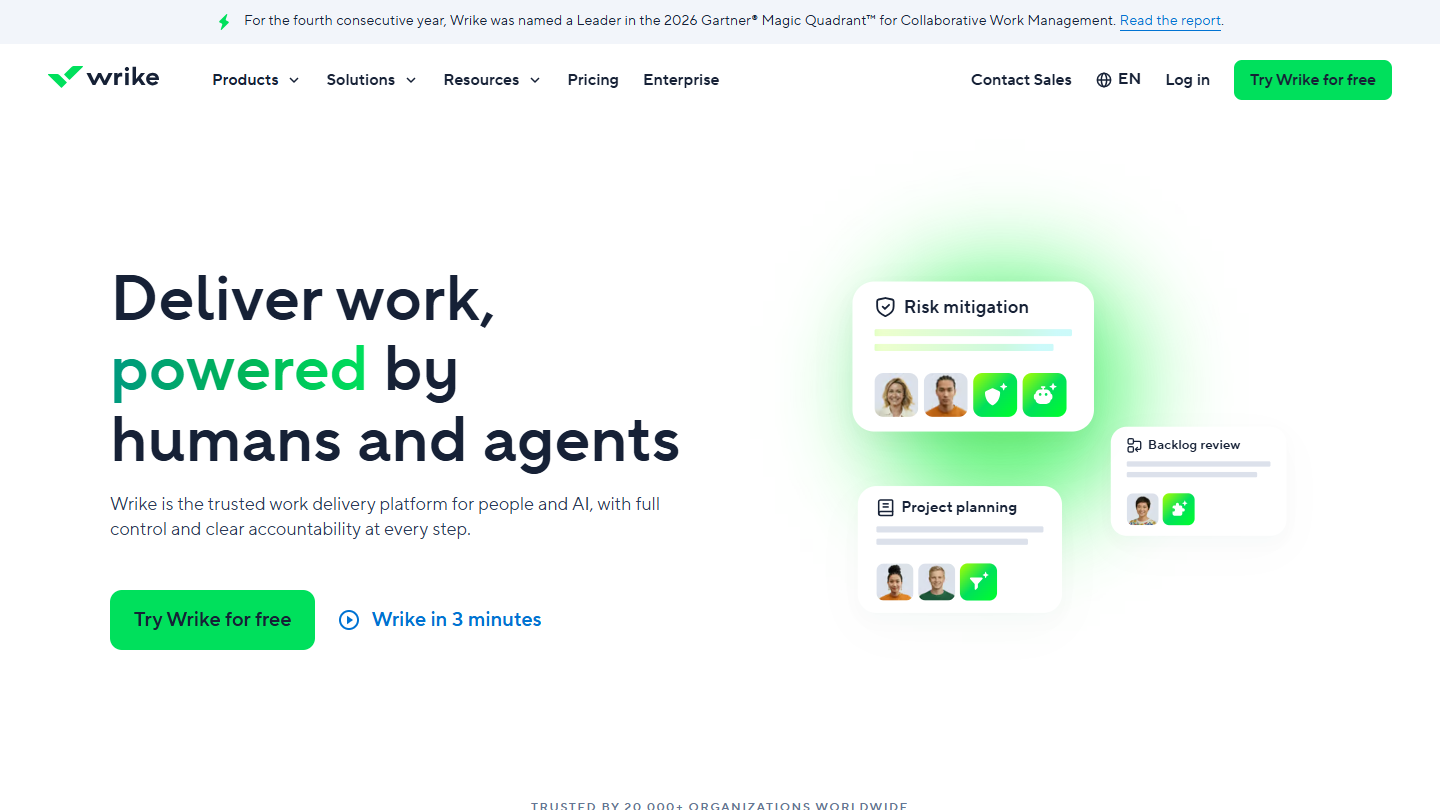
Wrike website: “Deliver work, powered by humans and agents”

Wrike is the big, very complete machine of this ranking: project management software with advanced collaboration features, built for complex projects that bring together several different teams.

What makes the difference? Very advanced security features and fine-grained permission management, in software that remains fairly easy to learn, plus solid planning: interactive Gantt charts, shareable dashboards, custom fields and workflows.

Wrike makes sense when several departments work on the same project and need to share a schedule without seeing everything about each other. For a small organization, setup is heavy, and the Team plan stops at 15 users.

The Free plan covers task management, with a limited number of active tasks and no Gantt. Team costs $10 per user per month billed annually, from 2 to 15 users, and Business $25, from 5 to 200 users. Paid plans can be tried for 14 days, no credit card required.

04

Basecamp

4.7/5 From $29

Best for: Small and large teams that want a proven tool, strong on communication

+ Strengths
  • Group messaging and message board in every project
  • Automatic check-ins that ask the team how things are going
  • Flat price per account, no per-user billing
  • Easy to learn, 30-day trial
− Downsides
  • Free plan limited to 1 project, 3 users and 1 GB
  • Too light for complex projects
  • Task management and visualization stay in the background
★ Basecamp in brief

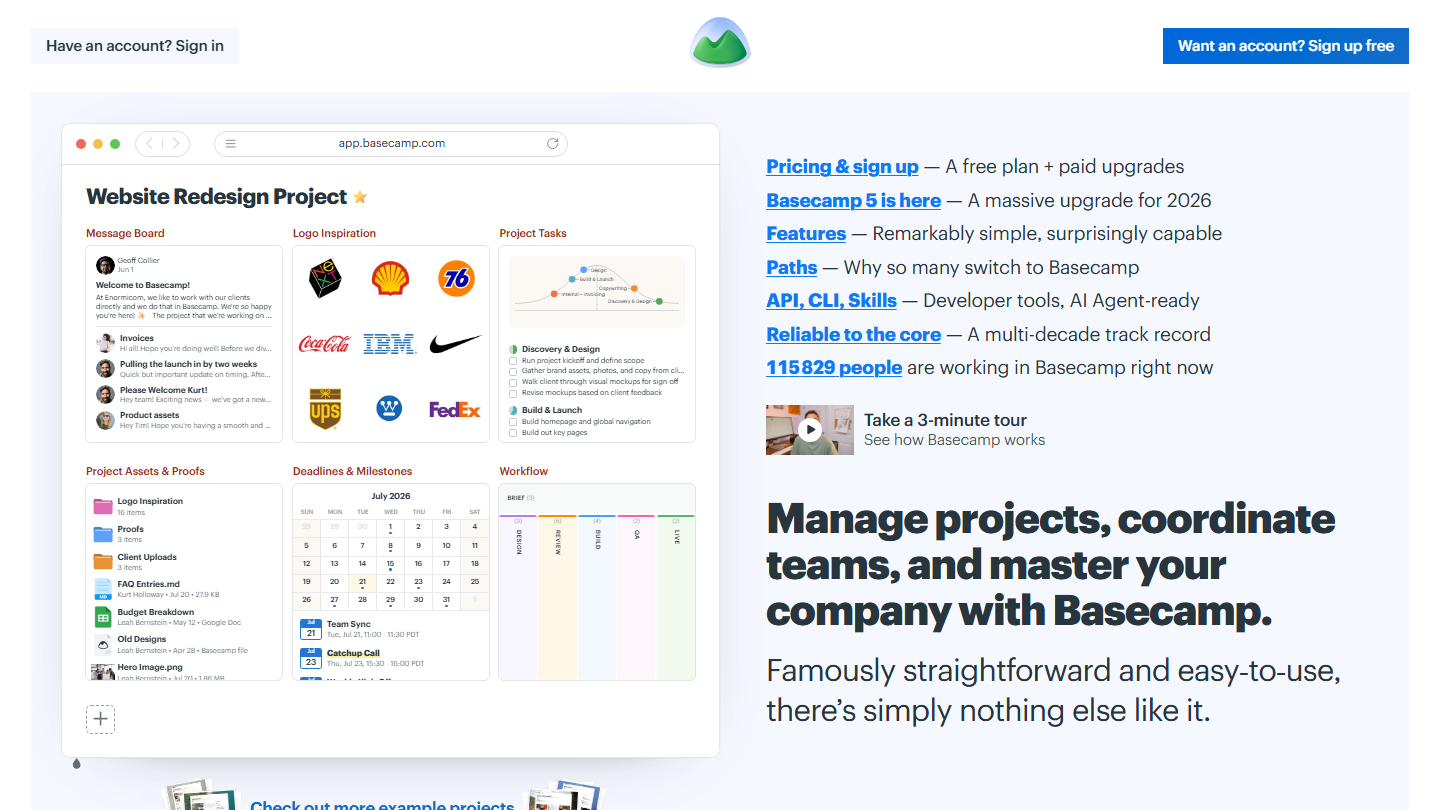
Basecamp home page: “Manage projects, coordinate teams, and master your company with Basecamp”, with an example project

Basecamp is a project management veteran, published by 37signals for more than twenty-five years. As such, it offers many very practical collaboration features for small and large teams alike.

Each project brings together a message board for announcements, to-do lists, a Kanban board, a calendar, documents and a group chat. Automatic check-ins send your colleagues questions like “How is the marketing campaign going?”, and their answers save a progress meeting.

Basecamp stands out for its pricing: a flat price per account, with no per-user billing. That is attractive for a team that invites a lot of people into its projects, less so for complex projects, where task management and visualization remain in the background.

The free plan is limited to 1 project, 1 GB of storage and 3 users. Freelancer costs $29 per month for 3 projects and 5 users, Pro $79 for 8 projects and 10 users, and Pro Unlimited $199 per month billed annually ($329 billed monthly) with no limit on projects or users. 30-day free trial.

05

Teamwork.com

4.6/5 From €9.99

Best for: Agencies and service companies that manage client projects and bill their time

+ Strengths
  • Tracking of each member’s projects and shared task planning
  • Projects organized by client, billable time and reports from Basics
  • Time logging from the free version
  • Data hosted in the United States or the European Union
− Downsides
  • Free version limited to 5 users and 5 projects
  • Budgets, team workload and client invoices reserved for Accelerate, at €24.99
  • Help center not translated into French
★ Teamwork.com in brief

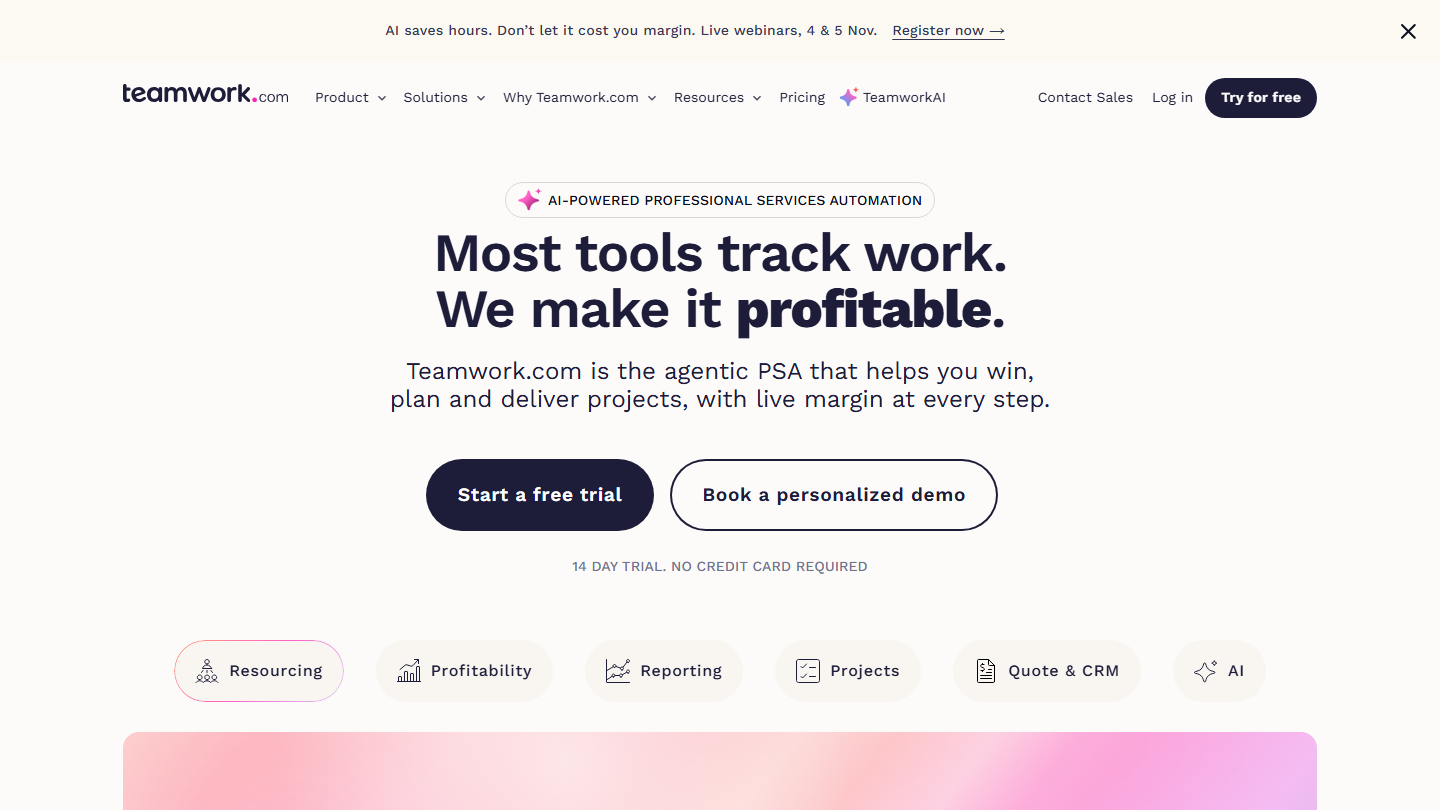
Teamwork.com home page: “Most tools track work. We make it profitable.”, client project management software

Teamwork.com is the ideal collaboration platform for agencies and service companies. The vendor now presents it as client work management software: each project is tied to a client, and time spent is tracked all the way to the invoice.

You can easily follow the projects of the different members of your team and plan together the tasks to complete, in list, board, Gantt or table view. Time can be logged from the free plan, and billable time reports arrive with Basics.

Compared with monday.com or ClickUp, Teamwork.com makes sense when your business sells by the time spent: time budgets, team workload and client invoices are at the core of the tool. For an internal team with no client to bill, these features weigh on the price without being useful.

The free version is limited to 5 users and 5 projects. Basics costs €9.99 per user per month billed annually, Accelerate €24.99, with a 14-day trial, no credit card required. Data is hosted in the United States or the European Union, your choice.

To manage documents better

Documents, files, whiteboards and templates: these tools bring the company’s information together and can be edited by several people at once.

06

Notion

4.7/5 From €9.50

Best for: Companies that want all their information in a single workspace

+ Strengths
  • Dynamic documents: pages and boards linked in a navigable architecture
  • Modular all-in-one: documents, calendars, Kanban boards
  • Unlimited pages and blocks in the free version for a single user
  • Very rich template gallery
− Downsides
  • Free version designed as an individual tool: blocks limited from 2 members
  • Underdeveloped reporting
  • Harder to learn than Trello
★ Notion in brief

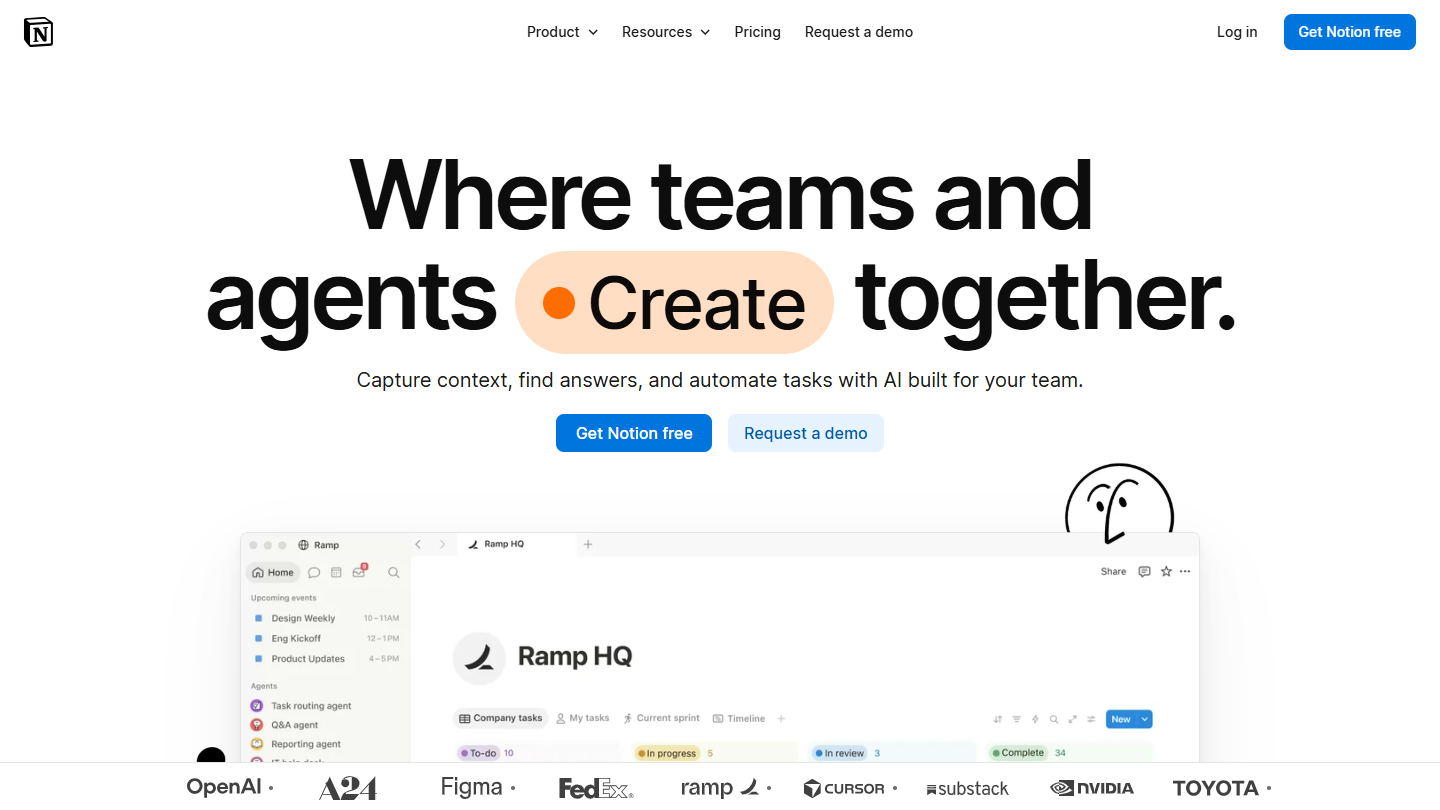
Notion website: “Where teams and agents Create together.”

Notion is one of our favorite collaboration platforms. And for good reason: it eliminates the notion of the static document altogether. You create a workspace, manage access rules, and build a real navigable architecture to reach this page or that board.

It is modular all-in-one software: a page can hold text, a calendar, a Kanban board or a database linked to others, and the team works on it together at the same time. Pages can be opened to outside guests, and a template gallery saves you from starting from scratch.

In this ranking, it is the platform that best brings company information together in one place: procedures, meeting notes, wiki, lightweight project tracking. Its reporting remains underdeveloped, and it takes longer to learn than a simple shared file space.

Its free version was designed as an individual tool: pages and blocks are unlimited for a single user, but limited from 2 members, with 10 guests and files of 5 MB maximum. For collaborative use, Plus costs €9.50 per member per month billed annually (€11.50 billed monthly), Business €19.50.

07

Google Drive

4.5/5 From Free

Best for: Teams already on Gmail and Google Calendar that edit their documents together

+ Strengths
  • Share and edit any type of document in real time
  • Simple, intuitive tool
  • Integrated with the Google suite, from Gmail to Google Calendar
  • 15 GB free with any Google account
− Downsides
  • Free storage shared with Gmail and Google Photos
  • Business use goes through Google Workspace, which is paid: from €6.80 per user per month, with 30 GB
  • A space of files and folders, not a structured wiki
★ Google Drive in brief

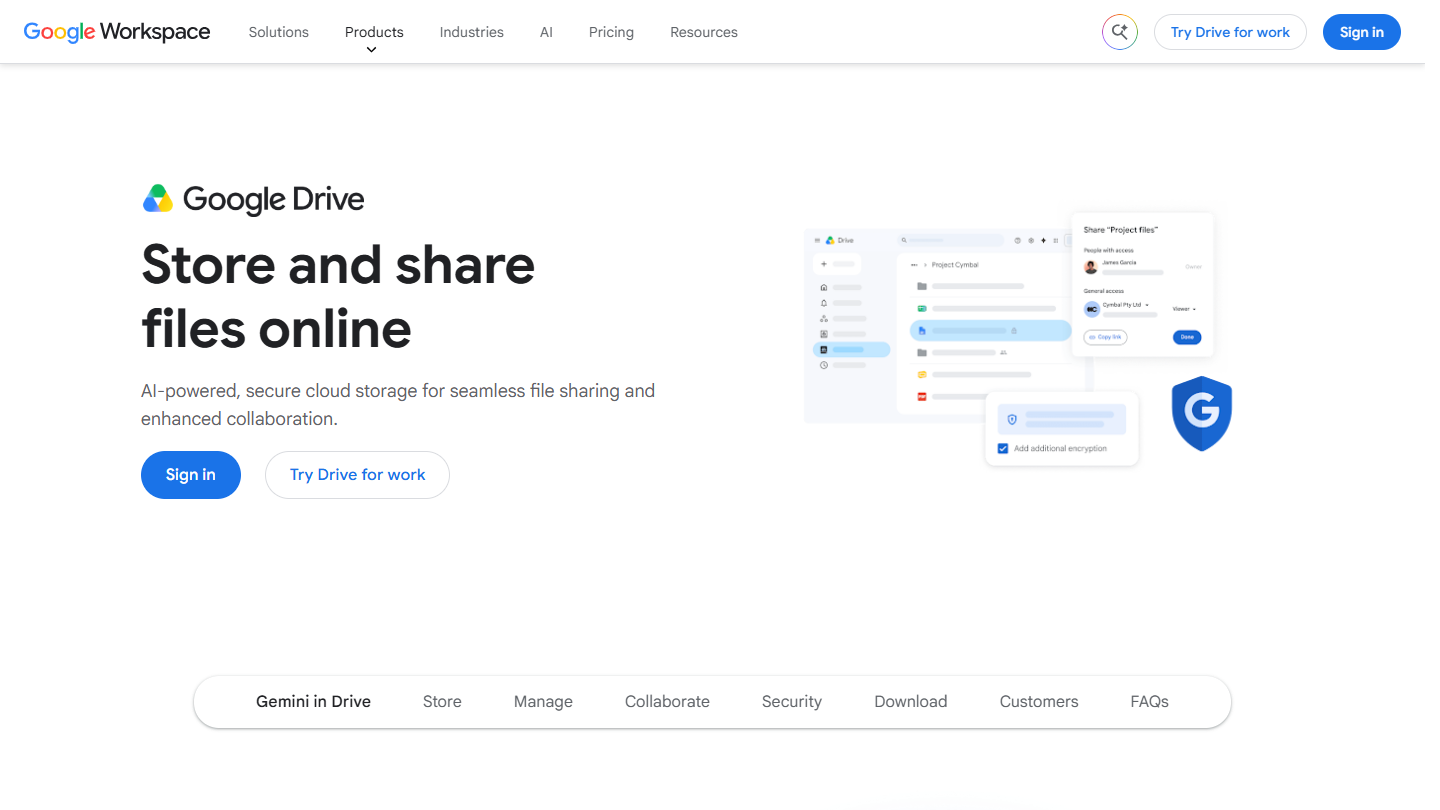
Google Drive website: “Store and share files online”

Google Drive is the document-sharing tool of the Google suite. It is extremely simple and intuitive: you store your files, share them by link or email address, and edit documents, spreadsheets and presentations together in real time.

The real advantage of Google Drive is that it is part of the Google suite: it integrates with a large number of tools you may already be using, from Gmail to Google Calendar. Permissions are set file by file or folder by folder, for viewing, commenting or editing.

For a team, Drive is the simplest way to centralize files and edit them together, with no training. It doesn’t structure information the way Notion does: it is a folder space, not a wiki.

Every Google account includes 15 GB free, shared with Gmail and Google Photos. For business use, Google Workspace starts at €6.80 per user per month (Business Starter, 30 GB per user, business email address); Business Standard goes up to €13.60, with 2 TB. 14-day trial.

08

Microsoft 365 Business

4.3/5 From €6.07

Best for: Office suite users who share their documents in Teams meetings

+ Strengths
  • Office document editing for several people, from the browser or mobile
  • Integration with Microsoft Teams to share documents in meetings
  • 1 TB of OneDrive storage and business email per user
− Downsides
  • Complex pricing grid, with or without Teams, with or without Copilot
  • Business Basic limited to the web and mobile versions of Word, Excel and PowerPoint
  • No free plan, one-month trial with a credit card
★ Microsoft 365 Business in brief

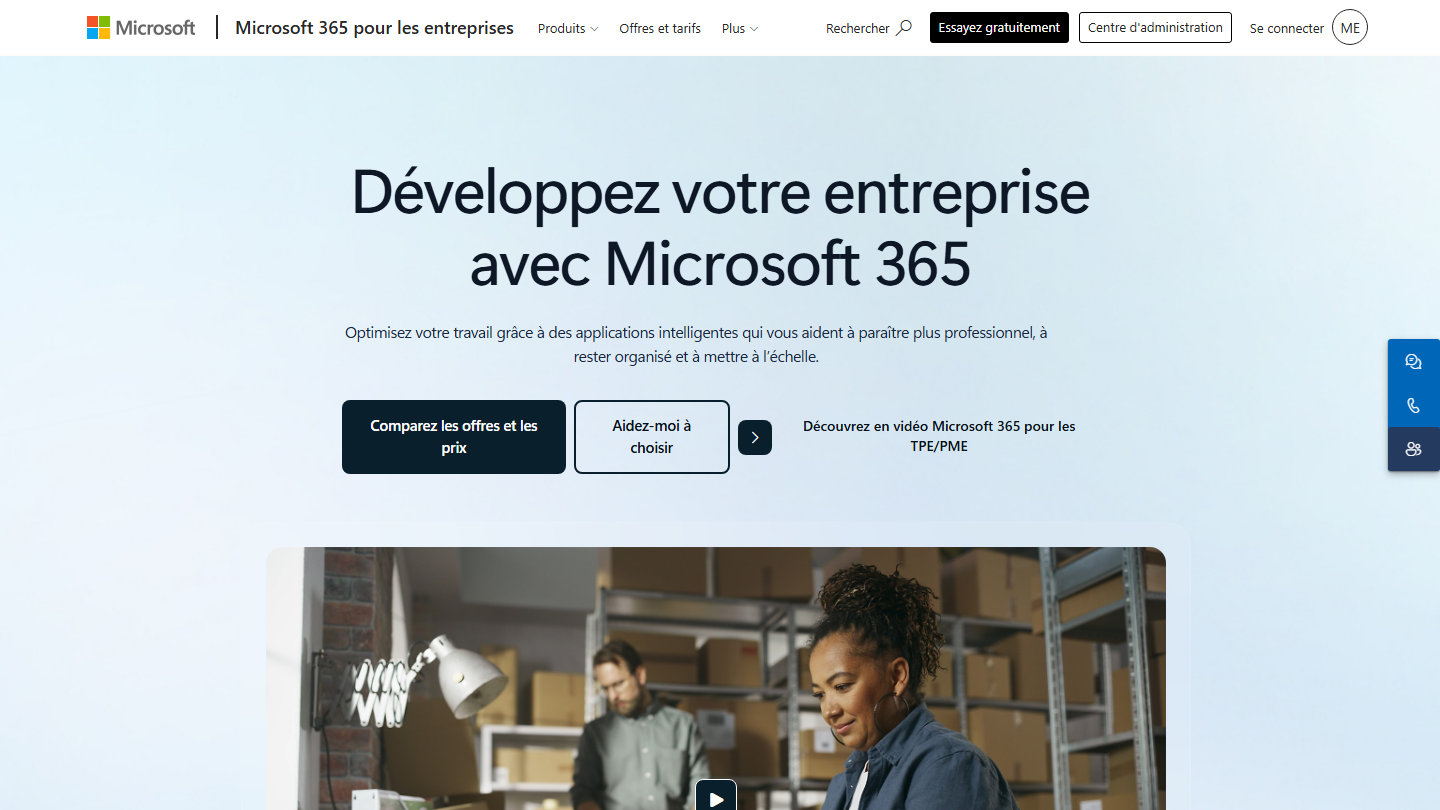
Microsoft 365 page for business: “Grow your business with Microsoft 365”

Microsoft 365 is a bit like the equivalent of Google Drive for users of the Office suite. On the collaboration side, this cloud-based tool lets you edit Word, Excel or PowerPoint documents with the other members of your team, from a browser or the mobile app, with OneDrive for storage.

The real plus is the integration with Microsoft Teams: documents are shared in conversations and opened during meetings. The offer also includes Outlook business email and about ten applications such as Bookings, Planner or Forms.

Microsoft 365 makes sense for a company already used to Office. The pricing grid is a little complex to grasp: each plan exists with or without Teams, and the plans highlighted now include Copilot.

Business Basic costs €6.07 excl. VAT per user per month paid annually, Teams included: web and mobile versions of Word, Excel, PowerPoint and Outlook, and 1 TB of storage per user. Desktop apps require Business Standard, shown with Copilot at €20.36 excl. VAT. One-month free trial, credit card required.

09

Miro

4.3/5 From €8

Best for: Teams that work together on a virtual whiteboard

+ Strengths
  • Whiteboard shared simultaneously: files, images, drawings, notes
  • Timer, voting and private mode to run workshops
  • More than 7,000 templates and 250 integrations from the free version
− Downsides
  • Free version limited to 3 editable boards
  • Per-member billing is unclear for external collaborators
  • Several hours before you can use the tool seriously
★ Miro in brief

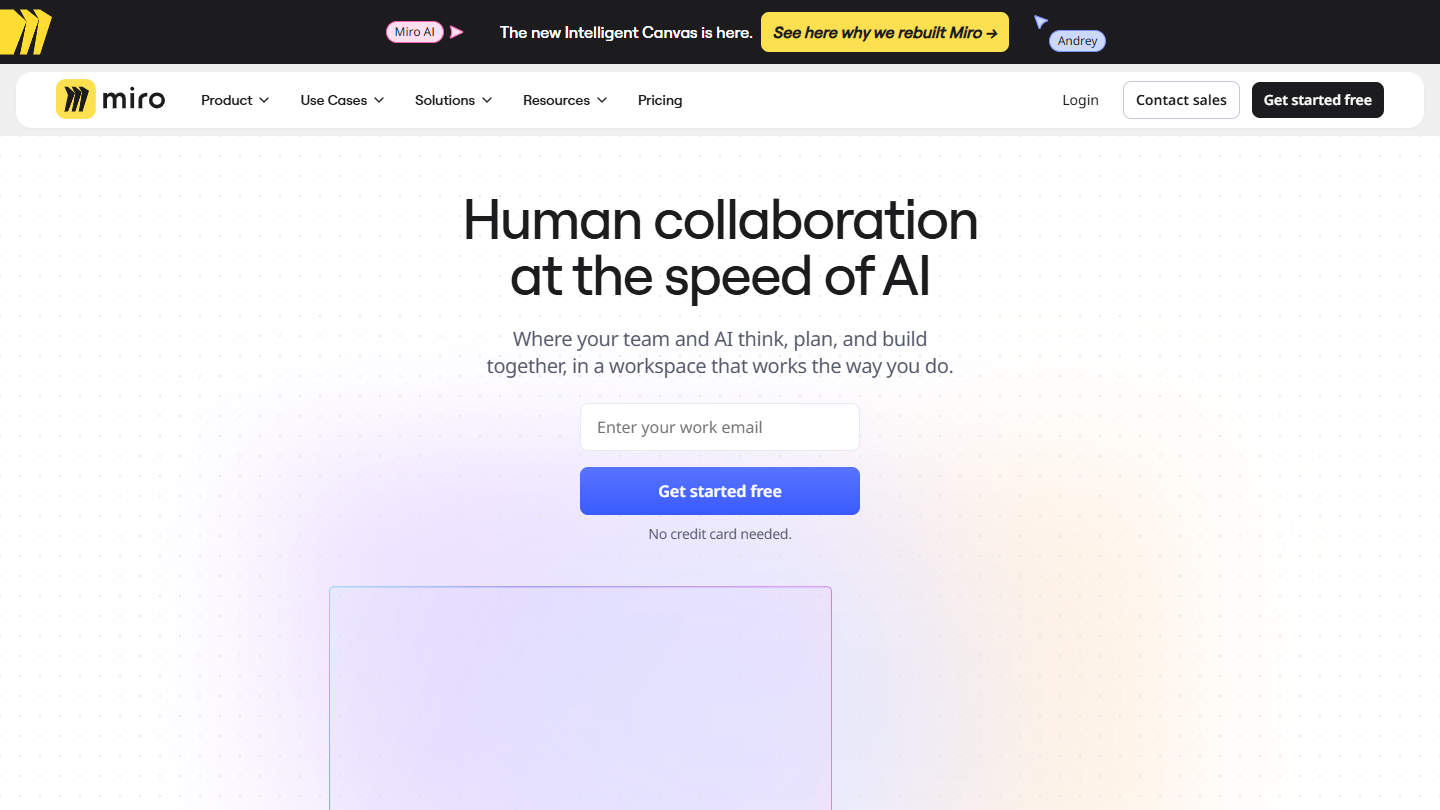
Miro website: “Human collaboration at the speed of AI”

Miro is not the most classic of collaboration platforms: it is a whiteboard on which several people work at the same time. They add files and images, draw, pin notes, sketch diagrams.

A team runs a workshop, maps a process or prepares a launch there, starting from one of the 7,000 available templates. The timer, voting and private mode help run workshops, and the board’s content then becomes documents, tables, a Kanban or slides, without leaving Miro.

Miro makes sense for teams that often think together, in person or remotely, and appeals to regulars and newcomers alike. It replaces neither a project management tool nor a document space, and it takes several hours to use it seriously.

The free version lets you create as many boards as you want, but only the 3 most recent stay editable. Starter costs €8 per member per month billed annually (€10 billed monthly), with unlimited boards; Business €20 billed annually.

10

Canva

4.6/5 From €12

Best for: Communication teams that provide templates and brand guidelines to other teams

+ Strengths
  • Creation of polished presentations and documents
  • Template and brand guideline management for the whole company
  • Fairly advanced free version
  • Very intuitive interface, even for non-designers
− Downsides
  • Free version limited in the designs on offer
  • Teamwork reserved for Pro+, at €170 per year per person
  • Heavy on complex or asset-loaded projects
★ Canva in brief

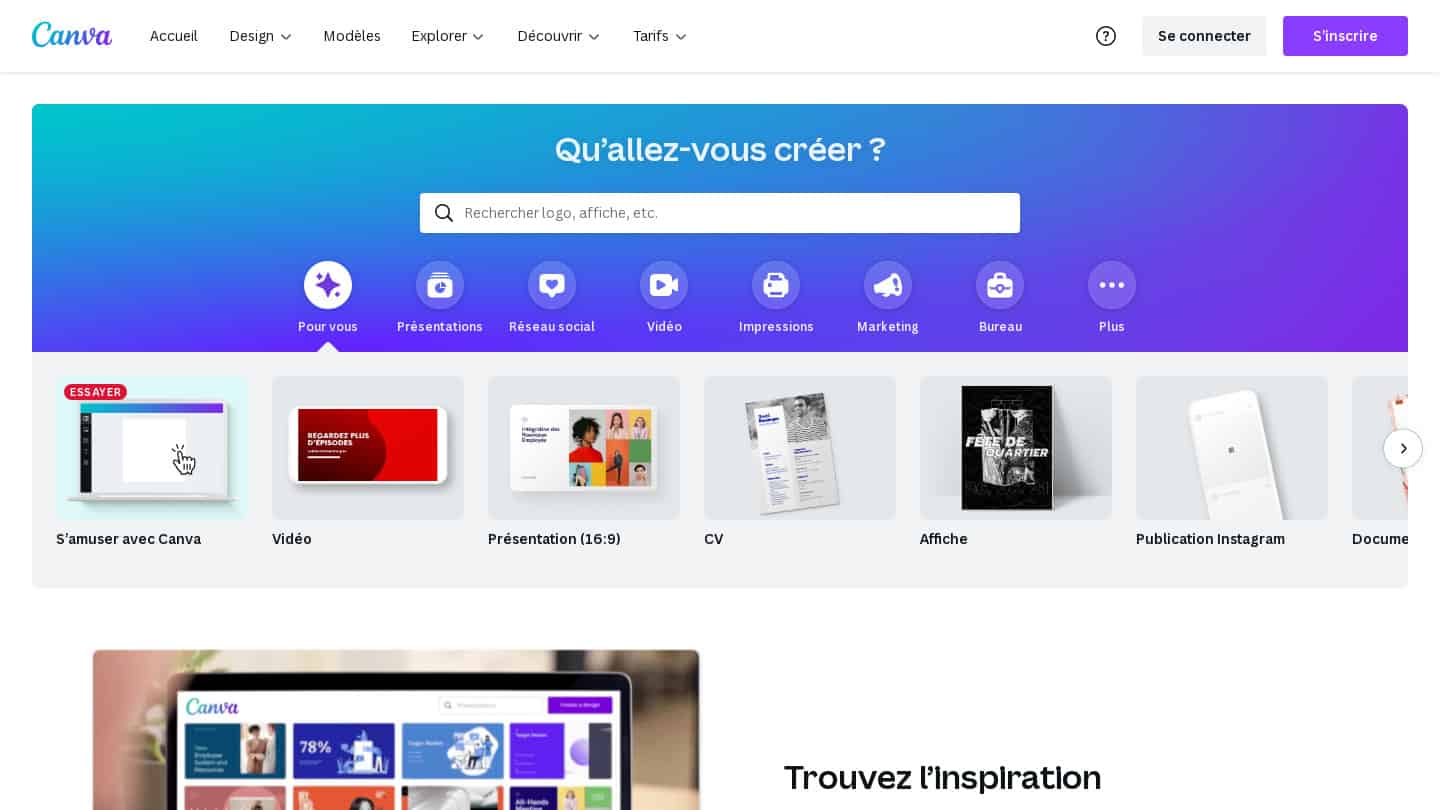
Former Canva home page: “What will you design?”, with presentation, résumé and poster templates

Canva is a document creation tool well known for making nice presentations, but it also has fairly advanced template management features.

It is ideal for a communication team that oversees everything the other teams produce: it provides them very easily with the templates and brand guidelines to use, logos, colors and fonts included. Everyone then creates their visuals without leaving the brand guidelines, and designs can be commented on by several people.

In this ranking, Canva is the only tool centered on visuals. It manages neither projects nor conversations: it exists so that every document produced in the company looks like the company.

The free version is fairly advanced, but limited in the designs on offer. Canva Pro costs €12 per month or €110 per year for one person; for teamwork, Pro+ costs €170 per year per person.

To communicate better

Messaging, video conferencing and video: these tools replace part of your emails and meetings.

11

Slack

4.6/5 From €6.75

Best for: Teams that want to organize their conversations into channels and automate their notifications

+ Strengths
  • Conversations organized into channels by topic
  • Integrations with Google Drive and Trello, drag-and-drop documents
  • Many apps built by developers, including Slackbot
  • Messages and channels shared with outside partners
− Downsides
  • Free version limited to 90 days of history and 10 apps
  • Group meetings reserved for paid plans
★ Slack in brief

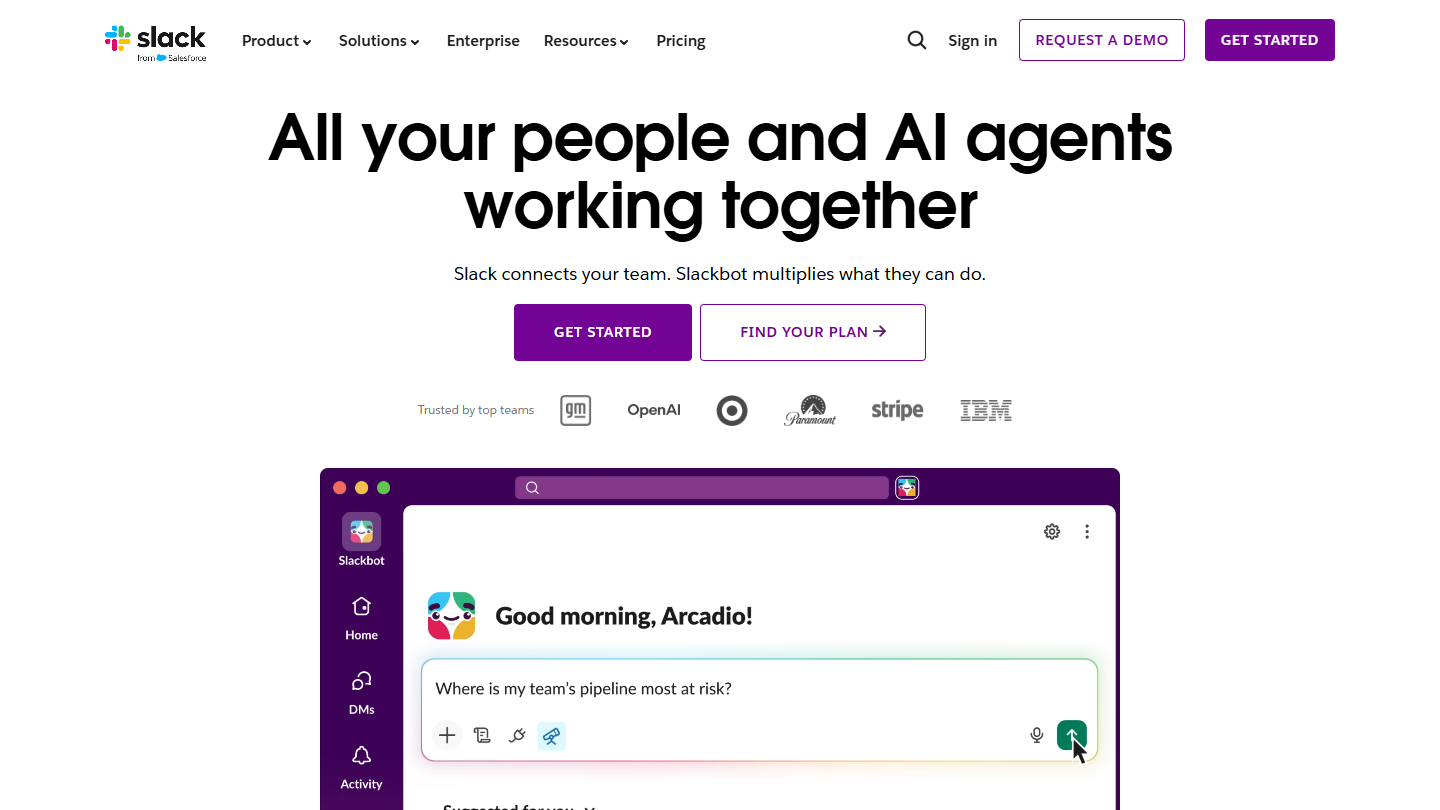
Slack website: “All your people and AI agents working together”

When you think of a workplace communication tool, it’s hard not to mention Slack, which now belongs to Salesforce. It simplifies conversations with your teams by spreading them across different channels by topic, rather than in email threads.

Slack integrates with Google Drive to drag and drop documents, and with web applications like Trello. But its immense strength is its popularity with developers, who have built a huge number of apps and bots. A very classic use: an automatic message when a condition is met, for example to alert the right salesperson when a form is filled in on your site, or customer support whenever a review is posted on Google Maps or Trustpilot.

Slack suits teams that want to get their internal conversations out of the inbox, and those that work with outside partners in shared channels. AI is taking up space there, with conversation summaries and Slackbot as a personal agent.

The free version keeps 90 days of message history and up to 10 apps, and meetings are limited to one-on-ones. Pro costs €6.75 per user per month billed annually (€8.25 billed monthly), Business+ €15 (€18 billed monthly), excluding the temporary discount.

12

Microsoft Teams

4.5/5 From €3.50

Best for: Companies on the Office suite that want chat and video conferencing in one tool

+ Strengths
  • Integrates with Office applications and Microsoft 365
  • Video conferencing launched straight from the chat
  • Free version enough for internal communication
− Downsides
  • Meetings limited to 60 minutes in the free version
  • Designed first of all for Office die-hards
★ Microsoft Teams in brief

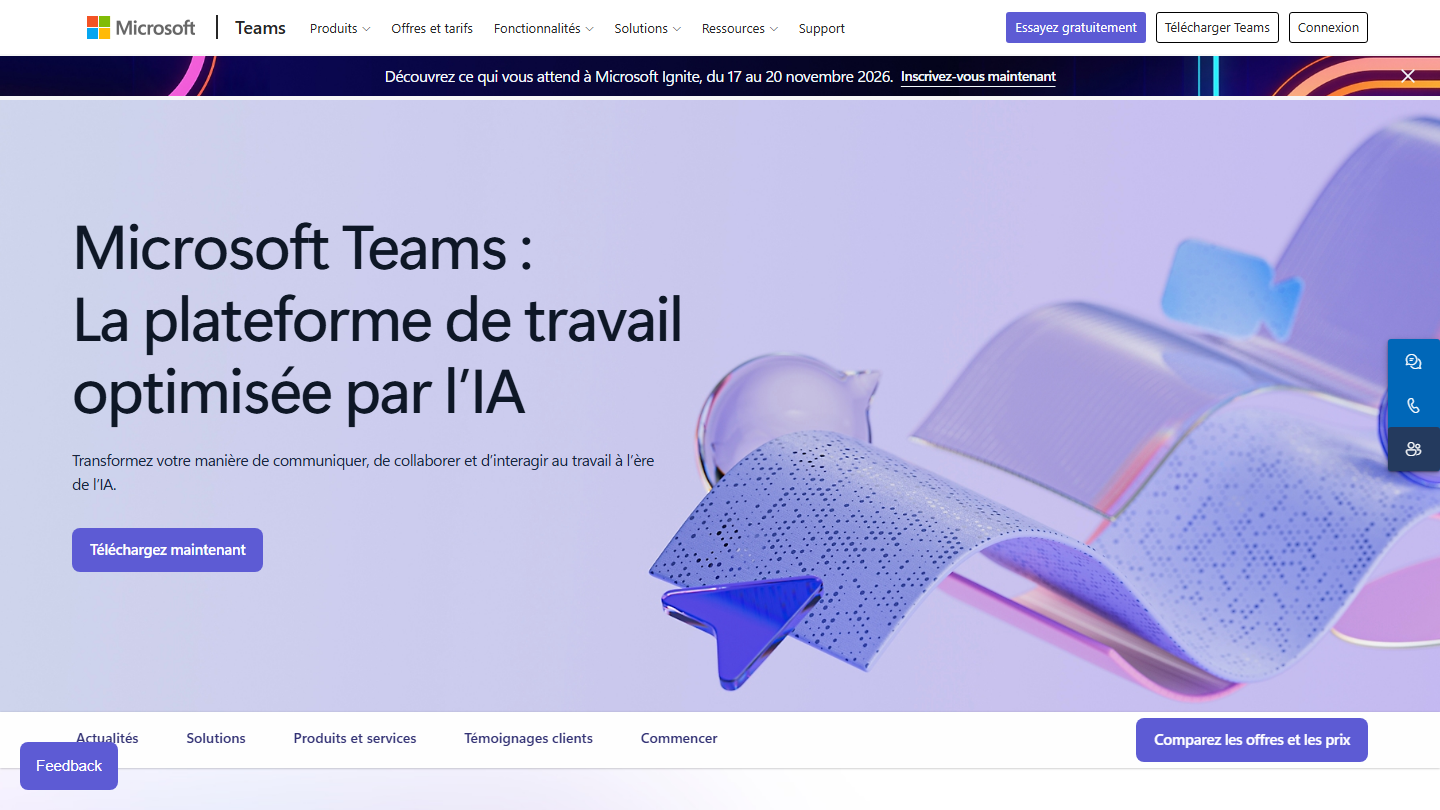
Microsoft Teams page: “Microsoft Teams: The AI-powered work platform”

Microsoft Teams is a very good alternative to Slack for Office die-hards. It is a robust communication tool that integrates with all your Microsoft applications, from Word to Outlook, and with Microsoft 365.

It stands out with a very convincing video conferencing feature, which launches straight from the chat, with no need to schedule a meeting. Documents shared in a channel can be edited together without leaving Teams.

For a company already on Microsoft 365, Teams is often included in the subscription, with the “with Teams” plans. Outside the Microsoft ecosystem, it loses a good part of its appeal.

The free version works very well as an internal communication tool, with meetings of up to 60 minutes. Teams Essentials costs €3.50 excl. VAT per user per month on an annual subscription, and raises meetings to 30 hours and 300 participants. Microsoft 365 Business Basic, at €6.07 excl. VAT, adds email and the web versions of Office applications.

13

Loom

4.4/5 From $18

Best for: Teams that solve their internal problems and pass on information through video

+ Strengths
  • Videos recorded from the computer and shared with a simple link
  • Chrome extension used daily at Salesdorado, transcription in more than 50 languages
  • Useful for remote learning
  • Comments and reactions at a precise moment in the video
− Downsides
  • Free version limited to 25 videos per person and 5 minutes of screen
  • Not a video editing tool
★ Loom in brief

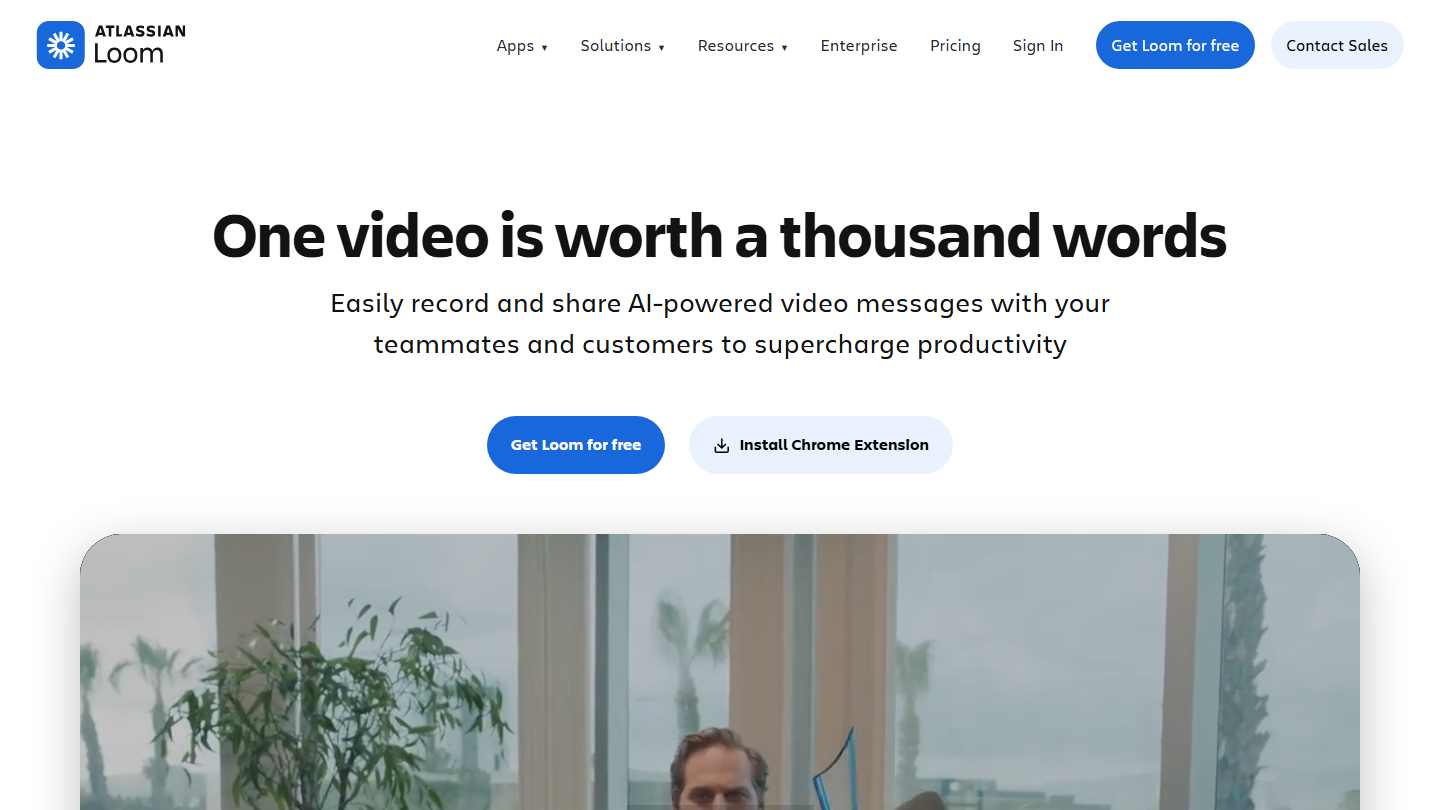
Loom (Atlassian) home page: “One video is worth a thousand words”

At Salesdorado, we make heavy use of Loom’s Chrome extension to solve our internal problems very efficiently. The tool, acquired by Atlassian, records your screen and camera from your computer, then shares the video through a simple link.

Instead of a meeting to explain a bug, a process or a mockup, you record two minutes of commented screen. The recipient watches whenever they want and comments at a precise moment in the video.

It is the ideal tool for promoting remote learning and passing on information very quickly. Editing remains basic: Loom is for getting information across fast, not for producing a polished video.

The Starter plan is free, with 25 videos per person and screen recordings of 5 minutes. Business costs $18 per user per month billed monthly, with unlimited videos and length; Business + AI costs $24, with automatic editing and meeting summaries.

14

tl;dv

4.2/5 From €18

Best for: Teams that want to record and transcribe their Google Meet, Zoom and Teams meetings

+ Strengths
  • Recording and transcription of Google Meet, Zoom and Microsoft Teams meetings
  • Important moments timestamped live, summaries shared with the team
  • Very complete free version, unlimited recordings and transcriptions
− Downsides
  • AI notes limited to 10 meetings in the free version
  • Recordings kept for up to 3 months in the free version
★ tl;dv in brief

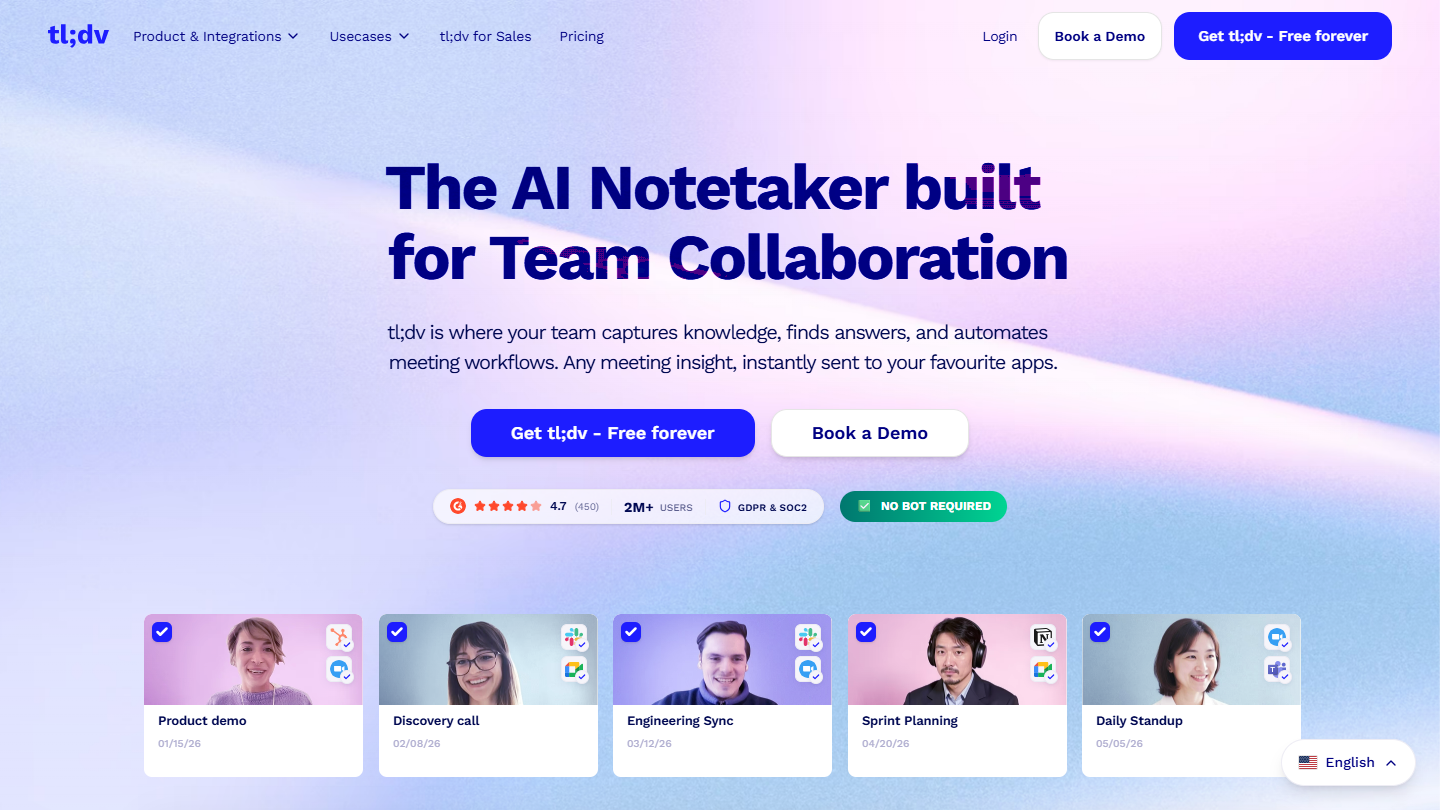
tl;dv website: “The AI Notetaker built for Team Collaboration”

tl;dv is the meeting recorder that saves you precious time: it records and transcribes your Google Meet, Zoom and Microsoft Teams meetings, then its AI turns them into notes.

Among the key features, you can timestamp the important moments of the meeting live, and share contextualized summaries with your team so they catch up in a few minutes. The tool connects to Slack, your calendar and CRMs, and can record without a bot in the meeting.

In this ranking, tl;dv answers the problem of meetings nobody keeps a record of. It makes sense for teams that chain video calls with absentees to keep informed; its most advanced analyses mainly target sales teams.

The advantage of this tool is that its free version is very complete: unlimited recordings and transcriptions, but AI notes limited to 10 meetings and data kept for up to 3 months. Pro costs €18 per seat per month billed annually (€29 billed monthly), Business €29 (€39 billed monthly).

15

Claap

4.2/5 From €24

Best for: Sales teams that share their meetings as video and want to feed their CRM

+ Strengths
  • Annotatable videos, with replies by another video
  • Chrome extension to record the screen and meetings
  • Free Basic licenses for those who watch without recording
− Downsides
  • Free plan limited to 10 videos per user and 300 minutes in total
  • Product now geared toward sales: CRM and coaching on the Business plan, at €48
★ Claap in brief

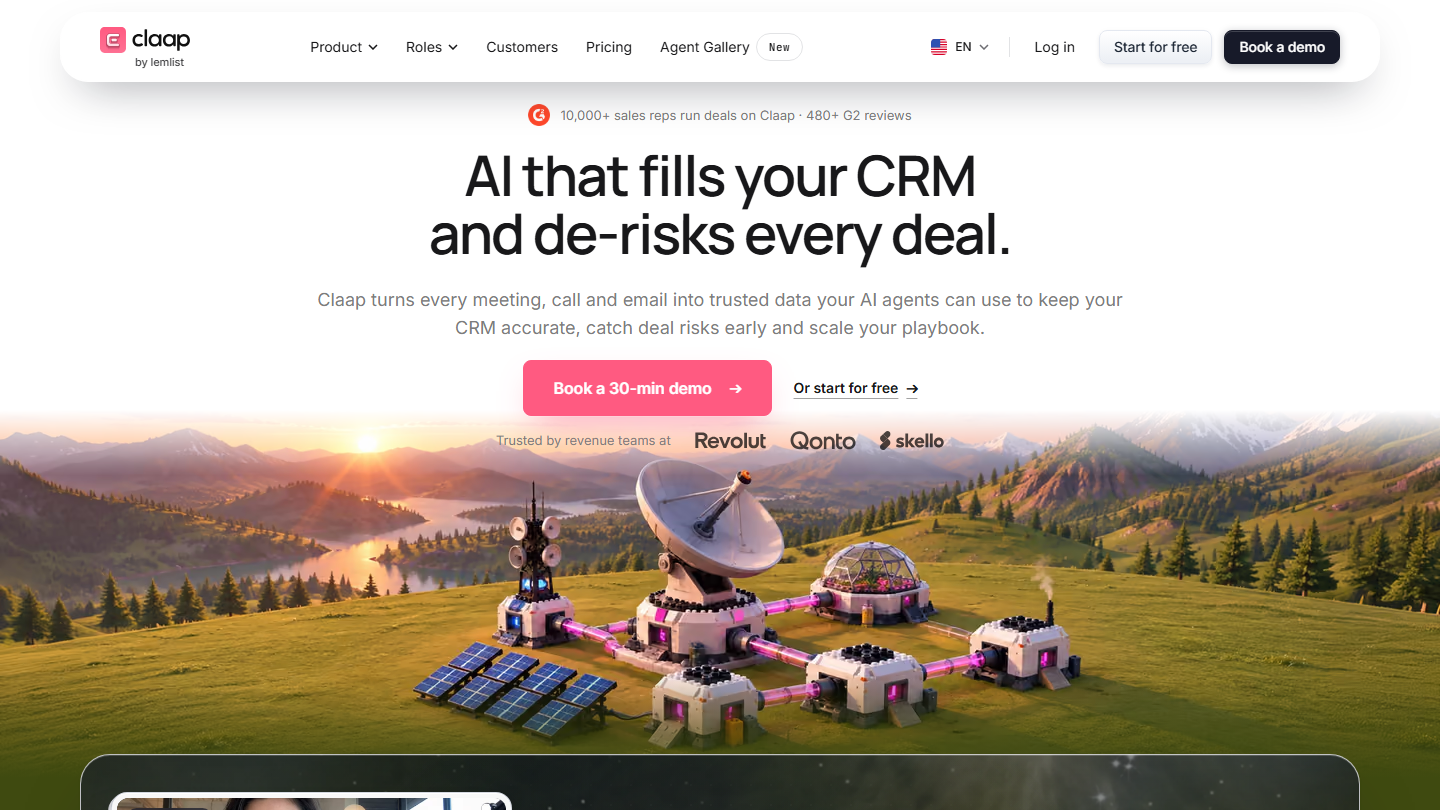
Claap by lemlist home page: “AI that fills your CRM and de-risks every deal”

Claap is a French start-up that launched a remote collaboration tool, a skillful blend of Slack and Loom built on asynchronous communication. It now goes by the name “Claap by lemlist” and is aimed first at sales teams.

The starting principle remains: you share recorded videos of your work or your meetings with your team, and everyone can then annotate them and reply, without scheduling another call. The Chrome extension records the screen and meetings, and a shared workspace stores the videos.

Since its change of course, Claap highlights AI summaries and automatic CRM filling after every sales meeting. For a team that only wants asynchronous video, Loom is more direct; Claap has the edge when meetings feed a sales pipeline.

The Basic plan is free, with 10 videos per user and 300 minutes in total, and only those who record need a paid license. Pro costs €24 per license per month billed annually (€30 billed monthly), Business €48 (€60 billed monthly).

How we chose these 15 tools

Every tool in this selection has been used in real conditions by our team or by a Salesdorado consultant, in a B2B sales and marketing setting. No ranking built from a marketing deck. The order of the list is not a ranking: the right tool depends on your needs.

  1. 01
    Benchmark scope

    Broad identification of the tools on the market (G2, Capterra, Salesdorado customer feedback, LinkedIn signals). Initial filtering, then a short list based on a 2-hour setup per tool.

  2. 02
    Test conditions

    3 to 4 weeks of active use per tool, with data representative of a B2B sales use case. When a tool targets a specific profile (SDR, AE, Ops, Marketer…), we match the tester accordingly.

  3. 03
    Weighted criteria

    For each category, 5 to 7 axes weighted according to what matters in the segment: UX, feature depth, native integrations, support, pricing at scale, compliance (GDPR, security), and roadmap quality.

  4. 04
    Independence

    No tool is scored in exchange for payment. Partner links (affiliate) are marked as such and do not influence the score. Non-partner tools are included when their place in the ranking is deserved.

  5. 05
    Updates

    The ranking is reviewed every 6 to 12 months or on every major release of a tool mentioned. The date of the last check is shown at the top of the article.

The questions we get over and over.

What is a collaboration platform for?

Collaboration platforms aim to reduce the use of emails and the pile-up of meetings by centralizing communication, so that it is faster and more efficient. The term covers project management, communication and document editing tools alike.

How do you choose a collaboration platform?

By starting from the problems you have internally. If onboarding new members onto a project team is a headache, a platform specialized in project management (monday.com, Wrike) fits. To centralize your data, a platform dedicated to internal document management (Notion, Google Drive) is a better bet. To keep track of conversations coming from different channels, a platform dedicated to messaging (Slack, Microsoft Teams).

What is a Work OS?

Work OS stands for Work Operating System. By analogy with Windows or Mac OS, it is the foundation the other tools rely on: software that would bring a company’s communications, project management and documents together in one digital workspace. The idea that a single tool can make all communication efficient remains exaggerated.

Which collaboration tool for editing documents together?

Google Drive lets you share and edit any type of document in real time and integrates with the Google suite, from Gmail to Google Calendar; 15 GB are free with a Google account. Microsoft 365 plays the same role for Office users, with Microsoft Teams integration to share documents in meetings, from €6.07 excl. VAT per user per month with Business Basic.

What is the alternative to Slack for Office users?

Microsoft Teams integrates with Office applications and Microsoft 365, and stands out with a video conferencing option launched directly from the chat. Its free version works as an internal communication tool, with meetings of up to 60 minutes; Teams Essentials costs €3.50 excl. VAT per user per month billed annually.

★ The conversation, 0 comments

What the community says.

Basic Markdown, moderated within 24 h
Loading…

    In the same category