The tool in detail
Basecamp after real-world use: feature scope, integrations, pricing and concrete limits.
Launched in 2004, Basecamp is the veteran of project management software, and therefore a must in the field. It has been developed in several versions, from Basecamp classic to Basecamp 5, the current version.
Very complete, Basecamp prides itself on having features specific to other software, and on replacing for instance Slack, Asana, Dropbox, and the entire Google suite.
It is the ideal tool for large teams looking for planning software with a proven track record.
Basecamp: feature overview
Communication tools: Basecamp’s real strength
Campfire is Basecamp’s chat feature, which you can use to communicate with your team members in real time. Every project and every team has its own Campfire room.
It is truly Basecamp’s social network, for internal use. It can be used for work, but also for more informal conversations.
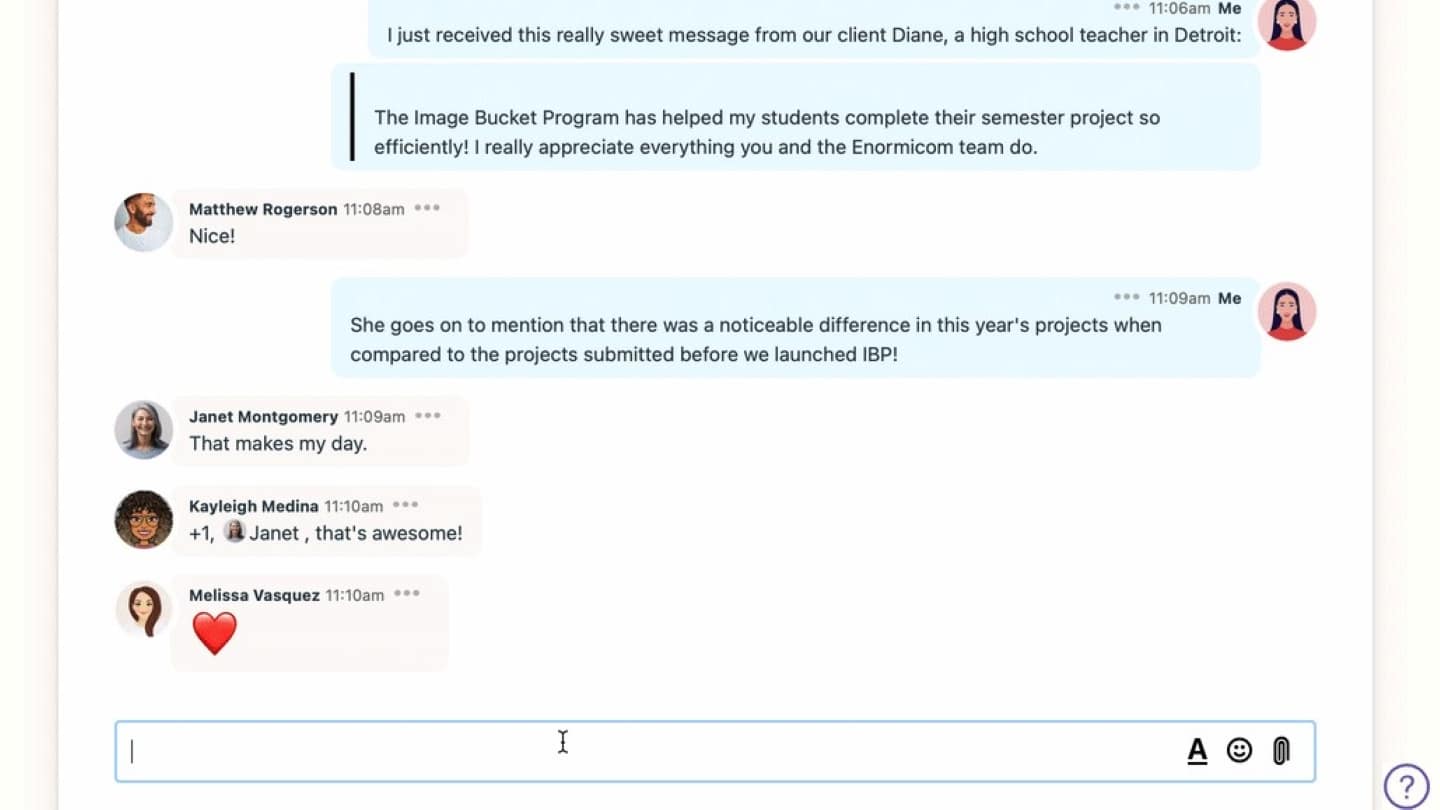
Campfire supports sounds and is highly customizable: a toolbar lets you add bold, italics, colors, hyperlinks, bulleted lists and emojis. You can also tag someone directly by typing an « @ » before their name.
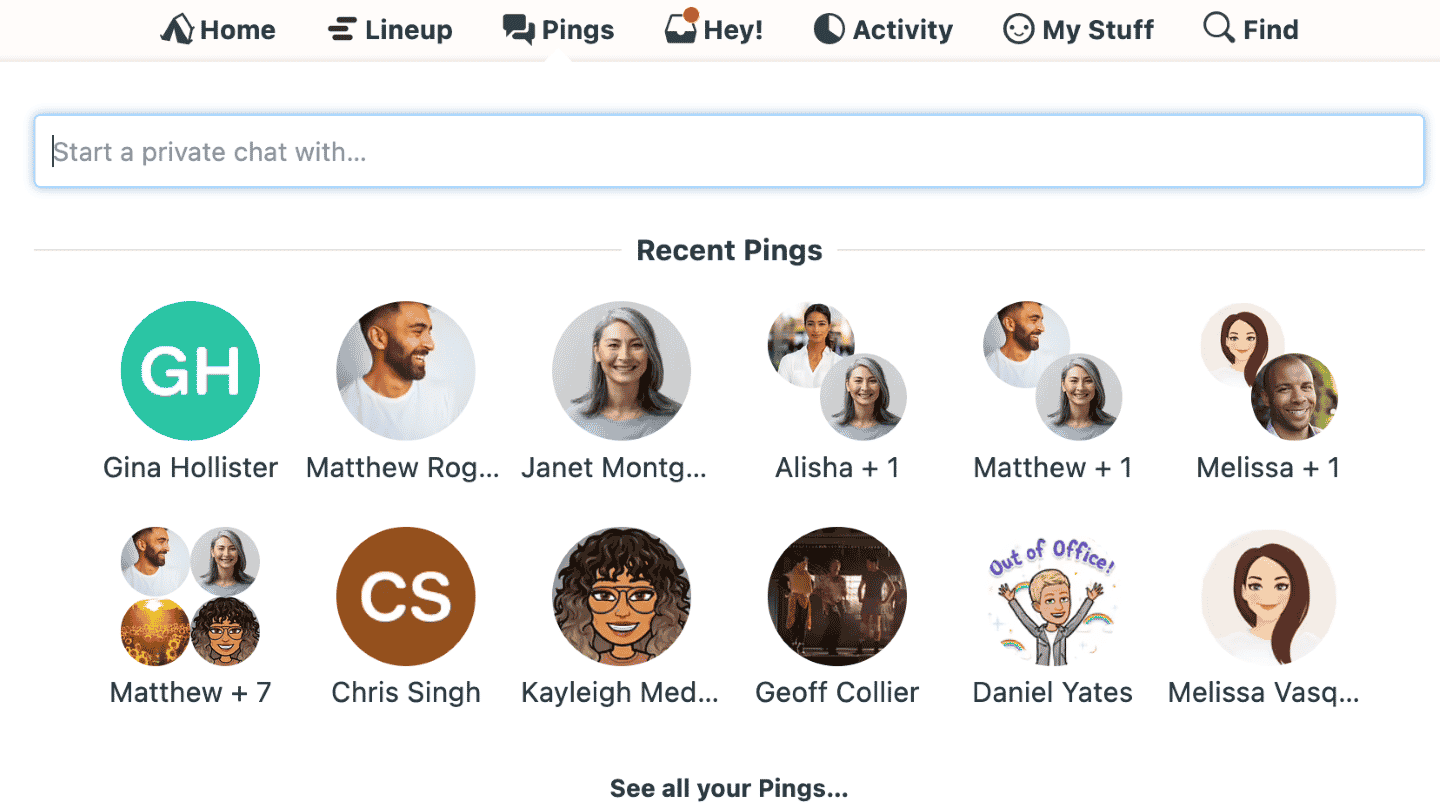
For communication, Basecamp also offers « Pings », private conversations with one or more people, available at any time from the navigation menu.
Collaboration between users
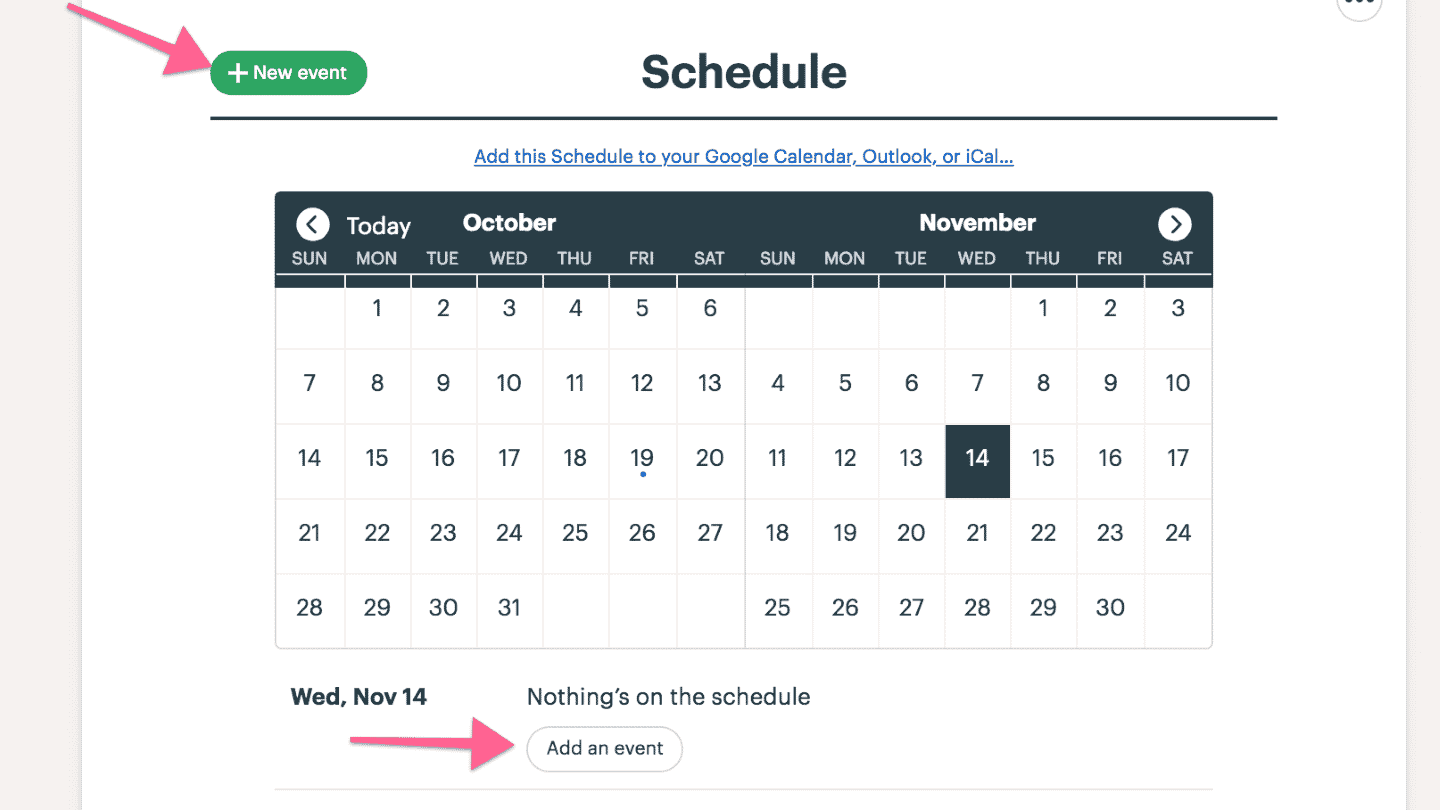
In Basecamp, every project or team has its own message board. It is a space for announcements, pitching ideas, questions and feedback.
All messages posted on the message board are tied to a specific project or team. The board lets you get any message across to every member of the team.
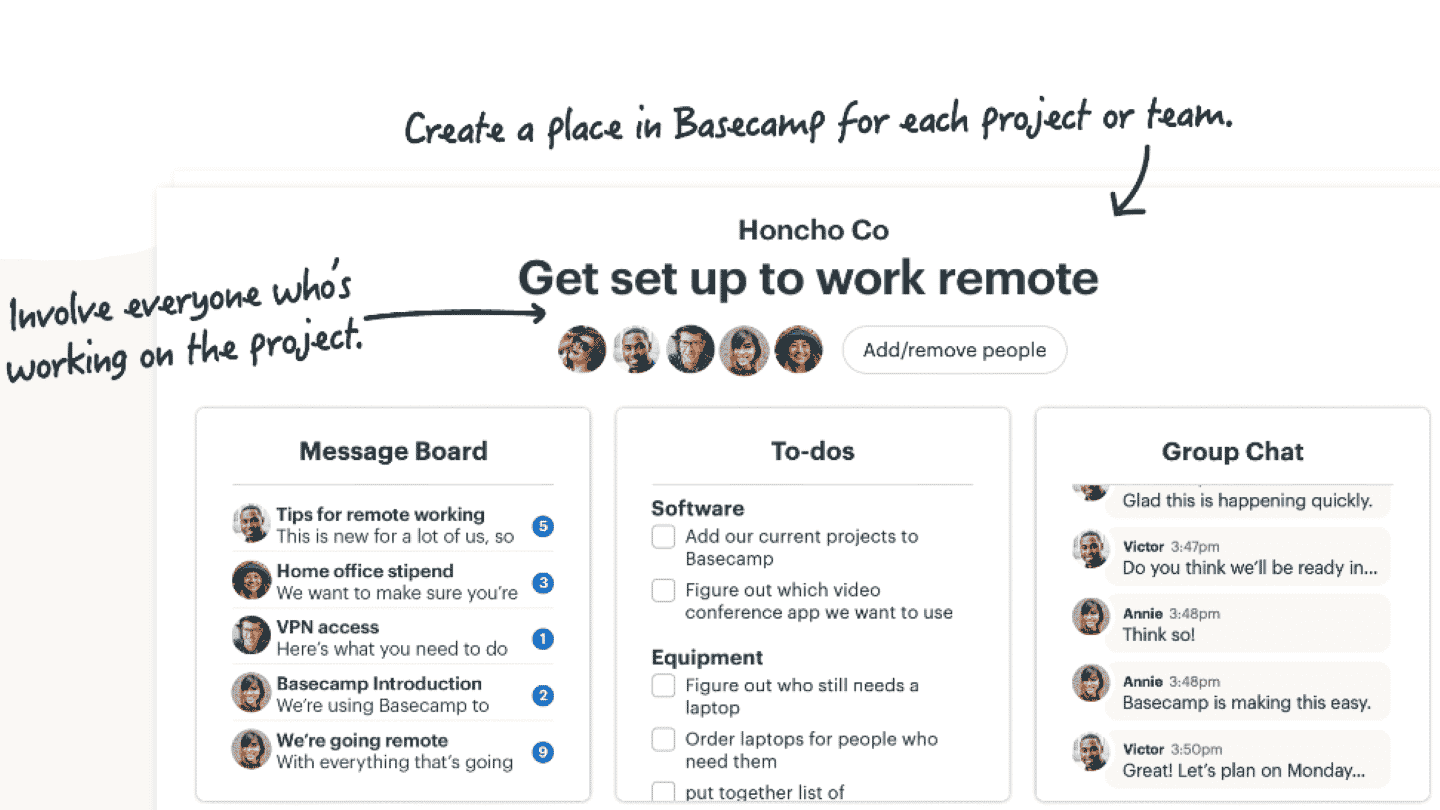
It lets you sort messages into custom categories, filter messages by category, and change the sort order, by date or alphabetically.
The message board is also customizable: you can change the text color, highlight it, add headings and bulleted lists, and even embed images.
Project management
Basecamp has many of the tools project management requires. Every new project or team gets the Calendar feature by default, which shows all the tasks to do and all the upcoming events.
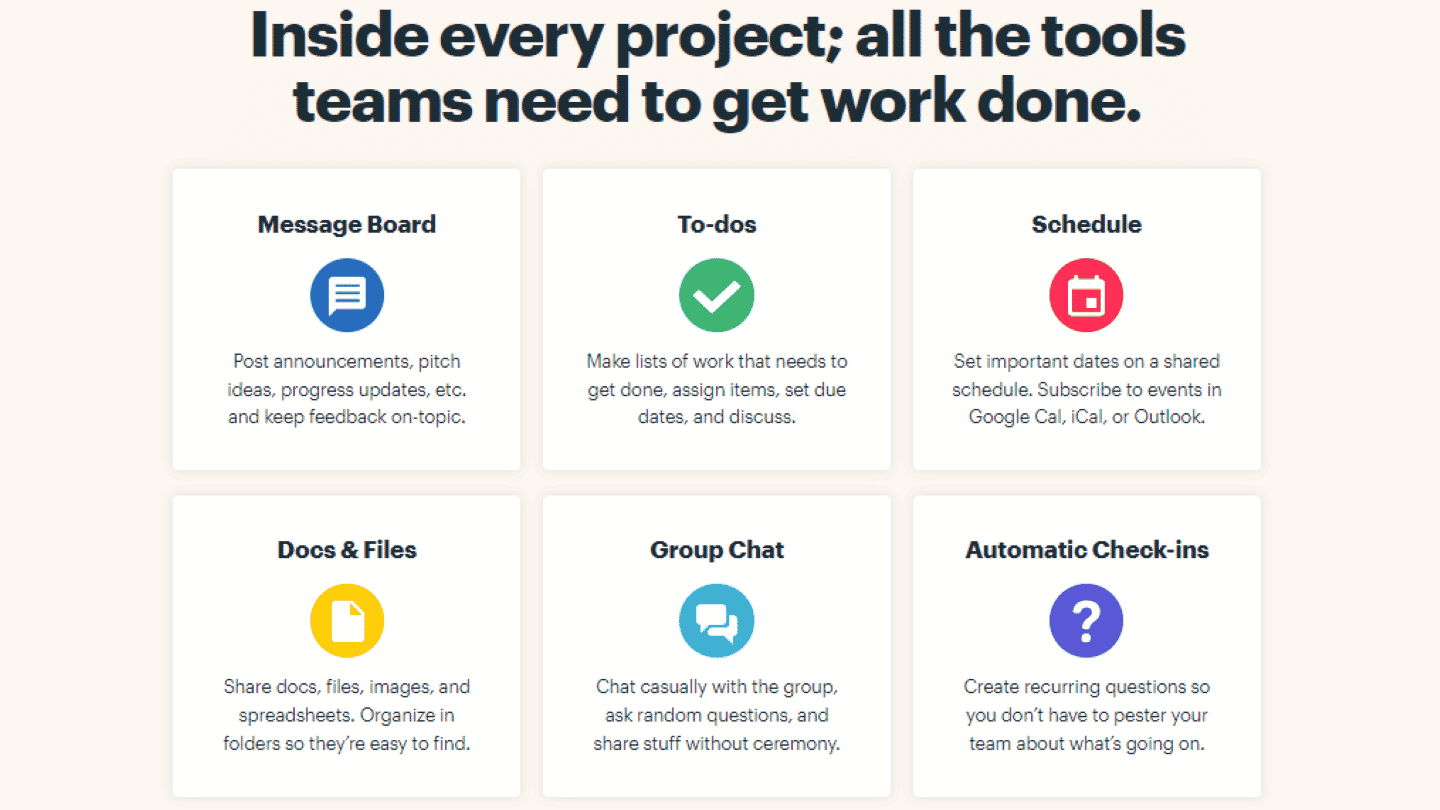
A new event can be added straight from this page, and by clicking on a given date, you can see all the scheduled tasks and the people involved.
Events can last one day or several days, and can recur. They can include notes to keep other team members informed. Just mention a colleague in the event and they get a notification.
You can sync the whole calendar with an in-house calendar platform such as Google Calendar, Outlook or Apple Calendar, and sync individual events.
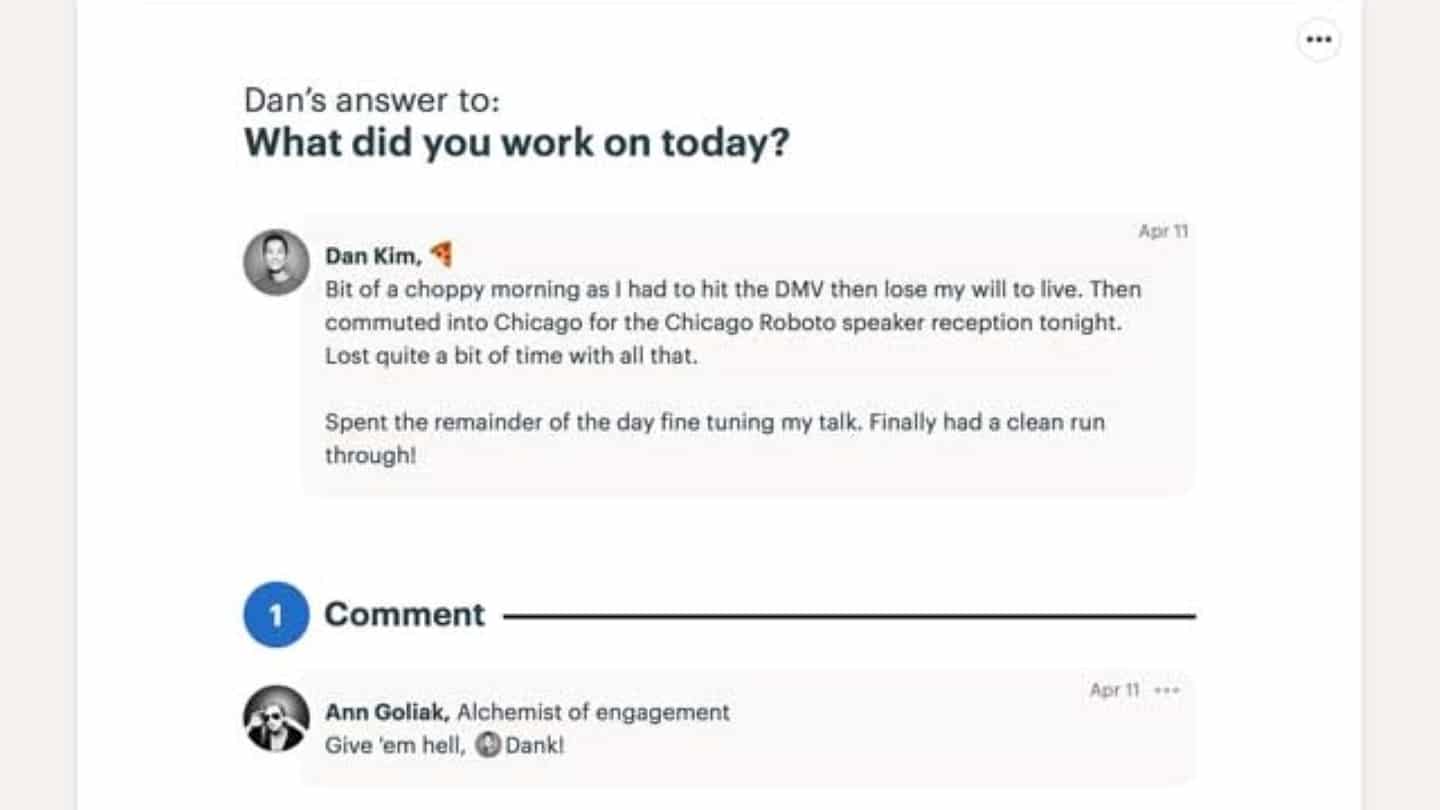
Basecamp comes with an « Automatic Check-Ins » feature. It lets managers create custom questions that team members can answer in their own time.
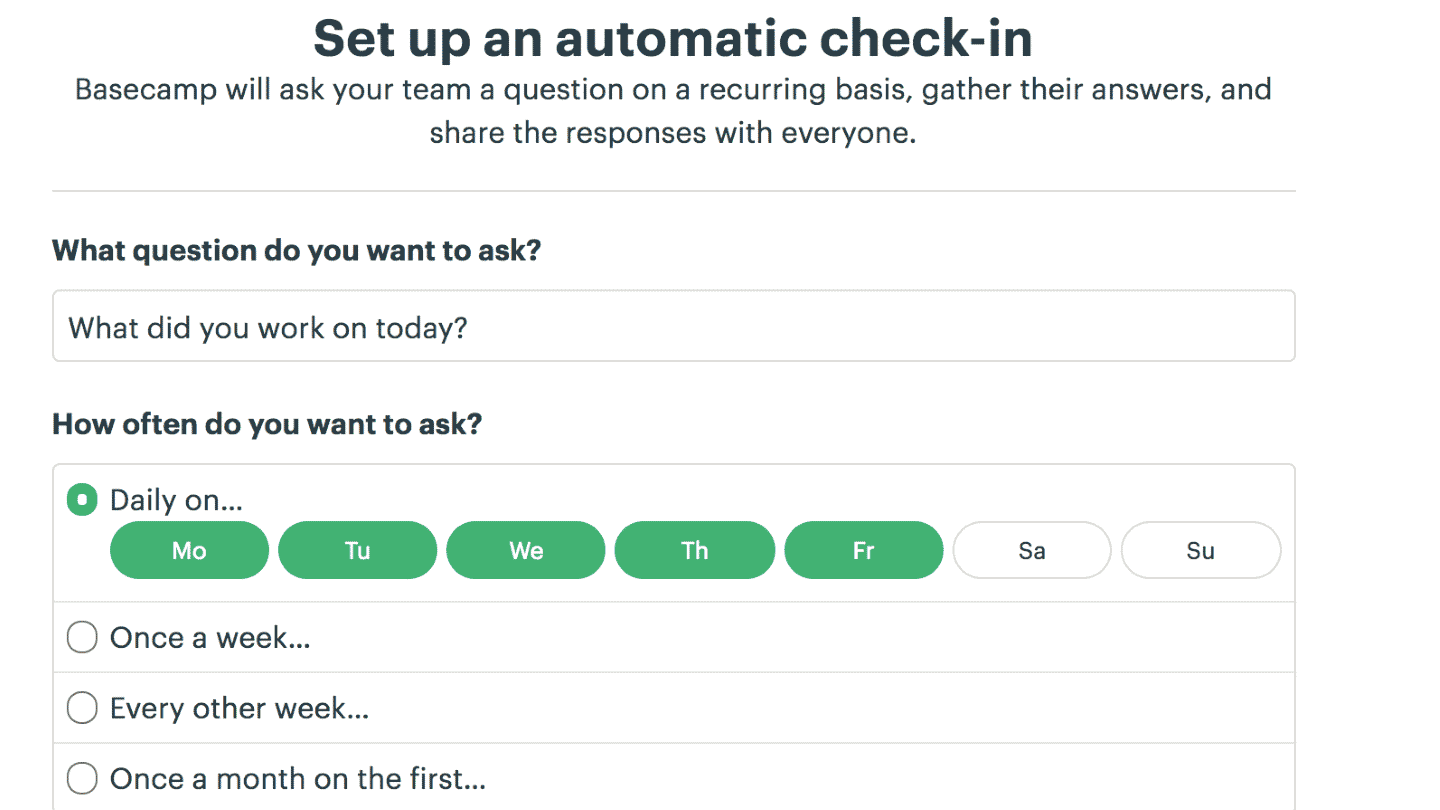
You can ask questions on a daily, weekly or monthly basis. You can also filter who sees the questions, and ask your whole team, specific members or particular groups.
For example, you can send daily check-ins asking team members what they are working on today. This feature is excellent for not wasting time in meetings.
Lineup is Basecamp’s visual timeline view. It shows what you have worked on over the past few weeks, what you are working on now, and what comes next in your project.
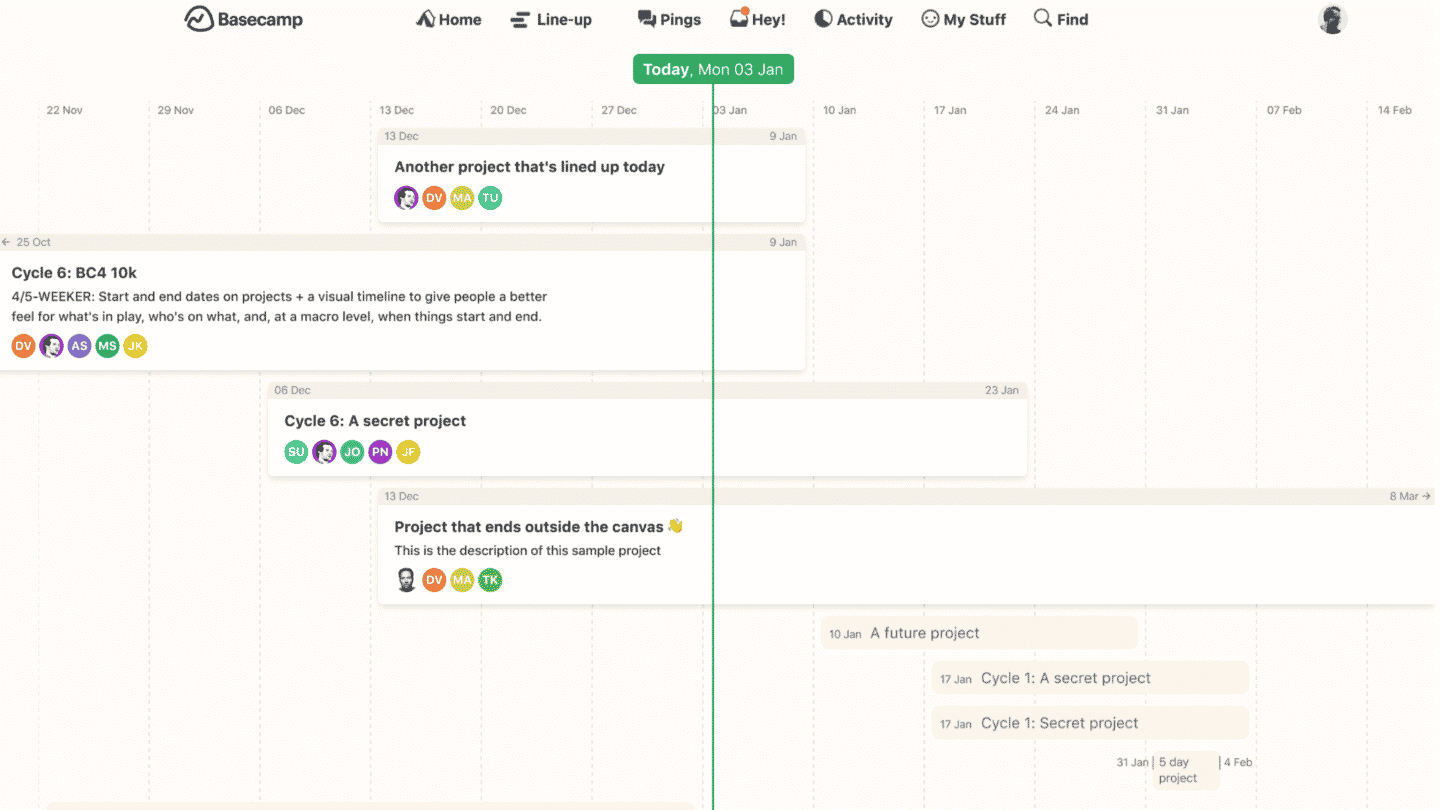
With it, you can see all projects with their start and end dates in one place. Lineup shows 13 weeks at once: the last six weeks, the next six weeks and the current week, in the middle.
It is a must-have feature if you manage several projects and want to stay on top of everything happening across all of them.
Customer support at Basecamp
The customer support page lets you reach the support team directly, but only through a contact form. Response time is short, a few tens of minutes, and the service is available 24/7, 365 days a year.
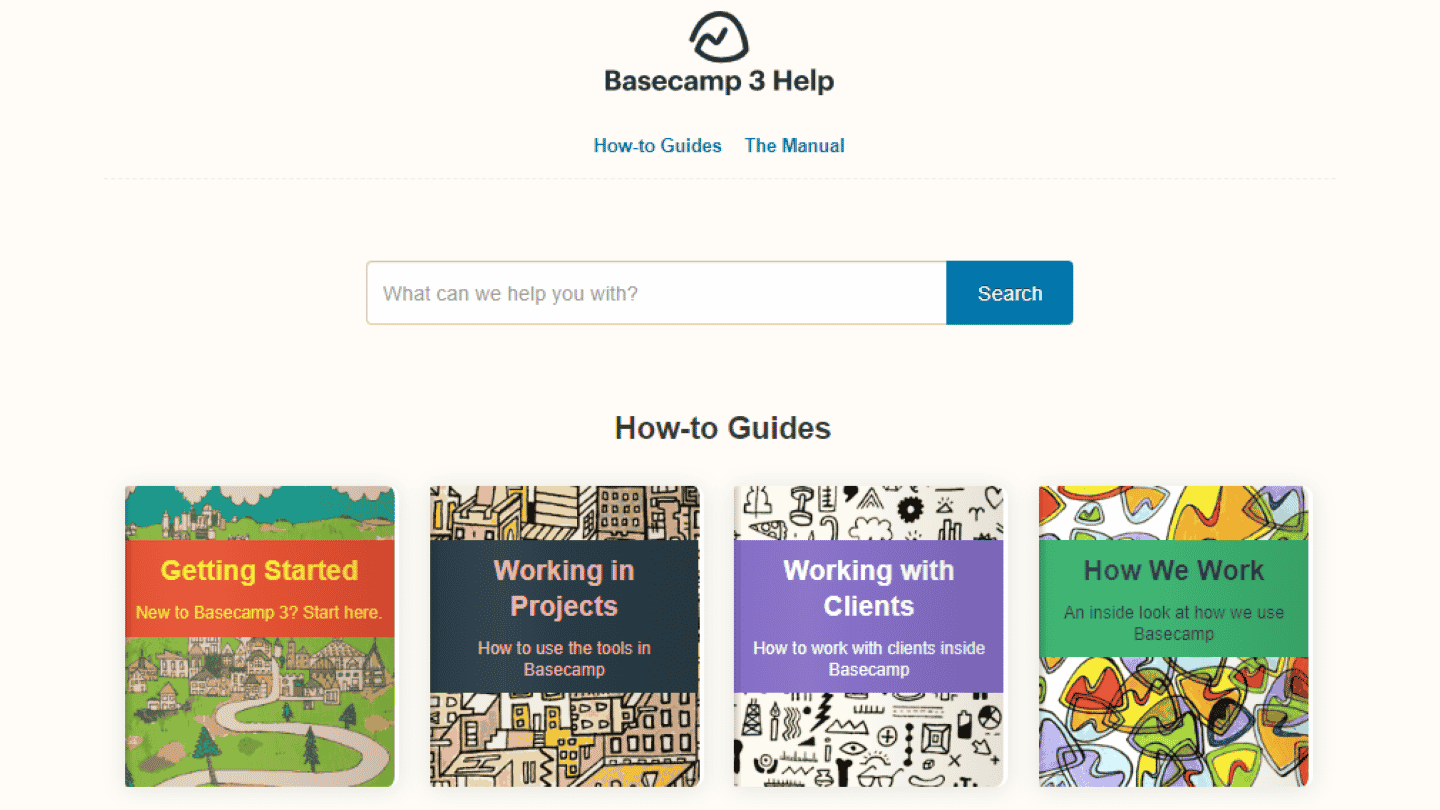
To solve problems on your own, the customer support page also offers various « How-to guides » explaining how to get to grips with the tool, how to manage a project, or how to work with your clients using Basecamp.
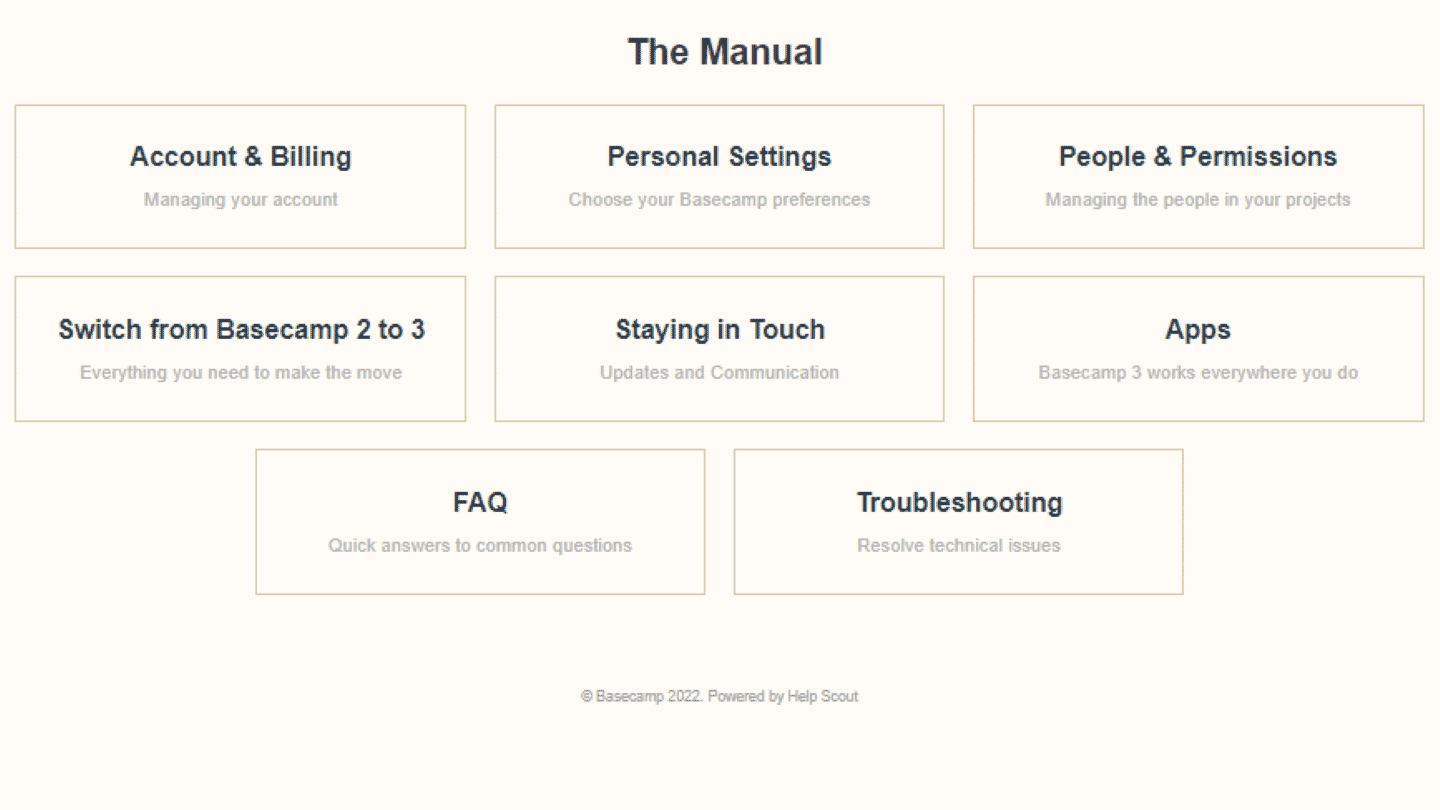
This page also contains manuals on different topics, such as billing, apps, or personal settings.
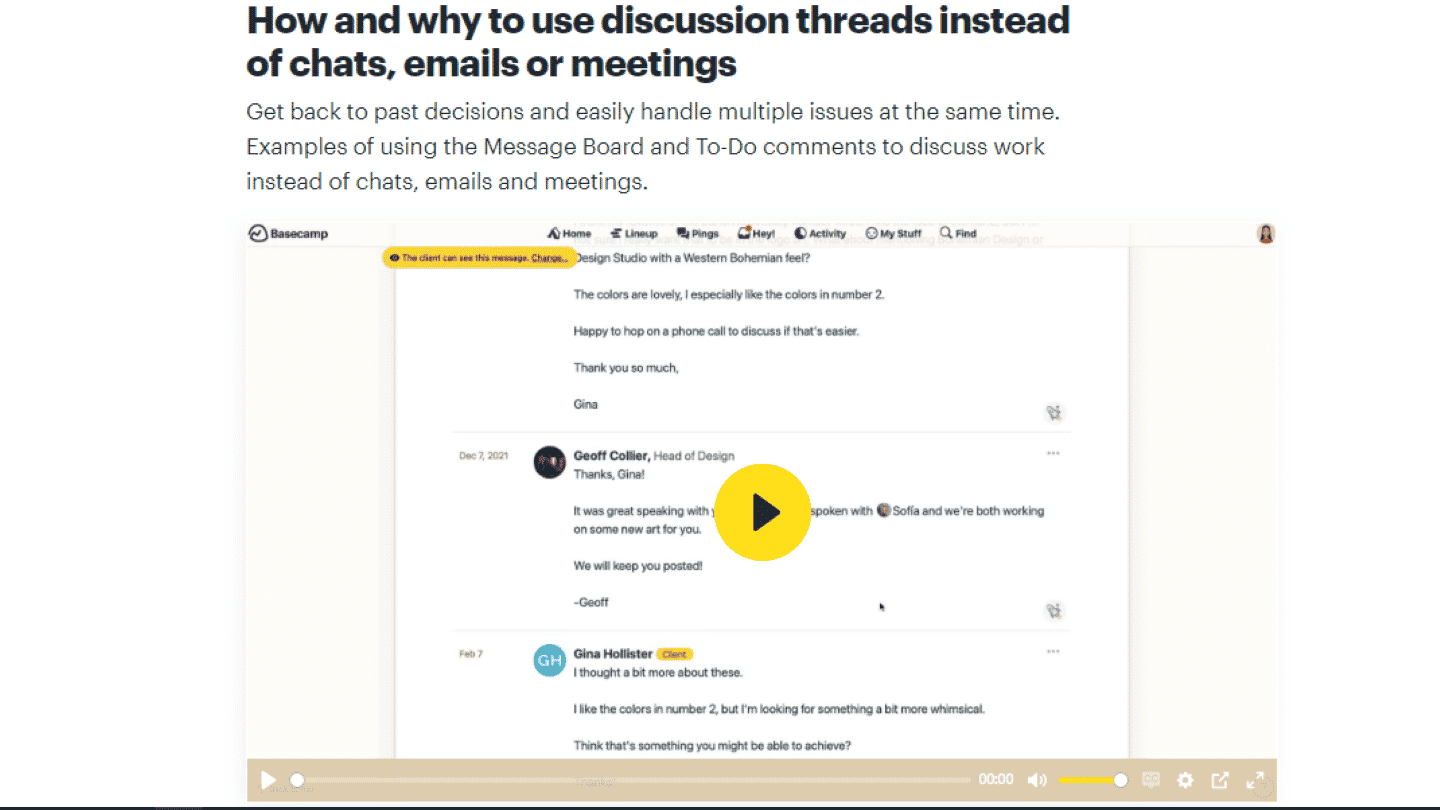
Basecamp’s help page also has many videos for learning to use the tool on your own.
On the downside, Basecamp does not run a community around the tool where users could share their tips and troubleshooting techniques directly.
The Basecamp integrations marketplace
Integrations are needed to connect with the other tools used by teams or clients, and to make collaboration easier.
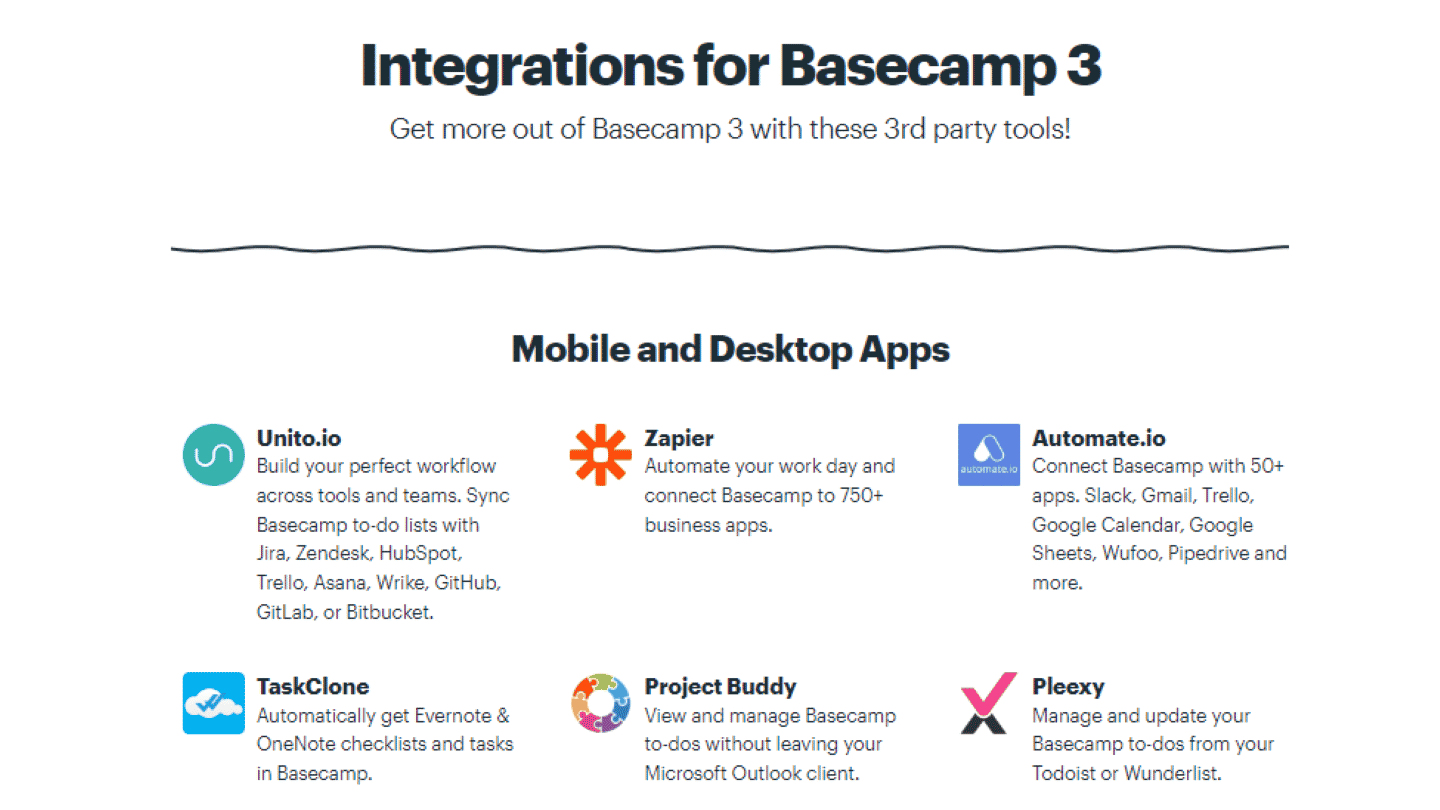
Basecamp offers an integrations marketplace covering every area project management needs:
- Time tracking and invoicing: Clockify, Toggl, Timely. These apps are essential for tracking the actual time teams spend on a project, and for billing the client based on that information.
- Planning and reporting: DNS Check, Ganttify, Easy Insight, Slickplan. These integrations let you go further than Basecamp’s planning features, and get plenty of insight from reports.
- Web development: Git Helpers, Saber Feedback, Instabug, OAuth.io. These integrations will be useful to anyone whose business is, or requires, web development.
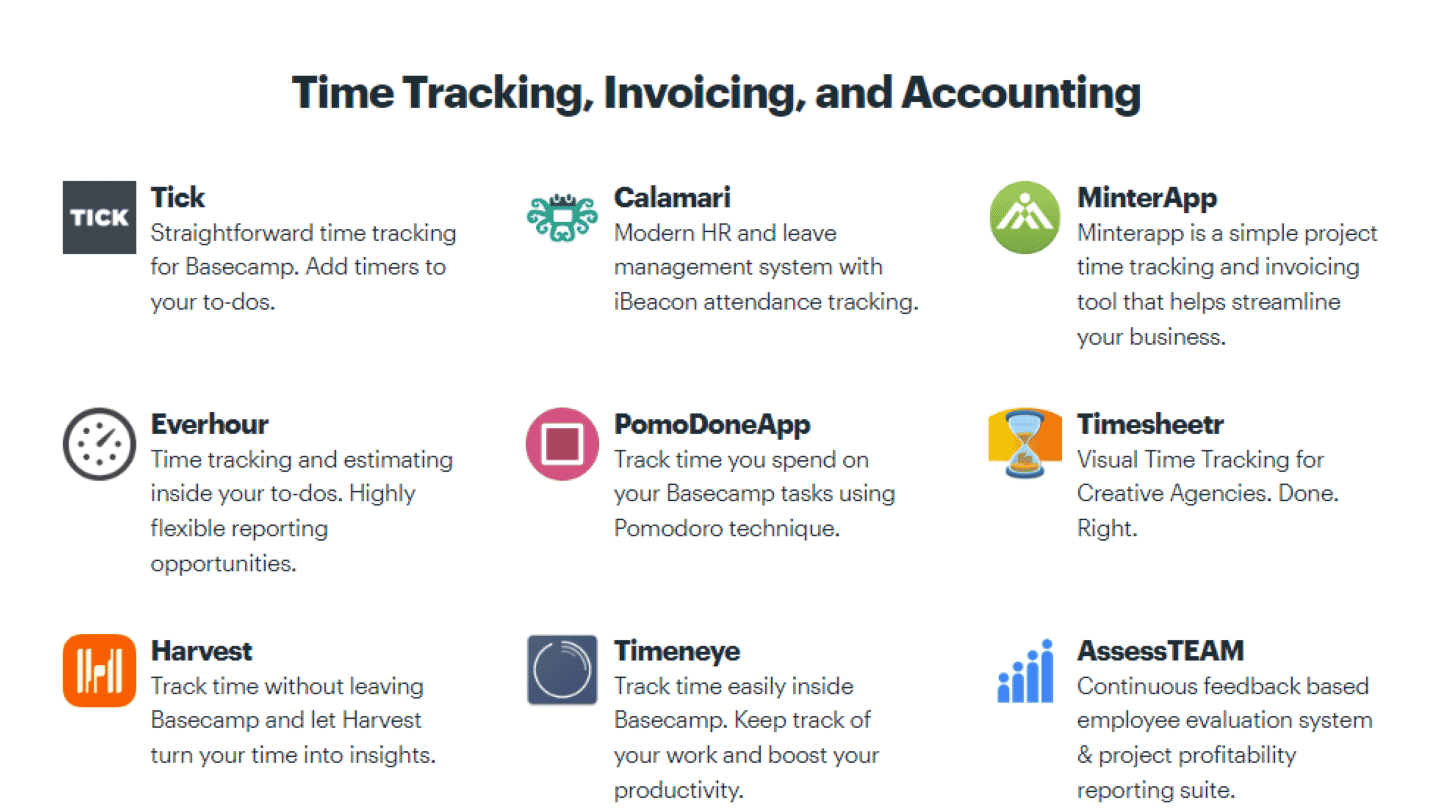
Thanks to the Zapier integration, Basecamp can connect with more than 4,000 third-party apps. The Basecamp API also lets developers integrate their own product directly.
Basecamp: pricing
Basecamp does not bill per user but as a whole, for an entire team. That is an advantage for larger organizations.
Basecamp offers five plans, none with per-user fees:
- Basecamp Pro Unlimited: $199 per month billed annually, or $329 billed monthly, for the whole team.
- Free, Freelancer, Pro and Pro Plus: free for one project, then $29, $79 and $99 per month, with a cap on projects and users.
Basecamp Pro Unlimited includes all of Basecamp’s features, for an unlimited number of projects, users and clients. It also gives access to 1,000 GB of storage, and to priority support.
Salesdorado’s tipThe price of Basecamp Pro may look high, but you have to factor in the number of team members: the bigger the team, the more cost-effective Basecamp becomes compared with software you pay for per user.
For small teams, the Freelancer, Pro and Pro Plus plans, from $29 to $99 per month for 5 to 15 users, are very attractive.
The main alternatives to Basecamp
Basecamp’s feature depth can sometimes be too limited for complex projects. For teams with very complex projects to manage, we therefore recommend tools with greater feature depth, such as Monday, and Hive.
For those with a small team and a smaller budget, we suggest considering Zoho Projects or Asana.
And finally, for those whose needs are mainly about planning, you can look at Notion, or Trello.