Top 10 ClickUp alternatives

Ten ClickUp alternatives (Core $9, Business $17 per user per month billed annually): monday.com (free for 2 users, Basic €9 per seat, 3-seat minimum), Asana (free for 2 users, Starter €10.99), Hive (free for 10 members, Starter $5), Wrike (Team $10, from 2 to 15 users), Jira (free for 10 users, Standard $8.

Maxime Ben Bouaziz
Maxime Ben Bouaziz
CEO Salesdorado, IA & Sales Tech
July 22, 2022, updated November 10, 2026, 1 min read
See all tools

ClickUp is the software everyone in Silicon Valley is using, and for good reason. It pairs incredible ease of use with a lot of functional depth. Think of it as Notion and Jira merged into a single planning tool.

But it doesn’t suit every process or every team. The entry price is no longer the obstacle: Core costs $9 per user per month billed annually. What you pay for is the advanced features, since advanced dashboards, resource management and timesheets require Business, at $17 billed annually and $25 monthly. Above all, despite its functional depth, the tool adapts rather poorly to complex organizations and projects with long dependency chains and many stakeholders.

We’ve gathered the 10 alternatives we think are best suited to replacing a tool like ClickUp. Depending on what you need:

  • a very small or mid-sized business that wants to automate without heavy setup: monday.com;
  • a team that wants to find its way around from day one: Asana;
  • getting your clients to work inside the tool: Hive;
  • complex projects, with approvals and many stakeholders: Wrike;
  • an agile or development team: Jira;
  • a large team on a small budget, with no per-user pricing: Basecamp;
  • staying in the Zoho ecosystem, at the lowest price: Zoho Projects;
  • tracking projects in linked tables, with no code: Airtable;
  • a small team that documents a lot: Notion;
  • a simple Kanban: Trello.
SalesdoradoSimulate your choice of project management tool
Free tool, 2 minutes
Simulate your choice of project management tool

Answer 10 targeted questions and find the tools that actually fit your situation.

12
tools analyzed
10
targeted questions
€0
no sign-up
Methodology published by the Salesdorado editorial team

The 10 tools, side by side

# Logos tool Score Price Best for
01 monday.com 4.0/5 ★ €9 Very small and mid-sized businesses that want a tool the whole team adopts quickly, with simple automations Visit site
02 Asana 4.2/5 ★ €10.99 Teams that want linked views and an interface that is readable from day one Visit site
03 Hive 4.2/5 ★ $5 Agencies and service teams that have their clients work inside the tool Visit site
04 Wrike 4.5/5 ★ $10 Organizations running long projects, with many stakeholders and approvals Visit site
05 Jira 4.7/5 ★ $8.48 Technical teams that ship in sprints or Kanban flow Visit site
06 Basecamp 4.7/5 ★ $29 Large or remote teams that want to know their bill in advance Visit site
07 Zoho Projects 4.7/5 ★ €4 Companies already on Zoho that want a complete project tool at a low price Visit site
08 Airtable 4.3/5 ★ $20 Teams that want to build their own tracking tool from a database Visit site
09 Notion 4.7/5 ★ €9.50 Small teams that want documentation and projects to live in the same place Visit site
10 Trello 4.7/5 ★ $5 Teams with short projects that use only ClickUp's boards Visit site
01

monday.com

4.0/5 From €9

Best for: Very small and mid-sized businesses that want a tool the whole team adopts quickly, with simple automations

+ Strengths
  • Quick to learn, wide adoption across the team
  • Template gallery to start a board in minutes
  • Automations and integrations from Standard
− Downsides
  • Free plan limited to 2 users and 3 boards
  • Paid plans sold with a 3-seat minimum
  • Less comfortable in large organizations
★ monday.com in brief

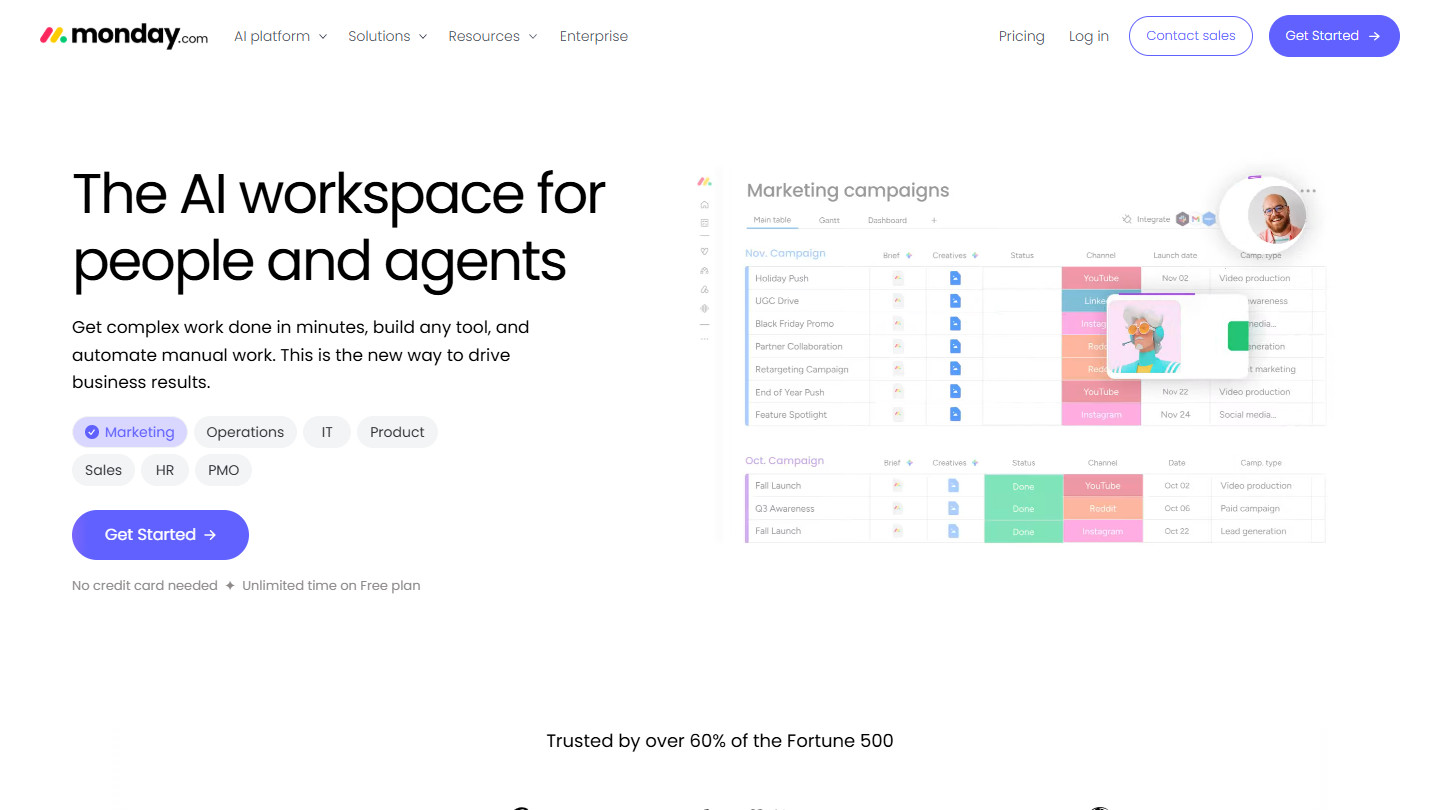
monday.com website: “The AI workspace for people and agents”

monday.com is a light, very flexible solution that adapts to most processes. A board is made up of the columns you choose (status, person, date, priority), and the same board displays as a Kanban, a Gantt chart or a calendar.

The tool focuses on adoption and automation to generate as much value as possible, and it works very well. Rules like “when the status changes to done, notify the owner” are set up without code, and a team that has never used project management software quickly finds its way around.

Compared with ClickUp, monday.com does less, and more simply: no hierarchy of spaces, folders and lists to design before you start. The downside is the price for small teams: where ClickUp offers a free plan with no member limit, monday.com caps its own at 2 users and sells its plans in blocks of 3 seats.

monday.com stays free for 2 users and 3 boards. After that, you pay per seat, 3 at a minimum: €9 per month billed annually on Basic, €14 on Standard, which adds automations, integrations, Gantt and calendar, and €22 on Pro. A team of 3 therefore pays at least €27 per month. Prices exclude tax.

02

Asana

4.2/5 From €10.99

Best for: Teams that want linked views and an interface that is readable from day one

+ Strengths
  • Clear interface, quick to learn
  • List, board and calendar available without paying
  • Many integrations with the team's tools
− Downsides
  • Free plan limited to 2 users
  • More expensive than ClickUp for comparable features
  • Customer support lags behind
★ Asana in brief

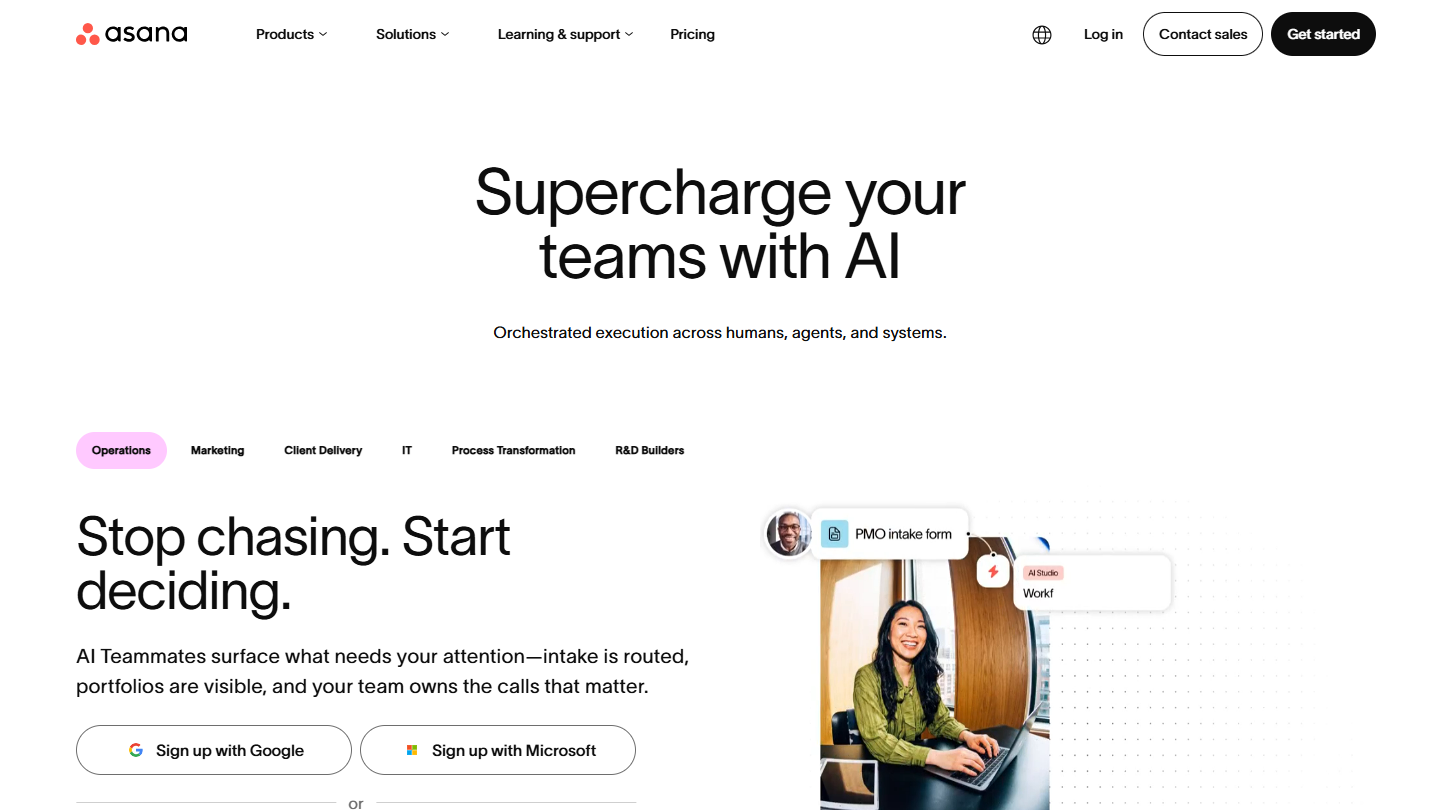
Asana website: “Supercharge your teams with AI”

Asana covers all of a team’s project management. A task lives in a project, with an assignee, a due date and subtasks, and the project reads as a list, a board or a calendar; timeline and Gantt come with Starter.

The tool goes far, but a good part of its depth is reserved for paid plans. Timeline, dashboards and forms require Starter, and the next tier, Advanced, costs more than double.

Compared with ClickUp, you choose Asana for its readability: fewer options, airier screens, a team that gets going without training. It does struggle to justify its price, though. Starter costs €10.99 per user billed annually when ClickUp Core is $9, and the free plan, long one of the most generous on the market, now covers only 2 users.

Free for 2 users with the Personal version, Asana moves to €10.99 per user per month billed annually on Starter, €13.49 with no commitment. Advanced costs €24.99 billed annually.

03

Hive

4.2/5 From $5

Best for: Agencies and service teams that have their clients work inside the tool

+ Strengths
  • Light and simple to use
  • Notes, chat and email in the same space as tasks
  • Free for up to 10 members
− Downsides
  • Website and documentation in English
  • External users, timesheets and resources are paid add-ons
  • Time tracking from Teams
★ Hive in brief

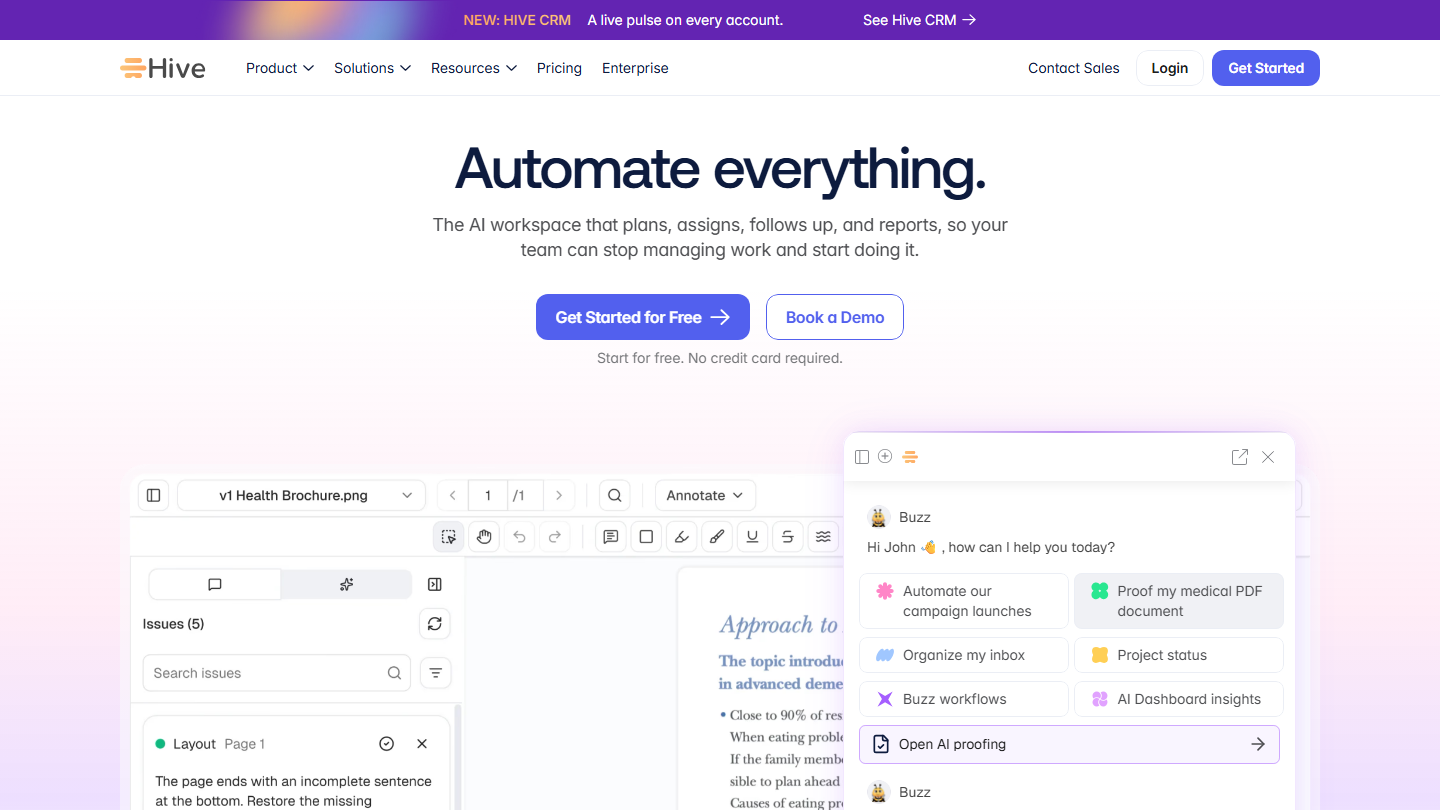
Hive homepage: “Automate everything.”, with a document annotation tool and the AI assistant

Hive is project management software built around tasks and team communication. Collaborative notes, messaging and email sit in the same space as the projects, which saves juggling three tools.

Its strength is working with outsiders. The external users option gives clients or partners access to their projects, and the approval module lets them annotate and approve a mockup or document directly in Hive.

Compared with ClickUp, Hive stays lighter and more readable, with a free plan for 10 members and 200 MB of storage, against unlimited members and 60 MB at ClickUp. You pay à la carte: time tracking, portfolios and custom fields require Teams, and each add-on adds $5 to the monthly price per user.

The free plan accepts 10 members, with unlimited tasks and notes. Starter costs $5 per user per month billed annually, for a maximum of 10 members and 10 projects, with Gantt and calendar. Teams, with no member limit, costs $12 billed annually and $18 monthly. The first 14 days give access to all features, whatever the plan.

04

Wrike

4.5/5 From $10

Best for: Organizations running long projects, with many stakeholders and approvals

+ Strengths
  • Functional depth on complex projects
  • Access management and approval workflows per team
  • Resource and capacity planning from Business
− Downsides
  • Team capped at 15 users
  • Advanced integrations and synchronization are paid add-ons
  • Poorly suited to small organizations
★ Wrike in brief

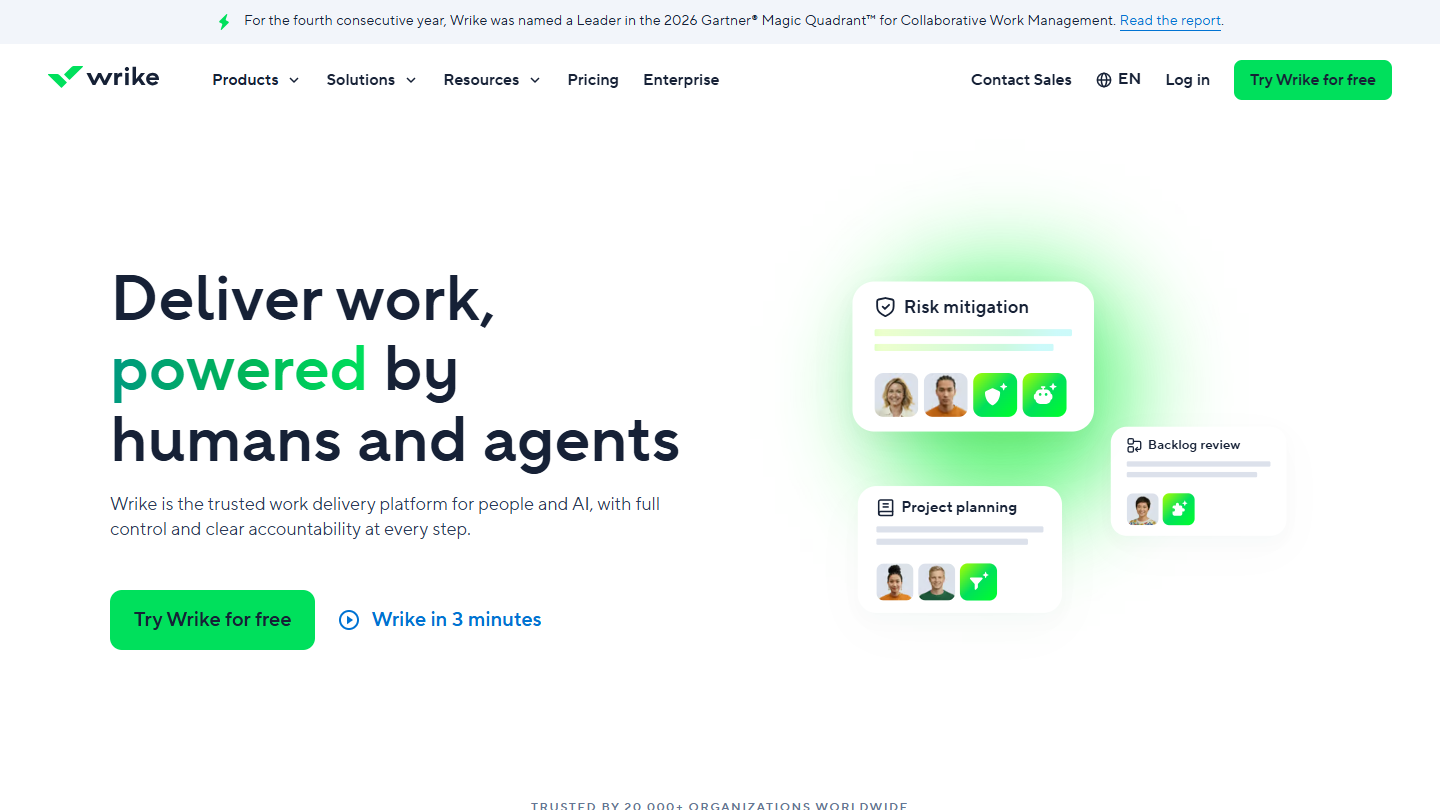
Wrike website: “Deliver work, powered by humans and agents”

Wrike targets organizations and complex projects: it manages both the projects and the documents that move between teams. Workflows are customized per team, with their own statuses, fields and approval steps.

Its interactive Gantt charts and shareable dashboards are used to steer a project portfolio. From Business, resource and capacity planning shows who is available before you assign a task.

Compared with ClickUp, Wrike addresses the weak point mentioned above: projects with long dependency chains and many stakeholders. It does so at a higher price: Business costs $25 per user, against $17 for ClickUp Business, and the Team plan stops at 15 users.

The Free plan handles a limited number of tasks. Team costs $10 per user per month, billed annually, from 2 to 15 users; Business $25, from 5 to 200 users; Pinnacle is on request. Whiteboard, Integrate and Sync are optional add-ons. The trial lasts 14 days, with no credit card.

05

Jira

4.7/5 From $8.48

Best for: Technical teams that ship in sprints or Kanban flow

+ Strengths
  • Agile best practices and a very active community
  • Strong on complex technical projects
  • Free for up to 10 users
− Downsides
  • Fairly complex to learn for a non-technical team
  • Not very flexible outside agile methods
  • Free plan limited to 2 GB of storage
★ Jira in brief

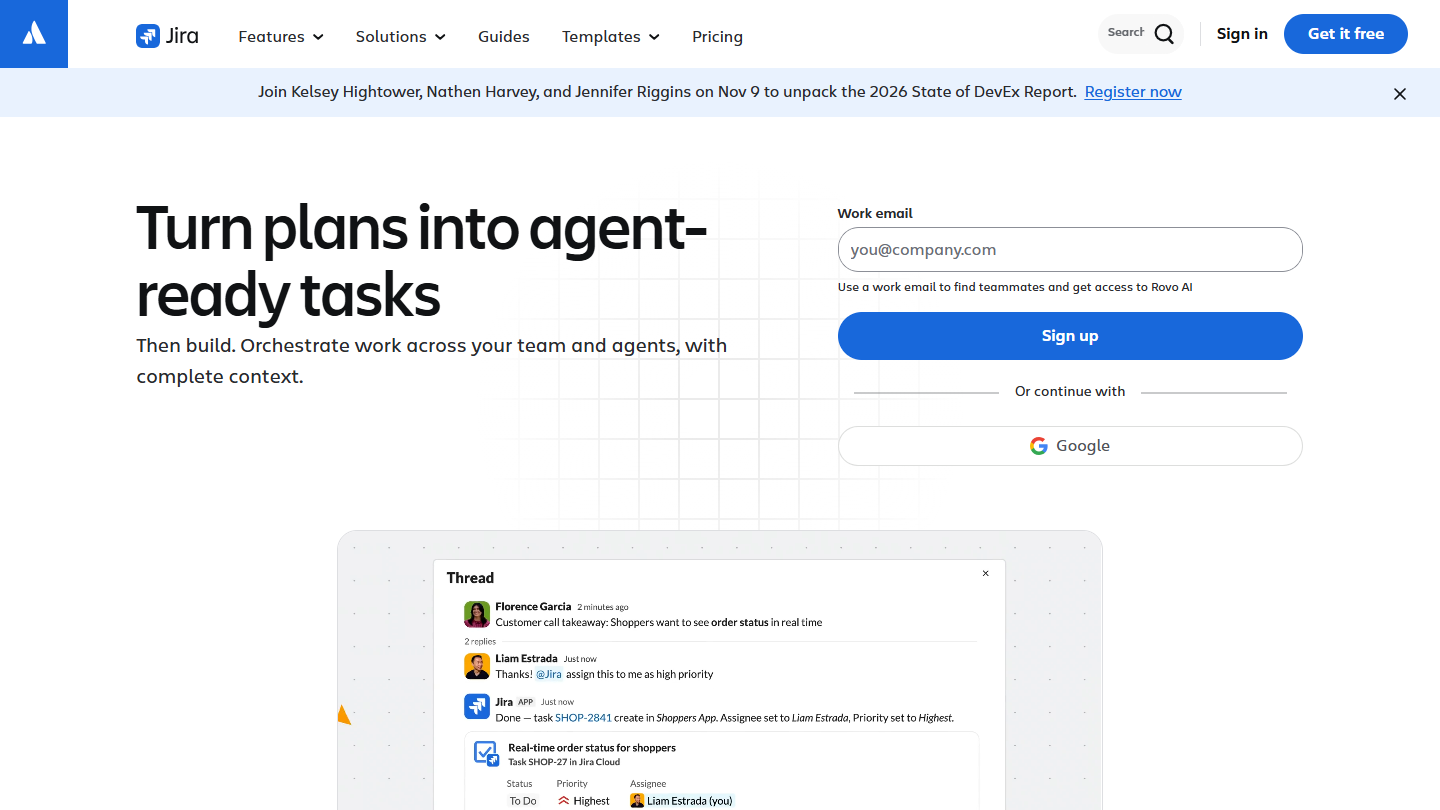
Jira website: “Turn plans into agent-ready tasks”

Jira, from Atlassian, is the leader in agile project management. It is designed first for teams building software: tickets, epics, backlog, sprints and Kanban boards structure all the work.

You can use it for any type of agile project. The free plan already gives you the backlog, board, list, timeline and calendar, and other Atlassian tools, Confluence for documentation or Trello, connect to it.

Compared with ClickUp, which also handles sprints, Jira goes further on method and software development, but it demands real adoption time from a marketing or sales team. It makes sense when the technical team is the tool’s main user.

Jira is free for up to 10 users, with 2 GB of storage. Beyond that, Standard comes to $8.48 per user per month billed monthly and Premium to $15.56; Enterprise is negotiated. Annual billing is by user tier.

06

Basecamp

4.7/5 From $29

Best for: Large or remote teams that want to know their bill in advance

+ Strengths
  • Per-account plan, with no extra cost per person
  • Message board, tasks, chat, schedule and files per project
  • Well designed for remote work
− Downsides
  • Plans capped on projects and users up to Pro Unlimited
  • Few integrations, a fairly closed environment
  • Expensive for a small team
★ Basecamp in brief

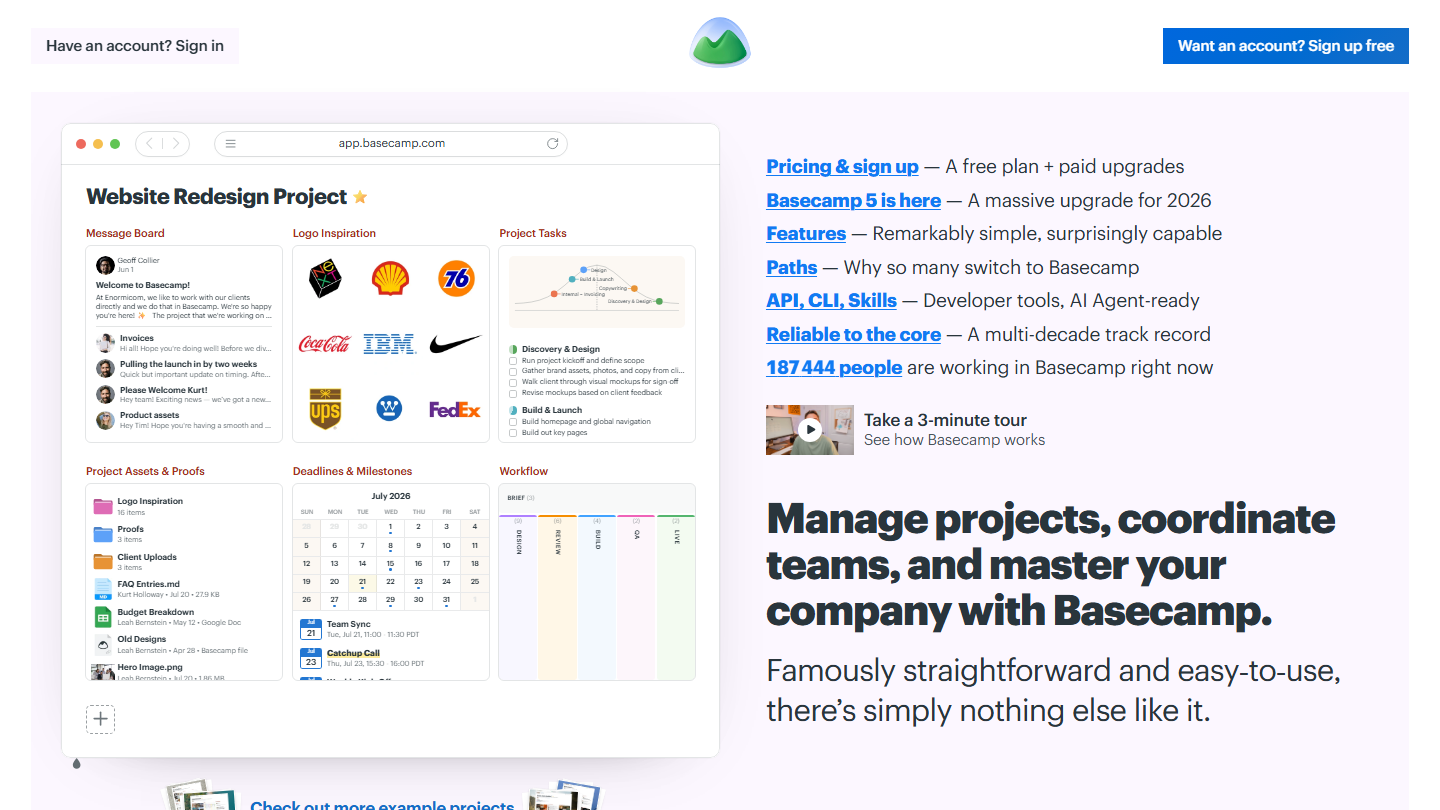
Basecamp homepage: “Manage projects, coordinate teams, and master your company with Basecamp”, next to a sample project

Basecamp keeps the whole project in one place: each project brings together a message board, to-do lists, a chat, a schedule, documents and files, and a card table for tracking a process in Kanban.

What sets it apart is the billing: one plan for the whole company, however many people are invited. On Pro Unlimited, a team of 40 pays the same as a team of 16, which makes it an attractive solution for large organizations.

Compared with ClickUp, Basecamp does less: one organization per project, without ClickUp’s many views and settings. That’s deliberate, and it’s what makes it easy to adopt. Pro Unlimited, at $199 per month billed annually, costs less than ClickUp Core from 23 users ($9 each) and less than Business from 12.

The free plan includes 1 project, 3 users and 1 GB. Freelancer costs $29 per month for 3 projects and 5 users, Pro $79 for 8 projects and 10 users, Pro Plus $99 for 12 projects and 15 users, with time tracking. Pro Unlimited removes all limits for $199 per month billed annually, $329 monthly. The trial lasts 30 days.

07

Zoho Projects

4.7/5 From €4

Best for: Companies already on Zoho that want a complete project tool at a low price

+ Strengths
  • Excellent value for money
  • Connected to other Zoho apps (CRM, Sprints, BugTracker)
  • Timesheets and project budgets from Premium
− Downsides
  • Free plan limited to 3 projects
  • Resource management is an extension, from Enterprise
  • Less appealing outside the Zoho ecosystem
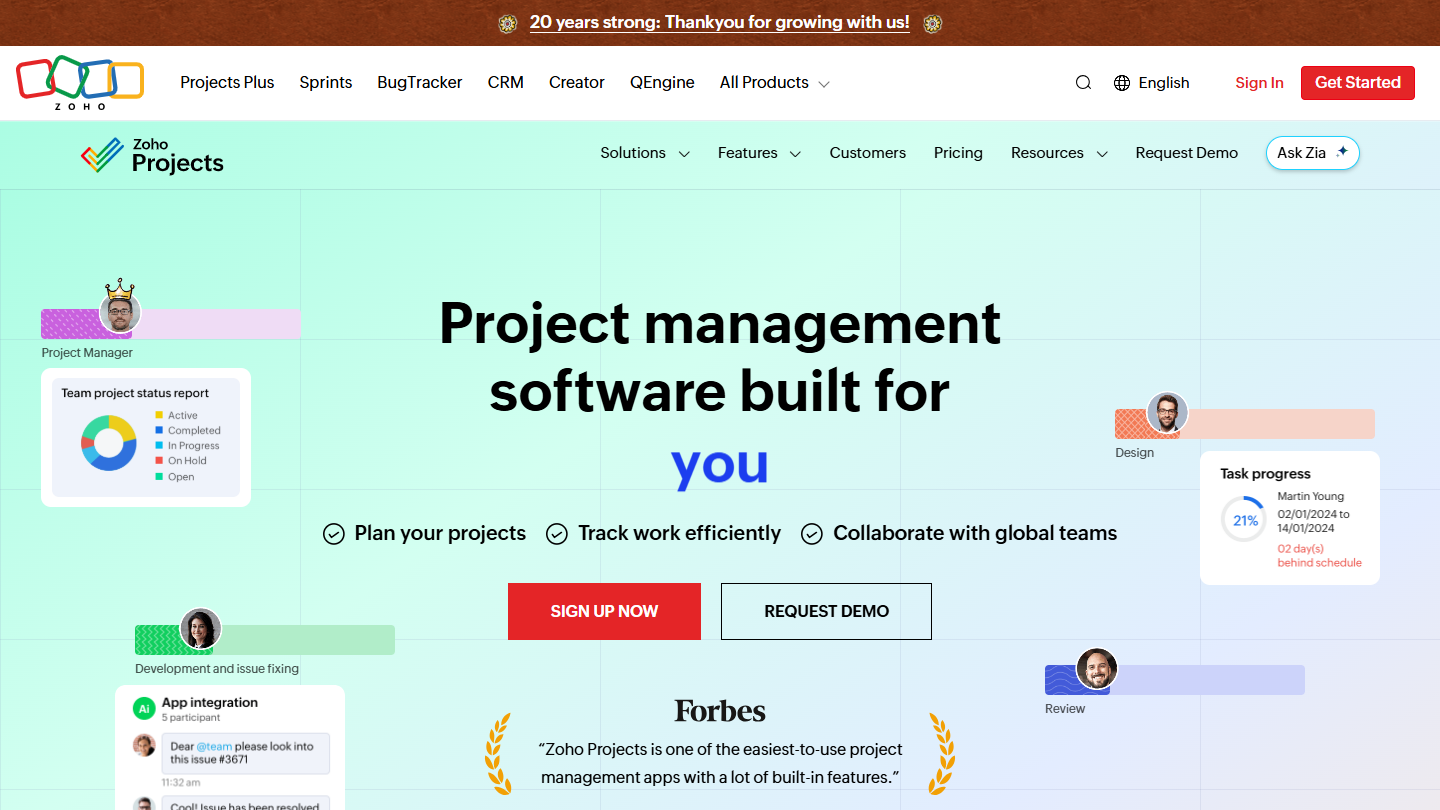
★ Zoho Projects in brief

Zoho Projects website: “Project management software built for increased productivity improved collaboration dynamic teams you”

Zoho Projects is the project management component of the Zoho suite, and it’s a good one: the tool goes quite far without losing accessibility, with subtasks, a whiteboard, custom statuses and views, and recurring tasks.

Time and budget tracking make it a good tool for teams that bill or monitor their hours. Time entry, multi-level timesheet approval and project budgets are included from Premium.

Compared with ClickUp, Zoho Projects costs less at every tier: €4 per user billed annually against $9 for Core. Enterprise, at €9, adds critical path, SSO and custom roles for a price close to Core. For a company already working in Zoho CRM, it also avoids a tool cut off from the rest.

The free plan accepts 5 users and 3 projects, with 5 GB of storage. Premium costs €4 per user per month billed annually (€5 monthly), Enterprise €9 (€10 monthly), Ultimate €14 billed annually. The trial lasts 15 days, with no credit card.

08

Airtable

4.3/5 From $20

Best for: Teams that want to build their own tracking tool from a database

+ Strengths
  • Linked tables, typed fields, multiple views
  • Very flexible and easy to use
  • Excellent integrations and automations
− Downsides
  • Poorly suited to producing written documents
  • A small learning curve at first
  • Gets expensive fast: Team at $20 per license
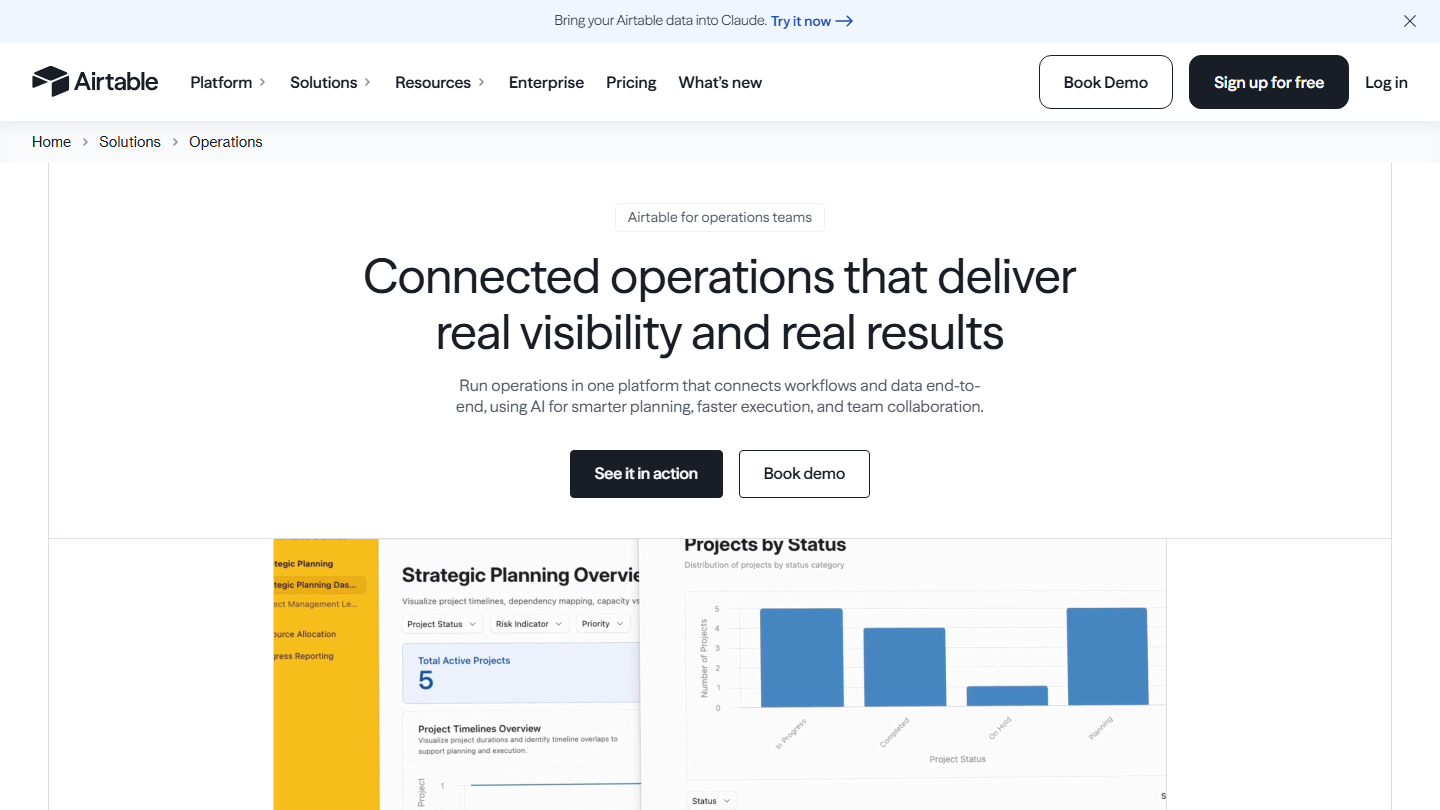
★ Airtable in brief

Airtable Operations page: “Connected operations that deliver real visibility and real results”, with a dashboard of projects by status

Airtable is part spreadsheet, part database: several linked tables (a project, its tasks, its clients, its deliverables), viewed as a grid, a Kanban, a calendar or through a form.

That makes it a very versatile tool, which adapts very well to project management needs. You build the tool your team needs, with your own fields and automations, and Interface Designer turns it into a small app for colleagues who view without editing.

Compared with ClickUp, Airtable doesn’t deliver ready-made project management: you have to build it. In exchange, its linked tables track data (clients, content, inventory) that a task tool stores poorly. For writing together, it offers no equivalent of ClickUp Docs.

The free plan accepts 5 editors, 1,000 records per base and 100 automation runs. Team costs $20 per license per month billed annually ($24 monthly), with 50,000 records per base and the Gantt and timeline views; Business $45 billed annually ($54 monthly).

09

Notion

4.7/5 From €9.50

Best for: Small teams that want documentation and projects to live in the same place

+ Strengths
  • Very good document editing and sharing
  • Many templates available
  • Databases with subtasks and dependencies from the free plan
− Downsides
  • Task management has to be built by hand
  • Automations more limited than ClickUp's
  • Free plan quickly gets tight with several people: capped blocks, 7-day history
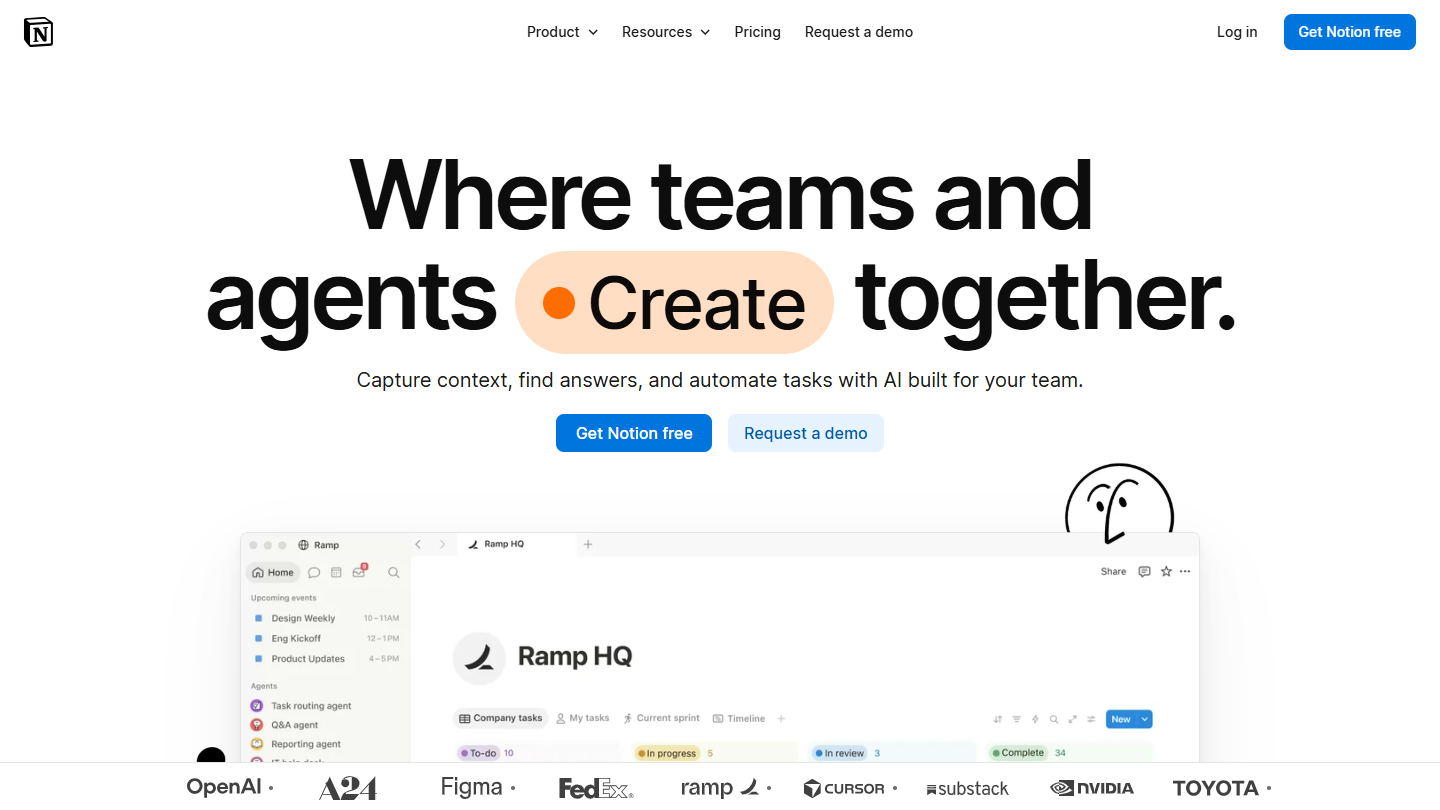
★ Notion in brief

Notion website: “Where teams and agents Create together.”

Notion presents itself as a workspace where you write, organize and share. It works much like a shared document store, but the document editor is remarkable, and the sharing features go far, as far as publishing a page as a website.

Project management runs through databases: a projects database, a tasks database, status and due date properties, and table, Kanban or timeline views. Everything is configured, nothing is provided out of the box, and templates serve as a starting point.

Compared with ClickUp, Notion reverses the priorities: documentation first, tasks second. It serves a small team that writes a lot (procedures, meeting notes, wiki) and tracks simple projects well; a team managing dozens of dependent tasks will be better served by ClickUp or a dedicated project tool.

The free plan suits one person: from 2 members, the number of blocks is limited, files are capped at 5 MB and page history at 7 days. Plus costs €9.50 per member per month billed annually (€11.50 monthly); Business, at €19.50 (€23.50 monthly), adds the Notion Agent, AI notes and SAML SSO.

10

Trello

4.7/5 From $5

Best for: Teams with short projects that use only ClickUp's boards

+ Strengths
  • Very light and simple
  • Many templates available
  • Free for up to 10 collaborators and 10 boards
− Downsides
  • Limited functional depth
  • Fairly poorly suited to complex projects
  • Calendar and timeline only on Premium
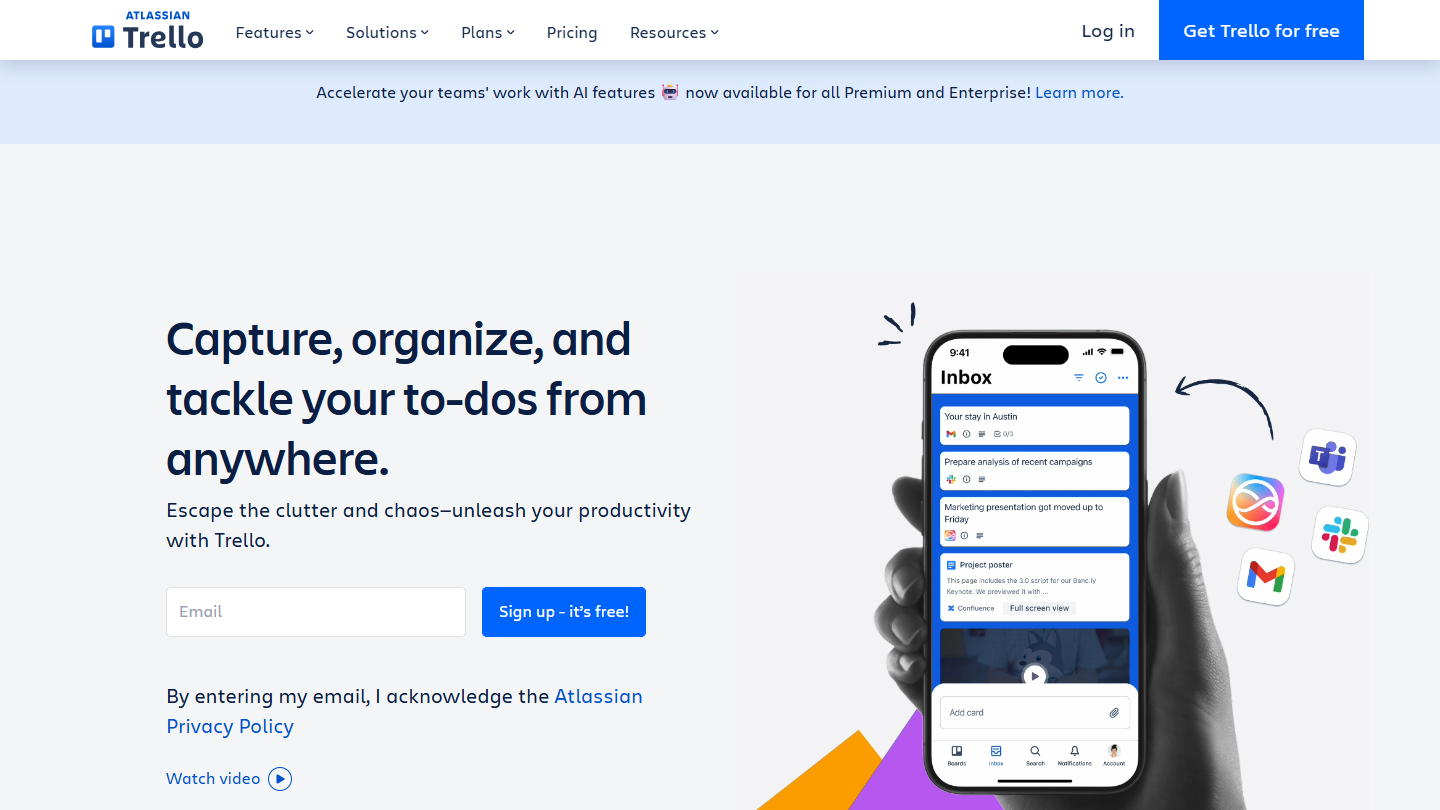
★ Trello in brief

Trello website: “Capture, organize, and tackle your to-dos from anywhere.”

Trello has held its ground in project management for more than ten years, with a simple idea: Kanban first. You get boards, lists in columns, and cards you drag from one stage to the next.

The tool has added a lot over the years: power-ups to connect it to the team’s other tools, automations, and Calendar, Timeline and Table views on Premium. It works very well for simple projects.

Compared with ClickUp, Trello is the back-to-basics option: a team that uses only ClickUp’s boards gains simplicity and speed. As soon as you need goals, dependencies or time tracking, ClickUp or a more complete tool from this list regains the advantage.

Free: 10 boards and 10 collaborators per workspace, 250 automations per month. Billed annually, Standard comes to $5 per user per month ($6 with no commitment) and unlocks unlimited boards; Premium costs $10 ($12.50), Enterprise $17.50.

How did we choose these 10 ClickUp alternatives?

This selection draws on our comparison of ClickUp alternatives, reviewed tool by tool on each vendor's website. The order is that of the original comparison: each tool answers a specific reason for leaving ClickUp.

  1. 01
    Scope

    Tools able to replace ClickUp for at least one use: tasks, Kanban, documentation, database or complex projects.

  2. 02
    Against ClickUp

    For each tool, what it does better or worse than ClickUp, and what it costs next to Core ($9) and Business ($17).

  3. 03
    Pricing

    Regular price of the first paid plan, with no promotion; annual when the vendor offers it, and the monthly price when the page shows it.

  4. 04
    Ratings

    The rating is the one from our review when the tool has one. Airtable uses the one from our other comparisons; Hive has not yet been reviewed separately: its rating is a first estimate.

The questions we get over and over.

Why look for a ClickUp alternative?

Most often for three reasons: the tool is dense and needs configuring before it gets adopted, it adapts poorly to projects with long dependency chains and many stakeholders, and its advanced features (advanced dashboards, resource management, timesheets) require Business, at $17 per user per month billed annually.

What is a free alternative to ClickUp?

ClickUp's free plan accepts unlimited members, with 60 MB of storage. Among the alternatives, Trello and Hive are free for up to 10 people, Jira for up to 10 users, Zoho Projects for up to 5 users and 3 projects, Airtable for up to 5 editors. Asana and monday.com stop at 2 users, Basecamp at 1 project and 3 users.

Which ClickUp alternative is the cheapest?

Zoho Projects: Premium costs €4 per user per month billed annually, against $9 for ClickUp Core. Hive Starter and Trello Standard follow at $5, but Hive Starter is capped at 10 members and 10 projects.

Which ClickUp alternative suits a large team?

Basecamp Pro Unlimited costs $199 per month billed annually, however many users you have: it comes out cheaper than ClickUp Core from 23 people. For complex projects with approvals and capacity management, Wrike Business ($25 per user, up to 200 users) is the other option.

ClickUp or Notion for documenting projects?

Notion, if documentation matters more than tasks: its editor and databases make it a team wiki. ClickUp also has its Docs, but it remains first and foremost a task management tool, more complete than Notion as soon as projects get complicated.

★ The conversation, 0 comments

What the community says.

Basic Markdown, moderated within 24 h
Loading…

    In the same category