The tool in detail
Zoho Projects after real-world use: feature scope, integrations, pricing and concrete limits.
For anyone looking for flexible, affordable project management software, Zoho Projects is a good option. You get all the features you expect from a project management tool, along with the benefits of the Zoho ecosystem. The real plus of Zoho Projects is its very large integrations marketplace.
Zoho Projects does remain somewhat limited in its time tracking and resource management features.
Zoho Projects: feature overview
Zoho Projects has one big advantage: it is available in French, unlike some project management software.
Task management and planning
When you log in, you land on your personalized dashboard, which gives you a snapshot of the projects, task statuses or budgets you care about. For example, you can add a « Task Status » widget that shows both a pie chart and a raw count of open and closed tasks.
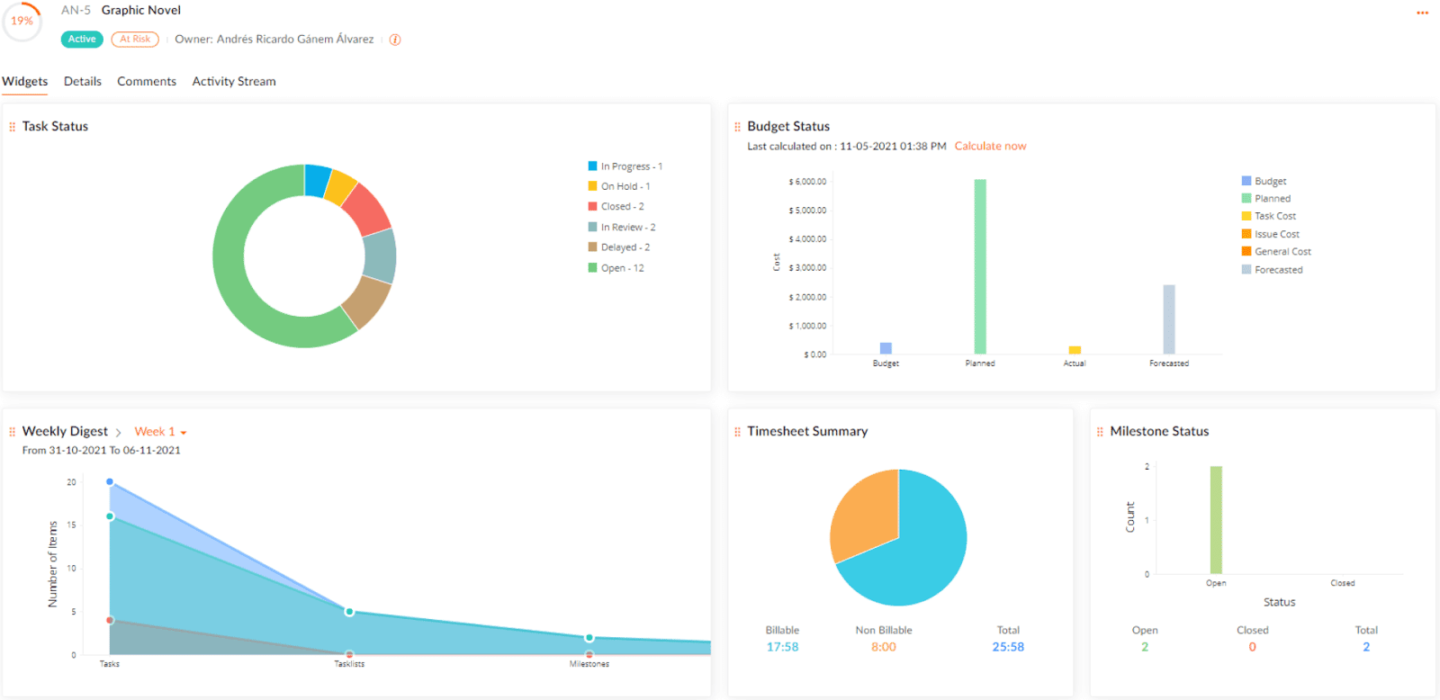
You can then create your projects in Zoho Projects. You start from a blank page or, from the Premium plan up, from a project template (20 on Premium, 30 on Enterprise, 50 on Ultimate), and everything can be customized. Zoho Projects goes very far in task detail: on top of start and end dates, you can specify how many hours per day a person should spend on a task.
On paid plans, tasks also come with built-in timers, and you can mark time spent as billable or non-billable. If several people work on the same task, they can enter a completion percentage.
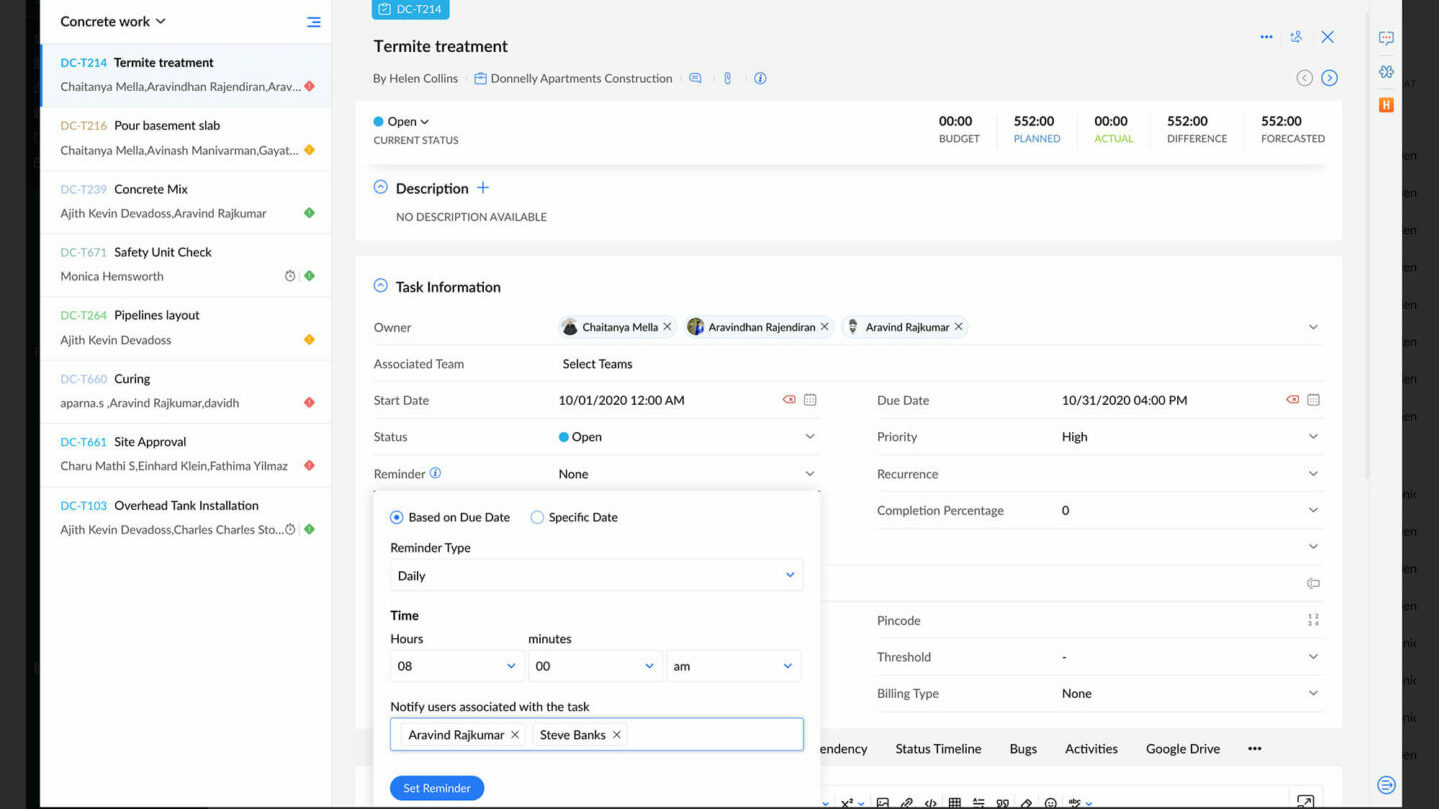
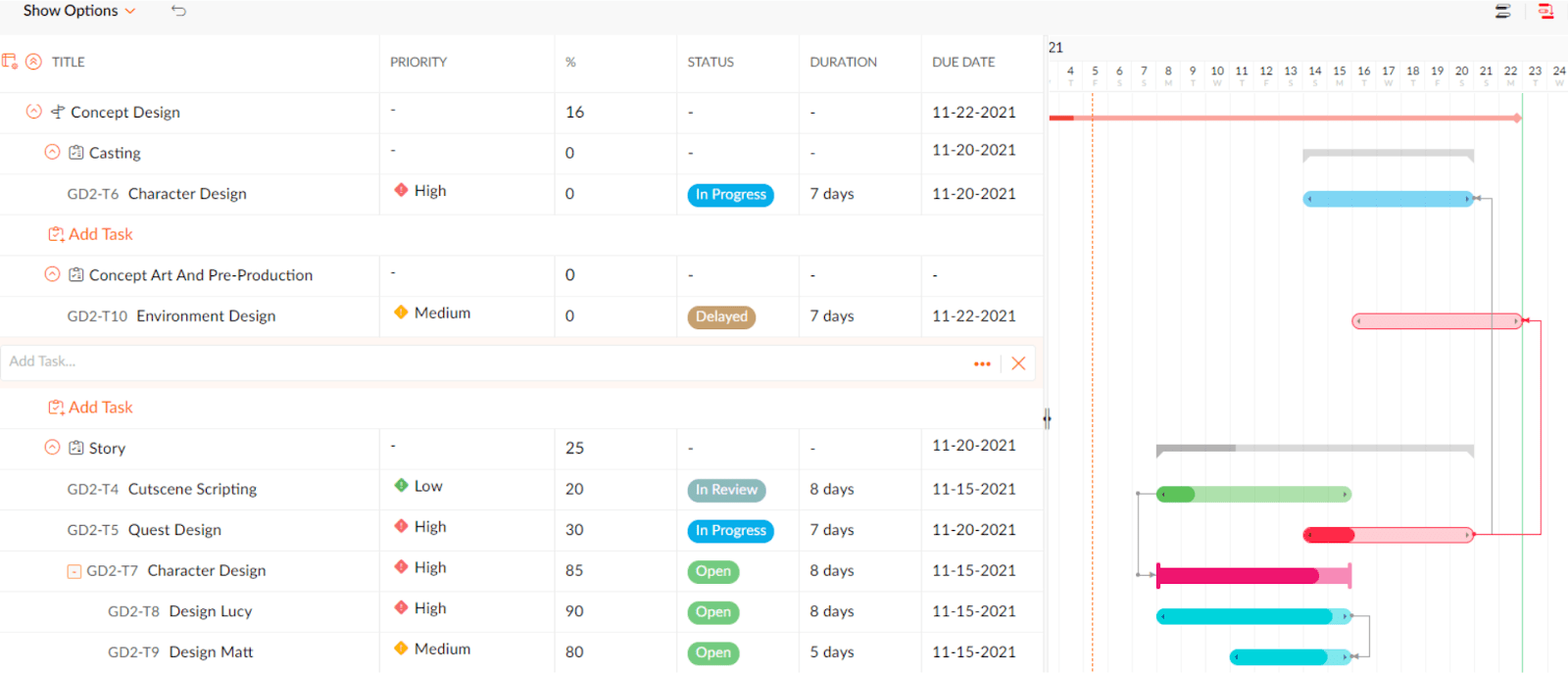
Zoho Projects lets you define task dependencies, which are easier to create from a Gantt chart. You can also link tasks with a line to avoid conflicts between them.
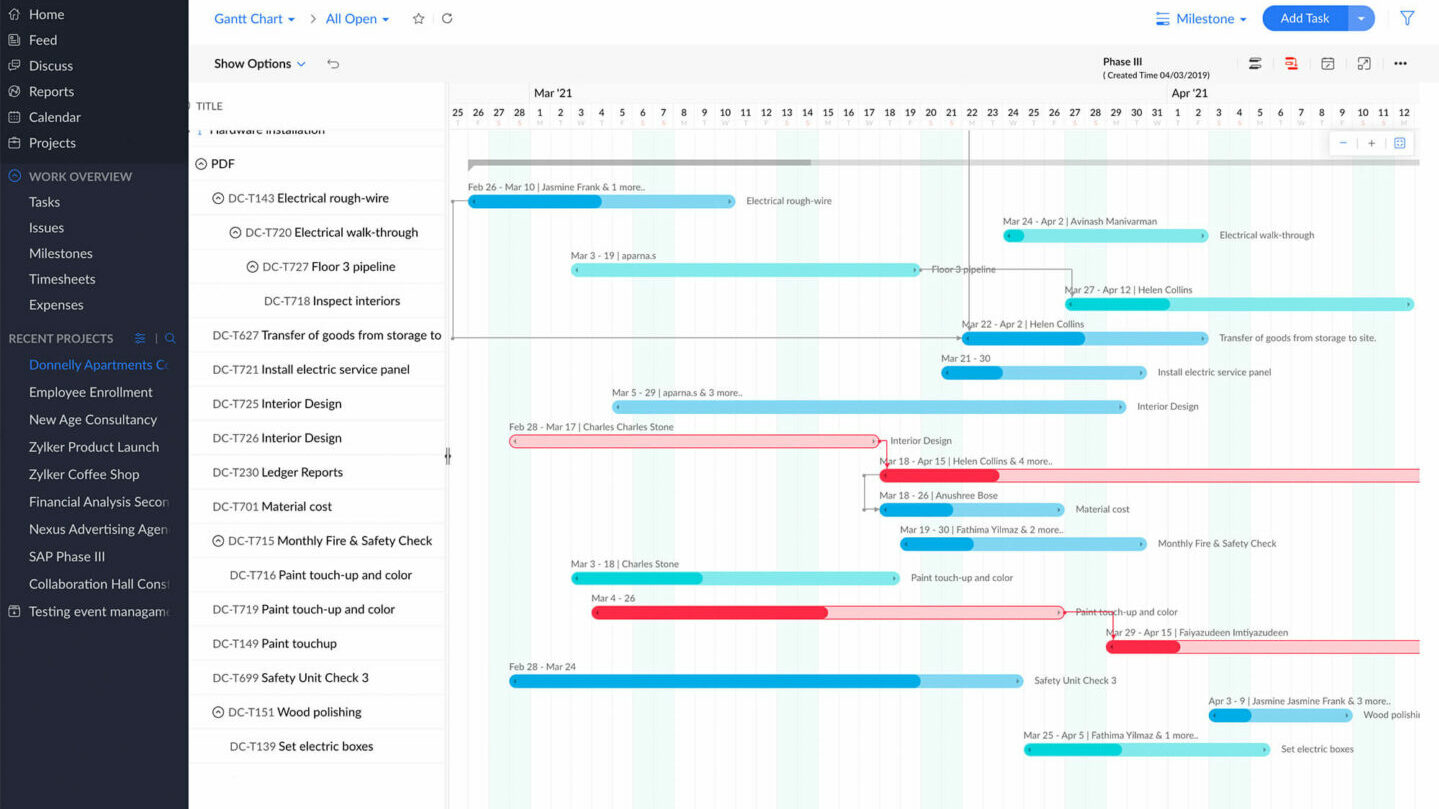
As is often the case with planning software, Zoho Projects offers several forms of task management, from standard task lists to Kanban boards, not forgetting Gantt charts.
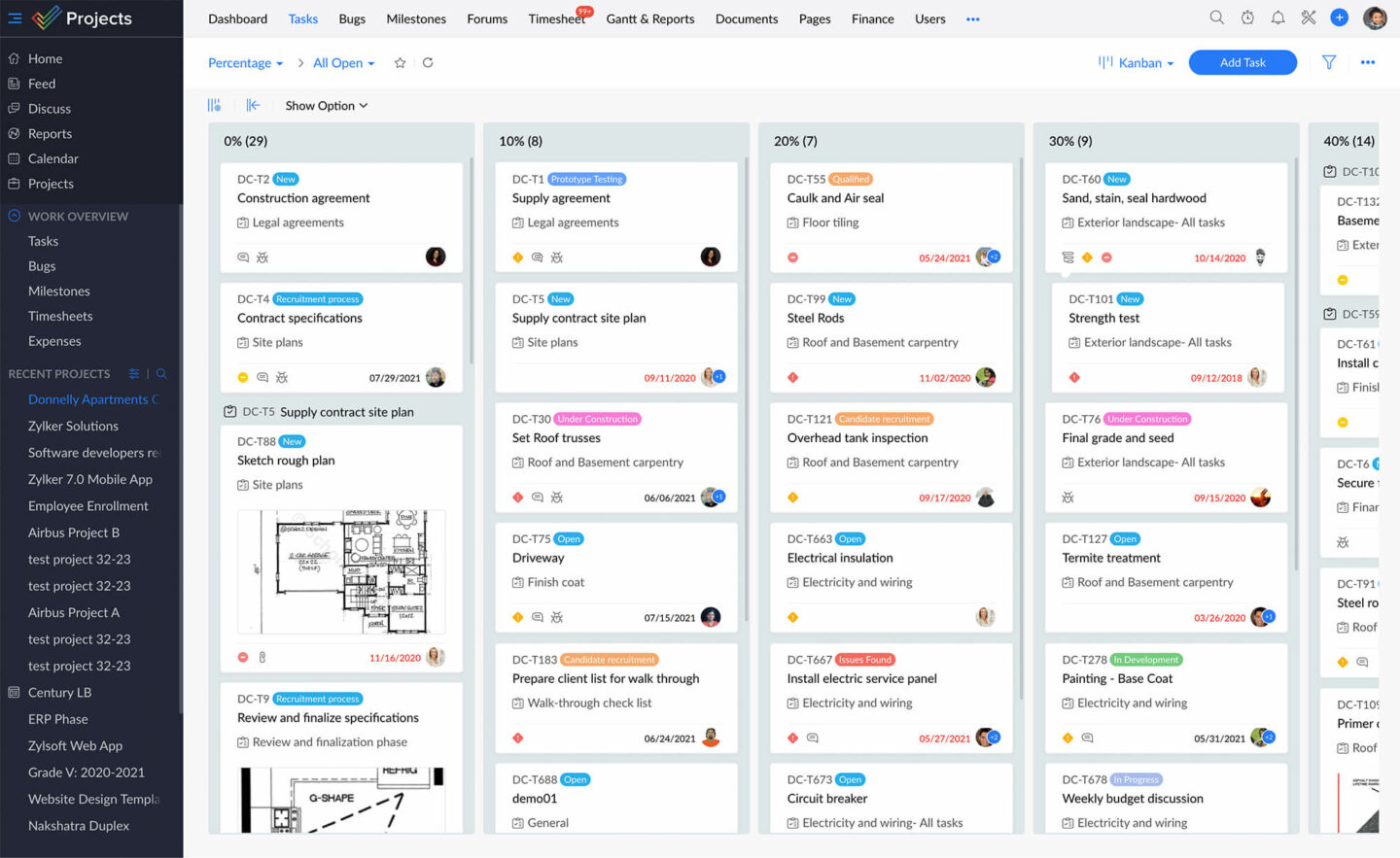
Each task has priority settings as well as dependencies to help you decide which tasks to complete first.
A key feature of Zoho Projects is a resource management report, available from the Premium plan up, which lets you see your team members’ workload as a timeline.
Unlike a typical project management table, bars of different colors show when a person is not assigned to a task or, on the contrary, is assigned to too many tasks.
In the Time Tracking section, you can set your working hours and enter your days off.
Communication and collaboration
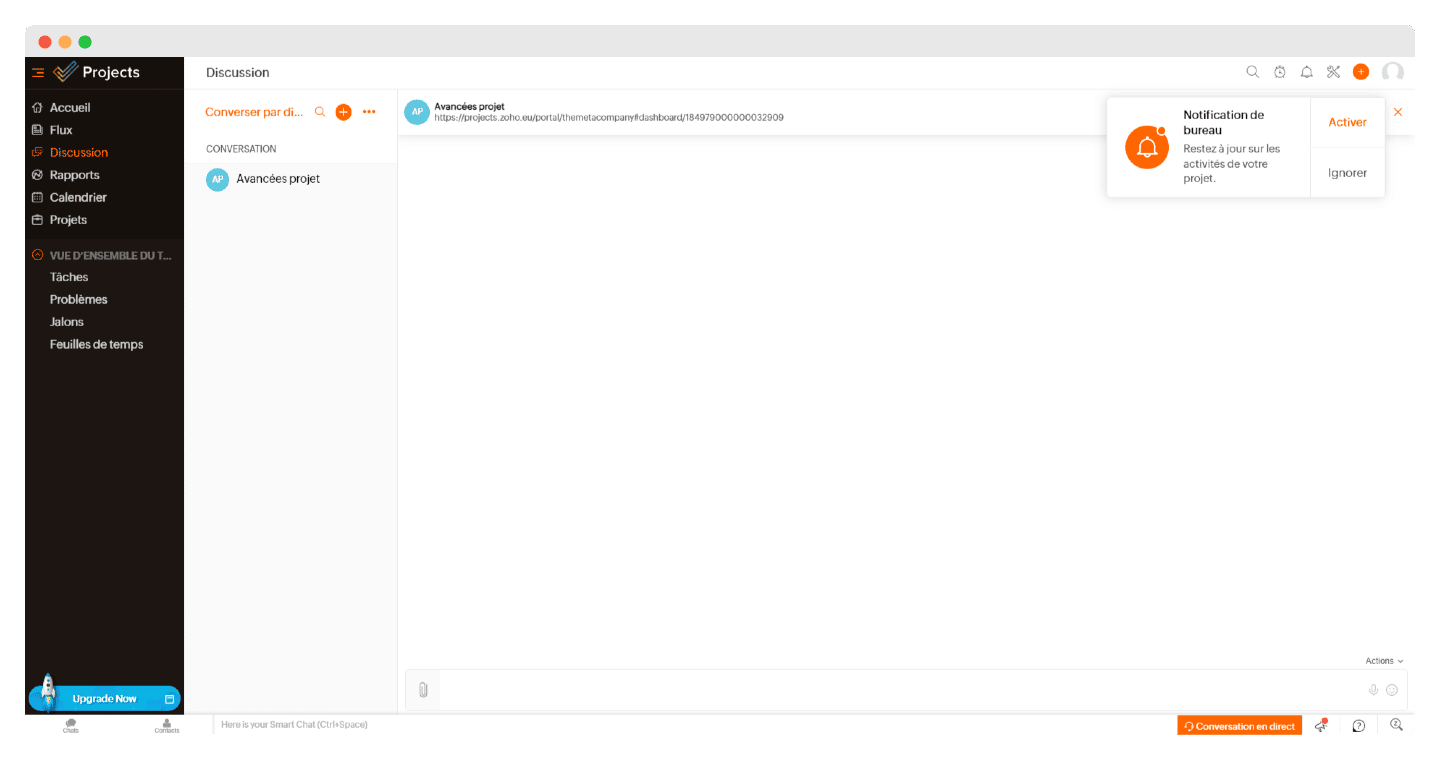
Zoho Projects offers many communication and collaboration tools, which you can choose to keep or not during initial setup. For example, if your team already uses another messaging app and you want to avoid confusion.
Otherwise, Zoho Projects provides an instant messaging tool for talking directly about ongoing projects. For asynchronous communication, you have forums as well as status updates to let colleagues know what you are working on.
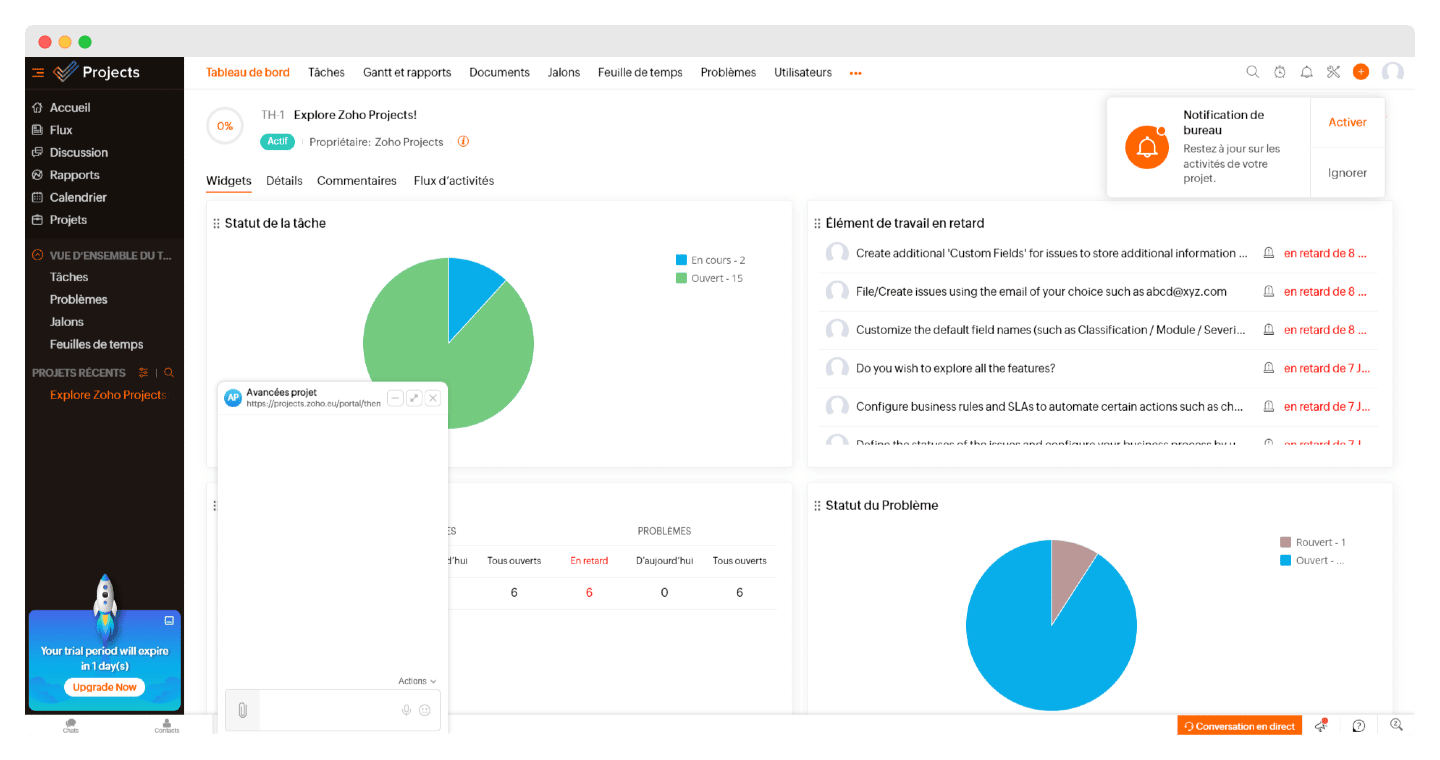
An « activity stream » feature lets you see all of a project’s activity in reverse chronological order. On the collaboration side, team dashboards show directly where each person stands on their tasks.
The integration with Zoho Meeting is also very handy for avoiding third-party apps. Among Zoho’s small extras, notifications are interactive: you can comment on tasks directly from the notification box.
Document sharing is dead simple, whether from a task’s comment sections or from the centralized storage area in the left-hand menu.
Time tracking
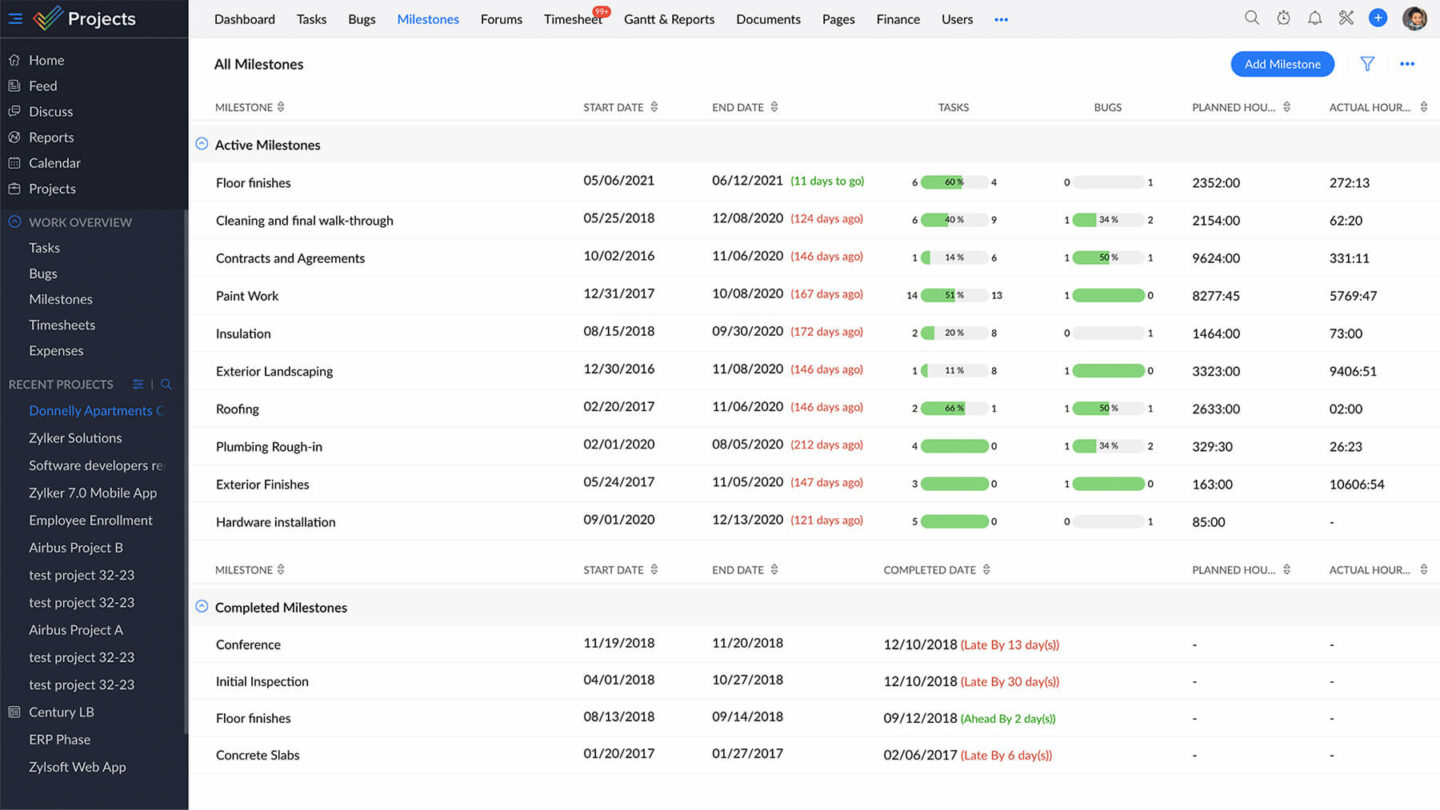
Like any time tracking software, Zoho Projects has a timer built into each task, with time limits in case you forget to turn it off. You can record that time as billable or non-billable.
To follow your productivity, you have access to dedicated reports. Administrators can manage employee permissions, particularly for logging hours already worked and the maximum number of hours logged.
On time tracking, however, Zoho Projects goes much less far than other software, even though it offers the basic tools.
Customer support at Zoho Projects
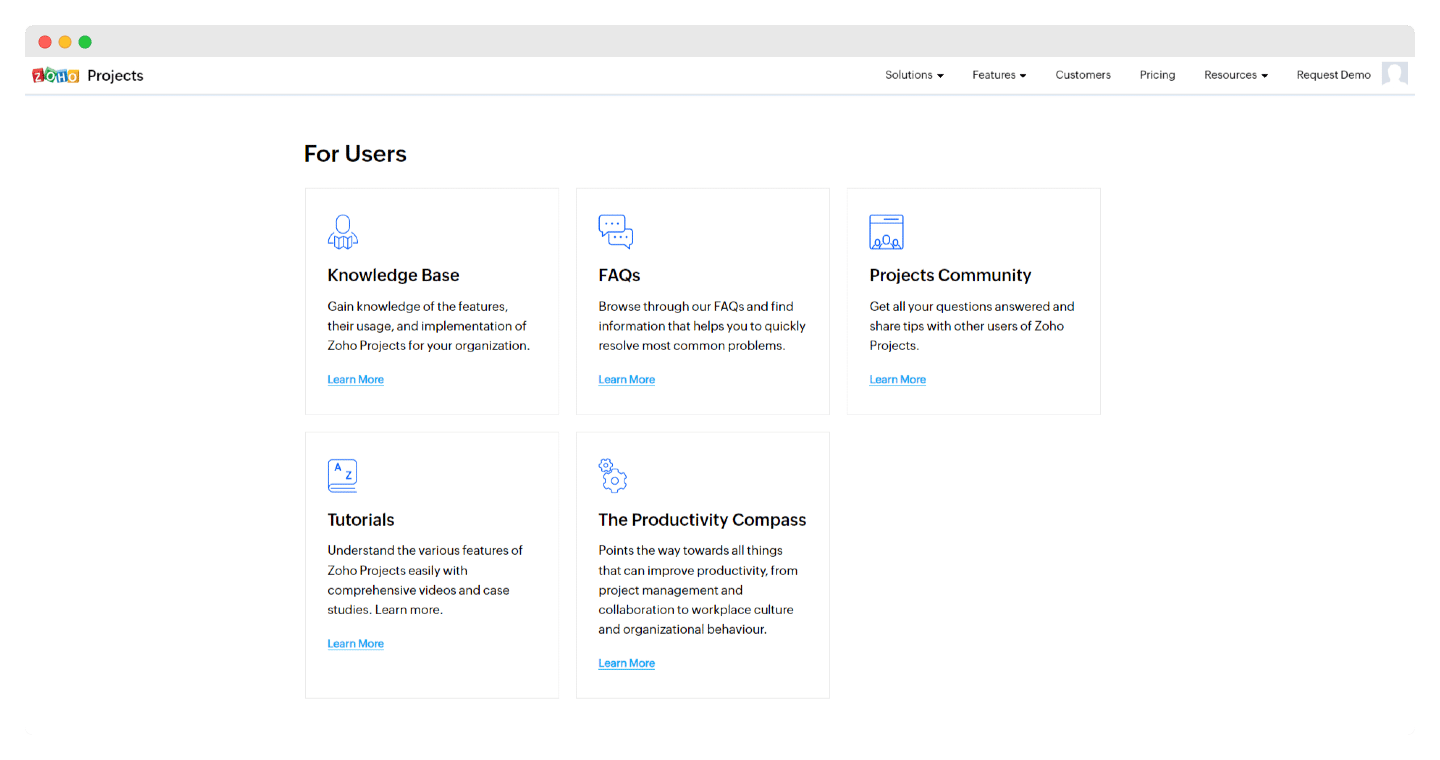
Customer support at Zoho Projects is nothing original, but it is very complete and, above all, available in more than 20 languages, including French (which is fairly rare).
It offers plenty of resources, both for Zoho Projects users and for developers. Among these resources, you will find:
- Written onboarding resources, and FAQs to solve the most common problems
- A forum and a fairly active community of Zoho Projects users
- Video tutorials and case studies to learn how to use Zoho Projects
- YouTube videos and webinars with Zoho Projects experts
- A productivity compass: a tool that guides you to improve productivity, from project management and collaboration to workplace culture and organizational behavior.
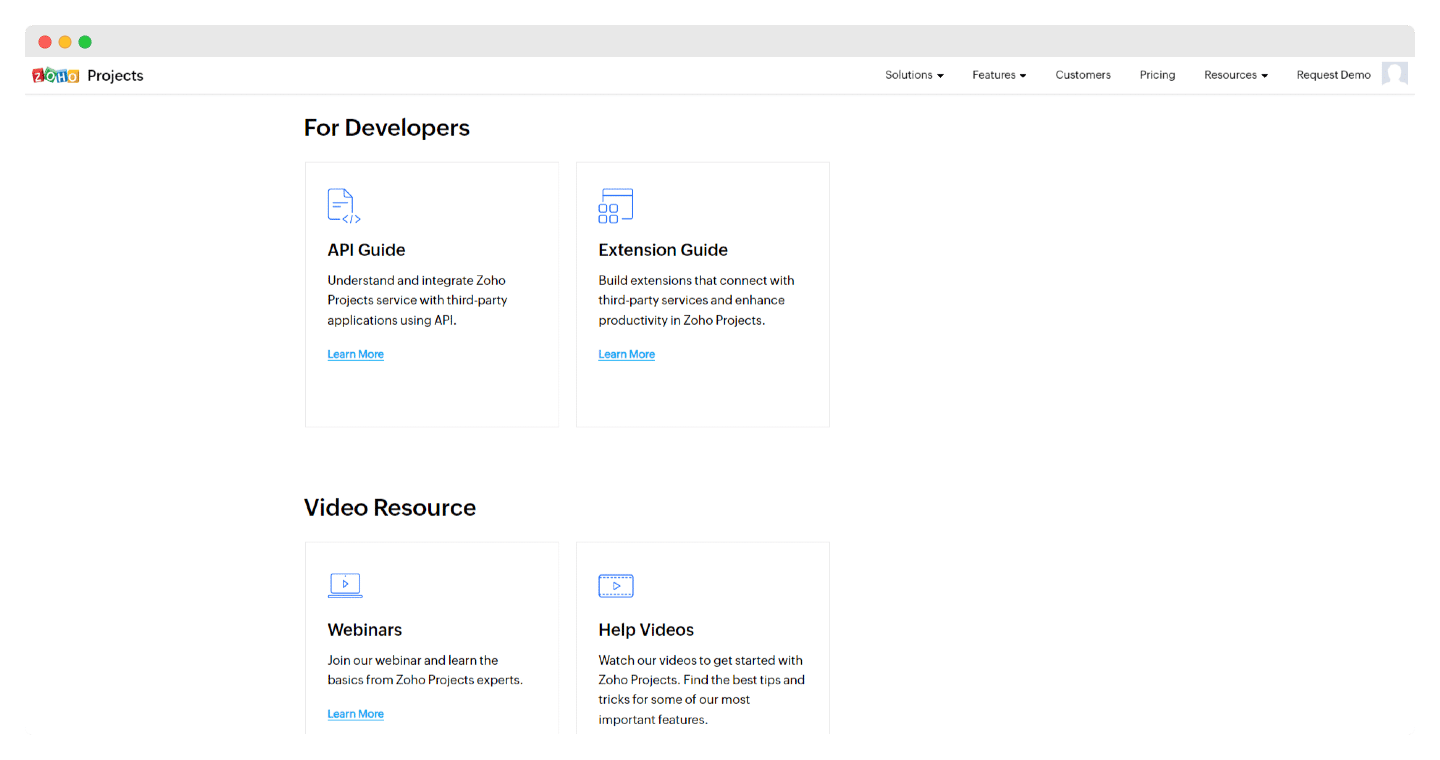
If none of that does the trick, there is still an email address to contact on the site. Live chat and phone, open 24 hours a day, 5 days a week, come under premium support plans. For developers, Zoho Projects provides an API guide for understanding the service and integrating it with third-party applications, as well as a guide for building your own extensions.
The Zoho Projects integrations marketplace
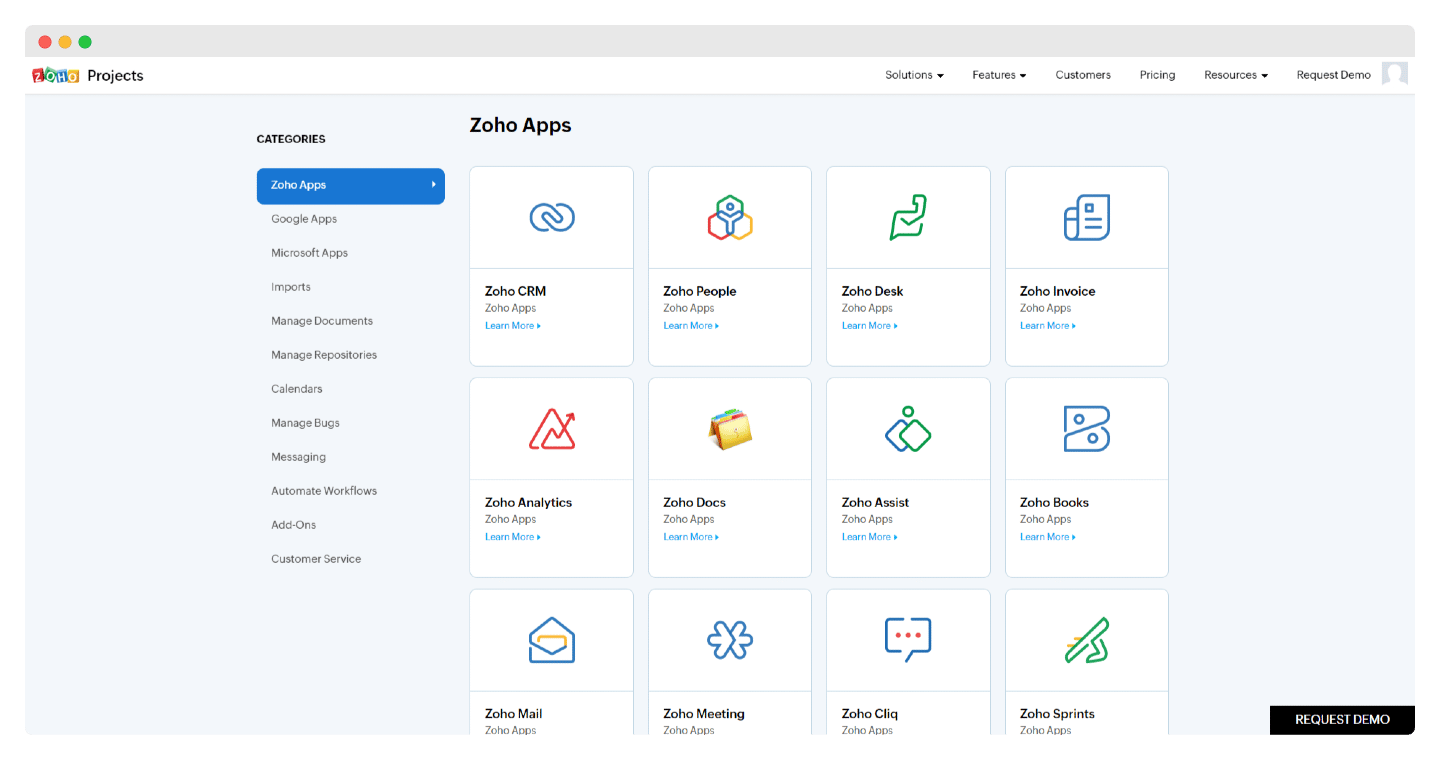
One of the strong points of Zoho Projects is being part of the Zoho suite, hence the large marketplace of integrations.
- Zoho applications: access to the entire Zoho ecosystem, from the Zoho Meeting video conferencing tool to Zoho Books or Zoho Invoice.
- Document management: Zoho Projects also works with the Google suite and its document management applications such as Google Drive, as well as Dropbox, OneDrive and Box.
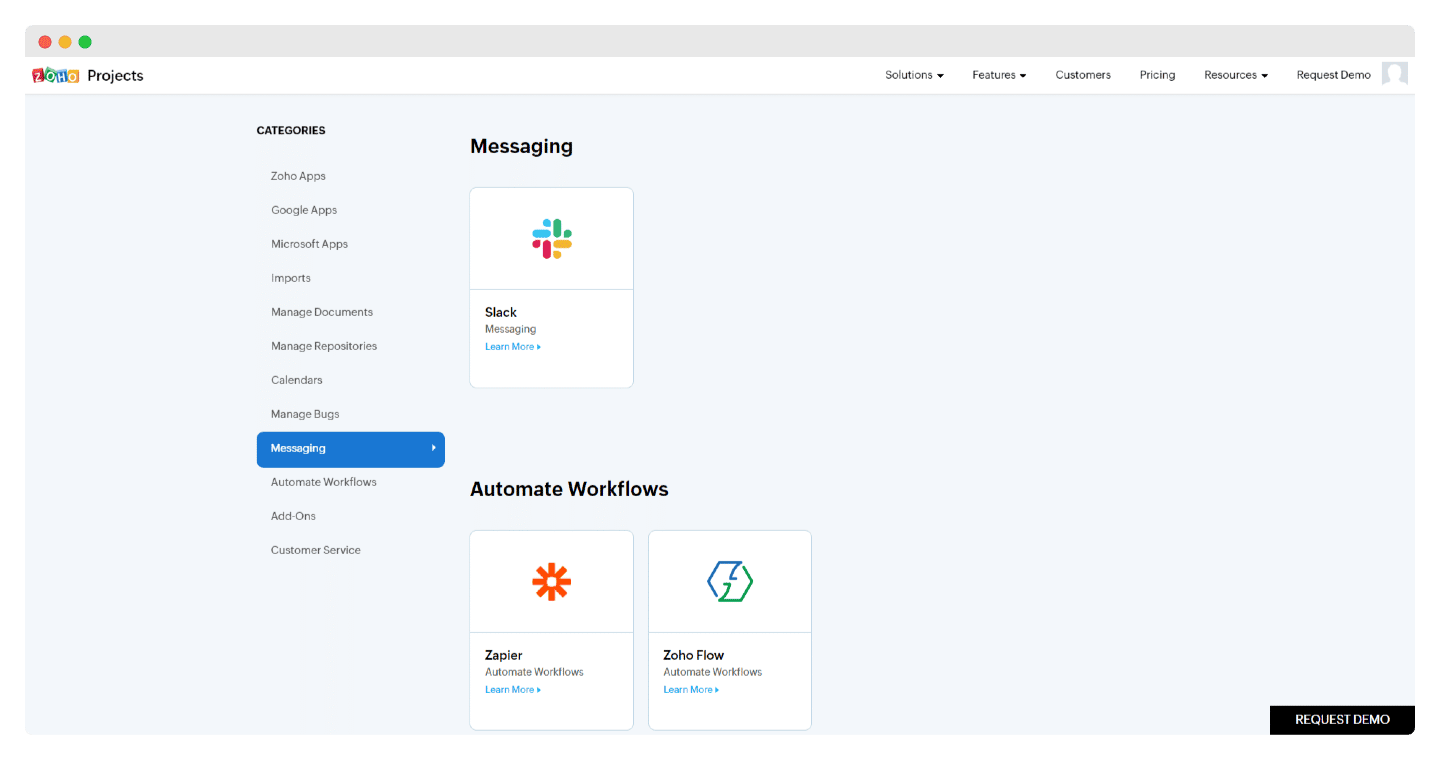
- Messaging: for communication, Zoho Projects integrates with all your messaging applications, whether Slack, Gmail or Teams.
Zoho Projects: pricing
On pricing, Zoho Projects offers 4 plans, all fairly affordable given the functional depth on offer:
- Free plan: up to 5 users and 3 projects, with 5 GB of storage. This plan is really for personal use or for trying out the tool, even though it already includes Zia’s AI features. It remains a very good free project management tool, but if you need more users, we recommend Asana instead.
- Premium plan: €4 per user per month billed annually (€5 billed monthly). Projects become unlimited, and you get custom views, budget tracking and timesheets. This is the ideal plan for small and mid-sized businesses.
- Enterprise plan: €9 per user per month billed annually (€10 billed monthly). For running several projects at once, with resource management, custom roles, far more automation and SSO.
- Ultimate plan: €14 per user per month billed annually (€15 billed monthly). For large organizations, with more storage, multi-project timesheets and up to 100 read-only users.
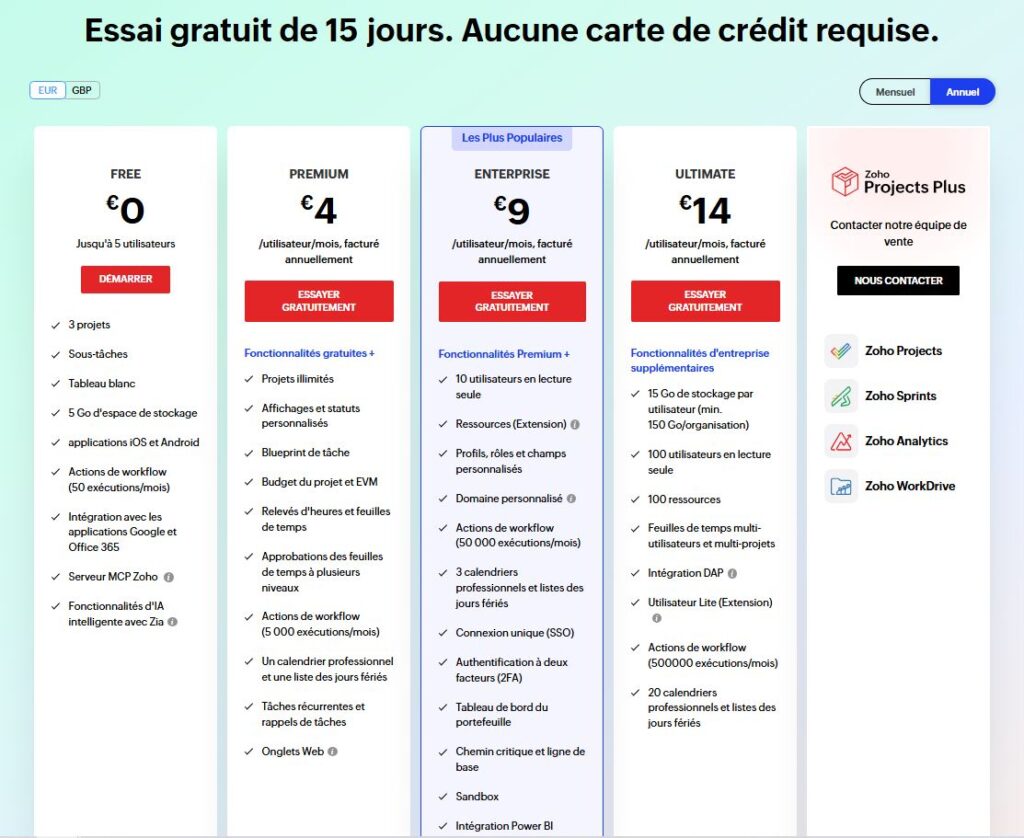
Paid plans come with a free 15-day trial, no credit card required. To go further, the Zoho Projects Plus offer, priced by quote, bundles Projects with Zoho Sprints, Analytics and WorkDrive.
Salesdorado’s tipThe annual discount varies by plan: 20% on Premium, but only 10% on Enterprise and less than 7% on Ultimate. Committing for a year pays off most on the entry-level plan.
The main alternatives to Zoho Projects
Zoho Projects has its advantages in some respects, but if you are hesitating, there are plenty of alternatives:
- The heavyweights of project management, and therefore more functionally versatile software, particularly on time tracking and resource management: Monday, Wrike, ClickUp, Asana.
- Project management software that goes very deep on collaboration and communication: collaborative platforms such as Trello or Notion.
- Project management specialized in a sector or type of project: Teamwork for agencies and service businesses, Jira for agile project management, Airtable for Excel diehards, Basecamp for fully remote organizations.