Top 12 best free project management software

Twelve project management tools with a free plan that never expires. Their free plans differ less in features than in volumes: number of users, projects, boards or storage. No user cap: ClickUp (60 MB of storage), Freedcamp (unlimited projects and users, 10 MB files), Wrike (limited active tasks), MeisterTask (3 projects), Taiga (open source; free cloud plan with 1 private project and 10 MB), Miro (3 editable boards).

Maxime Ben Bouaziz
Maxime Ben Bouaziz
CEO Salesdorado, IA & Sales Tech
September 24, 2024, updated November 10, 2026, 1 min read
See all tools

A free project management tool is rarely limited on features: most free plans give you tasks, Kanban and comments. They are limited on volumes: number of users, projects, boards or megabytes of storage. Some offer very advanced features but cap them at a handful of users, while others accept the whole team but stay fairly basic.

We picked 12 tools whose free plan does not expire: those that don’t count users, and those that cap them. Depending on your need:

  • a large team without paying for a seat: ClickUp;
  • unlimited projects and users: Freedcamp;
  • complex projects in a spreadsheet format: Wrike;
  • a Kanban shared with the whole team on 3 projects: MeisterTask;
  • an open source tool to host yourself: Taiga;
  • preparing your projects on a whiteboard: Miro;
  • a simple Kanban for 10 people at most: Trello;
  • a team of 5 that wants a real project tool: Zoho Projects;
  • a single project run by three people: Basecamp;
  • a duo with complex projects: monday.com;
  • a duo that wants unlimited projects: Asana;
  • organizing projects and notes on your own: Notion.

SalesdoradoSimulate your choice of project management tool
Free tool, 2 minutes
Simulate your choice of project management tool

Answer 10 targeted questions and find the tools that actually fit your situation.

12
tools analyzed
10
targeted questions
€0
no sign-up
Methodology published by the Salesdorado editorial team

The 12 tools, side by side

# Logos tool Score Price Best for
01 monday.com 4.0/5 ★ €9 Duos and small teams with complex projects Visit site
02 Wrike 4.5/5 ★ $10 Spreadsheet-format fans who manage projects involving several teams Visit site
03 Miro 4.3/5 ★ €8 Creative teams that prepare their projects visually, in workshops or remotely Visit site
04 Trello 4.7/5 ★ $5 Teams of fewer than 10 people looking for a simple, accessible Kanban tool Visit site
05 Asana 4.2/5 ★ €10.99 Duos who want to communicate better and don't need advanced features Visit site
06 Taiga 4.2/5 ★ €5 Agile teams and developers who want a self-hostable open source tool Visit site
07 Basecamp 4.7/5 ★ $29 Very small teams that want a proven tool centered on communication Visit site
08 ClickUp 4.7/5 ★ $9 Large teams that want everyone on the same tool without paying, with few files to store Visit site
09 MeisterTask 4.1/5 ★ €12.50 Teams used to Trello that want a Kanban with no member cap, on few projects Visit site
10 Notion 4.7/5 ★ €9.50 Freelancers and teams familiar with project management who want a modular tool Visit site
11 Freedcamp 4.0/5 ★ $1.49 Small organizations that want unlimited projects and users without paying, and very cheap paid plans Visit site
12 Zoho Projects 4.7/5 ★ €4 Teams of 5 people at most that manage a few projects at a time Visit site
01

monday.com

4.0/5 From €9

Best for: Duos and small teams with complex projects

+ Strengths
  • One of the most flexible project management tools on the market
  • Project and document management in the same tool
  • More than 200 templates and 8 column types on the free plan
− Downsides
  • Free plan limited to 2 users, 3 boards and 3 docs
  • Automations, integrations and Gantt reserved for the Standard plan
  • Paid plans start at 3 seats, so €27 per month at a minimum
★ monday.com in brief

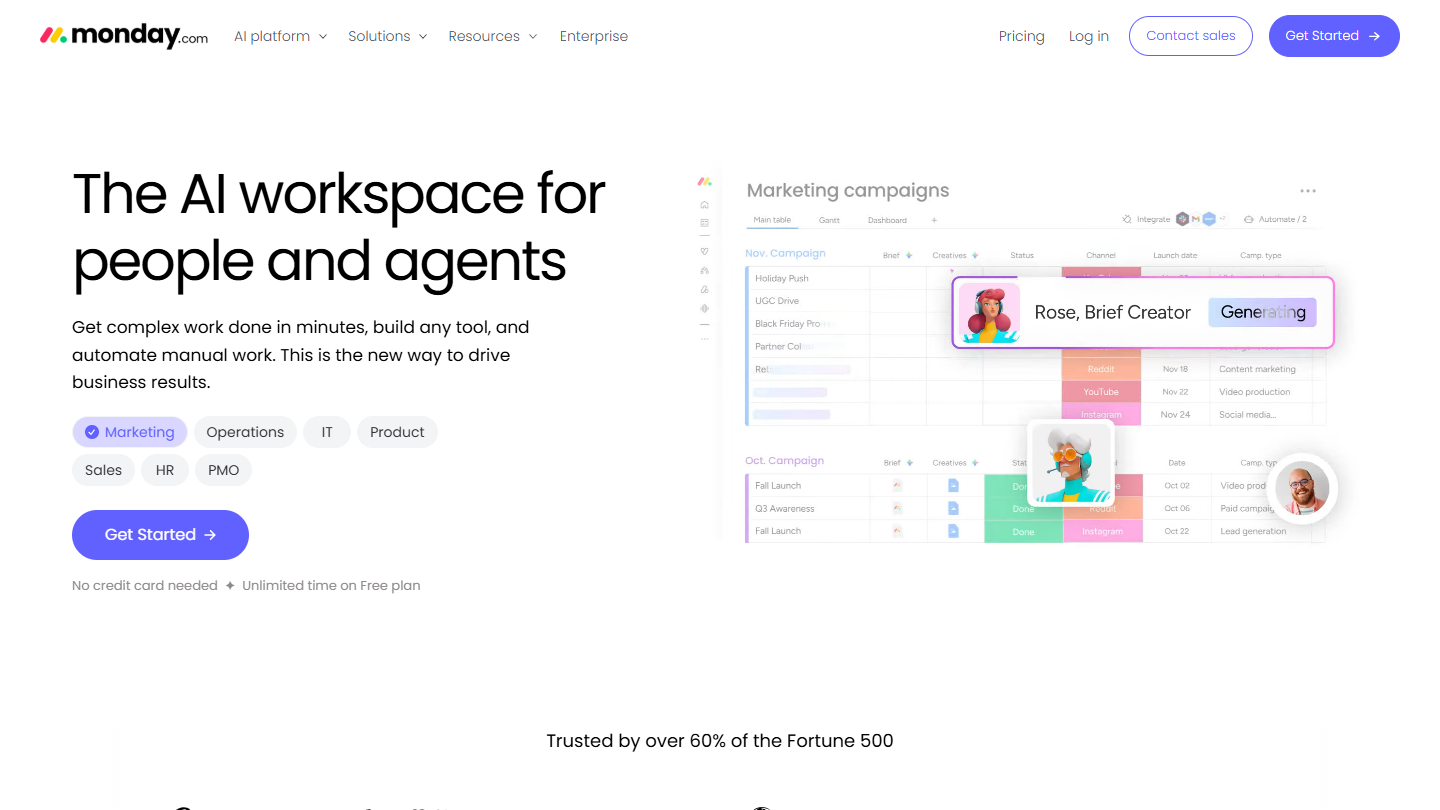
monday.com website: “The AI workspace for people and agents”

monday.com is a work management platform organized in boards, where every column is configurable: status, date, owner, number, file. You track projects as well as documents.

The free plan accepts 2 users, 3 boards and 3 docs, with more than 200 templates and 8 column types. It is rich in features for a duo, but has no automations or integrations, which start with the Standard plan along with Gantt and the calendar view.

This free plan suits two partners or a project duo that wants a flexible tool. From the third person on, you have to pay, and plans start at 3 seats: the jump is steep for a small team.

Basic costs €9 per seat per month billed annually, €12 monthly, so €27 per month at a minimum. Standard, which adds automations and integrations, is listed at €14 monthly. Every plan can be tried for free.

02

Wrike

4.5/5 From $10

Best for: Spreadsheet-format fans who manage projects involving several teams

+ Strengths
  • No user cap listed on the free plan
  • Board and agile board views, web, desktop and mobile apps on the free plan
  • Excellent permission management for multidisciplinary projects
− Downsides
  • Free plan limited in active tasks, with no Gantt or dashboards
  • Hard to set up for small organizations
  • High-end pricing: $10 then $25 per user per month
★ Wrike in brief

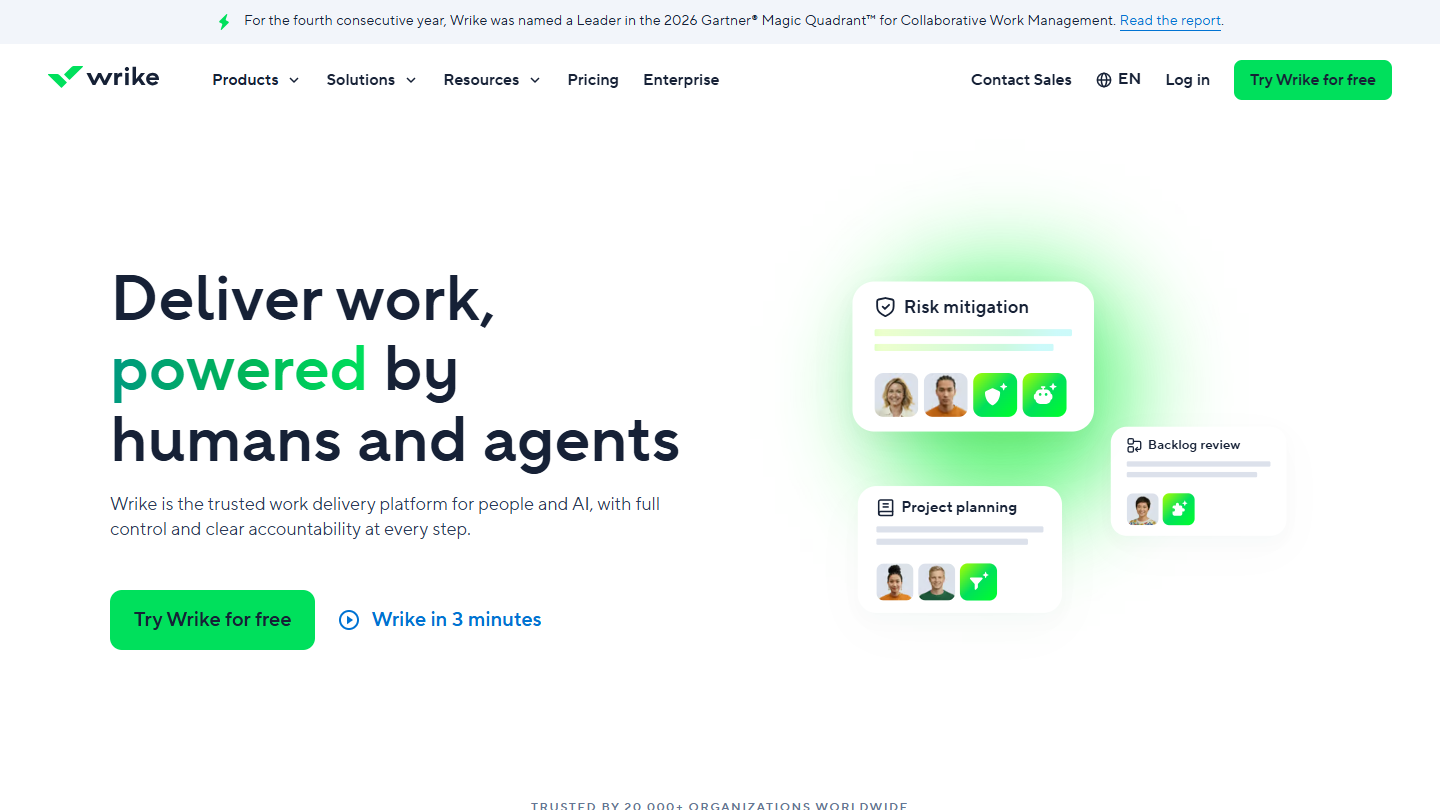
Wrike website: “Deliver work, powered by humans and agents”

Wrike is a project management tool built for projects that involve several teams, with fine-grained permissions and very advanced reporting on the paid plans.

Its Free plan gives access to the web, desktop and mobile apps, project and task management, and the board and agile board views. The pricing page shows no user cap, but limits the number of active tasks. The interactive Gantt, dashboards and custom fields start with Team.

This free plan is enough for a small team to structure a few projects and judge the tool. It doesn’t show what makes Wrike strong, steering complex projects: for that you have to pay, and Wrike sits at the high end of the market.

Team costs $10 per user per month billed annually, for 2 to 15 users. Business, at $25, adds resource planning. Both can be tried for 14 days without a credit card.

03

Miro

4.3/5 From €8

Best for: Creative teams that prepare their projects visually, in workshops or remotely

+ Strengths
  • Built for brainstorming, product design and planning
  • More than 7,000 templates and more than 250 integrations
  • Kanban, tables and documents on the same canvas
− Downsides
  • Only the 3 most recent boards stay editable on the free plan
  • No private board on the free plan
  • A visual collaboration tool more than a project tracking tool
★ Miro in brief

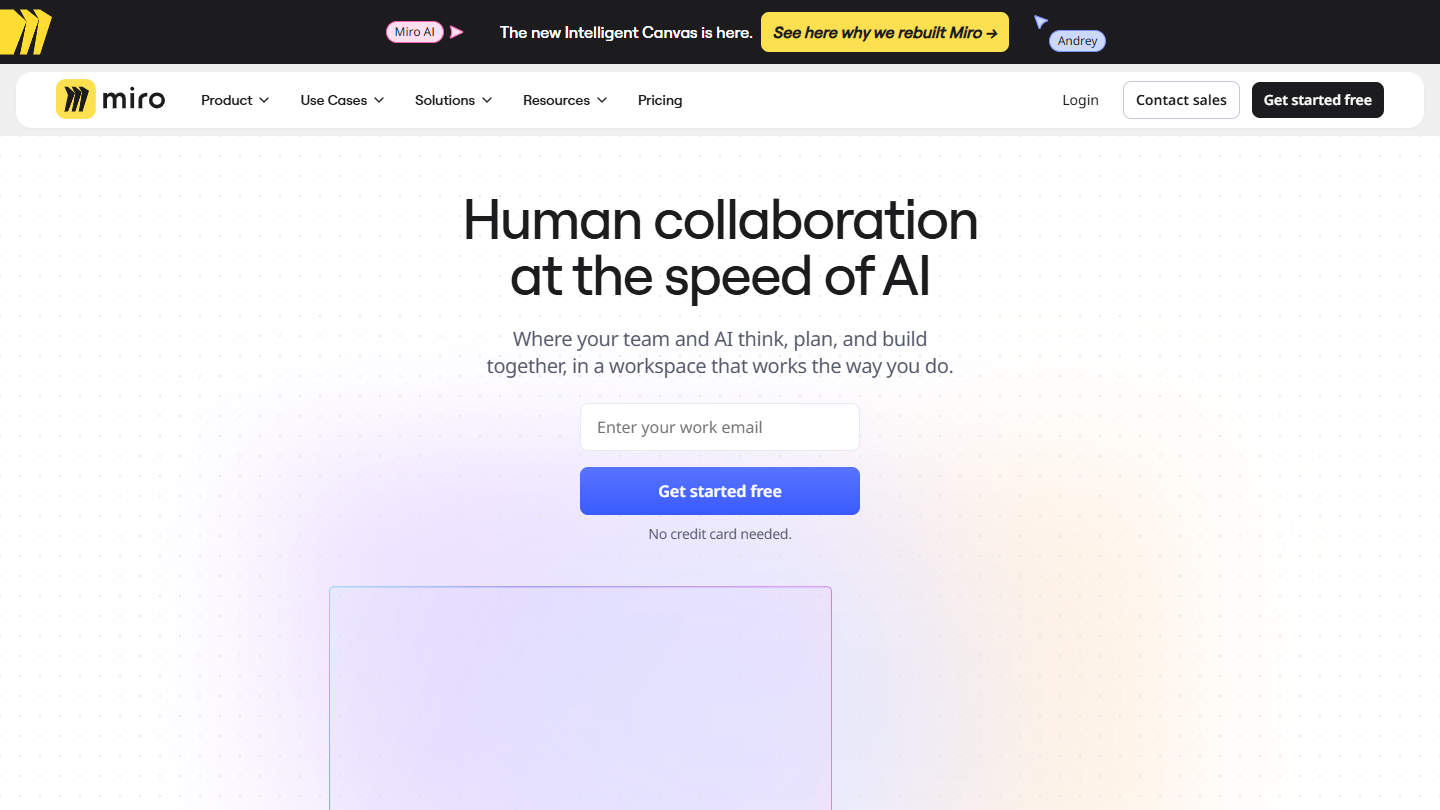
Miro website: “Human collaboration at the speed of AI”

Miro is a collaborative whiteboard: teams put notes, images, diagrams, tables and Kanban boards on a single canvas. It is used for workshops, product design and project planning.

The Free plan sets no member cap on its pricing grid. You can create as many boards as you want, but only the 3 most recent stay editable, and none can be private. The 7,000 templates and 250 integrations are available without paying.

Miro is for preparing a project, scoping a launch or running a retrospective, more than for tracking daily task progress. Many teams use it alongside one of the other tools in this ranking. Plan several hours of onboarding before using it seriously.

Starter costs €8 per member per month billed annually, €10 monthly, with unlimited private boards. Business, at €20, adds workspaces and unlimited guests.

04

Trello

4.7/5 From $5

Best for: Teams of fewer than 10 people looking for a simple, accessible Kanban tool

+ Strengths
  • Very popular with project management beginners
  • Automation from the free plan, 250 runs per month
  • Unlimited cards and Power-Ups on the free plan
  • Well-developed mobile app
− Downsides
  • Free plan limited to 10 boards and 10 collaborators per workspace
  • Files limited to 10 MB on the free plan
  • Limited functional depth for complex projects
★ Trello in brief

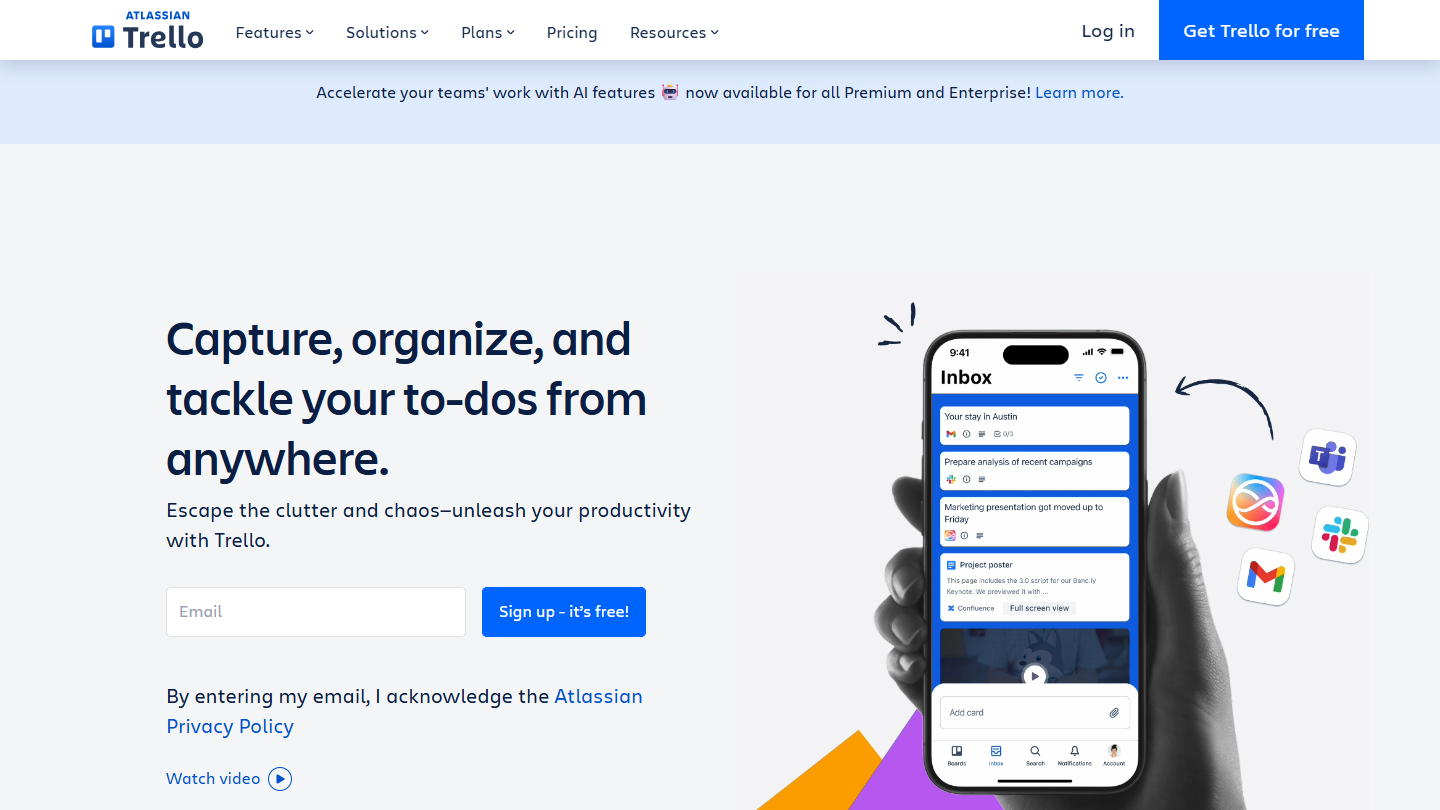
Trello website: “Capture, organize, and tackle your to-dos from anywhere.”

Trello, owned by Atlassian, is the best-known Kanban tool: boards, lists and cards you move from one column to another. It is often a team’s first project management tool.

Its Free plan accepts 10 collaborators and 10 boards per workspace, with unlimited cards and Power-Ups. Automation is included, up to 250 runs per month, which covers simple rules (moving a card, assigning a member). Attached files are limited to 10 MB.

This free plan holds up for a small team that tracks its projects in Kanban. The eleventh person or the eleventh board forces you to pay, and the calendar, timeline and dashboard views only come with Premium.

Standard costs $5 per user per month billed annually, $6 monthly, with unlimited boards. Premium, at $10, adds advanced views, AI and unlimited automations.

05

Asana

4.2/5 From €10.99

Best for: Duos who want to communicate better and don't need advanced features

+ Strengths
  • Unlimited tasks, projects and storage on the free plan
  • List, board and calendar views from the free plan
  • More than 100 integrations, including time tracking tools
  • Mobile apps among the best on the market
− Downsides
  • Free plan limited to 2 users
  • Timeline, Gantt and dashboards reserved for paid plans
  • Prices noticeably above the market
★ Asana in brief

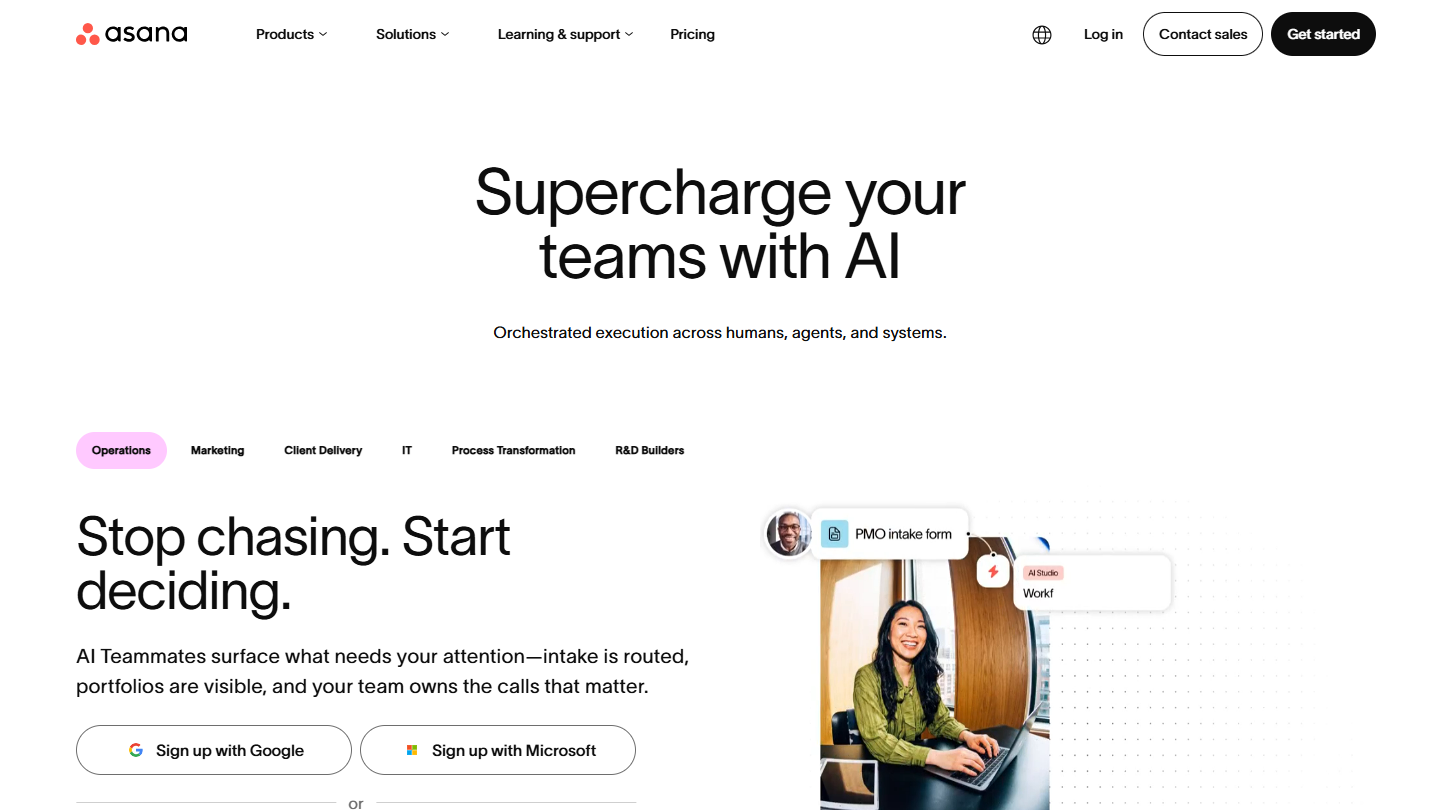
Asana website: “Supercharge your teams with AI”

Asana is a project and task management tool widely used by marketing and product teams. It organizes work into projects, sections and tasks, with owners, due dates and comments.

Its Personal plan, free forever, accepts 2 users. Within that limit it is generous: unlimited tasks and projects, unlimited storage with 100 MB per file, list, board and calendar views, and more than 100 integrations including time tracking tools.

It is a good free plan for a duo that wants to coordinate better. The timeline, Gantt, dashboards, forms and unlimited guests require Starter: a team of three pays from day one.

Starter costs €10.99 per user per month billed annually, €13.49 monthly. Advanced, at €24.99, adds portfolios and goals. Asana remains noticeably more expensive than the average of this ranking.

06

Taiga

4.2/5 From €5

Best for: Agile teams and developers who want a self-hostable open source tool

+ Strengths
  • Open source, free to install on your own servers
  • Real functional depth: Scrum, Kanban, backlog
  • Unlimited users on all plans, cloud included
  • Cloud plans billed at a flat rate, not per user
− Downsides
  • Free cloud plan limited to 1 private project, 1 public project and 10 MB
  • No trial listed for paid plans
★ Taiga in brief

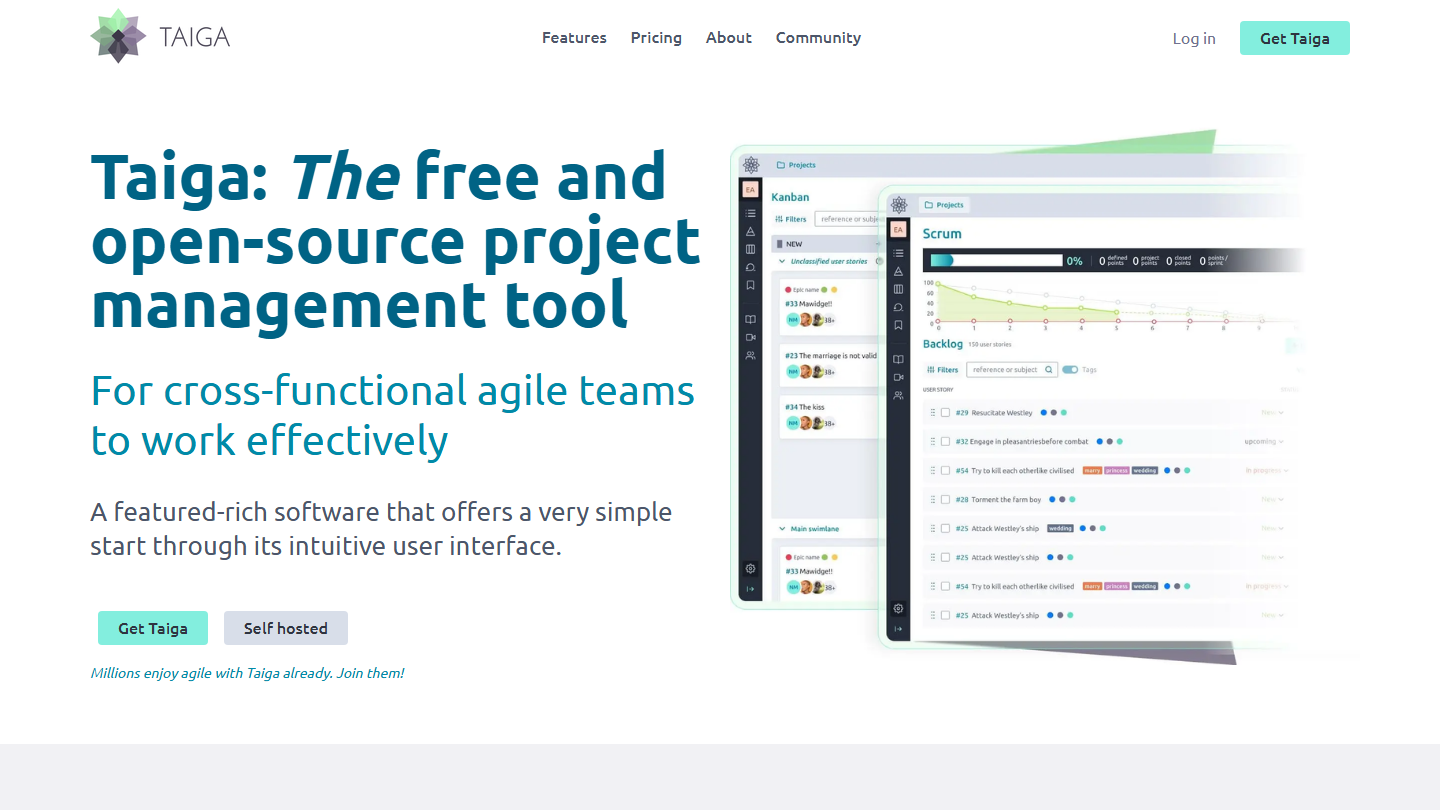
Taiga home page: “The free and open-source project management tool”, with Kanban and Scrum views

Taiga is an open source project management tool, designed for Agile teams, developers and start-ups. It handles backlog, Scrum sprints, Kanban, user stories and tickets, and can be customized in depth.

There are two ways to use it without paying. The first is to install it on your own servers: the software is free, with no limit on projects or users. The second is the free cloud plan, which accepts unlimited users but only one private project, one public project and 10 MB of storage.

Self-hosting is aimed at a technical team able to install and maintain the tool. The free cloud plan is for testing Taiga on one project; beyond that you have to pay, but at a flat rate, which favors large teams.

Enthusiast costs €5 per month (€50 per year) for 5 private projects and 100 MB, Basic €20 with unlimited projects, Premium €60 with 3 GB. All cloud plans accept unlimited users.

07

Basecamp

4.7/5 From $29

Best for: Very small teams that want a proven tool centered on communication

+ Strengths
  • Fixed prices per account, no per-user fees
  • Highly developed communication: chat per project, messages, automatic check-ins
  • Easy to learn for teams just starting out
− Downsides
  • Free plan limited to 1 project, 3 users and 1 GB
  • No templates or time tracking before the Pro plans
  • Too light for complex projects
★ Basecamp in brief

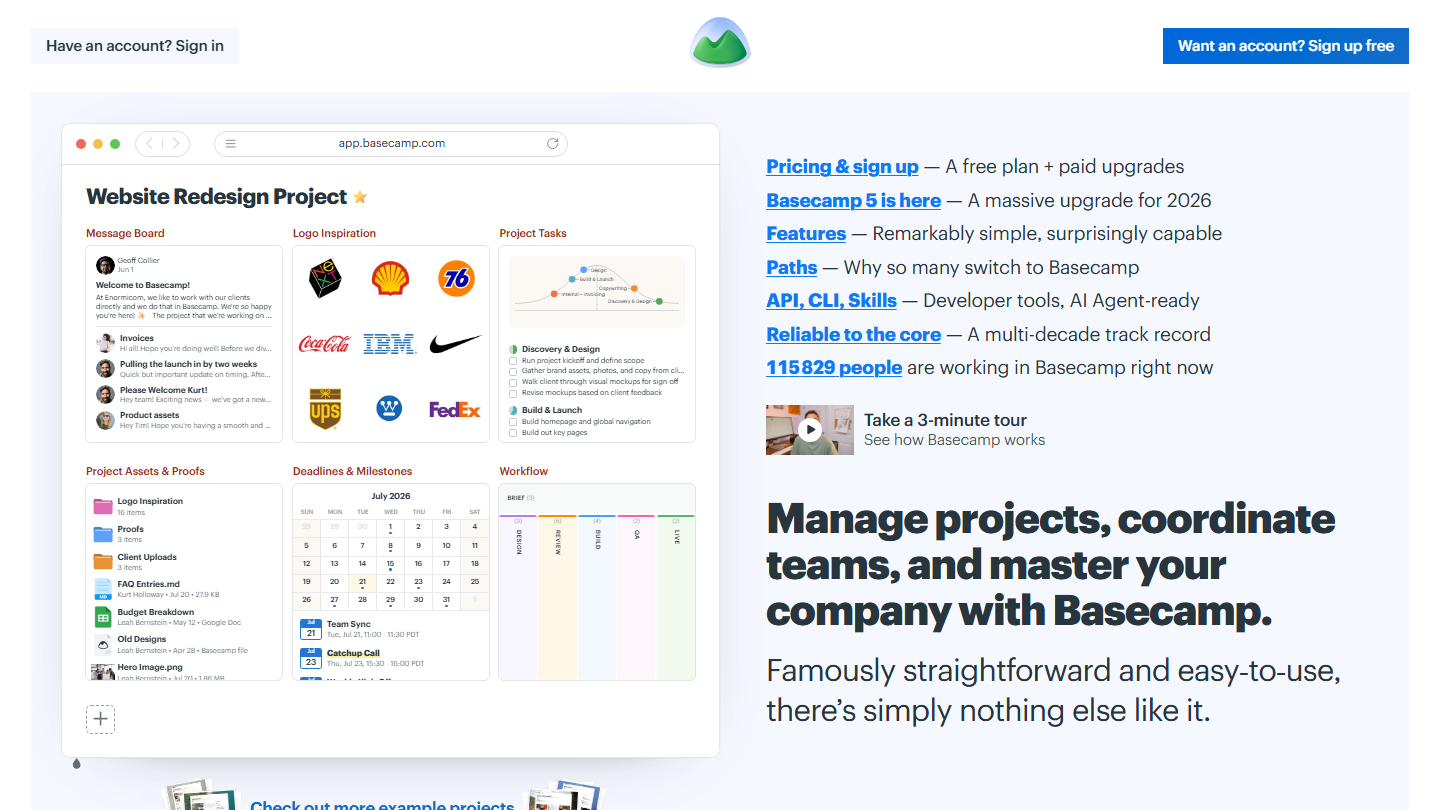
Basecamp home page: “Manage projects, coordinate teams, and master your company with Basecamp”, with a sample project

Basecamp, published by 37signals since 2004, organizes each project around communication: messages, project chat, to-do list, calendar, documents and automatic check-ins that ask the team a question every week.

Its free plan covers a single project, 3 users and 1 GB of storage. Basecamp itself presents it as an offer for personal use: enough to run a project with three people, not to run a team.

This free plan is mostly for discovering the Basecamp method before paying. For a team just starting out, the tool is quick to learn; for complex projects, with dependencies or resource load, it remains too light.

Paid plans are flat-rate, with no per-user fee: Freelancer at $29 per month (3 projects, 5 users), Pro at $79 (8 projects, 10 users), up to Pro Unlimited at $199 per month billed annually. The trial lasts 30 days, with no credit card.

08

ClickUp

4.7/5 From $9

Best for: Large teams that want everyone on the same tool without paying, with few files to store

+ Strengths
  • Unlimited members and tasks on the free plan
  • Kanban, sprints, calendar and docs from the free plan
  • One of the best value-for-money offers on the market when paying
− Downsides
  • 60 MB of storage for the whole workspace on the free plan
  • Gantt and time tracking in limited use on the free plan, unlimited from Core
  • Long learning curve
★ ClickUp in brief

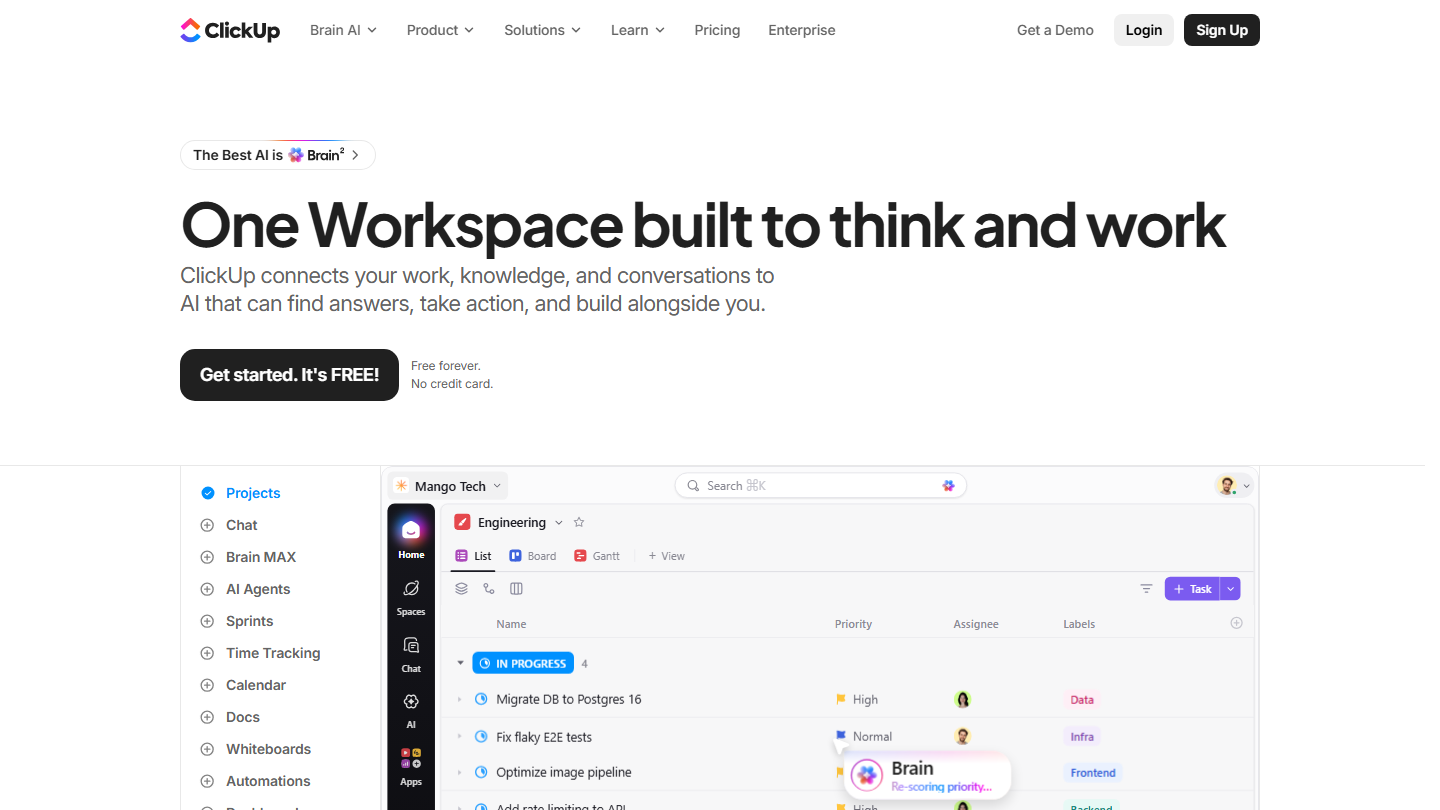
ClickUp home page: “One Workspace built to think and work”, with a task list in project view

ClickUp brings tasks, documents, goals, chat and dashboards together in a single space. The tool is configured in spaces, folders and lists, with about ten views on the same tasks.

Its Free Forever plan counts neither members nor tasks: a team of 30 people can work in it without paying for a seat. Kanban, sprints, the calendar and collaborative docs are included. The limit lies elsewhere: 60 MB of storage for the whole workspace, used up fast once you attach mockups or PDFs.

This free plan suits a large team that mostly exchanges tasks and comments, and stores its files in a Drive alongside. Those who need a Gantt or daily time tracking will quickly move to a paid plan. Plan a few hours of setup before the tool becomes readable for everyone.

Core costs $9 per user per month billed annually, $12 monthly, and lifts the storage limit. Business, at $17, adds advanced dashboards and 10,000 automations per month.

09

MeisterTask

4.1/5 From €12.50

Best for: Teams used to Trello that want a Kanban with no member cap, on few projects

+ Strengths
  • Unlimited tasks and team members on the free plan
  • Direct import from Trello and Asana
  • Tool designed and hosted in the European Union
− Downsides
  • 3 projects and 5 notes on the free plan, with no private project
  • No integrations or automations before the Pro plan
★ MeisterTask in brief

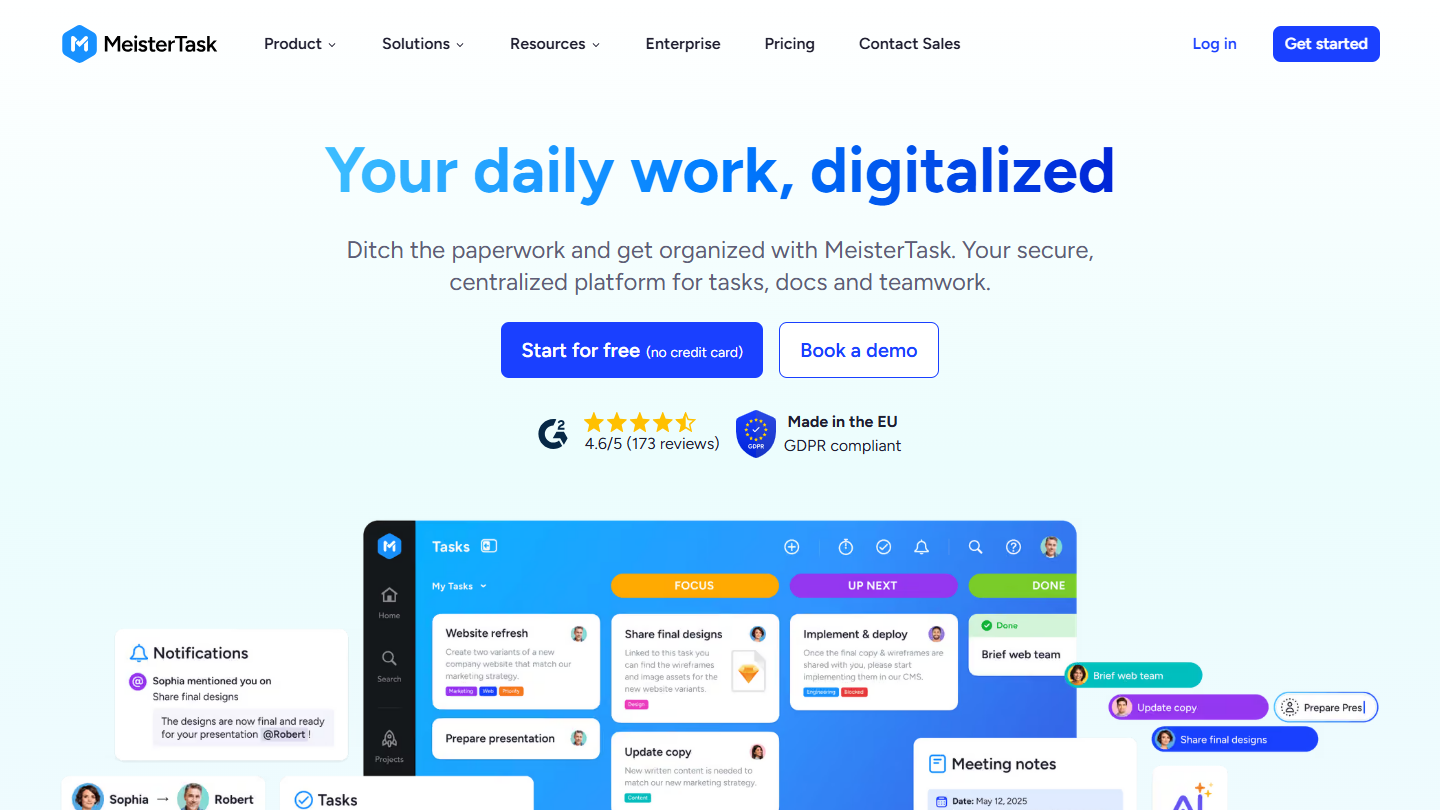
MeisterTask website: “Your daily work, digitalized”

MeisterTask is a Kanban task manager published in Europe, presented as “the project management tool built in the EU”. Each project is a board of columns, with tasks, comments, attachments and time tracking.

The free plan limits neither tasks nor team members. It stops at 3 projects and 5 notes, with attachments of 20 MB at most. Integrations with other apps, recurring tasks, automations and private projects require the Pro plan.

It makes sense for a team that runs few projects at a time but wants to invite everyone, which Trello forbids beyond 10 collaborators. An agency that opens one project per client will exceed the limit within a few weeks.

Pro costs €12.50 per user per month billed annually, €15.50 monthly, with unlimited projects and integrations. Business, at €24, adds the timeline, subtasks and custom reports.

10

Notion

4.7/5 From €9.50

Best for: Freelancers and teams familiar with project management who want a modular tool

+ Strengths
  • Unlimited pages and blocks on the free plan for a single user, with up to 10 guests
  • Intuitive interface and a very rich template gallery
  • Open API on all plans
− Downsides
  • Blocks limited on the free plan from 2 members
  • Files limited to 5 MB and 7-day history on the free plan
  • Little-developed reporting
★ Notion in brief

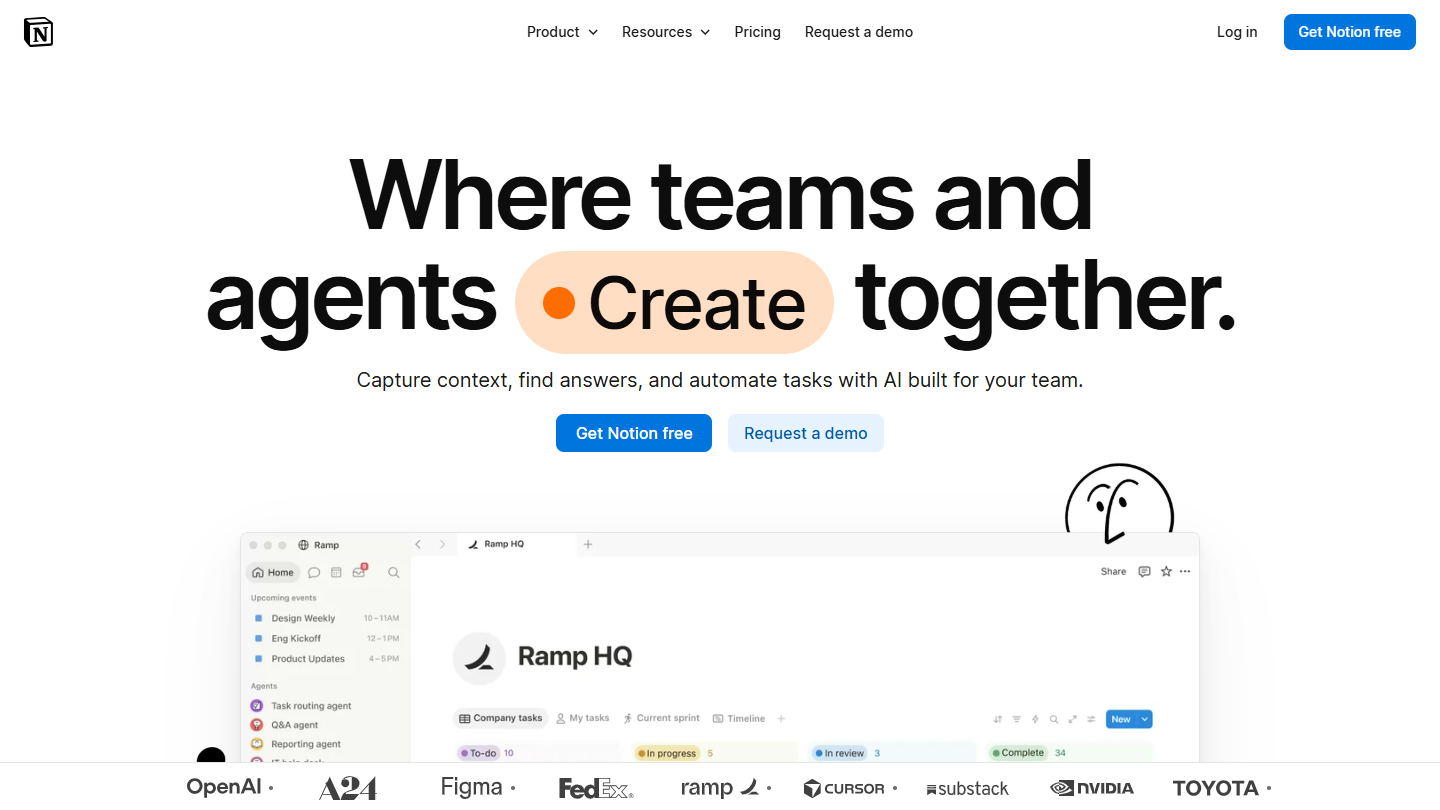
Notion website: “Where teams and agents Create together.”

Notion is a modular workspace: pages, databases, Kanban boards, calendars and wikis are built from blocks. You manage your projects as well as your documentation and notes in it.

The free plan is designed for individual use: unlimited pages and blocks as long as you are alone, with up to 10 external guests. From 2 members, the number of blocks becomes limited. File uploads are capped at 5 MB and page history at 7 days.

This free plan suits a freelancer who organizes projects, clients and notes in one place, or a project manager who shares pages with a few guests. A team that wants to work in it together will pay, and will have to build its own tracking views, for lack of native reporting.

Plus costs €9.50 per member per month billed annually, €11.50 monthly, with unlimited blocks and files up to 5 GB. Business, at €19.50, adds Notion’s AI agent and SSO.

11

Freedcamp

4.0/5 From $1.49

Best for: Small organizations that want unlimited projects and users without paying, and very cheap paid plans

+ Strengths
  • Unlimited projects, tasks, users and storage on the free plan
  • Tasks, discussions, calendar, milestones and time tracking from the free plan
  • Pro plan at $1.49 per user per month billed annually
− Downsides
  • Files limited to 10 MB each on the free plan
  • Wiki, issues, reports and project templates reserved for Business
  • Site and interface only partly translated into French
★ Freedcamp in brief

Freedcamp home page: “The first truly intelligent Project Management”, with the free sign-up form

Freedcamp is project management software built around the free plan: it is its first selling point, right down to the title of its site, “Free Project Management System”.

The Free plan caps neither projects, nor tasks, nor users, nor total storage, subject to reasonable use. It includes the core apps: tasks, discussions, calendar, files, milestones, time tracking and a password vault. The only numerical limit is file size, 10 MB each.

It is the broadest free plan in this ranking for a nonprofit, a new agency or a project team that wants to invite everyone. It remains basic: no wiki, no issues, no reports or project templates without paying, and an interface only partly translated.

Pro costs $1.49 per user per month annually, $2.49 monthly, and adds connection to Google Drive, Dropbox and OneDrive. Business, at $7.49, brings wiki, issues, reports and invoicing. Each paid plan can be tried for 14 days.

12

Zoho Projects

4.7/5 From €4

Best for: Teams of 5 people at most that manage a few projects at a time

+ Strengths
  • 5 users, 3 projects and 5 GB on the free plan
  • Subtasks, whiteboard and iOS and Android apps from the free plan
  • Premium among the cheapest: €4 per user billed annually
− Downsides
  • 3-project cap on the free plan
  • Only 50 workflow runs per month on the free plan
★ Zoho Projects in brief

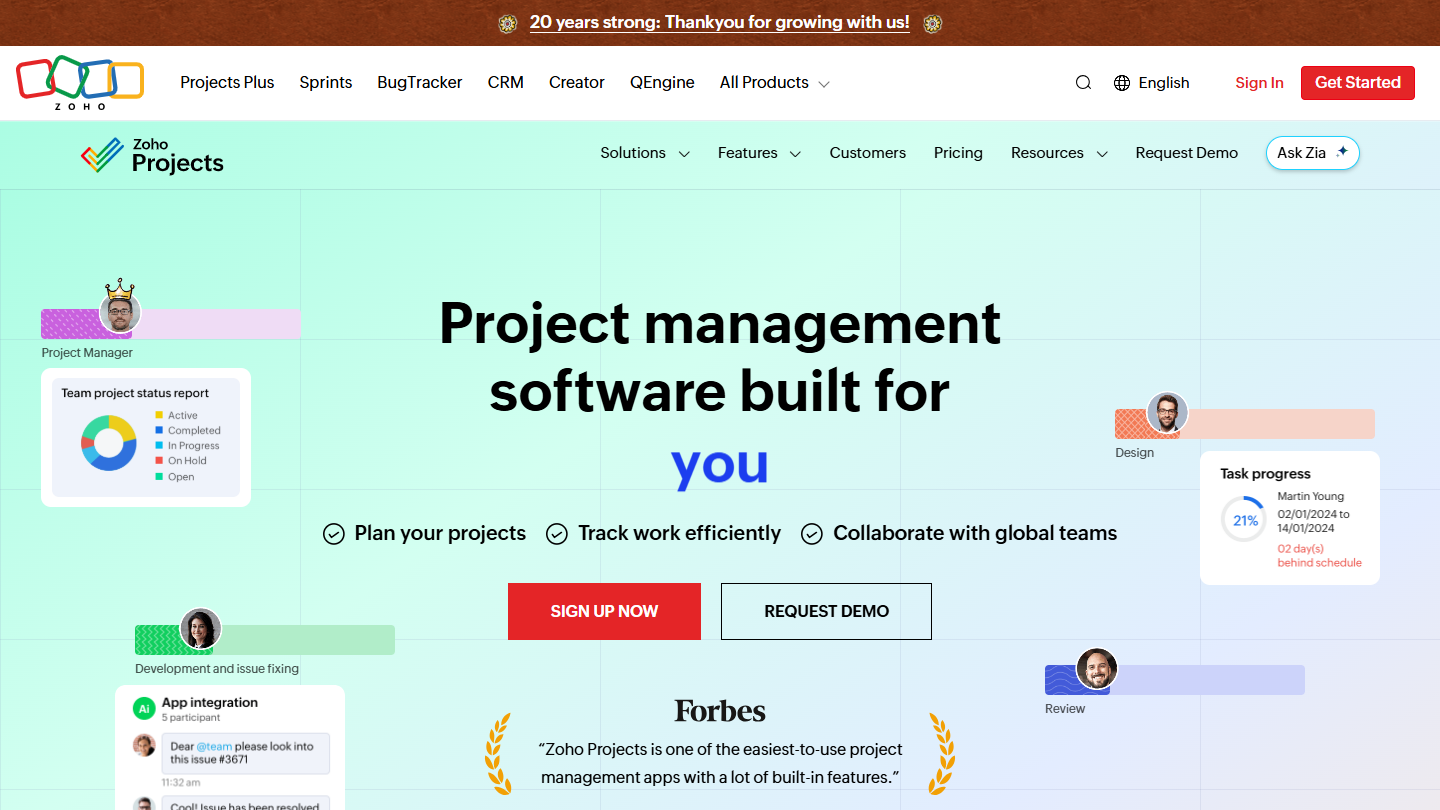
Zoho Projects website: “Project management software built for increased productivity improved collaboration dynamic teams you”

Zoho Projects is the project management software from Zoho, the Indian publisher of business software (CRM, accounting, support). It covers tasks, subtasks, milestones, timesheets and Gantt charts on the paid plans.

The free plan accepts 5 users and 3 projects, with 5 GB of storage, subtasks, a whiteboard and the iOS and Android apps. It also includes 50 workflow runs per month and the integration with Google and Office 365.

It is one of the best-balanced free plans for a small team: enough users for a very small business, enough storage to work on documents. The 3-project limit is the first one you hit. It fits naturally if the company already uses other Zoho apps.

Premium costs €4 per user per month billed annually, €5 monthly, with unlimited projects, 100 GB and timesheets. Enterprise, at €9, adds resource management. Paid plans can be tried for 15 days without a card.

How we chose these 12 tools

Every tool in this selection has been used in real conditions by our team or by a Salesdorado consultant, in a B2B sales and marketing setting. No ranking built from a marketing deck. The order of the list is not a ranking: the right tool depends on your needs.

  1. 01
    Benchmark scope

    Broad identification of the tools on the market (G2, Capterra, Salesdorado customer feedback, LinkedIn signals). Initial filtering, then a short list based on a 2-hour setup per tool.

  2. 02
    Test conditions

    3 to 4 weeks of active use per tool, with data representative of a B2B sales use case. When a tool targets a specific profile (SDR, AE, Ops, Marketer…), we match the tester accordingly.

  3. 03
    Weighted criteria

    For each category, 5 to 7 axes weighted according to what matters in the segment: UX, feature depth, native integrations, support, pricing at scale, compliance (GDPR, security), and roadmap quality.

  4. 04
    Independence

    No tool is scored in exchange for payment. Partner links (affiliate) are marked as such and do not influence the score. Non-partner tools are included when their place in the ranking is deserved.

  5. 05
    Updates

    The ranking is reviewed every 6 to 12 months or on every major release of a tool mentioned. The date of the last check is shown at the top of the article.

The questions we get over and over.

What most often limits a free project management tool?

Very often, the limits of free plans have little to do with features, most of which are available, and a lot to do with volumes: maximum number of users (2 at monday.com and Asana, 3 at Basecamp, 5 at Zoho Projects), projects or boards (3 at MeisterTask and Miro), or storage (60 MB at ClickUp).

Which free project management tool should a large team choose?

ClickUp: its free plan limits neither members nor tasks, only storage, at 60 MB. Freedcamp caps neither users nor projects, with files of 10 MB at most. MeisterTask also has no member limit on its free plan, but offers only 3 projects.

Which free tool should I use to manage projects in Kanban view?

Trello, very popular with project management beginners: its free plan is limited to 10 boards and 10 collaborators per workspace, but lets you customize Kanban boards and includes 250 automation runs per month. MeisterTask, also specialized in Kanban boards, accepts unlimited members on 3 projects.

Is there a free, open source project management tool?

Taiga is an open source project management tool built for Agile teams, developers and start-ups. It offers real functional depth and can be hosted for free on your own servers, with no project limit. Its free cloud version is limited to one private project, one public project and 10 MB.

Which free tool can make Gantt charts?

In this selection, the Gantt chart is almost always paid: Wrike adds it with Team ($10 per user per month), monday.com with Standard, Asana with Starter (€10.99). The free plans in this top are mostly for lists and Kanban. For a Gantt without paying, you have to look at specialized tools.

★ The conversation, 0 comments

What the community says.

Basic Markdown, moderated within 24 h
Loading…

    In the same category