Top 10 scheduling software

Ten project scheduling tools compared. Multi-team projects: monday.com (Gantt from Standard), Wrike (Gantt from Team at $10, resources in Business), Asana (timeline from Starter at €10.

Maxime Ben Bouaziz
Maxime Ben Bouaziz
CEO Salesdorado, IA & Sales Tech
August 4, 2022, updated November 10, 2026, 1 min read
See all tools

Scheduling software puts a project’s work on a timeline: dated tasks, deadlines, milestones, and the workload of each team member over the week or month. Its main purpose is to improve forecasting: knowing, before saying yes to a new project, whether the team has room to deliver it.

There are hundreds of tools with similar features. They differ in their philosophy, their target (small or large team), how advanced their features are and their pricing. What the ten selected here have in common: the view that really helps you plan, timeline, Gantt or team workload, is almost always locked behind a paid plan. Depending on your need:

  • planning projects across several teams, with dependencies and approvals: Wrike, or monday.com for non-technical teams;
  • a clear timeline without a heavy tool: Asana;
  • planning in Kanban, without training: Trello, or MeisterTask for more structure;
  • a schedule that lives alongside the team’s documents: Notion;
  • planning client projects and billing time: Teamwork.com, or Teamleader Focus for a small business that also wants CRM and invoicing;
  • basing the schedule on time actually spent: Toggl;
  • a small business already equipped with Zoho, or a small budget: Zoho Projects.

Salesdorado’s adviceTo choose software, first look at how easy it is to pick up: depending on how familiar your teams are with this kind of tool, the learning curve will be shorter or longer.


SalesdoradoSimulate your choice of project management tool
Free tool, 2 minutes
Simulate your choice of project management tool

Answer 10 targeted questions and find the tools that actually fit your situation.

12
tools analyzed
10
targeted questions
€0
no sign-up
Methodology published by the Salesdorado editorial team

The 10 tools, side by side

# Logos tool Score Price Best for
01 monday.com 4.0/5 ★ €9 Non-technical teams that schedule several projects in parallel on shared boards Visit site
02 Wrike 4.5/5 ★ $10 Small and large companies that schedule projects with dependencies and multiple approvals Visit site
03 Trello 4.7/5 ★ $5 Small teams that want quick onboarding for projects that aren't very complex Visit site
04 Teamwork.com 4.6/5 ★ €9.99 Agencies and service companies that schedule their projects together with their clients Visit site
05 Notion 4.7/5 ★ €9.50 Organizations that want an all-in-one workspace they can shape to their needs Visit site
06 Asana 4.2/5 ★ €10.99 Teams of any size that want to move from a task list to a timeline without changing tools Visit site
07 Teamleader Focus 4.2/5 ★ €25 Service small businesses that want scheduling, time tracking and invoicing in a single tool Visit site
08 Toggl 4.0/5 ★ €9 Service companies that want to base their estimates and schedule on time actually spent Visit site
09 MeisterTask 4.1/5 ★ €12.50 Companies looking for a more complete alternative to Trello, built around the Kanban board Visit site
10 Zoho Projects 4.7/5 ★ €4 Teams that want a complete, easy-to-set-up tool and already use Zoho Visit site
01

monday.com

4.0/5 From €9

Best for: Non-technical teams that schedule several projects in parallel on shared boards

+ Strengths
  • Team schedule displayed over the period you choose
  • The same board as a list, calendar, timeline or Gantt
  • Colorful interface, adopted without training
− Downsides
  • Calendar, Gantt and automations missing from the Basic plan
  • 3-seat minimum on paid plans
  • Free plan limited to 2 users and 3 boards
★ monday.com in brief

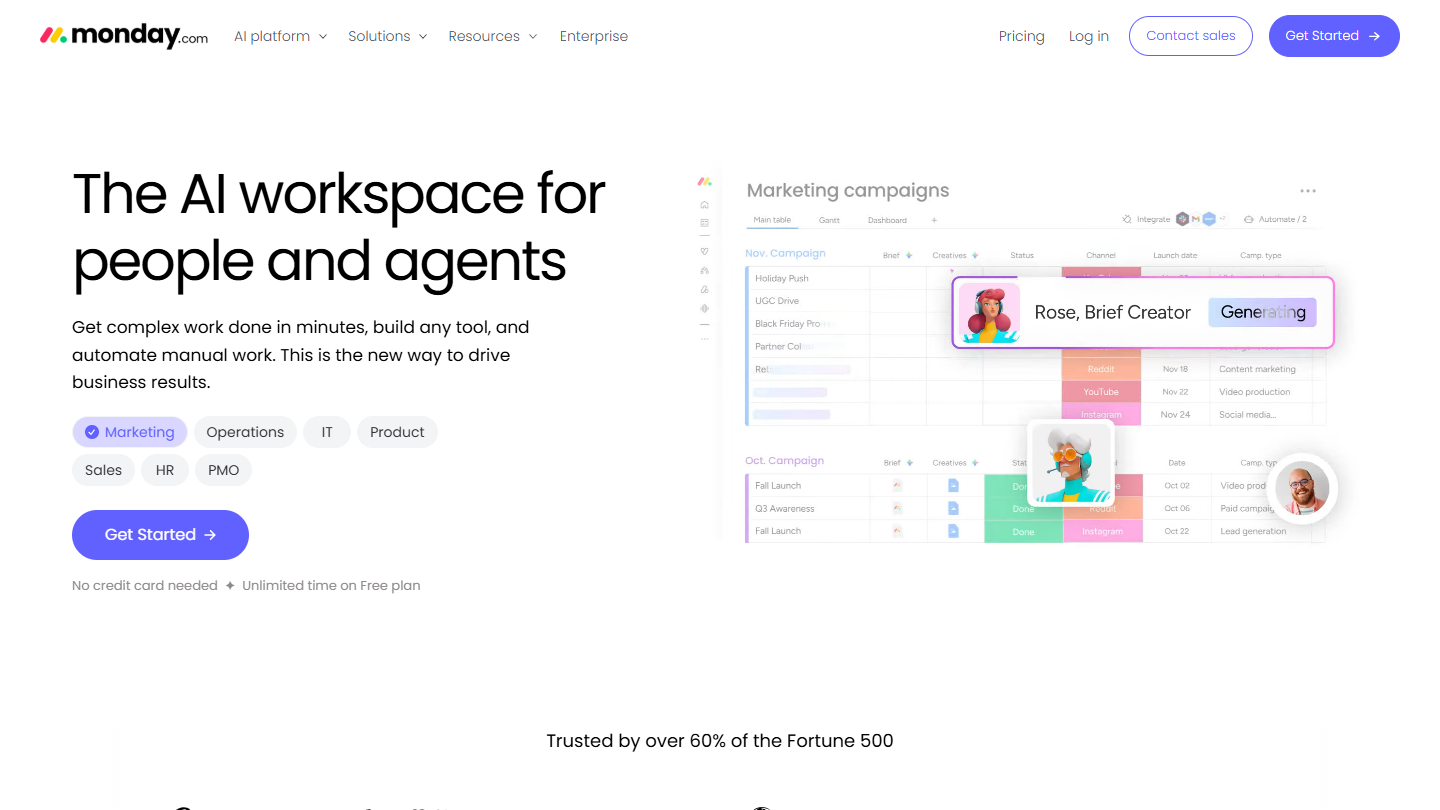
monday.com website: “The AI workspace for people and agents”

monday.com organizes each project as a board: one row per task, columns for the person, status, date and duration. The same data then shows up as a calendar, a timeline or a Gantt, which makes it a team scheduling tool as much as a task manager.

In practice, the team’s schedule reads over the period you choose, week, month or quarter, and a late task is spotted as soon as its date has passed. Integrations save you from copying deadlines into another tool.

To plan, the Basic plan isn’t enough: calendar and Gantt views, automations and integrations start with the Standard plan. It is the choice of a small business that wants a tool adopted quickly by departments not used to project software.

The free plan accepts 2 users and 3 boards. Basic costs €9 per seat per month billed annually (€12 billed monthly), with a 3-seat minimum. Billed monthly, Standard costs €14 per seat and Pro €24. Every paid plan can be tried for free.

02

Wrike

4.5/5 From $10

Best for: Small and large companies that schedule projects with dependencies and multiple approvals

+ Strengths
  • Interactive Gantt with dependencies from Team
  • Resource and capacity planning in Business
  • Dashboards shareable across teams
  • Fine-grained permissions for cross-functional projects
− Downsides
  • Gantt missing from the free plan
  • Team plan limited to 15 users
  • Pricing at the high end of the market
★ Wrike in brief

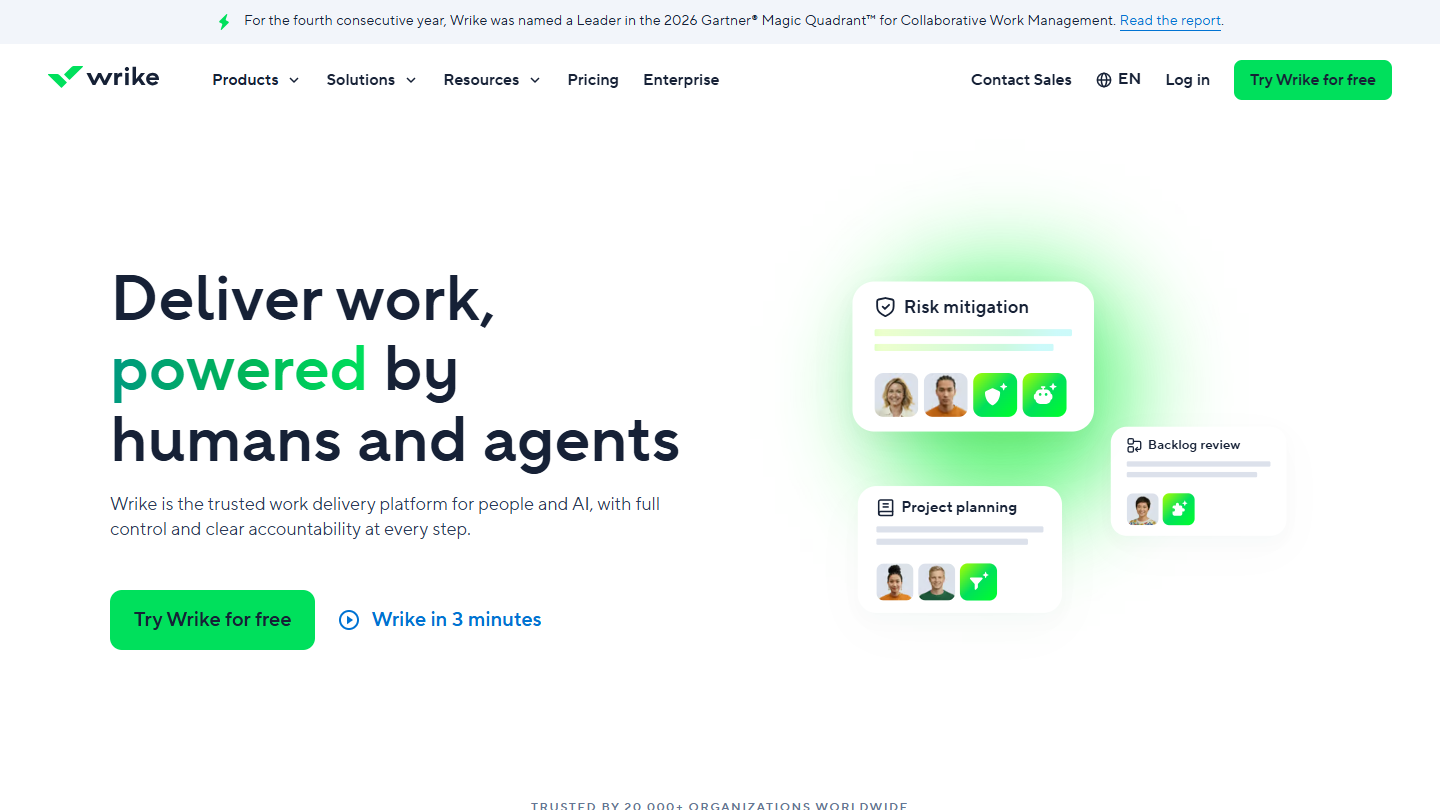
Wrike website: “Deliver work, powered by humans and agents”

Wrike is work management software built for projects that involve several teams. Its Gantt links tasks together: when a delivery slips, you immediately see what it pushes back downstream.

You prepare a product launch or a campaign by setting milestones, then assign each task. On the Business plan, the resources view shows each person’s workload against their capacity, which helps you decide before accepting a new request.

Wrike makes sense when the schedule goes beyond a single team and management wants a consolidated view. The free plan limits the number of active tasks; Team, the first paid plan, only accepts 2 to 15 users.

Team costs $10 per user per month billed annually (about €8.96), Business $25 (about €22.39); Pinnacle and Apex are on request. 14-day trial with no credit card.

03

Trello

4.7/5 From $5

Best for: Small teams that want quick onboarding for projects that aren't very complex

+ Strengths
  • Intuitive Kanban method, with movable cards
  • Unlimited cards and Power-Ups from the free plan
  • Butler automation included, 250 runs per month on free
− Downsides
  • Calendar and timeline reserved for Premium
  • Free plan limited to 10 boards and 10 collaborators per workspace
  • Better suited to basic projects
★ Trello in brief

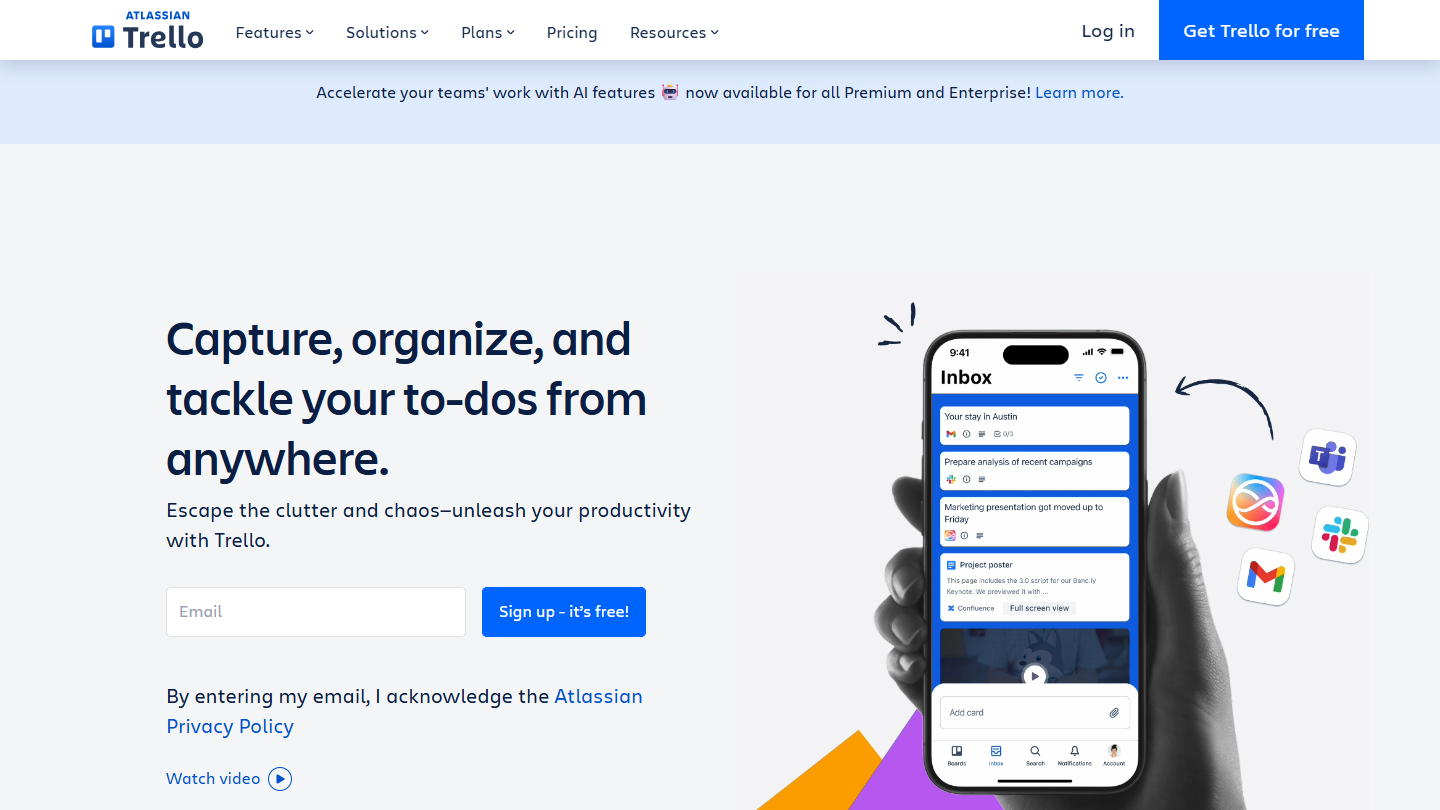
Trello website: “Capture, organize, and tackle your to-dos from anywhere.”

Trello is built around the Kanban method: a board, columns (to do, in progress, done) and cards you drag from one to the next. Each card carries a due date, members, a checklist and attachments.

To plan, a dated card is enough as long as the project fits in a few weeks. Beyond that, the Premium plan adds the Calendar and Timeline views, which put the cards back on a time axis, along with the Dashboard and Table views.

Trello remains the tool for simple projects and small teams. As soon as tasks follow one another and depend on each other, Asana or Wrike plan better.

The free plan accepts 10 collaborators and 10 boards per workspace. Standard costs $5 per user per month billed annually ($6 billed monthly), Premium $10 ($12.50), Enterprise $17.50.

04

Teamwork.com

4.6/5 From €9.99

Best for: Agencies and service companies that schedule their projects together with their clients

+ Strengths
  • Gantt available from the free plan
  • Clients invited into their project
  • Billable time logged and reported from Basics
− Downsides
  • Workload and capacity, budgets and invoices reserved for Accelerate
  • Free plan limited to 5 users and 5 projects
  • Less customization than some other tools
★ Teamwork.com in brief

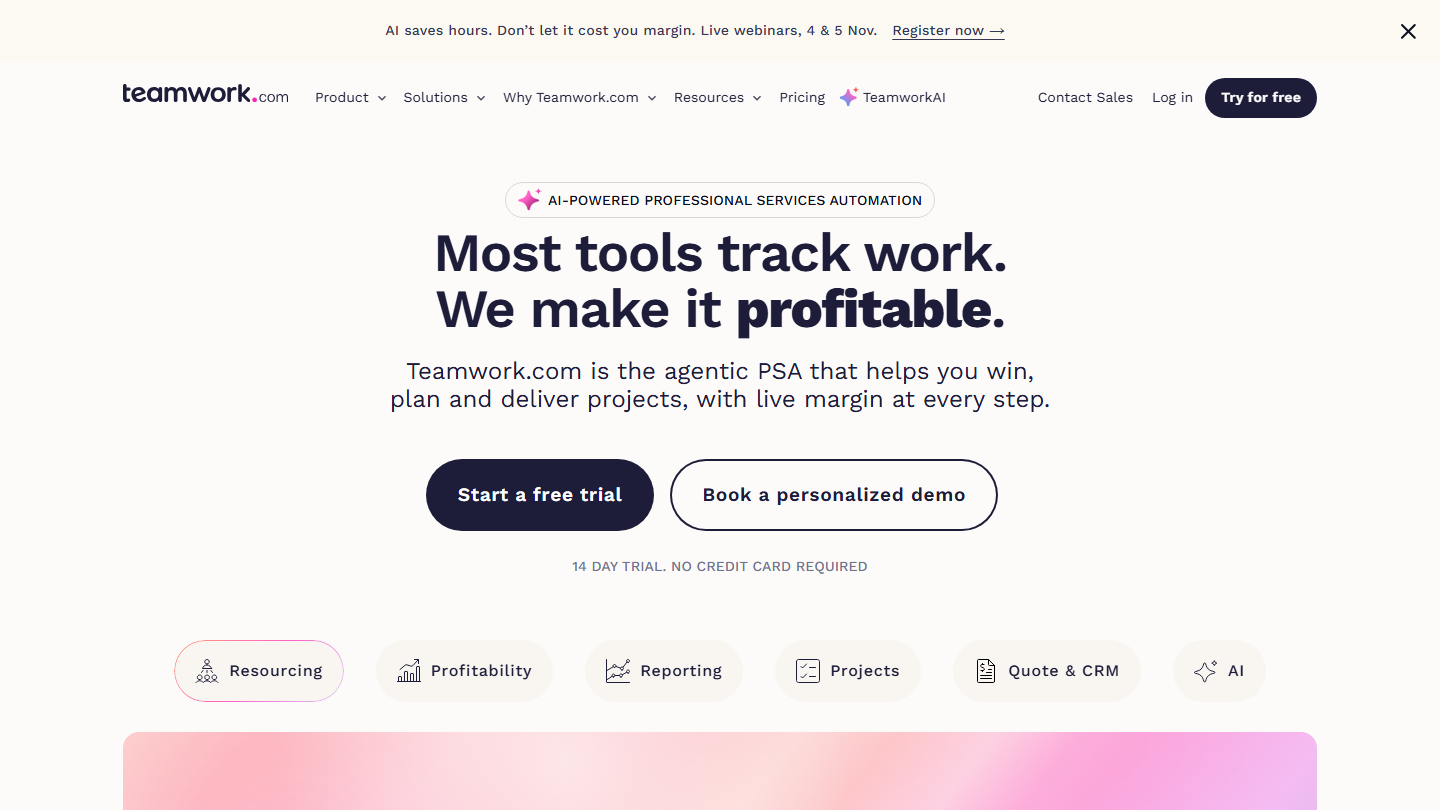
Teamwork.com homepage: “Most tools track work. We make it profitable.”, client project management software

Teamwork.com schedules work done for clients: each project has its client, its hours budget and its team, and the client can follow progress from their own access.

The Gantt is included from the free plan, an exception in this top. To plan workload, the Accelerate plan adds the workload and capacity view: you see who is available next week before assigning a new project, and time budgets are tracked client package by client package.

Against monday.com or Asana, Teamwork.com has the edge as soon as the schedule is also used for billing. An internal team that doesn’t bill its time will pay for features it doesn’t use.

Free for up to 5 users and 5 projects. Basics costs €9.99 per user per month billed annually (€13.99 billed monthly), Accelerate €24.99 (€29.99); Optimize and Enterprise are on request. 14-day trial with no credit card.

05

Notion

4.7/5 From €9.50

Best for: Organizations that want an all-in-one workspace they can shape to their needs

+ Strengths
  • Customizable blocks, from a simple list to a full wiki
  • All company information in a single tool
  • Very rich template gallery
− Downsides
  • Free version designed for individual use
  • Underdeveloped reporting features
  • Recurring tasks are hard to create
★ Notion in brief

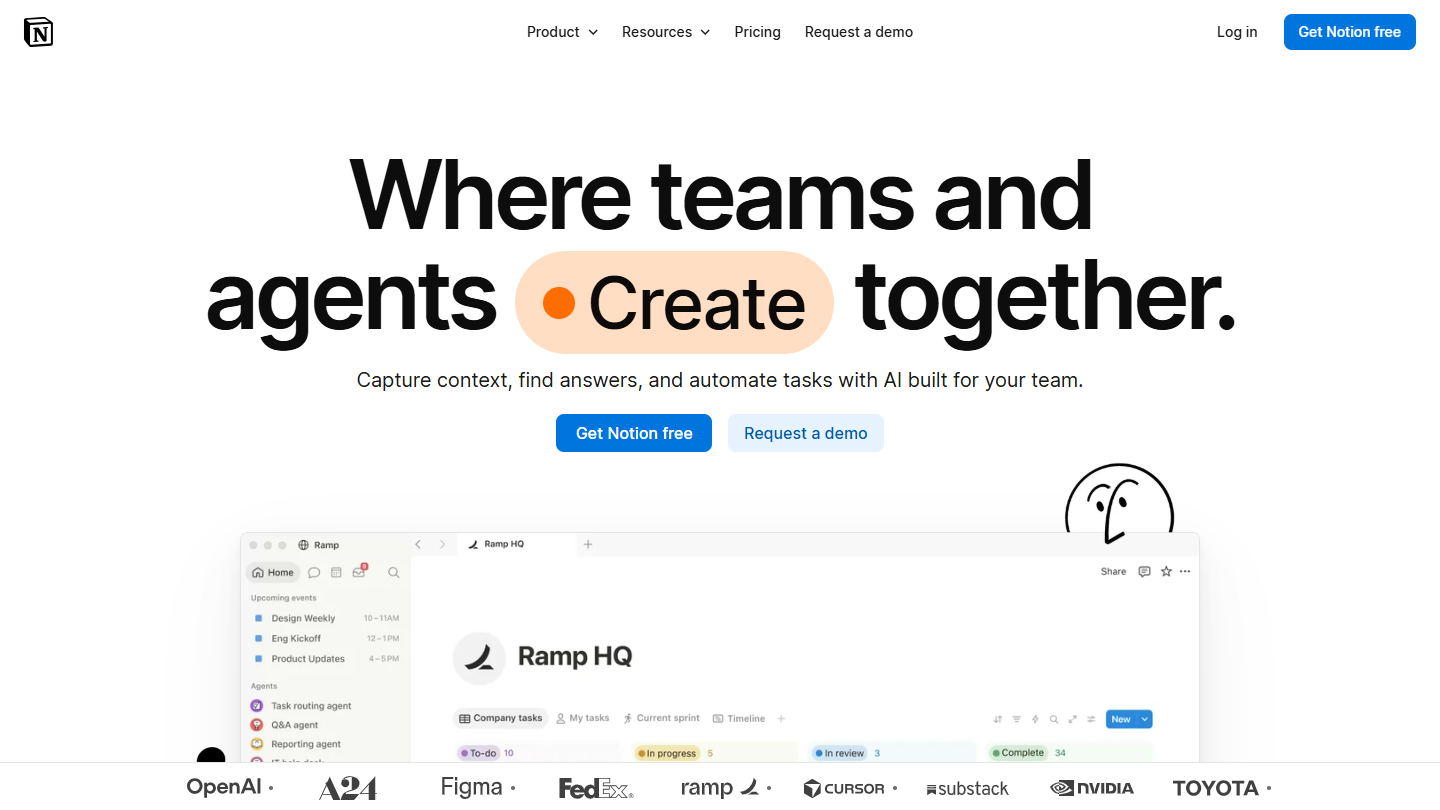
Notion website: “Where teams and agents Create together.”

Unlike most other tools, Notion doesn’t run on a task system but on blocks: page, text, list, table, calendar. A projects database displays as a Kanban board, a calendar or a timeline, and each task is itself a page.

It is useful when the schedule and the documentation must live in the same place: a launch plan, its meeting notes and its deadlines share the same space, and each team builds the view it needs.

Notion makes sense for an organization that wants a flexible space rather than pure scheduling software. To track a team’s workload across several projects, the tools focused on time and resources go further.

The free plan limits pages and blocks from 2 members and sharing to 10 guests. Plus costs €9.50 per member per month billed annually (€11.50 billed monthly), Business €19.50 (€23.50); Enterprise is on request.

06

Asana

4.2/5 From €10.99

Best for: Teams of any size that want to move from a task list to a timeline without changing tools

+ Strengths
  • List, Kanban, calendar and timeline share the same tasks
  • Timeline and Gantt from Starter
  • Mobile apps among the best on the market
− Downsides
  • Free plan limited to 2 users, with no timeline
  • Team capacity and portfolios reserved for Advanced
  • Prices above the rest of the market
★ Asana in brief

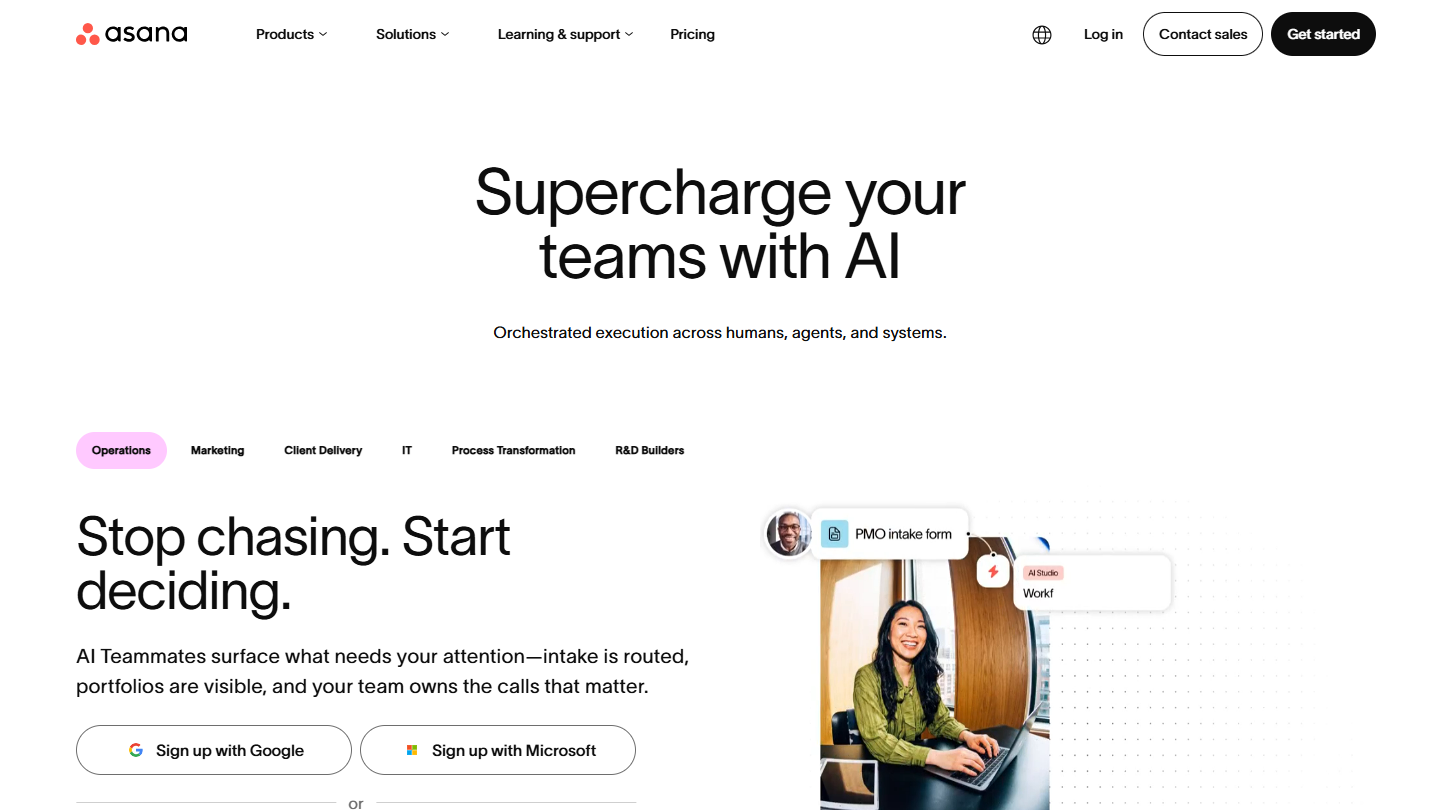
Asana website: “Supercharge your teams with AI”

Asana offers four ways to view a project: list, Kanban board, calendar and timeline. Unlike Trello, these views talk to each other: a list of dated tasks lays itself out chronologically, and a deadline moved on the calendar changes everywhere.

A project manager builds the plan as a list, adds dates and dependencies, then puts the timeline on screen in a team meeting. The Advanced plan adds portfolios, goals and the capacity view, which shows who is overloaded across several projects at once.

Asana suits teams that want structured planning without the weight of Wrike. The free plan is mainly for testing with two people, in list, board and calendar.

Personal is free for 2 users. Starter costs €10.99 per user per month billed annually (€13.49 billed monthly), Advanced €24.99 (€30.49); Enterprise is on request.

07

Teamleader Focus

4.2/5 From €25

Best for: Service small businesses that want scheduling, time tracking and invoicing in a single tool

+ Strengths
  • Team availability visible before accepting a project
  • Timesheets that can be turned into invoices
  • CRM and quotes in the same account
  • Support in French
− Downsides
  • No free version
  • Scheduling and project management sold as Boosters, €35 per month each
  • Interface more complex than it looks
★ Teamleader Focus in brief

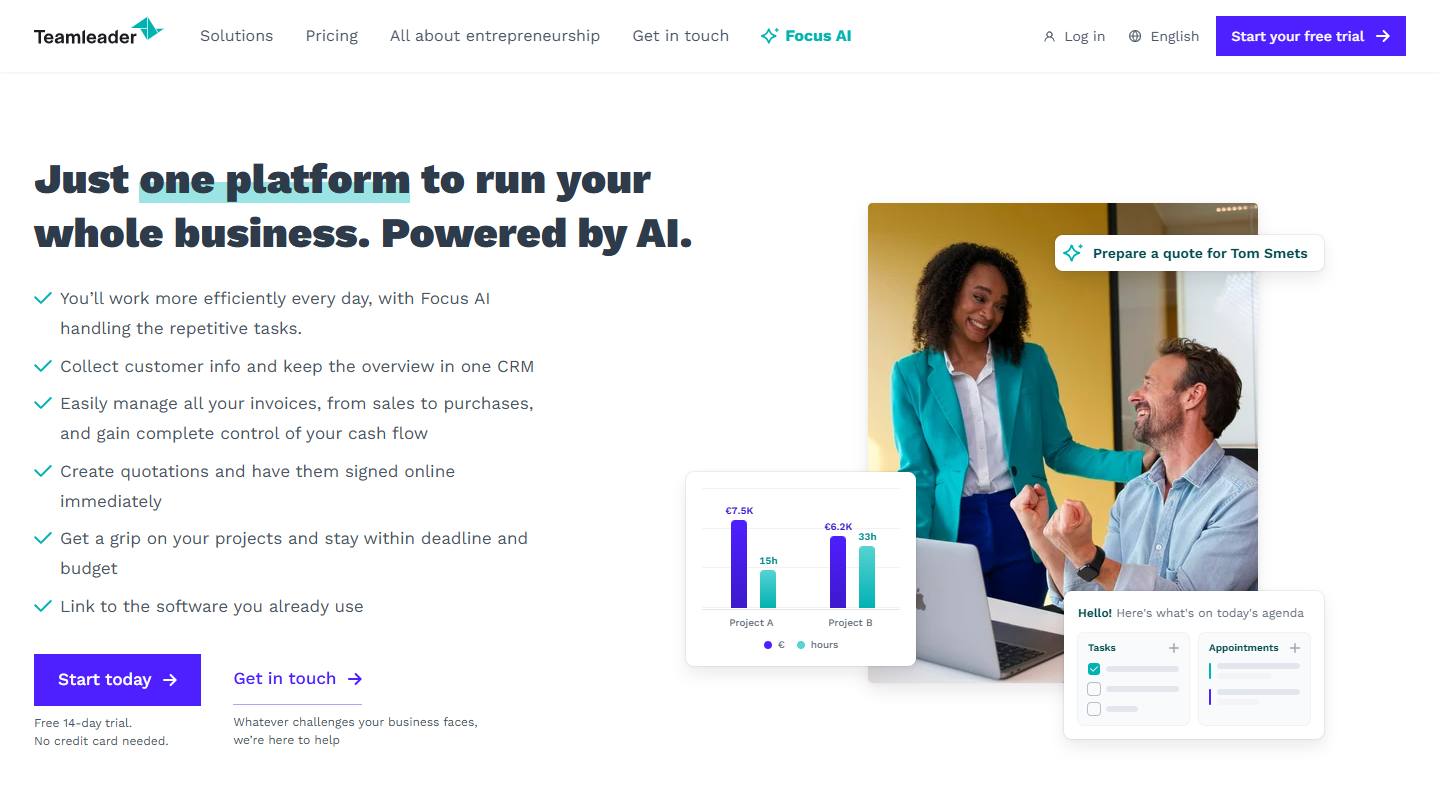
Teamleader Focus website: “Just one platform to run your whole business. Powered by AI.”

Teamleader Focus is management software for service small businesses, published by Teamleader (Visma group): CRM, quotes, time entry and invoicing in a single account. Scheduling is added through modules.

The Planning Booster places tasks in each employee’s schedule by drag and drop and shows the team’s workload in real time: you know who still has room before signing a new project, and you reorganize the week when someone is away. The Project Management Booster adds budgets and profitability per project, then the invoice is created from the time entered.

Teamleader Focus targets teams of up to about twenty people; beyond that, the vendor points to Teamleader Orbit, its software for agencies, with no public price. Against Teamwork.com, Focus also covers sales, but scheduling is an extra cost.

No free version. Smart costs €25 per user per month billed annually, Grow €33 and Flow €45, based on 2 users (€30, €39 and €49.50 billed quarterly). The Planning and Project Management Boosters each cost €35 per month per account. 14-day trial with no credit card, Boosters included.

08

Toggl

4.0/5 From €9

Best for: Service companies that want to base their estimates and schedule on time actually spent

+ Strengths
  • Estimated vs actual compared on every project
  • Kanban, list, timeline and calendar on the same tasks
  • Free plan up to 3 users
  • No screenshots or workstation monitoring
− Downsides
  • Timeline and milestones reserved for paid plans
  • Capacity forecasting sold as an option
  • Vendor website in English only
★ Toggl in brief

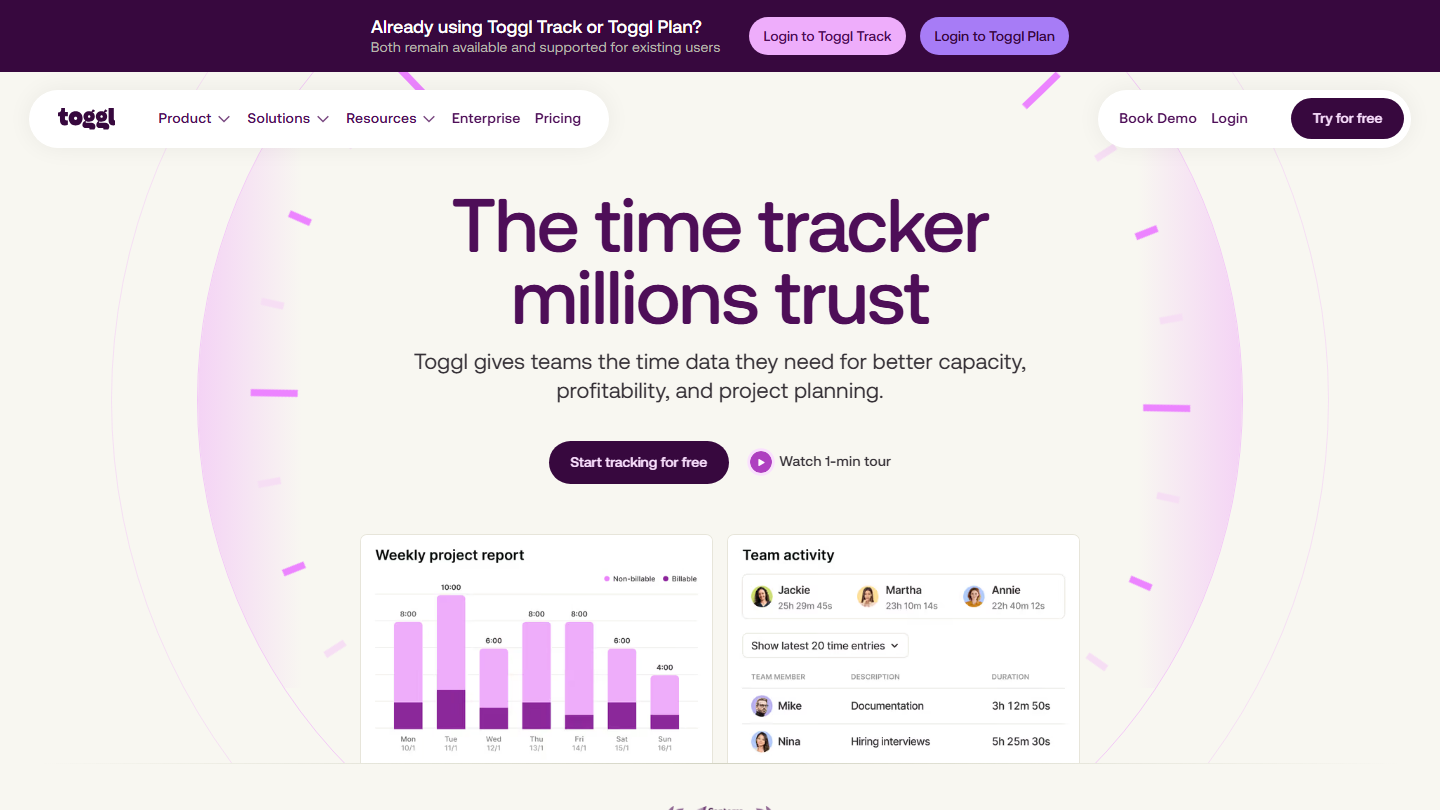
Toggl homepage: “The time tracker millions trust”, with a weekly project report and team activity

Toggl now brings together in a single offer its time tracking tool and the planning of the former Toggl Plan, which is no longer sold to new customers (existing accounts remain supported). Time entered becomes the basis of the schedule.

You plan in a Kanban board, a task list, a timeline that doubles as a Gantt and a calendar where you drop work day by day. The optional Capacity Management module shows workload several months ahead and accepts draft projects for work not yet signed.

Toggl makes sense when estimates rest on memory rather than numbers: the Premium plan’s dashboards set planned time against time spent, task by task and member by member.

The free plan covers tasks, boards and estimates. Starter costs €9 per user per month billed annually (€12 billed monthly), Premium €16 (€24); Enterprise is on request. Capacity Management adds €5 per user per month billed annually (€6 billed monthly). 30-day trial.

09

MeisterTask

4.1/5 From €12.50

Best for: Companies looking for a more complete alternative to Trello, built around the Kanban board

+ Strengths
  • Enriched Kanban board: sections, due dates, checklists
  • Unlimited projects and integrations, and automations, from Pro
  • Unlimited team members on free
− Downsides
  • Free plan limited to 3 projects, with no integrations or automations
  • Timeline reserved for the Business plan
★ MeisterTask in brief

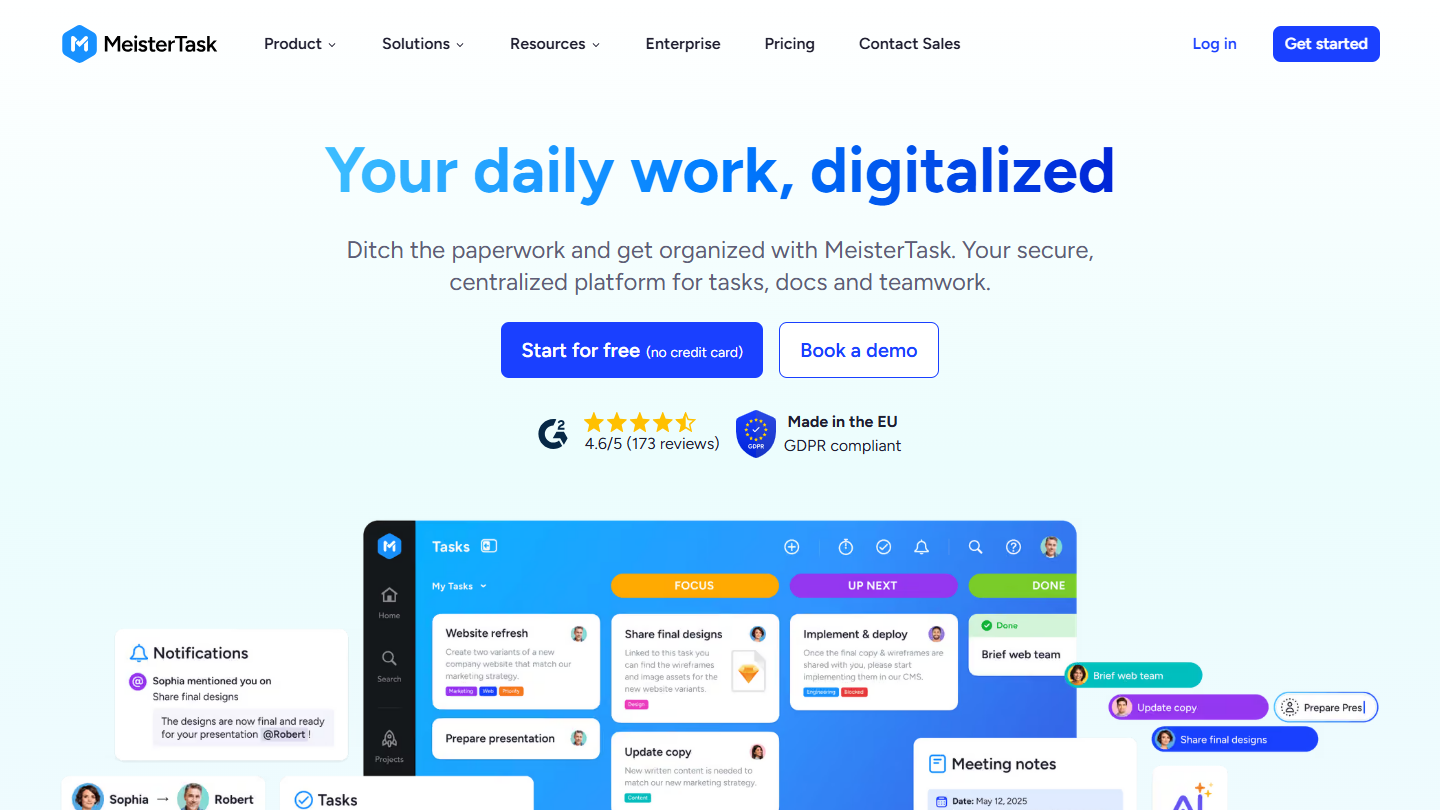
MeisterTask website: “Your daily work, digitalized”

MeisterTask takes Trello’s Kanban board and organizes it further: customizable sections, tasks with due dates, comments, attachments and checklists. Its publisher, Meister, presents it as a project management tool built in the European Union.

To plan, due dates appear on each task and the board shows where each section of the project stands. The timeline, which places tasks on a time axis, only arrives with the Business plan, along with subtasks and custom reports.

MeisterTask suits teams that have outgrown Trello without wanting to move to a platform on the scale of Wrike.

The free plan covers 3 projects. Pro costs €12.50 per user per month billed annually (€15.50 billed monthly), Business €24 (€31); Enterprise is custom. Only Business can be tried for free, on request.

10

Zoho Projects

4.7/5 From €4

Best for: Teams that want a complete, easy-to-set-up tool and already use Zoho

+ Strengths
  • Unlimited projects from €4 per user billed annually
  • Timesheets for billable and non-billable hours
  • Part of the Zoho ecosystem: CRM, Invoice, Books
  • Interface and support available in French
− Downsides
  • Free plan limited to 5 users and 3 projects
  • Time tracking less advanced than in specialized tools
★ Zoho Projects in brief

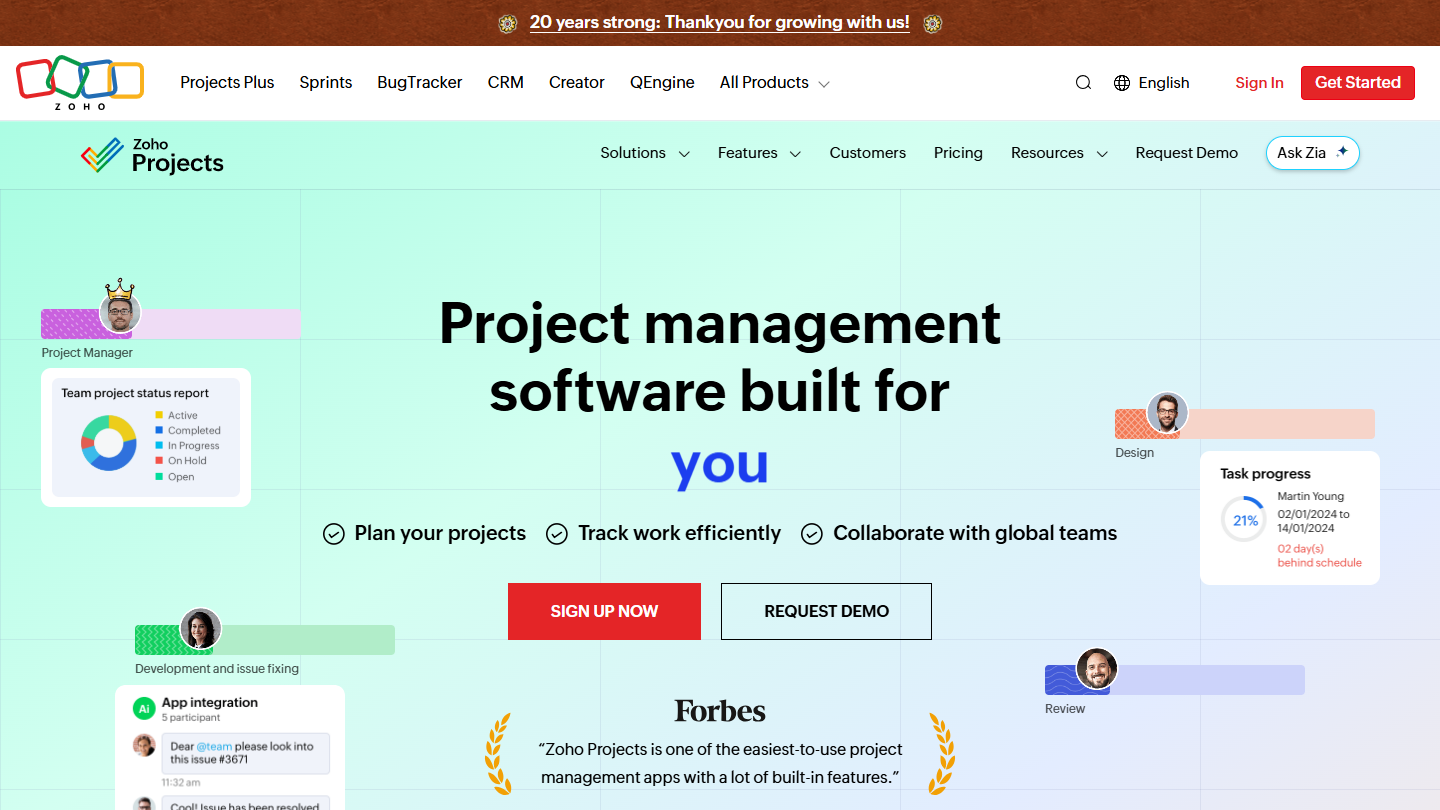
Zoho Projects website: “Project management software built for increased productivity improved collaboration dynamic teams you”

Zoho Projects is the project management application of the Zoho suite. You break a project down into milestones, task lists and subtasks, with several views for the same plan, project forums and document management.

For scheduling, the Enterprise plan adds resource management, the critical path and the baseline on the Gantt: you compare the planned schedule with the actual one and spot the tasks that hold up everything else. Ultimate extends timesheets across several projects.

It is the cheapest access to resource management in this selection. The appeal grows if the company already uses Zoho CRM or Zoho Books, where the logged hours flow through.

Free for up to 5 users and 3 projects. Premium costs €4 per user per month billed annually (€5 billed monthly), Enterprise €9 (€10), Ultimate €14 (€15). 15-day trial with no credit card.

How we chose these 10 tools

Every tool in this selection has been used in real conditions by our team or by a Salesdorado consultant, in a B2B sales and marketing setting. No ranking built from a marketing deck. The order of the list is not a ranking: the right tool depends on your needs.

  1. 01
    Benchmark scope

    Broad identification of the tools on the market (G2, Capterra, Salesdorado customer feedback, LinkedIn signals). Initial filtering, then a short list based on a 2-hour setup per tool.

  2. 02
    Test conditions

    3 to 4 weeks of active use per tool, with data representative of a B2B sales use case. When a tool targets a specific profile (SDR, AE, Ops, Marketer…), we match the tester accordingly.

  3. 03
    Weighted criteria

    For each category, 5 to 7 axes weighted according to what matters in the segment: UX, feature depth, native integrations, support, pricing at scale, compliance (GDPR, security), and roadmap quality.

  4. 04
    Independence

    No tool is scored in exchange for payment. Partner links (affiliate) are marked as such and do not influence the score. Non-partner tools are included when their place in the ranking is deserved.

  5. 05
    Updates

    The ranking is reviewed every 6 to 12 months or on every major release of a tool mentioned. The date of the last check is shown at the top of the article.

The questions we get over and over.

What is scheduling software?

A tool that organizes work over time while accounting for a project's complexity: team coordination, deadlines to meet, a given budget. It places tasks, deadlines and milestones on a calendar or timeline, shows each member's workload and centralizes the project's elements in a single solution.

What are the different types of scheduling software?

Software geared to annual planning (strategic and operational plans over a given period, usually a year), software geared to continuous planning, which adapts continuously to new data, and software geared to project planning, focused on scope, risks and resources.

What are the key features of scheduling software?

Task management (breakdown into steps, calendar or Gantt chart), internal collaboration, visualization, reporting, integrations and automations. Tools differ in how advanced these features are and in the plan that unlocks them: at monday.com, Asana, Trello or Wrike, the timeline or Gantt is not part of the free plan.

Which scheduling software should you choose to work with your clients?

Teamwork.com is designed for agencies that plan projects for their clients: hours budget, client invited into their project, and, on the Accelerate plan, team workload and invoices from time entered. Teamleader Focus combines CRM, quotes, time and invoicing for service small businesses, with scheduling as a paid module at €35 per month.

Which scheduling software for simple projects?

Trello, built around the Kanban method with movable cards, is for those looking for quick onboarding on projects that aren't very complex or for small teams. MeisterTask takes the Kanban board with more organization options; its timeline is reserved for the Business plan.

★ The conversation, 0 comments

What the community says.

Basic Markdown, moderated within 24 h
Loading…

    In the same category