Top 11 free project planning software

Eleven planning tools with a free plan with no time limit, compared on what that free plan lets you schedule. Free Gantt: Zoho Projects (5 users, 3 projects) and Teamwork.com (5 users, 5 projects).

Maxime Ben Bouaziz
Maxime Ben Bouaziz
CEO Salesdorado, IA & Sales Tech
April 8, 2024, updated November 10, 2026, 3 min read
See all tools

Good project management often comes down to good planning software: a tool that breaks the project into dated tasks, places them on a timeline and shows who does what, and when. As usual, there are hundreds on the market with fairly similar features, and most offer a free plan with no time limit.

These free plans give access to most of the tool’s features, but limited to a number of users, projects or boards. For planning, look above all at which view the free plan leaves you: Zoho Projects and Teamwork.com give you a Gantt chart without paying, Asana, ClickUp and Basecamp a calendar. With the others, dates are set task by task, and the overall view waits for the first paid plan.

To guide you toward the planning software that will suit your teams best, we went through each free plan on its publisher’s website. Depending on what you need:

  • preparing the schedule as a pair, before moving to the paid Gantt: monday.com;
  • starting for free on the tool you will keep for big projects: Wrike;
  • dating cards and tracking progress in Kanban, with up to 10 collaborators: Trello;
  • planning alone, in the same place as your notes and documents: Notion;
  • a single project run by three people, with its deadlines and milestones: Basecamp;
  • planning from logged hours: Toggl;
  • a free Gantt for a team of 5: Zoho Projects;
  • a deadline calendar for a pair: Asana;
  • a free Gantt for client projects: Teamwork.com;
  • a calendar shared by the whole team, without paying for seats: ClickUp;
  • deadlines on a Kanban open to everyone, across 3 projects: MeisterTask.

What makes good planning software?

The main goal of a scheduling or project planning tool is to make resource management easier and to ensure the various deliverables are handed in on time.

To be effective, this software brings all the information about a project into one place and lets you plan the resources and tasks needed to see the project through.

Good planning software is therefore software that:

  • lets you break a project down into individual tasks and stages, can organize those tasks in a calendar (or Gantt chart) and describe the dependencies between each stage;
  • has the shortest possible learning curve, so any member of the project team can adopt the tool quickly and create, edit and organize the project’s tasks and stages;
  • integrates with the tools regularly used to run the project, and allows real-time collaboration on documents. This software is generally connected to several teams, so to several tools, or even several tool suites (Google, Microsoft, etc.);
  • handles information sharing and collaborative work intelligently: notifications, reminders, deadlines, comments, etc.;
  • provides an overview of the project and quickly identifies blocking points, that is, the bottlenecks and factors that hold back the smooth running of the project.

What a free plan allows

The main goal of planning software is to work more efficiently as a team. Unsurprisingly, most tools have built their pricing on the number of users. Except one: Basecamp, which charges per account and limits the number of active projects.

In free versions, the number of users is therefore usually the first limit. You can use this software for free with up to 2, 3 or 5 users, but beyond that you need a paid license. ClickUp and MeisterTask are the exceptions: they accept the whole team and limit something else, storage for one, the number of projects for the other.

Free versions also generally limit usage, in particular the number of boards (monday.com, Trello), projects (Zoho Projects, Teamwork.com) or active tasks (Wrike).

The good news is that integrations, hugely important for getting value from these tools, are often available from the free plan, even if they are limited in depth or number. monday.com and MeisterTask are the exceptions and reserve them for paid plans.

What a paid plan unlocks

For more frequent or heavier use of these tools, you will generally have to opt for a paid plan.

These plans generally come with reporting features for a broader view of the project. With most publishers in this selection, they are also what opens up the timeline or the Gantt: only Zoho Projects and Teamwork.com give a Gantt from the free plan.

Above all, these plans open up much finer management of access rights and information sharing, for much more flexible collaboration, especially for larger teams.

And along with these access management rules, you also get many automation features, to save precious time on all the project’s administrative tasks.


SalesdoradoSimulate your choice of project management tool
Free tool, 2 minutes
Simulate your choice of project management tool

Answer 10 targeted questions and find the tools that actually fit your situation.

12
tools analyzed
10
targeted questions
€0
no sign-up
Methodology published by the Salesdorado editorial team

The 11 tools, side by side

# Logos tool Score Price Best for
01 monday.com 4.0/5 ★ €9 A pair preparing their projects on a board before opening the paid Gantt Visit site
02 Wrike 4.5/5 ★ $10 A team starting for free on the tool it will keep for its big projects Visit site
03 Trello 4.7/5 ★ $5 A small team that dates its cards and tracks progress in Kanban Visit site
04 Notion 4.7/5 ★ €9.50 A freelancer planning projects in the same place as notes and documents Visit site
05 Basecamp 4.7/5 ★ $29 A single project run by three people, with deadlines, milestones and discussions in one place Visit site
06 Toggl 4.0/5 ★ €9 A team of 3 that wants to align its estimates with time actually logged Visit site
07 Zoho Projects 4.7/5 ★ €4 A team of 5 that wants to plan in Gantt without paying, across 3 projects Visit site
08 Asana 4.2/5 ★ €10.99 A pair tracking deadlines in a calendar, with no limit on tasks or projects Visit site
09 Teamwork.com 4.6/5 ★ €9.99 An agency of 5 people planning its client projects in Gantt Visit site
10 ClickUp 4.7/5 ★ $9 A large team that wants a shared calendar without paying for seats Visit site
11 MeisterTask 4.1/5 ★ €12.50 A team that wants deadlines on a Kanban open to everyone, across 3 projects Visit site
01

monday.com

4.0/5 From €9

Best for: A pair preparing their projects on a board before opening the paid Gantt

+ Strengths
  • Configurable columns per task: status, date, owner
  • More than 200 templates from the free plan
  • iOS and Android apps included
− Downsides
  • Free plan limited to 2 users and 3 boards
  • Calendar and Gantt views from the Standard plan
  • No automations or integrations on the free plan
★ monday.com in brief

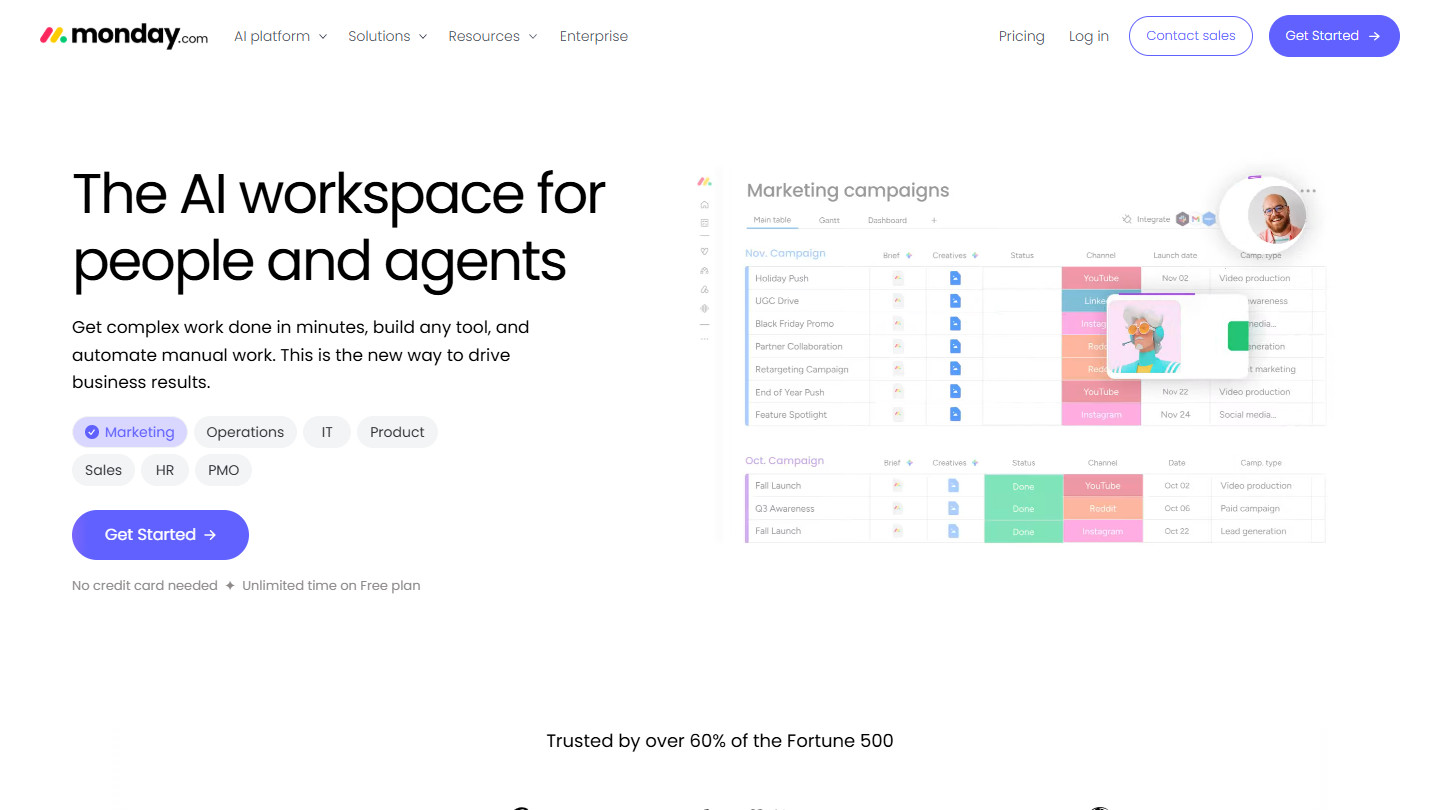
monday.com website: “The AI workspace for people and agents”

monday.com is one of the most complete planning tools on the market. Each project is a collaborative dashboard: one row per task, one column per piece of information, and many integrations on paid plans. On those plans, the tool can display the whole team’s schedule over any chosen period.

The free plan comes down to tight numbers: two people, three boards, three docs. Dates go in a column, task by task. The calendar and Gantt only appear on the Standard plan, along with automations and integrations.

This free plan is good for building a project’s structure as a pair and testing the tool on a real case. A team that needs to see its schedule over time will move to paid within the first few weeks.

Basique costs €9 per seat per month billed annually, €12 billed monthly. Standard, the plan that opens the calendar and Gantt views, is €14 per seat per month. Every paid plan can be tried for free.

02

Wrike

4.5/5 From $10

Best for: A team starting for free on the tool it will keep for its big projects

+ Strengths
  • Web, desktop and mobile apps from the free plan
  • Table and Agile Board views on the free plan
  • Interactive Gantt from the first paid plan
− Downsides
  • Limited number of active tasks on the free plan
  • No Gantt before the Team plan
  • Prices shown in dollars
★ Wrike in brief

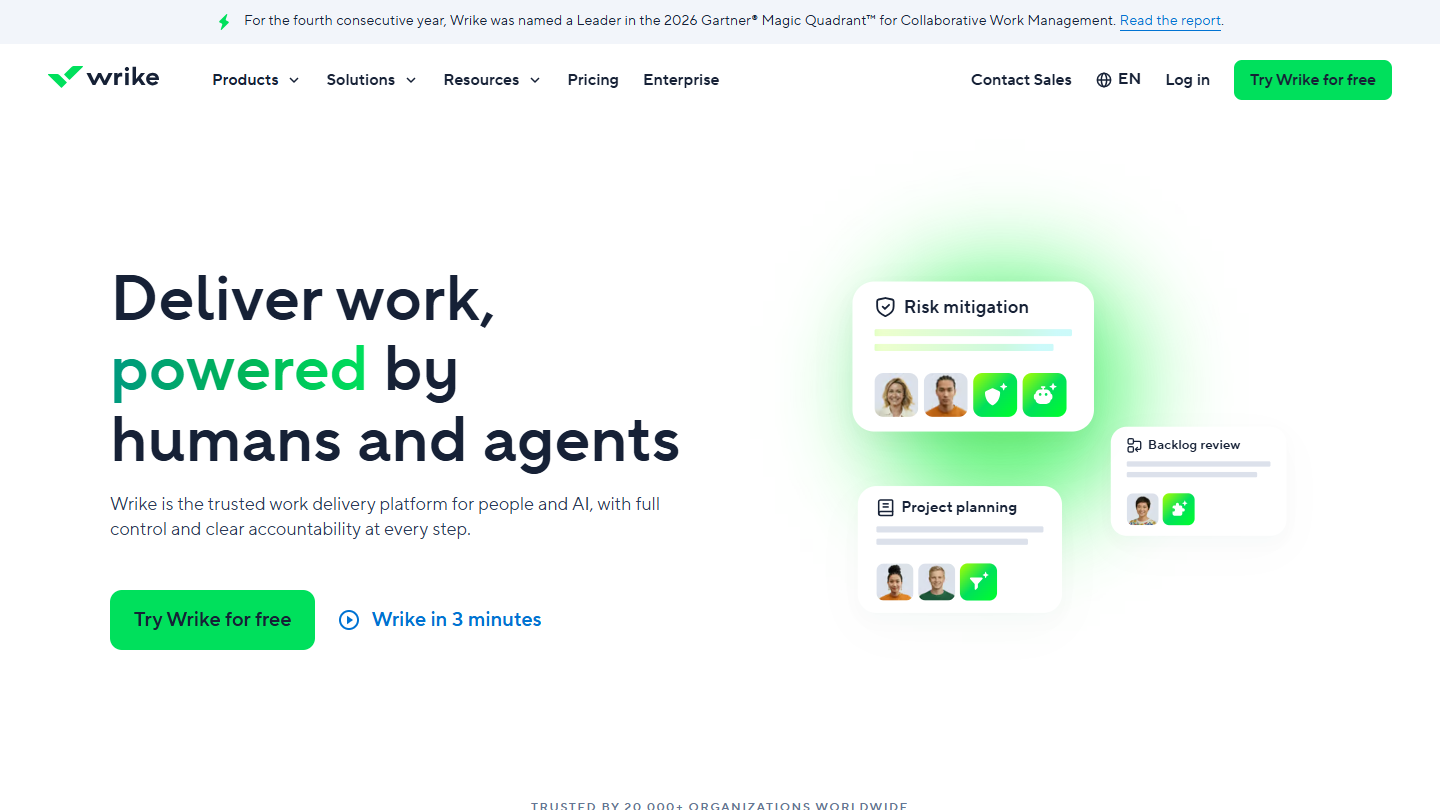
Wrike website: “Deliver work, powered by humans and agents”

Simple to pick up, Wrike is ideal for quickly launching small or mid-sized projects, and it holds up when they grow. The tool covers most of the features needed for project planning: Gantt charts, Kanban boards, shareable dashboards, custom fields and workflows.

The free version of Wrike gives access to the web, desktop and mobile apps, with project and task management in Table and Agile Board views. Its limit is on the number of active tasks: you can plan a project on it, not an entire portfolio.

The interactive Gantt arrives with Team, resource and capacity planning with Business. For a team that mainly plans over time, the free plan is therefore more useful for getting familiar with the tool than for maintaining a schedule.

Team costs $10 per user per month billed annually, for 2 to 15 users. Business, at $25, accepts 5 to 200 users. Paid plans come with a 14-day trial, no credit card required.

03

Trello

4.7/5 From $5

Best for: A small team that dates its cards and tracks progress in Kanban

+ Strengths
  • Unlimited cards and power-ups per board
  • Free for up to 10 collaborators per workspace
  • Immediately easy to pick up
− Downsides
  • 10 boards per workspace on the free plan
  • Calendar and Timeline views reserved for Premium
  • Kanban poorly suited to very complex projects
★ Trello in brief

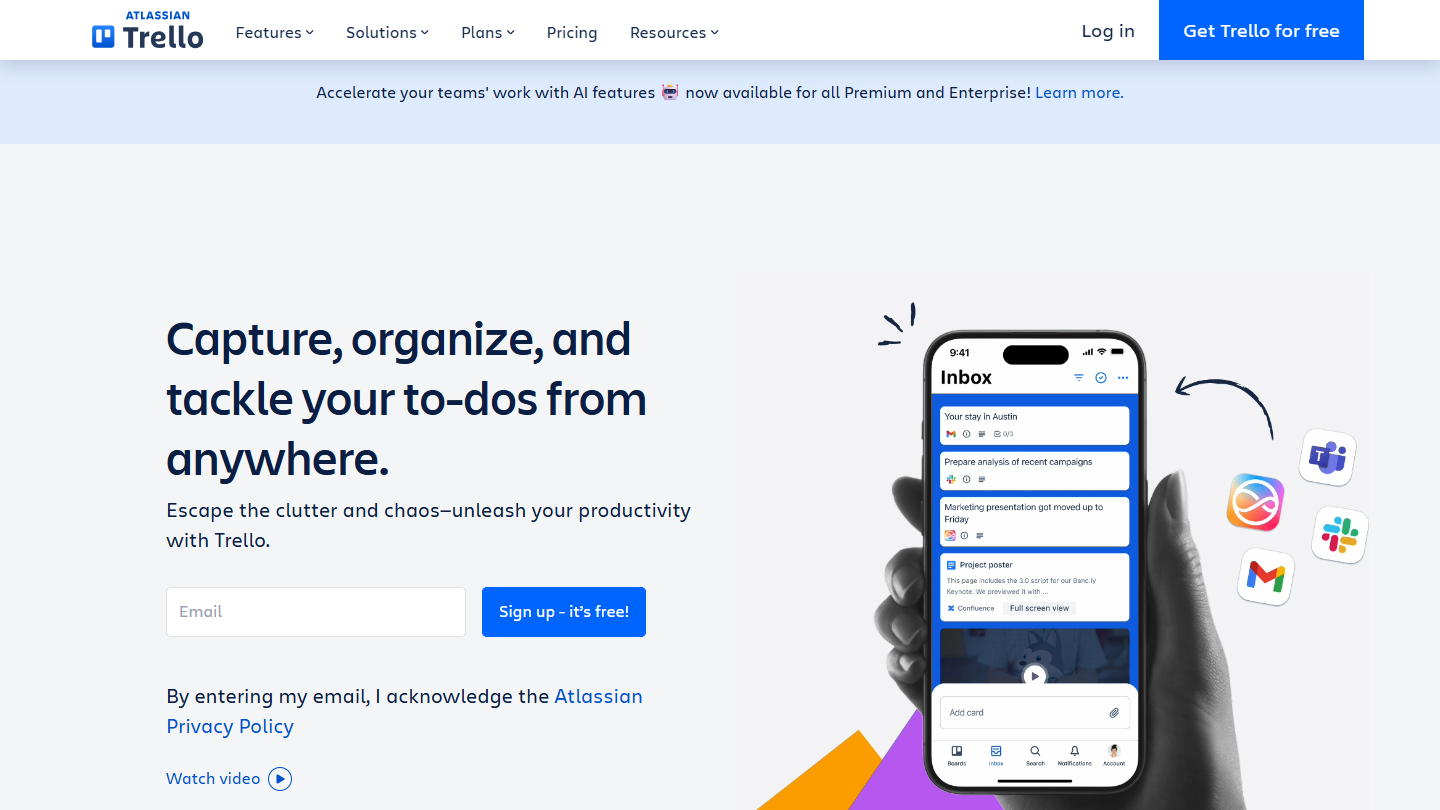
Trello website: “Capture, organize, and tackle your to-dos from anywhere.”

Built around the Kanban method, Trello is ideal for basic projects run individually or by small teams. Cards can hold a lot of information, but the Kanban system isn’t suited to managing very complex projects.

In its free version, Trello is available on mobile and lets you create up to 10 boards per workspace, with unlimited cards and power-ups, for 10 collaborators at most. Each card gets an assignee and a due date: on the free plan, the schedule is read card by card.

The Calendar and Timeline views only arrive with Premium. Before that, Standard unlocks unlimited boards, custom fields and advanced checklists: useful for structuring a project, not for seeing it over time.

Standard costs $5 per user per month billed annually ($6 billed monthly), Premium $10 ($12.50 billed monthly). Premium can be tried for free.

04

Notion

4.7/5 From €9.50

Best for: A freelancer planning projects in the same place as notes and documents

+ Strengths
  • Databases with subtasks, dependencies and custom properties on the free plan
  • Notion Calendar included
  • Up to 10 external guests
− Downsides
  • Limited usage from 2 members on the free plan
  • Files of 5 MB at most
  • Schedule to build yourself
★ Notion in brief

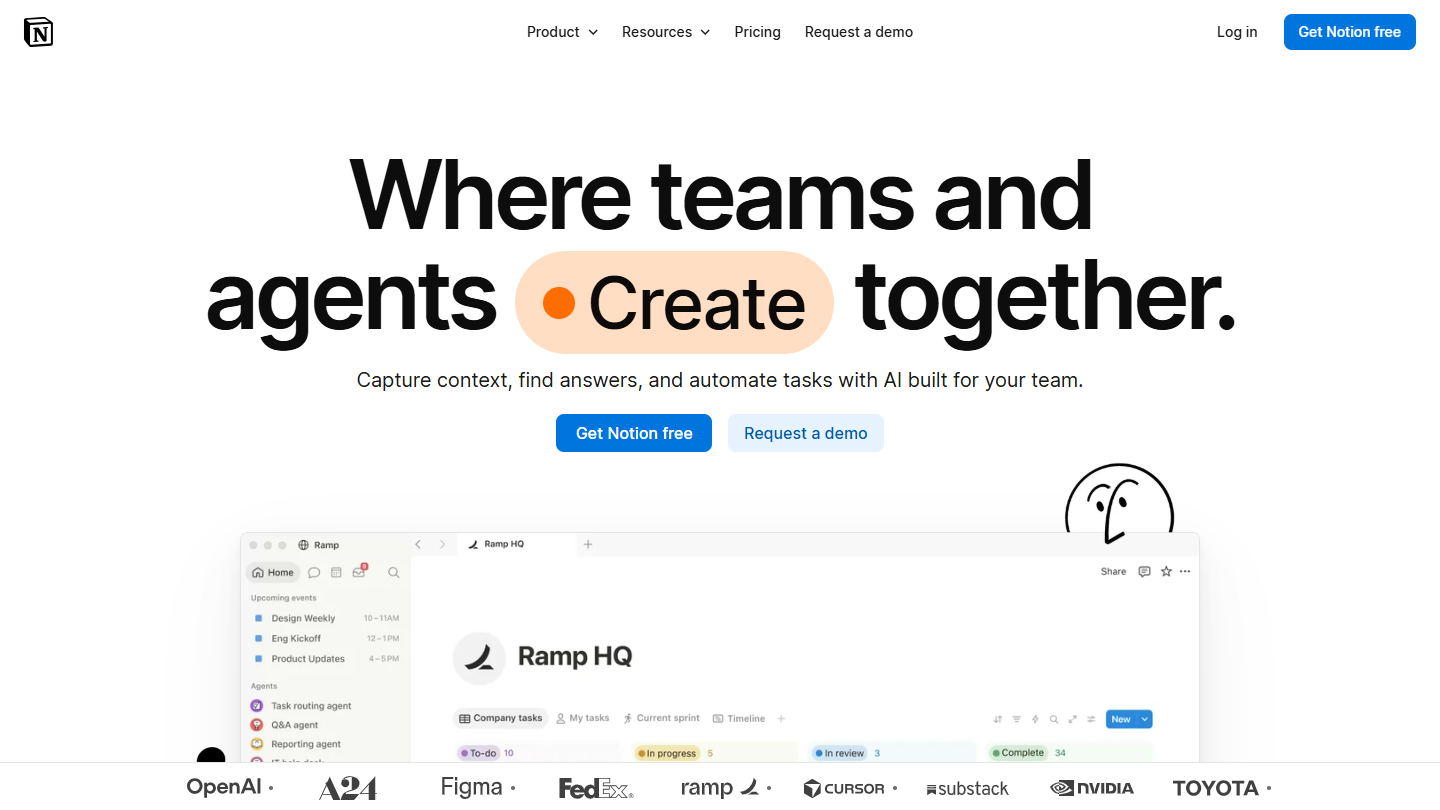
Notion website: “Where teams and agents Create together.”

Notion is a modular all-in-one tool, ideal for bringing all of a company’s information into a single tool. It combines many features: collaborative workspace, word processing, to-do lists, document storage, calendar, Kanban board, etc.

Notion designed its free version as an individual tool. Its databases already handle subtasks, dependencies and custom properties, enough to maintain a project schedule, and Notion Calendar is included. Sharing stops quickly: usage is limited from two members on, and external guests are capped at 10.

For planning, Notion demands an upfront effort: there is no ready-made schedule, you build it yourself from a database. In return, the dated tasks and the project’s documents sit in the same place.

Plus costs €9.50 per member per month billed annually (€11.50 billed monthly), with files up to 5 GB and collaborative blocks. Business goes up to €19.50.

05

Basecamp

4.7/5 From $29

Best for: A single project run by three people, with deadlines, milestones and discussions in one place

+ Strengths
  • Calendar of deadlines, milestones and events from the free plan
  • Paid plans per account, with no per-user fee
  • Messages, tasks, chat and documents in each project
− Downsides
  • Free plan limited to 1 project, 3 users and 1 GB
  • Paid tiers set by number of active projects
★ Basecamp in brief

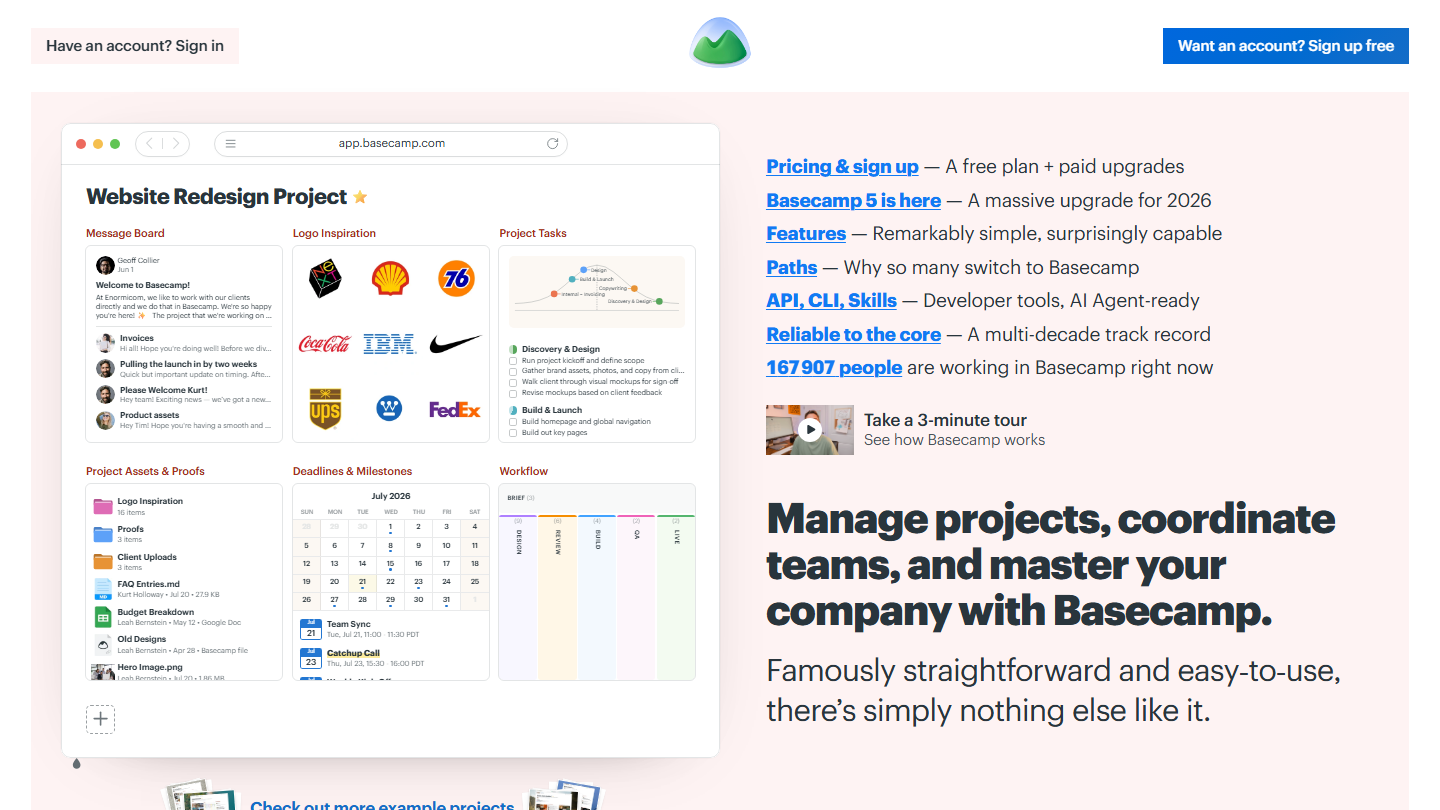
Basecamp homepage: “Manage projects, coordinate teams, and master your company with Basecamp”, with a project and its deadline calendar

Launched in 2004, Basecamp is one of the oldest planning tools. Very complete, it brings together in each project tools usually found separately: message board, to-do lists, Kanban card table, chat, documents and files.

Designed for light use, Basecamp’s free version opens only one project, for 3 users, with 1 GB of storage. Yet it has the same tools as the paid plans, including the project calendar: deadlines, milestones and events can go in from day one.

This is the free plan that suits a one-off project, a launch or a client job, run by three people. Beyond that, Basecamp doesn’t count users but active projects: an archived project no longer counts.

The paid version of Basecamp is paid for the whole account: Freelancer at $29 per month (3 active projects, 5 users), Pro at $79 (8 projects, 10 users), Pro Plus at $99 (12 projects, 15 users) and Pro Unlimited at $199 per month billed annually ($329 billed monthly), with unlimited projects and users. Basecamp offers a 30-day free trial.

06

Toggl

4.0/5 From €9

Best for: A team of 3 that wants to align its estimates with time actually logged

+ Strengths
  • Time tracking, tasks, boards and estimates in the same free plan
  • Google Calendar and Outlook integrations
  • Individual reports from the free plan
− Downsides
  • Free plan limited to 3 users
  • Timeline and milestones from Starter
★ Toggl in brief

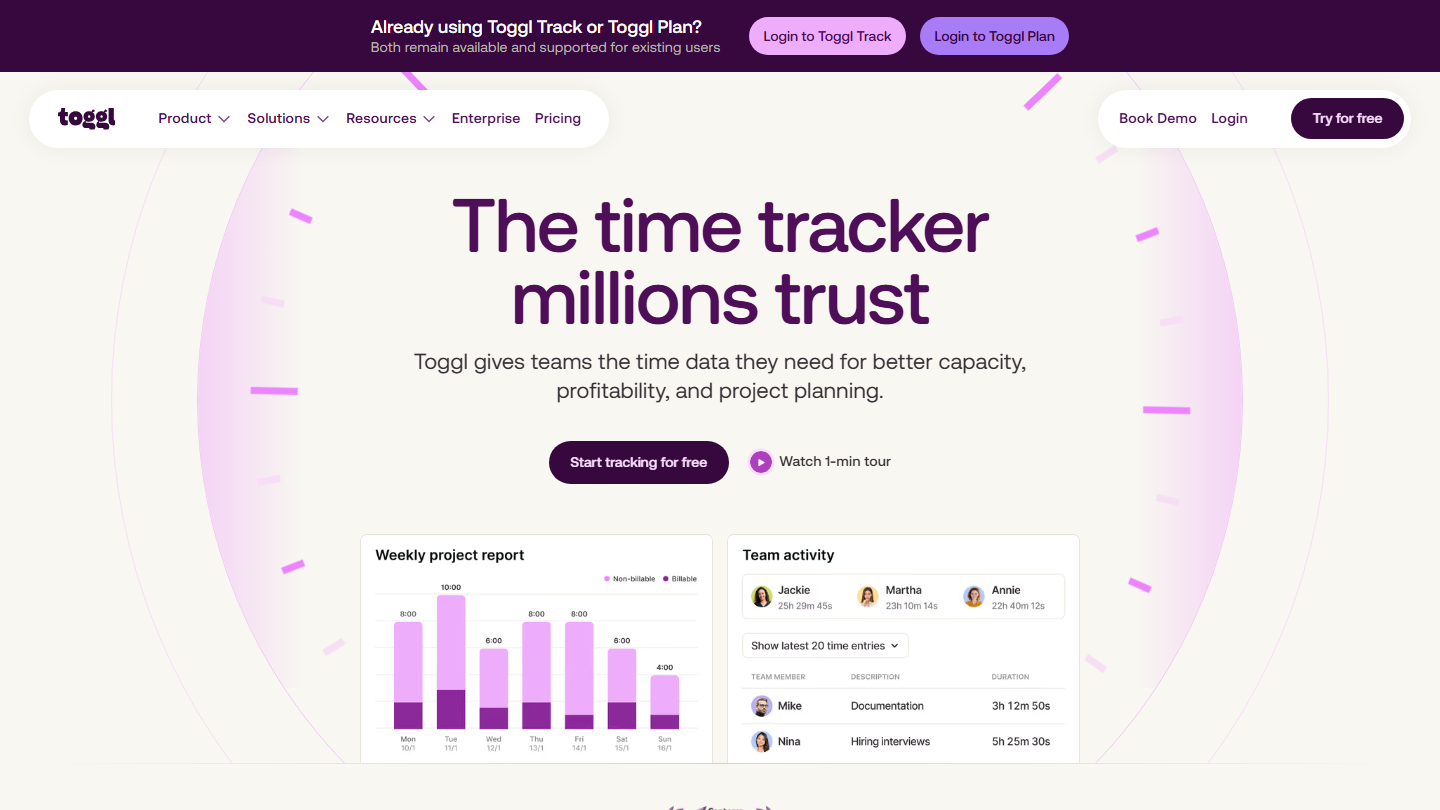
Toggl homepage: “The time tracker millions trust”, with a weekly time report by project

Very easy to use, Toggl Plan was Toggl’s planning tool, alongside Toggl Track, its time tracking tool. The two now form a single offer, Toggl, and that is what a new account opens; existing users keep access to Toggl Track and Toggl Plan.

Toggl didn’t use to offer a free version. It has one today, for up to 3 users: manual or real-time timers, integration with Google Calendar and Outlook, and simple planning with tasks, boards and per-task time estimates.

The timeline, labels and milestones arrive with Starter, along with time off and public holidays in the capacity calculation. It’s the right choice for a team that already logs its hours and wants to use them to plan what comes next.

Starter costs €9 per user per month billed annually (€12 billed monthly), Premium €16 (€24 billed monthly). Both come with a 30-day trial.

07

Zoho Projects

4.7/5 From €4

Best for: A team of 5 that wants to plan in Gantt without paying, across 3 projects

+ Strengths
  • Gantt chart included from the free plan
  • Up to 5 users and 5 GB of storage
  • Google and Office 365 integration on the free plan
− Downsides
  • 3 projects at most on the free plan
  • Timesheets reserved for paid plans
  • Critical path and baseline from Enterprise
★ Zoho Projects in brief

Zoho Projects website: “Project management software built for increased productivity improved collaboration dynamic teams you”

Zoho Projects is a cloud-based collaborative planning application for managing documents and viewing the project in different forms. On paid plans, the timesheet module records billable and non-billable hours.

Limited to 5 users, 3 projects and 5 GB of storage, the free version of Zoho Projects already provides the Gantt chart, subtasks and a whiteboard. Along with Teamwork.com, it’s the exception in this selection: a Gantt without paying.

For a very small business that has to show a schedule to a client or to management, it’s the most directly useful free plan. The limit of 3 projects comes quickly if each client has their own.

From €4 per user per month billed annually (€5 billed monthly), the Premium version opens unlimited projects, timesheets and recurring tasks. Enterprise, at €9 (€10 billed monthly), adds the critical path and the baseline on the Gantt. Zoho Projects offers a 15-day free trial, no credit card required.

08

Asana

4.2/5 From €10.99

Best for: A pair tracking deadlines in a calendar, with no limit on tasks or projects

+ Strengths
  • List, Board and Calendar views on the free plan
  • Unlimited tasks and projects
  • More than 100 free integrations
− Downsides
  • Free plan limited to 2 users
  • Timeline and Gantt reserved for Starter
★ Asana in brief

Asana website: “Supercharge your teams with AI”

Intuitive, Asana connects its views: the same task list displays as a Kanban board, a calendar or, on paid plans, a timeline. Unlike Trello, this tool can, for example, organize a task list chronologically.

Available on a mobile app, the free version offers unlimited tasks and projects, List, Board and Calendar views, and more than 100 integrations. But it limits teamwork to 2 users.

The free calendar is enough to see a pair’s deadlines. As soon as you need dependencies between tasks or a schedule to show, the timeline and Gantt require Starter, which also adds unlimited free guests: handy for involving a client or subcontractor.

Starter costs €10.99 per user per month billed annually (€13.49 billed monthly), Advanced €24.99 (€30.49 billed monthly).

09

Teamwork.com

4.6/5 From €9.99

Best for: An agency of 5 people planning its client projects in Gantt

+ Strengths
  • Gantt, list, board and spreadsheet views from the free plan
  • Projects organized by client, with time logging
  • Data hosted in the United States or in Europe
− Downsides
  • Free plan limited to 5 users and 5 projects
  • Team capacity and invoicing from Accelerate
★ Teamwork.com in brief

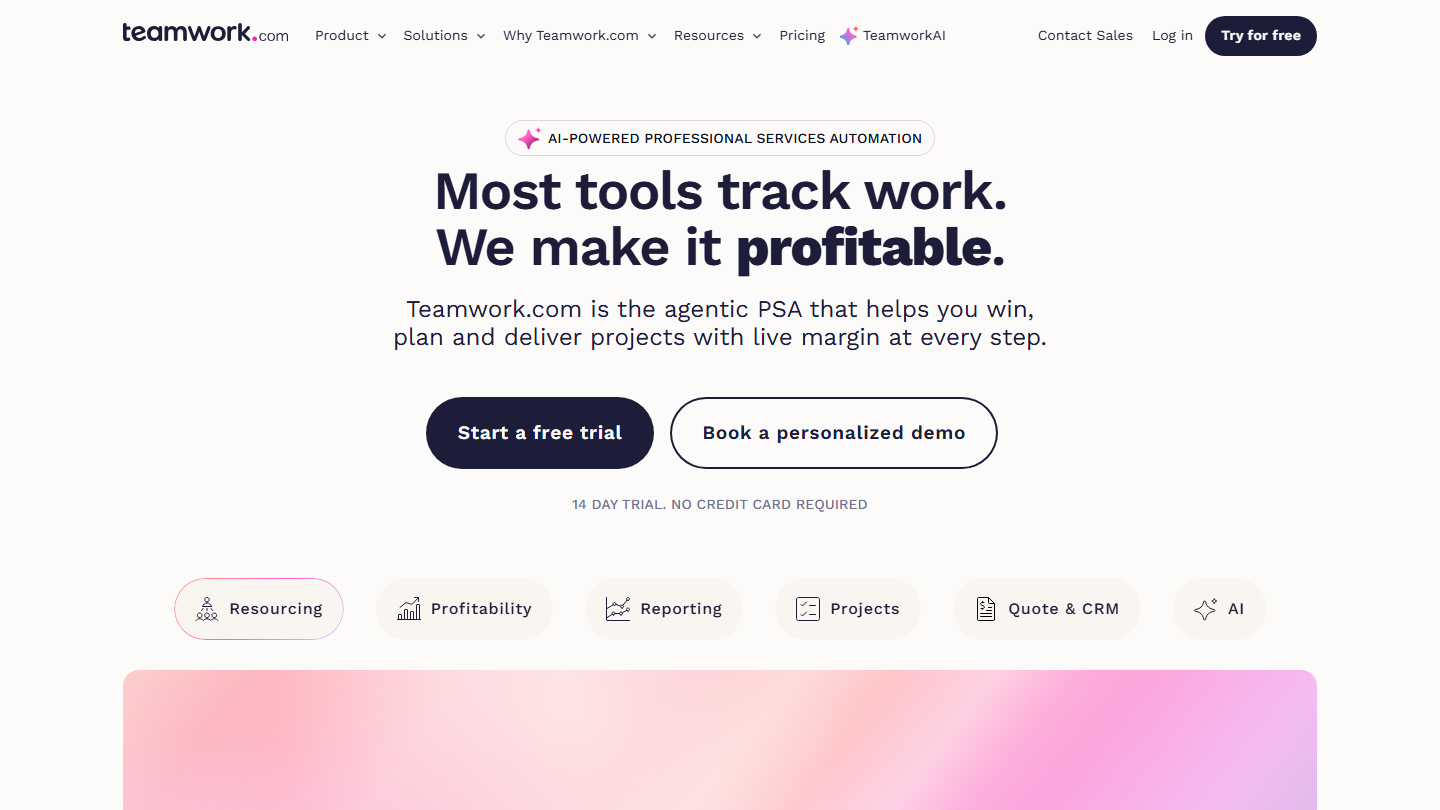
Teamwork.com homepage: “Most tools track work. We make it profitable.”

Designed to maximize productivity, Teamwork.com gives real-time visibility into task progress. It presents itself as a tool built for client work: each project sits under its client, and time spent is logged so it can be billed on.

Limited to 5 users and 5 projects, the free version of Teamwork.com provides task, list, board, spreadsheet and Gantt views, time logging and 100 automations. Along with Zoho Projects, it’s the only free Gantt in this selection.

This free plan covers a small agency that wants to show a schedule to its clients. Capacity tracking, member by member, and invoices built from logged time require the Accelerate plan.

From €9.99 per user per month billed annually (€13.99 billed monthly), Basics adds unlimited templates and billable time tracking. Accelerate costs €24.99 (€29.99 billed monthly). Teamwork.com offers a 14-day free trial, no credit card required.

10

ClickUp

4.7/5 From $9

Best for: A large team that wants a shared calendar without paying for seats

+ Strengths
  • Unlimited free members
  • Calendar view, Kanban boards and time tracking on the free plan
  • Unlimited tasks and subtasks
− Downsides
  • 60 MB of storage on the free plan
  • Unlimited Gantt from the Core plan
  • Prices shown in dollars
★ ClickUp in brief

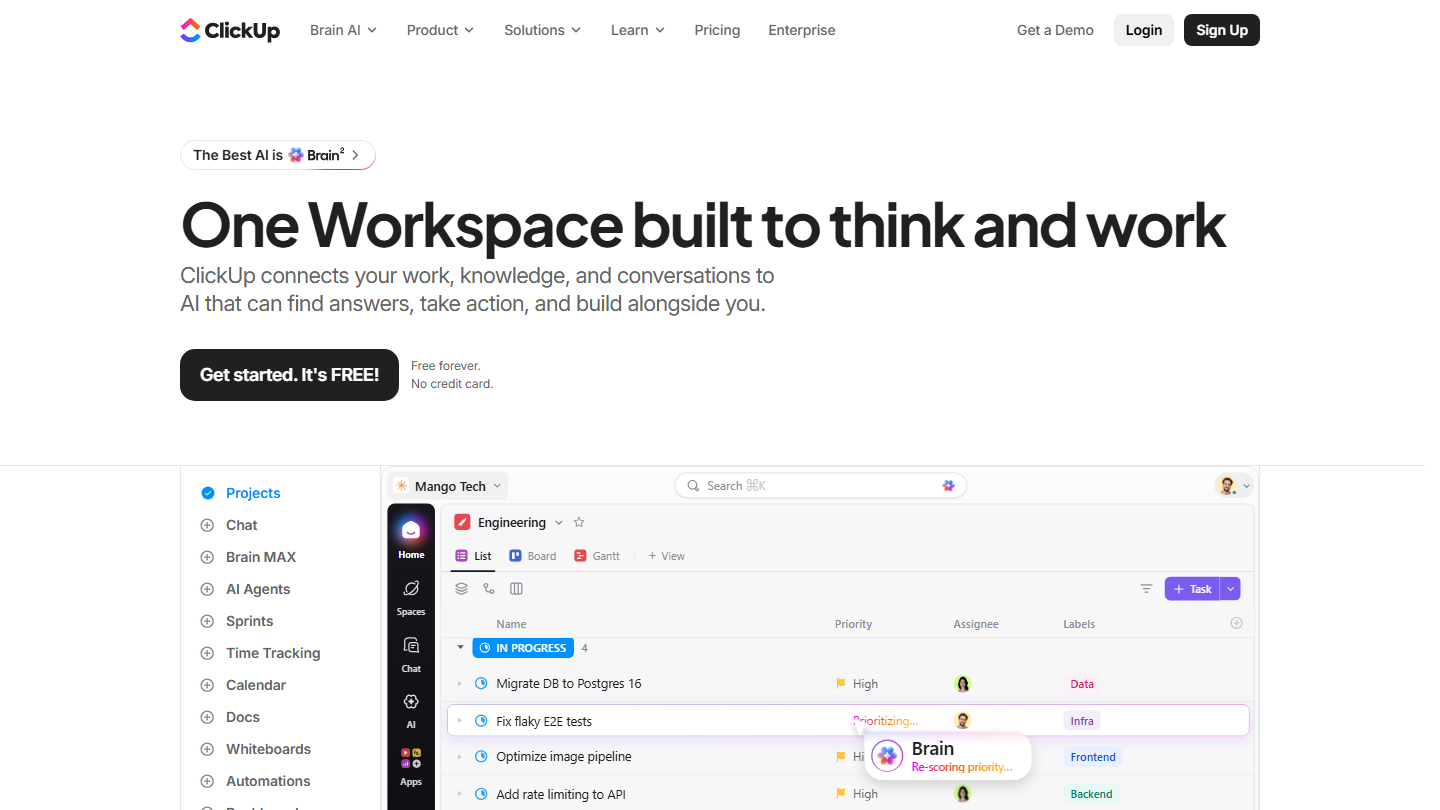
ClickUp homepage: “One Workspace built to think and work”, with a task list and its Board and Gantt views

ClickUp brings tasks, collaborative documents, chat and time tracking into a single workspace, with several views of the same project: list, Kanban board, calendar and Gantt.

Its free-forever version doesn’t cap the number of members. It provides the calendar view, Kanban boards, sprint management and time tracking, with unlimited tasks and subtasks. The real limit is storage: 60 MB.

This is the free plan to take when the whole team needs to see the same calendar. The unlimited Gantt, custom fields and unlimited storage wait for the Core plan.

Core costs $9 per user per month billed annually ($12 billed monthly), Business $17 ($25 billed monthly).

11

MeisterTask

4.1/5 From €12.50

Best for: A team that wants deadlines on a Kanban open to everyone, across 3 projects

+ Strengths
  • Unlimited tasks and team members on the free plan
  • Import from Asana and Trello
  • Mobile and desktop apps
− Downsides
  • 3 projects and 5 notes at most on the free plan
  • Timeline view reserved for Business
  • Integrations and recurring tasks from Pro
★ MeisterTask in brief

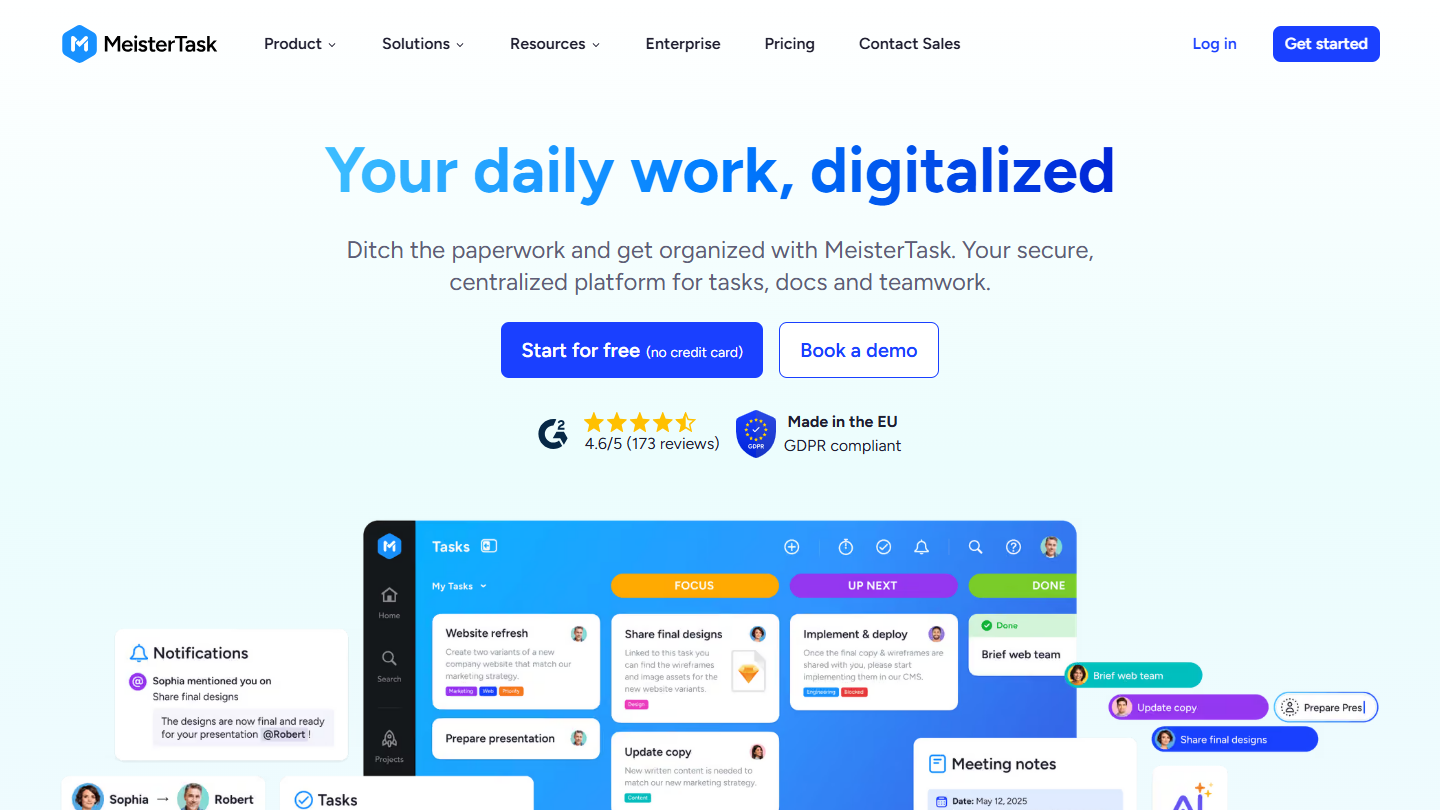
MeisterTask website: “Your daily work, digitalized”

Like Trello, MeisterTask is built around the Kanban board for planning a project. Cloud-based and designed in the European Union, the tool aims to be more complete than Trello, and organizes tasks, comments, due dates, etc. on a board.

Available on mobile and desktop, the free version of MeisterTask lets you plan up to 3 projects, with unlimited tasks and team members, but no integrations, which start on the Pro plan.

For planning, you therefore work with the due dates set on each task. The timeline view is reserved for Business, like the team view and custom fields.

From €12.50 per user per month billed annually (€15.50 billed monthly), the Pro version of MeisterTask includes unlimited projects, integrations, automations and recurring tasks. Business costs €24 (€31 billed monthly). Prices exclude VAT.

How did we choose these 11 tools?

This selection draws on our benchmark of free planning software, reviewed tool by tool on each publisher’s pricing page. The order of the list is not a ranking: the right tool depends on team size and the view you need for planning.

  1. 01
    Scope

    Planning and project management software with a free plan with no time limit. A tool that now offers only a free trial leaves the list and makes way for a tool that has kept its free plan.

  2. 02
    Free plan

    For each tool: number of users, projects or boards, storage, and above all the schedule views included without paying (calendar, timeline, Gantt).

  3. 03
    Pricing

    The price shown is the regular price of the first paid plan, excluding promotions, billed annually, with the monthly price when the publisher displays it.

  4. 04
    Ratings

    The rating is taken from our test when the tool has one. Toggl and MeisterTask have not yet been tested separately: their rating is a first estimate.

The questions we get over and over.

Which free plans include a Gantt chart?

In this selection, two: Zoho Projects, up to 5 users and 3 projects, and Teamwork.com, up to 5 users and 5 projects. At monday.com, Wrike, Asana, Trello and MeisterTask, the Gantt or timeline requires a paid plan.

What is the difference between a calendar, a timeline and a Gantt?

A calendar places each task on its due date. A timeline draws tasks as bars on a time axis, from start to finish. A Gantt adds dependencies between tasks and milestones to the timeline: shifting a task shows what it delays.

Is free planning software enough to manage team workload?

No. When a tool in this selection handles team workload and capacity, it’s on a paid plan: Business at Wrike and ClickUp, Accelerate at Teamwork.com, Starter at Toggl for time off and public holidays, Entreprise at MeisterTask for the workload planner.

How much does planning software cost once you outgrow the free plan?

The first paid plan ranges from €4 per user per month at Zoho Projects to €12.50 at MeisterTask, billed annually. Basecamp is the exception: it charges for the whole account, from $29 per month.

★ The conversation, 0 comments

What the community says.

Basic Markdown, moderated within 24 h
Loading…

    In the same category