Top 12 Best Trello Alternatives

Twelve Trello alternatives compared. More complete than Trello, Kanban included: monday.com, ClickUp, Asana, Wrike.

Maxime Ben Bouaziz
Maxime Ben Bouaziz
CEO Salesdorado, IA & Sales Tech
July 19, 2022, updated November 10, 2026, 1 min read
See all tools

Trello is clearly the solution of choice for simple, linear processes. You name one person responsible for each Kanban column (a step in the process) and you move the cards from left to right. So far so good.

But it has to be said that Trello is not really suited to more complex or non-linear processes. As soon as you need a bit more communication, or as soon as you have to manage dependencies (to move forward on task A, task B has to be completed), Trello quickly becomes limiting.

Trello’s free plan also stops at 10 boards and 10 collaborators per workspace, and at 250 automation runs per month. The calendar, timeline and dashboard views are reserved for Premium, at $10 per user per month billed annually. Finally, some will want a self-hosted solution to keep control of their data. Depending on your need:

  • keep visual boards, with more columns and views: monday.com;
  • the best value for money, with no member cap on the free plan: ClickUp;
  • a schedule shared between several people: Asana, or Wrike for projects spanning several teams;
  • link cards to documentation or data: Notion, Airtable;
  • a development team working in Agile: Jira, or Taiga in open source;
  • bill the time spent on client projects: Teamwork.com;
  • a Kanban with a timer: KanbanFlow;
  • a simple task list: Todoist;
  • an open source Trello clone, hosted in-house: WeKan.

SalesdoradoSimulate your choice of project management tool
Free tool, 2 minutes
Simulate your choice of project management tool

Answer 10 targeted questions and find the tools that actually fit your situation.

12
tools analyzed
10
targeted questions
€0
no sign-up
Methodology published by the Salesdorado editorial team

The 12 tools, side by side

# Logos tool Score Price Best for
01 monday.com 4.0/5 ★ €9 Non-technical teams that like Trello’s visual side but want to track statuses, dates and budgets in columns Visit site
02 ClickUp 4.7/5 ★ $9 Teams looking for the best value for money against Trello Visit site
03 Todoist 4.7/5 ★ €5 Freelancers and small teams who used Trello as a task list more than as a project tool Visit site
04 Asana 4.2/5 ★ €10.99 Teams that want to switch from Kanban to list, calendar or timeline on the same tasks Visit site
05 Notion 4.7/5 ★ €9.50 Teams that want to gather all the company’s information in a single collaborative tool Visit site
06 Jira 4.7/5 ★ $8.48 Development teams that work in Agile Visit site
07 Teamwork.com 4.6/5 ★ €9.99 Service companies that bill their hours and share their projects with their clients Visit site
08 Taiga 4.3/5 ★ €5 Agile teams, developers and start-ups that want a customizable open source tool Visit site
09 WeKan 3.8/5 ★ Free Teams that want a Kanban close to Trello, hosted on their own servers or in Europe Visit site
10 Airtable 4.3/5 ★ $20 Teams used to Excel that want to run their projects in a connected spreadsheet Visit site
11 Wrike 4.5/5 ★ $10 Complex projects, especially those involving several teams Visit site
12 KanbanFlow 4.0/5 ★ $5 Teams that want a Kanban board with a built-in time tracker Visit site
01

monday.com

4.0/5 From €9

Best for: Non-technical teams that like Trello’s visual side but want to track statuses, dates and budgets in columns

+ Strengths
  • Very rich template gallery
  • Very complete integrations marketplace
  • Very easy to adopt and use
  • Fully customizable boards and field types
− Downsides
  • Automations, integrations and calendar or Gantt views reserved for the Standard plan
  • Free plan limited to 2 seats and 3 boards
  • Paid plans sold in bundles of 3 seats minimum
★ monday.com in brief

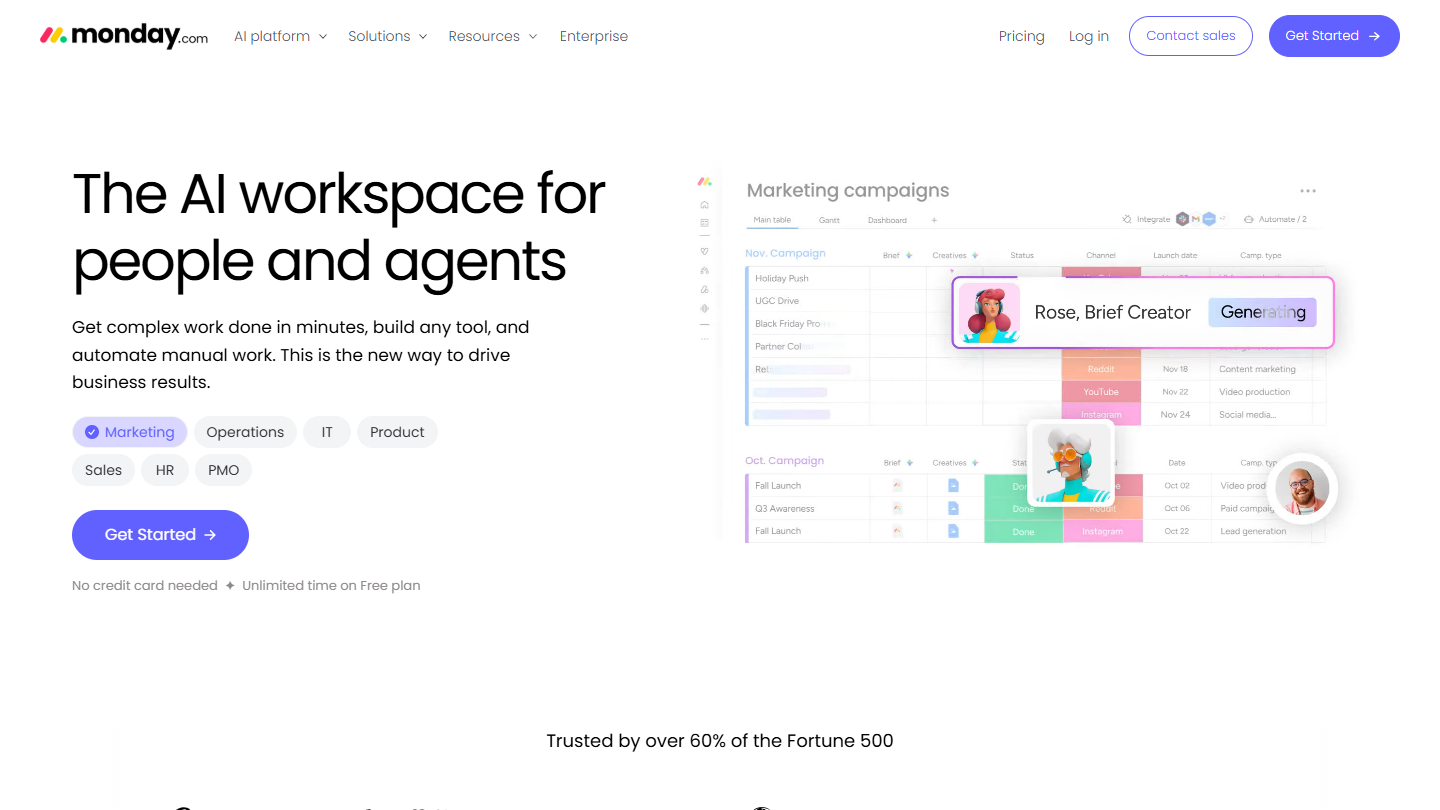
monday.com website: “The AI workspace for people and agents”

monday.com starts from the same principle as Trello, one board per process, but replaces the card with a row of typed columns: status, owner, due date, budget, file. The Kanban view is just one of the ways to display that board.

In practice, a team that tracked its requests in Trello lists keeps its steps, but can sort by due date, filter by owner or add up budgets at a glance. The template gallery covers most trades, from recruiting to content production.

In our view, it is the most credible alternative for a non-technical team that finds Trello too limited without wanting an austere tool. You should aim for Standard: automations, integrations, and the calendar and Gantt views do not exist in Basic, whereas Trello offers its first automations right from the free plan.

The free plan accepts 2 users and 3 boards. Basic costs €9 per seat per month billed annually (€12 monthly), with 3 seats minimum; Standard is listed at €14 per seat monthly. A free trial is offered on the paid plans.

02

ClickUp

4.7/5 From $9

Best for: Teams looking for the best value for money against Trello

+ Strengths
  • Free plan with no cap on members or tasks
  • Unlimited Gantt and storage from Core
  • Collaborative docs, sprints and calendar view included in the free plan
  • Customizable interface, from the solo freelancer to the international company
− Downsides
  • Free plan limited to 60 MB of storage
  • Long learning curve, with no onboarding support outside the Enterprise plan
  • AI counted in credits: 1,000 per user per month on Core, paid top-ups beyond that
★ ClickUp in brief

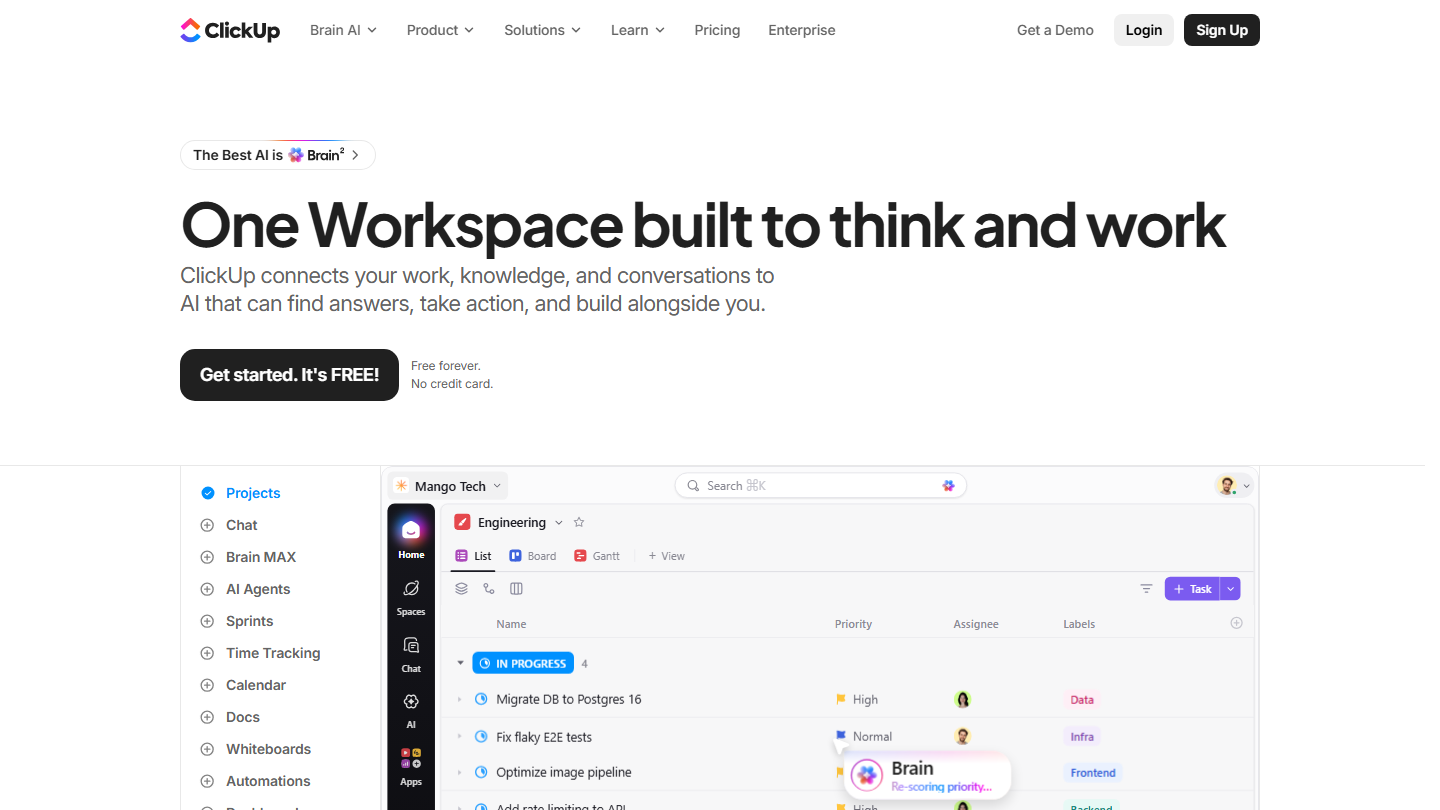
ClickUp home page: “One Workspace built to think and work”, with a task list in project view

ClickUp takes Trello’s Kanban board and surrounds it with everything else: lists, Gantt, documents, goals, chat and dashboards, in a single workspace organized into spaces, folders and lists.

In practice, a team leaving Trello can keep its board view day to day, while the manager follows the same tasks in Gantt or workload view. Time tracking is native from Core, where Trello goes through a Power-Up.

Against Trello, it is in our opinion the best value for money in this selection: the free plan counts neither members nor tasks, whereas Trello stops at 10 collaborators per workspace. The trade-off is a longer learning curve, with a few days of setup before the team finds its way around.

The free plan caps storage at 60 MB for the whole workspace. Core costs $9 per user per month billed annually ($12 monthly) and lifts the storage and Gantt limits. Business, at $17 ($25 monthly), adds 10,000 automations per month and advanced dashboards.

03

Todoist

4.7/5 From €5

Best for: Freelancers and small teams who used Trello as a task list more than as a project tool

+ Strengths
  • Light, intuitive and easy to roll out
  • Well-stocked catalog of integrations
  • Chrome extension to add a web page as a task
  • Web, mobile and tablet apps, down to smartwatches
− Downsides
  • Limited functional depth for large volumes and large teams
  • Free plan capped at 5 personal projects
  • No native time tracking or automation
★ Todoist in brief

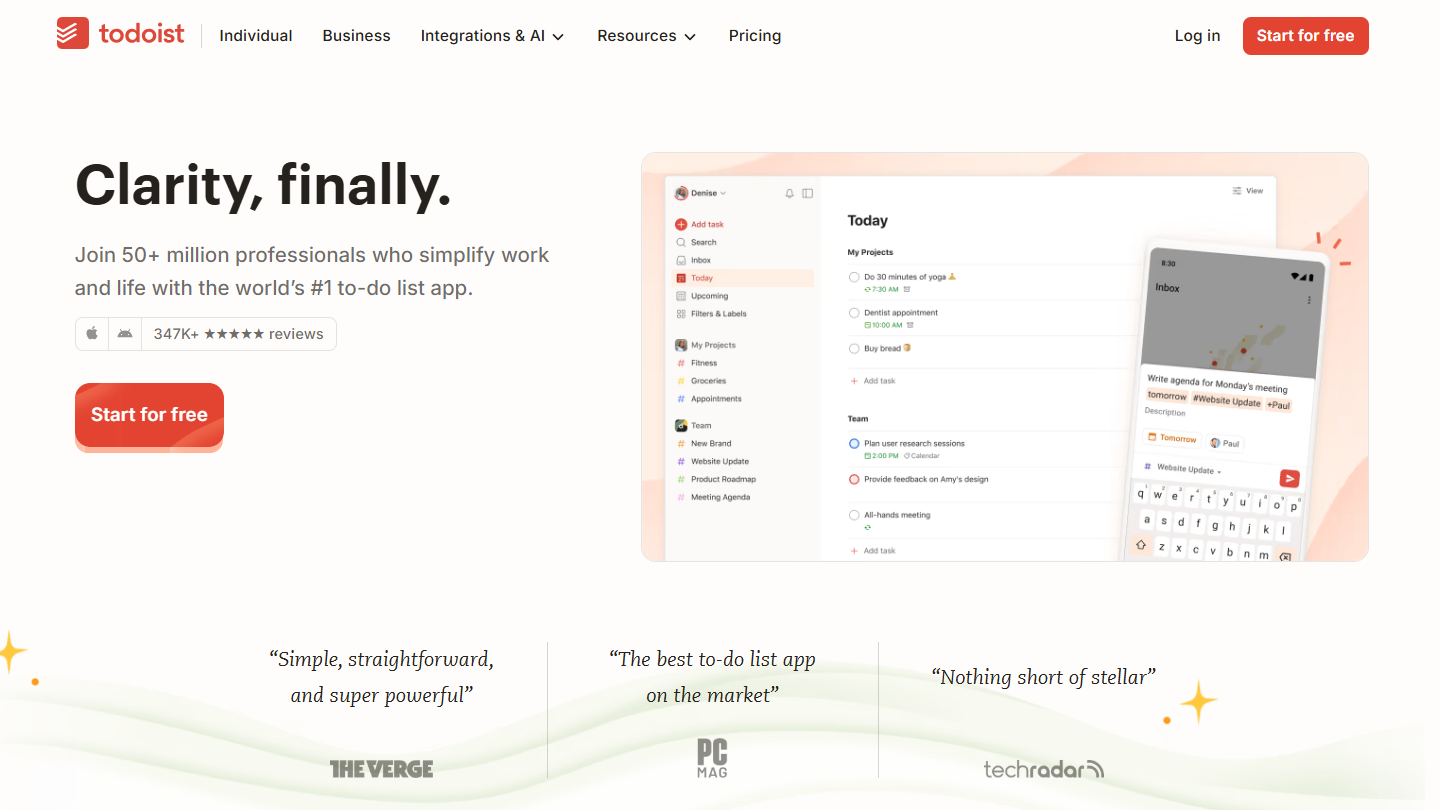
Todoist website: “Clarity, finally.”

Todoist is a task manager: you type a task in plain language, “send the quote Friday”, and it dates it and files it in the right project. Each project displays as a list or a board, with columns as in Trello.

In practice, many Trello users use it as a to-do list, alone or in a team. Todoist does that job faster: reminders, filters, recurring tasks, and a Chrome extension that turns a web page into a task. The apps cover web, mobile and tablet.

It does not replace Trello for a real team project: no Gantt, no dependencies, and no native time tracking or automation. It does replace it when the board was mostly there so that nothing got forgotten.

The free plan covers 5 personal projects and 3 filtered views. Pro costs €5 per month billed annually (€7 monthly), Business €8 per user per month billed annually (€10 monthly), with a shared team space.

04

Asana

4.2/5 From €10.99

Best for: Teams that want to switch from Kanban to list, calendar or timeline on the same tasks

+ Strengths
  • Kanban, list, calendar and timeline views that talk to each other
  • Unlimited projects from the free version
  • Unlimited automation rules from Starter
  • Mobile apps among the best on the market
− Downsides
  • Free plan limited to 2 users
  • A bit more expensive than its competitors
  • Customer support with a mixed reputation
★ Asana in brief

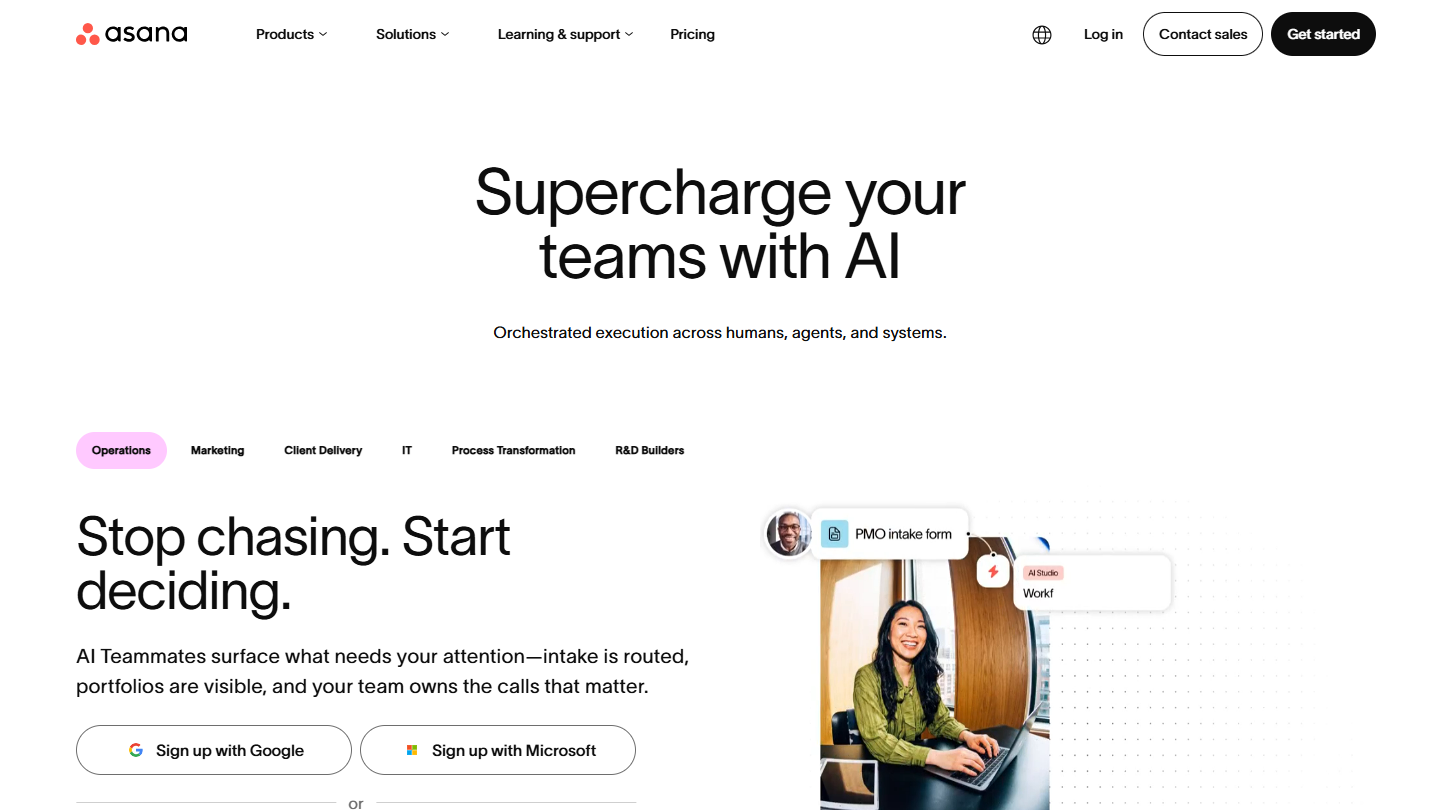
Asana website: “Supercharge your teams with AI”

Asana organizes tasks into projects and sections, and each project displays as a list, a Kanban board, a calendar or a timeline. Unlike Trello, these views share the same tasks: a card moved on the board keeps its place in the timeline.

In practice, a product launch is broken down into tasks with owners and due dates. The project manager follows it on the timeline to spot what is stuck, while the team works in the board view it knew from Trello. Forms turn incoming requests into tasks.

Asana makes sense when several people share a project and a schedule is needed, which Trello reserves for Premium. For a team of three, moving to a paid plan is immediate: the free plan stops at 2 users, and the price stays a bit above the competition.

The Personal plan is free forever for 2 users, with unlimited tasks and projects and the list, board and calendar views. Starter costs €10.99 per user per month billed annually (€13.49 monthly) and adds timeline, Gantt, dashboards and unlimited automation rules. Advanced is €24.99.

05

Notion

4.7/5 From €9.50

Best for: Teams that want to gather all the company’s information in a single collaborative tool

+ Strengths
  • A single tool to centralize everything, easy to use and intuitive
  • Collaborative work features: note-taking, link sharing, exports
  • Template gallery and many integrations
  • Open API whatever the plan
− Downsides
  • Limited reporting and tracking
  • Limited task management, recurring tasks hard to create
  • Blocks limited on the free plan from 2 members
★ Notion in brief

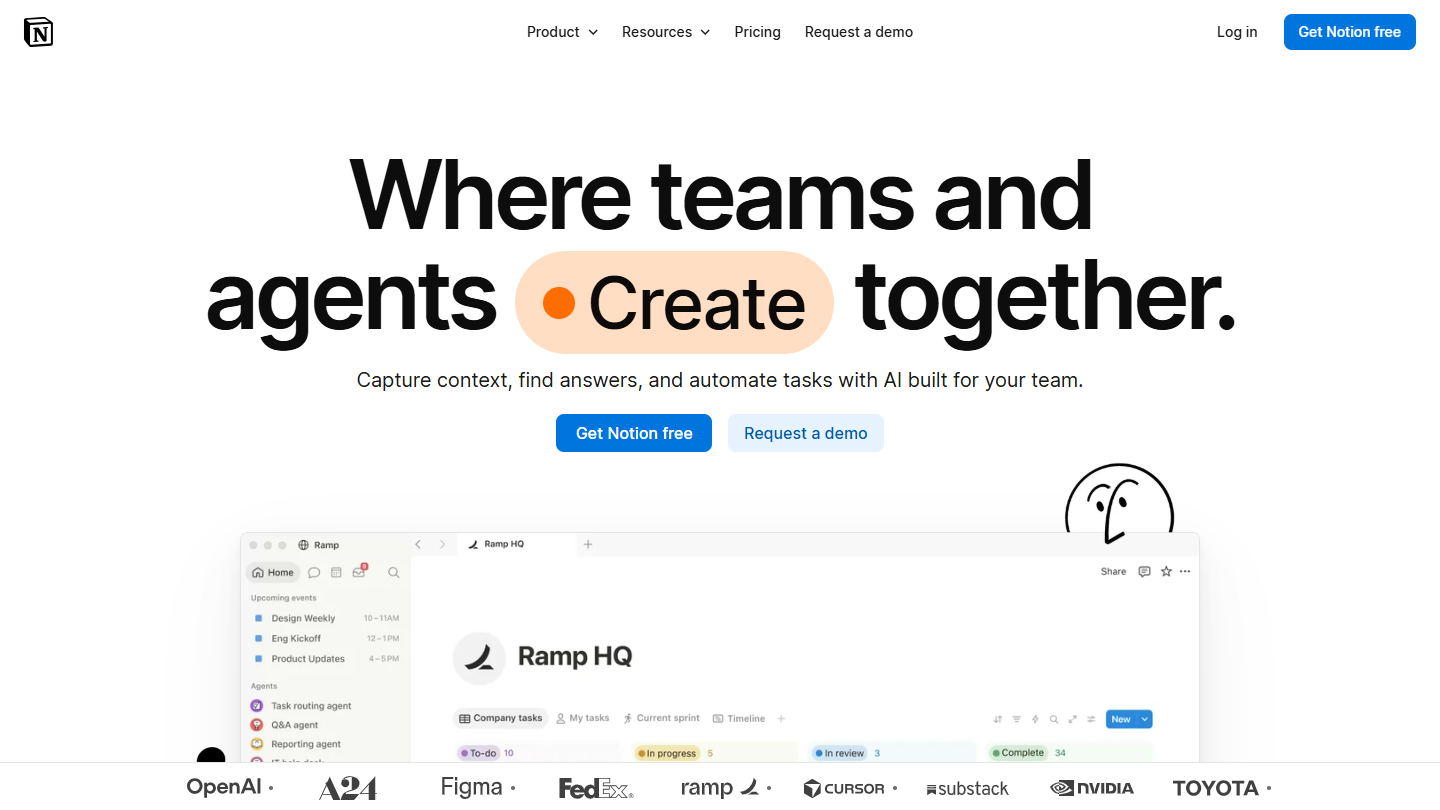
Notion website: “Where teams and agents Create together.”

Notion is not a Kanban tool to begin with, but a space of pages and databases. A project database displays as a board, a list or a calendar, and each card opens onto a full page.

In practice, the Trello card and its comments become a page that holds the brief, the mockups, the checklist and the discussions, linked to other databases: clients, sprints, content. A product team keeps its roadmap there next to its specifications, without switching from one tool to another.

Notion replaces Trello when the team spends as much time documenting as moving tasks forward. For tight tracking of deadlines and workload, it lacks reporting, and recurring tasks remain laborious.

The free plan is complete for solo use. From 2 members, blocks are limited, imported files capped at 5 MB and history at 7 days. Plus costs €9.50 per member per month billed annually (€11.50 monthly), Business €19.50.

06

Jira

4.7/5 From $8.48

Best for: Development teams that work in Agile

+ Strengths
  • Advanced reporting available from the first plans
  • Very active community of Agile users
  • Most features available for free, up to 10 users
  • Scrum and Kanban boards that have become the industry standard
− Downsides
  • Heavy tool, slow to set up in a team
  • Designed first for engineering and development teams
  • Storage limited to 2 GB on the free plan
★ Jira in brief

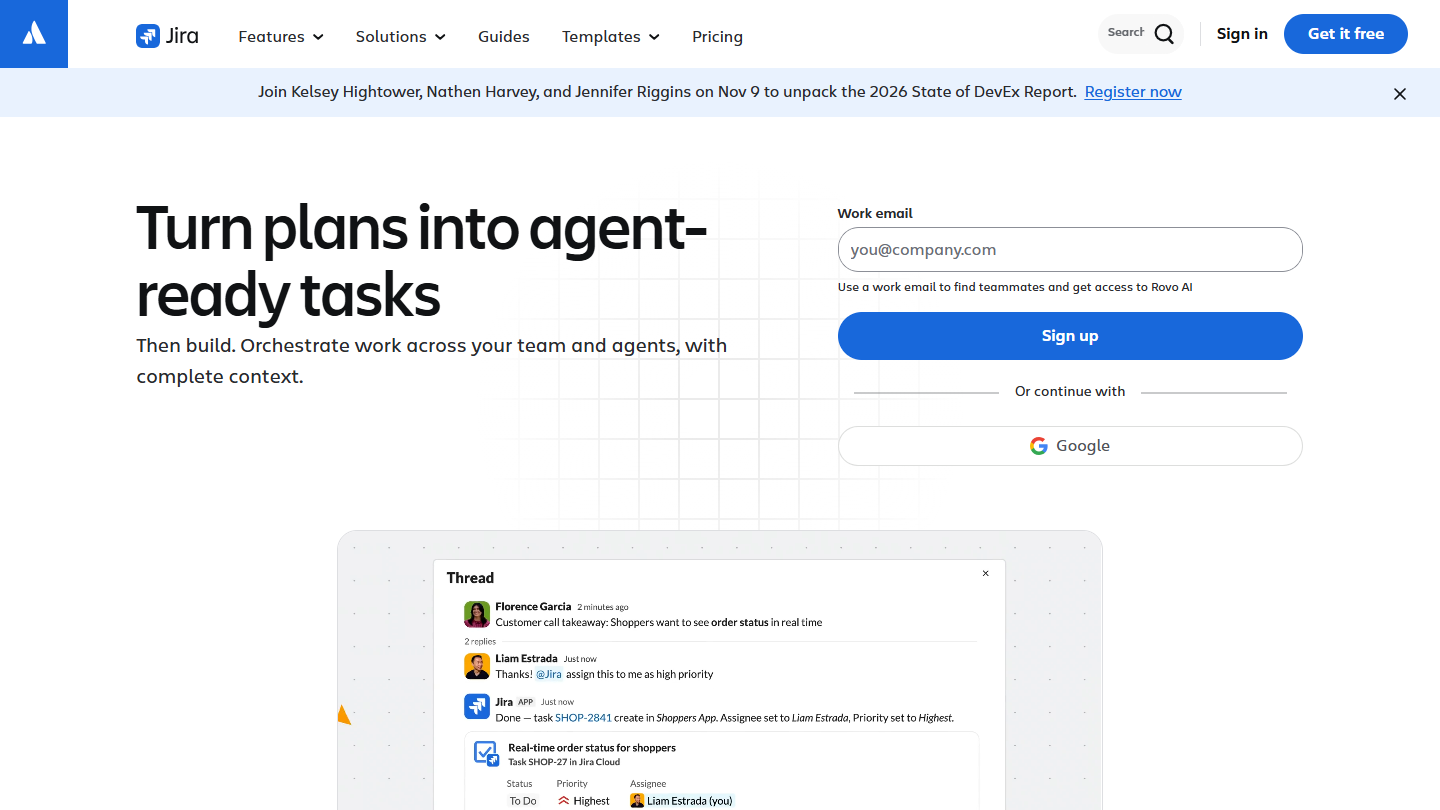
Jira website: “Turn plans into agent-ready tasks”

Jira is the Agile project management tool from Atlassian, the company behind Trello. Every bug, feature or task becomes a ticket there, placed in a backlog, planned in Scrum sprints or tracked on a Kanban board.

In practice, a development team that started on Trello finds its board there, plus workflows modeled on its process, estimates, a prioritized backlog and sprint reports. The List, Timeline and Calendar views are included from the free plan.

The switch makes sense when cards become tickets to estimate, prioritize and deliver in cycles. The team also gets access to a very active community of Agile users. For a marketing or sales team, Jira is needlessly heavy, and setting it up takes time.

Free up to 10 users, with 2 GB of storage and 150 automation steps per month. Standard costs $8.48 per user per month on monthly billing, Premium $15.56; a 7-day trial is offered on these two plans.

07

Teamwork.com

4.6/5 From €9.99

Best for: Service companies that bill their hours and share their projects with their clients

+ Strengths
  • Billable hours tracked from Basics, client invoices with Accelerate
  • Project sharing with clients
  • Very attractive value for money
  • Gantt, list, board and table views from the free plan
− Downsides
  • Free plan limited to 5 users and 5 projects
  • More limited customization than competitors
  • Help center not available in French
★ Teamwork.com in brief

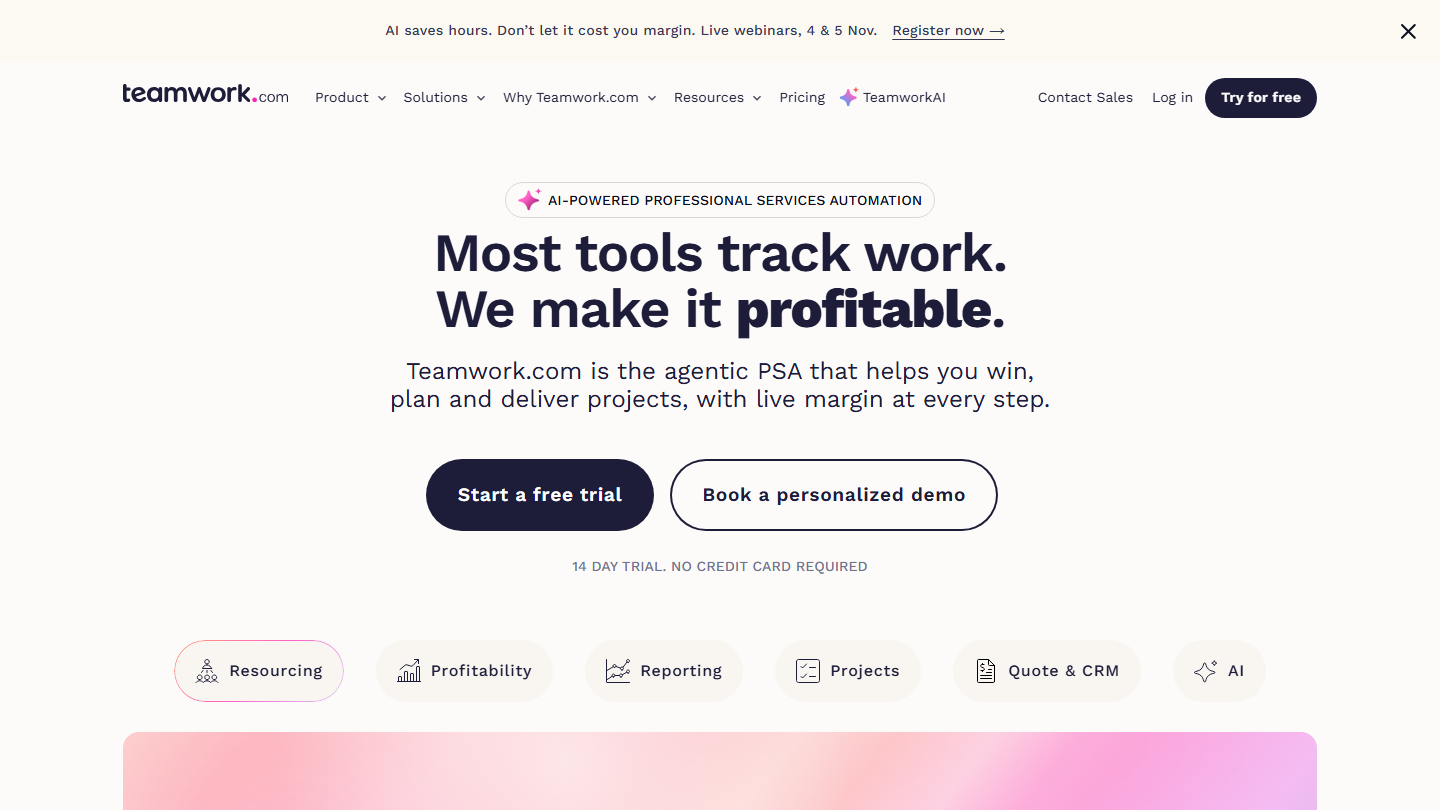
Teamwork.com home page: “Most tools track work. We make it profitable.”, client project management software

Teamwork.com is project management software designed for agencies and service companies. The vendor now presents it as a tool for steering client projects: tasks, time spent, team workload and profitability.

In practice, each task receives the hours logged by the team, the project manager compares the time consumed with the budget sold, and the client follows progress from their own access. On Trello, this tracking takes Power-Ups and a spreadsheet on the side.

The switch is worth it as soon as projects are sold by time spent or at a fixed price. For an internal team that bills nothing, its strengths fall away and a simpler tool is enough.

Free up to 5 users and 5 projects, with the Gantt, list, board and table views, time tracking and 100 automations. Basics costs €9.99 per user per month billed annually (€13.99 monthly), Accelerate €24.99 (€29.99) with client invoices and workload management. 14-day trial with no credit card.

08

Taiga

4.3/5 From €5

Best for: Agile teams, developers and start-ups that want a customizable open source tool

+ Strengths
  • Open source and infinitely customizable
  • Kanban view and Scrum management
  • Many integrations thanks to the open API
  • Unlimited users on all plans, price not billed per user
− Downsides
  • Free plan limited to 1 private project and 10 MB of storage
  • Unlimited projects only from the Basic plan, at €20 per month
★ Taiga in brief

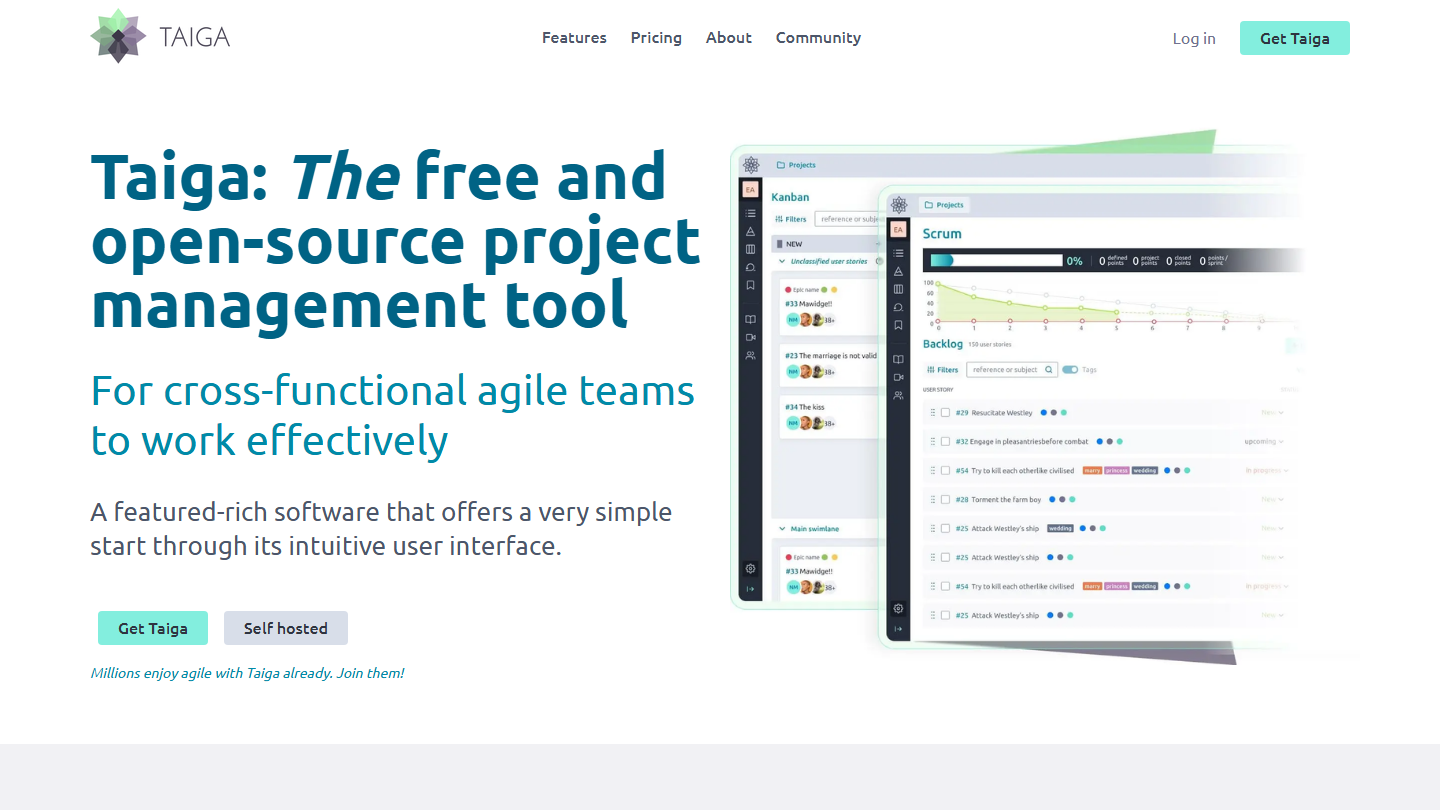
Taiga home page: “The free and open-source project management tool”, with Kanban and Scrum views

Taiga is open source Agile project management software: backlog, user stories, Scrum sprints, Kanban board and ticket tracking. It can be customized in depth and installed for free on your own servers.

In practice, a development team that did Scrum on Trello with columns and labels finds a native backlog and sprints there, while keeping a Kanban board for continuous flow. The open API lets you connect it to the team’s other tools.

It is the alternative for teams that want to keep control of their data, provided they know how to install and maintain the tool. The vendor’s cloud skips that step, and its price does not depend on the number of users.

On the cloud side, the free plan stops at 1 private project (plus 1 public) and 10 MB. It takes €5 per month for 5 private projects (Enthusiast), €20 for unlimited projects (Basic) and €60 for 3 GB of storage (Premium), whatever the number of members.

09

WeKan

3.8/5 From Free

Best for: Teams that want a Kanban close to Trello, hosted on their own servers or in Europe

+ Strengths
  • Open source (MIT license) and free when self-hosted
  • Direct import of Trello, Jira, Asana or monday.com boards
  • Swimlanes, automation rules inspired by Butler and Gantt view
− Downsides
  • Unattractive interface, less simple to pick up than Trello
  • Project carried by one main maintainer, support paid per ticket
  • Mobile apps reduced to a full-screen browser
★ WeKan in brief

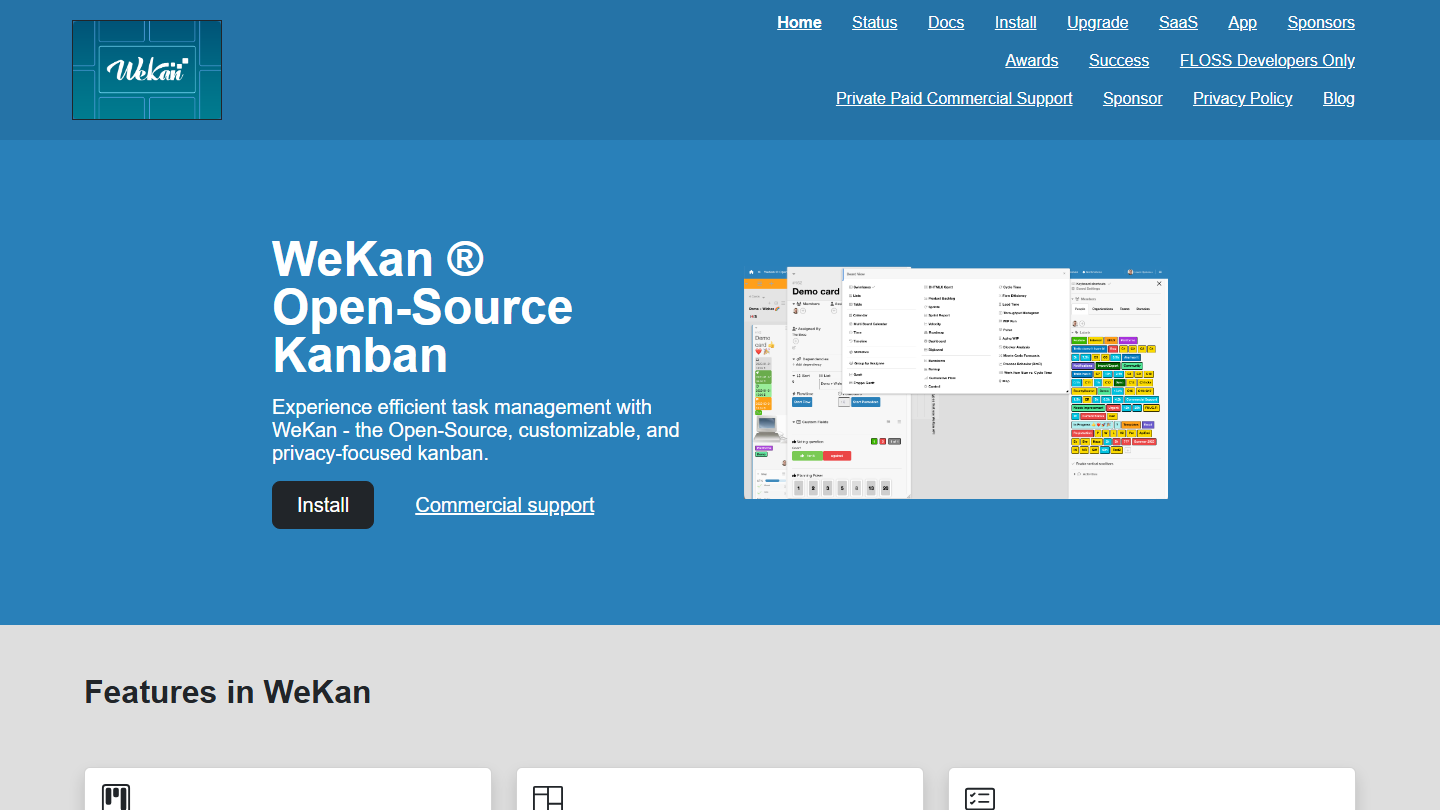
WeKan home page: “WeKan Open-Source Kanban”, with a preview of a card and the views menu

WeKan is an open source Kanban board very close to Trello in principle: boards, lists, cards with labels, due dates, checklists and comments. The code is published under the MIT license, and the Finnish project ships releases very often, the latest in October 2026.

In practice, you import your Trello boards (or Jira, Asana, monday.com), then find a familiar way of working, plus swimlanes, custom fields, automation rules inspired by Butler and a Gantt view.

WeKan is aimed at teams that want to leave Trello without changing habits, keeping their data on their own servers. The interface is less polished, the learning curve less obvious, and the project rests largely on its main maintainer.

The software is free when self-hosted, and the vendor hosts a free app, without an admin console. The official SaaS, with an admin console and servers in Finland, costs €50 per year; support is paid separately, €100 per ticket or from €500 per year.

10

Airtable

4.3/5 From $20

Best for: Teams used to Excel that want to run their projects in a connected spreadsheet

+ Strengths
  • Flexible, easy-to-use spreadsheet
  • Kanban, calendar, gallery and form views on a single base
  • Fairly advanced collaboration features
− Downsides
  • Free plan limited to 5 editors and 1,000 records per base
  • Gantt and timeline reserved for Team, at $20
  • 100 automation runs per month on the free plan
★ Airtable in brief

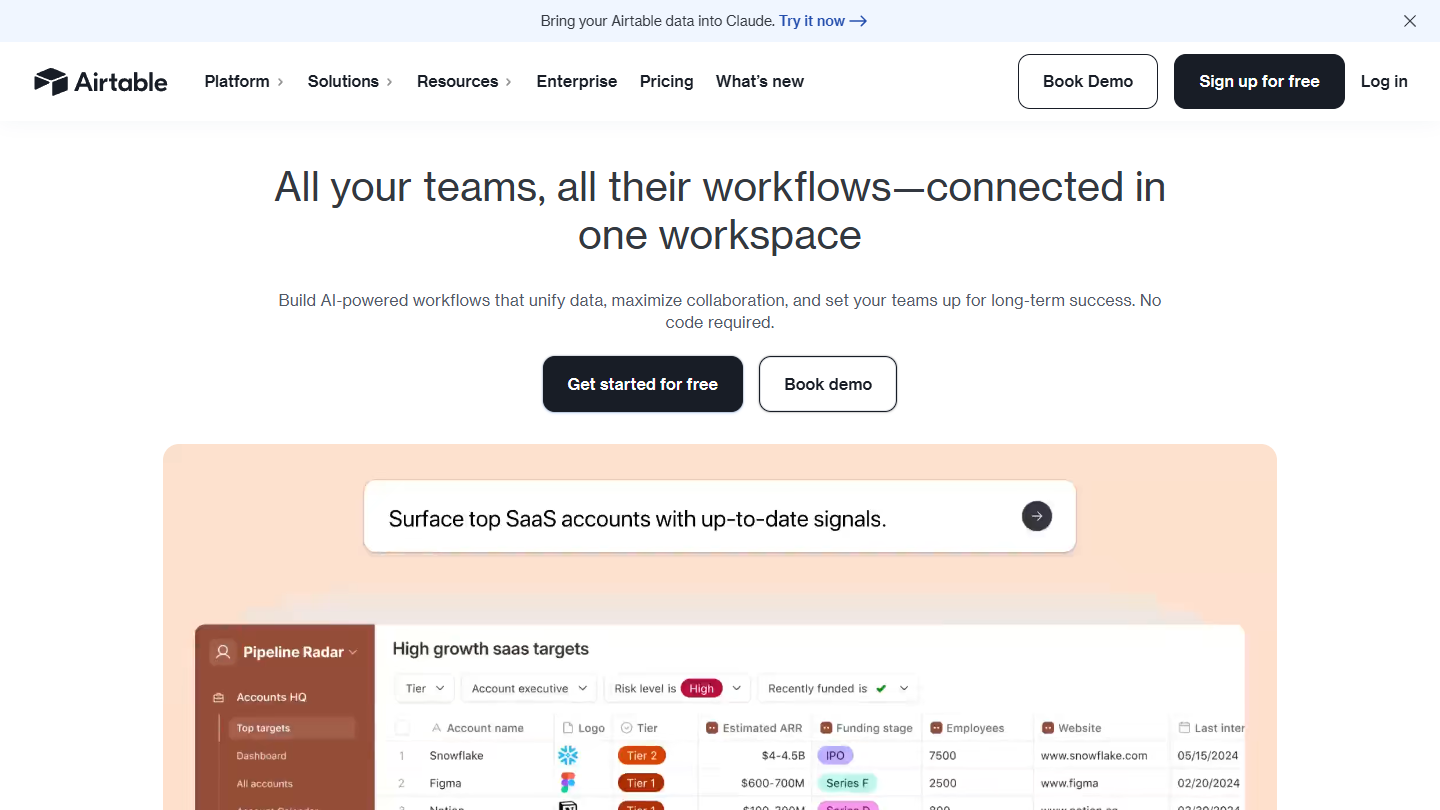
Airtable home page: “All your teams, all their workflows, connected in one workspace”, with an example base

Airtable presents itself as a spreadsheet linked to a database. Each table has typed fields (date, status, attachment, link to another table), and the same data displays as a grid, Kanban, calendar or gallery.

In practice, a team that managed a catalog, a production schedule or events in Trello keeps its Kanban view, but can also filter, group and calculate as in Excel. Forms feed the base, and automations send an alert or update a field.

It is the right choice when Trello cards actually carry structured data, with many fields to compare. For a classic project, with due dates and owners, Asana or ClickUp require less building.

The Free plan accepts 5 editors, 1,000 records per base and 100 automation runs per month. Team costs $20 per seat per month billed annually ($24 monthly), with 50,000 records per base and the Gantt and timeline views. Business is $45 ($54 monthly).

11

Wrike

4.5/5 From $10

Best for: Complex projects, especially those involving several teams

+ Strengths
  • Truly advanced security and data storage
  • Very well-developed helpdesk: articles, demo videos, active community
  • Free plan on web, desktop and mobile, with Board and Agile Board views
  • Permission management suited to cross-functional projects
− Downsides
  • No Gantt on the free plan, which also limits the number of active tasks
  • Difficult to set up for small organizations
  • A slightly thin catalog of integrations
★ Wrike in brief

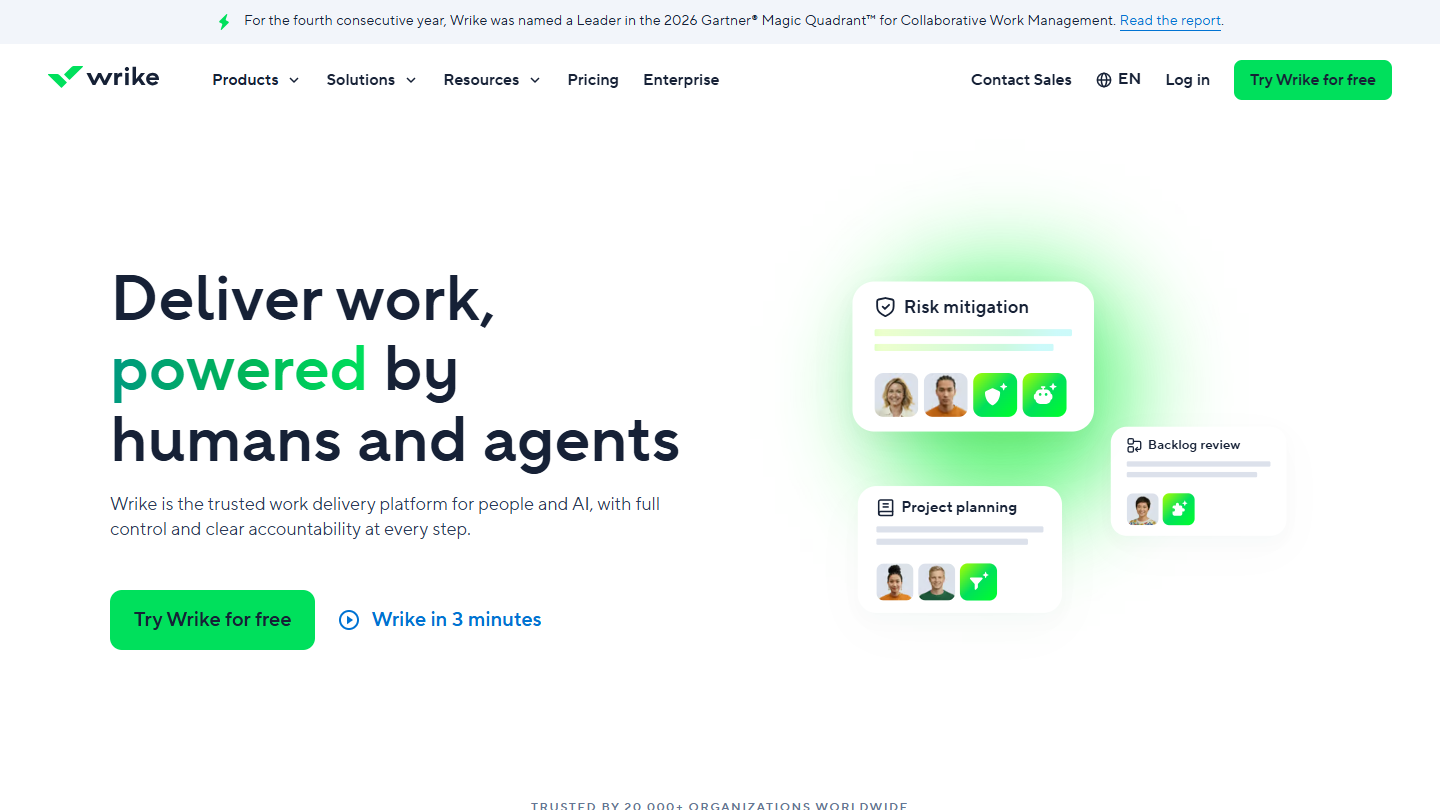
Wrike website: “Deliver work, powered by humans and agents”

Wrike is project management software built for organizations where a project crosses several departments: approval flows, role-based permissions, resource planning and consolidated dashboards.

In practice, where Trello moves a card from column to column, Wrike defines who signs off at each step and keeps a record of every decision. The interactive Gantt, from Team, is used to replan when a step slips. The help center, rich in articles, videos and exchanges between users, makes getting started easier.

Wrike is worth a look for a marketing department, an agency or an engineering team whose projects go through several approvals. For a small team that uses Trello as a shared list, it is too heavy.

The Free plan covers web, desktop and mobile, with the Board and Agile Board views, but limits the number of active tasks and has no Gantt. Team costs $10 per user per month billed annually (about €8.96), from 2 to 15 users. Business, at $25, adds resource planning and workflow customization. 14-day trial with no credit card.

12

KanbanFlow

4.0/5 From $5

Best for: Teams that want a Kanban board with a built-in time tracker

+ Strengths
  • Timer and Pomodoro timer on every card, from the free plan
  • Unlimited boards and tasks, with no time limit
  • Work-in-progress (WIP) limits and recurring tasks on the free plan
− Downsides
  • Attachments, swimlanes, search and integrations reserved for Premium
  • Flow reports (burndown, cycle time) are paid
  • No automation in the feature grid
★ KanbanFlow in brief

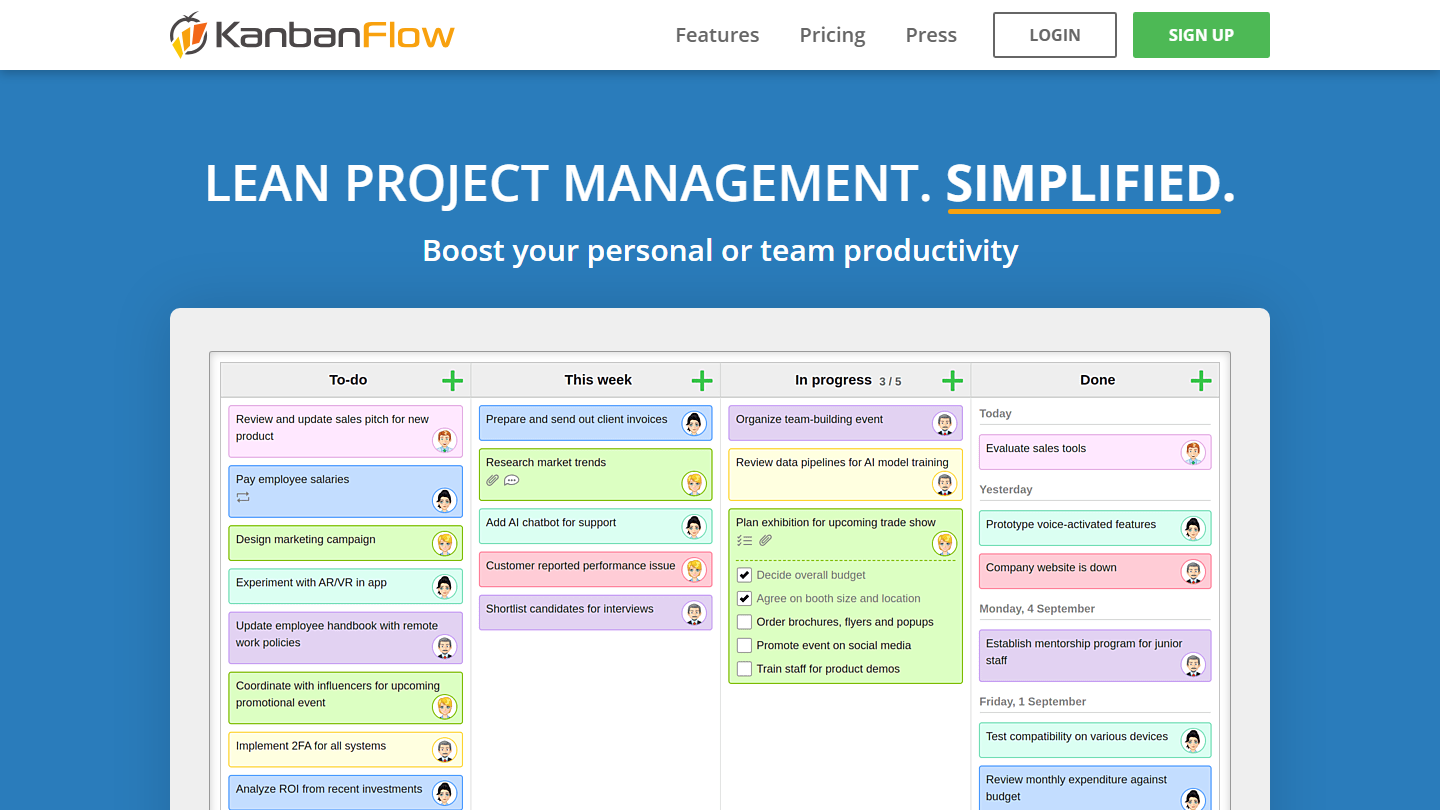
KanbanFlow home page: “Lean project management. Simplified.”, with a four-column Kanban board

KanbanFlow is a Kanban tool published by the Swedish company CodeKick, which adds time management to the board: each card can start a timer or a Pomodoro timer, and the time spent feeds into a report.

In practice, you work as in Trello, with columns and cards, but you can limit the number of cards in progress in a column (WIP limit) to finish before starting something else. Subtasks and recurring tasks are included from the free plan.

It is an alternative for a freelancer or a small team that wants to measure where its time goes without adding a time tracking tool. For multi-team projects, or to connect everything to other tools, it quickly falls short.

The free plan has no time limit and no board limit, but no attachments, swimlanes, search or integrations. Premium costs $5 per user per month, with 10% off billed annually and a 14-day trial; it adds Gantt, flow reports (burndown, cycle time), Excel import and Zapier.

How we chose these 12 tools

Every tool in this selection has been used in real conditions by our team or by a Salesdorado consultant, in a B2B sales and marketing setting. No ranking built from a marketing deck. The order of the list is not a ranking: the right tool depends on your needs.

  1. 01
    Benchmark scope

    Broad identification of the tools on the market (G2, Capterra, Salesdorado customer feedback, LinkedIn signals). Initial filtering, then a short list based on a 2-hour setup per tool.

  2. 02
    Test conditions

    3 to 4 weeks of active use per tool, with data representative of a B2B sales use case. When a tool targets a specific profile (SDR, AE, Ops, Marketer…), we match the tester accordingly.

  3. 03
    Weighted criteria

    For each category, 5 to 7 axes weighted according to what matters in the segment: UX, feature depth, native integrations, support, pricing at scale, compliance (GDPR, security), and roadmap quality.

  4. 04
    Independence

    No tool is scored in exchange for payment. Partner links (affiliate) are marked as such and do not influence the score. Non-partner tools are included when their place in the ranking is deserved.

  5. 05
    Updates

    The ranking is reviewed every 6 to 12 months or on every major release of a tool mentioned. The date of the last check is shown at the top of the article.

The questions we get over and over.

Why look for a Trello alternative?

Trello remains effective for simple, linear processes, but its limits show up quickly. The free plan caps at 10 boards and 10 collaborators per workspace and at 250 automation runs per month; the calendar, timeline and dashboard views are reserved for Premium, at $10 per user per month billed annually. Cards cannot be linked to each other through dependencies, and collaboration mostly goes through their comments.

What is the most credible Trello alternative?

According to Salesdorado, monday.com: a very flexible solution for companies looking for a complete project and document management tool, with a very rich template gallery and a very complete integrations marketplace. You need to aim for the Standard plan for automations, integrations and Gantt.

Which Trello alternative offers the best value for money?

ClickUp, according to Salesdorado. Its free plan limits neither members nor tasks (storage is capped at 60 MB), and Core, at $9 per user per month billed annually, lifts the storage and Gantt limits.

Is there an open source alternative to Trello?

Yes. Taiga, designed for Agile teams (Scrum and Kanban), installs for free on your servers or can be used in the vendor’s cloud, billed as a flat fee and not per user. WeKan, closer to Trello, directly imports its boards; it is free when self-hosted, or €50 per year as SaaS with an admin console, but less simple to pick up.

Which Trello alternative for a development team?

Jira, the Agile tool from Atlassian, the company behind Trello. It offers advanced reporting features from the first plans and gives access to a very active community of Agile users. Its free plan goes up to 10 users; Standard costs $8.48 per user per month.

Which Trello alternative for tracking time spent on projects?

KanbanFlow adds a timer and a Pomodoro timer to cards from the free plan. Teamwork.com, designed for service companies, tracks billable hours from its Basics plan and turns them into client invoices with Accelerate.

★ The conversation, 0 comments

What the community says.

Basic Markdown, moderated within 24 h
Loading…

    In the same category