
The tool in detail
Omnisend after real-world use: feature scope, integrations, pricing and concrete limits.
Omnisend is a very capable and easy-to-use email marketing tool for building email campaigns and marketing automation. It’s a solution designed for e-commerce sites, with a wide range of integrations, and it has carved out a place in the market for email marketing software and marketing automation tools.
It gives you the standard features of email tools: campaign creation, marketing automation sequences, conversion newsletters. Overall the tool feels a bit dated, especially its reporting features, but it’s perfectly suited to people starting out in email marketing, and it’s fairly popular with email marketing agencies and inbound marketing agencies.
Omnisend: ideal for e-commerce pure players on Shopify
Omnisend is extremely effective and clearly deserves a spot on your shortlist if you’re looking to equip a 100% online merchant running on recent platforms like Shopify or BigCommerce.
On the other hand, once you step outside that frame, Omnisend lacks a bit of flexibility: integrations with more traditional CMSs, with the main CRMs on the market or even with analytics tools are far less successful.
More established, general-purpose email tools like Brevo, ActiveCampaign, and at a pinch Klaviyo or HubSpot, which are heavier all the same, will be much easier to get the most out of.
Omnisend’s feature set: e-commerce first
Sending email marketing campaigns
The email editor is very easy to pick up and offers plenty of customization options. It requires no particular technical skills, thanks in large part to its drag-and-drop interface. The software offers several email templates you can customize yourself.
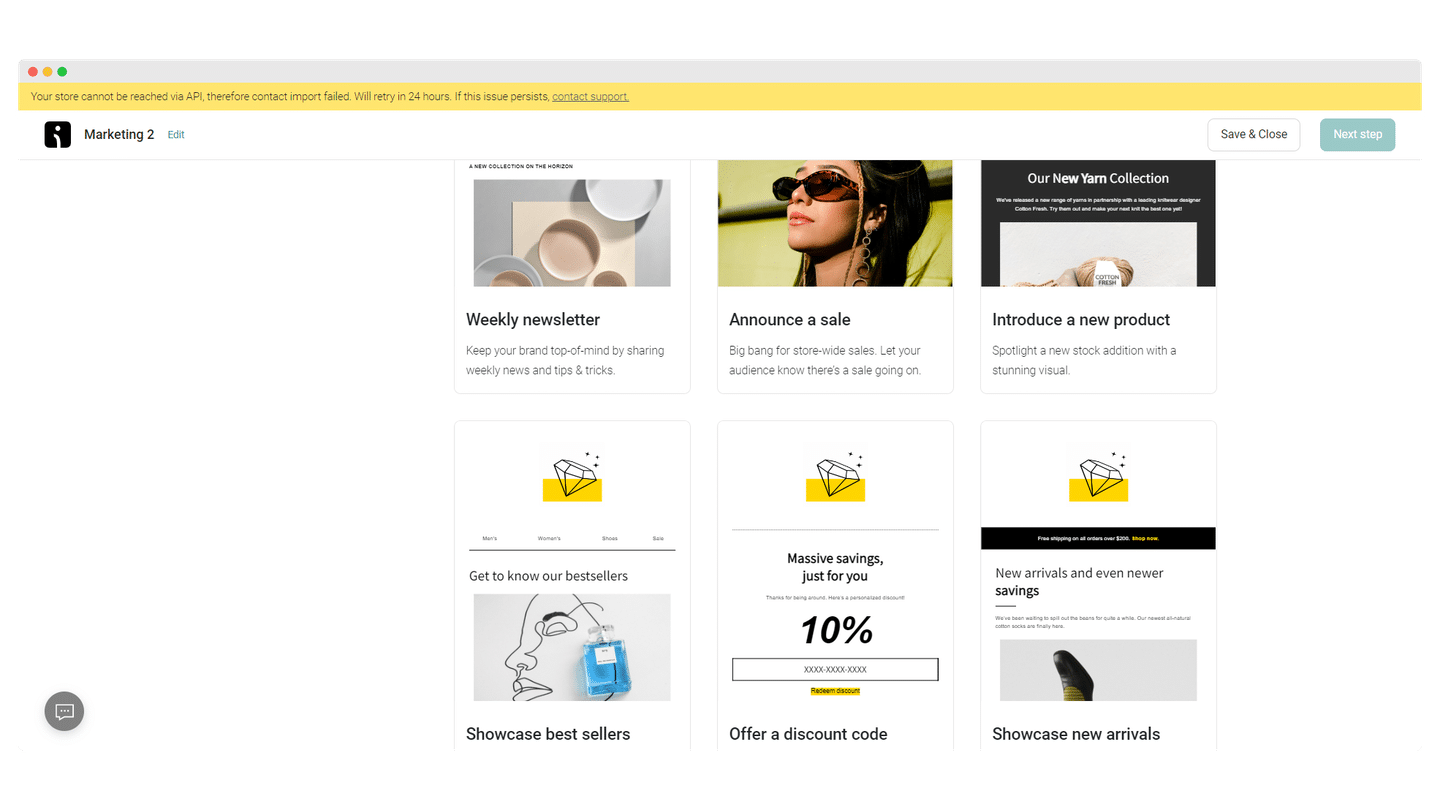
Because of Omnisend’s e-commerce focus, there are more content block options than in most email marketing services. They’re mainly store-specific elements: product listings, the Product Picker feature, price discount blocks.
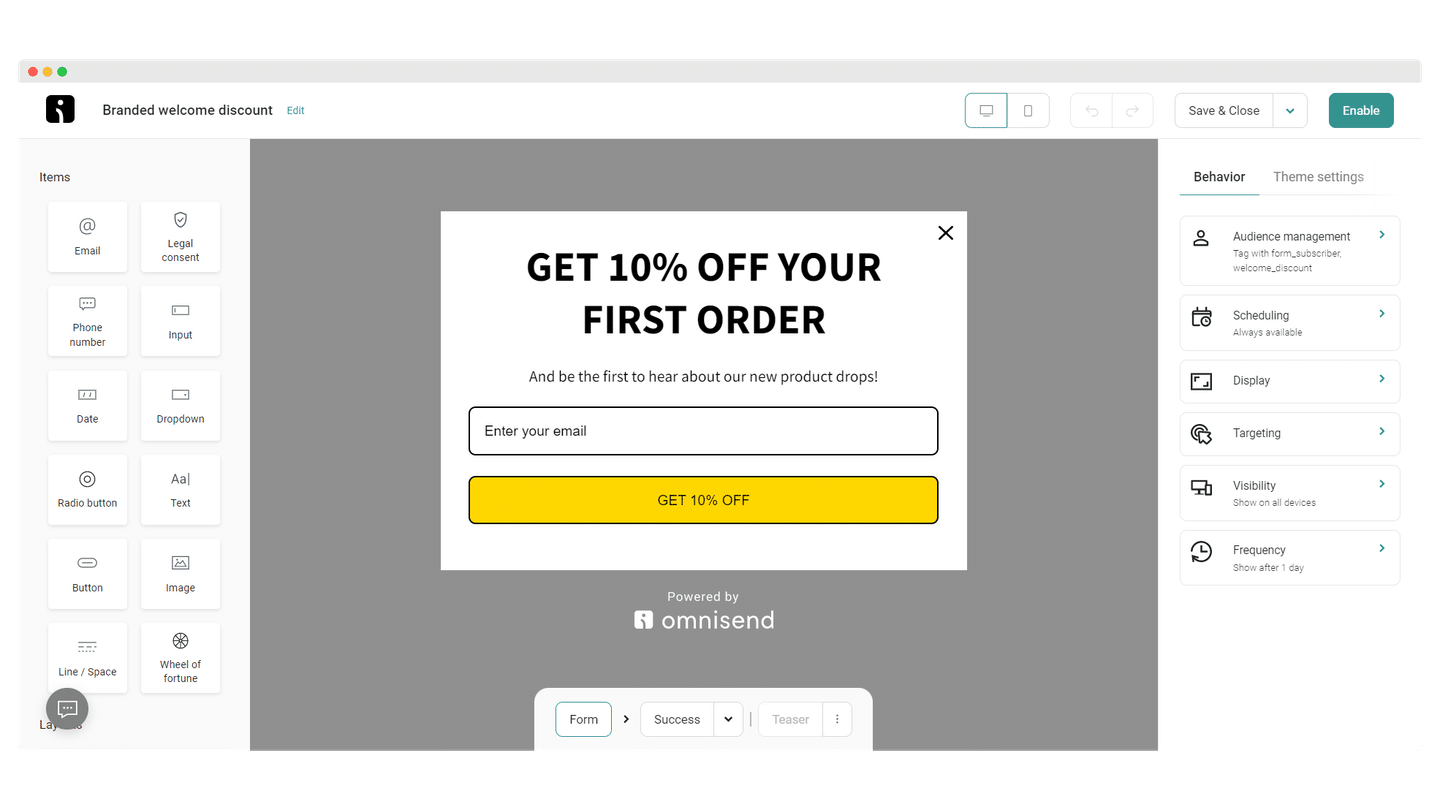
The software doesn’t provide a stock image library, but it offers a wide range of image editing features. You can also set up your emails so that some content appears or not depending on who the recipient is or the actions they take.
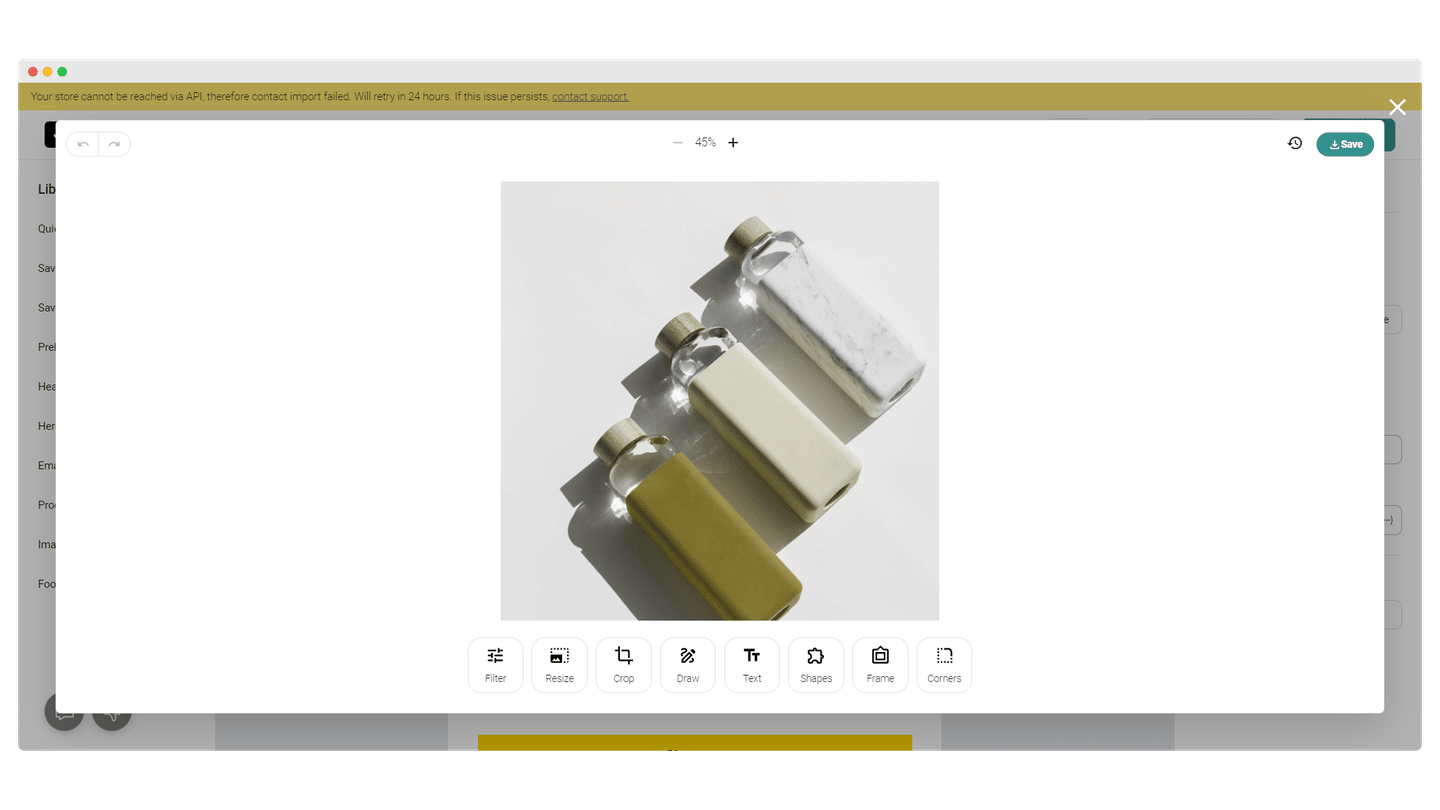
Omnisend also lets you use your own company details, listed in the Account section. That’s particularly useful if you run a company in several countries, to send emails with relevant data. It also offers product recommendations and A/B testing.
Contact management and segmentation
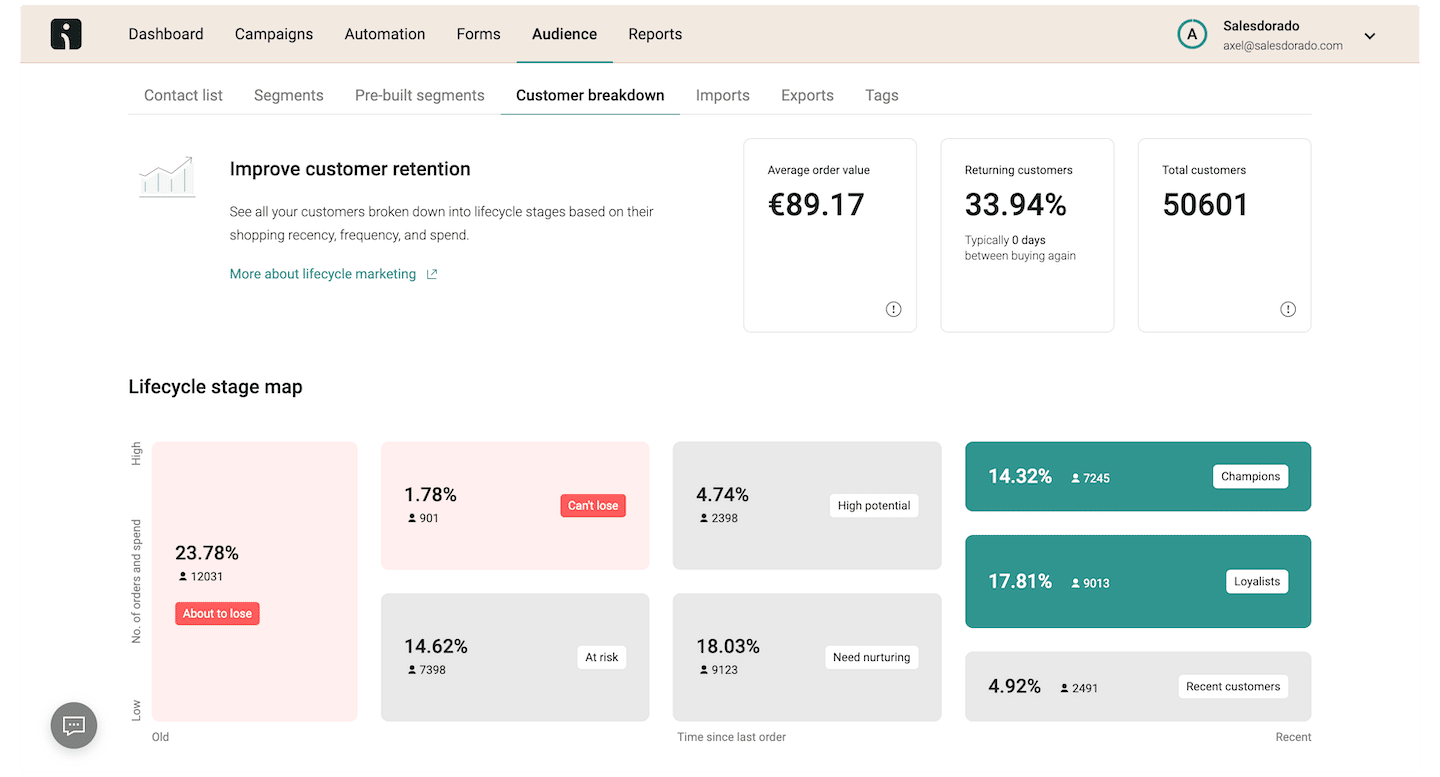
Omnisend provides a pretty interesting tool for gathering intelligence on your users. It combines data analysis, insights and segmentation. The reports give key information on customer lifecycle stages, retention analyses, funnels and product analyses.
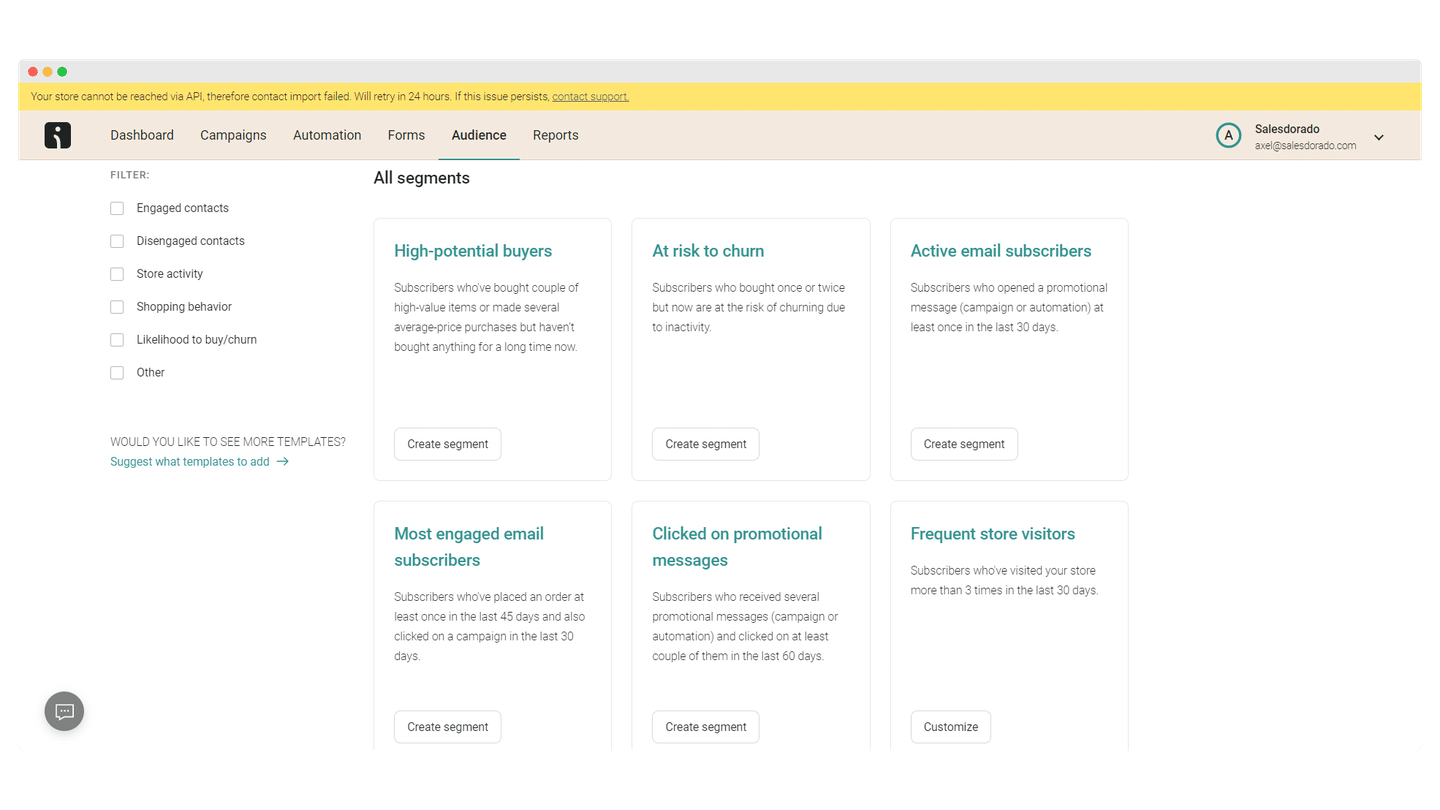
The software also provides analyses that identify the products most likely to attract new customers, or the ones that are often abandoned in carts. That’s particularly useful for tailoring your automated workflow to your customers’ preferences.
Omnisend offers another particularly useful feature: the software’s health check. It compares your brand’s overall performance with that of its industry competitors on retention, campaigns, workflows, cart abandonment and signup forms, using the brand’s last 30 days of data.
Signup forms, popups and landing pages
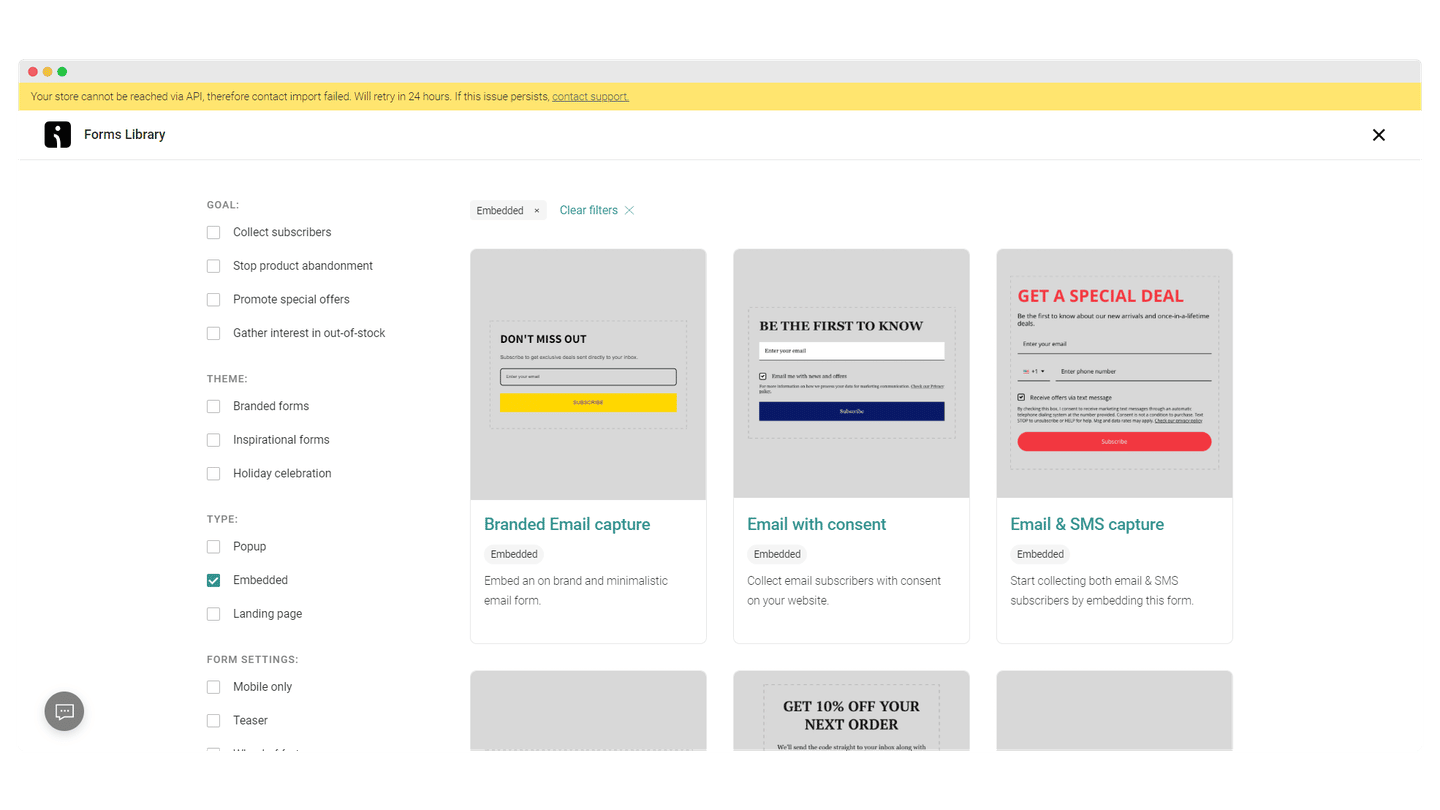
Omnisend offers a large and very varied set of templates. The form builder is fairly intuitive and lets you drag and drop content elements straight onto the template. You can also set contact tagging in its options. Finally, it offers signup forms, cross-sells and promotions.
Marketing automation
Omnisend offers very complete automation features, available on every plan, even the free one. That puts it on the same level as its competitor Brevo, which offers a very generous free plan. You get access to 33 workflow templates.
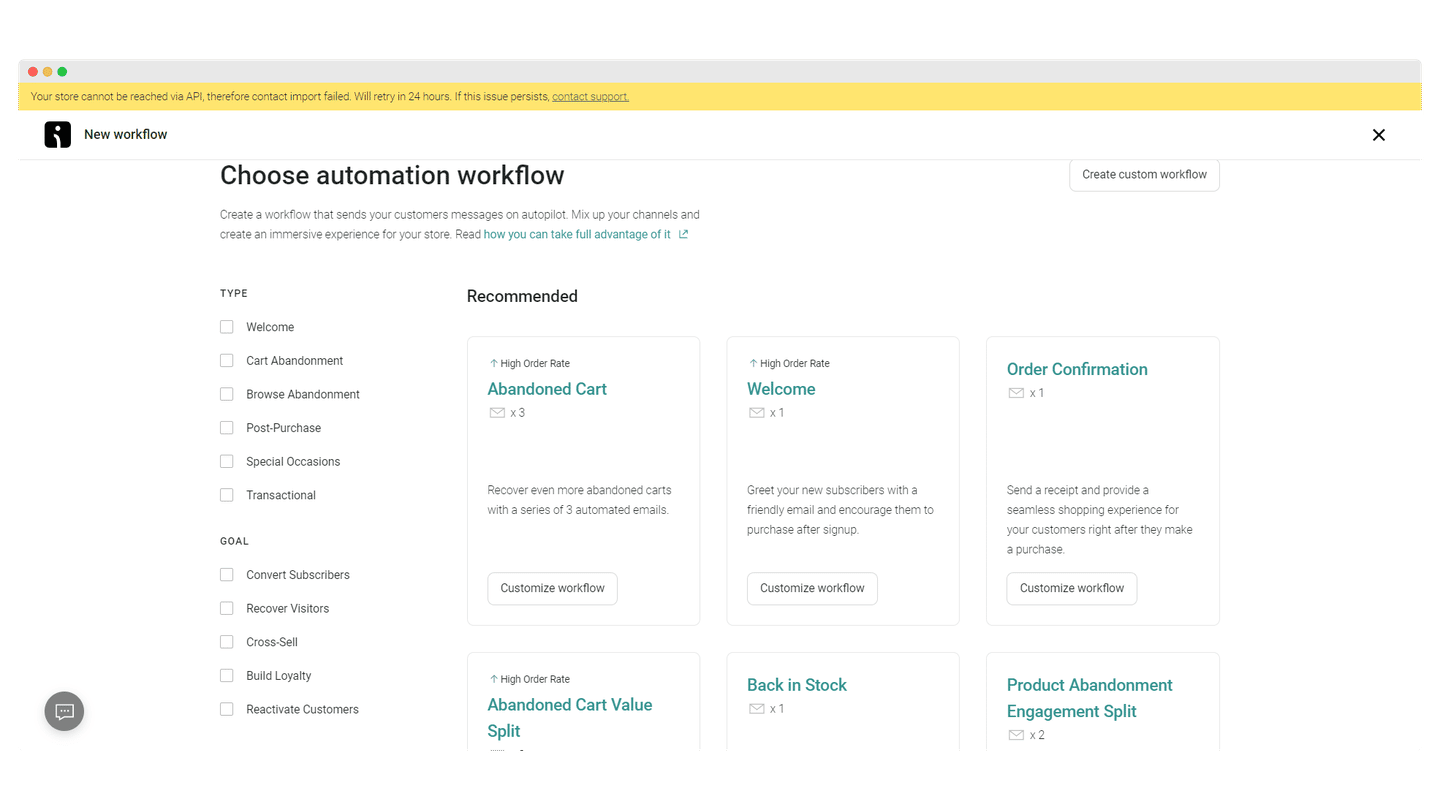
Since it’s heavily focused on e-commerce, it offers very solid automation options for sales. It covers the standard features, sending follow-up emails after a product purchase, recommending personalized products based on purchase history, but also lets you set up A/B test automation to try different delays before dangling the cross-sell carrot: do most customers bite after one day, one week, two weeks? It’s particularly effective if you don’t plan to use inbound marketing tools but still want to nurture the customer relationship and build loyalty with new customers.
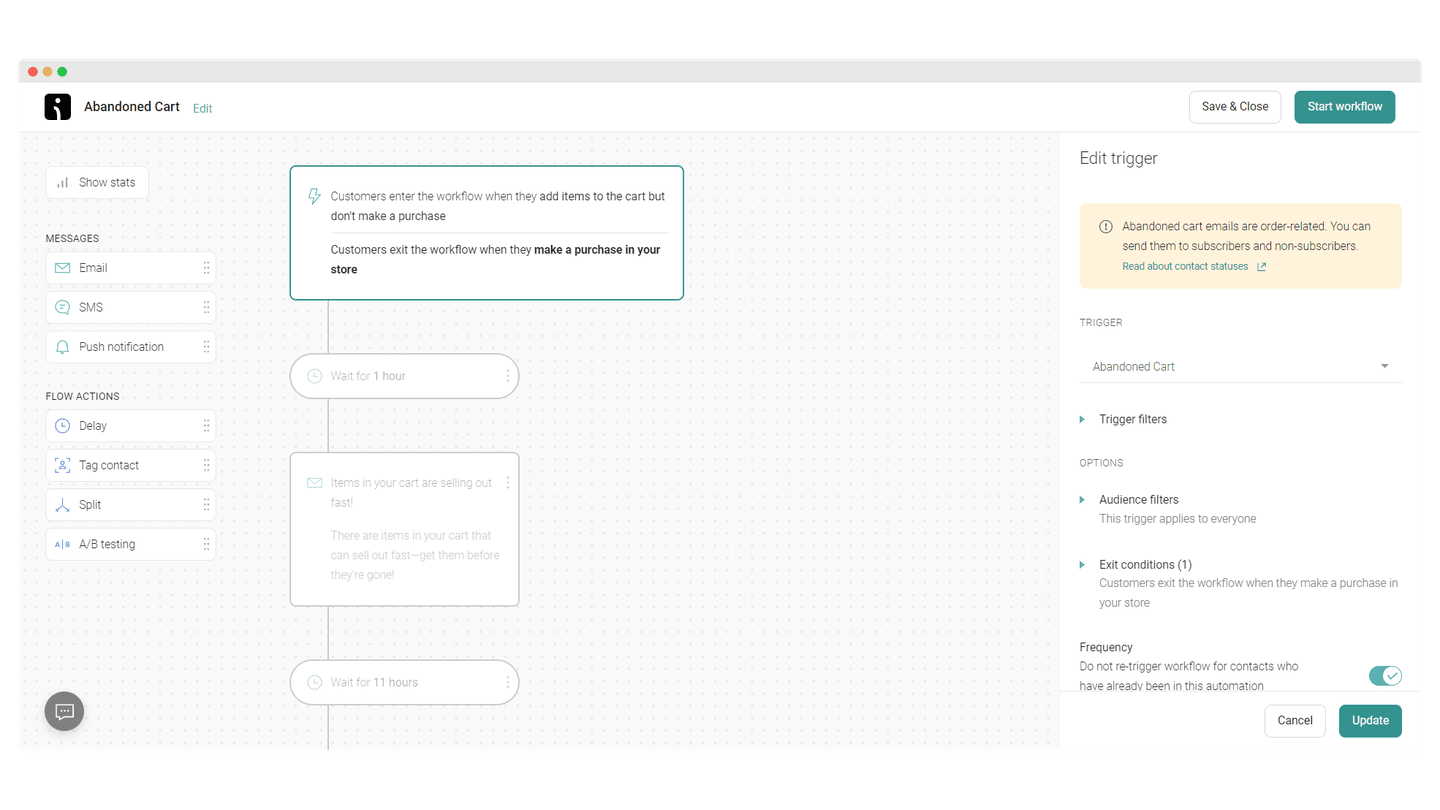
Omnisend doesn’t let you automate the management of your lists or segments the way some marketing automation agencies would, but it can automatically add tags to contacts. For example, you can add to a list the contacts who didn’t take the bait when you tried to get them to recover an abandoned cart. You can then use that information to build segments.
Reporting in Omnisend
Omnisend offers very clear reports and gives complete information on your campaigns’ open and click rates, your revenue or your unsubscribes. It also lets you track your sales across several channels: email, SMS, push notifications.
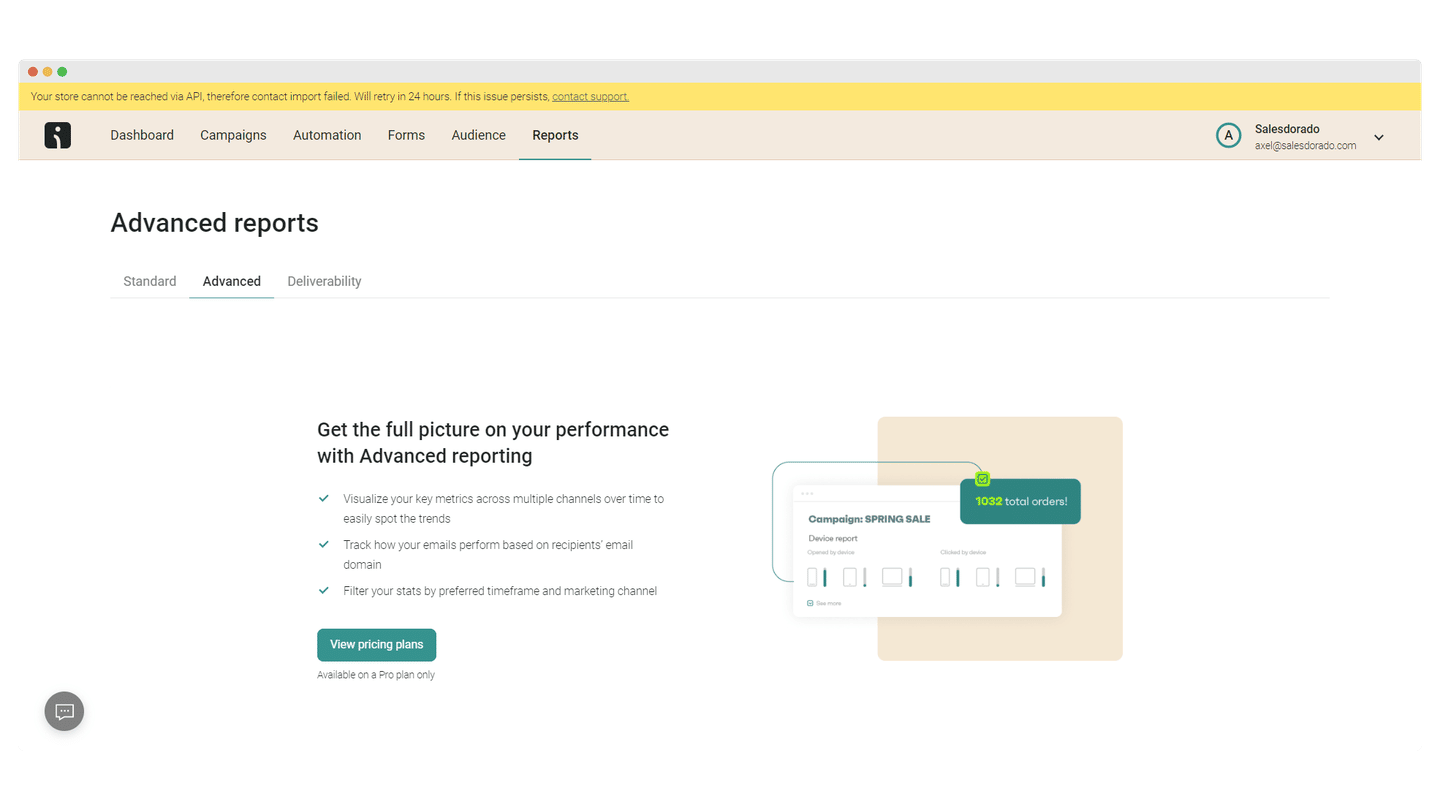
A more recent feature offers a lifecycle map that highlights the contacts who need nurturing, the ones at risk, and the ones who are loyal customers. A retention report also provides in-depth analyses of how your most loyal customers behave. That’s particularly useful for adjusting your campaign strategies and customer journeys.
Customer support at Omnisend
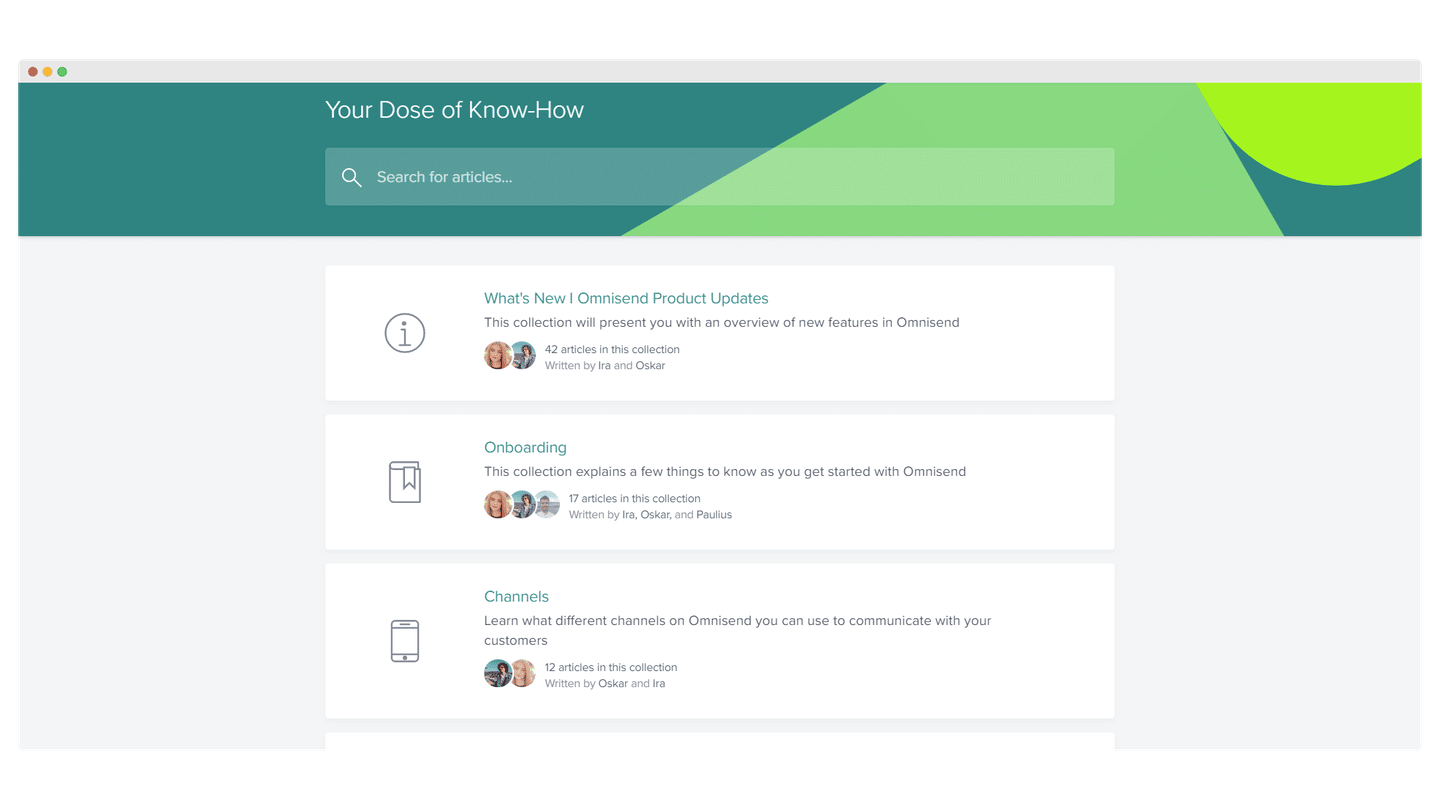
Customer support is pretty strong, available by email and chat, 24/7, but only in English.
The help center is well stocked and all the resources are sorted by category: campaigns, automation, signup forms. The information is available in English and in several other languages, including French and Spanish, with screenshots and sometimes videos.
Above all, Omnisend offers some pretty interesting migration tools that make switching email tools very simple. The help center gives very clear information on how to move from Mailchimp, Klaviyo, ActiveCampaign or Bronto to Omnisend.
Integrations in Omnisend
Integrating Shopify or Shopify Plus with Omnisend lets you set up an effective omnichannel marketing strategy, straight from your store. There are two ways to connect your business to Omnisend: by adding Omnisend from Shopify and registering your account there, or by creating an account on Omnisend and then connecting your Shopify store to it.
Once the integration is done, Omnisend receives all the information about your contacts and products. You can set up the abandoned cart workflows however you like, and test how they work. For these tests, adjust the delay so the workflow triggers immediately, and use your browser’s private window and several email addresses.
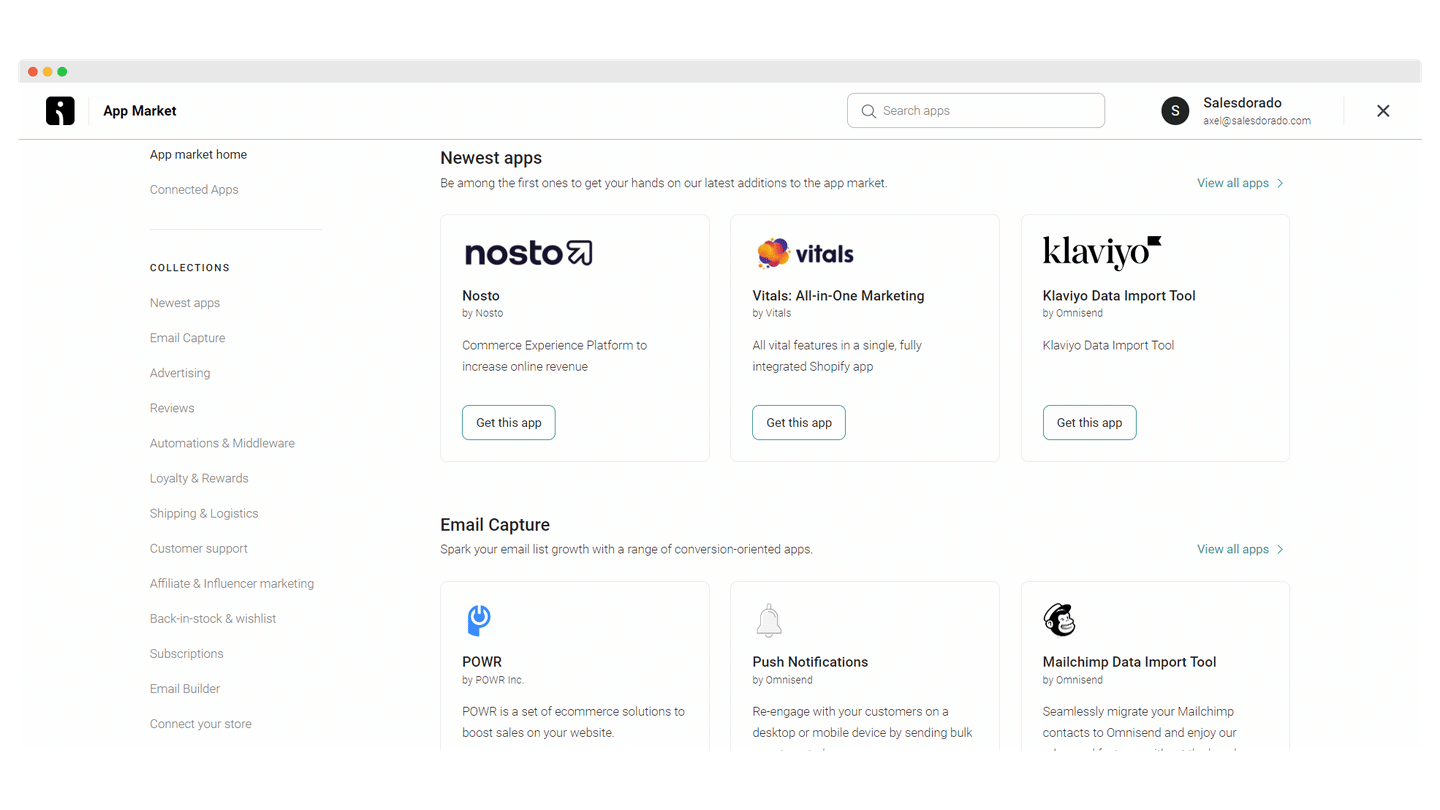
Omnisend also integrates with all the leading Shopify apps: Gorgias for customer support and live chat, Judge.me for customer reviews, Gatsby for influencer marketing, Smile for referral.
On the other hand, the software doesn’t integrate with the CRM software on the market, and integrates rather poorly with other e-commerce platforms.
The marketplace is fairly well organized and offers plenty of solutions.
Omnisend: pricing
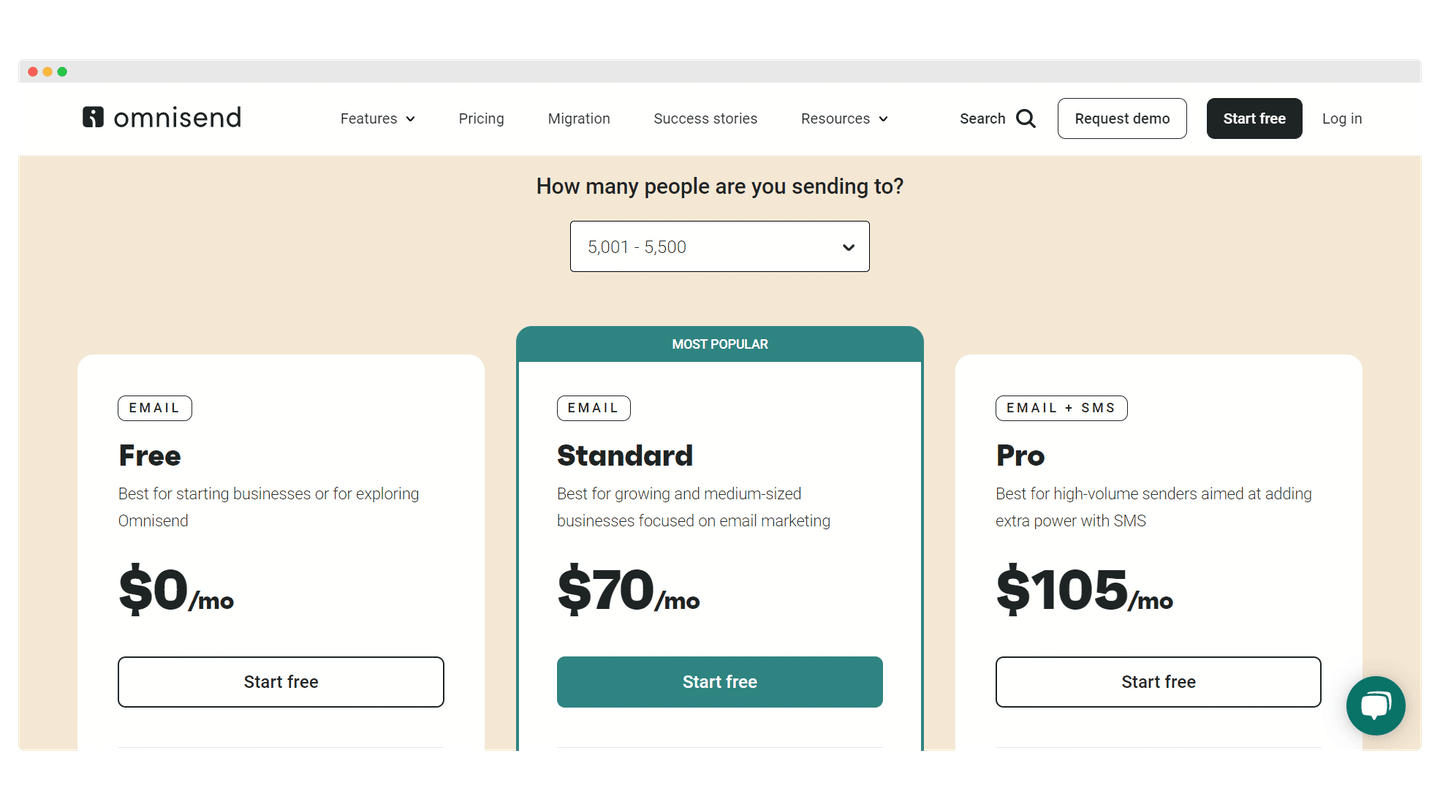
- Free plan: it gives you a list of 250 contacts, 500 emails per month, SMS through credits, 500 push notifications and a host of features: email templates, prebuilt automations and workflows, popups and signup forms, A/B tests.
- Standard plan: from $16 per month for 500 contacts, it lets you send 6,000 emails per month, unlimited push notifications, all the features of the free plan, and a dedicated account expert once you spend $400 or more per month.
- Pro plan: from $59 per month for 2,500 contacts, it lets you send unlimited emails, SMS from $0.007 each with bonus SMS credits equal to your monthly bill, with all the features of the Standard plan plus reports, a dedicated account expert once you spend $400 or more per month, and 24/7 priority support.