



- The sales CRM runs the sales cycle, from first contact to closing. The marketing CRM comes in upstream, the customer service CRM after the purchase.
- On your own, with few leads and short cycles, a spreadsheet can be enough.
- A CRM is a business project before it’s a tech project: if salespeople don’t use it every day, it’s useless.
- During the free trial, add a few contacts and simulate a sales cycle: if you feel comfortable after 48 hours, that’s a good sign.
- Check the native integrations with your email, your calendar and your signature tools from the start.
Today, more than 70% of French SMBs use a CRM, and that rate even tops 90% once a company passes the 10-employee mark (source: Belacom). In other words, when you run a business (even a very small one), not having a CRM is more and more the exception.
And the main reason is that the offer has become far more accessible. There are simple, affordable, effective CRMs built for small sales teams. You no longer need an IT department or a five-figure budget to get equipped. And frankly, Excel stopped being enough a long time ago. Too many scattered files, too many things forgotten, no way to collaborate, zero visibility on the sales pipeline… At some point, it jams!
In this article, we explain in concrete terms what a sales CRM is, what it lets you do, when it becomes indispensable and above all, how to choose the right tool for you.
What if you could treat yourself to the best CRM on the market?Whatever your company’s needs and context, there’s no way to run a serious comparison without including Salesforce in your benchmark.
Salesforce now has an offer dedicated to SMBs and very small businesses, the Salesforce Starter plan.
To get a free personalized demo of the software in its Starter version, click the button below.
Sales CRM: what exactly are we talking about?
A sales CRM is software used to run your sales activity. It’s a solution that lets you centralize your contacts, structure how you follow up on opportunities and improve the performance of your sales teams.
In practice, it’s the salesperson’s daily workspace: where they find their portfolio, past interactions, follow-ups to do, deals in progress.
But to really understand where this kind of tool comes from, we need to take a little detour through history.
Originally, CRMs (Customer Relationship Management) were all designed for salespeople. As early as the 80s, tools like ACT! or GoldMine offered to replace paper notebooks and customer files in Excel.
The goal was to keep track of conversations, follow your prospects over time and better manage your customer file.
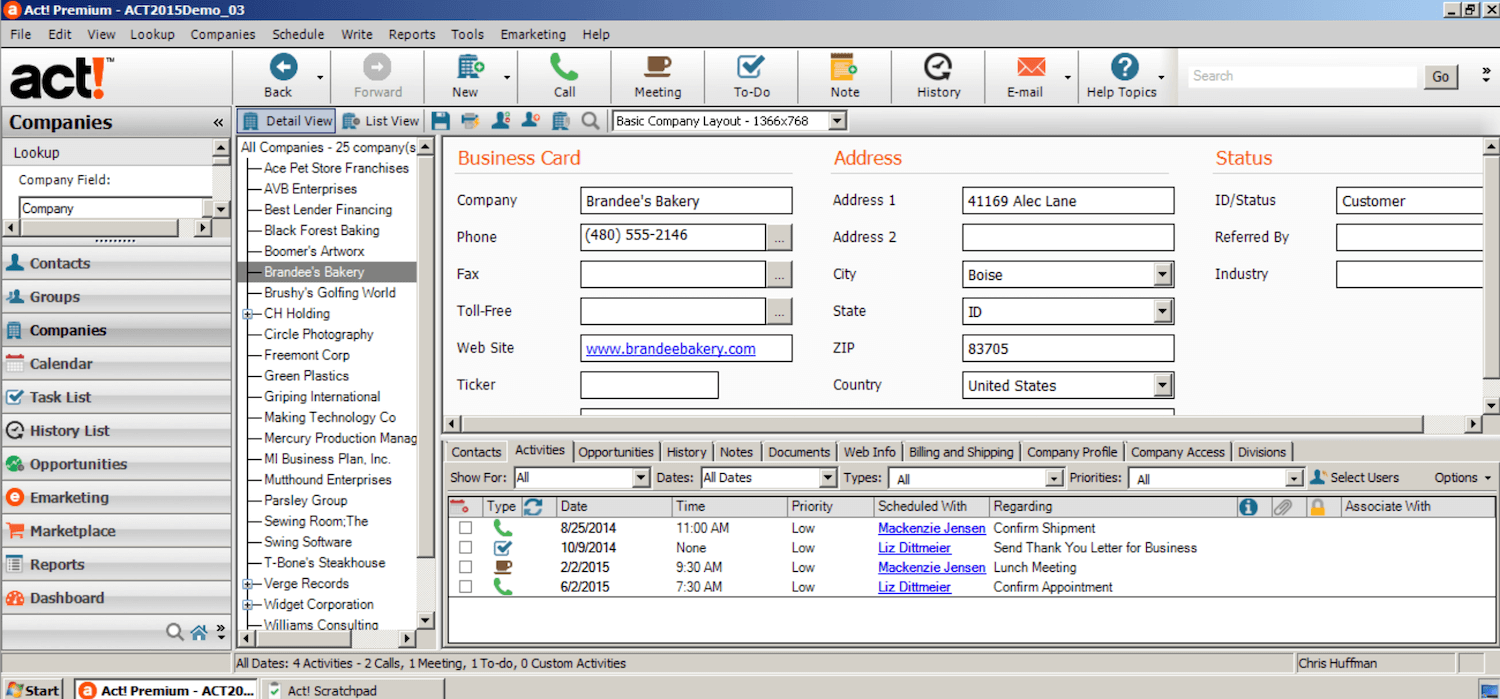
It was from the 2000s onward that the CRM world expanded with the arrival of marketing automation and customer service tools. But the sales CRM remains the historical core of CRM and often the first building block a company puts in place.
Today, a modern sales CRM lets a sales team:
- Centralize all the information on prospects and customers: contact details, company, status, history of exchanges, etc.
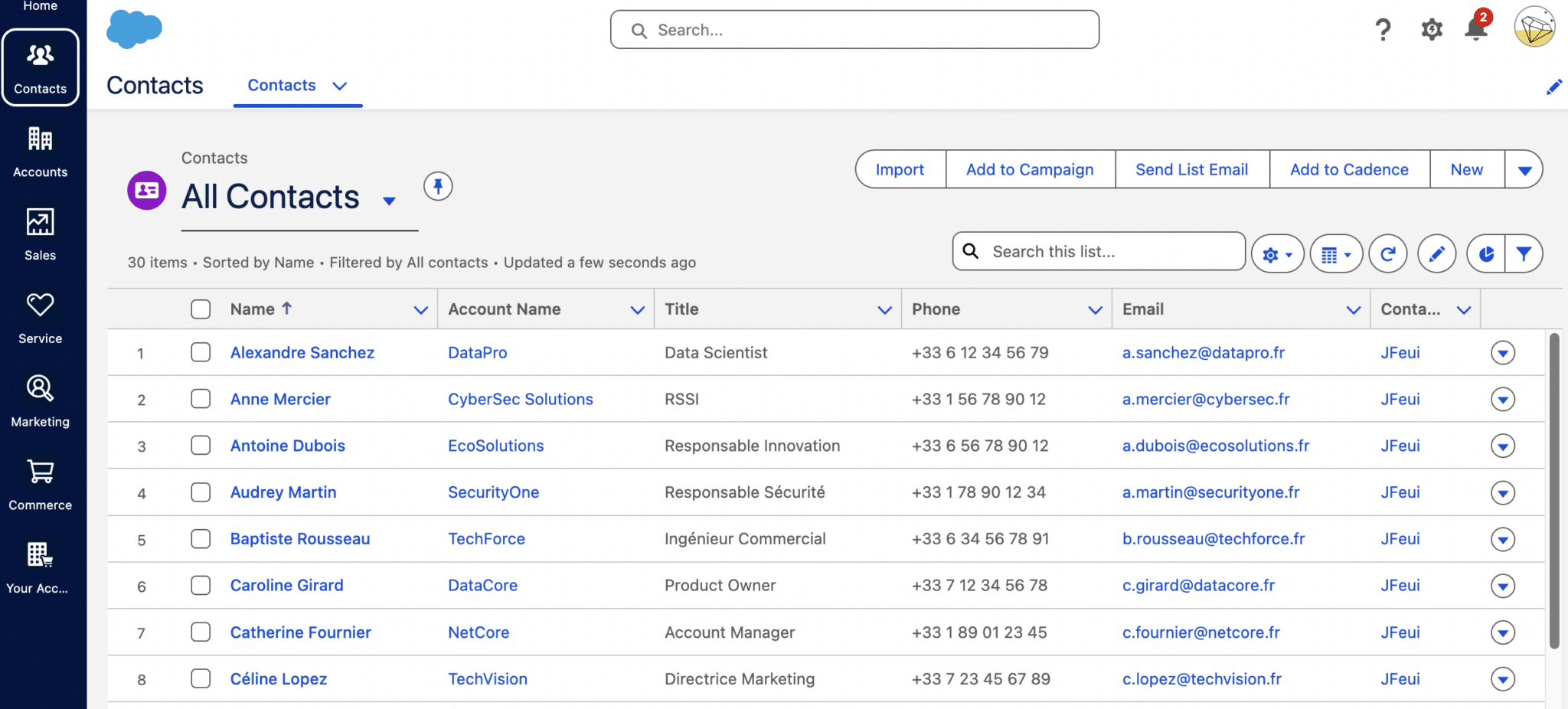
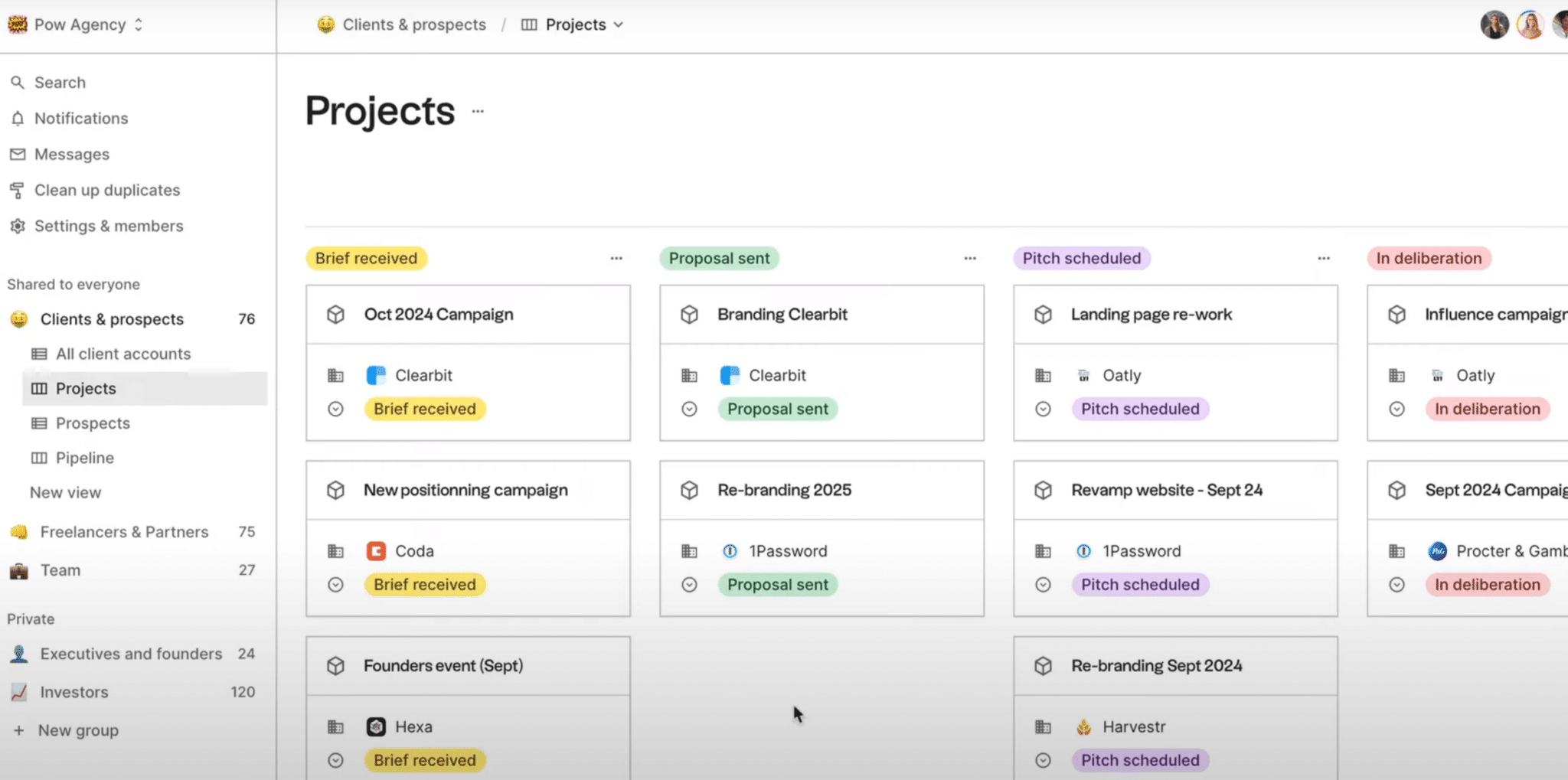
- Track sales opportunities in a visual pipeline, with customizable stages: first contact, qualification, sales proposal, negotiation, closing…
- Plan their actions: follow-ups, meetings, calls to make, etc.
- Collaborate with other team members, share files, hand over a lead or a customer.
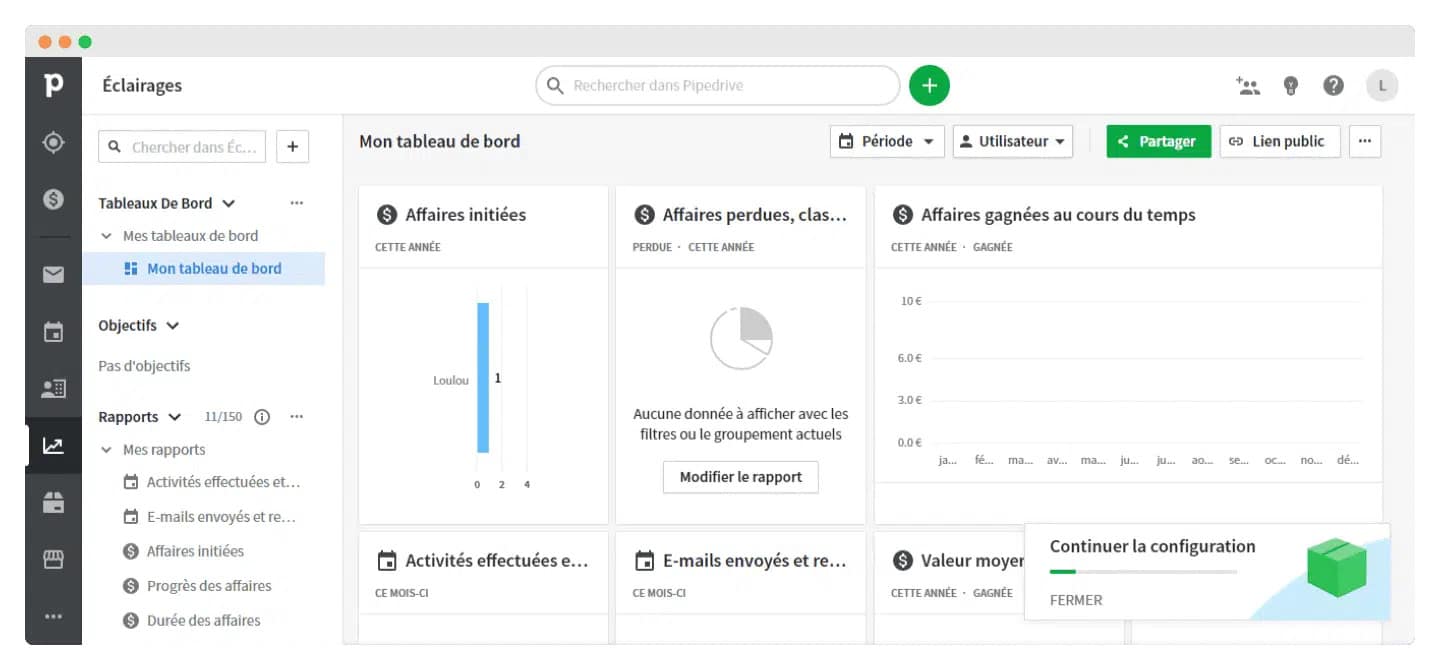
- Manage performance with reports on opportunity volume, conversion rates, revenue forecasts, etc.
Obviously, getting a sales CRM changes the way people work: you go from an individual, unstructured way of working to one that is shared, traceable and managed. And that’s not always easy to get accepted, especially in a sales team that already runs well.
That’s why the right time to get a sales CRM is:
- When the tools in place are no longer enough.
- When you start wasting time looking for information, forgetting follow-ups, wondering what’s left to do on this or that prospect.
- When there are more than one or two salespeople.
- When it becomes necessary to track sales, not just trust your gut.
Salesdorado’s tipA CRM is a business project before it’s a tech project. If salespeople don’t use it every day, it’s useless. And adding features won’t solve the problem (quite the opposite…).
Why use a sales CRM? (And what is it really for?)
If you’ve ever felt you missed an opportunity because you forgot, wasted time on tasks with no added value or didn’t really know where you stood with your sales… then you probably have everything to gain from a sales CRM.
Here’s what a sales CRM concretely makes possible when it’s used well.
You stop losing deals “stupidly”
Let’s be honest: in a lot of teams, deals are won or lost through attrition. A forgotten email, a follow-up that never happened, meeting notes filed in the wrong place, and the prospect slowly slips toward a more organized competitor.
A sales CRM helps you avoid that. Every contact is logged, every follow-up is scheduled, every exchange is tracked. You always have in front of you what has been done and what’s left to do.
Salesdorado’s tipIn 80% of cases, a deal isn’t lost because of the price or the product. It’s lost because someone forgot to follow up or followed up at the wrong time. And that’s first and foremost what a good sales CRM is for: setting the right pace for the sales relationship. Nothing more, nothing less.
You structure your pipe and gain clarity
Without a structured pipe, there’s no way to know what you’ve really got. Is your month good? How many opportunities are actually active? Where are the friction points?
A sales CRM gives you a clear, actionable overview.
You see your opportunities by stage, you prioritize them, you identify the bottlenecks. That holds for each salesperson, but also for sales management: you can only manage what you can see.
You automate tedious, time-consuming tasks
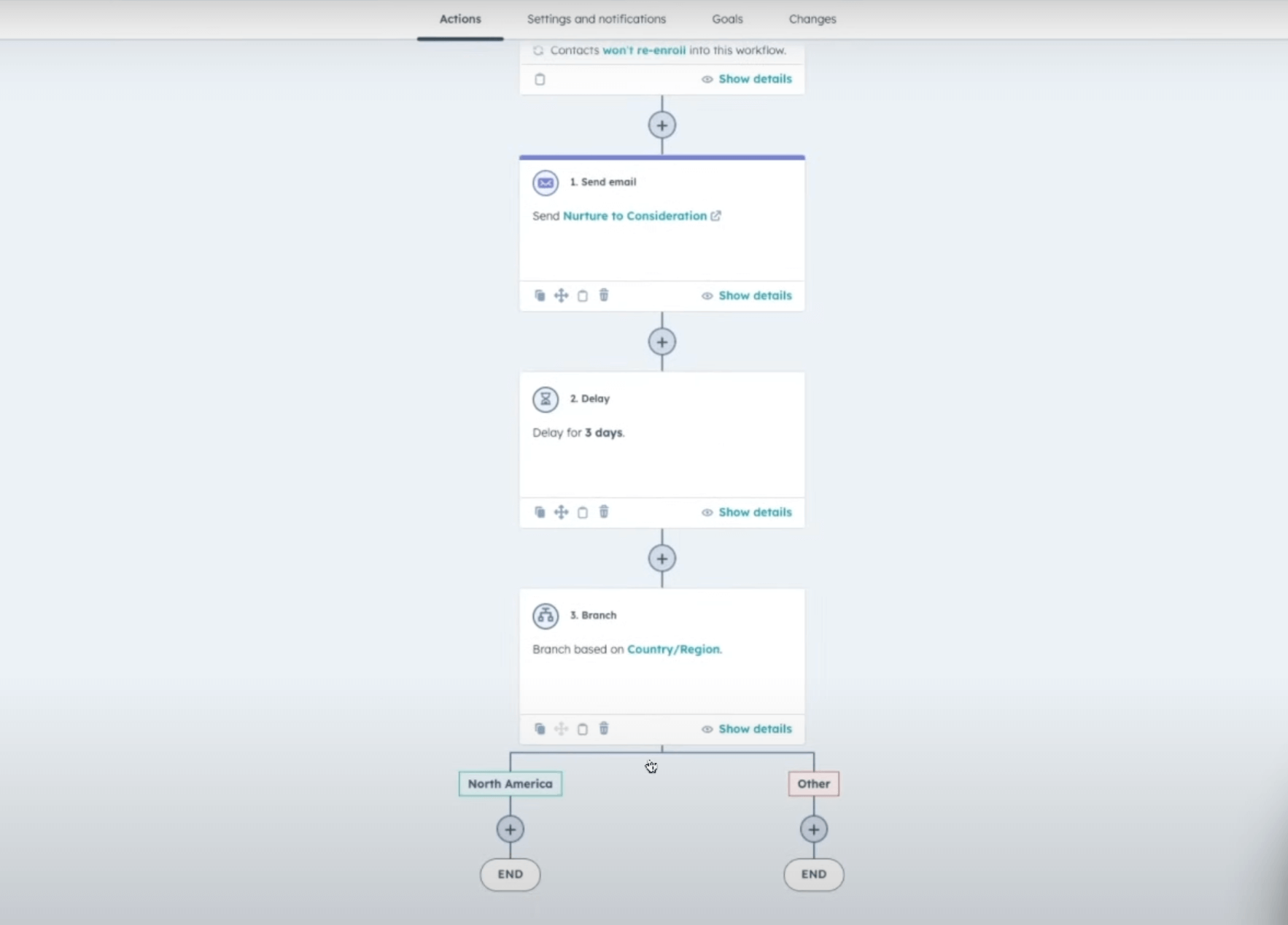
Plenty of time-consuming tasks can be automated with a CRM, for example sending a follow-up, updating a record, noting a reminder, carrying over data, syncing a calendar, assigning a lead… The list is long and, let’s be honest, nobody enjoys doing it by hand.
A sales CRM, when it’s used well, takes certain tasks with no added value off your salespeople’s plate and frees up more time for them to sell.
You track performance (and you improve)
A sales CRM gives you access to clear dashboards to track your conversions, analyze your sales cycles, see team activity and anticipate upcoming revenue. You can compare performance, test approaches and adjust what needs adjusting. You can improve continuously, instead of flying blind. You only improve what you can measure!
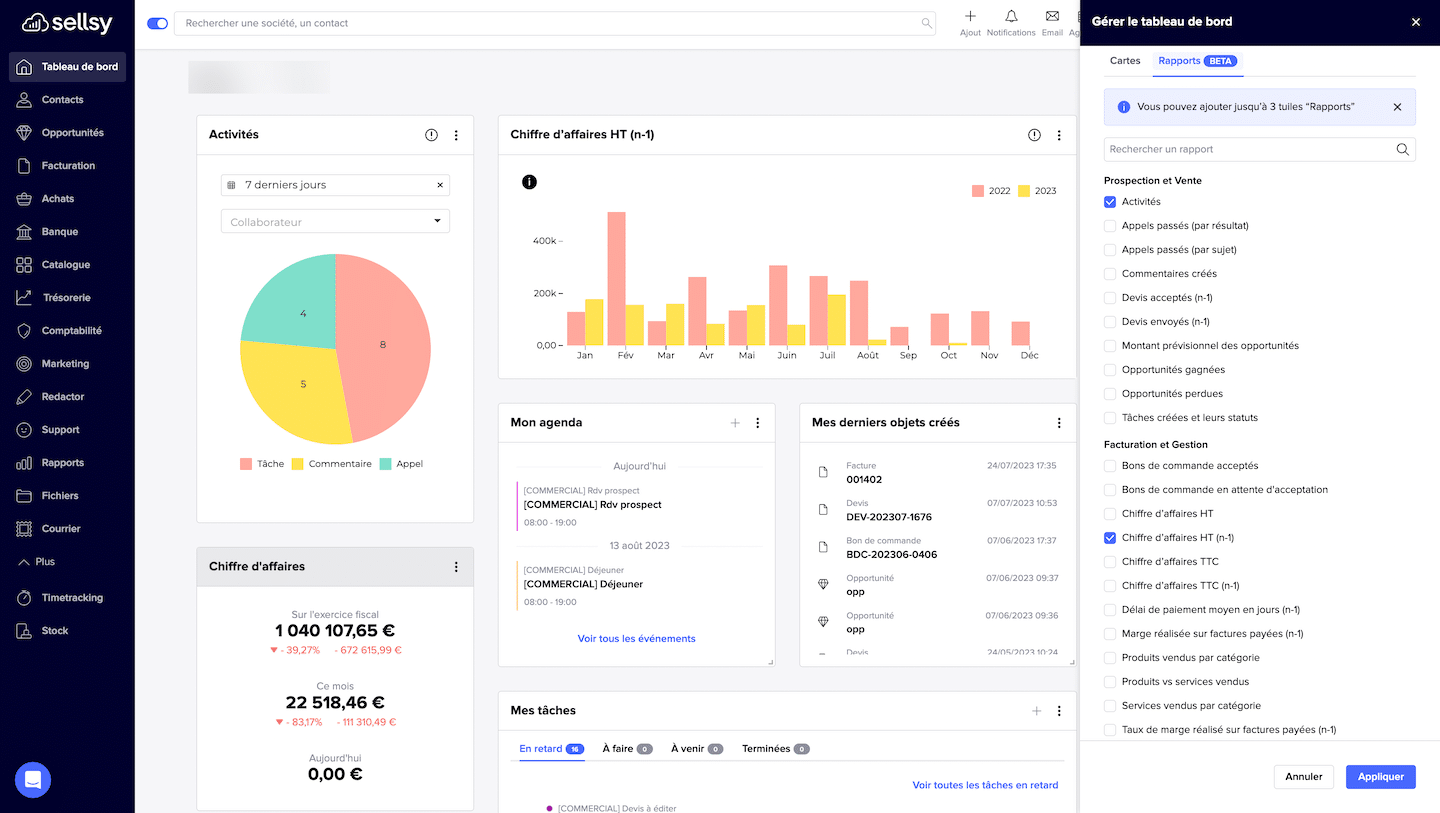
Salesdorado’s tipNo need for 50 dashboards: 3 are enough, as long as they’re readable and up to date. If you need an analyst to understand your numbers, they’re useless.
You encourage collaboration within the team
It’s an often underestimated side effect, but a well-configured sales CRM is also a lever for collaboration.
You see right away who talked to a prospect, what was said and where the follow-up stands. If a colleague goes on vacation, you can pick up the file without starting from scratch. On the management side, it’s also an excellent tool for keeping an eye on activity, without having to ask for reporting every week.
What if you could treat yourself to the best CRM on the market?Whatever your company’s needs and context, there’s no way to run a serious comparison without including Salesforce in your benchmark.
Salesforce now has an offer dedicated to SMBs and very small businesses, the Salesforce Starter plan.
To get a free personalized demo of the software in its Starter version, click the button below.
Sales CRM vs marketing CRM vs customer service CRM: what are the differences?
A sales CRM isn’t a tool sitting alone in its corner. It’s part of a wider ecosystem, which can also include a marketing CRM or a customer service CRM.
And even though these three families of tools share a name, they don’t have the same purpose at all:
- The sales CRM, as we’ve seen, is the salespeople’s tool. It’s used to manage opportunities and track sales. It’s software for running the sales cycle, which starts at first contact and ends at closing (or even at repeat purchase, if you push it a bit). Sales teams use it daily, so they don’t forget anything and to structure sales activity.
- The marketing CRM, for its part, comes in further upstream. It’s the tool for managing campaigns, newsletters, lead nurturing, segmentation, automation. It’s used to qualify leads, score prospects, send the right messages at the right time. It’s often what “fills the pipe” of the sales CRM.
- As for the customer service CRM, it picks up later in the journey. It’s the support teams’ tool: it centralizes requests, tickets, complaints. It lets you track customer satisfaction and keep a record of post-purchase exchanges.
In some companies, these three parts are handled in one and the same tool (such as HubSpot or Salesforce). In others, they’re separate, with a sales CRM (like Pipedrive or noCRM), a marketing automation tool (like Brevo, ActiveCampaign…) and a ticketing solution (such as Crisp or Zendesk).
There’s no right or wrong approach, but you need to know what you’re trying to structure. If your challenge today is helping your salespeople sell better, you need a sales CRM. The rest can come later.
Do you need a sales CRM in your situation?
Here are a few benchmarks to help you decide:
- If you work alone, with a still moderate volume of leads and short sales cycles, a sales CRM isn’t indispensable. A good old spreadsheet can be enough, as long as you’re rigorous. But the day you start juggling several channels, losing track of a prospect, skipping a follow-up, that’s the signal! The CRM becomes useful.
- If you’re two or three salespeople, the question doesn’t really arise anymore. It becomes hard to keep track of who’s handling what, where this or that lead stands and how each person works their pipe. A sales CRM gets everyone on the same wavelength and avoids duplicates or lost information.
- As soon as forecasting, structuring or managing the activity is at stake, the CRM becomes a must. You can’t run a sales department without a clean database, reliable data and a visible pipe.
Another criterion to take into account is your relationship with data. If you’re starting to track your conversions and analyze what works in your pipe, it’s probably the right time to step up. And in a lot of teams, that step goes through a well-chosen sales CRM that’s actually used every day.
But be careful: a poorly chosen or poorly implemented CRM can quickly become a drag. The right sales CRM is the one that meets your current needs, not the one that ticks every box of the vendor’s marketing.
The tool has to be easy to pick up, quick to deploy and aligned with how you actually work.
If you’re still in doubt, ask yourself a single question:
“Right now, how many opportunities do I have in my pipe? And how many have I forgotten to follow up on?”
If you can’t answer in under 10 seconds, it’s time to seriously consider a sales CRM.
The key features of a sales CRM
| Feature | What it lets you do |
|---|---|
| Contact and account management | You centralize all the useful info on your prospects and customers: who they are, which company they work at, when you contacted them, what they told you. Everything is in one place, structured, shareable. |
| Opportunity tracking (sales pipeline) | You see your ongoing sales like a dashboard: each opportunity is at a stage (first contact, negotiation, closing…), with an amount, a probability, an estimated date. That’s what lets you prioritize, follow up at the right time and know what might close this month. |
| Interaction history | Every call, every email, every meeting is logged automatically (or nearly). You can reread what was said, see past actions and pick up a conversation without ever saying “Can you remind me where we were?” (even if you weren’t the one who handled the previous exchange). |
| Automated reminders and follow-ups | The CRM reminds you who to follow up with, when and why. You can even automate simple sequences: follow-up at D+3, thank-you email, meeting booking. It’s basic, but effective. And above all, it keeps you from missing a deal just because your mind was elsewhere. |
| Reporting and forecasting | How many opportunities opened this month? How many deals signed? Who converts best? The CRM gives you the numbers, the trends and even forecasts if you feed it properly. That’s what lets you manage rather than just go on instinct. |
| Team collaboration | You can share accounts, comment on an opportunity or assign a prospect to a colleague. The CRM becomes a shared workspace. When a salesperson goes on vacation, someone else can take over the follow-up without losing information. And when a manager wants to understand what’s stuck, they don’t need to ask for a manual report. |
| Sync with everyday tools | The CRM integrates with your email, your calendar, your video conferencing tools, your e-signature tool. The benefit is that you spend less time copy-pasting, re-entering info or piecing together a conversation thread. And you can work without friction, without completely changing your habits. |
A few tips for choosing your sales CRM software
It’s not the hardest part, but it’s not that simple either.
The right sales CRM tool isn’t the one with 200 features, nor the one everybody uses. It’s the one that fits your needs, your ways of working, your team. The one you can set up quickly, use every day and grow over time.
A few principles to keep in mind.
1. Keep it simple
A sales CRM is there to structure, not to complicate. An overly complete tool (and complete often means complex) quickly becomes a tool nobody ever uses. Better a somewhat limited solution adopted by 100% of the team than a bloated monster nobody opens.
2. Think use before tool
Before comparing software, list what you really expect from the CRM: tracking your follow-ups? Centralizing customer records? Automating certain tasks? Seeing the pipe? These use cases are what should guide your choice.
3. Test
Almost every CRM offers a free trial. Make the most of it. Set up the tool, add a few contacts, simulate a sales cycle. If after 48 hours you feel comfortable, that’s a good sign. If you have to spend two days figuring out how to create an opportunity, move on.
4. Check that it fits your current stack
The CRM isn’t always on its own. Check the native integrations with your tools (Google Workspace, Outlook, LinkedIn, calendars, e-signature tools…). The less copy-pasting you have to do, the faster you’ll go.
5. Plan for the next step
You may not need a marketing CRM or a support tool today, but you might tomorrow. So choose a solution that can easily integrate with other tools or that lets you scale up gradually.
Salesdorado’s tipA good CRM fits in where you already work. If you have to manually copy-paste your emails or your meetings, you’re losing time and therefore value. So, a friendly piece of advice: check the native integrations and test them from day one.
Bottom line, as you’ll have gathered: start from your real needs, stay pragmatic and go for a tool that lets you start fast, without locking you in for what comes next. That’s often how the best choices get made.
The questions we get over and over.
What is a sales CRM?
Software used to run sales activity. It centralizes contacts, structures opportunity tracking and helps improve the performance of sales teams. It’s the salesperson’s daily workspace: portfolio, past interactions, follow-ups to do, deals in progress.
What’s the difference between a sales CRM, a marketing CRM and a customer service CRM?
The sales CRM manages opportunities and tracks sales, from first contact to closing. The marketing CRM comes in upstream: campaigns, newsletters, lead nurturing, segmentation, prospect scoring. The customer service CRM picks up later in the journey: it centralizes requests, tickets and complaints.
When do you need a sales CRM?
When the tools in place are no longer enough, when you waste time looking for information or forget follow-ups, and when there are more than one or two salespeople. On your own, with a moderate volume of leads and short sales cycles, a spreadsheet can be enough if you’re rigorous.
What are the key features of a sales CRM?
Contact and account management, opportunity tracking in a sales pipeline, interaction history, automated reminders and follow-ups, reporting and forecasting, team collaboration and sync with email, calendar, video conferencing and e-signature.
How do you choose your sales CRM software?
Keep it simple, list your use cases before comparing software, test the tool during the free trial, check the native integrations with your current stack and choose a solution that can integrate with other tools later.



What the community says.