The Best Monday Alternatives

Ten monday.com alternatives compared: more structured tools (Wrike, ClickUp, Jira, Asana), simpler and cheaper tools (Trello, Basecamp), tools built on a different logic than boards (Notion, Airtable) and tools for client projects (Zoho Projects, Teamwork.com).

Maxime Ben Bouaziz
Maxime Ben Bouaziz
CEO Salesdorado, IA & Sales Tech
July 22, 2022, updated November 10, 2026, 1 min read
See all tools

monday.com is probably one of the best project management tools on the market, but it can be a bit limiting. Its free plan stops at 2 users and 3 boards, paid plans are sold from 3 seats, and both Gantt and automations only arrive with the Standard plan, at €14 per seat billed monthly. It also can’t be hosted on your own servers.

We’ve gathered the 10 best alternatives to the leader of project management tools, enough to find a fit in just about any situation. Depending on what’s pushing you to leave monday.com:

  • keep an equally versatile tool, with Gantt and time tracking from the first plan: ClickUp;
  • approval workflows and fine-grained access rights: Wrike, or Asana to tie several teams to shared objectives;
  • a development team that works in sprints: Jira;
  • pay less for a small team: Trello, or Basecamp and its per-account price as the team grows;
  • documentation that lives next to your projects: Notion;
  • lots of linked data, spreadsheet-style: Airtable;
  • bill your clients for time spent: Teamwork.com, or Zoho Projects on a small budget.

SalesdoradoSimulate your choice of project management tool
Free tool, 2 minutes
Simulate your choice of project management tool

Answer 10 targeted questions and find the tools that actually fit your situation.

12
tools analyzed
10
targeted questions
€0
no sign-up
Methodology published by the Salesdorado editorial team

The 10 tools, side by side

# Logos tool Score Price Best for
01 Wrike 4.5/5 ★ $10 Organizations with long, cross-functional projects, where every deliverable goes through several approvals Visit site
02 ClickUp 4.7/5 ★ $9 Teams that want a tool as versatile as monday.com, with Gantt and time tracking from the first paid plan Visit site
03 Trello 4.7/5 ★ $5 Small teams that find monday.com too rich and want a Kanban board ready right away Visit site
04 Notion 4.7/5 ★ €9.50 Teams for whom documentation matters as much as task tracking Visit site
05 Jira 4.7/5 ★ $8.48 Product and development teams working in Scrum or Kanban who link their tickets to code Visit site
06 Basecamp 4.7/5 ★ $29 Growing teams that want a per-account price, with project communication in the same place as tasks Visit site
07 Airtable 4.4/5 ★ $20 Those looking for an advanced version of Excel, with a lot of connectivity Visit site
08 Zoho Projects 4.7/5 ★ €4 Small and mid-sized businesses on a tight budget, especially those already using Zoho CRM or Zoho Books Visit site
09 Asana 4.2/5 ★ €10.99 Executives who want to tie the projects of several teams to shared objectives Visit site
10 Teamwork.com 4.6/5 ★ €9.99 Agencies and service companies that manage client projects and bill their hours Visit site
01

Wrike

4.5/5 From $10

Best for: Organizations with long, cross-functional projects, where every deliverable goes through several approvals

+ Strengths
  • Native approval workflows and audit trails
  • Access rights set project by project and folder by folder
  • Interactive Gantt from Team, with dependencies
  • Resource and capacity planning in Business
− Downsides
  • Long setup before the tool is readable for everyone
  • Team plan capped at 15 users
  • Prices shown for annual billing only
★ Wrike in brief

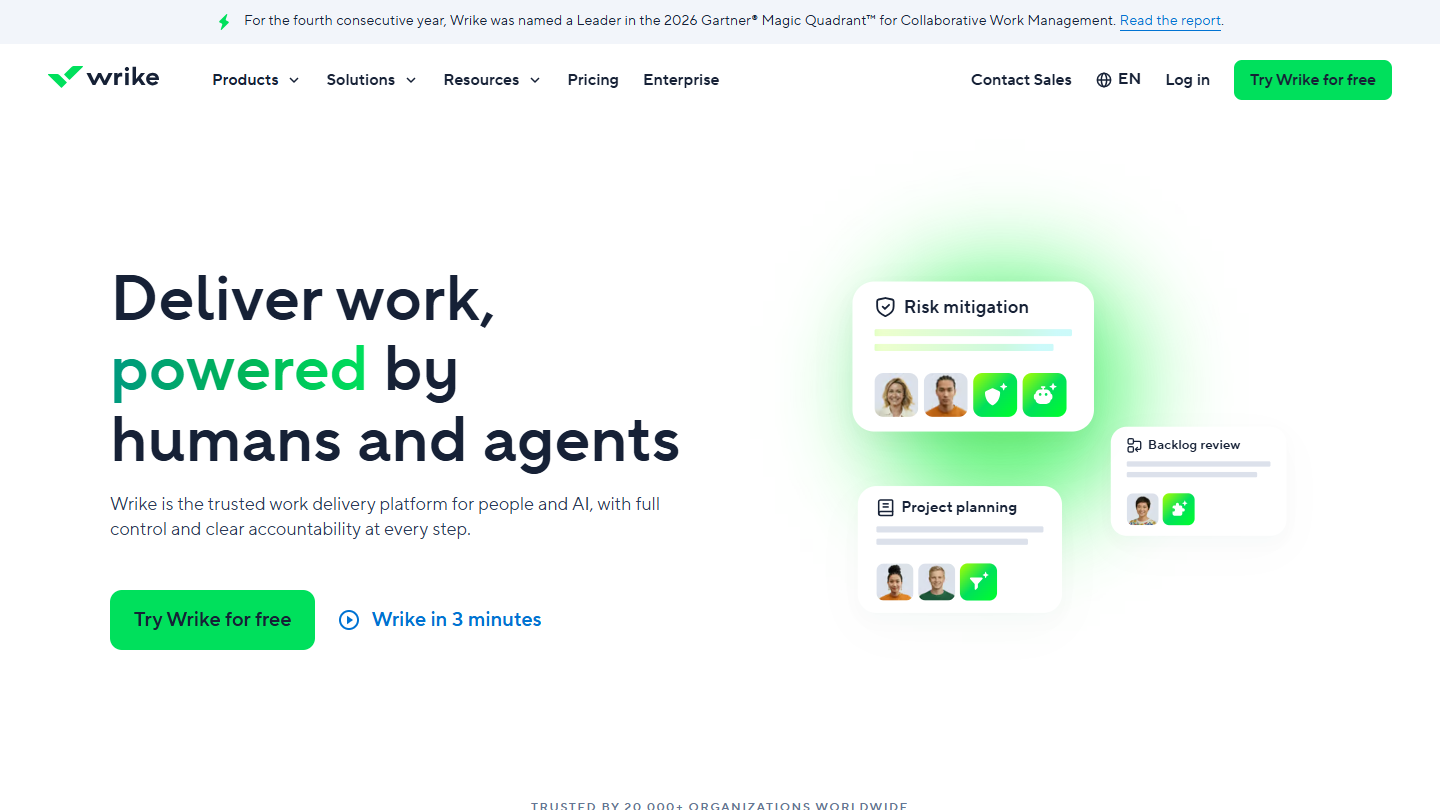
Wrike website: “Deliver work, powered by humans and agents”

Wrike targets organizations whose projects involve several departments: approval workflows, access rights set folder by folder, resource management and advanced security and data storage options.

In practice, a request becomes a task assigned to the right department, then goes up to the manager for approval before delivery. The Gantt recalculates when a deadline slips, and dashboards aggregate the status of every project in progress.

Against monday.com, Wrike wins as soon as governance matters: who sees what, who approves what, and the trace of every decision. It loses on adoption: a monday.com board can be understood in a few minutes, while Wrike needs a real rollout phase, poorly suited to small organizations.

The Free plan handles tasks and projects with a limited number of active tasks, no Gantt. Team costs $10 per user per month billed annually, for 2 to 15 users, and Business $25 with resource planning; Pinnacle and Apex are on request. With ten users, Team comes to $100 per month, versus €90 for monday.com on Basic, which has no Gantt. 14-day trial, no credit card.

02

ClickUp

4.7/5 From $9

Best for: Teams that want a tool as versatile as monday.com, with Gantt and time tracking from the first paid plan

+ Strengths
  • Gantt and time tracking from Core, at $9
  • Free with no cap on members or tasks
  • Open API and a rich catalog of integrations
  • Docs, chat and whiteboards in the same workspace
− Downsides
  • Busy interface: lots of options to sort through before you start
  • Storage limited to 60 MB on the free plan
  • No dedicated support before Enterprise
★ ClickUp in brief

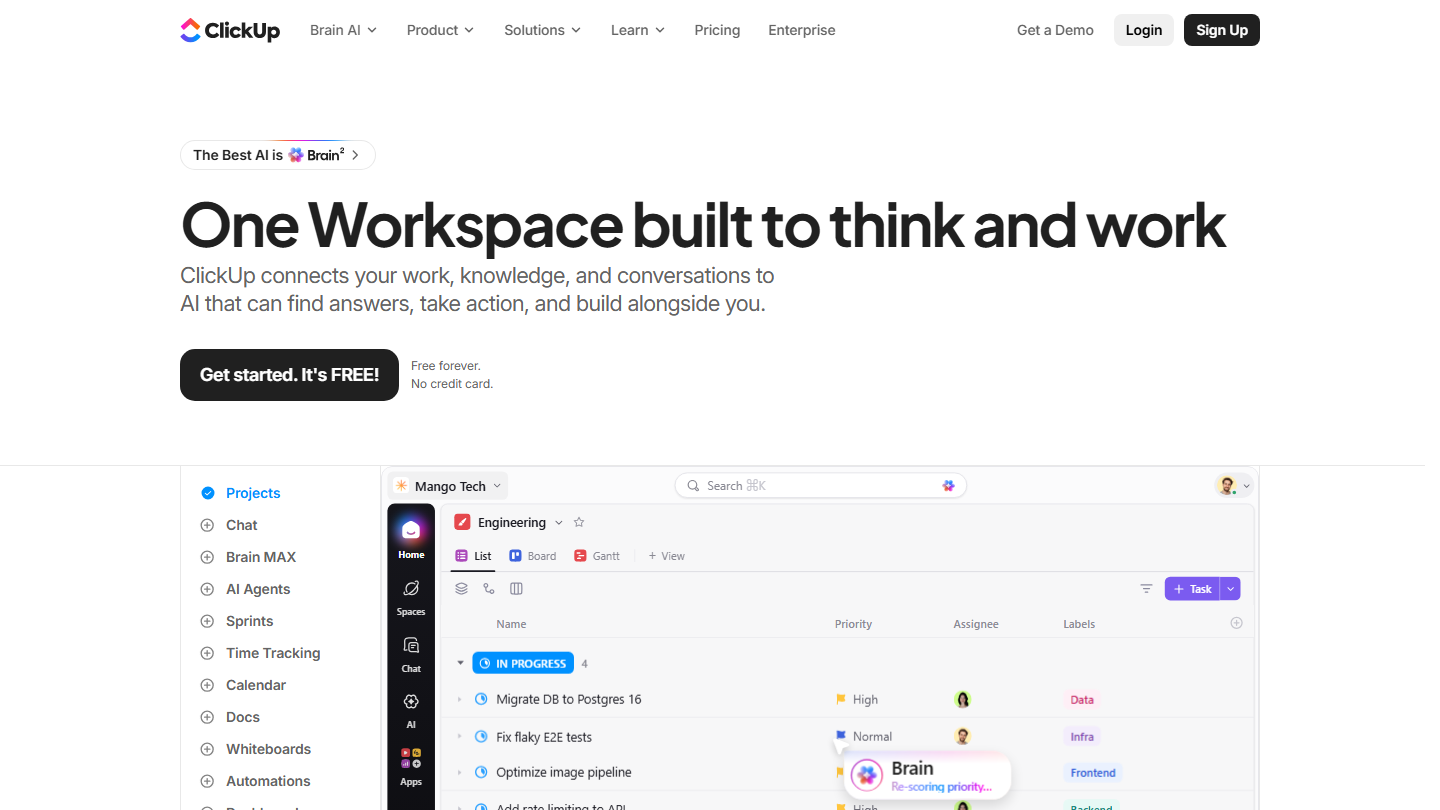
ClickUp homepage: “One Workspace built to think and work”, with a task list in project view

ClickUp is the most direct alternative to monday.com: the same single-platform ambition, with lists, boards, documents, chat and whiteboards brought together in a workspace organized in folders. The product is highly polished and stays open, with a public API and plenty of integrations.

In practice, a marketing team tracks its campaign in Kanban, the product team its sprints, and management reads everything in a dashboard. Time spent is logged in the task itself, and the Gantt shows dependencies without any add-on module.

Against monday.com, ClickUp gives more for a comparable price: Gantt and time tracking arrive with the first paid plan, whereas monday.com reserves Gantt for Standard. The trade-off is a denser interface, which you need to frame internally so you don’t lose occasional users.

The Free Forever plan accepts unlimited members and tasks, with 60 MB of storage. Core costs $9 per user per month billed annually ($12 monthly), Business $17 ($25) with 10,000 automations per month. A team of three pays $27 per month on Core, versus €27 on Basic at monday.com.

03

Trello

4.7/5 From $5

Best for: Small teams that find monday.com too rich and want a Kanban board ready right away

+ Strengths
  • A board usable in minutes, no training
  • Free up to 10 collaborators per workspace, versus 2 at monday.com
  • Unlimited cards and Power-Ups from the free plan
  • Plenty of ready-to-use templates
− Downsides
  • No timeline or dashboard before Premium, at $10
  • 250 automation runs per month on the free plan
  • Quickly cramped on projects with dependencies
★ Trello in brief

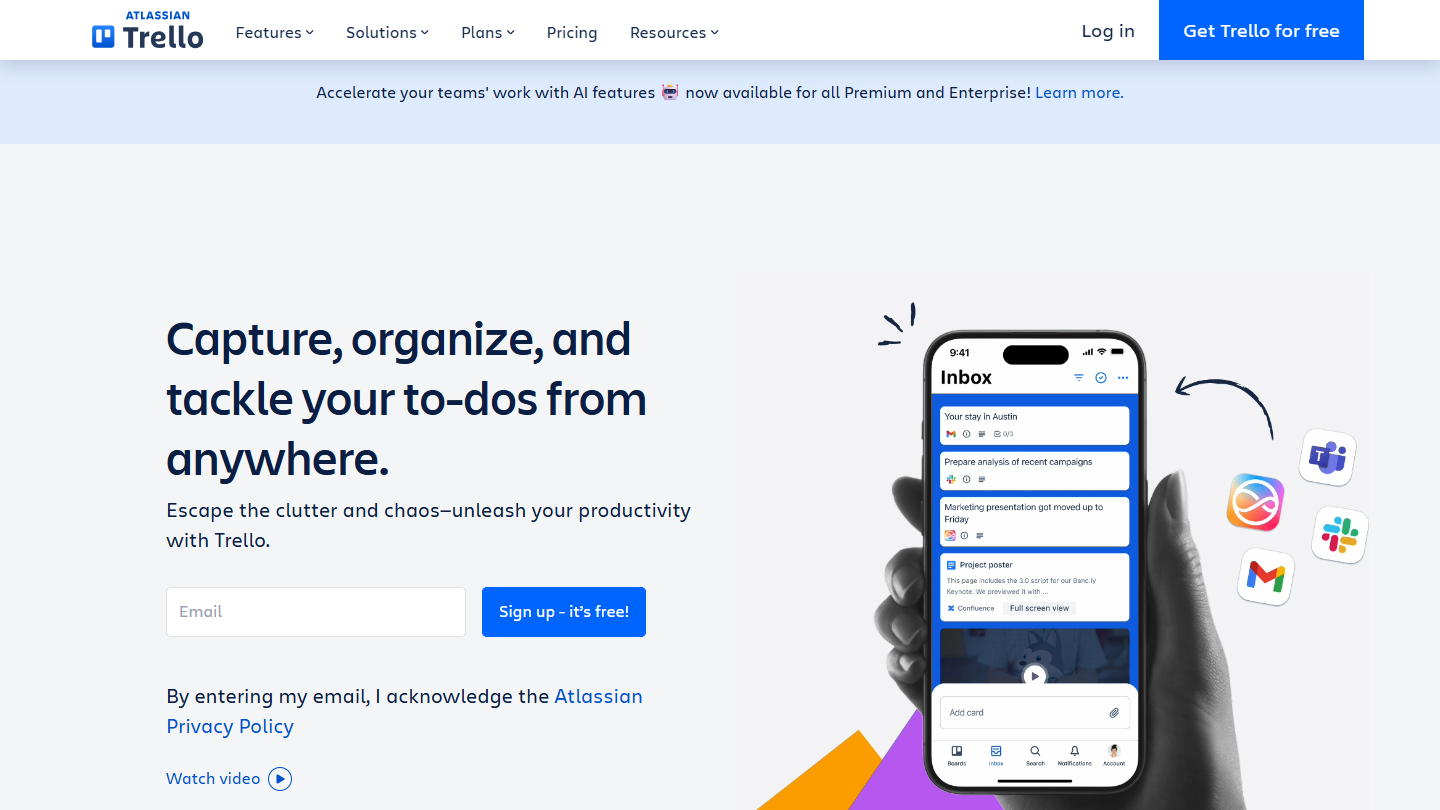
Trello website: “Capture, organize, and tackle your to-dos from anywhere.”

Trello has been a heavyweight of project management for years. Everything is built around the Kanban board, and Atlassian, its owner, has added views, AI and automations without weighing it down.

In practice, a sales team tracks its tenders column by column, an agency its productions in progress. An automation rule moves a card when its checklist is complete, or reminds the owner of the deadline the day before.

Against monday.com, Trello does fewer things but does them with no tuning: no columns to type, no boards to link. It’s the alternative to pick if monday.com felt oversized; if you used its Gantt views and dashboards, you’ll have to move up to Premium.

The Free plan accepts 10 collaborators and 10 boards per workspace, with 250 automation runs per month. Standard costs $5 per user per month billed annually ($6 monthly) and Premium $10 ($12.50). For three people, Standard comes to $15 per month, versus €27 for the 3-seat minimum of monday.com on Basic.

04

Notion

4.7/5 From €9.50

Best for: Teams for whom documentation matters as much as task tracking

+ Strengths
  • One of the most polished document editors on the market
  • Linked databases: a project points to its tasks, notes and clients
  • Open API on every plan
  • Free with no block limit for a single user
− Downsides
  • Tracking views to build yourself
  • Few ready-made reports
  • Recurring tasks harder to create than in a dedicated tool
★ Notion in brief

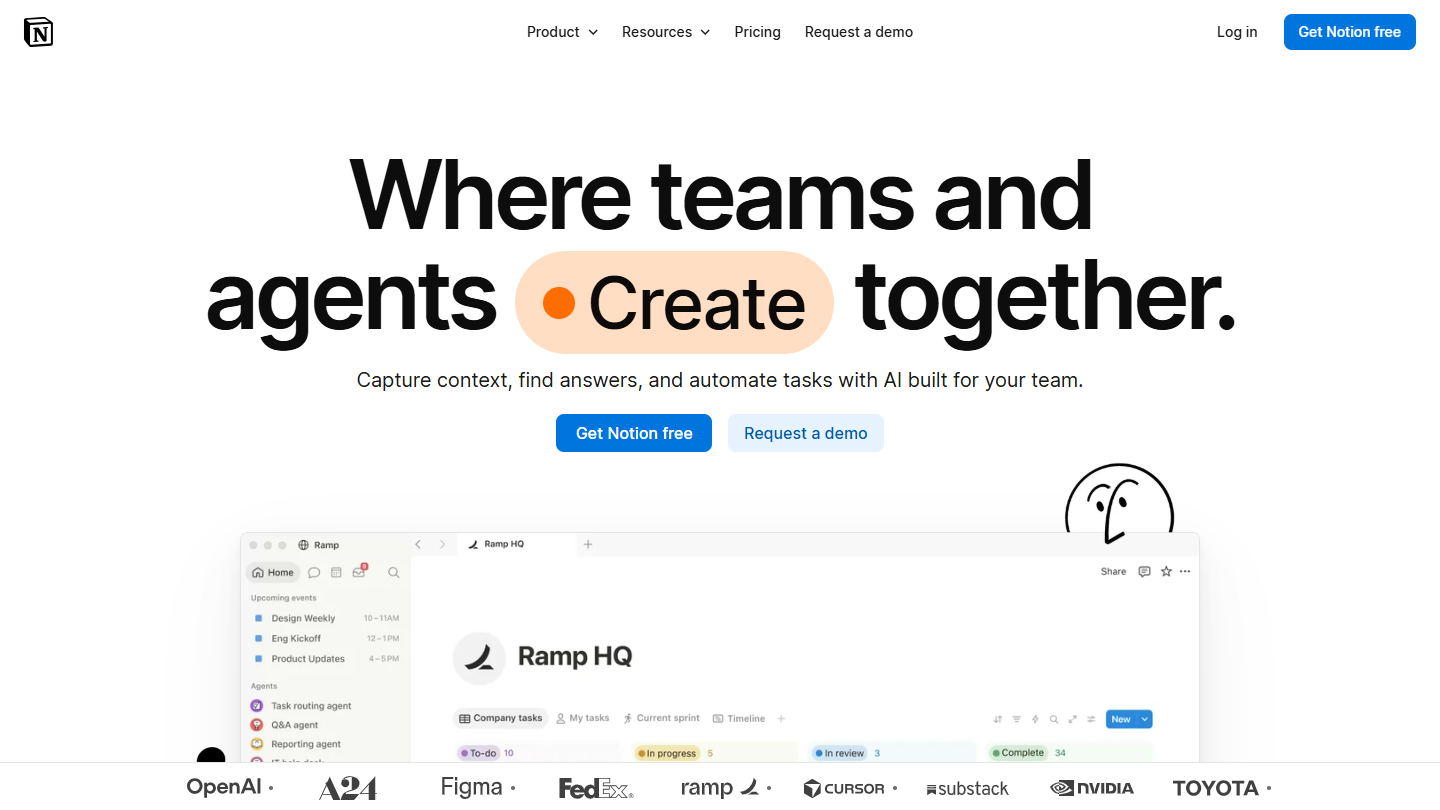
Notion website: “Where teams and agents Create together.”

Notion is a complete collaborative workspace: pages, wikis, databases and boards are all built from the same blocks. It works a bit like a shared documents space, but the editor is one of the best on the market and sharing is very granular.

In practice, a product team writes its specs there, links them to the roadmap tasks shown as a timeline, and keeps meeting notes in the same database. A newcomer finds a project’s context by reading its page, without digging through comment threads.

Against monday.com, Notion flips the logic: monday.com starts from the tracking board and attaches documents to it, Notion starts from the document and adds boards. It’s the right alternative if your teams spent more time in monday.com’s Docs than in its boards; for tracking each person’s workload, it lags behind.

Used solo, Notion is free with no block limit; with two or more members, blocks are counted. Plus is €9.50 per member per month billed annually and €11.50 monthly, a little less than monday.com’s €12 monthly on Basic. Business, at €19.50 annually, adds SAML SSO and the AI agent.

05

Jira

4.7/5 From $8.48

Best for: Product and development teams working in Scrum or Kanban who link their tickets to code

+ Strengths
  • Backlog, sprints and burndown available with no setup
  • Tickets linked to commits and pull requests
  • Free plan up to 10 users
  • Very active agile community, best practices widely documented
− Downsides
  • Too technical for marketing, HR or finance teams
  • Automations capped at 150 steps per month on the free plan
  • No new Data Center (self-hosted) licenses since March 2026
★ Jira in brief

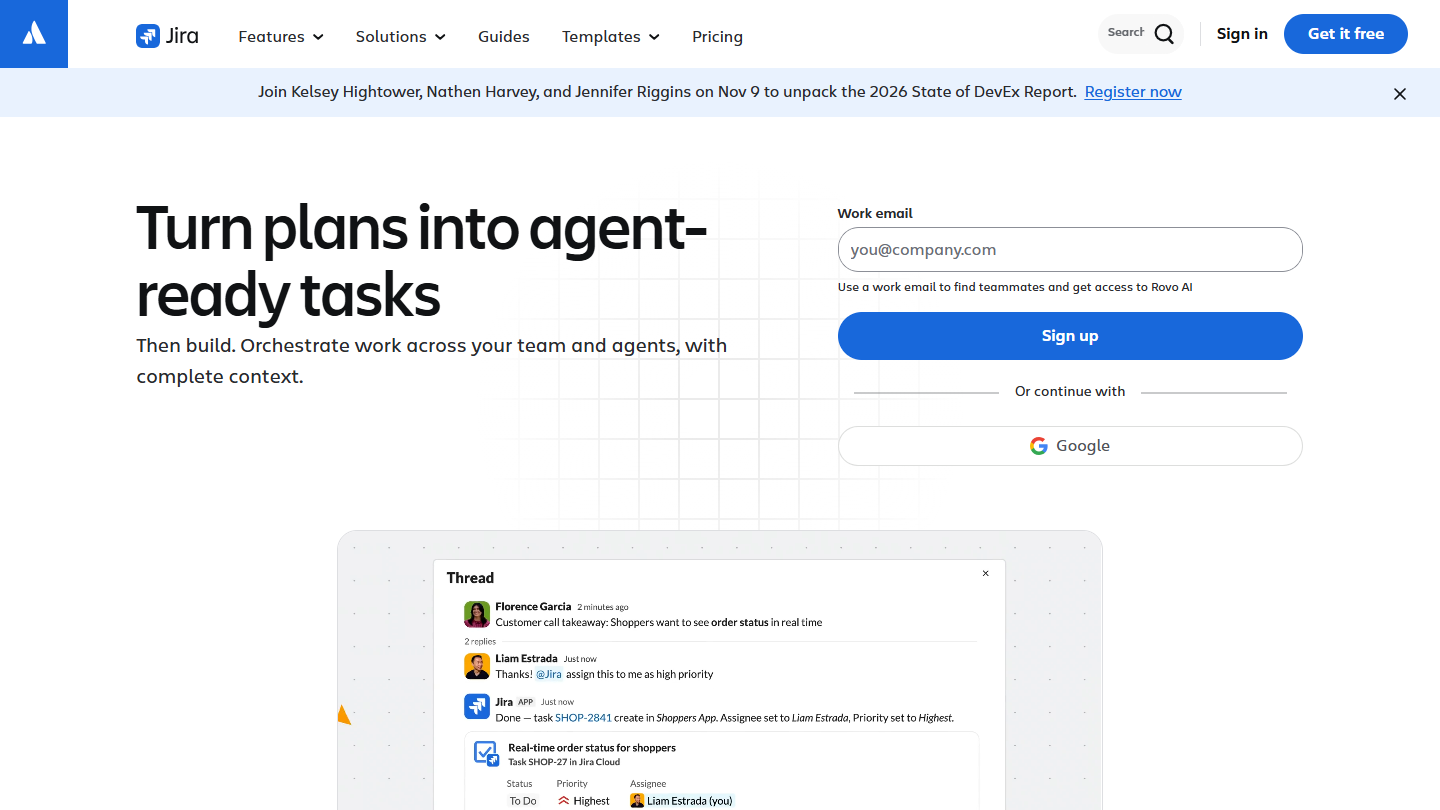
Jira website: “Turn plans into agent-ready tasks”

Jira, from Atlassian, remains the reference for agile project management. It’s strongly geared toward software development teams, but works for any project run in sprints, with a community and best practices that few tools match.

In practice, each request becomes an estimated, prioritized ticket in the backlog, the team commits to a sprint, and the burndown shows every day whether the goal holds. Tickets link to commits and pull requests, and the Timeline and Calendar views give the longer-term picture.

Against monday.com, Jira is the right choice when the project is a software product: ticket workflows, sprints and links to code are native. For running a marketing launch or a hiring drive, it becomes heavy, and monday.com stays more readable for non-technical teams. Those who were leaving monday.com to host the tool themselves should note that Atlassian no longer sells new Data Center licenses since March 30, 2026, ahead of an end of life planned for March 28, 2029.

A team of 10 can work on it without paying, with 2 GB of storage. Beyond that, Standard is $8.48 per user per month billed monthly and Premium $15.56, with up to 17% off when billed annually. Standard and Premium can be tried for 7 days.

06

Basecamp

4.7/5 From $29

Best for: Growing teams that want a per-account price, with project communication in the same place as tasks

+ Strengths
  • Pro Unlimited: unlimited users and projects for $199 per month billed annually
  • Chat, announcements, to-dos and documents together in each project
  • Suited to fully remote organizations
  • 30-day trial, no credit card
− Downsides
  • Scheduling and workload tracking much lighter than at monday.com
  • Users and projects capped up to Pro Plus
  • Interface and help in English only
★ Basecamp in brief

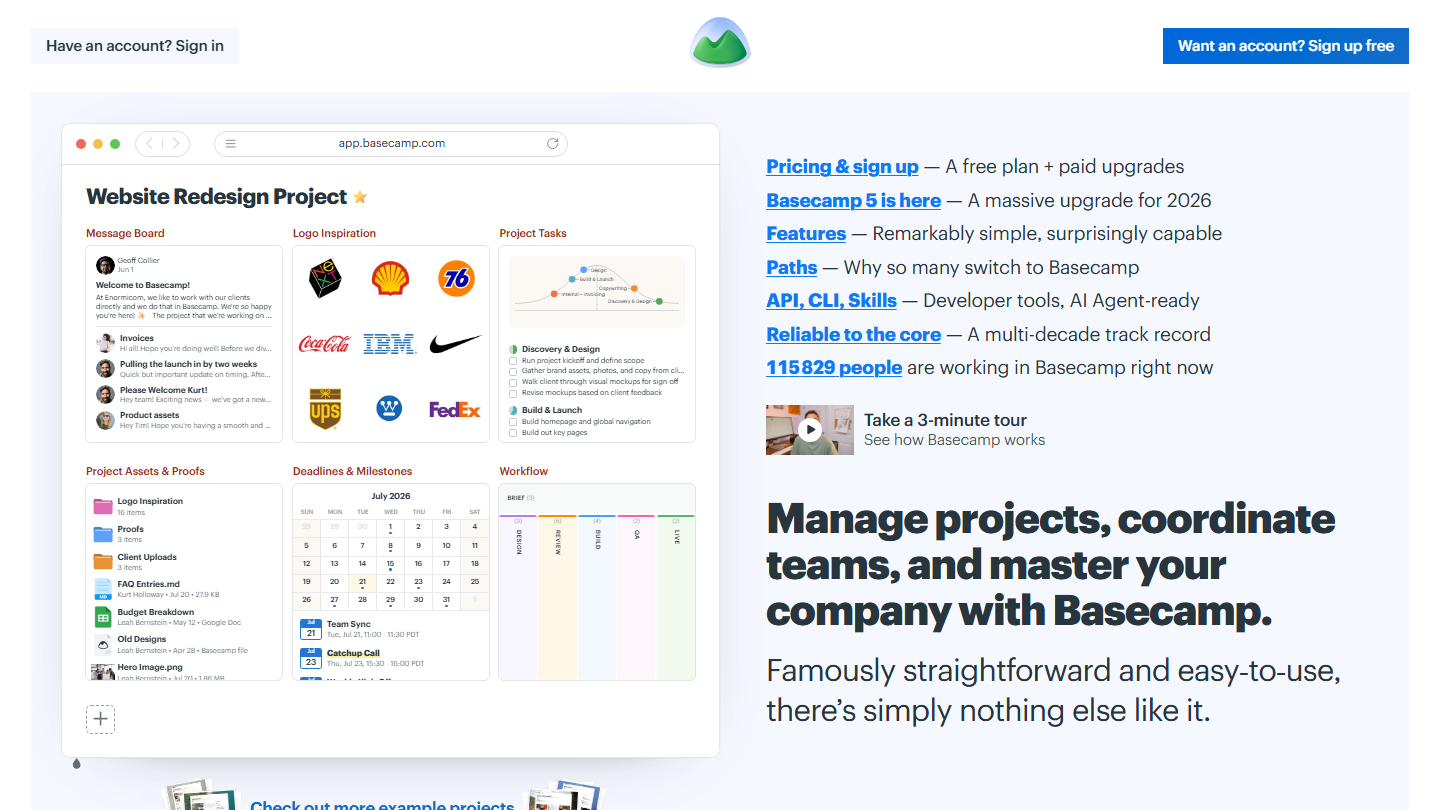
Basecamp homepage: “Manage projects, coordinate teams, and master your company with Basecamp”, with a sample project

Basecamp, from 37signals, is a true all-in-one solution that brings together, in each project, an announcements feed, to-do lists, a Kanban board, chat, a schedule and documents. What sets it apart is its pricing model: you pay for the account, not the user.

In practice, a remote team replaces part of its emails with it: decisions are posted in the project feed, quick exchanges go through chat, and everyone finds the files and tasks that concern them in one place.

Against monday.com, Basecamp bets on communication rather than fine-grained planning: workload tracking and reporting are much lighter. It becomes attractive as the team grows, since the monday.com bill rises with every seat while Basecamp’s follows the number of projects.

Without paying, you get one project for three people. The grid then climbs in tiers of projects and users: $29 per month for Freelancer, $79 for Pro, $99 for Pro Plus, which goes up to 15 people. Beyond that, Pro Unlimited removes all limits for $199 per month billed annually, or $329 monthly. At 25 people, compare it with monday.com’s €225 per month on Basic, billed annually.

07

Airtable

4.4/5 From $20

Best for: Those looking for an advanced version of Excel, with a lot of connectivity

+ Strengths
  • Tables linked together, typed fields and multiple views
  • Custom screens for those who view without editing
  • Very flexible and easy to use
  • Many successful integrations
− Downsides
  • Poorly suited to collaboration on written deliverables
  • Free plan limited to 1,000 records per base and 5 editors
  • Gantt and timeline reserved for Team, at $20
★ Airtable in brief

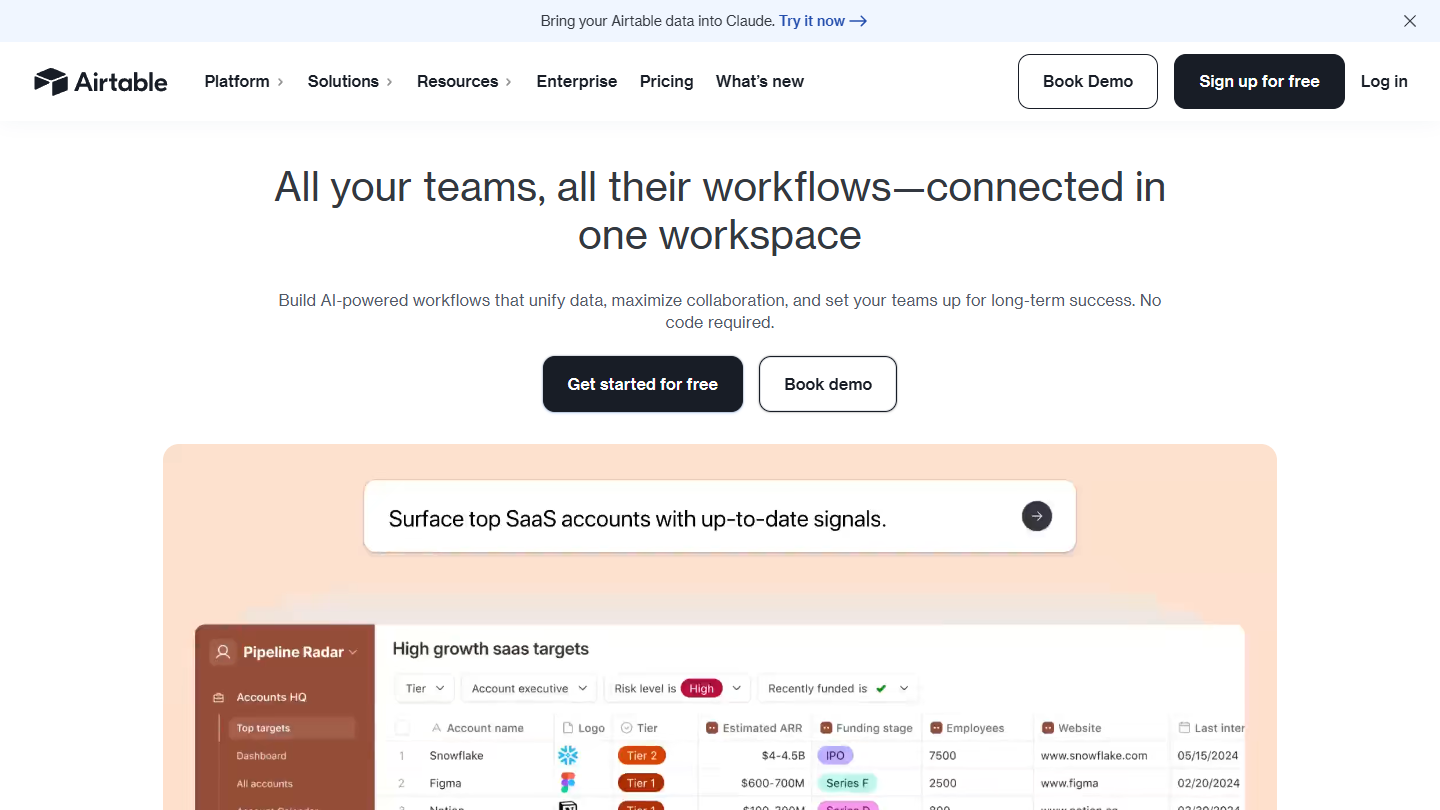
Airtable homepage: “All your teams, all their workflows, connected in one workspace”, with a sample base

Airtable is a next-generation spreadsheet: interconnected, multi-table, and able to carry real business applications. It adapts very well to project management, without having been designed for it.

In practice, a Projects table links to a Tasks table and a Clients table: changing a project’s deadline updates every view that displays it, from Kanban to calendar. Automations send a message when a status changes, and a dedicated interface shows management only the indicators it cares about.

Against monday.com, whose boards already look like a spreadsheet, Airtable goes further on data: relations between tables, formulas, volumes. It is, however, less guided for pure project management, and doesn’t really allow collaboration on written deliverables.

The Free plan limits each base to 1,000 records, 5 editors and 100 automation runs. Team costs $20 per seat per month billed annually ($24 monthly), with 50,000 records per base and the Gantt and timeline views; Business goes to $45 ($54). That’s clearly more expensive than monday.com on Basic.

08

Zoho Projects

4.7/5 From €4

Best for: Small and mid-sized businesses on a tight budget, especially those already using Zoho CRM or Zoho Books

+ Strengths
  • Premium at €4 per user billed annually, less than half of monday.com's Basic
  • Timesheets and project budget from Premium
  • Linked to Zoho's CRM, invoicing and accounting
  • Interface and support in French
− Downsides
  • Critical path and baseline reserved for Enterprise
  • Free plan limited to 3 projects
  • Less immediate to pick up than monday.com
★ Zoho Projects in brief

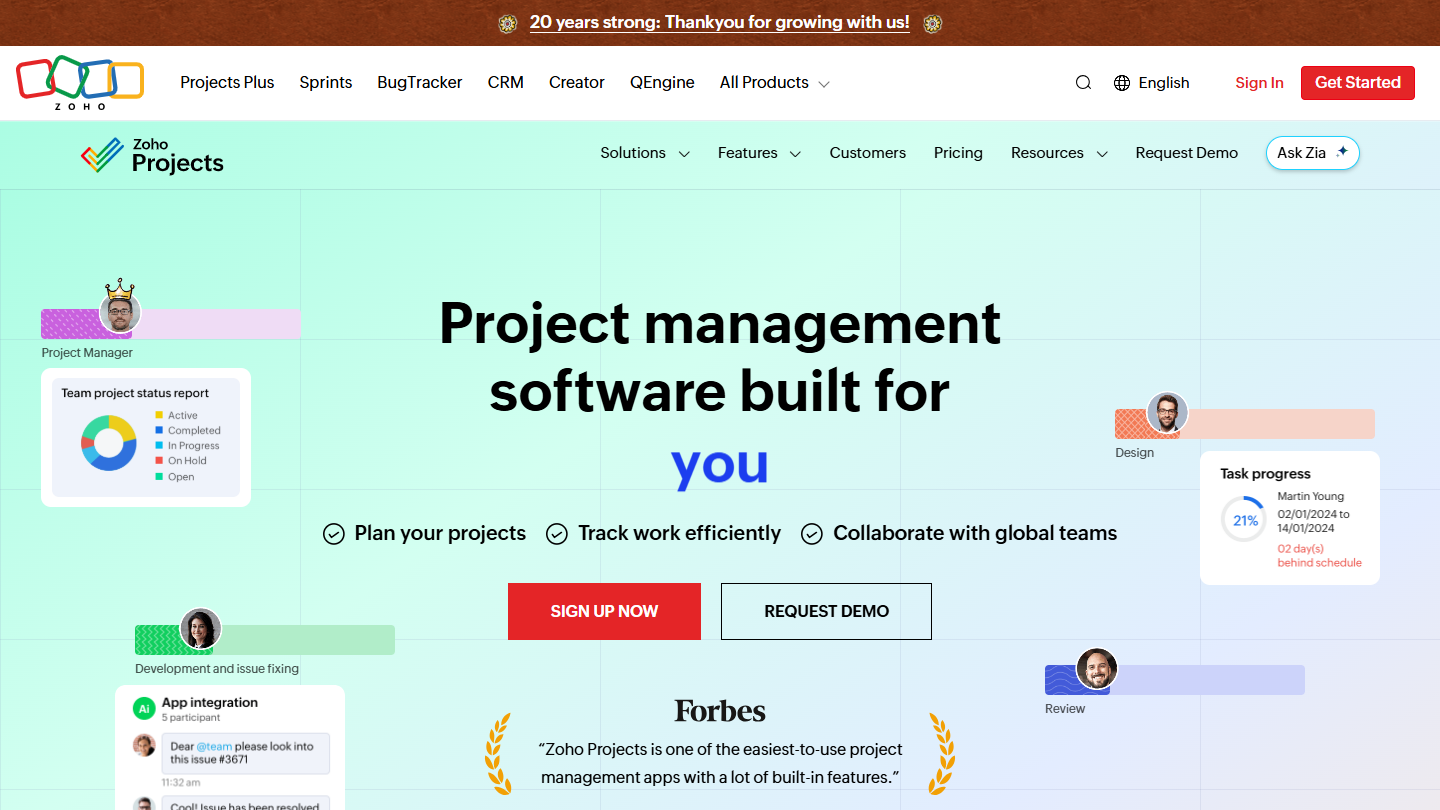
Zoho Projects website: “Project management software built for increased productivity improved collaboration dynamic teams you”

Zoho Projects is the project management tool of the Zoho suite, and it’s quite a success. It goes fairly far, with milestones, subtasks, timesheets and budget, while staying accessible.

In practice, an agency or an engineering firm logs its hours per task, compares consumed versus planned budget every week and tracks progress in earned value. Recurring tasks cover projects that repeat from one client to the next.

Against monday.com, Zoho Projects is less appealing on screen but better equipped for billed projects: timesheets and budget are native from the first paid plan. The choice becomes obvious for a company already equipped with Zoho, which keeps a single vendor and a single account.

Five people work for free on three projects at most. Premium is €4 per user per month billed annually, €5 monthly; above that, Enterprise is €9 and Ultimate €14 annually. For 3 people, Premium comes to €12 per month, versus €27 at monday.com on Basic. Paid plans can be tried for 15 days.

09

Asana

4.2/5 From €10.99

Best for: Executives who want to tie the projects of several teams to shared objectives

+ Strengths
  • Portfolios and goals for an executive view
  • Automations with no rule cap from Starter
  • Forms that turn a request into a task
  • Free plan with unlimited tasks, projects and storage
− Downsides
  • Prices above the market average
  • Portfolios and goals reserved for Advanced, at €24.99
  • Free for two people only
★ Asana in brief

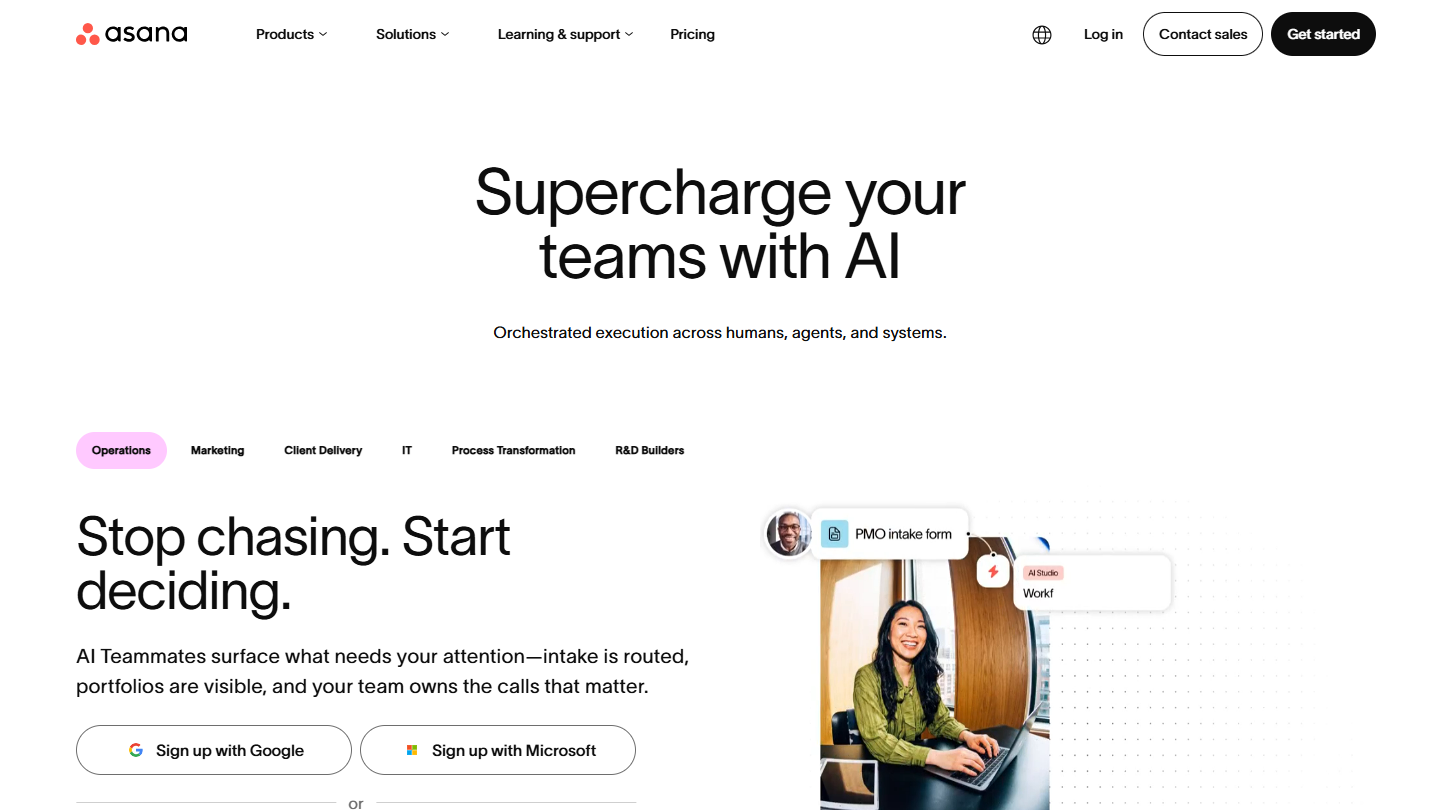
Asana website: “Supercharge your teams with AI”

Asana organizes work into projects, sections and tasks, and carries it up to company objectives. Functionally, the tool can go very far, provided you move to the paid plans.

In practice, a team creates one project per launch, breaks the steps into tasks with dependencies and tracks progress as a list, a board or a timeline. Rules assign a task based on the type of request received, and the portfolio flags late projects to management.

Against monday.com, Asana is less a colorful spreadsheet than a coordination tool: you track who is waiting on whom, more than the status of each row. It suits companies where several teams share the same projects; for an isolated team, its price is hard to justify.

The Personal plan is free for 2 users. Starter costs €10.99 per user per month billed annually (€13.49 monthly), with timeline, Gantt and dashboards; Advanced €24.99 (€30.49). Billed monthly, Gantt therefore costs a little less at Asana than at monday.com, where you need the Standard plan at €14 per seat.

10

Teamwork.com

4.6/5 From €9.99

Best for: Agencies and service companies that manage client projects and bill their hours

+ Strengths
  • Time entry from the free plan, billable time and reports from Basics
  • Hour budgets and client retainers in Accelerate
  • Data hosted in the United States or Europe, your choice
  • Gantt, list and board views from the free plan
− Downsides
  • Tool very focused on services, of little use to an internal team
  • Client invoices and workload management reserved for Accelerate, at €24.99
  • Longer adoption than monday.com
★ Teamwork.com in brief

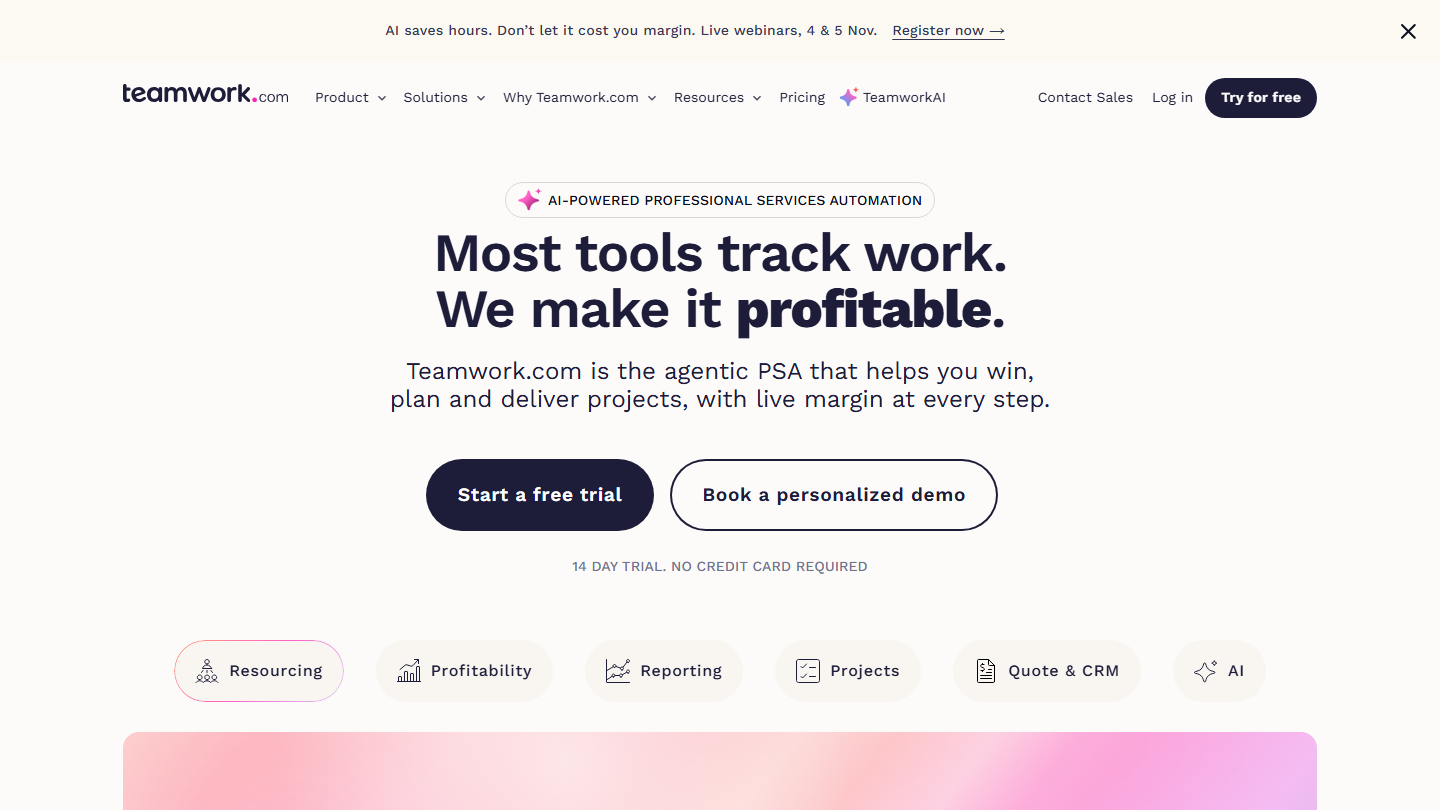
Teamwork.com homepage: “Most tools track work. We make it profitable.”, client project management software

Teamwork.com is project management software designed for client work. The vendor stresses time tracking, the profitability of each project and sharing progress with clients; it now presents itself as a professional services automation tool.

In practice, the client is invited onto their project and follows milestones without waiting for an emailed report, while the team separates billable time from internal time. At month end, the agency knows which accounts are profitable and which exceed their package.

Where monday.com remains a general-purpose tracking tool, Teamwork.com starts from billed time: profitability per client is part of the tool instead of being built by hand. Functionally, it goes fairly far, somewhat at the expense of ease of adoption, and an internal team that bills nothing won’t find its place in it.

The free plan accepts 5 users on 5 projects. You need Basics, at €9.99 per user per month billed annually or €13.99 monthly, for billable time, and Accelerate, at €24.99 (€29.99 monthly), for client invoices and team workload. Optimize and Enterprise are negotiated on request; the trial lasts 14 days.

How we chose these 10 tools

Every tool in this selection has been used in real conditions by our team or by a Salesdorado consultant, in a B2B sales and marketing setting. No ranking built from a marketing deck. The order of the list is not a ranking: the right tool depends on your needs.

  1. 01
    Benchmark scope

    Broad identification of the tools on the market (G2, Capterra, Salesdorado customer feedback, LinkedIn signals). Initial filtering, then a short list based on a 2-hour setup per tool.

  2. 02
    Test conditions

    3 to 4 weeks of active use per tool, with data representative of a B2B sales use case. When a tool targets a specific profile (SDR, AE, Ops, Marketer…), we match the tester accordingly.

  3. 03
    Weighted criteria

    For each category, 5 to 7 axes weighted according to what matters in the segment: UX, feature depth, native integrations, support, pricing at scale, compliance (GDPR, security), and roadmap quality.

  4. 04
    Independence

    No tool is scored in exchange for payment. Partner links (affiliate) are marked as such and do not influence the score. Non-partner tools are included when their place in the ranking is deserved.

  5. 05
    Updates

    The ranking is reviewed every 6 to 12 months or on every major release of a tool mentioned. The date of the last check is shown at the top of the article.

The questions we get over and over.

Why look for a monday.com alternative?

monday.com is one of the best project management tools on the market, but it can be limiting: its free plan stops at 2 users and 3 boards, paid plans start at 3 seats (€27 per month on Basic, billed annually), Gantt and automations require the Standard plan, and the tool can't be installed on your own servers.

Which monday.com alternative for complex projects?

Wrike is a very complete project and document management solution built for organizations and complex projects: approval workflows, fine-grained access management, advanced data storage options and an interactive Gantt from the Team plan, at $10 per user per month billed annually.

Which monday.com alternative for agile project management?

Jira, strongly geared toward software development teams, can be used for any type of agile project. It relies on a lot of best practices and a very active agile community, and stays free up to 10 users.

Which monday.com alternative for an agency or a services company?

Teamwork.com is built for client projects: billable time, hour budgets, profitability per client and progress sharing with clients. Zoho Projects covers timesheets and budget for less, at €4 per user per month billed annually.

Which monday.com alternative for a large team?

Basecamp bills the account, not the user: Pro Unlimited costs $199 per month billed annually, with no limit on users or projects. Beyond about twenty people, it's cheaper than a per-seat tool like monday.com, provided you can live with a tool centered on communication more than on planning.

Which monday.com alternative for centralizing company documentation?

Notion, a complete collaborative workspace whose document editor and sharing features let you gather all of the company's knowledge in a single tool, alongside projects. It's free for solo use, then €9.50 per member per month billed annually.

★ The conversation, 0 comments

What the community says.

Basic Markdown, moderated within 24 h
Loading…

    In the same category