


The “best sales prospecting software” does not exist. What exists is a prospecting stack: 3 to 5 specialized tools that together cover your prospecting chain from end to end. One tool to find your prospects, another to get their contact details, a third to automate your follow-ups, a CRM to track it all. Here are the ones we recommend, building block by building block:
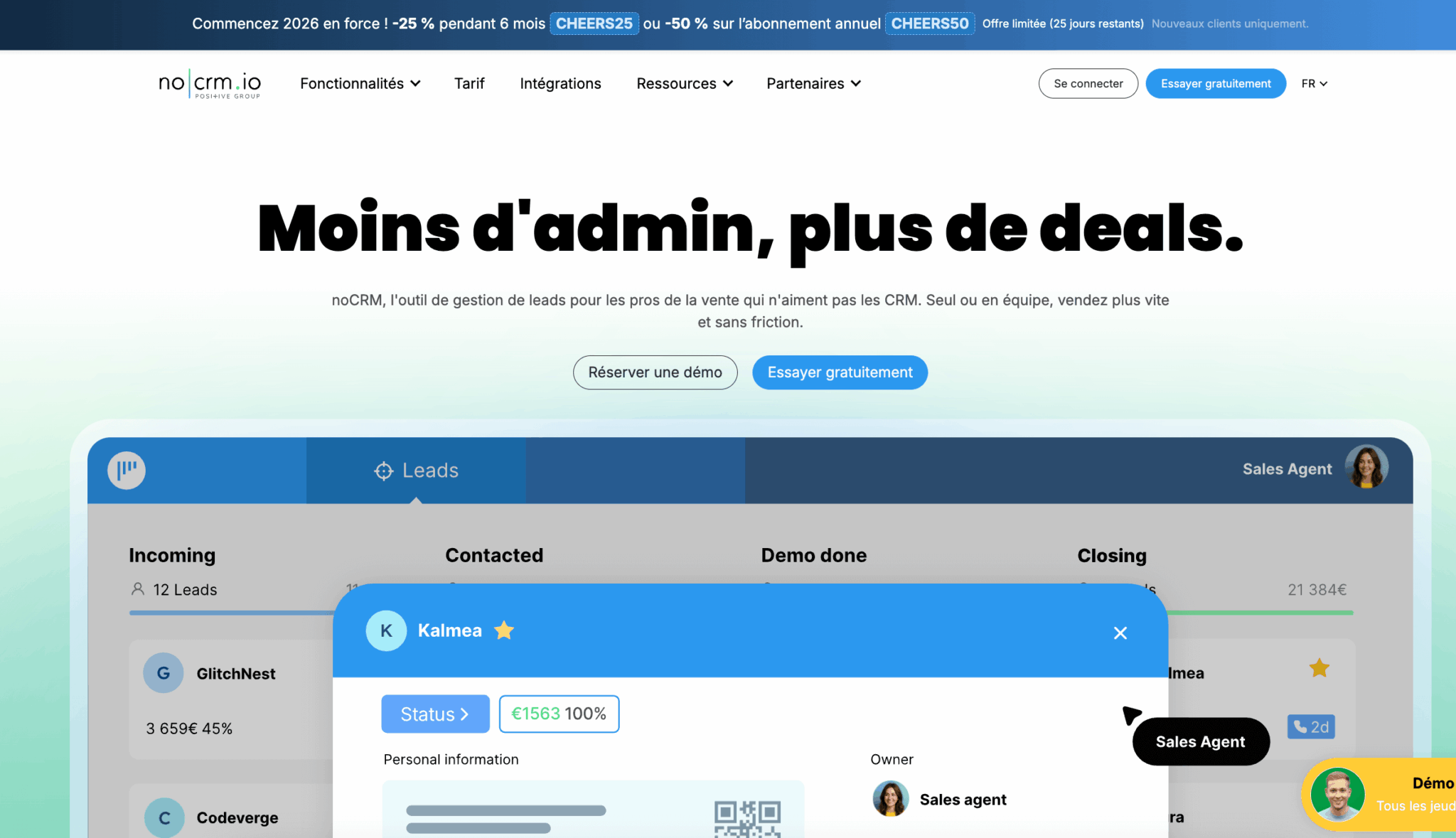
- CRM: HubSpot to start for free and keep the same tool as you grow, Positive noCRM if you want a simple CRM, up and running in under a week;
- prospect discovery: LinkedIn Sales Navigator, the top investment after the CRM;
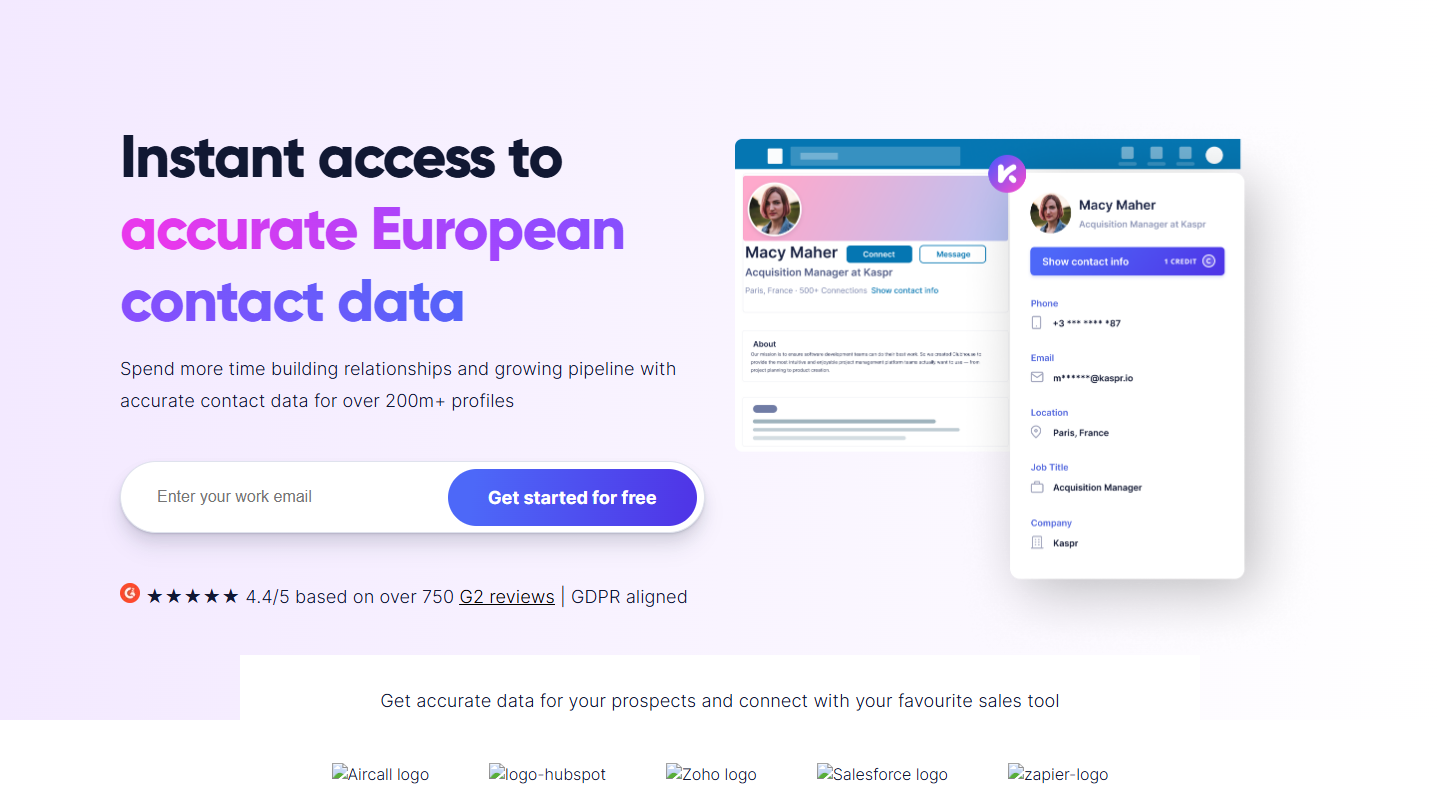
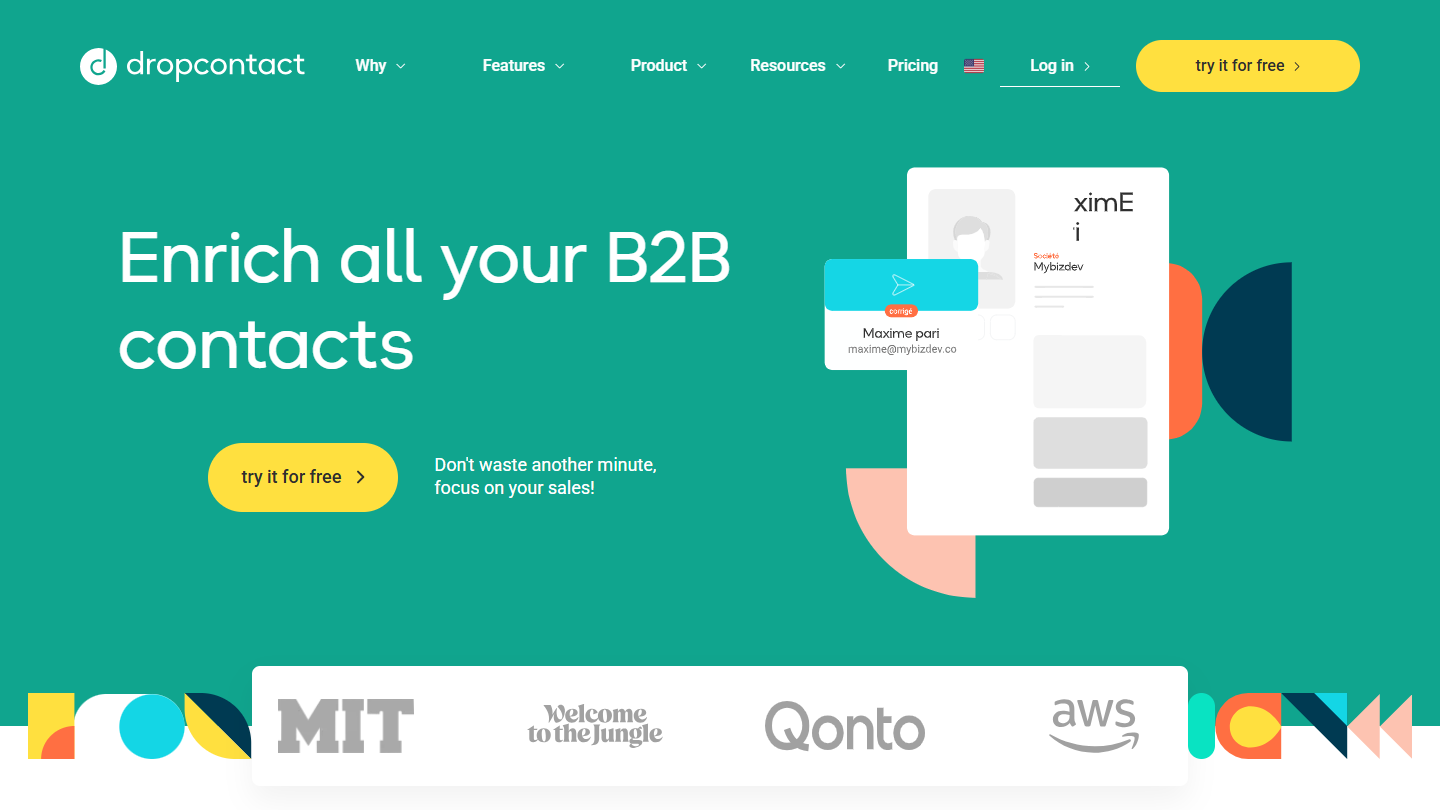
- enrichment: Kaspr to get a prospect’s email or phone number from LinkedIn, Dropcontact to enrich and clean an entire database while staying GDPR-compliant;
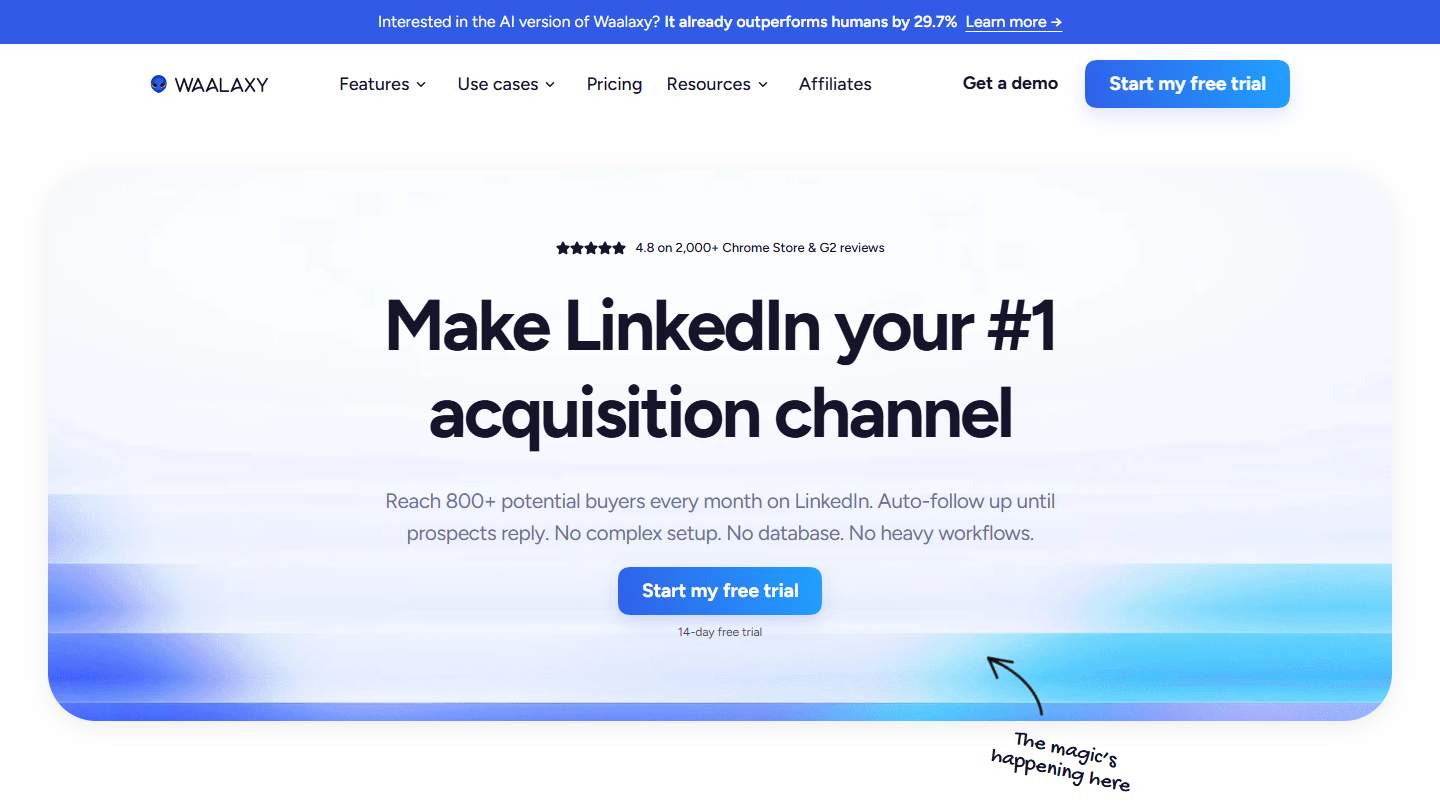
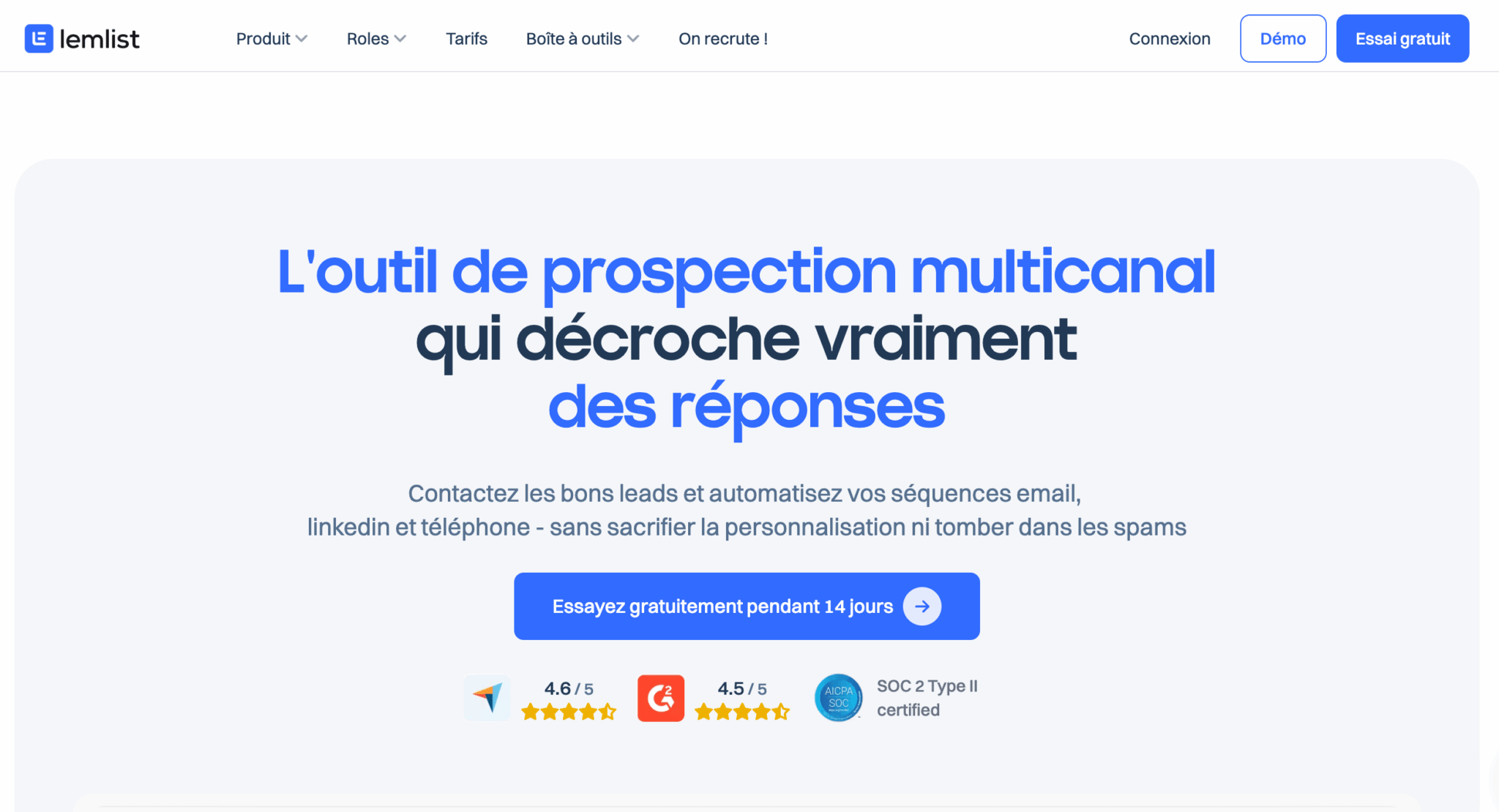
- sequencing: Waalaxy if LinkedIn is your main channel, lemlist if it’s email;
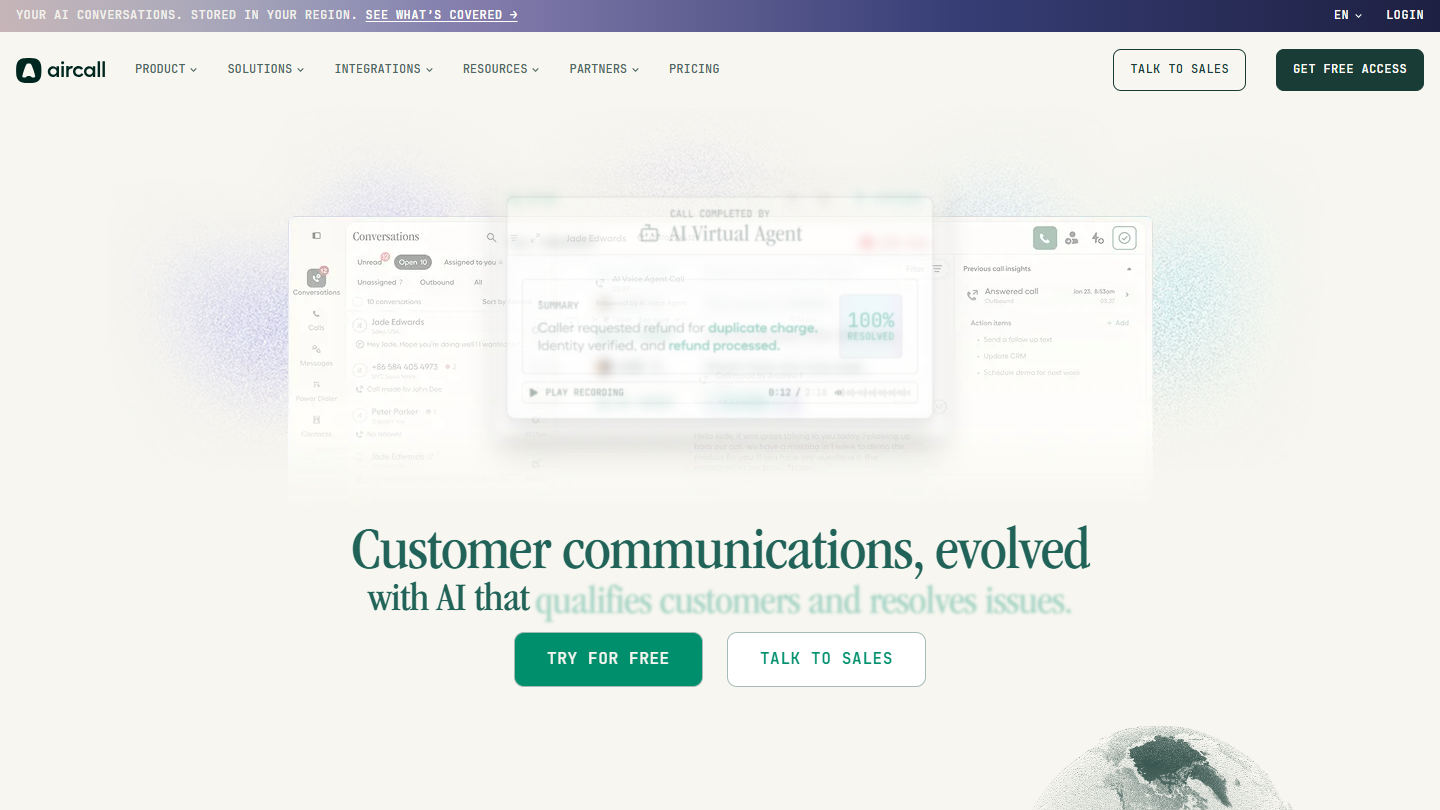
- phone: Aircall, when your salespeople make more than 20 calls a day;
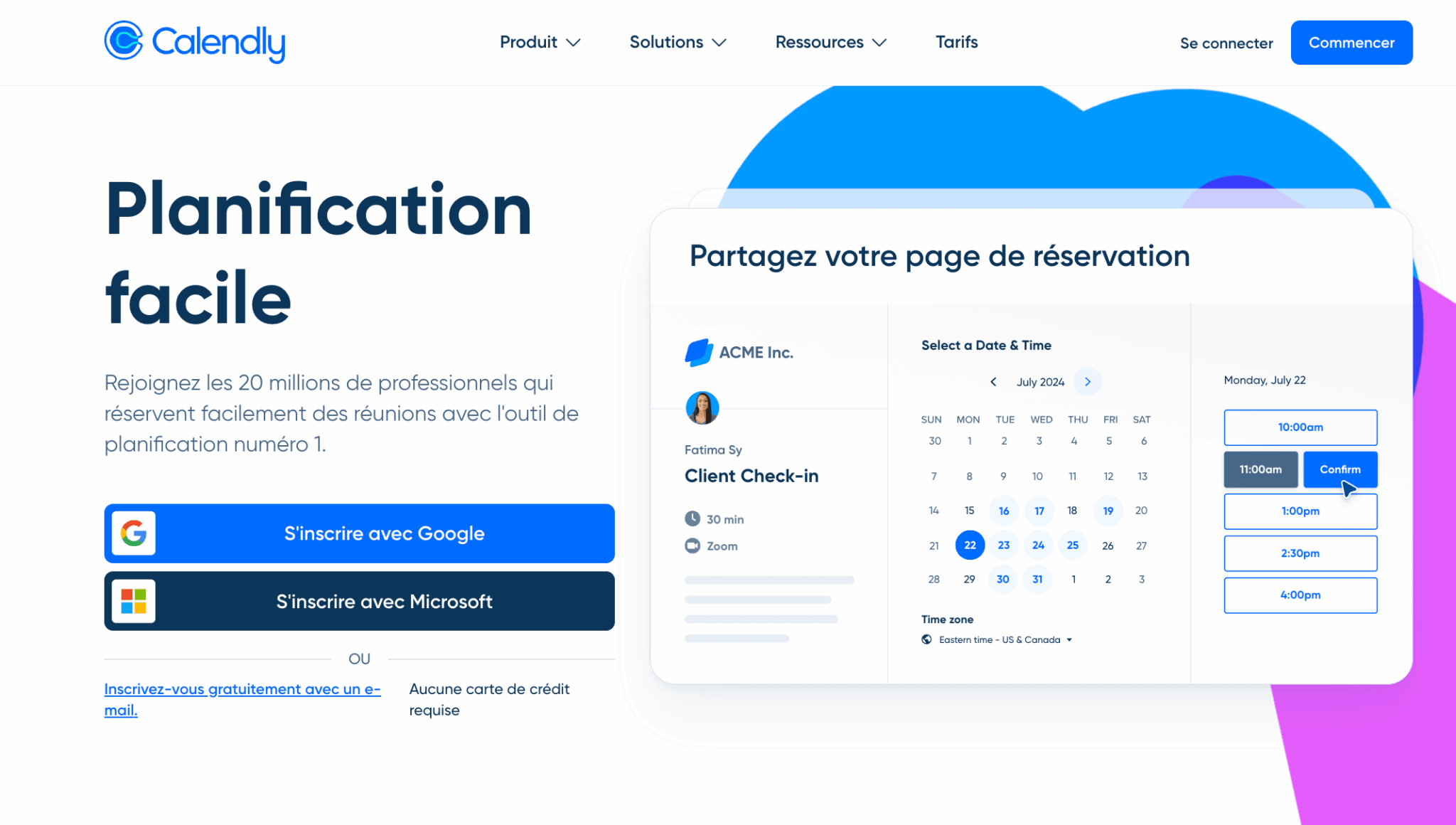
- complementary: Calendly to book meetings without back-and-forth, Gong to analyze the calls of a team of more than 10 salespeople.
On the budget side, expect roughly €166 per month for a single salesperson, €350 for a team of 3 and €900 for a team of 8: the detail of these three stacks is further down.
You typed “best sales prospecting software” into Google and you probably landed on a dozen articles listing 15, 20, sometimes 50 tools… without ever helping you choose. No surprise: those articles compare things that can’t be compared. Waalaxy and HubSpot in the same list? It’s like comparing a kitchen knife and a Thermomix. Our Top 10 is therefore organized by building block, and for each tool we tell you why it deserves its place, and above all who it is not suited for.
Sales prospecting software: what are we talking about exactly?
When people talk about sales prospecting software, they often lump together tools that have nothing in common: LinkedIn Sales Navigator, Lemlist, HubSpot, Dropcontact, etc. All are labeled “prospecting”, but they don’t do the same thing at all.
To see clearly, you need to understand that a complete B2B prospecting chain has five distinct links. Each link can be handled manually (when you’re starting out) or automated (when volume demands it). Your goal: identify which links are your bottlenecks today – that’s where you should invest first.
The 5 building blocks of a sales prospecting stack
#1 Prospect discovery
This is the starting point: finding the right people to contact. We’re talking about software that lets you identify companies and decision-makers matching your target.
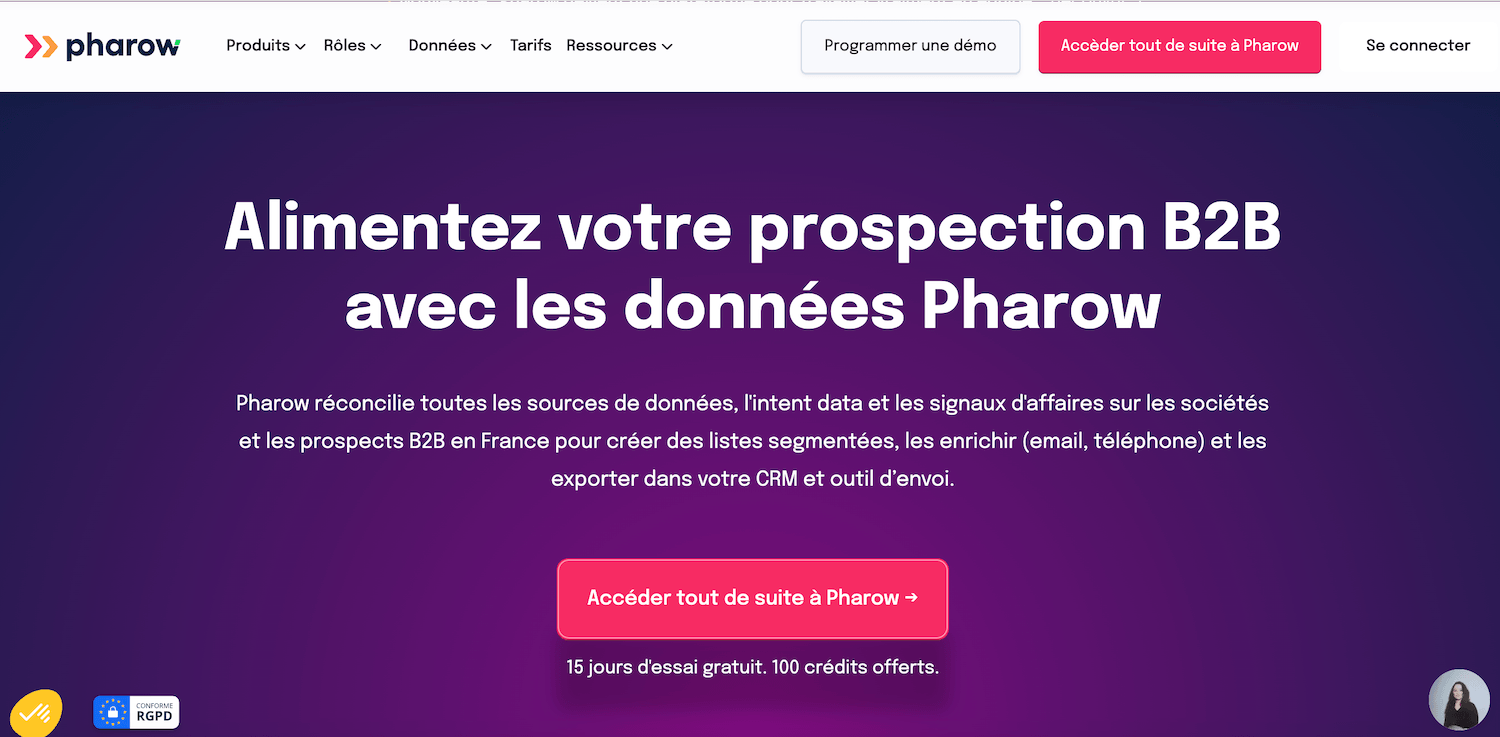
LinkedIn Sales Navigator is the king tool in this category, with its advanced filters (industry, role, company size, job changes). But there are also B2B databases such as Pharow or Apollo, or more hands-on methods like scraping industry directories.
#2 Data enrichment
You’ve spotted an interesting prospect on LinkedIn. Problem: you have neither their business email nor their phone number.
That’s the job of enrichment tools like Kaspr, Dropcontact or Hunter. They turn a simple “first name + last name + company” into actionable contact details, with real-time validation to avoid bounces.
#3 Multichannel sequencing
You have your prospects and their contact details. Now you need to reach them and above all follow up, because a single email is never enough.
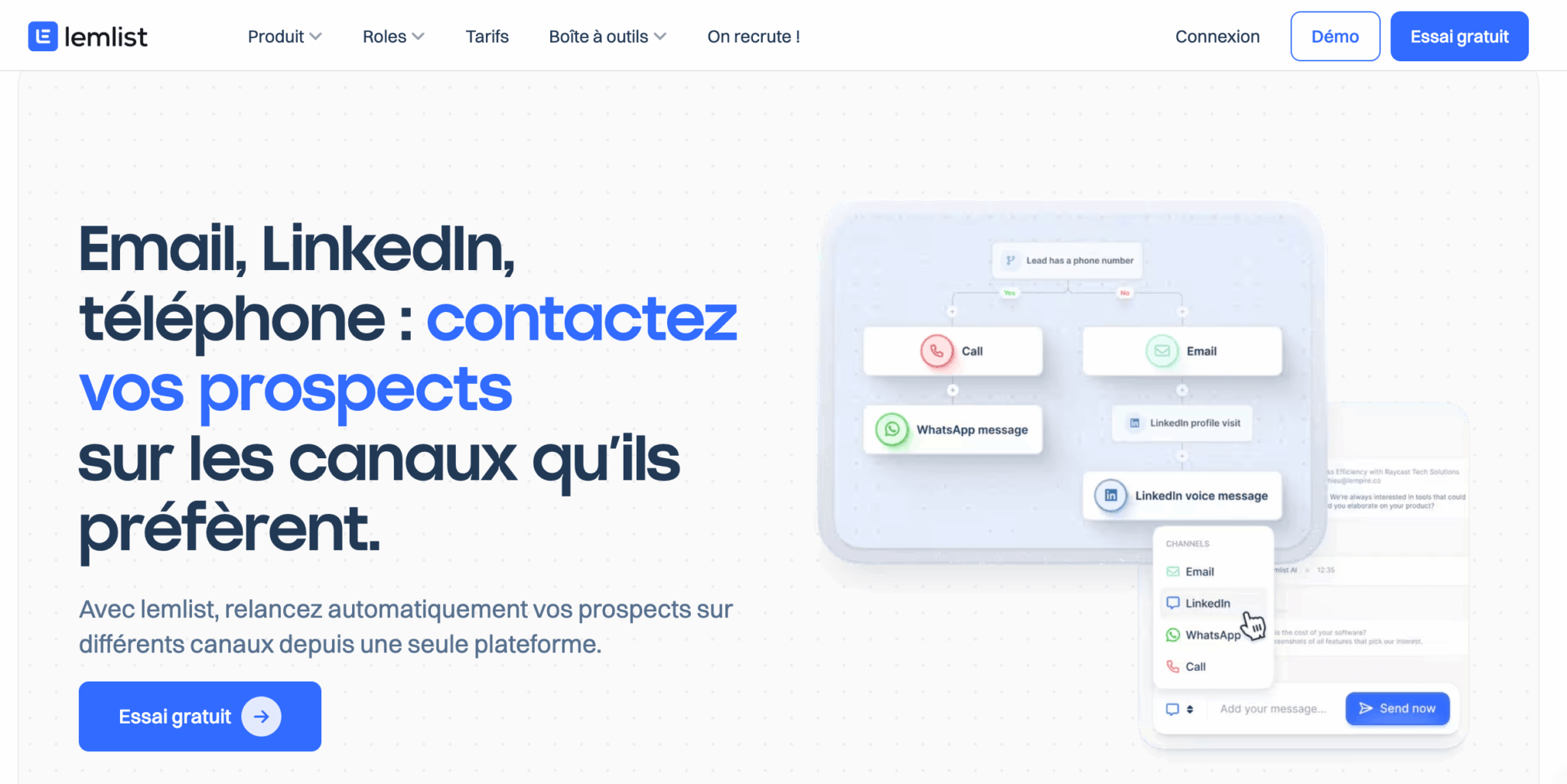
Sales prospecting software such as Waalaxy or Lemlist automates these contact sequences across several channels: LinkedIn, email, sometimes phone.
The idea: build workflows like “Day 1: LinkedIn invitation → Day 3: LinkedIn message → Day 7: follow-up email”, with automatic personalization.
#4 Pipeline management
As you multiply contacts, you need to track where each prospect stands in your sales cycle:
- Who has replied?
- Who needs a follow-up?
- Who is ready for a meeting?
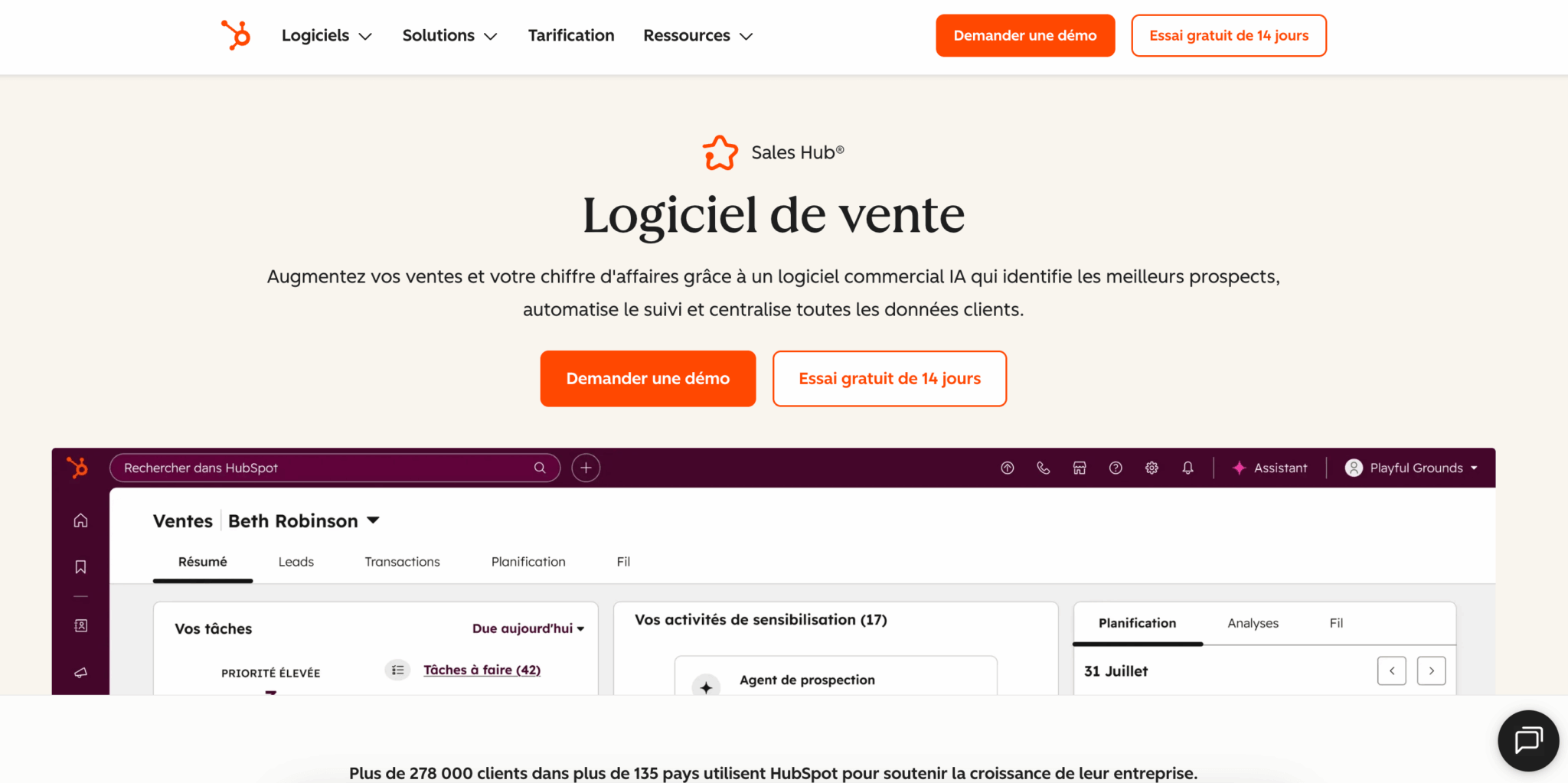
That’s the job of the CRM: HubSpot, Pipedrive, Positive noCRM, Salesforce and the like. Without this building block, you lose leads along the way, you forget follow-ups, and you have no visibility on your sales activity.
#5 Optimization and analysis
Once your prospecting machine is running, you want to understand what works:
- Which messages get the best reply rates?
- Which salespeople perform best and why?
This is the territory of the analytics built into CRMs, call recording solutions like Aircall or conversation intelligence platforms like Gong that analyze your calls and meetings with AI.
Why does this distinction change everything?
Understanding these five building blocks means understanding why there is no universal “best sales prospecting software”.
A solo founder prospecting 10 leads a week doesn’t have the same needs as a small business with 10 salespeople handling 500.
The first can get by with LinkedIn Sales Navigator + Kaspr + an Excel spreadsheet. The second needs HubSpot Pro, Lemlist for email automation, maybe Aircall for phone and Gong to coach its teams.
So the right question isn’t “what is the best sales prospecting software?”, but rather: “which building blocks am I missing today, and which tools match my volume and my budget?”
That’s exactly what we’ll cover in the rest of this article: first turnkey stacks by profile, then the detail of the 10 best tools in each category.
Which sales prospecting software for your profile? 3 turnkey stacks
Rather than leaving you to assemble your stack blindly, we offer three proven setups. Each one was designed for a specific profile, with a realistic monthly budget, to give you a solid base you can adjust to your specific needs.
Stack #1: Solo founder / very small business (1-2 people) – Budget €50-150/month
You prospect alone or as a pair. You don’t need a monster of a system, but you want to structure your approach so you stop losing prospects along the way. Your goal is to prospect 5 to 15 qualified leads a week without spending your whole day on it.
| Building block | Recommended tool | Price | Why this one |
|---|---|---|---|
| CRM / Pipeline | HubSpot CRM (free) | €0 | A full CRM with no contact limit. Enough to structure your pipeline without paying a cent. |
| Discovery | LinkedIn Sales Navigator | €120.99/month | Unavoidable for identifying your B2B prospects. The advanced filters are well worth the investment. |
| Enrichment | Kaspr | €45/month | A simple, effective Chrome extension. Up-to-date database for the French/European market. |
| Scheduling | Calendly (free) | €0 | Removes the email back-and-forth for booking your meetings. Immediate time savings. |
Total budget: €166/month
This stack covers the essentials: you identify your prospects on LinkedIn, get their emails with Kaspr, centralize everything in HubSpot and schedule your meetings with Calendly. Sequencing (automated follow-ups) stays manual at this stage, but that’s manageable when you handle fewer than 50 prospects a month.
Stack #2: Small sales team (3-5 salespeople) – Budget €200-400/month
You have a small sales team. Prospecting volume is growing and you’re starting to lose time on repetitive tasks: manual follow-ups, copy-pasting emails, data scattered across several tools. Time to automate.
| Building block | Recommended tool | Price | Why this one |
|---|---|---|---|
| CRM / Pipeline | HubSpot Starter | €20/license/month | Basic automations, email sequences, shared pipeline. The right trade-off between features and price. |
| Discovery | Pharow | €139/month | Very easy to pick up for building advanced targeting, enriching with email and phone and exporting to the CRM. |
| Enrichment | Dropcontact | From €24/month | Enrichment + validation + deduplication. GDPR-compliant. Native HubSpot integration. |
| Sequencing | Waalaxy | €19/month/user | LinkedIn + email automation. AI personalization. Respects LinkedIn limits. |
| Scheduling | Calendly | $10/month/user | Paid version for CRM integrations and team pages. |
Total budget for 3 salespeople: about €350/month
This prospecting stack adds two key elements compared to the previous one:
- Automated sequencing (Waalaxy handles your LinkedIn and email follow-ups automatically).
- More robust enrichment (Dropcontact cleans and completes your data in bulk).
Your salespeople spend less time on repetitive tasks and more time talking to prospects.
Alternative if email is your main channel: Replace Waalaxy with Lemlist ($55/month). Lemlist is stronger on email sequencing (extreme personalization, dynamic images, A/B testing), but less complete on LinkedIn.
Salesdorado’s tipA common trap: wanting to use Waalaxy AND Lemlist from the start. In practice, mastering a single sequencing tool already takes 2-3 weeks. Choose the one that matches your main channel (LinkedIn → Waalaxy, Email → Lemlist), use it for 3 months, then add the second if the need is confirmed.
Stack #3: Structured mid-sized company (5-15 salespeople) – Budget €600-1,200/month
You have a real sales team with SDRs, Account Executives, maybe a manager. You need visibility on collective performance, data-driven coaching, and an infrastructure that holds up when you hire.
| Building block | Recommended tool | Price | Why this one |
|---|---|---|---|
| CRM / Pipeline | HubSpot Sales Hub Pro | Advanced automations, lead scoring, team reporting, forecasting. The standard for growing mid-sized companies. | |
| Discovery | Pharow | From €104/month billed annually + €34/additional user | Advanced targeting, email and phone enrichment, shared lists and CRM enrichment. Very well suited to sales teams |
| Enrichment | Dropcontact | €59-199/month | Plan adapted to volume. Two-way synchronization with HubSpot. |
| Email sequencing | Lemlist | $55/month/user | Advanced email sequencing with AI personalization, videos, A/B testing. Measurable ROI. |
| Phone | Aircall | €30/month/user | If you do a significant amount of phone prospecting. Recording, analytics, CRM integration. |
| Conversation intelligence | Gong (optional) | (on request) | AI analysis of your calls and meetings. Automated coaching. Proven ROI on teams of 10+. |
Total budget for 8 salespeople (without Gong): ~€900/month
At this level, you have a complete prospecting machine: discovery, enrichment, multichannel sequencing, unified pipeline and analytics to steer performance. Adding Gong (optional but recommended from 10 salespeople) also gives you a conversation intelligence layer to understand why some salespeople perform better than others.
Salesforce alternative: If you’re already on Salesforce (or if you’re aiming for very fast growth toward 50+ salespeople), replace HubSpot with Salesforce Sales Cloud + Salesforce CPQ. Higher budget, but a more mature ecosystem for large teams.
Which stack to choose? The summary table
| Profile | Team size | Monthly budget | Key tools | What you gain |
|---|---|---|---|---|
| Solo founder / very small business | 1-2 people | €50-150 | HubSpot Free + Sales Navigator + Kaspr + Calendly | Structured prospecting, 5-15 leads/week, zero lost prospects |
| Small sales team | 3-5 people | €200-400 | HubSpot Starter + Pharow + Dropcontact + Waalaxy | Automated follow-ups, clean data, shared pipeline |
| Structured mid-sized company | 5-15 people | €600-1,200 | HubSpot Pro + Pharow + Lemlist + Dropcontact + Aircall | Full multichannel, team analytics, coaching, scalability |
The 10 best sales prospecting software tools: our selection
Now that you know which building blocks you need, let’s move on to the actual tools. We selected the 10 best sales prospecting software tools by analyzing several dozen solutions available on the market.
Our criteria: effectiveness, reputation, value for money, ease of adoption and relevance for French-speaking companies (support, EMEA databases, GDPR compliance).
We ranked them by category rather than with an artificial “ranking” – because comparing a CRM to an enrichment tool makes no sense. It’s up to you to pick from each category according to the stack that fits your situation.








What the community says.