



In this article, we compare two giants of project management tools: Notion and Monday.
These two products answer different needs. Notion is project management software built to create, manage and share content and resources, or to get an overview of tasks to complete, for example as a to-do list or a Kanban board. Monday, on the other hand, is designed to manage complex projects that require a lot of collaboration and organization.
The other major difference between the two lies in how they approach integrations. Notion is a very open application: it works with extensions and integrations built by independent agencies, and lets you customize everything and even code your own features. Monday is a more closed product: it advertises more than 200 integrations, with access depending on the plan, which makes it less flexible than Notion.
Monday vs Notion: our quick take
Notion and Monday are among the best free project management tools.
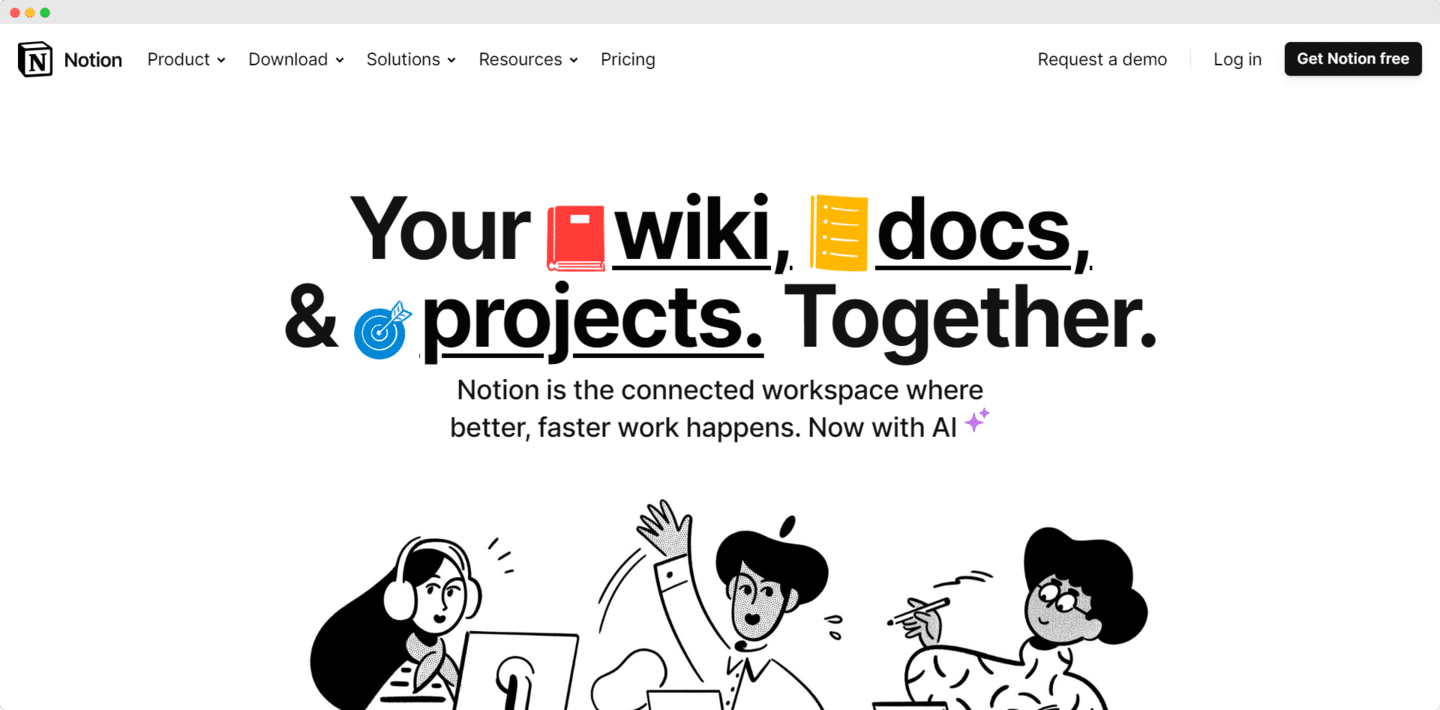
Notion is an all-in-one productivity tool, ideal for taking notes, organizing tasks, and creating and sharing databases and documents. You can also simply share resources, manage and create content, and get an overview of your projects.
It is a very flexible and customizable tool that perfectly covers simple project management needs. Notion offers many plans, including a free one, and suits individual users as well as the largest teams. It also offers many extensions and integrations with your usual project management tools, such as Google Analytics.
The tool’s great flexibility also makes it hard to learn. Automations are limited to buttons on the Free plan (database automations start with the Plus plan) and reporting to charts, with only one on the Free plan. The project management features cover simple needs: no native time tracking, and the Timeline view does not replace a true Gantt view.
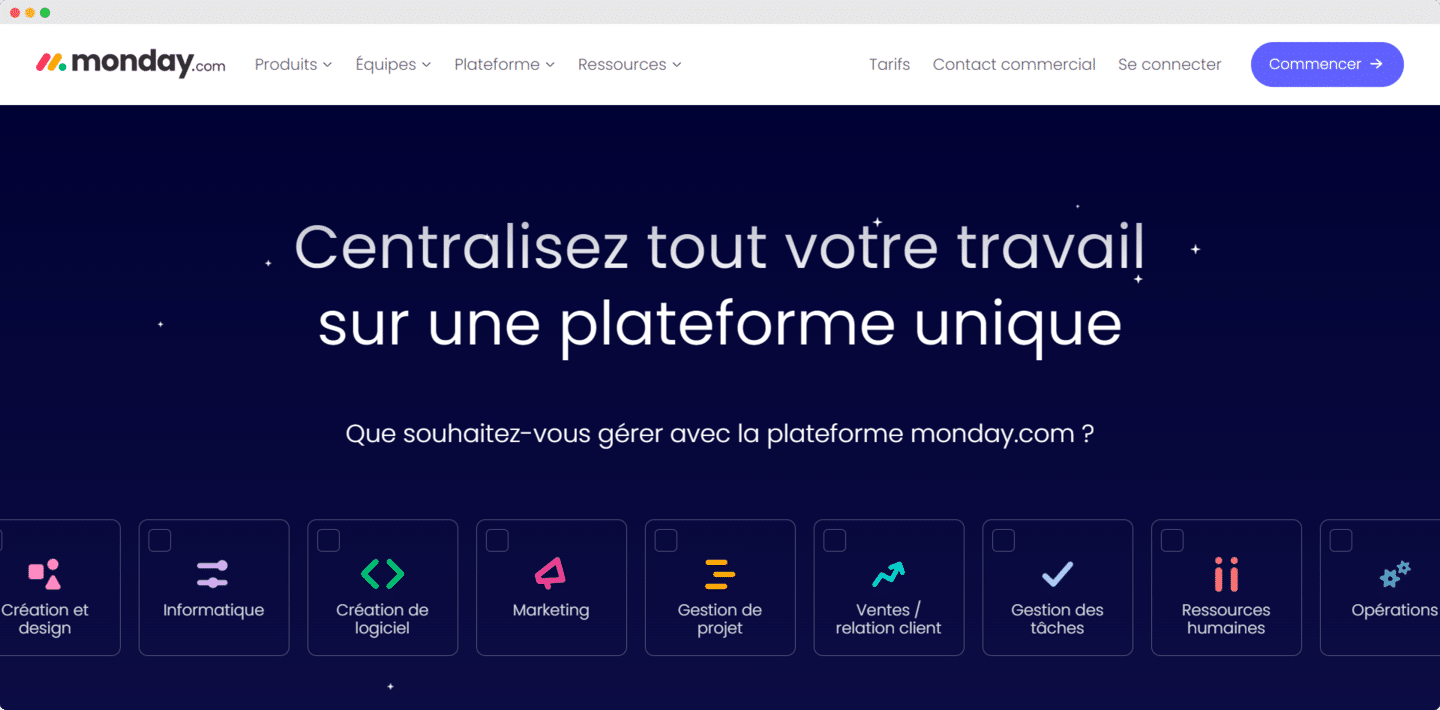
Monday is a project management tool built for those who need advanced project management features and have to run complex projects, such as organizing events, managing budgets and building Gantt charts. Automation features (from the Standard plan) and reporting are built into the tool. It offers many integrations and can automate a huge number of tasks.
Monday is less flexible than Notion, and some features, such as time tracking, are only available on the Pro plan. Pricing works by user tiers (3, 5, 10, 15, 20 or more), which means you may have to pay for more users than you really need.
Monday vs Notion: what their customers say
Monday
What they like:
- Overall, users find Monday very strong on automations and integrations. They appreciate how easy it is to use and its collaboration features, which make project teamwork easy.
What they dislike:
- Some users struggle with the interface and with customizing certain features.
Notion
What they like:
- The vast majority of Notion users appreciate the tool’s flexibility, which lets them build the workspaces that suit them best.
What they dislike:
- Some users regret that the collaboration, notification and automation features are thin. Some would also like to customize the tool further, and find it poorly suited to collaboration on complex projects.
The Salesdorado tipThere are a great many collaborative platforms, each answering specific needs. Take a look at our top 15!
Monday vs Notion: feature scope
Document editing and workspace
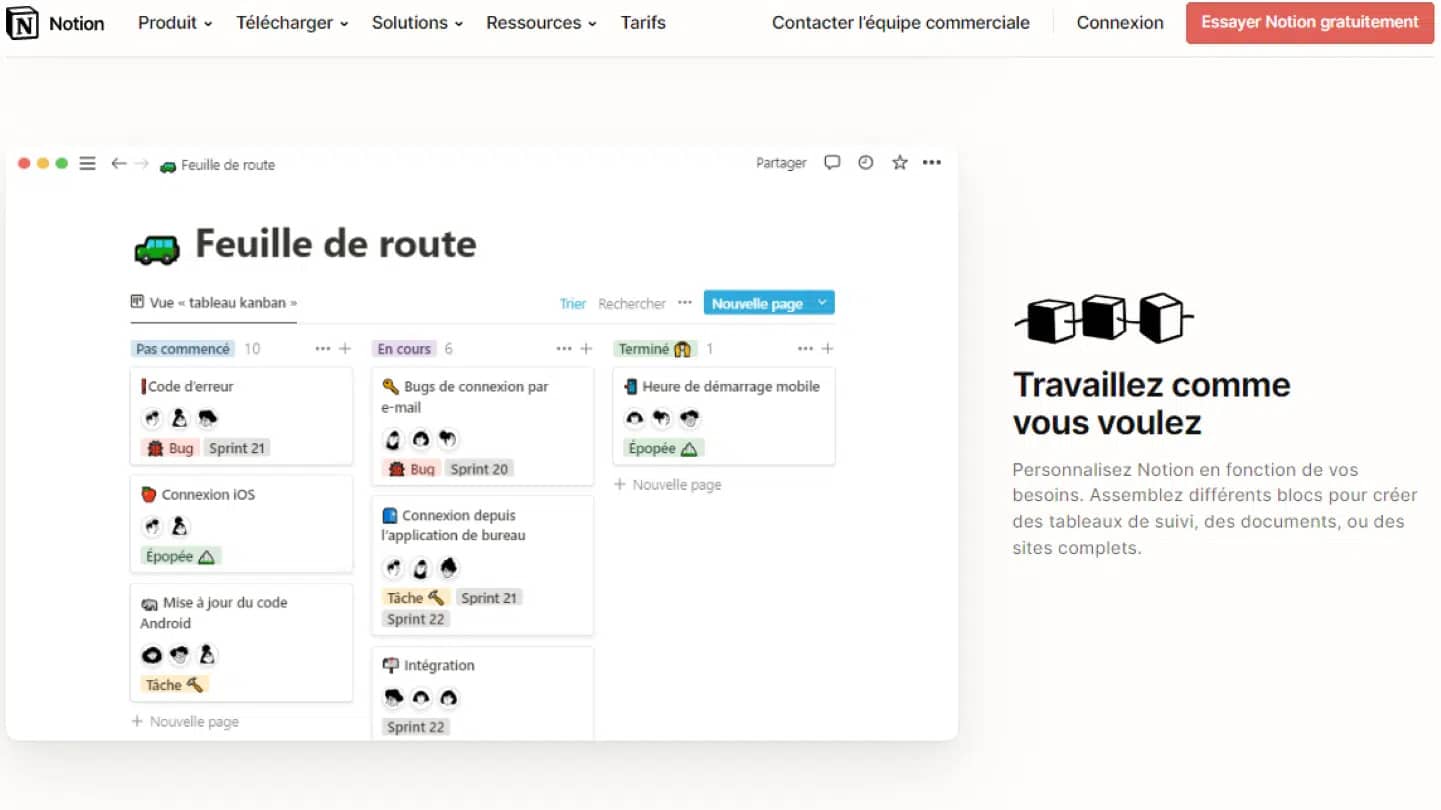
Notion is a very flexible tool with extensive document editing options. You can fully customize your notes, create Kanban boards, simple tables, lists and more.
Notion also lets you decide, for each block of text, its importance and its presentation: plain text, heading, bulleted list, caption, quote, task list or even a new page.
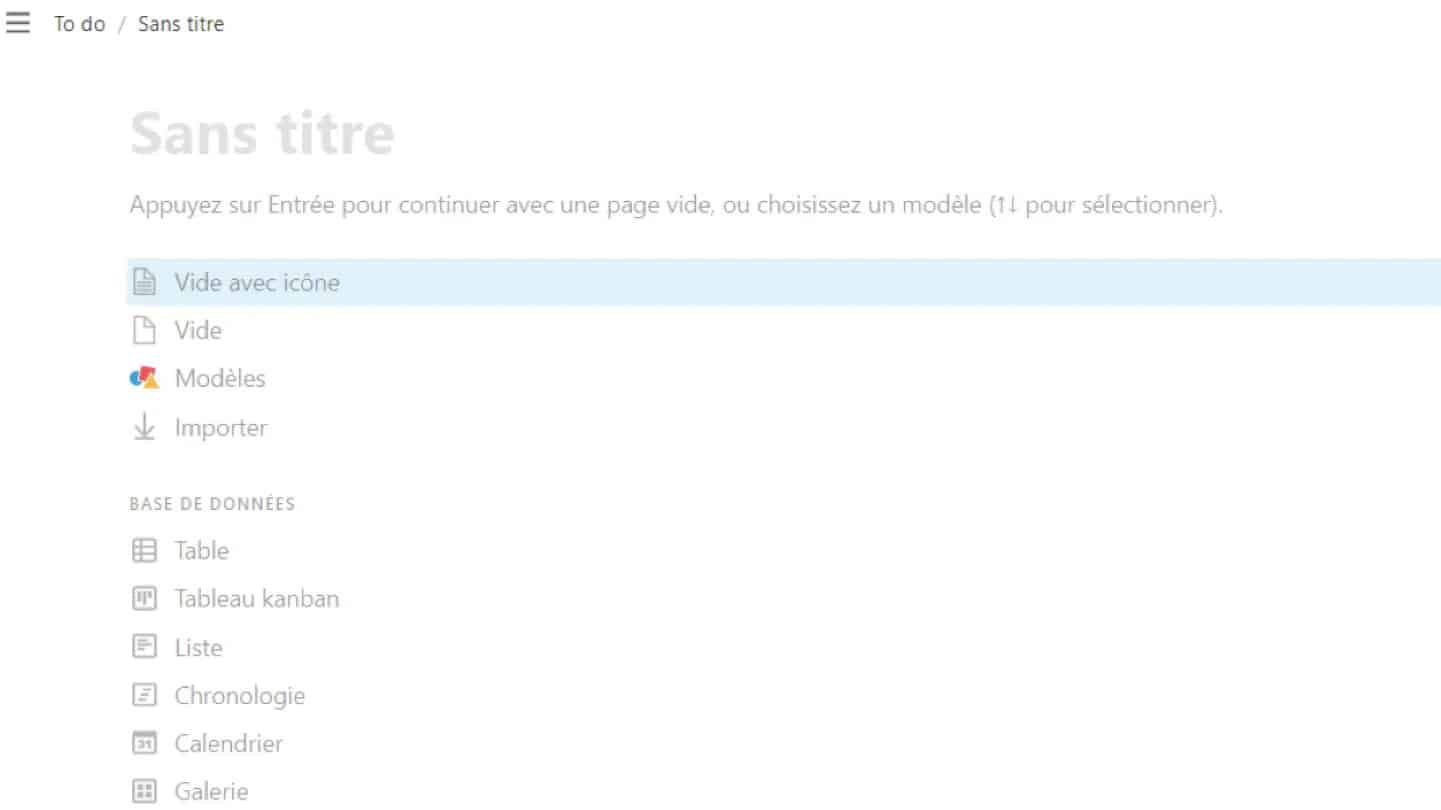
The tool also offers many templates suited to most uses and industries, to save time (roadmap template, Agile project management, dashboard, sales CRM template and more).
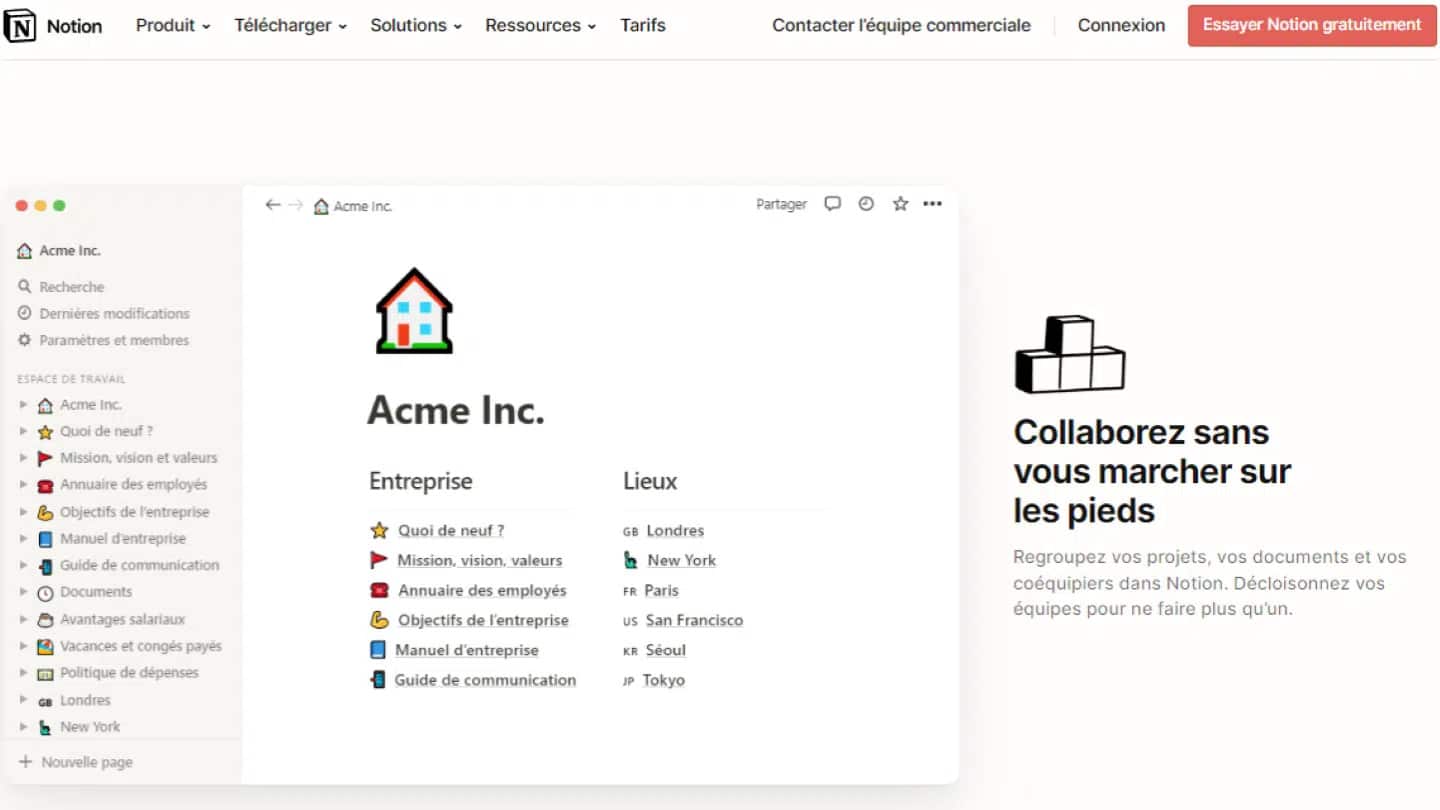
Finally, you can create wikis, meaning online resources that several people can contribute to and that every team member can consult. This is very useful for sharing knowledge more effectively.
On document editing, Monday is far weaker. The tool offers its own Docs (3 on the Free plan), a long way from what Notion can do, and you can embed external documents and link them to your boards. Monday offers a few integrations that make note-taking easier, but the features remain far behind Notion’s.
Task management and planning
Monday offers excellent task and workflow management features. The tool makes it easy to create Gantt charts (from the Standard plan) and gives users ready-made boards to help them get started quickly. Monday also offers ready-to-use budget tracking tools.
Notion can be used as a project management tool, but its features are much lighter than Monday’s. It handles basic tasks easily, such as planning, task tracking, or sharing documents and information. If you want an overview of your project and to bring your information together, it is a good option.
Collaboration and communication
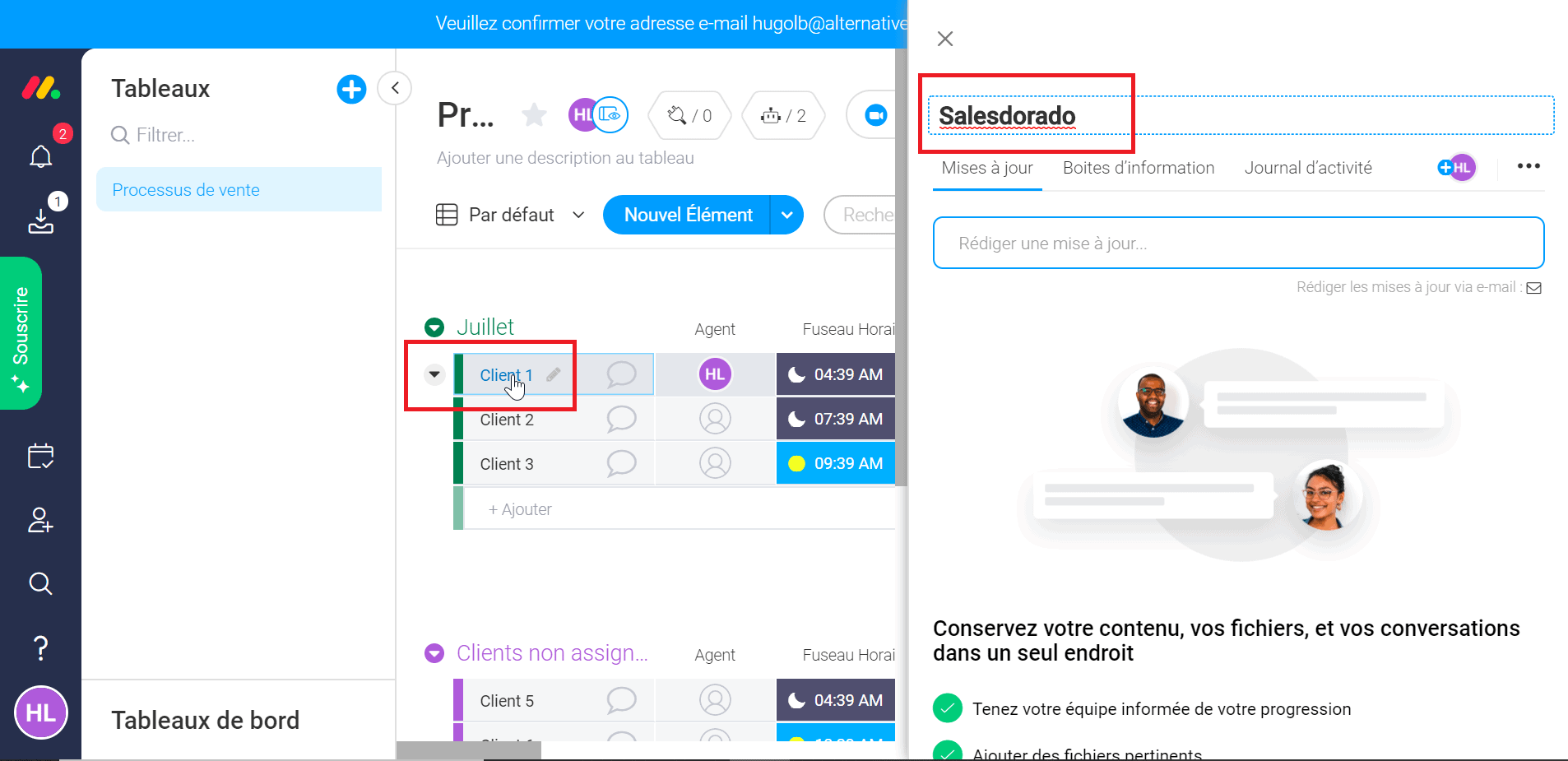
Both tools let you invite users and tag them on the projects and pages that concern them, but Monday offers more advanced features than Notion and is easier to use.
Its advantage is an intuitive interface with boards, columns and different views. Monday also has a large user community where people give each other advice.
Notion is more complex to use, notably because it is built from Lego-style blocks. Users can struggle to assign tasks clearly and to make sense of notifications.
Automation
Automation is one of Monday’s strong points: you can create custom workflows directly from your boards. You can also use predefined automation templates for everyday workflows, such as assigning tasks, updating statuses or sending reminders.
Monday also lets you automate prospect tracking and automatically send notifications to your team when an event occurs. Automations require at least the Standard plan, limited to 250 actions per month; the Pro plan allows 25,000.
In Notion, automations stay simple: buttons on the Free plan, then database automations (updating a status or an assignee) from the Plus plan. For more advanced scenarios, you have to use extensions.
Monday vs Notion: integrations and philosophy
Monday is an all-inclusive product that advertises more than 200 integrations and applications. That makes it very structured but also less flexible than Notion: integrations are only available from the Standard plan (250 actions per month, 25,000 with Pro).
Monday offers integrations with the usual project management tools (Outlook, Google Suite, sales CRMs), as well as with Zapier and its alternatives. You can find the full list of integrations here.
Notion instead offers a very open integration ecosystem through its API and add-ons developed by agencies and freelancers. These tools make Notion more flexible and give its users more possibilities.
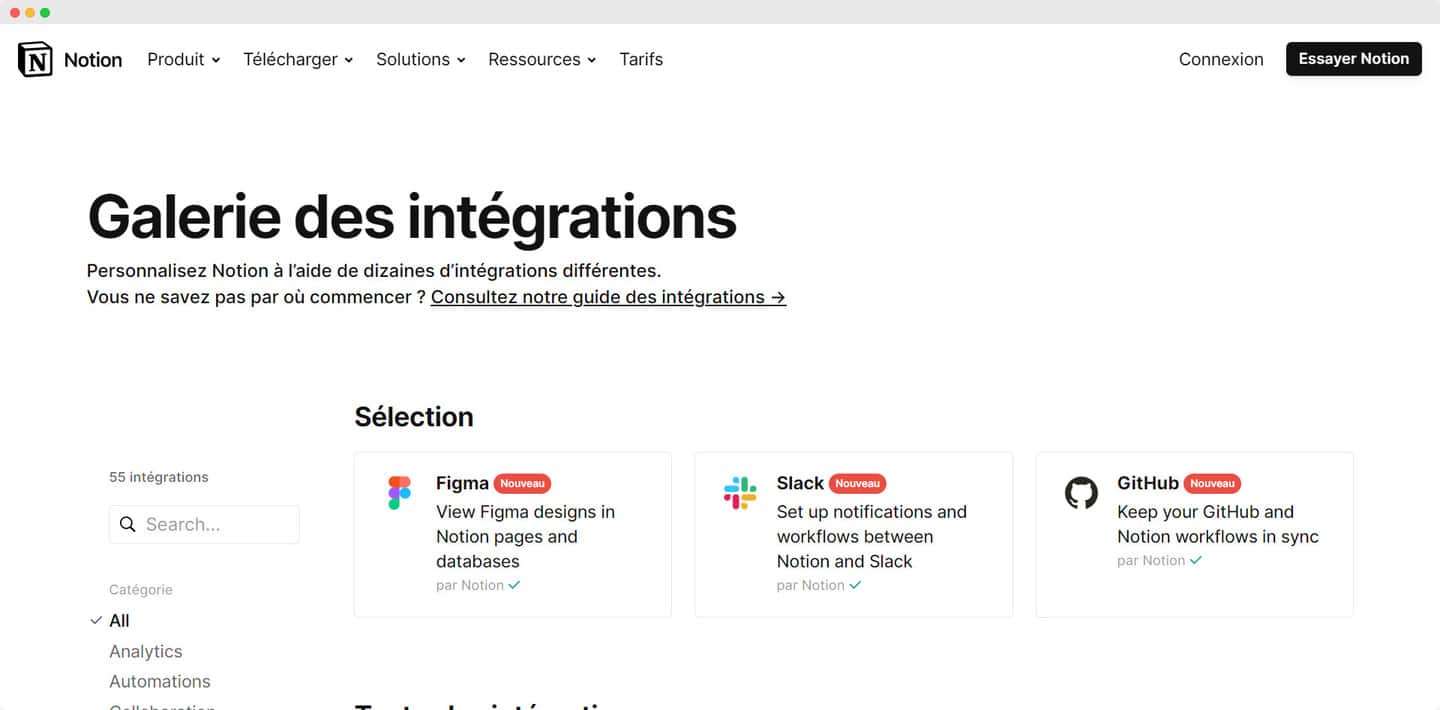
You can integrate it with your everyday communication channels (Slack, Zoom, etc.), with other project management software (Asana, Trello, Jira, etc.) and with internal communication and collaboration tools (Dropbox, OneDrive, Google Drive). You can also connect your Google Forms to Notion with Google Forms to Notion, and track the audience of your Notion pages with Notionlytics.
Monday vs Notion: pricing
Notion offers a free plan with no user limit and a page history limited to 7 days. The number of blocks is capped when there are several users, which limits the content you can add. It is therefore not the right fit for those who work as a team or on long-term projects.
- The Plus plan, at €9.50 per member per month billed annually (€11.50 billed monthly), offers a history limited to 30 days, which quickly becomes restrictive on long-term projects. This plan does not let you create private team spaces either.
- The Business plan, at €19.50 per member per month billed annually (€23.50 billed monthly), lets you create private team spaces, gives you 90 days of history and access to Notion’s AI (Notion Agent, AI Notes).
- The Enterprise plan has custom pricing.
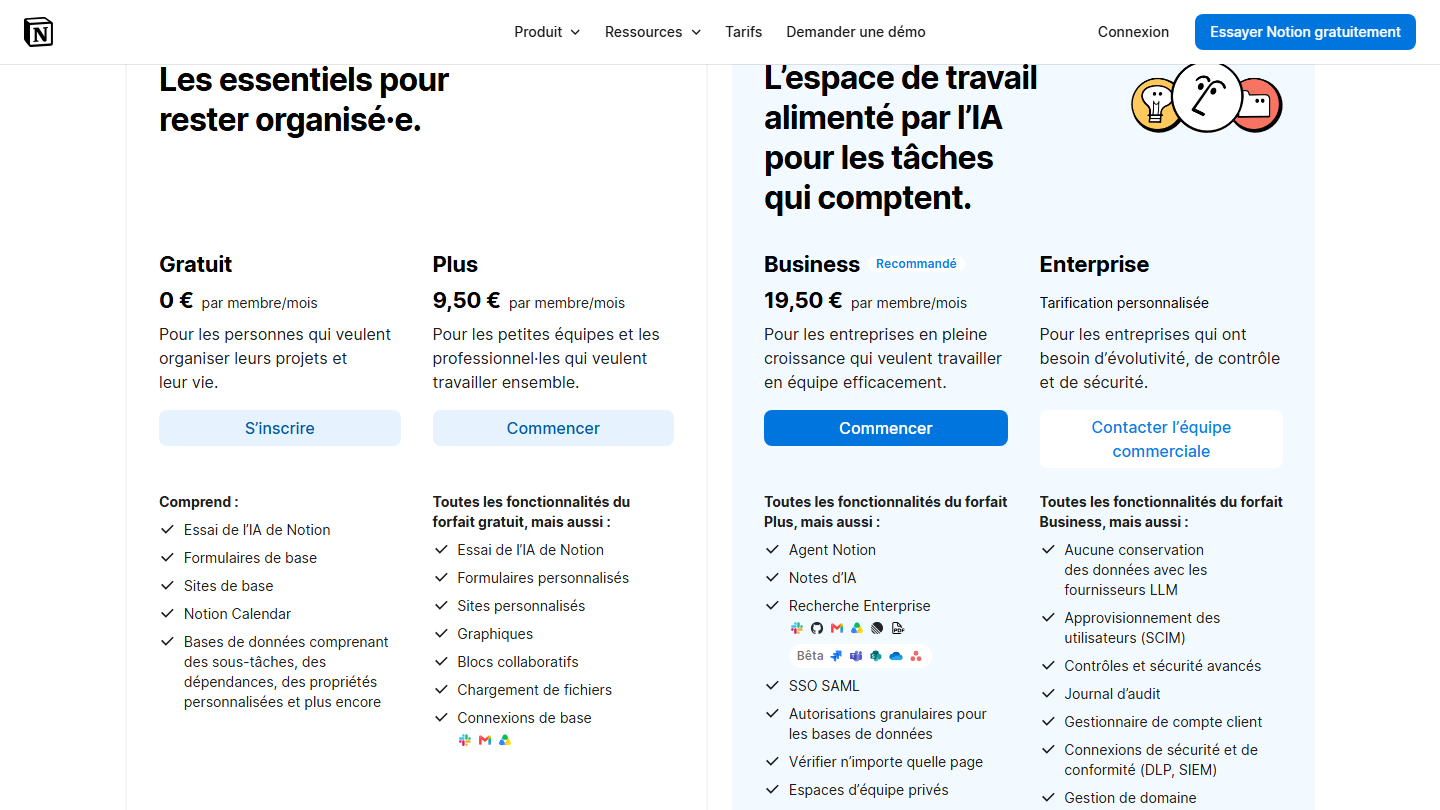
Notion’s AI, which can extract summaries or information and rewrite your documents for clarity, is included in the Business plan; the Free and Plus plans only offer a limited trial of it. Custom agents use Notion credits, billed at $10 per 1,000 credits per month after a free trial.
Monday offers a free plan that lets two people collaborate at no cost, but with limited features and data volume (3 boards and 3 Docs at most). Paid plans are charged per seat per month, with a minimum of 3 seats.
- The Basic plan, at €9 per seat per month billed annually (€12 billed monthly), or €27 per month for 3 users, gives you unlimited items and free viewers, along with standard collaboration features. But this plan does not include the Gantt and calendar views, which are essential for project management.
- The Standard plan, at €14 per seat per month, adds the Gantt and calendar views and offers 250 automation actions and 250 integration actions per month. That number can fall short for some users.
- The Pro plan, at €22 per seat per month billed annually (€24 billed monthly), gives access to time tracking, all the most advanced project management views and 25,000 automation actions per month.
- The Enterprise plan has custom pricing.
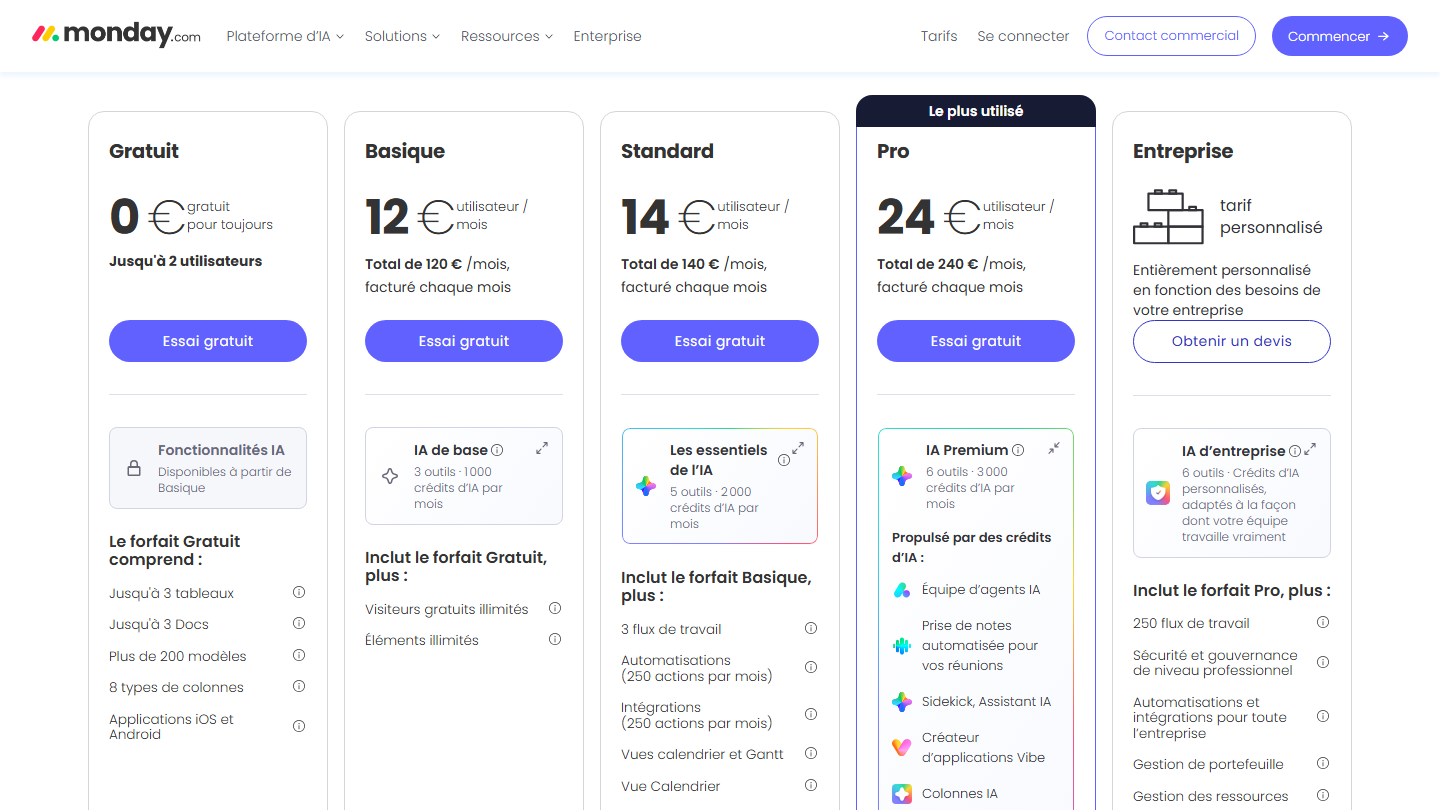
At Monday, all plans are billed by user tiers rather than per user, which means a team of two still has to pay for at least three users. Above 40 users, monday.com provides a custom quote.