



In this article, we introduce two giants of project management tools: Notion and Trello.
These two solutions share some features, such as creating Kanban boards to track projects and share resources. But Notion and Trello have important differences. Notion is project management software built for storing, creating, managing and sharing content and resources, or for getting an overview of the tasks to be done. It is the ideal solution if you run a website. It is very flexible software that lets users build the interface that suits them, but it takes time.
Trello, on the other hand, is more focused on collaborative project management. It is the ideal tool for assigning tasks and giving a team an overview of a project. Trello is perfectly suited to those running a linear collaborative project with a small team. Unlike Notion, it is very easy to use and more intuitive, but its customization features are more limited.
Overall, these two solutions are very effective for managing simple projects, but can be limiting for larger or more complex collaborative projects. If you have such needs, we recommend solutions like Monday or ClickUp instead, which combine Trello’s simplicity with Notion’s ease of collaboration and advanced document management features. For example, time management and tracking, budget tracking, Gantt charts and task automation.
Trello vs Notion: our analysis in brief
Notion and Trello are among the best free project management software.
Notion is the ideal all-in-one productivity tool for taking notes, organizing tasks, and creating and sharing databases and documents. Notion is very flexible, customizable software that perfectly meets simple project management needs. It is the perfect solution for teams whose work relies on content creation. Notion also offers many extensions and integrations with your usual project management tools, such as Google Analytics.
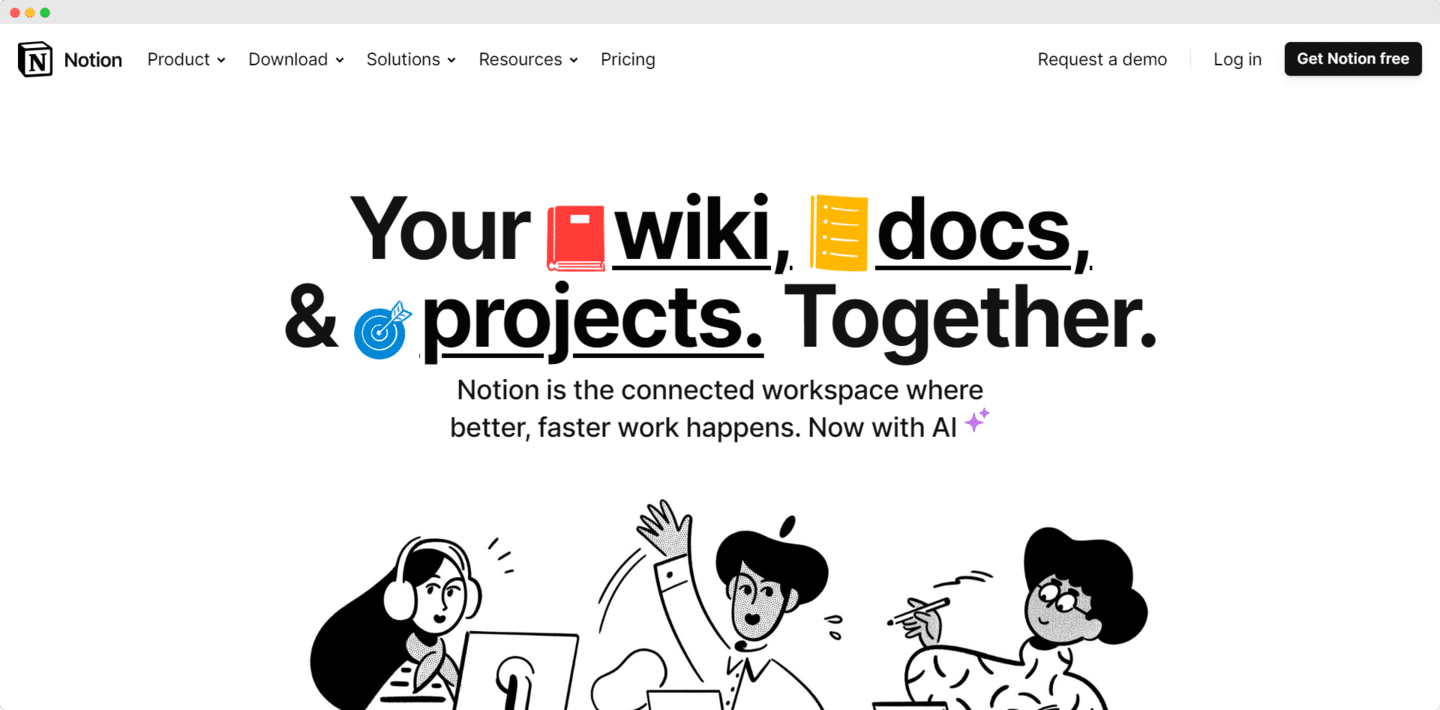
The tool’s great flexibility makes it hard to pick up, all the more so since database automations require the Plus plan (the free plan is limited to buttons) and dashboards are reserved for the Business plan. The project management features cover simple needs and offer no native time tracking. For planning over time, Notion offers a timeline view, close to a Gantt view.
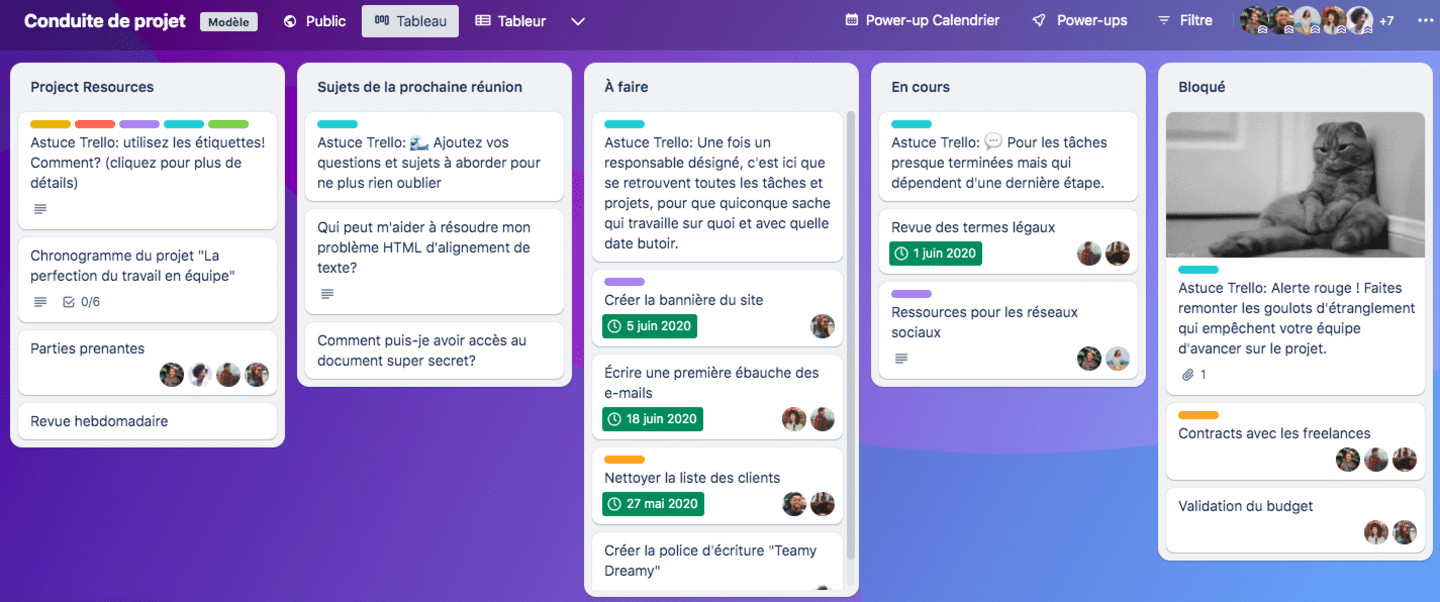
Trello is a productivity tool based on Kanban-view project management. It is less flexible than Notion, but also simpler to use and ideal for managing simple, collaborative projects. Trello was designed for collaborative projects, which makes it easy to assign tasks or mention team members on cards. You can easily automate tasks, even on the free plan, and take advantage of many templates.
But Trello is much less flexible than Notion, and the Kanban view is fairly limited unless you subscribe to the Premium plan, which adds other views to your boards (calendar, timeline, table, dashboard, map).
Salesdorado’s tipThere are a great many collaborative platforms, each meeting particular needs. Take a look at our top 15!
Notion vs Trello: what their customers say
Trello
What they like:
- Overall, users find Trello ergonomic and easy to pick up, and the templates on offer very useful. They also appreciate the task and resource sharing features that make teamwork easier and give each team member an overview of the project.
What they dislike:
- Some users find task management less than optimal, especially for the operational phase of projects. Some also regret that anything not saved before closing the app is lost.
Notion
What they like:
- The vast majority of users appreciate the tool’s flexibility and its customization features.
What they dislike:
- Some users have trouble setting reminders for recurring tasks and find the tool not ideal for collaborating on a project.
Trello vs Notion: feature scope
Linear project management and Kanban view
Trello performs very well on linear project management. It offers very powerful features, notably for customizing dashboards and automating workflows.
Trello makes it easy to create templates and customize the interface with different views on the Premium plan: calendar, timeline, table, dashboard, map, etc. It is a very good tool if you manage your projects with Kanban boards. But if you work differently, we recommend Notion instead, which is more flexible and will better meet your needs.
Notion also offers a Kanban view and detailed cards that can be assigned with deadlines. It is a much more flexible solution than Trello, with many options for customization, Kanban boards or simpler tables, lists, etc. Because it is so flexible, it is more complex and time-consuming to use.

Collaboration and communication
Trello offers very interesting collaboration and communication features. For example, you can send notifications to your team members as soon as an action concerns them, or assign specific tasks to them. Trello also lets several members work simultaneously in the same workspace.
Notion’s collaboration features are less ergonomic. It is more complex to use, and users can struggle to assign tasks clearly and to make sense of notifications.
Document editing and workspace
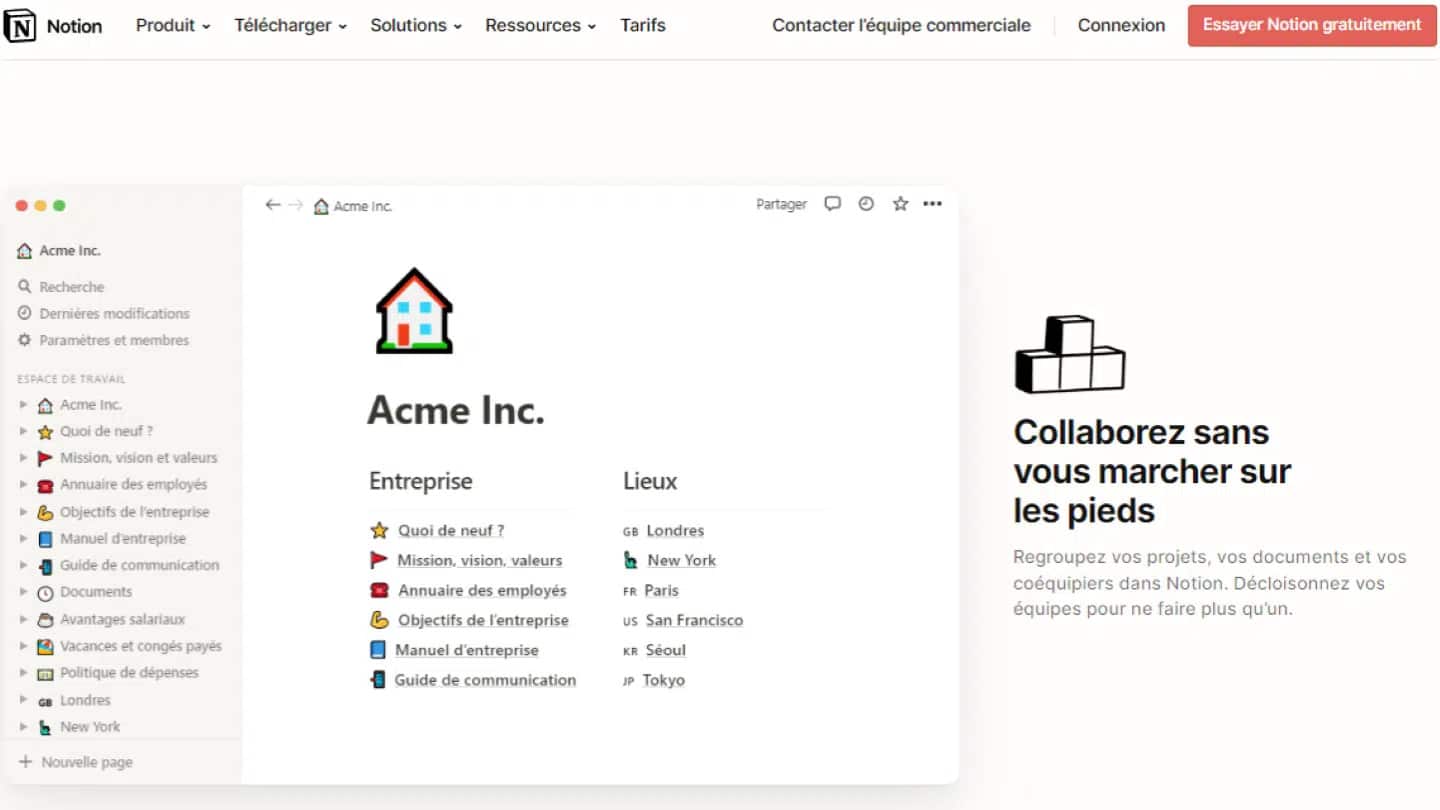
Notion was designed for editing and sharing content, and so offers many document editing options. You can fully customize your notes, create Kanban boards, simple tables, lists, etc.
Notion also lets you decide, for each block of text, its importance and presentation: plain text, heading, bulleted list, caption, quote, task list or even a new page.

The tool also offers many templates suited to most uses and sectors to save time (roadmap template, Agile project management, dashboard, sales CRM template, etc.).
Finally, you can create wikis, that is, online resources that several people can contribute to and all team members can consult. This is very useful for sharing knowledge more effectively.
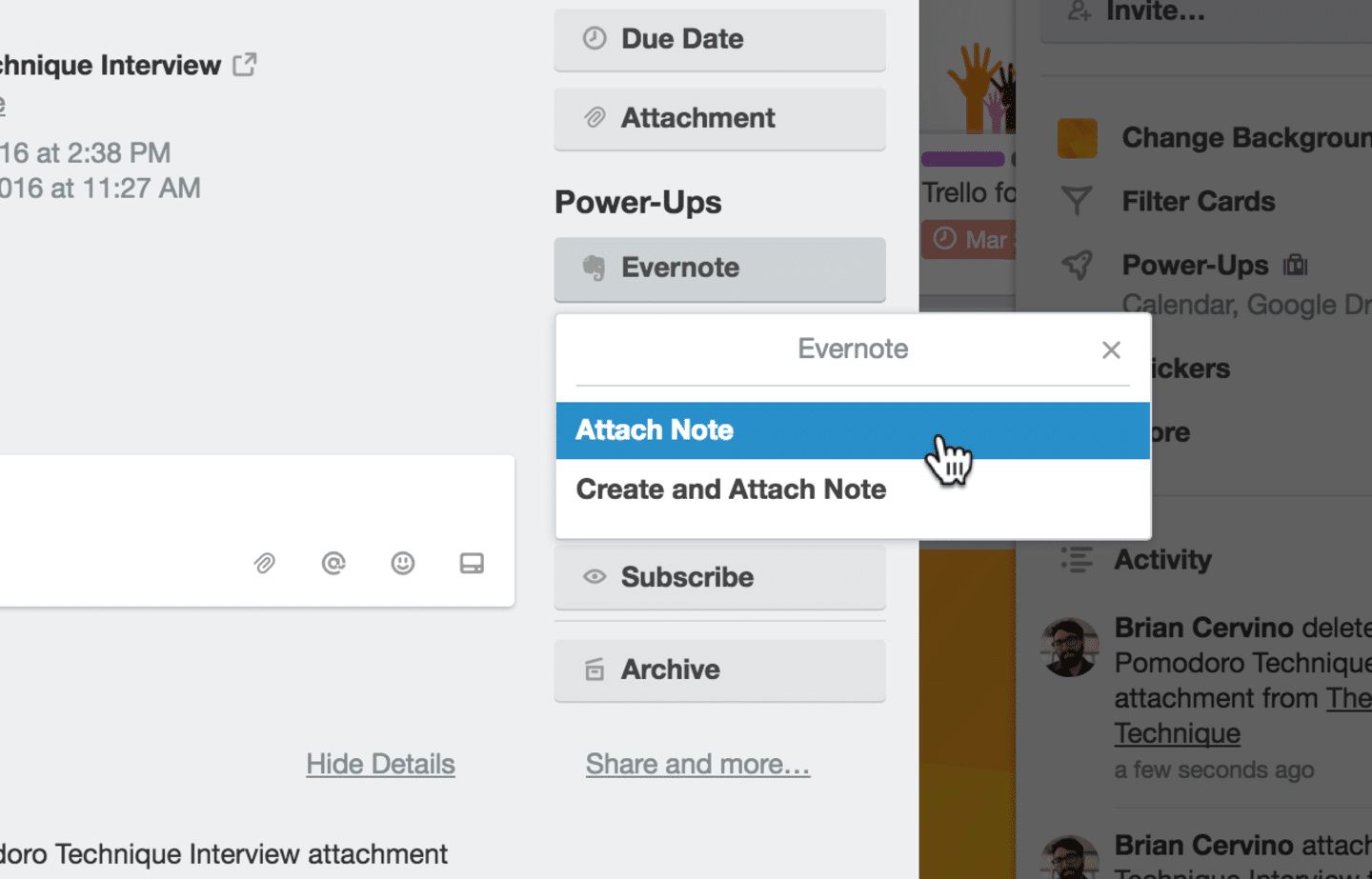
When it comes to document editing, Trello is less intuitive than Notion. In most cases, you have a “Resources” column with cards containing external links or checklists. Trello also lets you add a power-up, such as Evernote.
Trello vs Notion: integrations and philosophy
In terms of philosophy and integrations, Trello and Notion are very close.
Trello offers integrations with most project management tools (more than 200 apps) as well as Power-Ups, unlimited on all plans, which work like add-ons and add features to your software. There are two types of power-ups. The first gives you access to the key features of your other tools directly from Trello. For example, Google Drive or Slack. In practice, you can search Google Drive directly from Trello and add your files to it.
The second category of power-ups adds features. That is the case of Assista, Trello’s time tracking bot, which helps you manage your time and your team’s. You can also use various templates for sales CRM dashboards or content calendars.
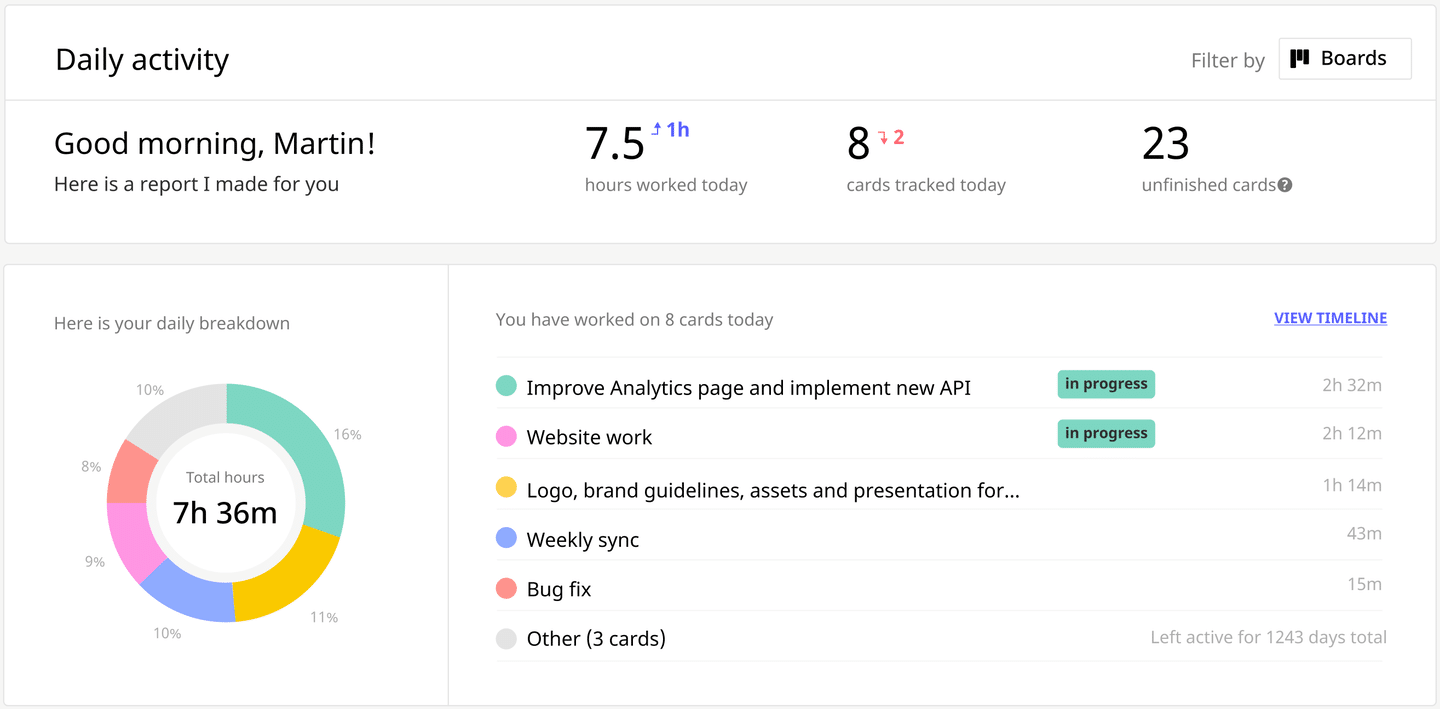
Notion instead offers a very open integration ecosystem through its API and add-ons developed by agencies and freelancers. These tools make Notion more flexible and give its users more possibilities.
You can integrate it with your everyday communication channels (Slack, Zoom, etc.), with other project management software (Asana, Trello, Jira, etc.) and with internal communication and collaboration tools (Dropbox, OneDrive, Google Drive). You can also connect your Google Forms to Notion with Google Forms to Notion and measure the audience of your Notion pages with Notionlytics.
Trello vs Notion: pricing
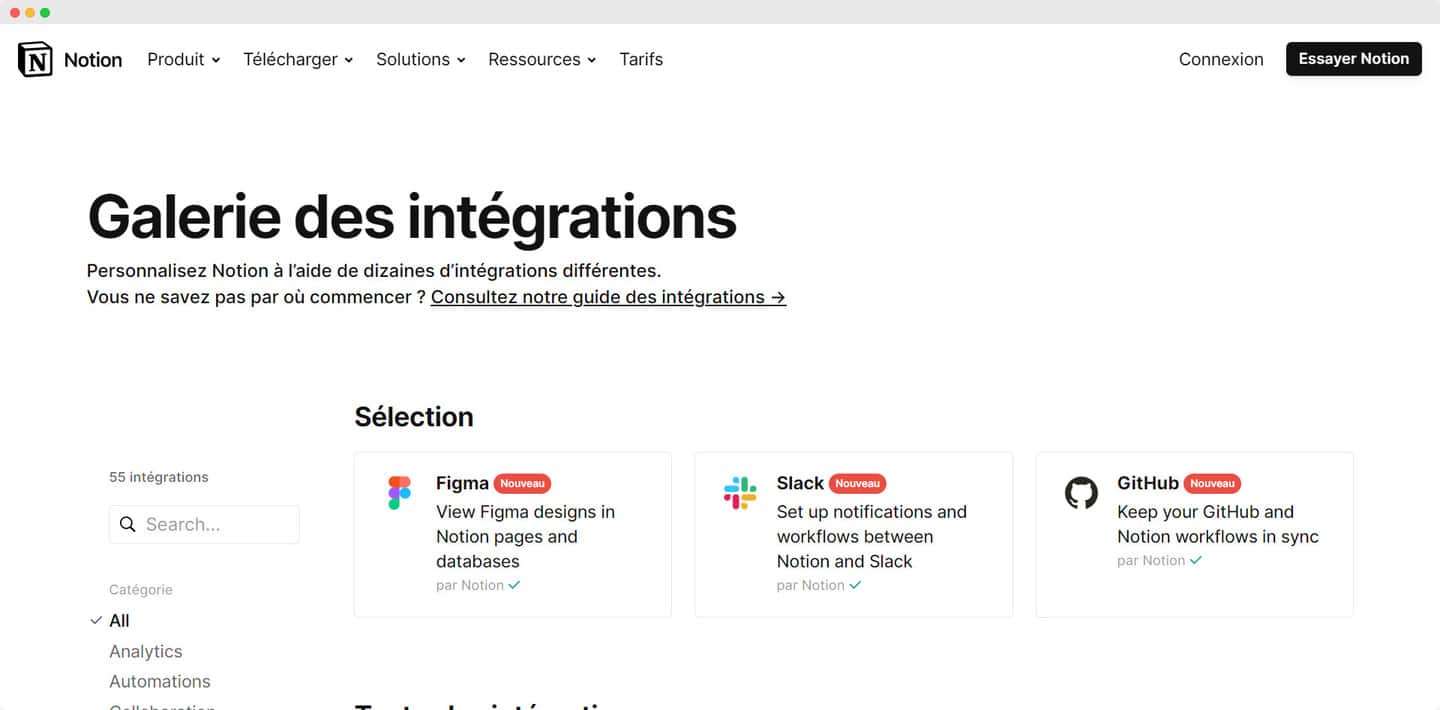
Notion offers a free plan with no user limit and a page history limited to 7 days. The number of blocks is limited as soon as there are 2 members, which restricts the content that can be added, and uploaded files cannot exceed 5 MB. It is therefore not the ideal solution for those who work in teams or on long-term projects.
- The Plus plan, at €9.50 per member per month billed annually (€11.50 monthly), offers a history limited to 30 days, which quickly becomes restrictive if you run long-term projects. It adds database automations, charts and custom forms. Like the free plan, this plan gives access to open and closed teamspaces, but not private teamspaces.
- The Business plan, at €19.50 per member per month billed annually (€23.50 monthly), lets you create private teamspaces and gives you up to 90 days of history and SAML SSO. It also includes Notion AI.
- The Enterprise plan has custom pricing. It adds user provisioning (SCIM), an audit log and page history with no fixed limit.
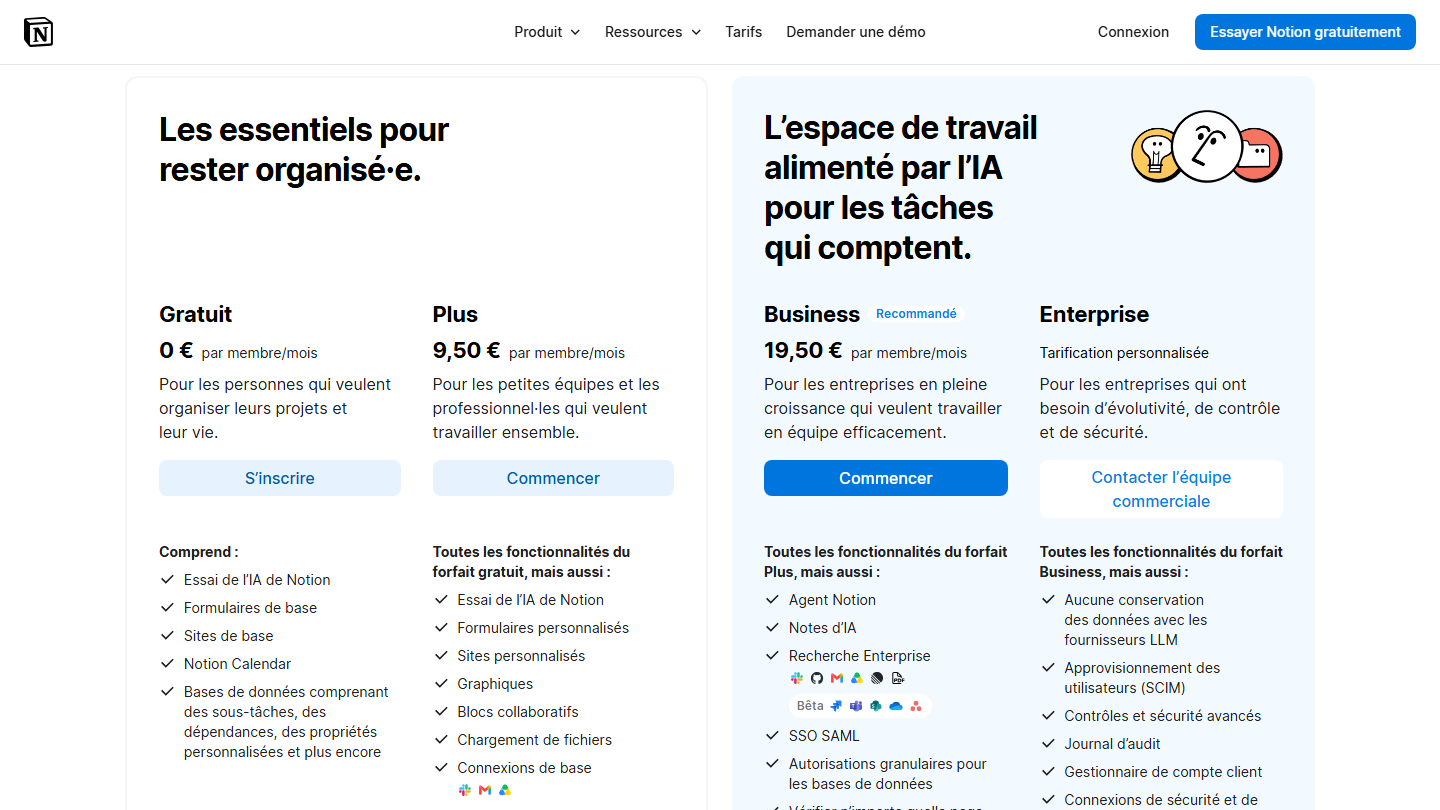
Notion AI, which can extract summaries or information or rewrite your documents for clarity, is included from the Business plan; the Free and Plus plans only offer a limited trial. Custom agents consume credits, billed at $10 per 1,000 credits per month after the trial.
Trello offers a free plan that lets users create an unlimited number of custom cards and lists, with up to 10 collaborators per workspace. Each workspace is limited to 10 boards. In practice, automation is fairly weak (250 command runs per month) and you only get 10 MB of storage per file.
- The Standard plan, at $5 per user per month billed annually ($6 monthly), gives you unlimited boards, advanced checklists, custom fields and 1,000 command runs per month. This plan also offers unlimited storage up to 250 MB per file. In practice, you do not get access to the different views (timeline, calendar, dashboard, table, map), which is limiting for managing complex projects that need more than a Kanban view.
- The Premium plan, at $10 per user per month billed annually ($12.50 monthly), gives you different views, unlimited automations, higher-level admin and security features, etc. It also offers a free trial.
- The Enterprise plan, at $17.50 per user per month billed annually for 50 users, offers volume discounts beyond that. This plan includes SSO through Atlassian Guard Standard.
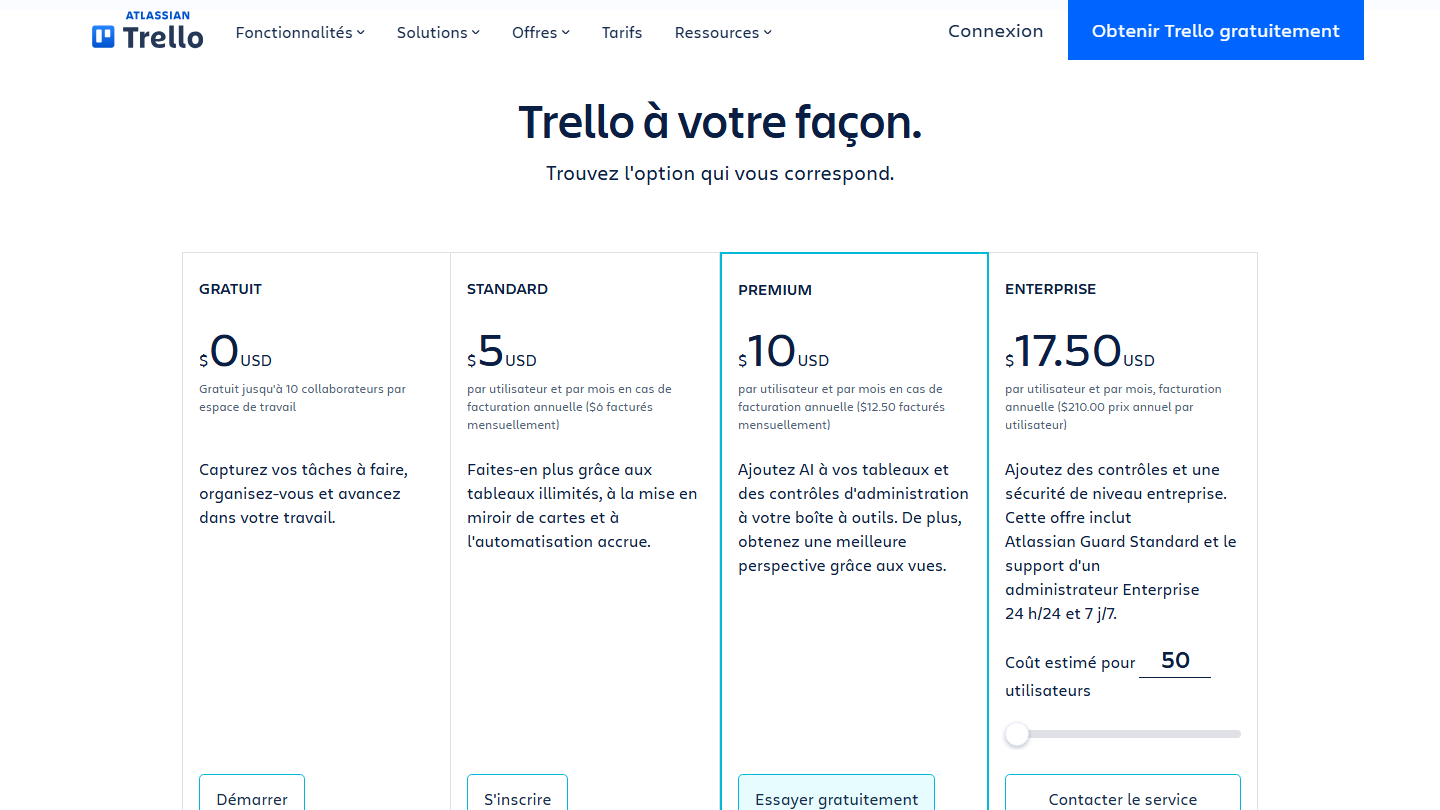
Trello also lets you add SSO through Atlassian Guard. It is a separate subscription your company can activate for all your Atlassian products, starting at $4 per user per month.
Why we chose Notion at Salesdorado
A few years ago at Salesdorado, we moved from Trello to Notion for our writing processes.
At first, the motivation was mostly that a Trello board used fairly intensively gets messy very fast. We were using it for the writing process, and at the time we were publishing three to four articles a week with a pool of 4 or 5 writers. That quickly adds up to a lot of cards and templates, and tracking became fairly complicated.
For example, to invoice at the end of the month, we could not get a clear view of the number of cards assigned to each writer. We had to count the cards by hand, checking the dates and who they had been assigned to.
Our second motivation was documentation. We do not have a lot of internal processes and documentation, but enough for 3000-word markup lists on Trello to become fairly nightmarish. On Trello, you could not add screenshots in the body of the text the way you can on Notion, for example. It was fairly complicated, hard to update, and overall not used much by the writers.
The third important point is that we have a process upstream of the writing process: keyword research, initial research on a topic to find an angle, interesting sources, possible illustrations, etc. That process works great in a table, but not at all in Kanban. It is very hard to get an overview of upcoming topics with a “Next up” list at the start of a Kanban board. You cannot clearly distinguish the information and you have to click on each card to see it, whereas a table is more effective.
On Notion, we created a single database, but the “To brief” and “Idea” statuses are in a table view, while the operational statuses, once something goes into writing, are in a Kanban. And we also have a list view grouped by month and by writer for invoicing. On that front, Notion is unbeatable.
So we gained a lot of efficiency on these three aspects thanks to Notion, but the loss of performance on the Kanban and on the overview of the pipeline is still fairly significant.
New writers struggle to understand how Notion is built, they often end up on the table instead of the Kanban (at the time you could not link to a specific view; Notion now lets you copy the link to a view), and they tend to miss some notifications. None of these are issues I ever had with Trello.
Another big flaw of Notion is templates. It is all or nothing. Either you take a whole card template, or you take nothing. In practice, that is really not great for briefs where some passages are always structured about the same way but each article is still unique.
How to move from Trello to Notion
If you have been using Trello for many years, you surely do not want to spend hours moving all your data to Notion. Notion lets you import all your data from Trello.
To do so, just create a Notion account, open Settings, Import, and select Trello under third-party imports. You will then need to log in to your Trello account, authorize access, and choose the Trello boards to import into Notion. Each board arrives as a database, with the cards as items.